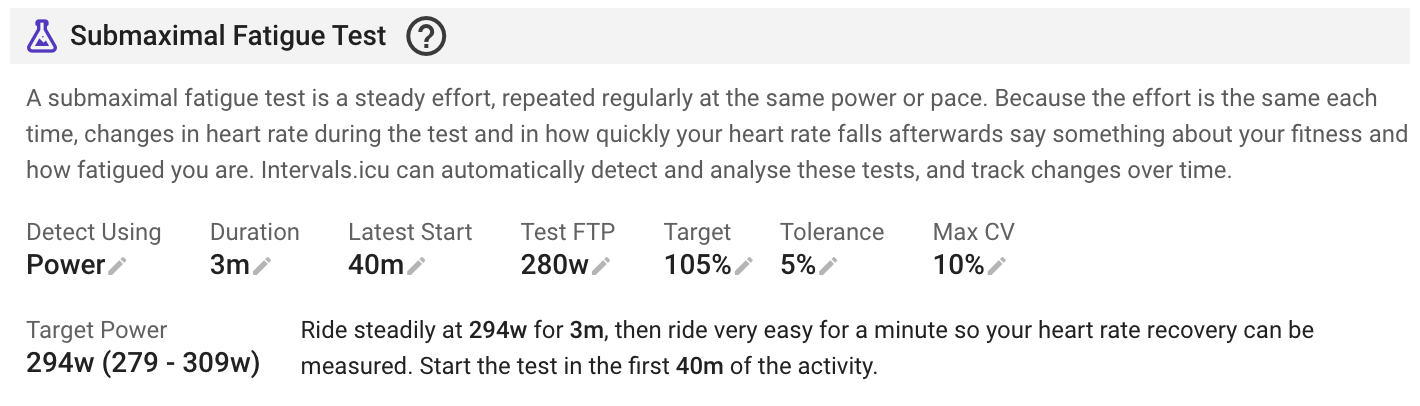
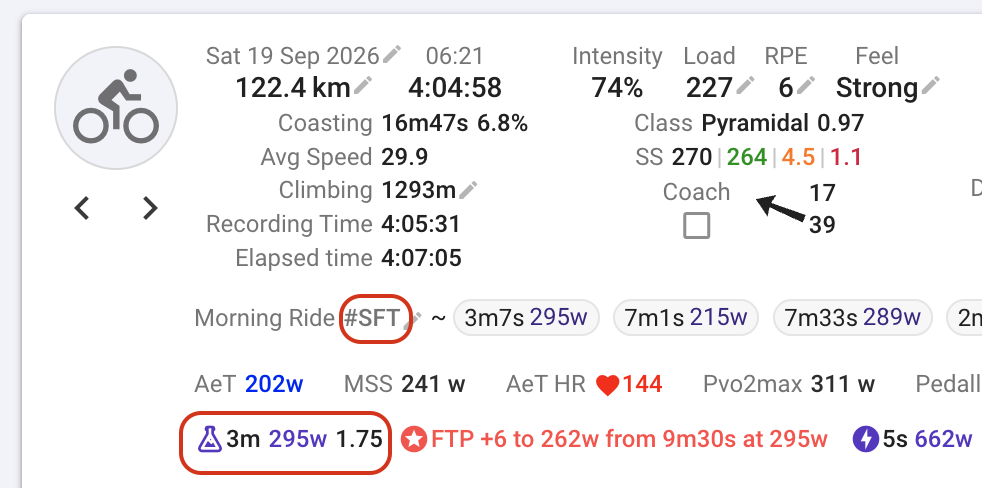
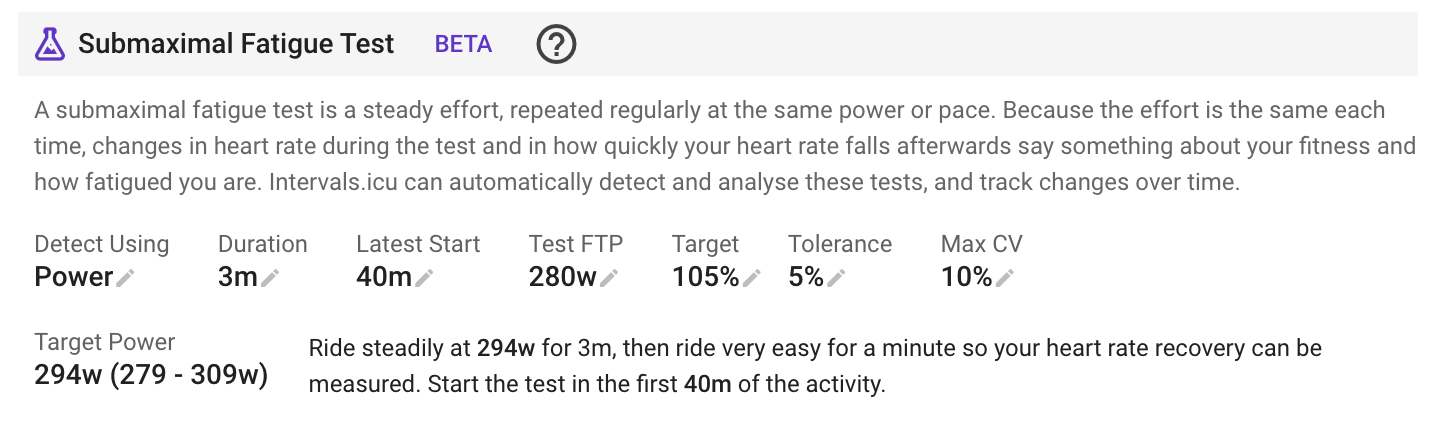
A submaximal fatigue test is a steady effort, repeated regularly at the same power or pace. Because the effort is the same each time, changes in heart rate during the test and in how quickly your heart rate falls afterwards say something about your fitness and how fatigued you are.
Intervals.icu can automatically detect and analyse these tests, and track changes over time. Configure the test parameters separately for each sport on the /settings page. This is a premium feature for supporters (thanks!).
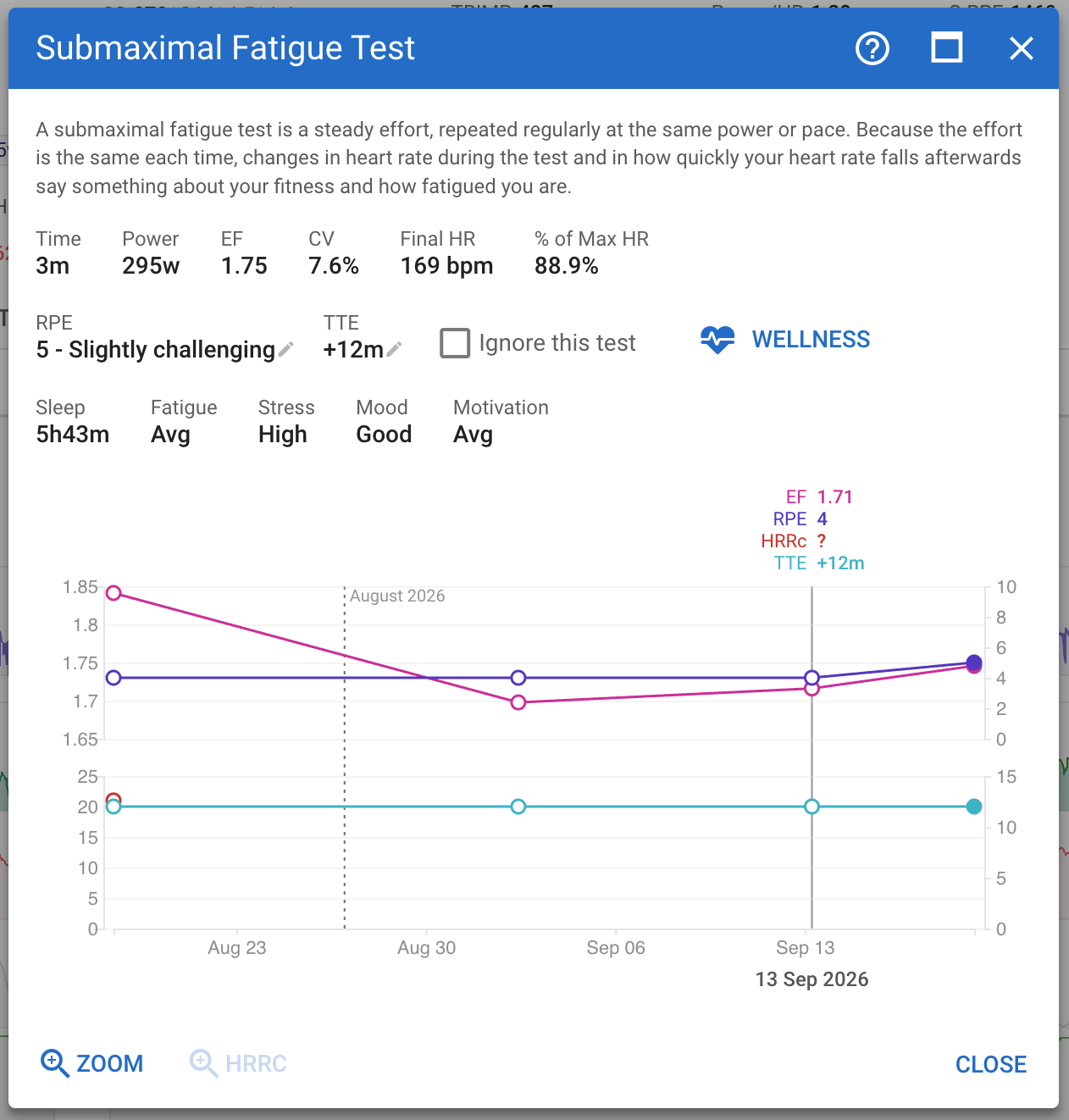
Hover over the test summary to highlight where it took place on the timeline. Click to show details, capture RPE and TTE. Click the dots on the chart to navigate to the activity.
The zoom buttons zoom the timeline to the test and the optional HR recovery part.
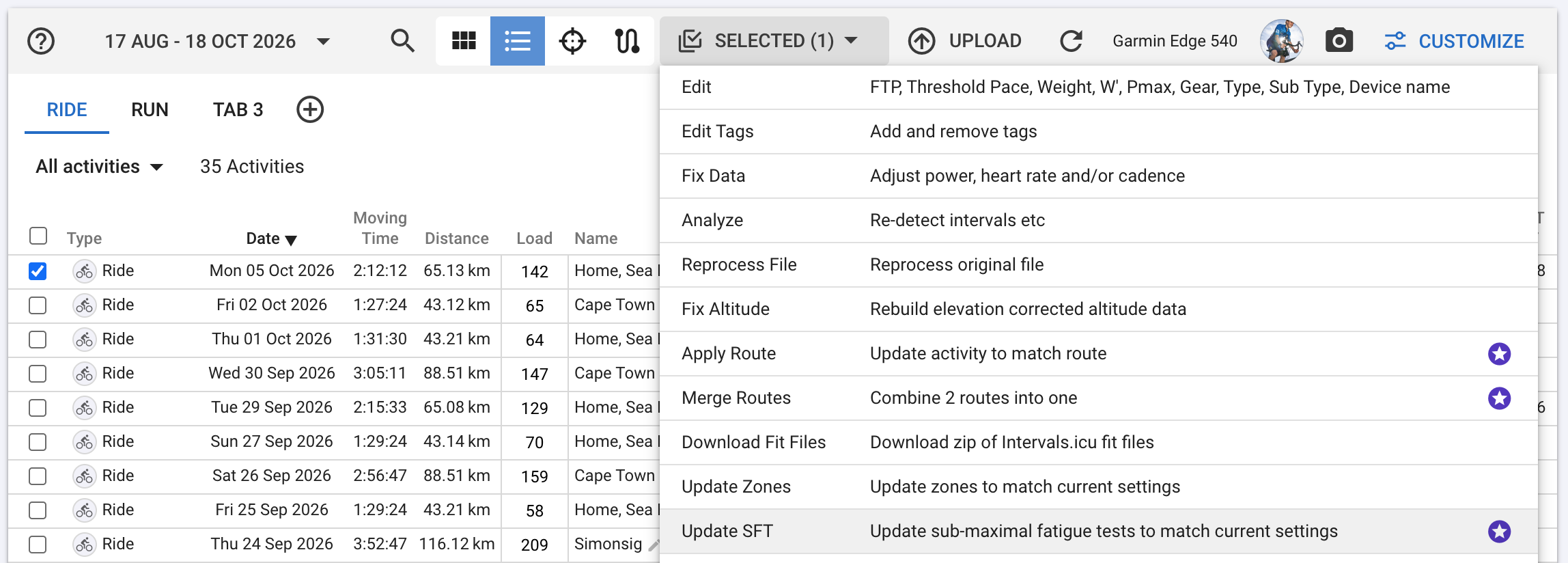
The SFT analysis stores the target power/pace, the max CV & and tolerance % with the test. If the activity is re-analysed then these values and the existing type and duration are used, not what is currently in /settings for the sport. This preserves history.
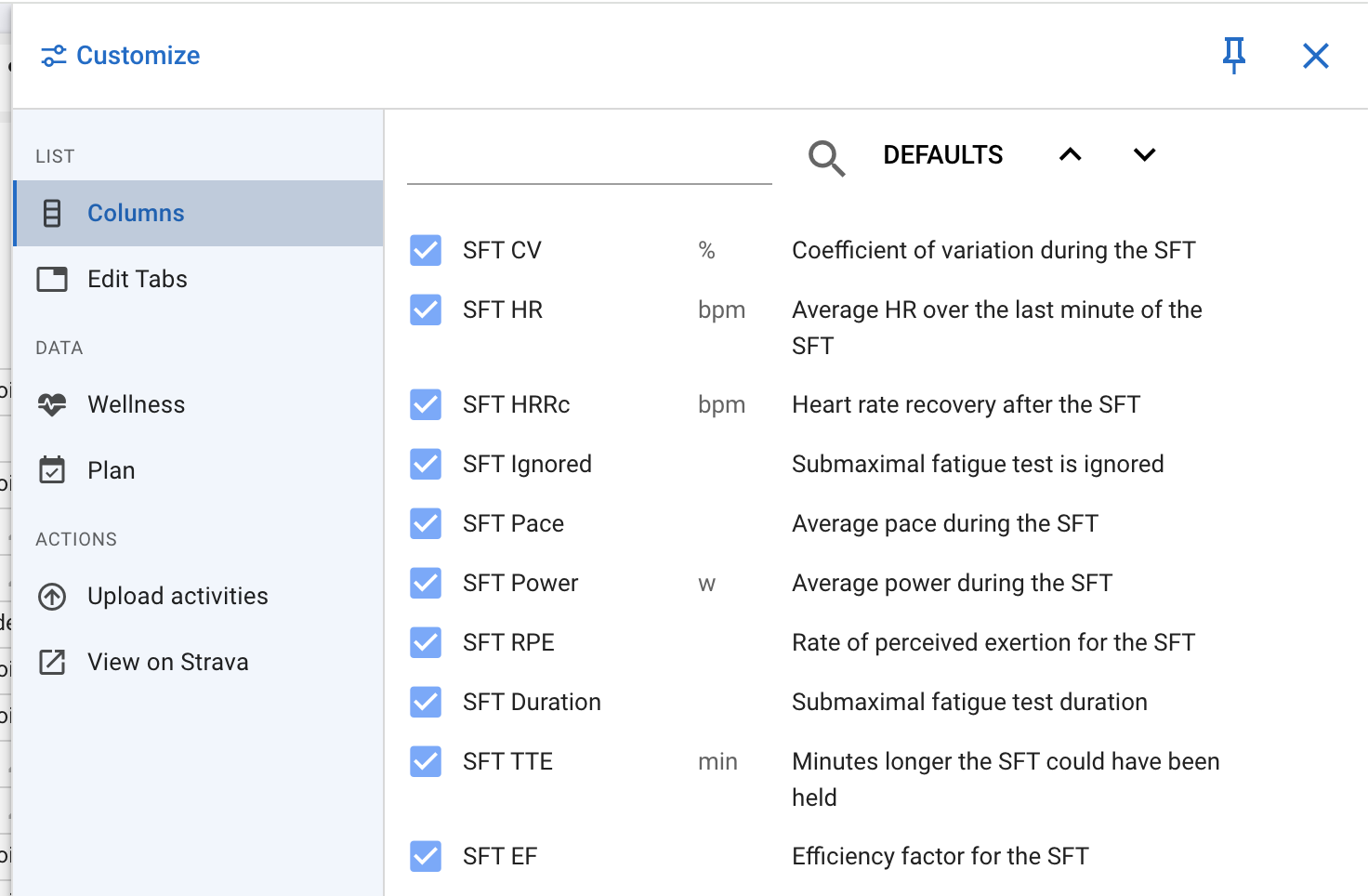
If you want to re-do the analysis on an existing activity with the latest settings, use the activity list view:
Thanks David, that´s an very interesting feature. While I`m figuring out which parameters work best for me I noticed, that if I saved a threshold pace and want to delete this and save it blank, it requires me to enter any pace, but isn`t saveble without a number.
Thanks very much for implementing this new feature and linking the background information!
It looks very interesting. Will have to read how i could use that for my running training.
I guess it will be released for cycling first and other sports may follow?
Thats exactly where I’m still very unsure. I will try with an empty field , which will result in using the individual FTP per Workout. Since I regularly adjustmy FTP value to the eFTP-suggestion it then corresponds to the current eFTP-value.
I will run some test at 110% FTP and will look how it works.
I think it’s best if it’s threshold or above. So that you still could estimate the time to exhaustion (probably difficult to estimate if you can hold the tempo power 90min , 2 hours or longer).
This is the starting value in absolute watts for the test. If left blank, the activity’s FTP value is used. However, if the FTP value changes over the course of the season, the test value would also change, which actually contradicts the whole point of the test.
For example, if you set it to 250W and 110% now, you’ll be doing a 3-minute test at 275W. And you can repeat this test as often as you like, even if your FTP might rise to 275W at some point during the season.
Hi David,
Are you using the Lamberts and Lambert Submaximal Cycling Test or a modified version?
The LSCT protocol uses 6m @ 60% maxHR, 6m @ 80% maxHR, 3m @ 90% maxHR and then 1m stationary (then take drop in HR).
The increase in power indicates better performance, and vice versa for the lower power.
Controlling how “very easy” is can render different results.
I would be better if the test was a defined protocol, like the actual LSCT protocol.
This is the simplified one ScienceToSport, Firstbeat (and at least 2 WT teams) use. It is very easy to add this test to the first 20 minutes of any “fresh” ride. It doesn’t require any particular warmup steps and can easily be done outdoors. Polar also have a very similar running test built into their watches.
I have a standard running workout of 3 x 10’. I set this up to recognize an SFT successfully, but it grabs the first interval that meets the parameters. What if I want to use the 3rd interval? Thanks.