BaieSukkel AutoMate - your automated companion app

I’ve developed an application, or rather developed a growing family of applications that can help you and/or your coach fill in missing data in your wellness and activity fields. Athlete settings can also be included, where applicable. CSV bulk uploads is coming soon, as well as a few other features.

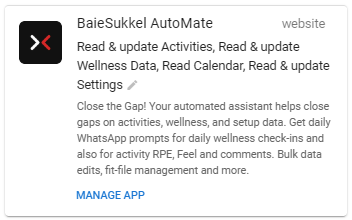
Head over to /Settings/Apps and look for BaieSukkel AutoMate application.
Using an OAuth connection, you don’t need another username and password, as this connects using your existing Intervals account. I’ve been testing since 13 June and invite you to try it out, free of charge for the month of September. It will eventually have a small monthly donation (less than a cup of coffee) as there are server hosting and WhatsApp messaging costs, as well as the payment gateway services fees.
  • Your data is auto-deleted from the server should you decide to disconnet.
  • Data collected is certain settings, not the daily values.
  • Data is retrieved to action the process, but deleted once the process is complete.
  • This app is designed to fill the missing fields only, but you will eventually be able to do bulk updates on existing data too (the csv update).

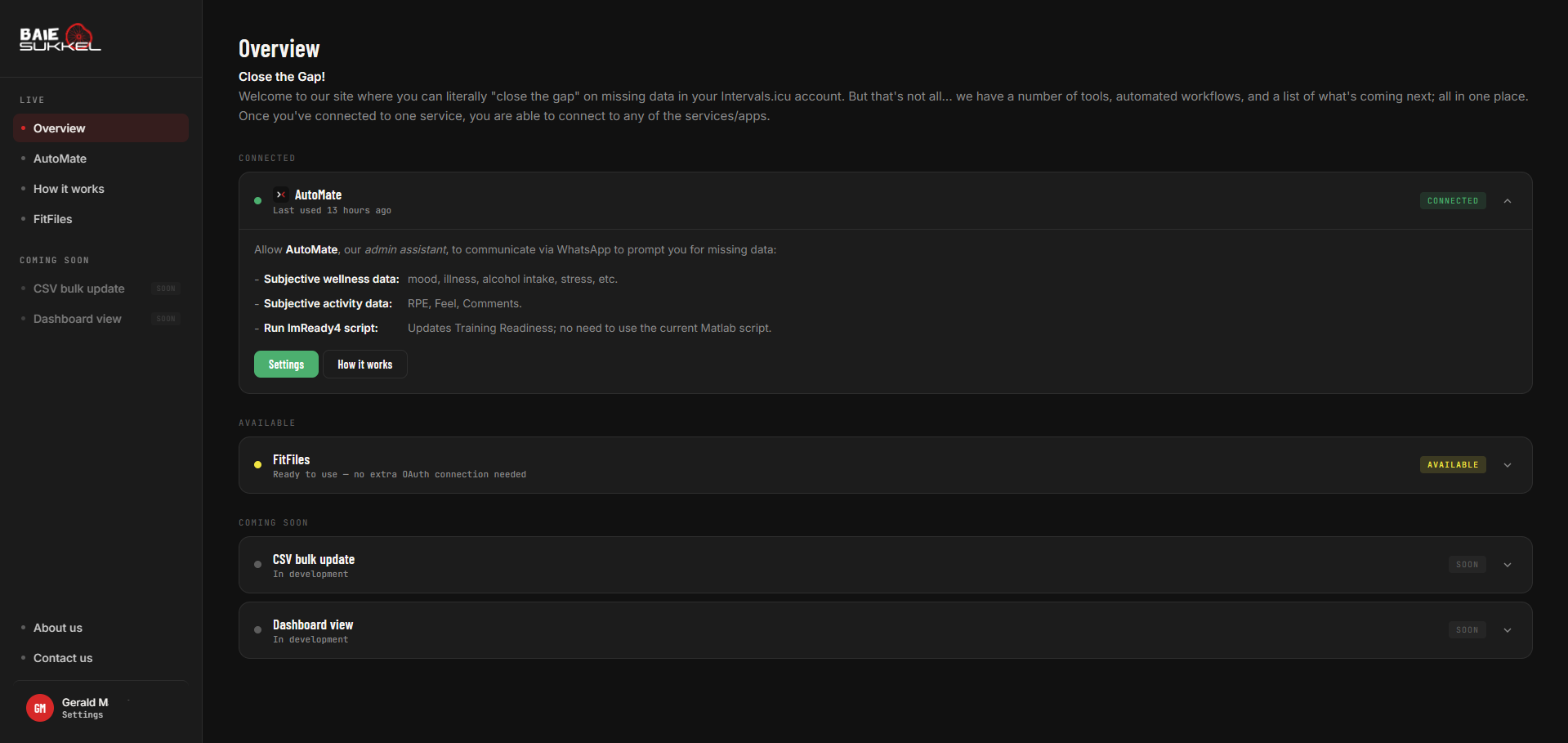
AutoMate
Powered by WhatsApp, you get daily prompts for all fields you select in the AutoMate settings page.

  • Subjective Wellness data, eg. weight, mood, stress, health, fatigue, etc. You can set your own “prompt” time, eg. 08:00 or 15:00, and is linked to your time zone.
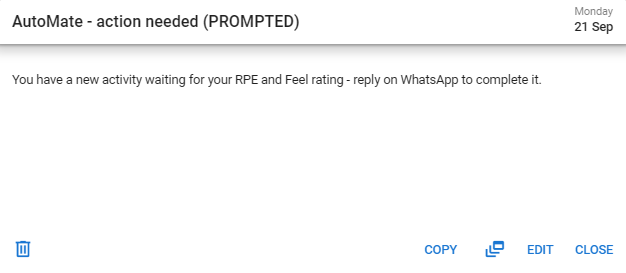
  • Activity RPE/Feel and Comments after a ride (currently set to 15-mins after your ride uploads).
  • ImReady4 Training Readiness is completed without the need to use the Matlab application, and automatically completes after your wellness checks.
  • Simply reply with a value corresponding to the field values in the Wellness table, eg. mood (1=Great, 2=Good, 3=Okay, 4=Grumpy).
  • You reply, it updates your field
  • If there’s another blank value, you repeat until it’s complete.
  • Once wellness is complete, and if you were using the ImReady4 “application” in Excel/Matlab, then the next step will automatically provide your Training Readiness status (providing your HRV and RestingHR has synced before the wellness check).
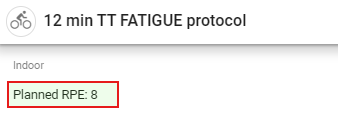
There is a setting that I have added that will prompt an automated conversation if “Planned RPE: #” shows in the planned workout description. See example below.
If RPE recorded during the WhatsApp conversation is <>1 unit, then it will ask you why you feel it was easier (<1) or harder (>1) than planned. This works for athletes that use RPE as a triangulating metric together with power, HR, breathing and other metrics. The workflow can be customised to use a logic process flow (if this, then that) and respond with your coaches comments. All comments are saved in the comments section, and a copy of the athlete’s replies are sent to the coach linked to the athlete.


FitFiles
Ideal for those of us that dual record using a head unit, eg. Garmin, Wahoo,etc., and a 3rd party application,eg. Zwift, MyWhoosh, etc. This app eliminates the need to (1) download your original fit files, (2) upload to another site, (3) configure, (4) export and (5) upload to Intervals and (6) clear out the original files.

FitFiles gets your last 5 activities in the last 7 days. You select the Base activity (the one with the most reliable data) and a Donor activity. Merge gives you two options:

  • Merge + Keep Original files
  • Merge + Delete Original files (this clears your calendar of multiple activities automatically)

The second feature is Stitching two consecutive activities together. If you stop for coffee, at the end of a ride, and end your recording. Then start another activity for the short commute home, then you can simply Stitch the two activities to get a single workout.

Stitching works for more than two activities, but you would have to process this in two steps.
This is not live yet, but is fully functional on my local computer. I’ll finish it and deploy within a week of launching this post.
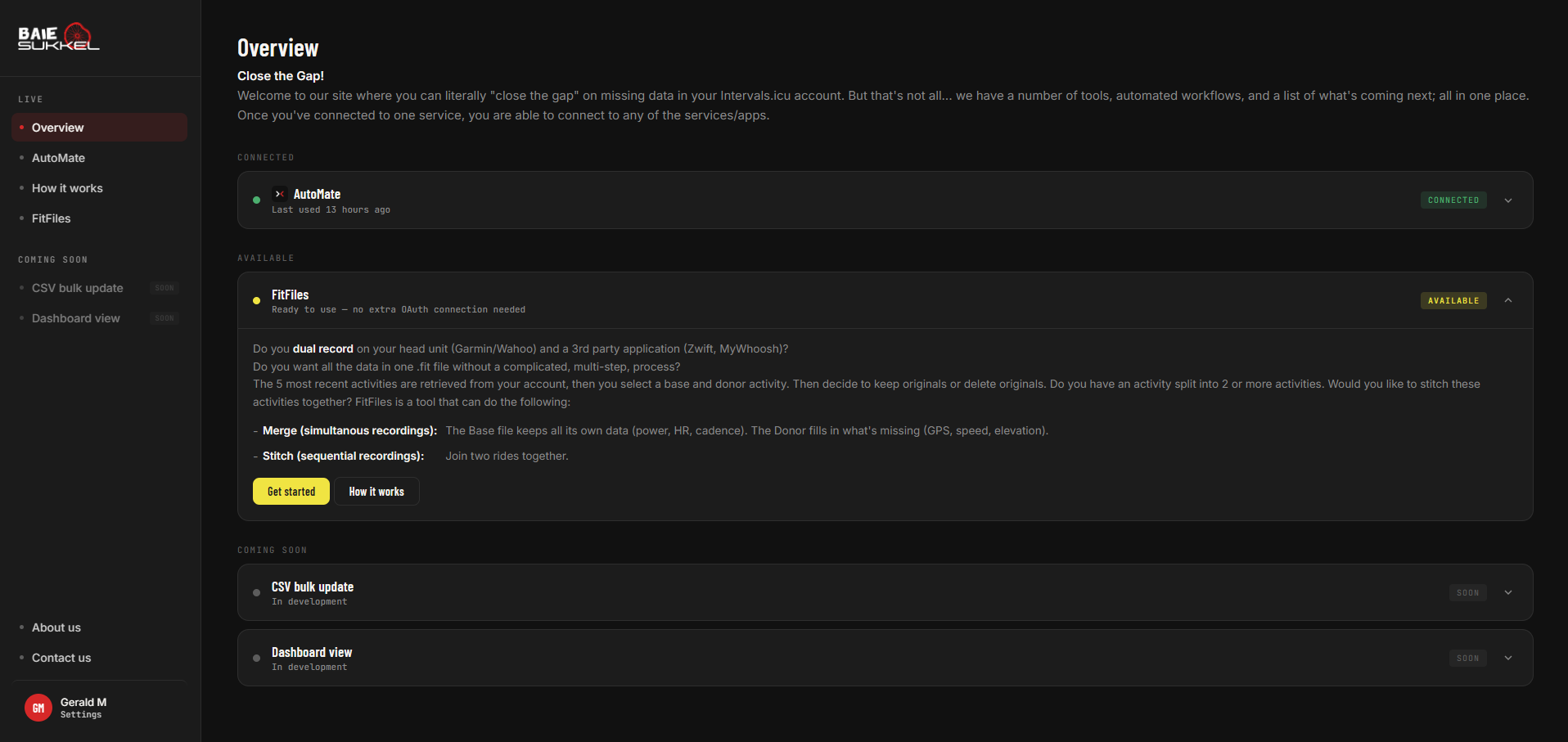
Merge + Keep Originals processes with only a confirmation message.
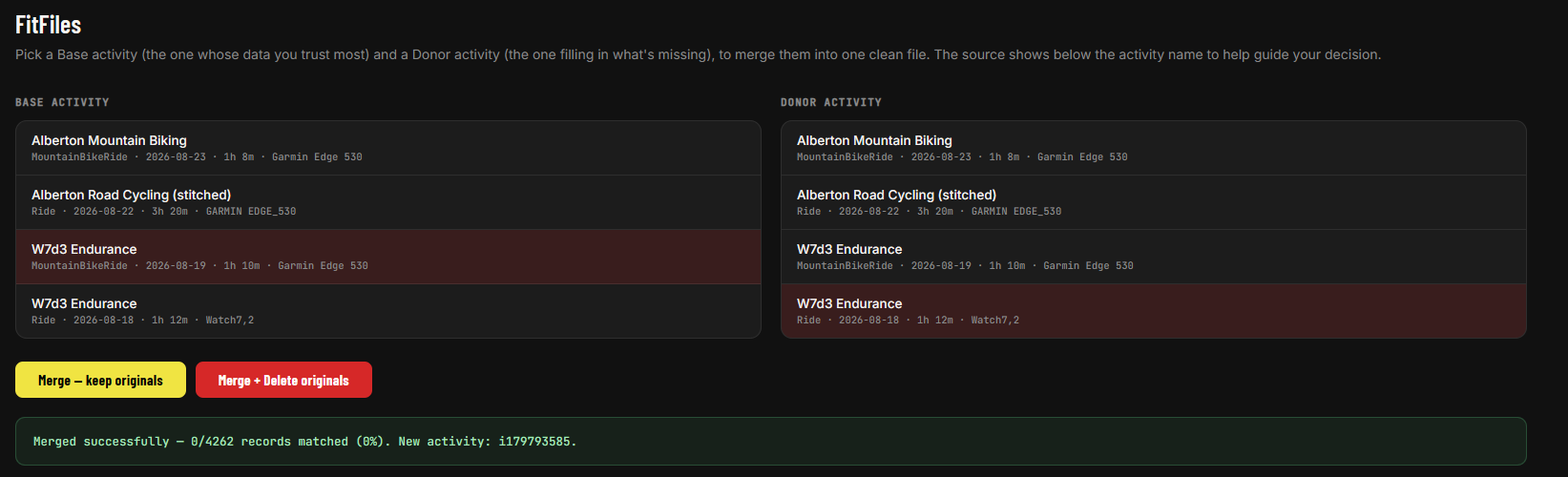
Merge + Delete Originals processes with a warning before permanently deleting the original acitivities.

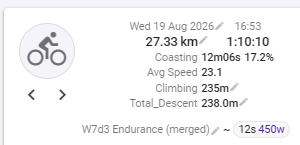
Activity shows (merge) in the activity name

Coming soon`
Project/Tools that are in development will show here.
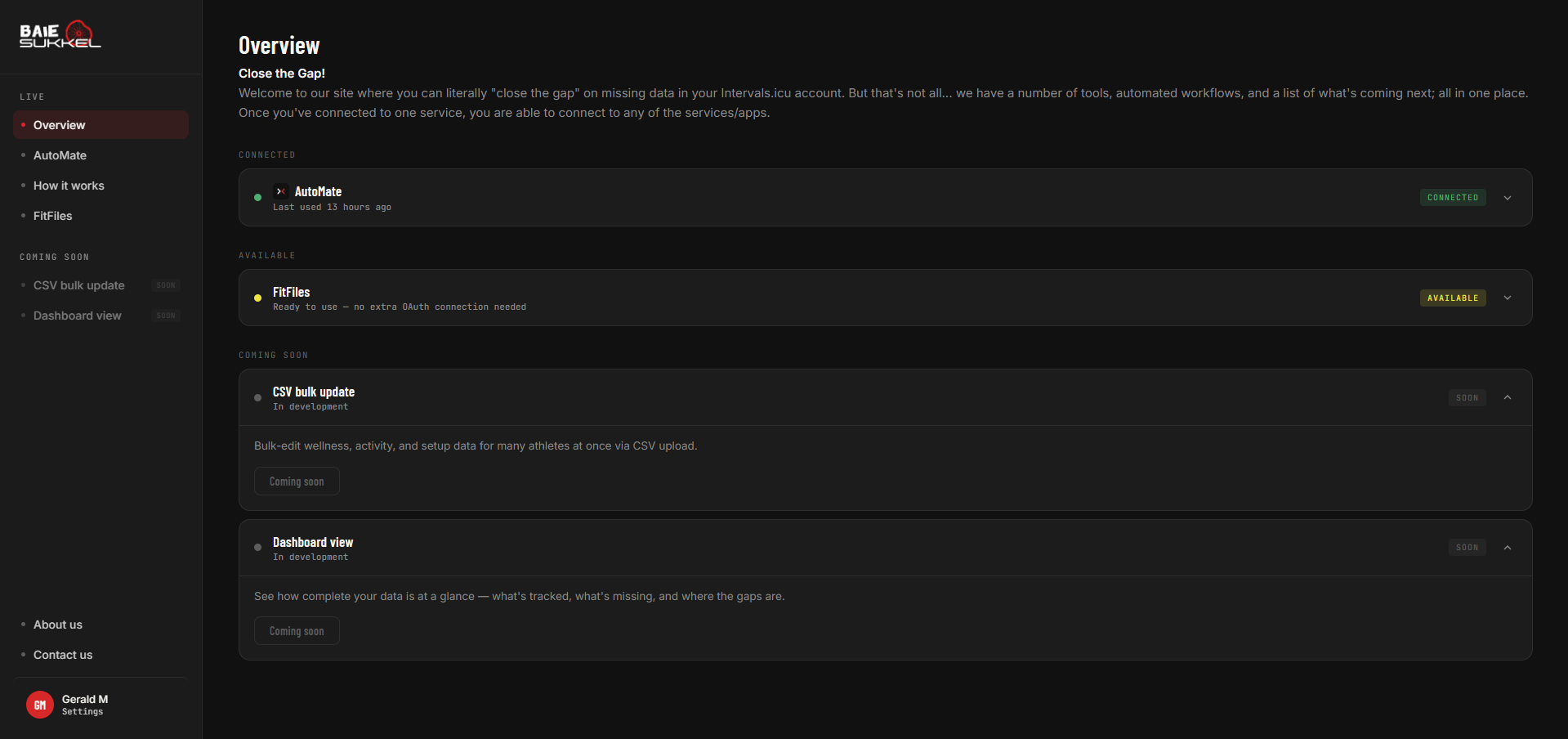
CSV bulk upload
This is similar to the download/upload function in the wellness table, but also includes every field (activities, settings and wellness). It will be split into categories.

Coaches will be able to see all their athletes, to be able to apply at the same time, where common fields have the same value. The UI is outstanding, but the database and coding is done.

Dashboard
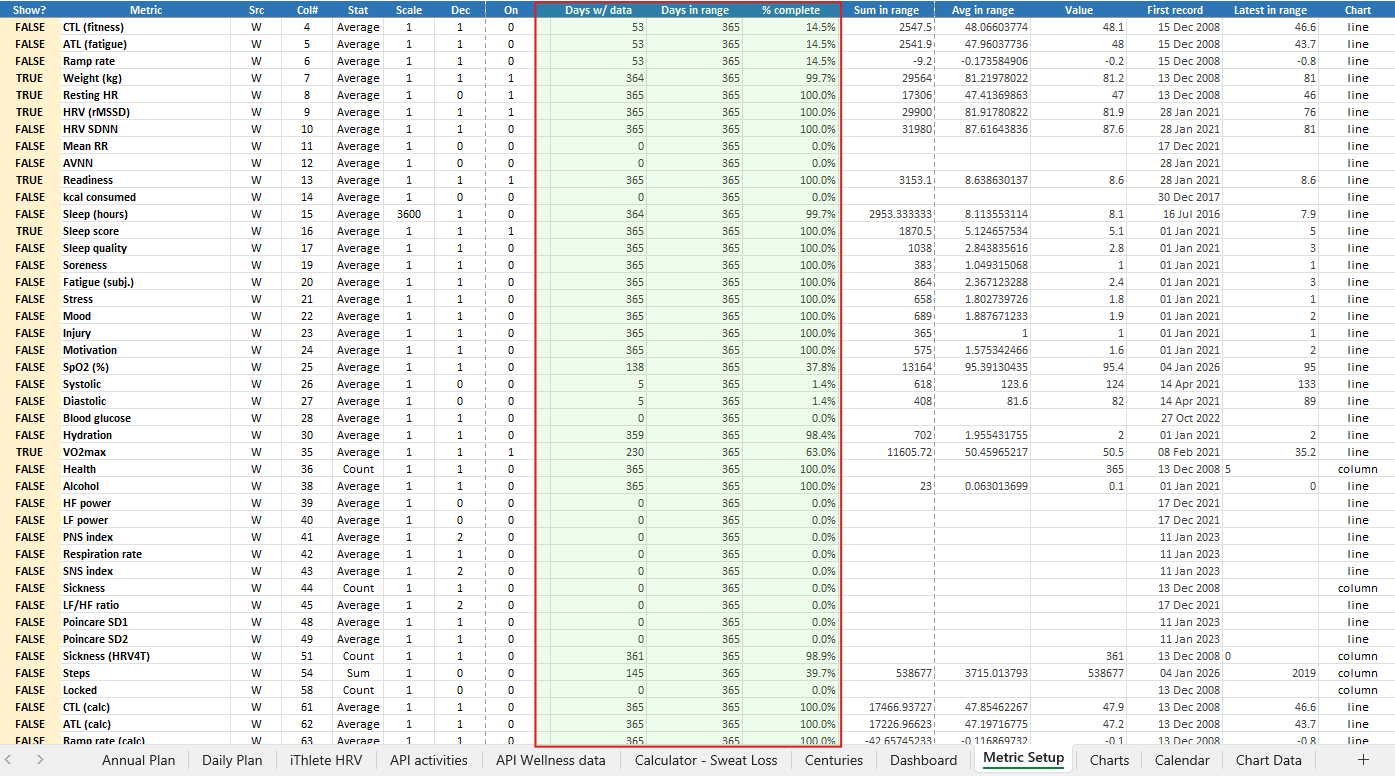
This will show a chart view of metrics you select, showing where the gaps exist.
I have built this in Excel, but stopped further development when I started this project.

Please test and let me know.
I’ve sadly neglected my coaching business to get this up an running, so hope to find time soon to get the coaching side back up and more active.
It was inspired by some of my own athletes that had to be reminded continually to complete missing data. So a big thanks to them for helping me (indirectly) get this started.

I have reached my 750 free hours on the server for the month, so the service is temporarily “suspended”. I need to get rid of the landing page as a single service would only consume 744 hours.

As Arnie said, I’ll be back.

Everything is up and running.
I’m glad it happened, but the timing was, well, like a false start.

One thing to note:
This is not an AI project, but rather an automation project.
There is no coaching involved, no creating plans, no analysing data.

I’ll be deploying an update to include the stitch function.
Join two fit files together.

Wow @Gerald that looks really interesting. Innovative and necessary.

Yes, I completely understand :slight_smile:

1 Like

I have a problem with the onboarding process.
Typical of n=1, me, it works.

I had Google Sheets onboard form but disconnected due to security concerns.

I’m working on this now, and hope to have something working soon.

Everything should be fully functional now.
What a day and a bit… been a steep learning curve to get something out that I know a little more about.

Today I needed to combine two indoor activities because the power went out during my workout, which split the workout into two.
Thanks so much to Gerald, who pointed me to the app associated with intervals.icu that does just that. It combines and merges the data from the two activities in just a couple of clicks.
Exceptional :100:

1 Like

Thanks to the users currently testing/using the application.

BaieSukkel AutoMate
Features & What’s New

A look at what AutoMate does today, and what’s improved since testing began.

What AutoMate does

AutoMate is your WhatsApp-based training assistant. It connects securely to your Intervals.icu account and takes care of the small daily admin so your training data stays complete, without you needing to open an app.

Daily wellness check-ins

  • AutoMate messages you on WhatsApp each day to fill in the subjective metrics Intervals.icu can’t measure on its own: mood, soreness, stress, sleep quality, hydration, illness, and more.

  • Answers are written straight to your Intervals.icu wellness log.

  • RPE & Feel prompts: After a ride or session, AutoMate spots the activity and asks how hard it felt (RPE) and how you felt going in, plus lets you add a comment; all saved directly to that activity on Intervals.icu.

  • Training Readiness (ImReady4): Every day, AutoMate calculates your training readiness from your HRV and resting heart rate trends and sends you a plain-English readiness message; no more running the old Matlab script by hand.

  • Skip the questions you don’t need. Don’t want to be asked about a field you don’t track? You can set specific wellness fields to skip, and you won’t be prompted for those again.

  • Secure sign-up: Connect your own Intervals.icu account with 2 clicks/taps via a secure login; no manual API keys to copy around.

FitFiles
Extra tools, no sign-up needed. If you’ve already connected AutoMate, FitFiles is ready to use automatically. No downloading files to upload elsewhere and then save to upload again, then clean-up duplicate files. One screen view and a couple clicks and you’re done.

  • Merge two recordings of the same session (e.g. a watch + a separate power meter file) into one clean activity.

  • Stitch two separate files from one long session (e.g. your device died and restarted) back into a single continuous activity.


What’s improved since testing began
This week

  • Fixed: wellness and RPE/Feel answers sent via WhatsApp weren’t always making it through to Intervals.icu for everyone; even though you’d get a “saved” confirmation message. This is now fixed. If a save genuinely fails, you’ll get an honest heads-up instead of a false “all good.”
  • Fixed: a handful of skip-list preferences (fields you’d asked not to be asked about) weren’t actually being respected, due to a small matching bug. These now work correctly.
  • Fixed: the daily readiness check could occasionally fail to fetch your HRV/heart-rate data behind the scenes without you knowing.
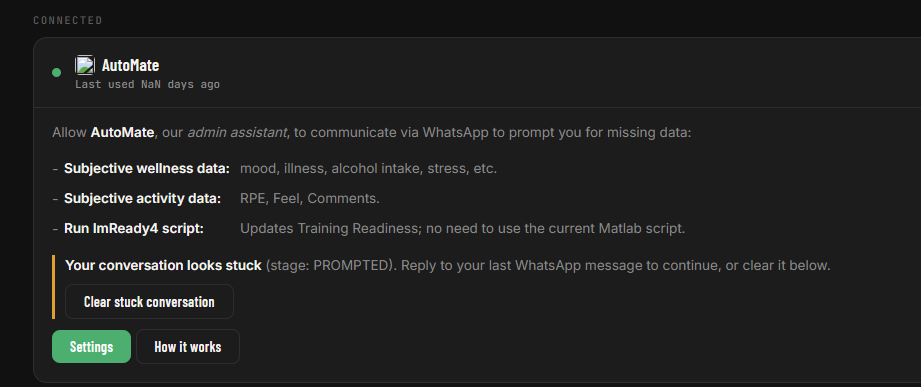
  • New: if your WhatsApp conversation ever gets stuck (for example, an unanswered question blocking your next check-in), you’ll now see a clear notice on your Overview page, with a one-tap button to reset it yourself, instantly, instead of waiting on us to notice and fix it.
  • Behind the scenes: we’ve added better usage tracking so we can see what’s actually being used and catch issues faster. This doesn’t affect anything you see or do.

Earlier improvements

  • Fixed: activity RPE/Feel/comment updates and the automatic RPE/Feel monitor occasionally failed for accounts connected via the newer secure sign-up method.
  • Fixed: the daily wellness reminder could silently fail to send for some accounts without any visible error.
  • Improved: clearer, more specific error messages when something doesn’t save, so issues are easier to spot and report.

Coming soon
Dashboard view: a new page showing how complete your training data actually is, and a breakdown of how you’re using AutoMate (check-ins, activity updates, readiness checks, and more).
CSV bulk update: bulk-edit tools for updating multiple records at once.
Settings: I’ll keep this under wraps for a while, until it’s ready to test. It’s something I struggled with, and occasionally still do, and thought, “what if this was also available on Intervals.icu?”

New Feature
16/09/2026 10:24
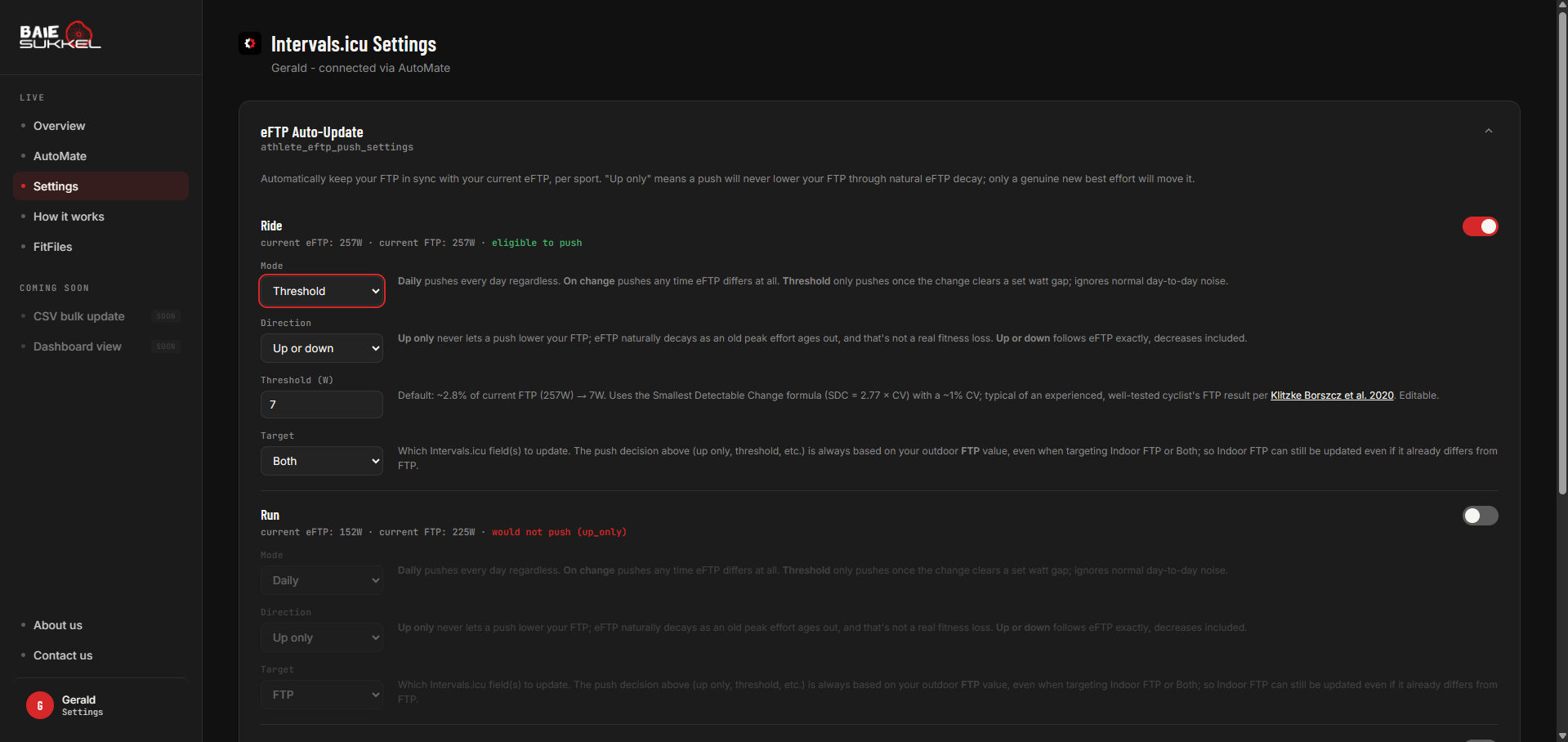
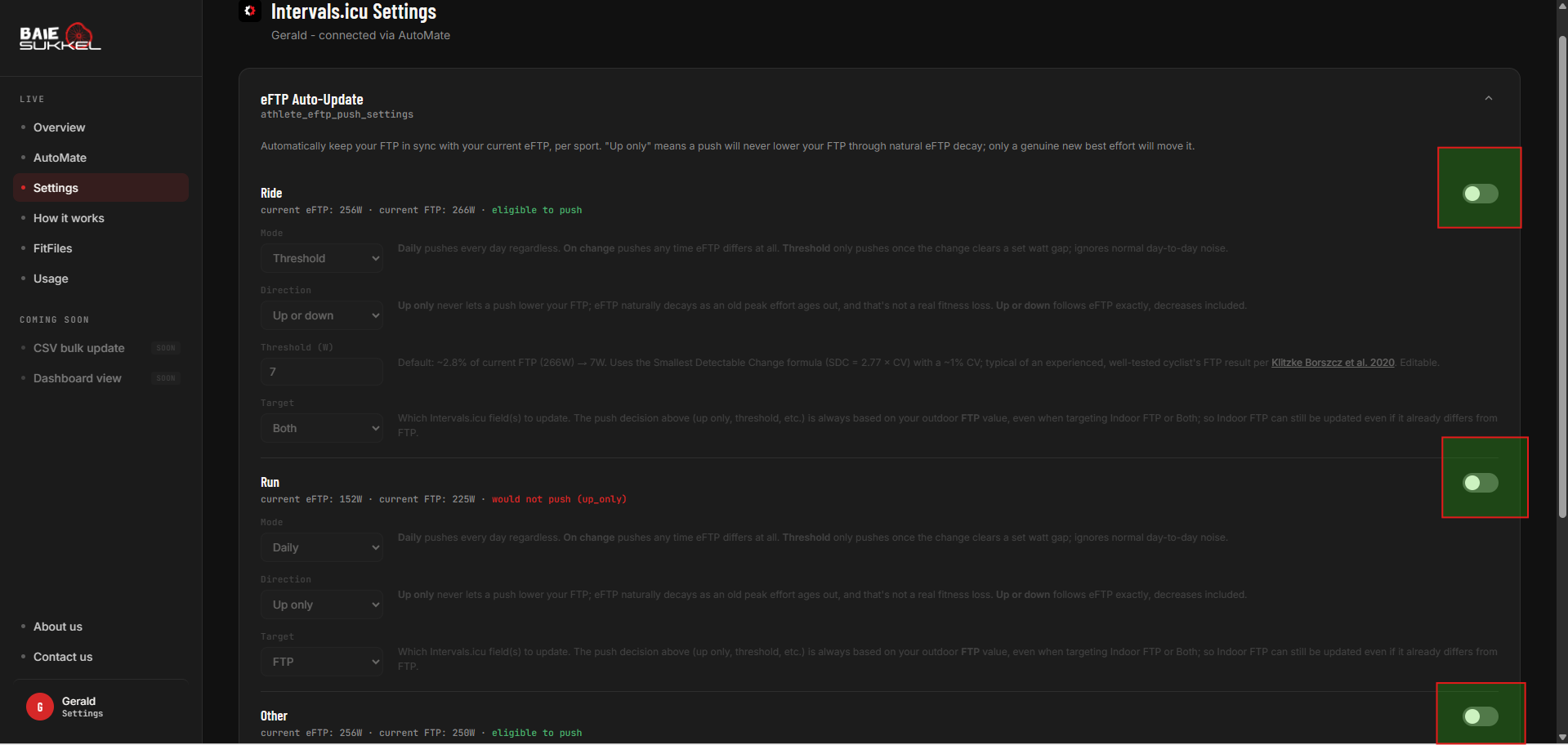
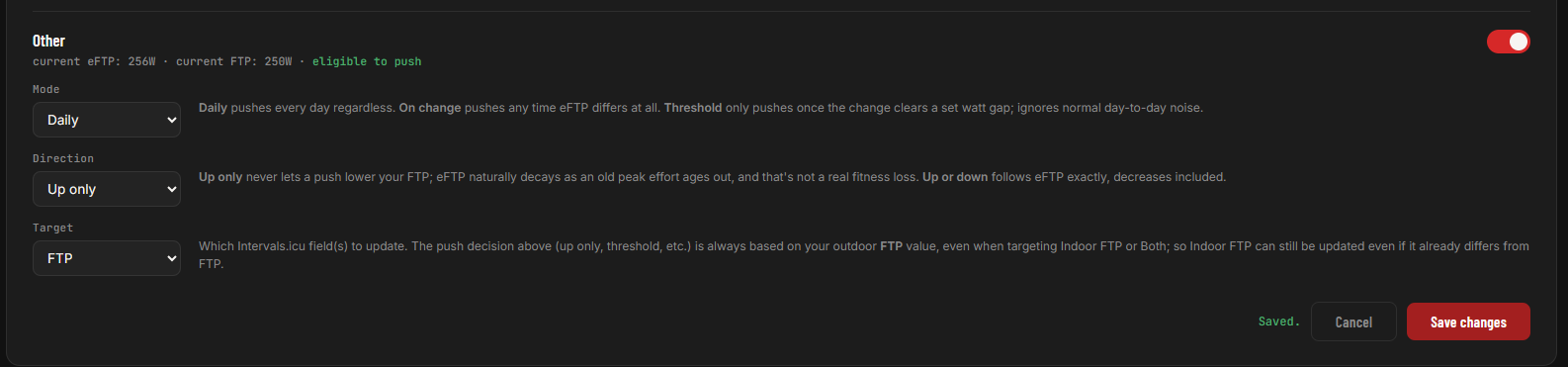
Your FTP (FTP, Indoor FTP or Both) can be automatically updated based on your eFTP.

  1. There are three options to trigger a change:
  • Direction: “up only”, or “up and down”
  • When: daily, or “upon change” or “threshold”
  • Threshold: integer watts, only used when mode = threshold
    Threshold is based on the Smallest Detectable Change formula (SDC = 2.77 × CV) with a ~1% CV; typical of an experienced, well-tested cyclist’s FTP result per Klitzke Borszcz et al. 2020.

This requires that you connect using AutoMate, as there is it refreshes data every 15-mins.
It doesn’t use the WhatsApp functionality.

It can be used for the 5 e-FTP sport settings:

  • Ride
  • Run
  • Swim
  • eBike
  • Other

You also have the option to select FTP, Indoor FTP or Both.

Hi, nice app!

I can’t complete my athete settings, especifically my phone number. Doesn’t matter the number i put in, its keep invalid number. I’m from Brasil.

Tks in advanced! Any help?

Once you select the country code, the rest of your number is typed without the zero, spaces and hyphens.

It’s uses the international E.164 system which pulls the correct format for each country.

How many digits does your phone number have?

13 digits!
It worked now, but im certainly that i tryed the same number before haha! Don’t worry, possible was my mistake. Keep good working!

If you tried previously when I deployed an update, it would fail. Might have been timing.