I was wondering if the formula that intervals uses to calculate load from HR available somehwere? I was thinking I could use the appbuilder data field on my garmin watch to calculate load on the fly so when I get to my planned value I can say “That’ll do pig.” and go home
Interesting concept keep us informed if you or anyone here manages to do that I already have enough challenges to predict load for a given week of planned workout. I use a mix of indicators - but the most basic one like distance for road, or hours for trail runs are the ones that for now I use as base.
Not sure about the entire Garmin line, but the 1040 automatically computes TSS and IF on the fly, throughout the entire ride. So if it’s load you’re looking for, it’s there. Also, so is the math used to compute TSS. The formula is no secret.
Forgive me if I have misconstrued your question.
I don’t think my watch reports load mid-activity. It only tells me load over the last 7 days and tells me if I’m in an optimal zone or not. And AFAIK, the garmin load is different from the intervals one, at least what it considers optimal is different from intervals.
Garmin uses their own proprietary load computation (based on EPOC) whereas Intervals uses the “standard” TSS that most of us are used to. There is no actual formula to change one into the other that I’m aware of but you can estimate it. I may have notes somewhere on that - if you’re interested I’ll see if I can hunt them down.
PS - many of the Garmin head units compute TSS and will do it on the fly. At least the 1030, 1040, and 1050 do.
Thanks. I have an ancient ( by 21st century standards) forerunner so…
I’ve had a worthwhile chat with Tom (aka chatGPT) and I know how to do it in principle, I just have to do it…
If your Watch supports a Power Meter profile (the FR do - even my ancient FR910xt) then it will compute TSS and IF within the watch and during an activity.
You just have to configure it as a Data Field in your watch.
But that’s not the same as the intervals calculation is it? Isn’t that much higher than intevals values if your getting 200 thingies per hour?
Oh right, if you were riding above your threshold HR for two hours and have a much bigger heart rate reserve than me (a certainty), then it … would be even less than 200.
Two hours?? I think its TRIMP, not hrTSS isn’t it?
Good observation… it was a MTB race in between a commute to, and from, the race. So a 1h45 maximal effort, with an average HR of 98-100% of LTHR (it can vary between 168-171, and anything higher than 171 is when I can feel it’s not sustainable). Then max HR of 187 and resting HR of 44-49, the reserve is 138-144.
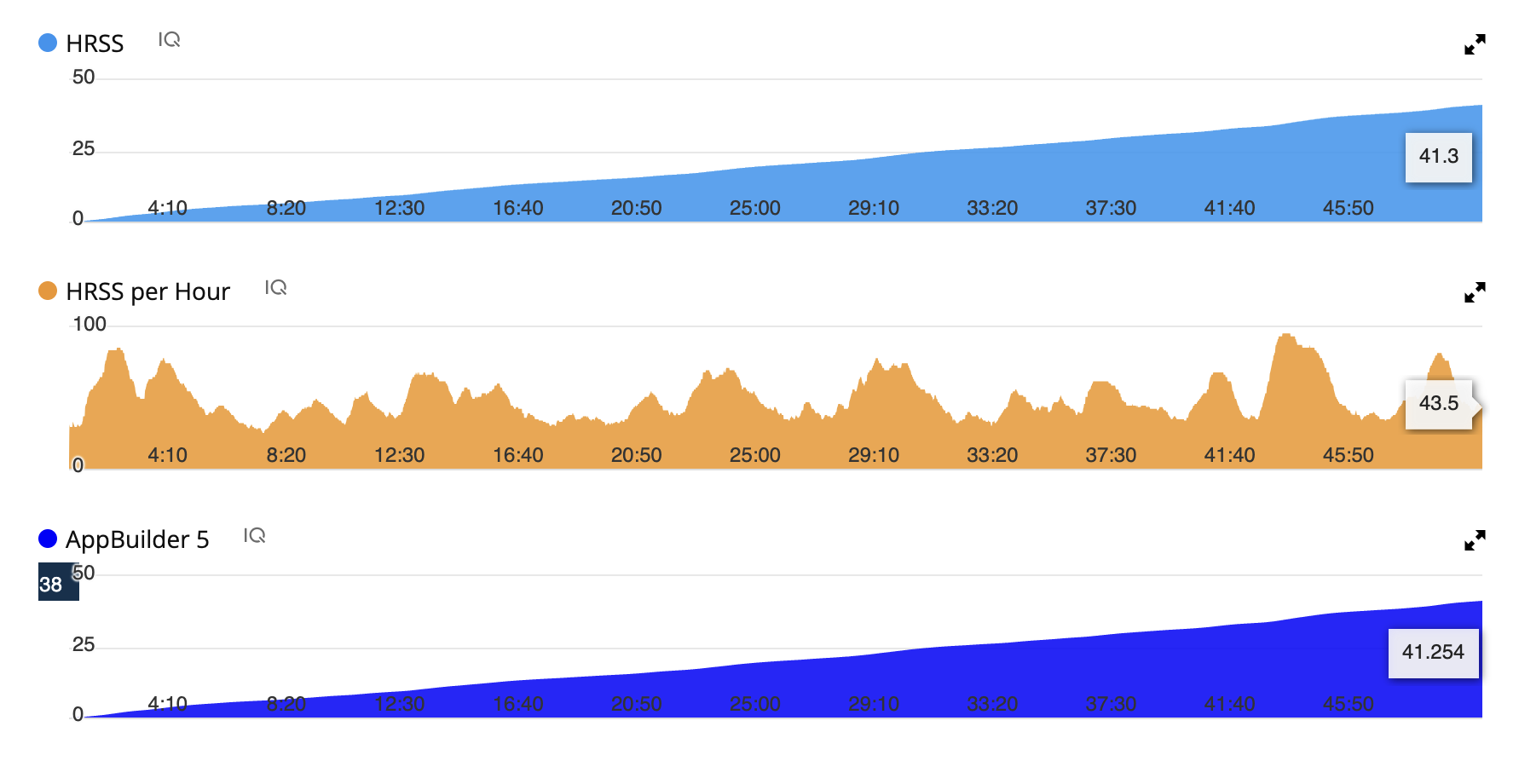
Well gosh darn it! You’re right! Rode this morning (please don’t scoff at my tiny load) and the existing IQ data field and my appbuilder one gave exactly the same result.
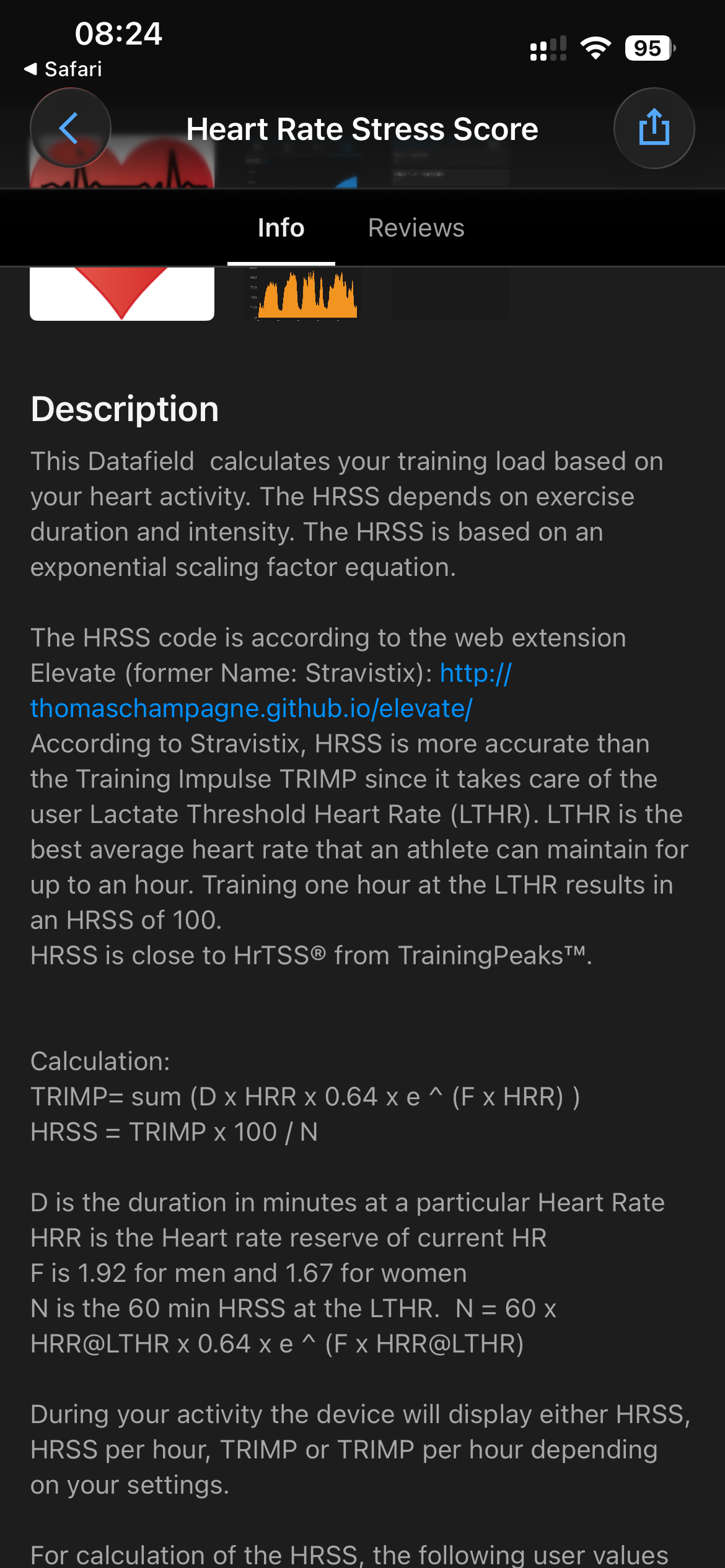
For what its worth… here is the formula, but as @Gerald pointed out, there’s an existing IQ data field that already does it much more nicely than this… but I’ll post it here to give an idea of what appbuilder can do. You can read more about it here.
It looks really ugly because there’s a limit to how long the formula can be. I think newer, fancier watches can handle longer formulas, but I had to hard wire the constants instead of setting them up front as variables to shorten the formula.
Intervals HR settings:
165 is my threshold heart rate
56 is my resting HR
187 is my maximum
0.86 and 1.67 are constants in the Banister function and they are different for men and women.
For men they are 0.64 and 1.92
I’m interested to compare HRSS load versus Stryd RSS. In particular if there’s a way “during” an activity to monitor this in real time so that when I’ve reached a certain load planned for the day/week then I’d finish the session. I checked my Garmin and I don’t have this field. Is that only available on certain watches? I have a FR955 Solar.
For info, I’m doing trail running long distance prep, and last week-end I was peaking in term of volume in my training plan, and the only load that was matching my perception overall was the Stryd RSB value.
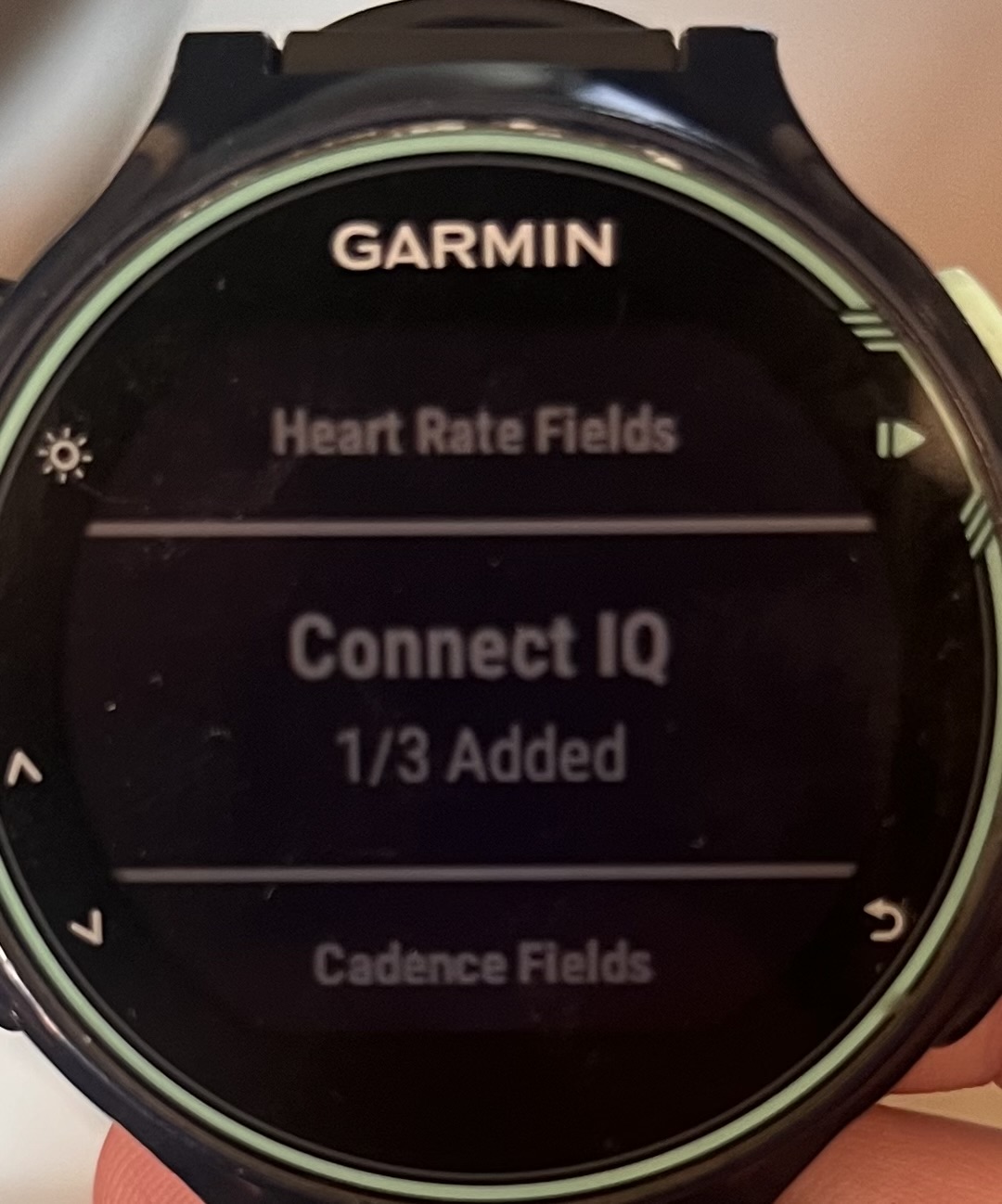
It’s compatible with your Garmin, and many other devices. It’s a ConnectIQ field, not a standard field. Once downloaded using the ConnectIQ app, and syncing your device, it will show up in the ConnectIQ section of data fields.
Thanks Gerald I downloaded the app. It seems I can only add maximum two Connect IQ fields in my watch for the running activity, and I already have Stryd and AlphaHRV fields

 I already have enough challenges to predict load for a given week of planned workout. I use a mix of indicators - but the most basic one like distance for road, or hours for trail runs are the ones that for now I use as base.