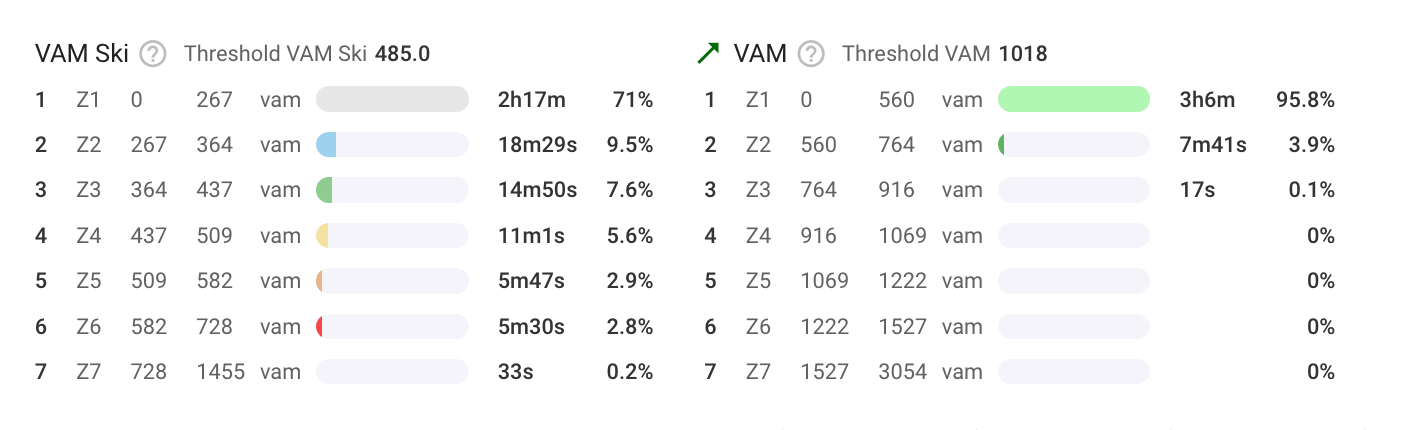
@R2Tom have you seen the updated settings page?
Only saw now, after a few weeks away from Intervals.
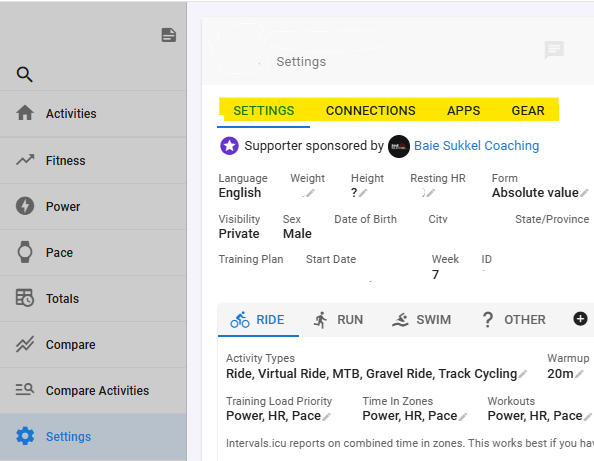

Thanks for the hint, finally a little more overview on the settings page 
It will be fine and useful if we can use percentage of the upper zone limit in workout.
I use 3 zone model with AeT and MSS and I would like to create workout for example between 75-85% of AeT.
somthing like this :
- 30m 75-85% CZ1
where the percentage is calculated from the upper of CZ1.
We still need to update the little “time in zones” table to show time in whatever custom zones are in use. This will happen.
1 Like
You need to make a zone for that. Custom zones can overlap.
Unfortunately, that is very difficult to do.
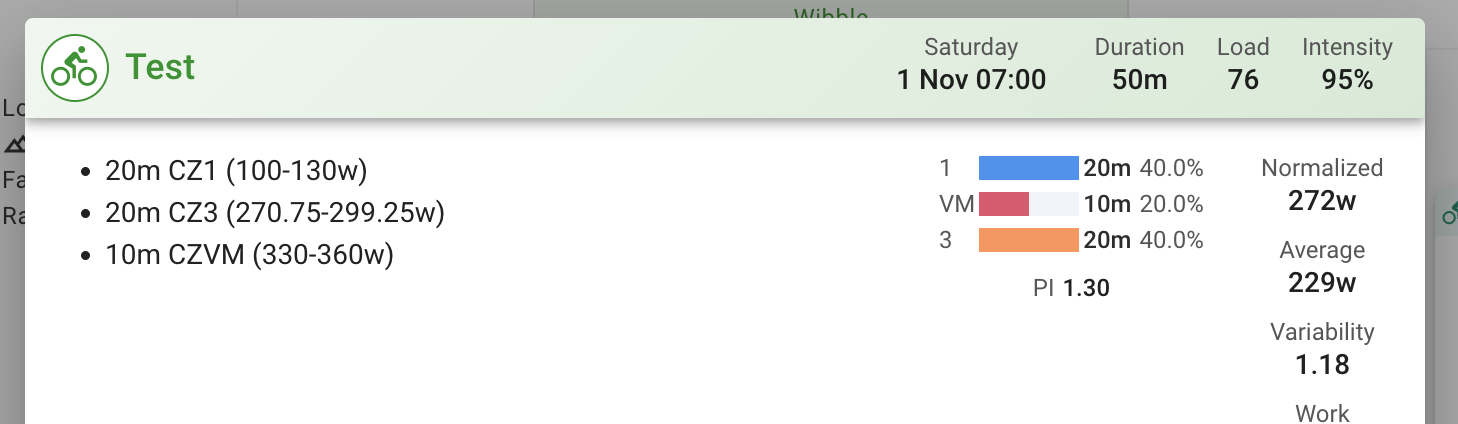
The “time in zones” display on the workout viewer and editor now displays custom zones, if you are using them. If you are using only custom zones then the “normal” zones are not displayed.
1 Like
Hello, sorry if this has been already discussed and I missed it, or if it’s something wrong from my side.
I’ve set custom zones for running, and on the activity page everything is fine
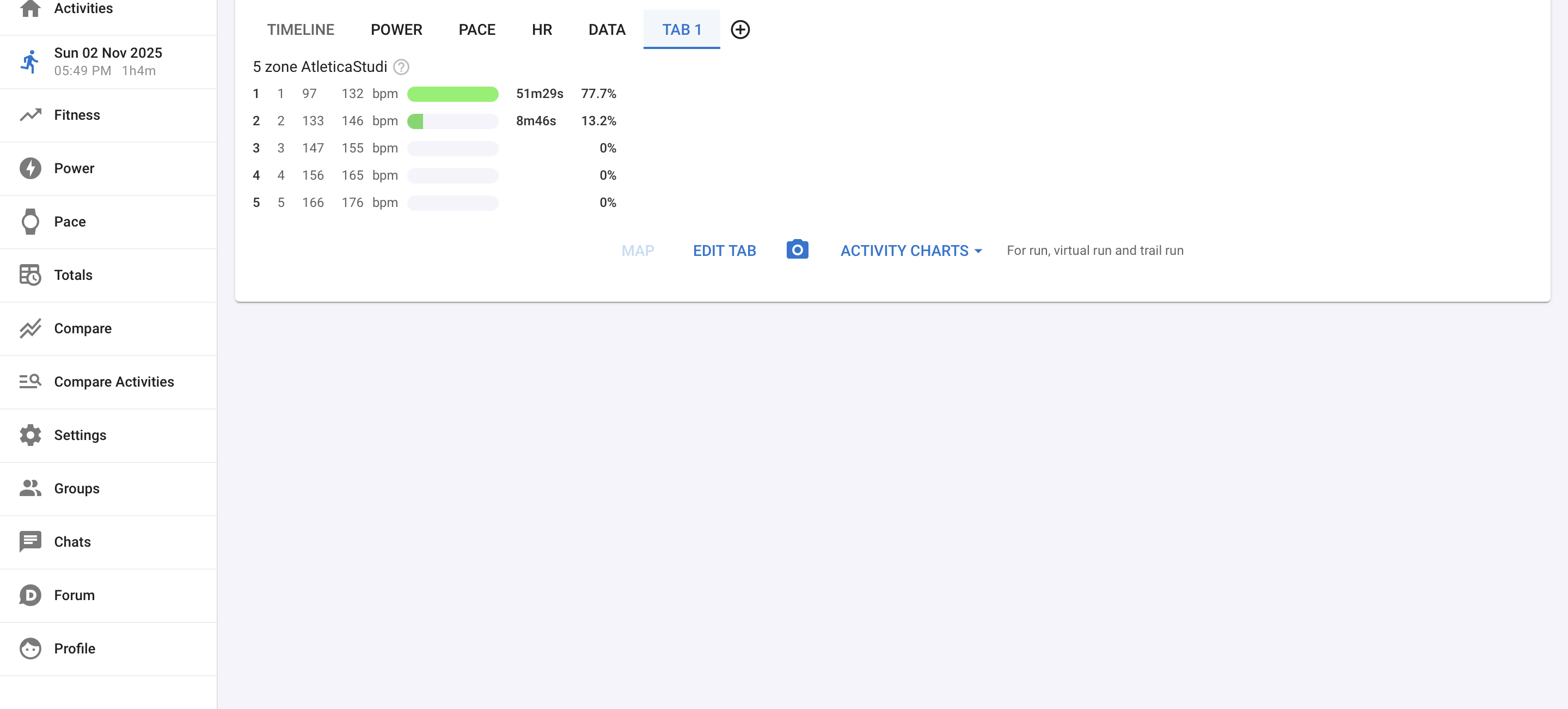
but on the chart the time is displayed in this way
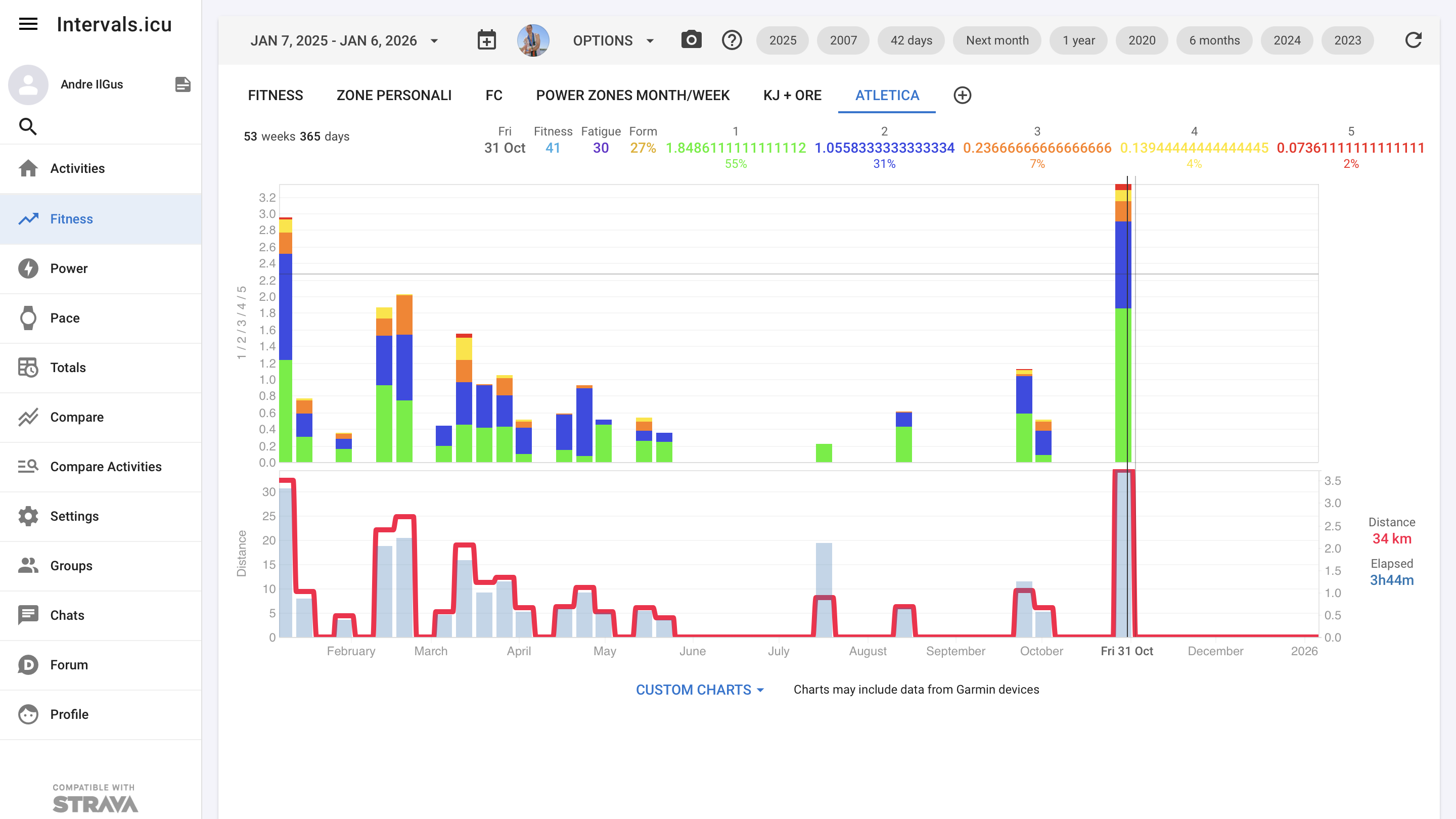
did I miss something?
thanks
1 Like
Oops I broke that recently when I added the zone boundaries plots. It’s fixed now. You will need to delete those plots from your chart and add them back. Also make sure you are on at least version 2025-11-03 18:13:32 (bottom of /settings page). Tx for the report.
thanks David!
1 Like
Is there a way to plot the custom zones on the fitness page?
I am able to plot the latest zone boundary values as lines, but I’d like to display a ‘zone chart’ (coloured background) so I can visualise how my VT1 and VT2 change in relation to VO2 max.
Hope that makes sense.
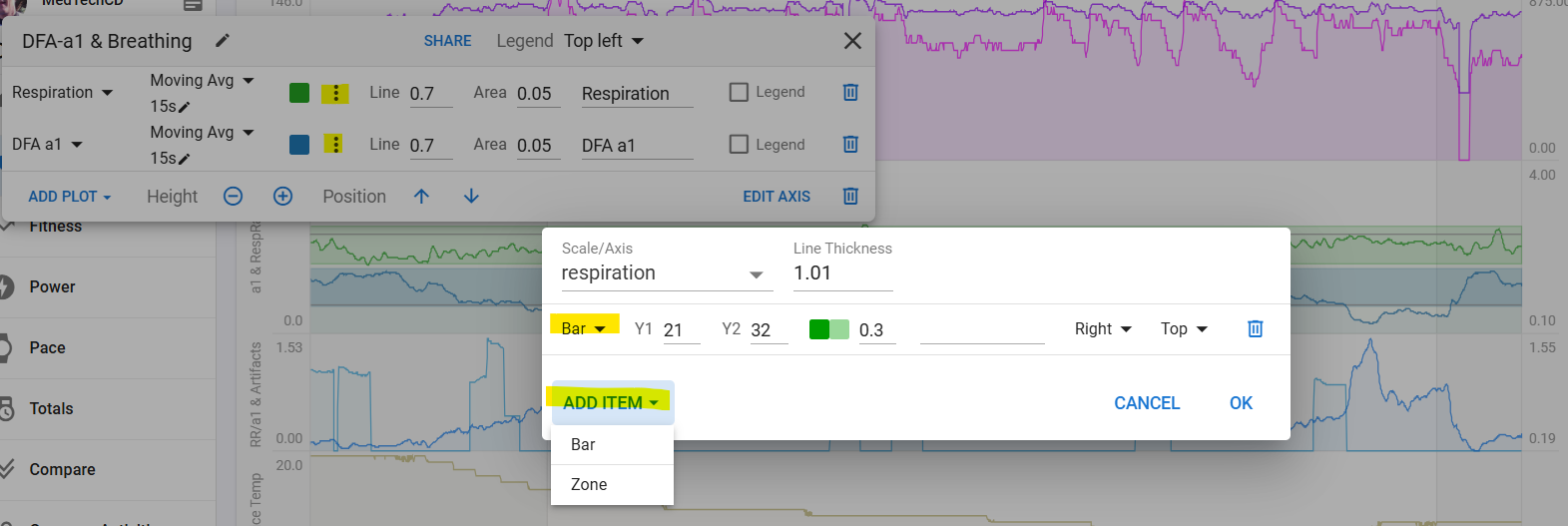
Unfortunately that won’t work for the zone start/end boundaries and custom zones in general. We need to implement an option to fill in the area between two plots to do what James is looking for.
This is live for everyone now:
2 Likes
Interested in using this. Could you make the zones and the custom field public?
All done. The fields are “Marathon Pace” and “5K Pace”
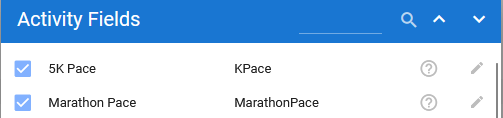
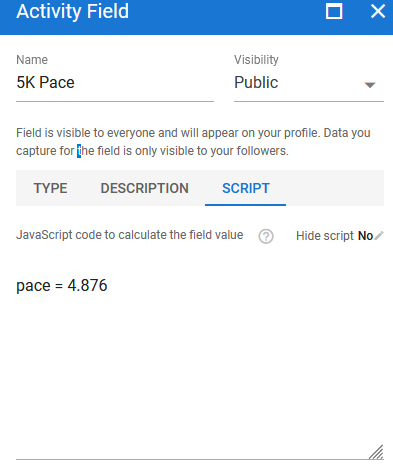
You’ll need to edit the script for the fields to set your 5K and Marathon paces (enter as speeds).
Then the zones are “5K Pace Zones” and “Marathon Pace Zones”. They’re based on the zones from Marathon Excellence for Everyone by John Davis: https://marathonexcellence.com/. They go a little beyond what he prescribes, though
I had to do some conversion, which is why the percentages I used don’t match the ones he used (and why the numbers don’t match the names). He talks about his percentage calculations here: Brief thoughts: Calculating percentages of race pace - Running Writings
He uses the “Multiplication” method on Pace, which means I needed to convert the method to work with speed instead. After some math, the result is that the percentage I list in Start and End is equal to 1/(2- % in description). E.g., the upper end of “<50%” is 1 / ( 2 - 0.5) = 1 / (1.5) = 0.667.
For the ones that have just one percentage listed, I went a little outside to match prior zones or whatever. You can do the math in reverse: the formula is 2 - (1 / % in start or end). E.g., to get from 0.926 to the lower end of 8-10K Effort (95% 5K), you do 2 - ( 1 / 0.926) = 0.92 = 92% (which makes sense, since the prior zone ends at 92%).
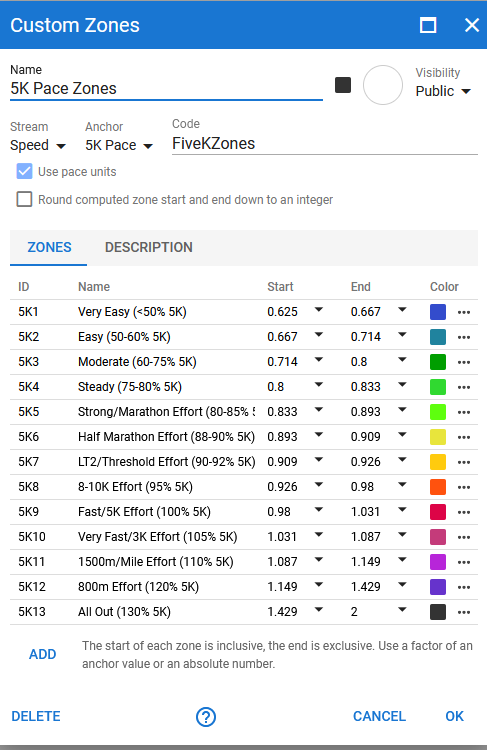
I hope that makes sense, and I hope I made them public correctly.
2 Likes
Incredible thank you very much!
Yes, found them right away.
Yeah that makes sense.
You should take that out and just leave the script blank. When someone adds your zones they get this:
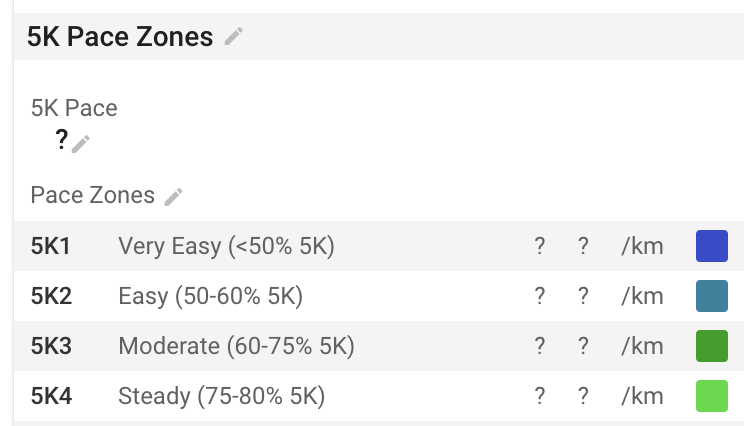
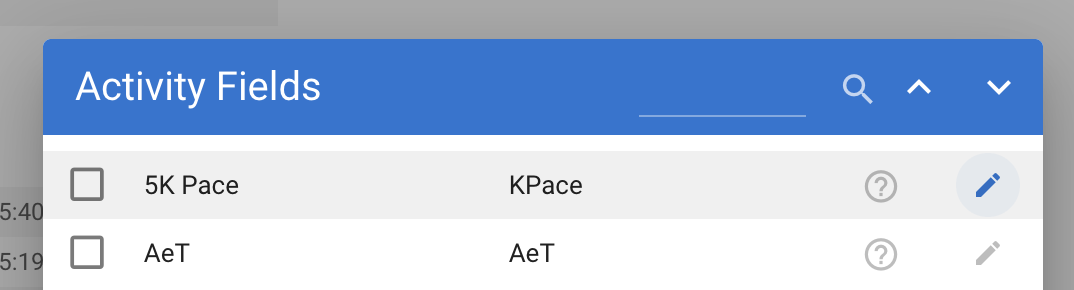
The 5K Pace field is added to the sport and you can just click it to edit. Whatever value is currently on the sport is copied onto each activity when it is first analysed.
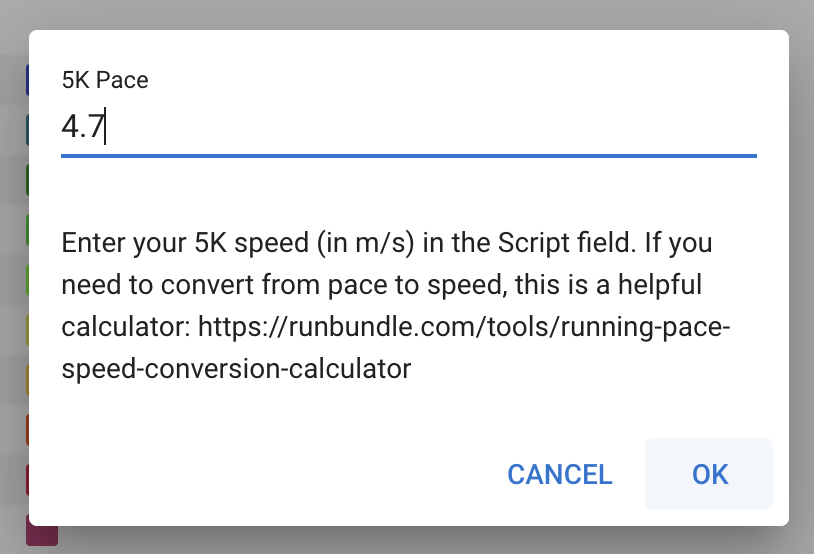
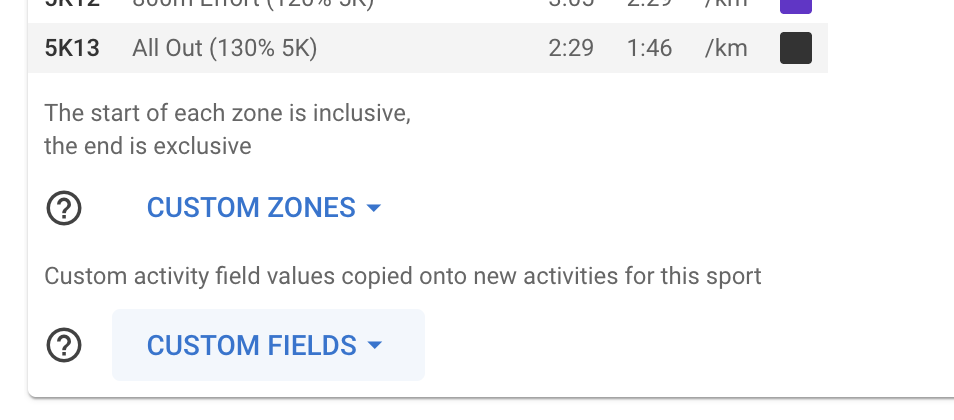
I noticed your units for “5k Pace” are per mile. If anyone needs per km just click custom fields at the bottom of the sport and edit “5k Pace”:

3 Likes
Good to know, thanks! I’ve updated the Custom Fields to not use the script field. I assumed that something was required in there.
@Johannes27 I’ve updated it according to David’s instructions, although I don’t know if that will change how it works for you at this point. For anyone in the future who uses it, you don’t need to update the script, since there’s nothing there.
Great, thanks @Pierre_du_Pont for the edit and thanks @david for the info.
Now I’ll try to write something to pull the latest 5K race pace.
Been trying to wrap my head around the custom zones again
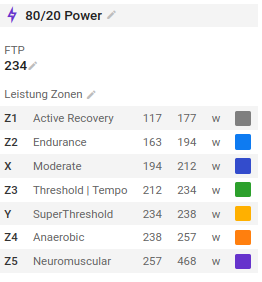
I have these cycling power zones set up and updated all activities but on the main activities dashboard still the zones of the default power zones are used to determine training load and zones. Is it possible to use the custom zone instead? If so how or is this still wip?