for (_, subJson) in jsonDict["steps"] {
  let intRamp         = subJson["ramp"].boolValue

  let intPowerUnit    = subJson["power"]["units"].stringValue
  let intTmpRampPwrS  = subJson["power"]["start"].doubleValue  <--
  let intTmpRampPwrE  = subJson["power"]["end"].doubleValue   <--

  var intRampPwr: Bool {
    if intPowerUnit == "power_zone" {
      return (intTmpRampPwrS == 0 || intTmpRampPwrE == 0) && intRamp
    } else {
      return (intTmpRampPwrS != 0 || intTmpRampPwrE != 0) && intRamp
    }
  }

  let intPower        = ((subJson["_power"]["value"].doubleValue / intFtp) * 100)
  let intRampPwrS     = ((subJson["_power"]["start"].doubleValue / intFtp) * 100)
  let intRampPwrE     = ((subJson["_power"]["end"].doubleValue / intFtp) * 100)
as I depend on these to determine if a Ramp exists.
i’ll have to wait till I can see the full/permutations of workout_doc to verify the fix to support this.
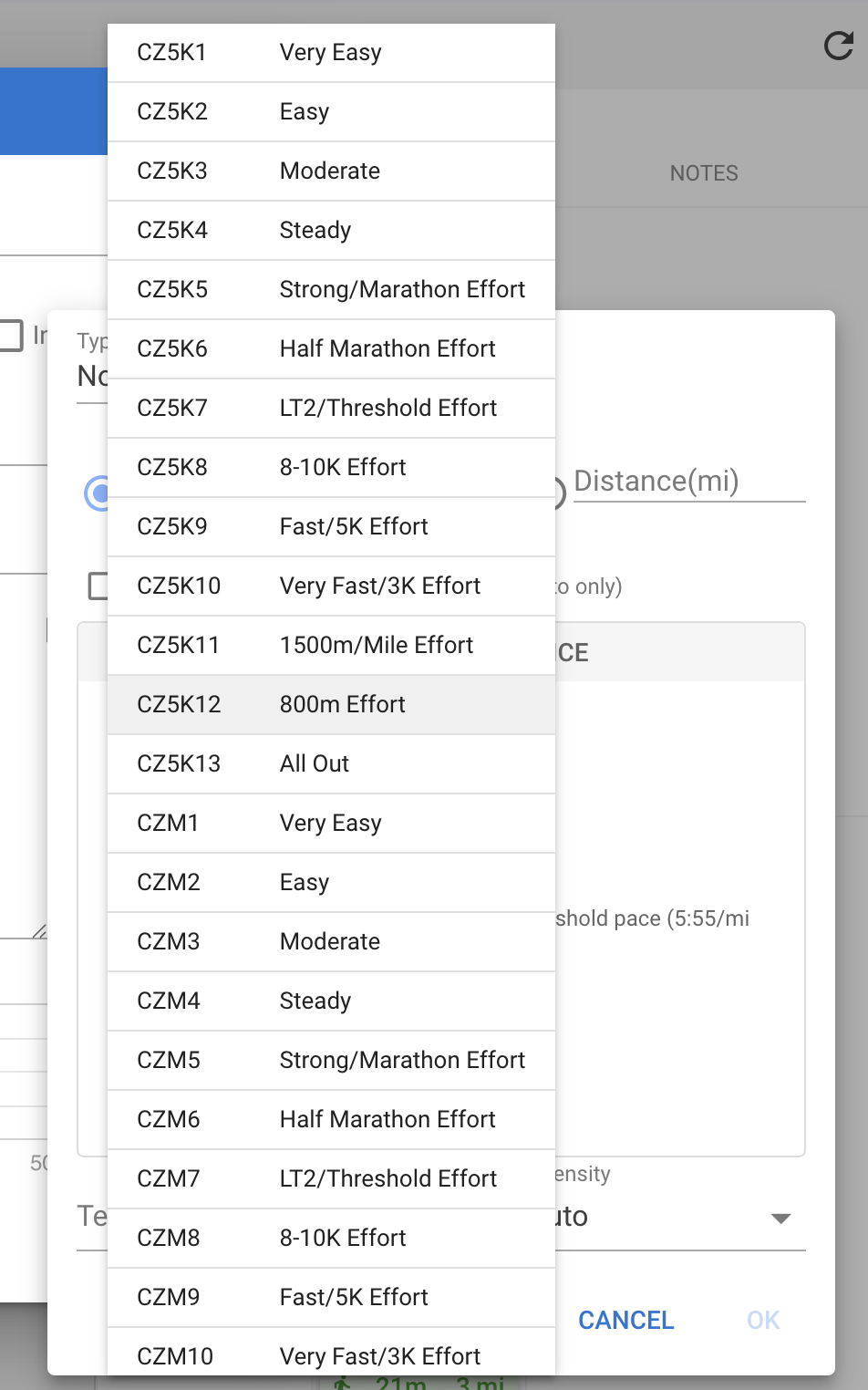
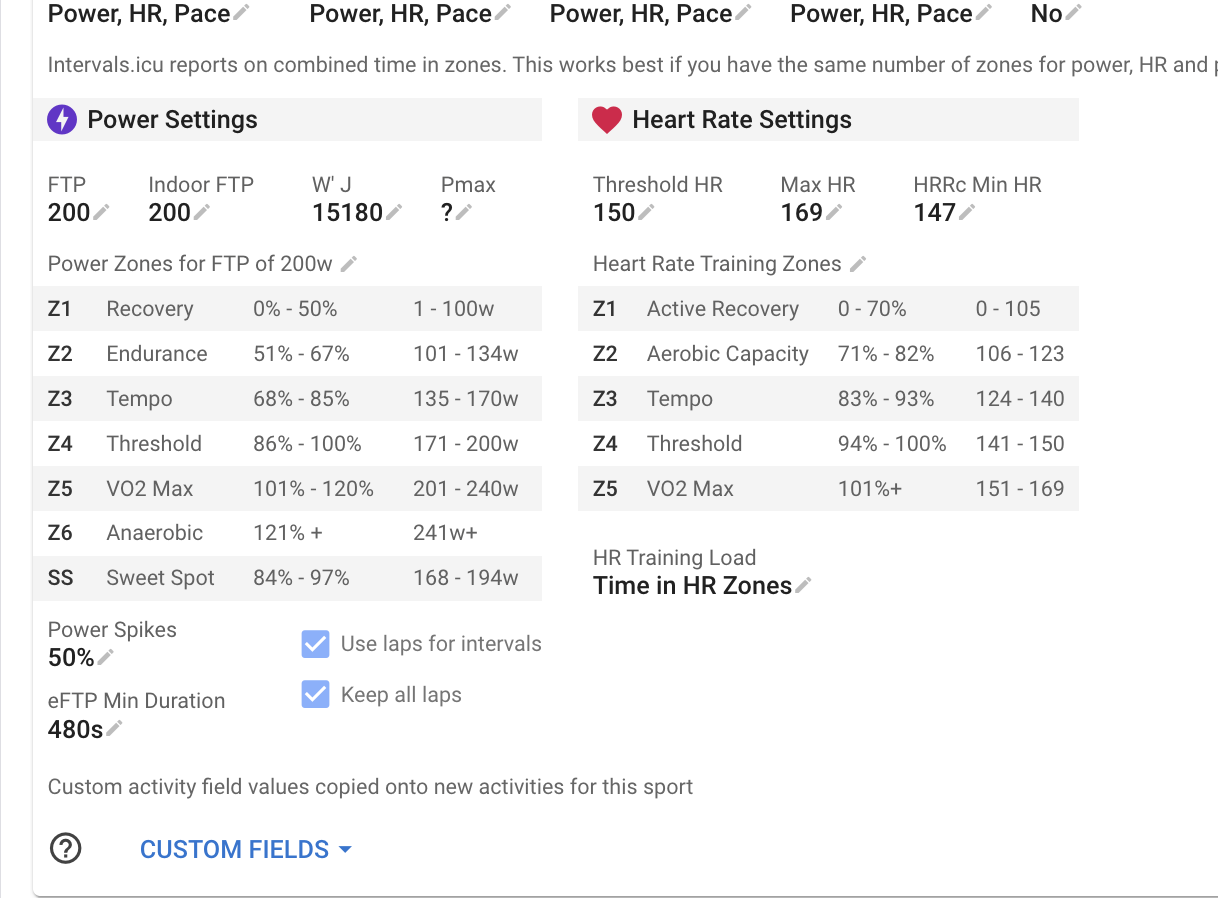
If you have several sets of zones active for a sport and they have overlapping zone ID’s then the zone from the first zone found is used, in the same order as on the /settings page.
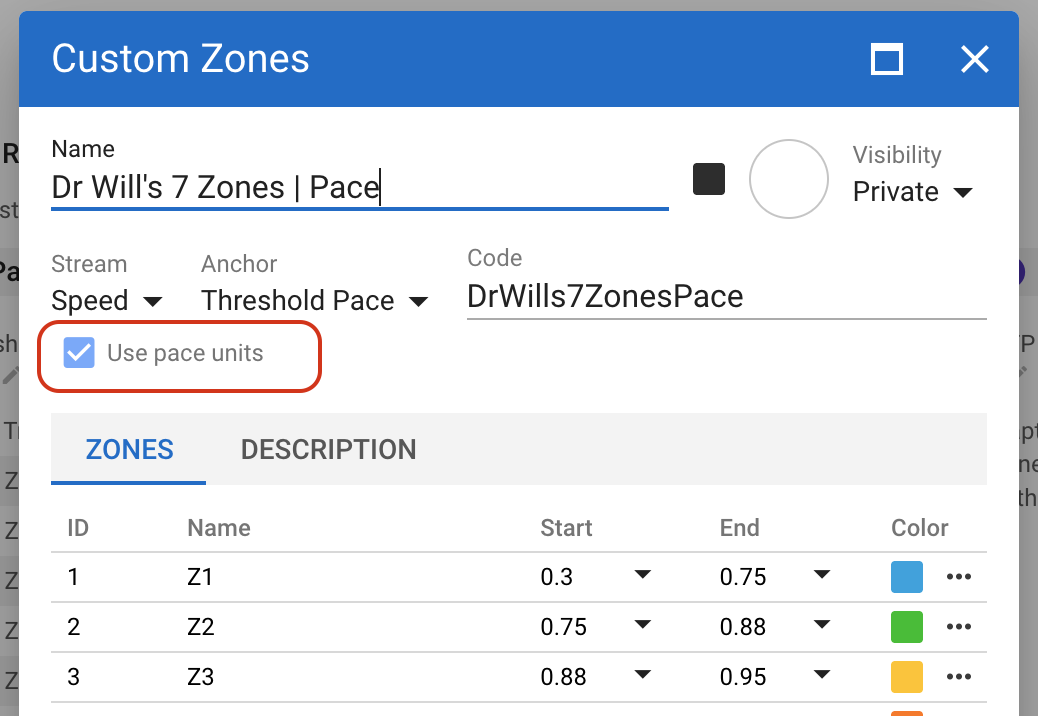
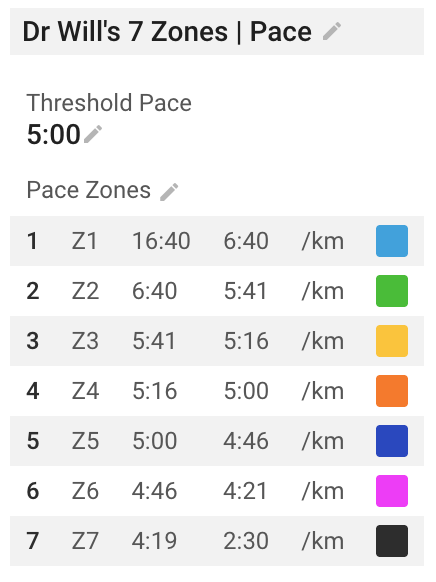
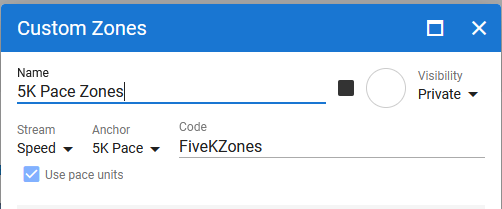
There is a new checkbox in the dialog to use the pace units for the sport instead:
Super appreciate this work, think I found a breaking change though:
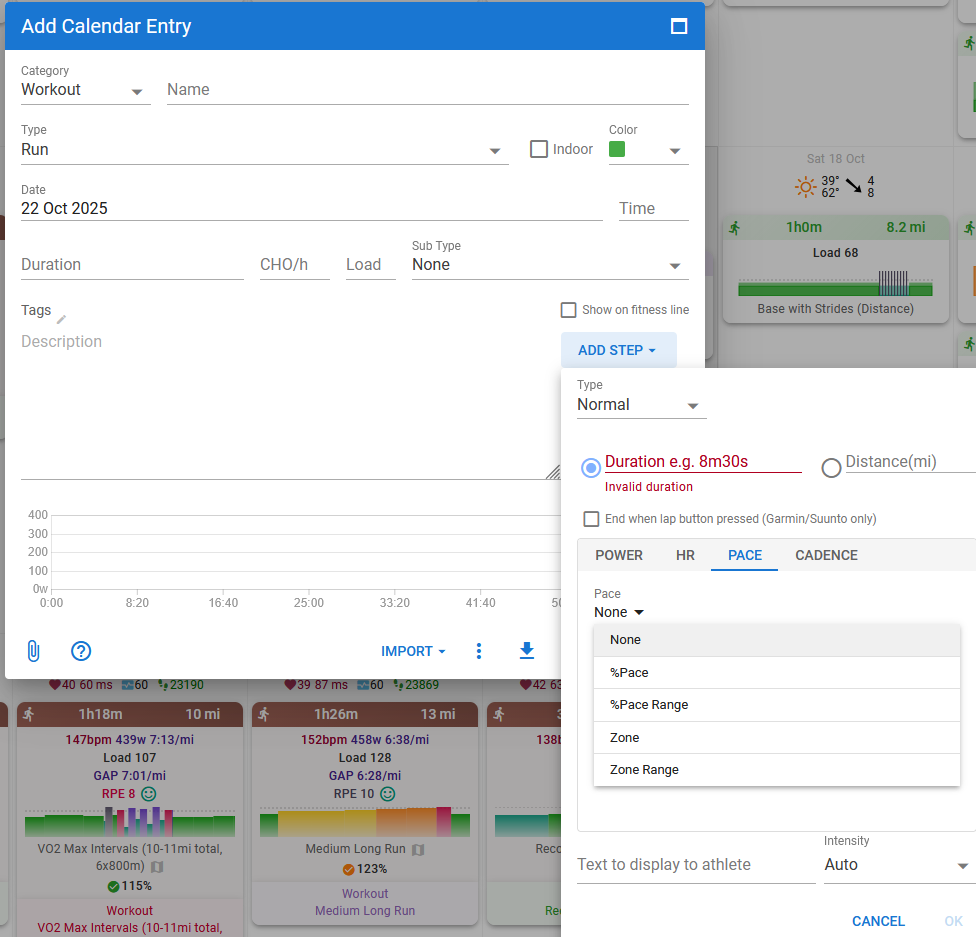
I usually plan run workouts based on time spent in power alongside an estimated pace (e.g. - 62m 72% 71% pace). I then use the calculated distance to edit the workout to be distance based at a power and the same estimated pace for easier real life run workout tracking (e.g. - 10km 72% 71% pace). This keeps the load estimation accurate as pace is used to translate into a proper time estimate.
It seems that now when I include power prescription, the distance/time calculation is lost. Steps planned by time have an inaccurate estimated distance, and steps planned by distance have an inaccurate estimated time. Including only pace seems to restore the distance/time calculation.
Is this a bug or an intended change of functionality?
I personally used this feature a lot for accurately estimating load and distance traveled while still sticking to a target power, happy to use a workaround if this functionality is no longer intended though!
I’ve tried clearing my browser cache, logging out and logging in, and using a private window. I’ve tried via the calendar page and also via the workout library.
I’m using Firefox’s latest version, not sure if that matters
Might have missed this - Will we be able to get the activity graphs in the calendar in our custom zones colors? For example, I made custom pace zones to have different colors but the graph still shows the original pace zone colors.
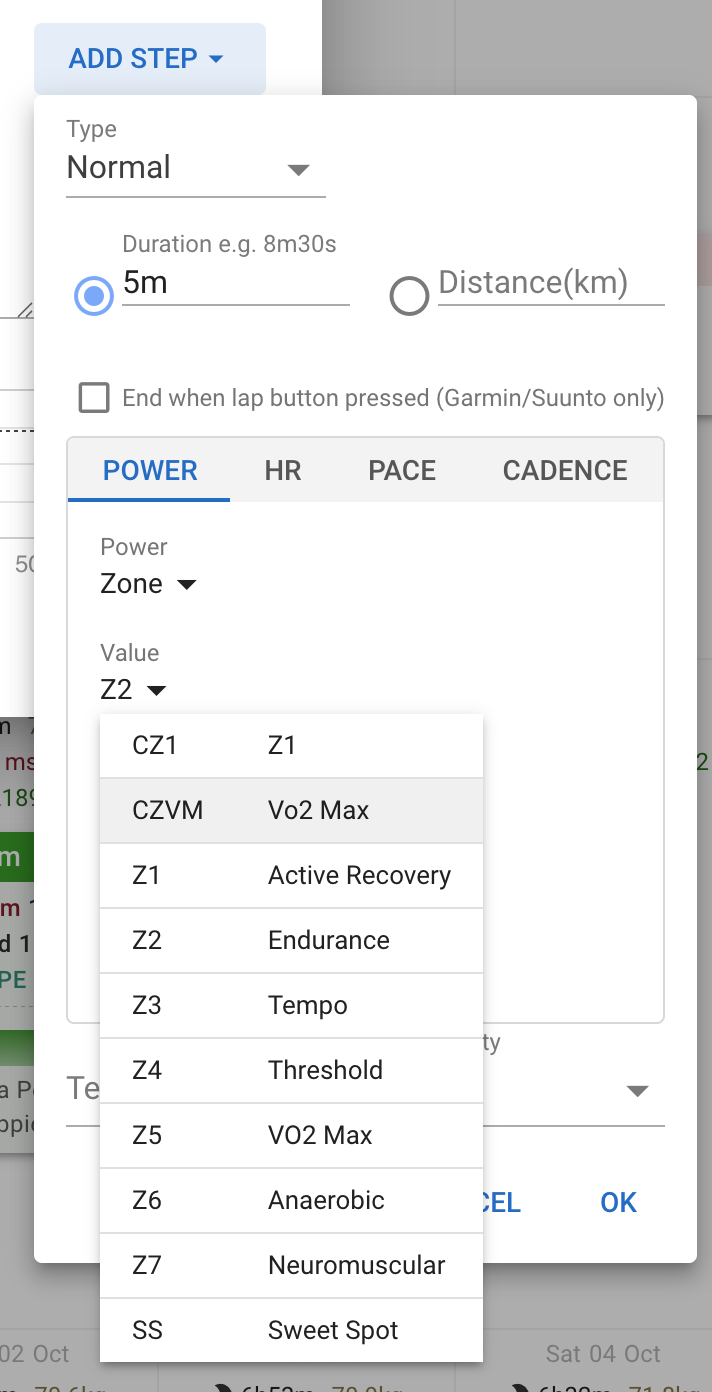
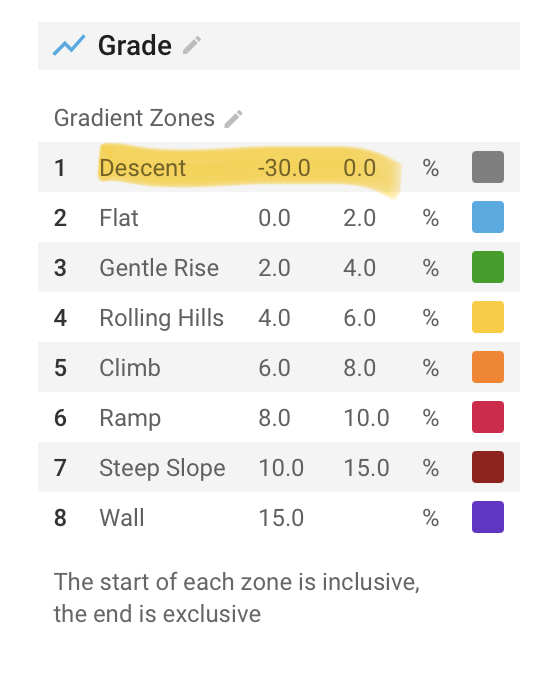
Would it be possible to have the stream be None so we can use arbitrary values for zones? This is mostly applicable to custom sports.
The problem I’m encountering is that because zones are still based on FTP/HR etc… in the workout box the custom zones don’t align with what is expected. I would like to have absolute values there based on my custom fields/zones.
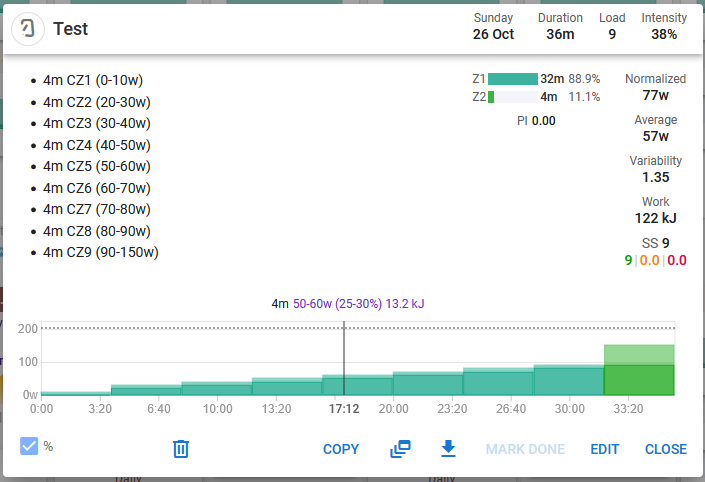
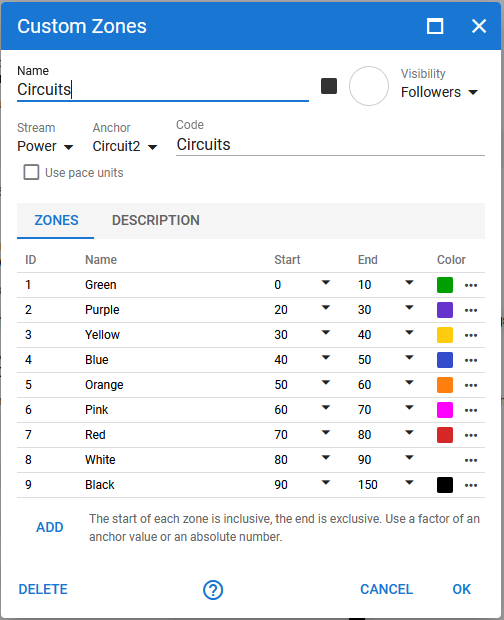
in my example, I have 9 zones set up, effectively wanting cz1 to be 0-10%, cz2, 10%-20% etc…
The current workaround is to set FTP to mimic the custom zones and have a custom field be the range. However, this causes an issue if the number of zones with FTP don’t align properly (FTP maxes at 7 zones). It would be great to be able to ignore stream mappings and just have an absolute display if no stream is set, that only relies on the custom zones
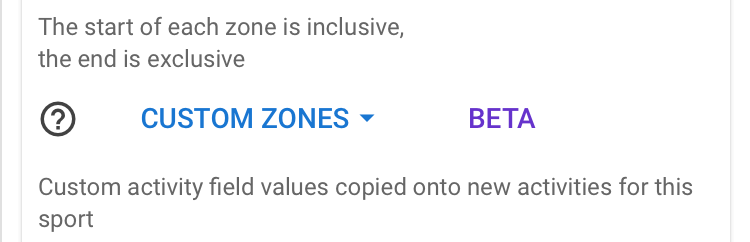
Any chance of an idiots guide as to how to set up these custom zones. I’ve looked through this thread but honestly I can’t make head n’tail of some of it. I can’t find anywhere how to set up a custom zone for a sport for instance.
Thanks
PS Not everyone speaks coding language
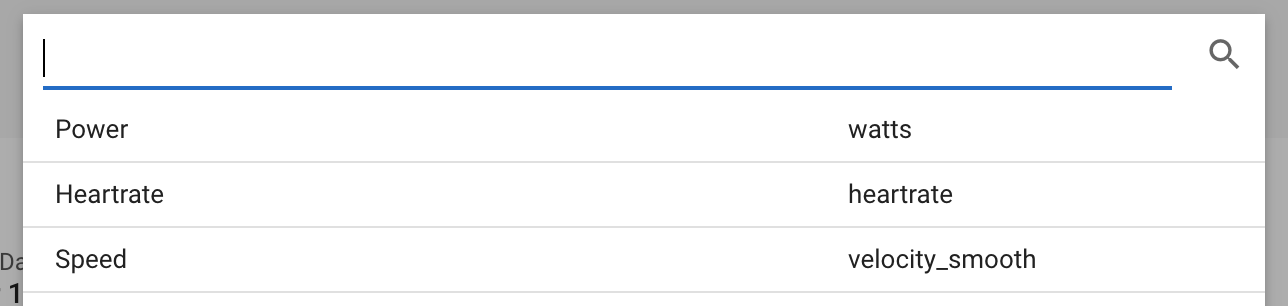
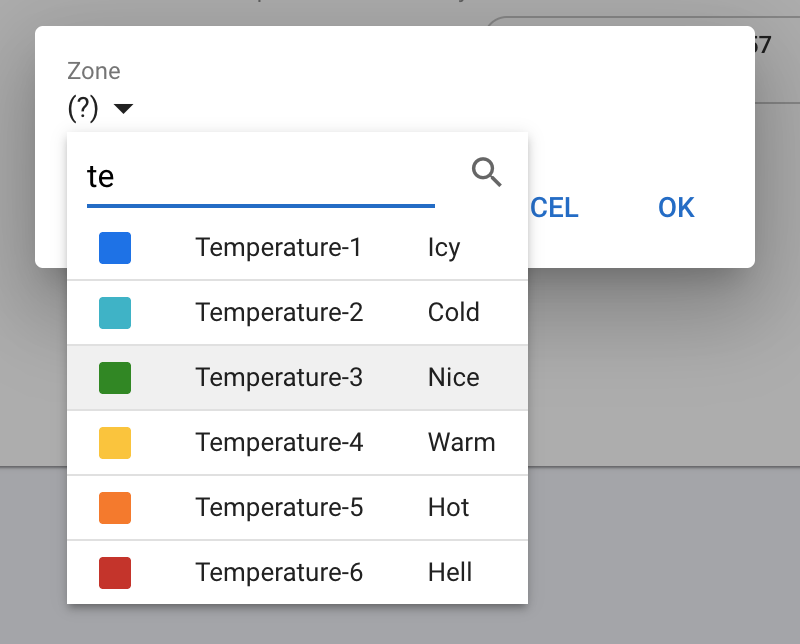
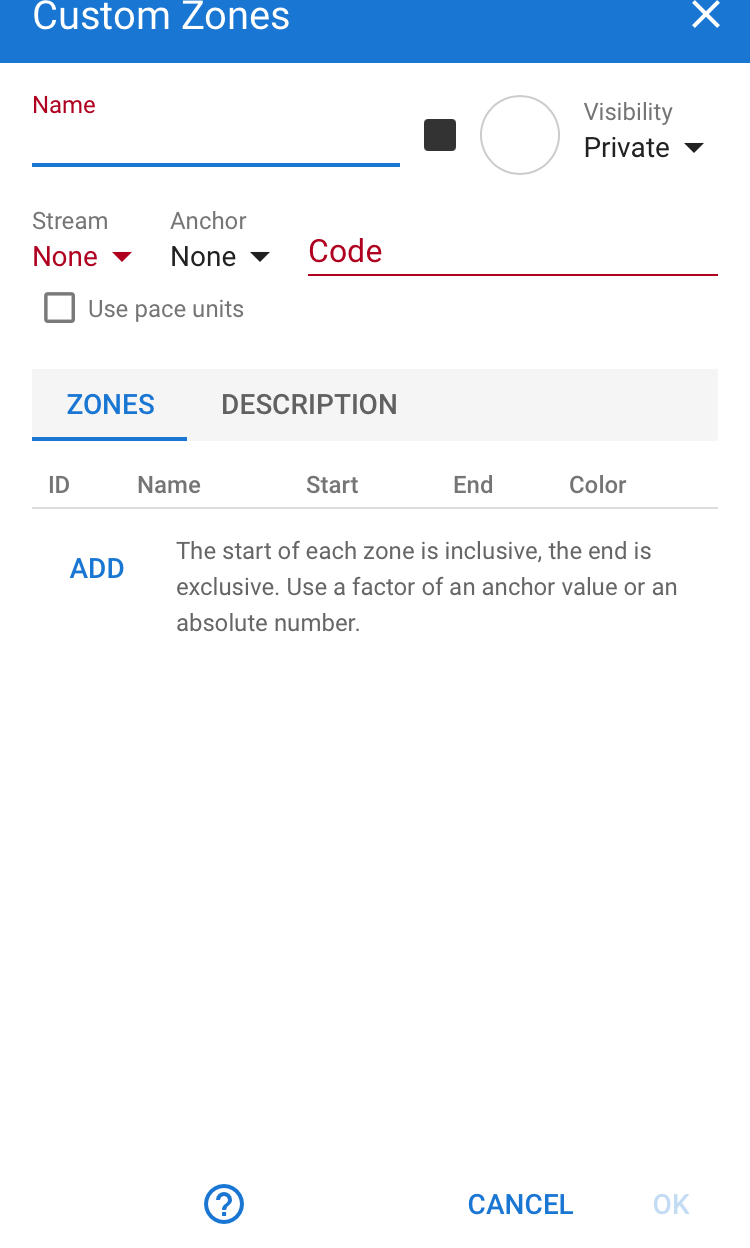
Add a name, code will be auto filled, and select the stream (= zone metric, like power, or heartrate or whatever you want)
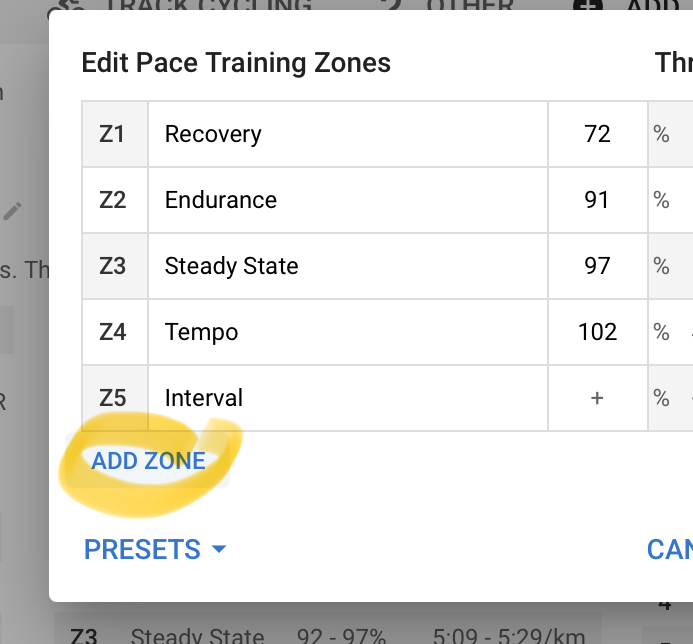
Then add a zone. For example power zone Z1 shall be from 100 to 200. Z2 shall be 60% of FTP to 80% of FTP. Z3 is from 0 to 100% of a custom Activity field pVo2max. It would look like this: