Hi Spencer, I just came across your app when I was trying to find out a way to sync my Zwift rides back to Apple Health. Just wanted to check does it still do this? Do I need to do anything once set up or does it sync in the background?
Looks an interesting app, looking forward to trying it out!
Hello - Yes, the app will sync Zwift activities that have been uploaded to intervals.icu to Apple Health. You need to enable the feature in the settings and give the necessary permissions. Syncing data to Apple Health requires opening the app and it works best when it’s left open until it completes. Apple has limitations on allowing apps to read from the Health database when the device is locked and in the background. You’ll see a notification when the sync is completed.
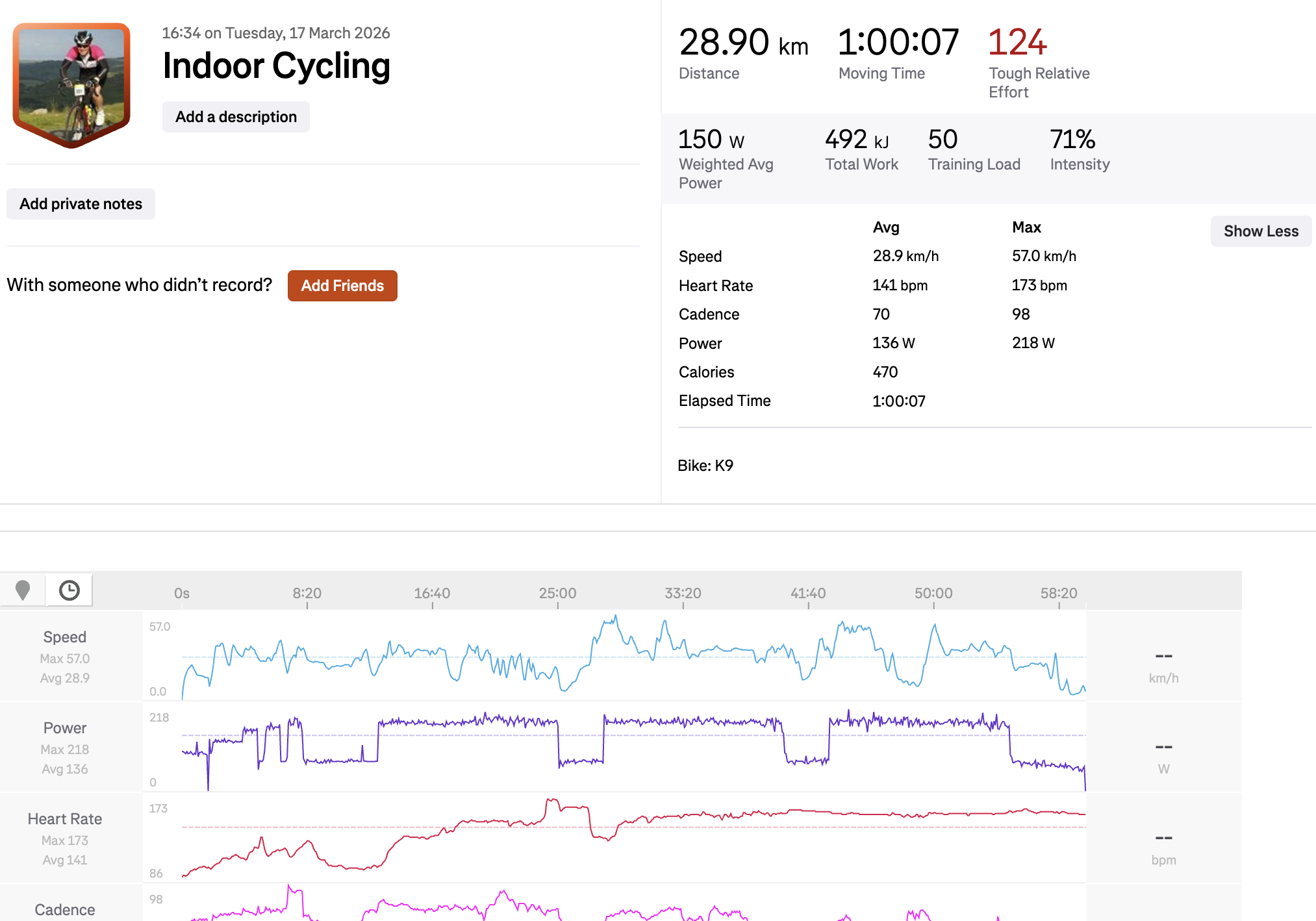
That’s right. The app pulls the FIT file from intervals.icu that Zwift syncs there. It reads the FIT file and populates Apple Health with the details. It should work a lot better than the Zwift Companion app!
Wow, those are some really interesting new features, thank you so much for your work. How would strength workouts be represented on the Apple Watch? I’m interested in that aspect.
Woe! @spmcewen this is exactly what I‘ve been dreaming about with an Apple Watch!
Is the like for supporting you still PMC Profiles ?
I tapped it away carelessy when first opening the app and saldy can‘t find a donate button withing the app itself.
Amazing work, really! This is what I‘ve dreamt about for years. If you could get Health Data to import I believe you should definetely ask a price for your App, maybe even now. I feel like I want to pay, definitely do <3
I can’t edit the original post anymore but that PMC link was for a charity ride I did last year. Thank you anyway though! There’s also now a tip jar in the app.
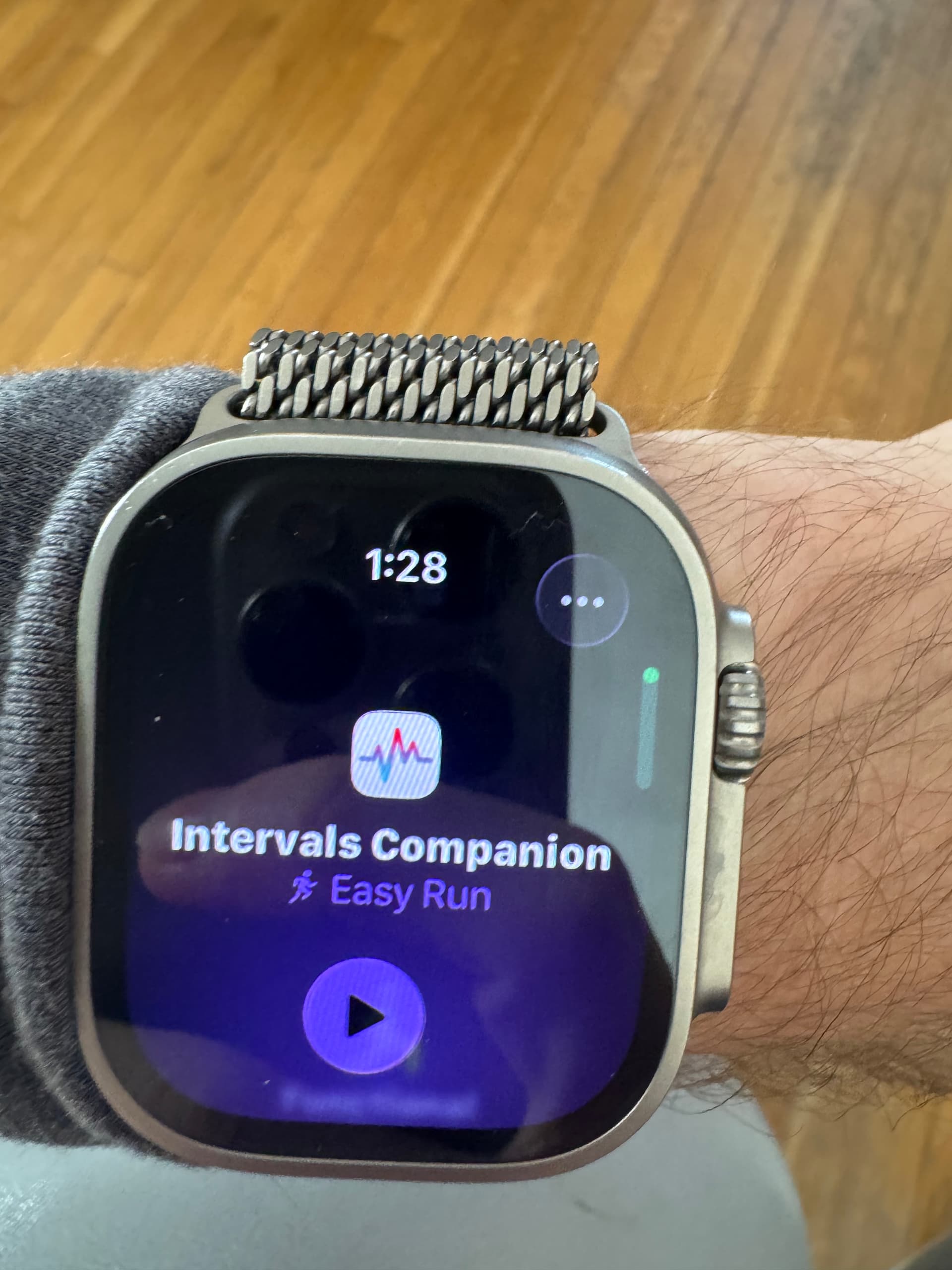
Do you mean syncing planned strength workout TO the Apple Watch? I’m not sure that will work well, if at all. The watch workouts will work best for cycling or running workouts that use power or hr zones. They should follow the structure and indicate what you are supposed to be doing when.
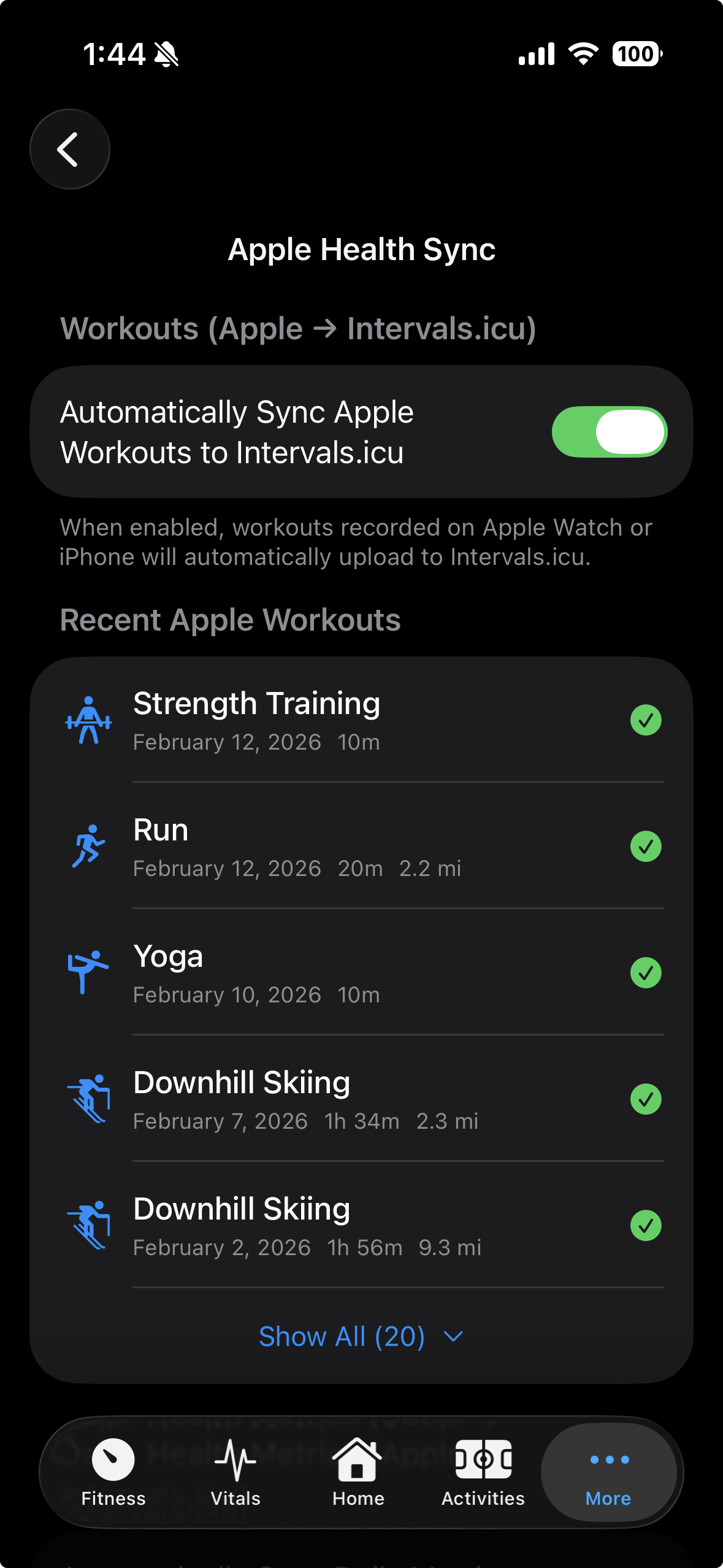
You can definitely record a strength workout on the Apple Watch and sync it to intervals.icu though. I do this often and they will only contain HR data.
Yes, that’s exactly what I meant: syncing planned strength workouts to the Apple Watch. Ideally (since I don’t think the Apple Watch supports interval training for strength workouts), all the exercises would at least be displayed as notes or text. And if it also synced the total planned time, that would be fantastic.
I’m eagerly awaiting all the new features for the stable version; I don’t feel like getting into the beta.
From what I’ve seen so far, Apple workouts seem to be more useful for distance or duration oriented workouts for running and cycling. If you go to the Fitness app → Workout tab, find one of the strength workout and build a custom workout, you’ll see the options. I only see time based goals with HR targets. Perhaps some useful labels could come through for a strength workout though.
Still a ways to go with the testing of these features in the TestFlight builds. It’s an ambitious amount of functionality that will need some thorough usage before I’m confident enough to release it to everyone.
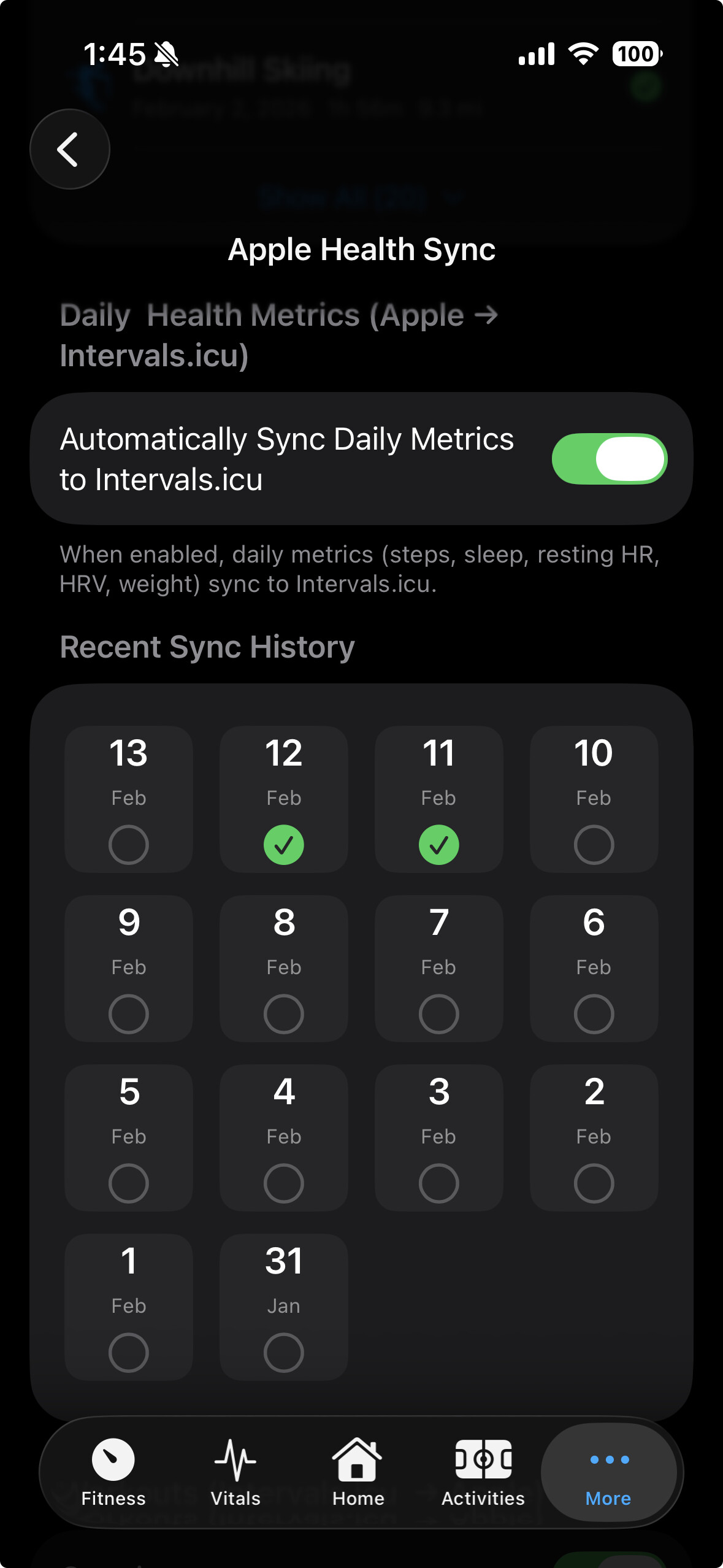
Yes, I can now add support the specific sleep stages (deep, core/light, rem) as custom wellness metrics. These will require setup on the intervals.icu side to sync, but once done, they should work like all the others. The latest TestFlight build adds ActiveEnergy and RestingEnergy in the same way.
Not sure about the gear section being blank. If you can send me a screenshot of any errors in Settings → Logs (scroll down), we can troubleshoot from there: [email protected]
If there’s a standard formula someone could point me to I could implement a calculation for a readiness score. Otherwise, this quickly gets beyond my knowledge and would just be a guess on my part. AFAIK apps like these probably have their own proprietary calculation for readiness.
It’s not ‘proprietary’ in ImReady4. It’s a reverse engineered calculation from what iThlete HRV is doing which I made in Excel, and that was later on implemented in ImReady4, which is a lot more user-friendly then the Excel version.
The Excel template is freely available here
The result is NOT a ‘Readiness’ score. It’s one out of 4 training advice’s, Rest-LIT-Planned-HIT.
The ‘formula’ is a rather complicated nested ‘If-Then-Else’ based on the Z-score of restingHR and HRV.
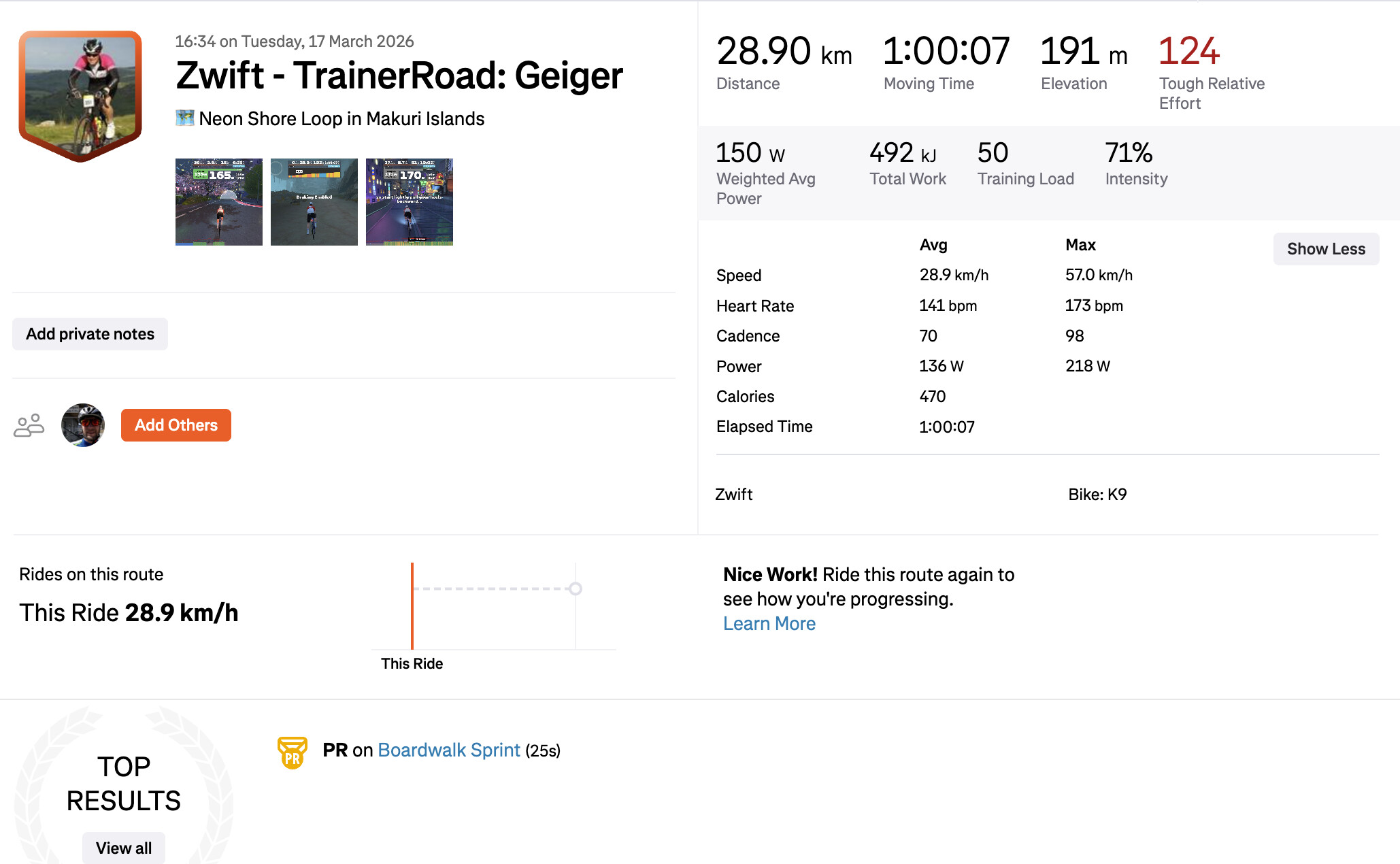
I think I’m seeing duplicates when I use Trainer Road within Zwift, that auto uploads to Strava, then as far as I can see your app then syncs it again from Health into Strava so I get 2 activities? The “real” TR one with graphics and the GPS route, and a second one without any of that info?