The app doesn’t send anything to Strava
OK thanks, my bad, now to find out what did sync it!!
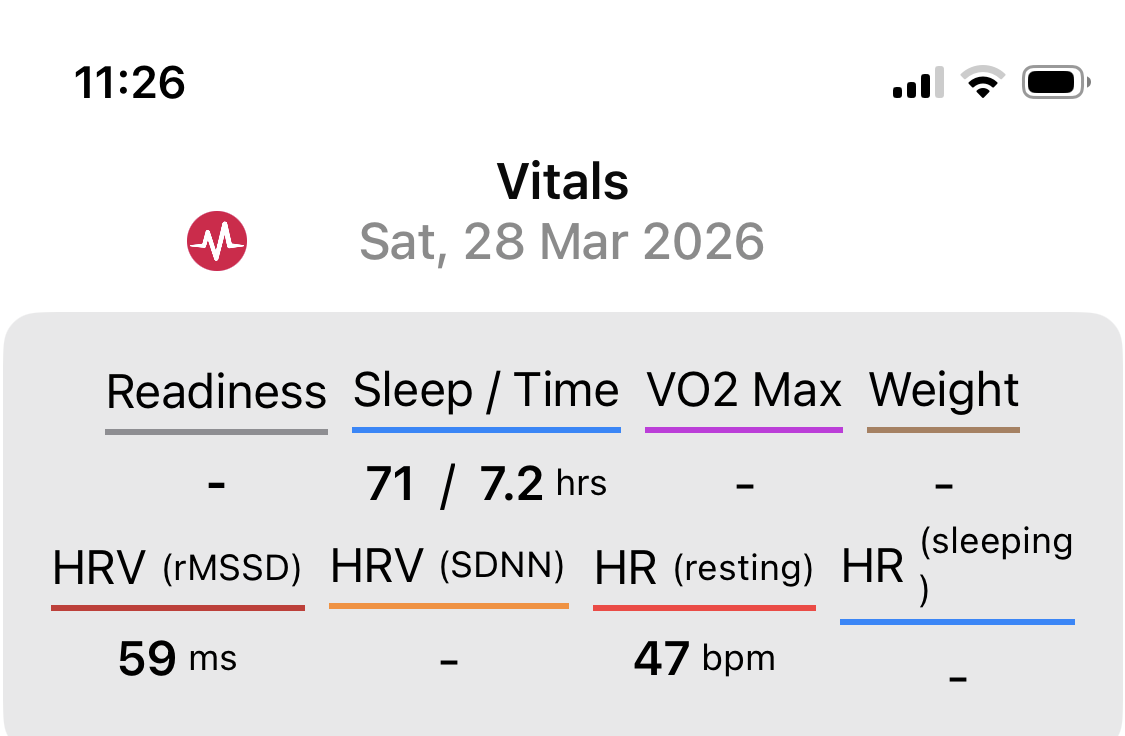
The Companion app is an external project and not native Intervals functionality.
Will move this to the correct topic.
1 Like
I have signed up with a user account on my desktop but want to download the app on my phone. When I go to App Store, however, it will not receive the password for my account. Not sure how to get past this. Please help.
Rob
There’s no official Intervals app. So you probably found a third party app that get’s the data from the Intervals API. You will need to register with that app and then enter your Intervals API connection details.
Yes, I am aware that there is no official app. I am using the interval.icu. companion developed by Spencer McEwen. I thought this forum was connected to that but I see now that this is the forum for intervals.icu and not for Spencer’s app.
hello, the app actually uses the website to login, so you use the same credentials. If you’re getting a login or authentication error you’re likely using the wrong email or password.
I tried searching in this thread but couldn’t find my question:
That is - in the more → apple health → Workouts: Intervals.icu: Apple → Settings: What is the "Use intervals.icu generated FIT file instead of the original FIT file for? What’s the difference?
On the website you have an option to download an intervals.icu modified version of the original FIT file that was uploaded:

If you modified any data for the workout, you could download the FIT file with those modifications. When the option in the app is enabled it will download this version instead, parse it, and add it to Apple Health.
When the app options is disabled, the app will pull down the FIT file that was originally uploaded to intervals, parse it, and add the workout to Apple Health.
Ahh ok.
I sometimes upload a tcx file to intervals manually. Those seem to fail importing to Apple health for some reason.
I assume it’s downloading the actual tcx and that’s the failure?
if I toggle it on to use the generated FIT it works.
This makes sense, the app only knows how to read and write FIT files. If you enable the option to use the intervals.icu generated FIT file, it sounds like it’s repackaging the data you uploaded originally as a TCX into a FIT, which the app can understand.
Nothing. This is T&C from Strava. They aren’t exposed over the API
I’ve just read back through the thread & spotted that.
Thanks for the reply though.
Just downloaded the app - it’s a great piece of work, I love it.
Only one question: Is it possible to see the planbuilder as well somwhere? I couldn’t find it.
Thank you so much!
Alex
@Ian_Brewer – The stub strava activity placeholders should be shown by default in the app. There’s an option in settings to hide these.
@oldrunner1968 --There are API endpoints for working with plans in the library, but the plan builder looks specific to the website only. I would need to build my own functionality to do this, which I don’t have any plans to do. I’m not sure how well something complex like that could be done on a small screen either.
2 Likes
Spencer,
I am using the email address and password that I use for my intervals.icu account and your app will still not download. Any idea why? My phone is an iphone 11 and is fully up to date with updates.
Thanks,
Rob
Can you take a screenshot and show what you see? Is the app installed or are you having an issuing installing it from the App Store?
@spmcewen Thanks I’ve seen that.
Would I be correct in saying that if I have Strava & Garmin set to upload to the website, Strava will take priority to prevent a duplicate but both files would be shown on the app?
I could then delete the “incorrect” Strava file from the app leaving me with the “correct” Garmin file complete with all the data? Or would the app mirror the web & only show the “incorrect” Strava file?
The app will always show exactly what is returned by the API calls it makes, which as far as I can tell, is what the website shows as well.

The activity de-duping (and I’m assuming Strava matching as well, though this is just a guess and I could be wrong), according to a note on the API documentation, sounds like it’s based on the checksum of the FIT file
Strava matched activities should show as a single activity on the website and in the app.
If you have 2 activities (one for Garmin, one for Strava), in the app, the website should be reflecting this as well. It should be ok to delete one as those are 2 separate activities with their own identifiers and data.
Or just disconnect the Strava sync to intervals. I have heard from several people that the matching, depending on the order of what happens when, sometimes results in duplicate activities.
1 Like