Hi thank you for this great app.
Is there anyway to have the vitals page default view collapsed?
Everytime i leave and then return to the tab the view is expanded?
Hi thank you for this great app.
Is there anyway to have the vitals page default view collapsed?
Everytime i leave and then return to the tab the view is expanded?
I thought I had it remember and restore the expanded state like the activity details screen, but it looks like that wasn’t actually happening. The vitals graphs were expanded by default unless there was no data for the graph, then it was collapsed automatically. This was simple to be fixed and will be in the next round of updates.
The vitals screen will also remember your order and you can disable graphs completely in the settings.
Quick update: I just submitted release 1.9 to Apple so it should be appearing as an update sometime in the next day or two.
One important note: You will be required to login again after the update is installed. This is to update some new permissions that are needed with your intervals.icu login token.
Release notes are:
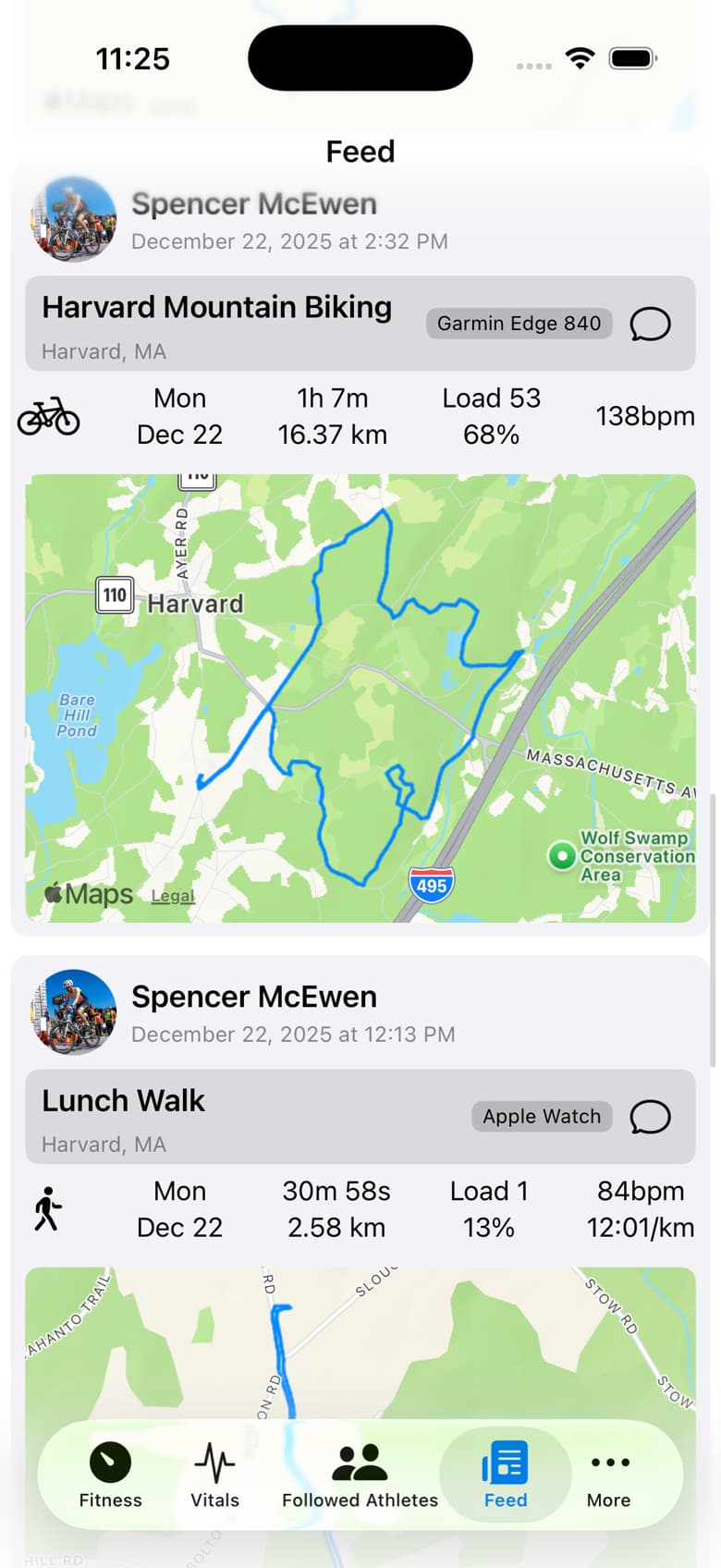
The new map preview option is enabled by default. There’s also a reverse geocode lookup that tries to find a location name for the activity. I feel like it performs ok but if you don’t like it, there is a setting to disable it.
2.0 is going to bring some pretty substantial additions intended to help coaches and athletes stay connected. All of these are using intervals.icu APIs only - no external services or data is being created or stored. All of these are optional and can be disabled:
The language translations were done with AI, and it could end up being a horrible idea. Some words that have longer translated equivalents will likely cause layout issues. However, the framework is now in place to better support other languages and make changes to bad translations going forward. Any feedback from native speakers would be greatly appreciated! Enable device language support in the settings, then force close and reopen the app to activate.
Chat support includes experimental push notifications. These can also be disabled. They are considered experimental until I find a more reliable hosting solution for the API backend. Don’t rely on them for anything critical. If anyone has some spare hosting capacity and is feeling generous, reach out! Also, note that via the intervals.icu API, I can send notifications of messages, but don’t have visibility into your entire unread message state, so unread counts on the badge icon won’t be fully accurate. Formatting of the notifications is limited as well.
All of these are currently in the latest TestFlight build, available here: Join the Intervals.icu Companion beta - TestFlight - Apple
Hi there! Awesome app, thanks for all the work you’re putting in it.
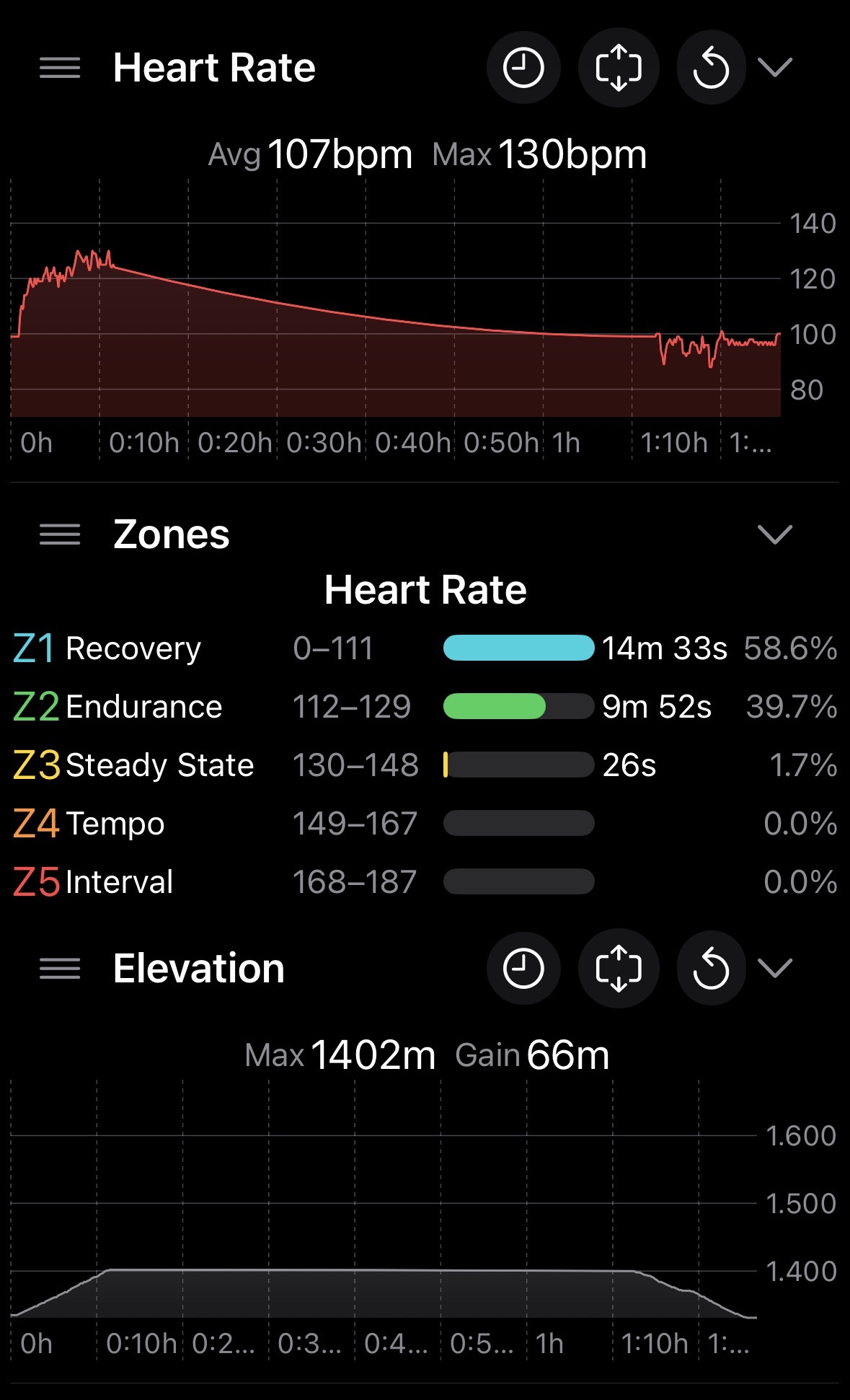
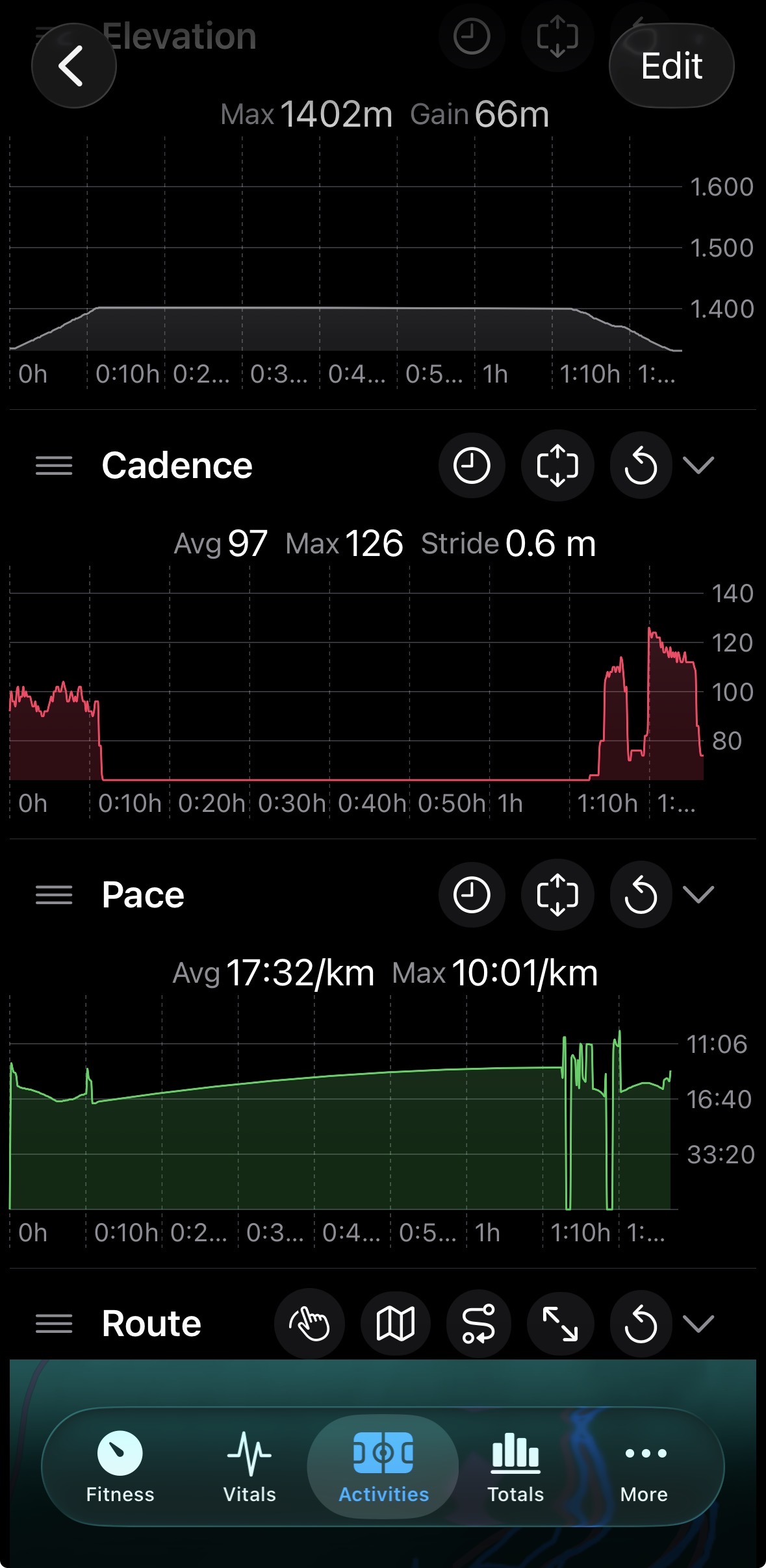
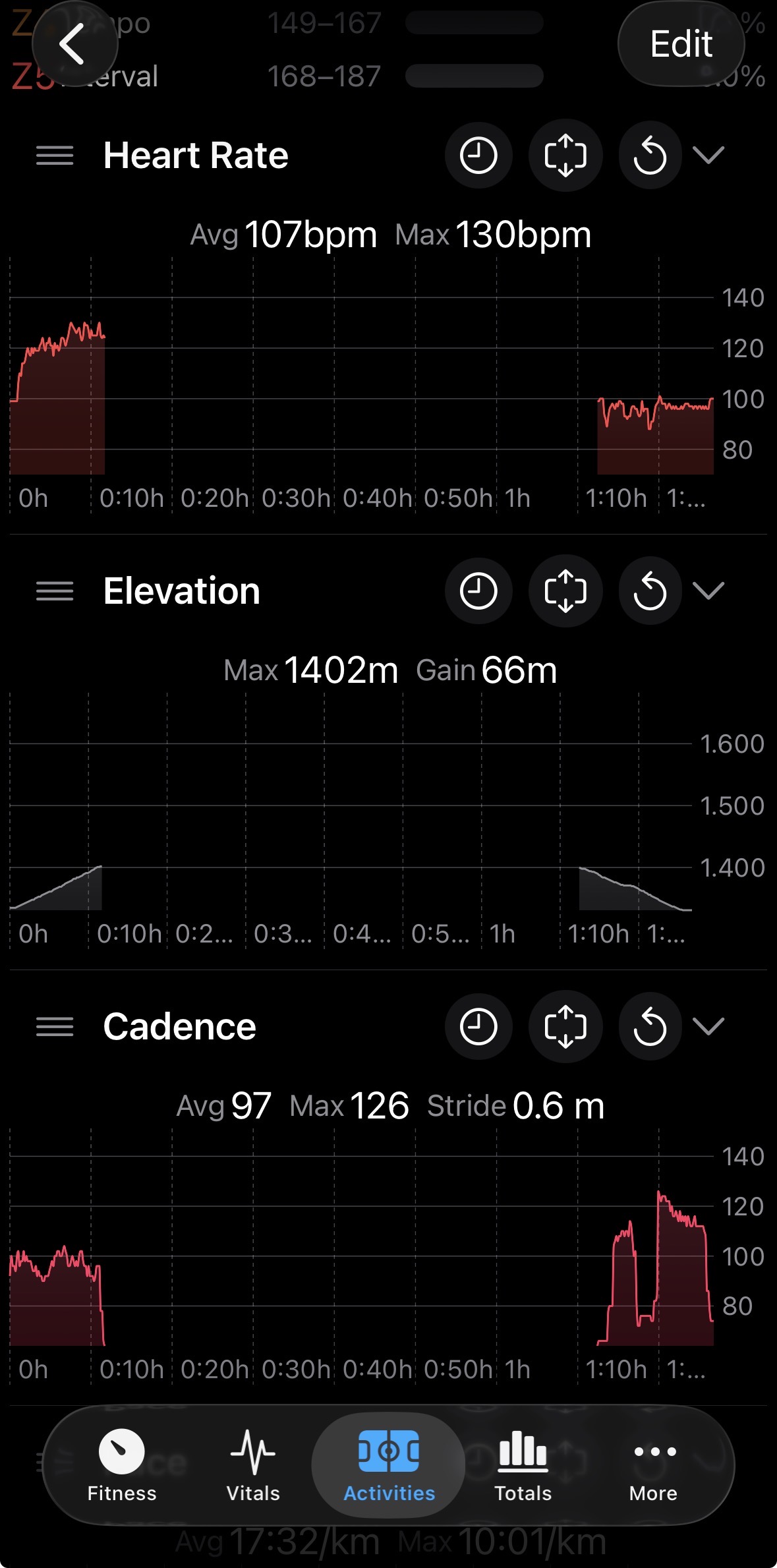
Is there a way to hide/eliminate pauses (just like on the website) from an activity?
Asking just to have cleaner graphs instead of something like these.
Thanks!
Hello - Yes, there’s an option: settings → activity settings → detect pauses, that enables gap detection on the activity streams.
Thank you!
Is it normal that it creates these gaps and not merging the two parts (as on the website)?
yup, that’s how it looks in my app. The x axis is time and the same scale is used across all the individual graph data streams. The multi graph has an option to use distance as the x axis instead.
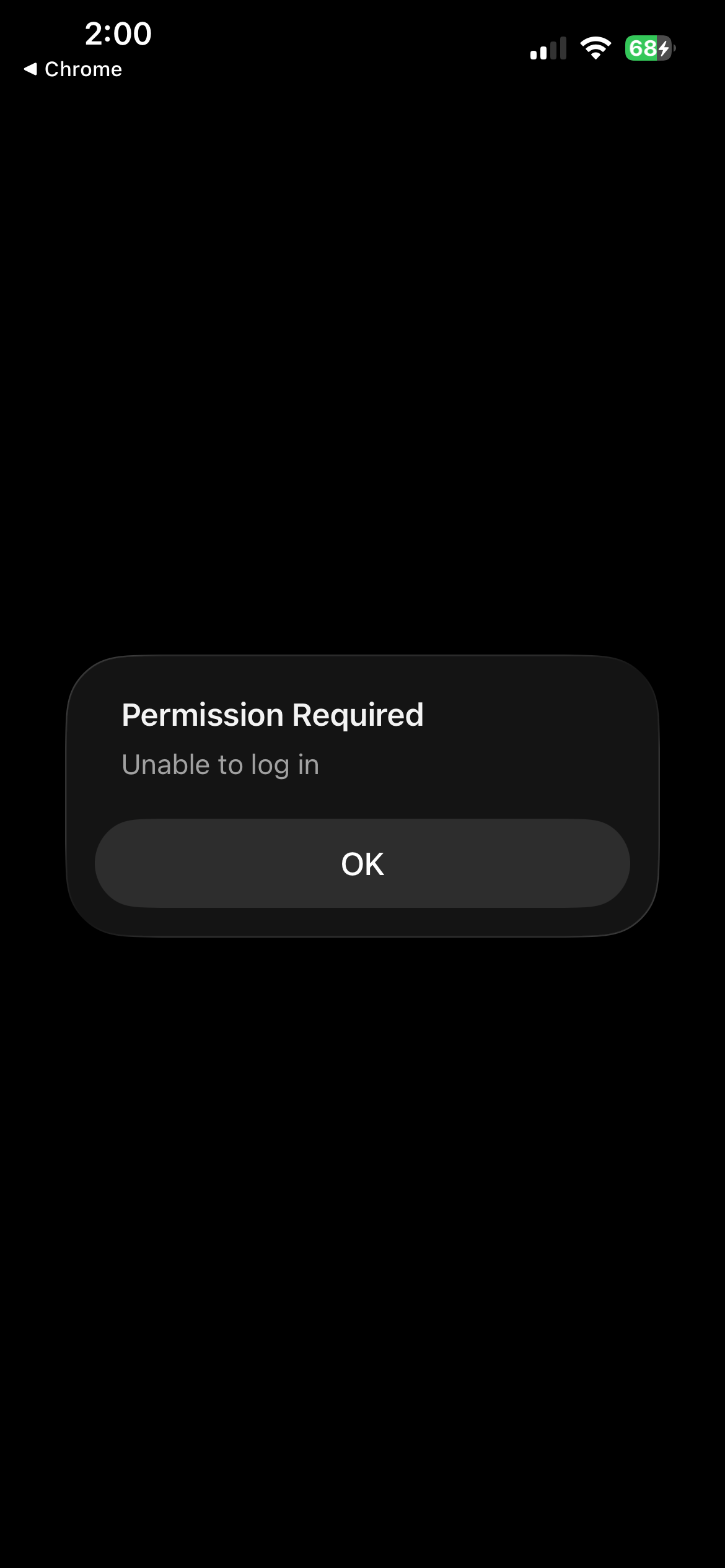
Hi, I’m having the following issue with the new version of the companion iOS app. I logged out in order to reconnect my Intervals.icu account with the Intervals Companion app, but the app gets stuck while loading the permissions page. The page stays blank and nothing else happens.
I’m using an iPhone 16e running iOS 26.2. I’m attaching screenshots of the issue. I’m not sure what I’m doing wrong—if anyone can help, I’d really appreciate it.
Looks like you’re using Firefox and Chrome as your browsers. Try setting your default to Safari and see if that helps.
I have Safari set as my default browser on iOS. I tried connecting using Chrome, but I got the same negative result. I’m checking whether I have any security settings enabled in Safari that could be causing this issue—perhaps cookies?
I actually just did a test by installing Chrome on my iPhone and was able to log out and back in with it set as my default browser. So it may be that iOS doesn’t require Safari now for the way the login flow works.
Are you getting to the intervals.icu login page? Are you putting in the correct credentials? Can you login using those same credentials on the website directly? Either the intervals.icu login not loading or the permissions seems like it’s an external issue to the app.
The problem was the cookies. My phone was set to block them in the browser’s privacy settings. I fixed this, and the connection went through without any issues. Thanks for the help!
Another update!
tldr; API backend moved to the cloud. Thanks for your generosity. It helps cover the hosting!
The API backend that enables background data updates recently went through a significant change. This is not a very visible part of the app, but it is important. It allows for efficient, automatic background data updates in both the iOS and watchOS apps and their widgets. It also handles chat push notifications planned for the 2.0 release.
Data updating automatically based on server side events was an early design goal. What is the point of widgets if they do not update automatically in a timely manner?
When you log into the app and grant the necessary permissions, the backend API is called by the intervals.icu API whenever you add activities, update wellness data, or send chat messages. These events are processed by my API, which then uses Apple’s push notification service to deliver silent background updates and alert notifications to your devices.
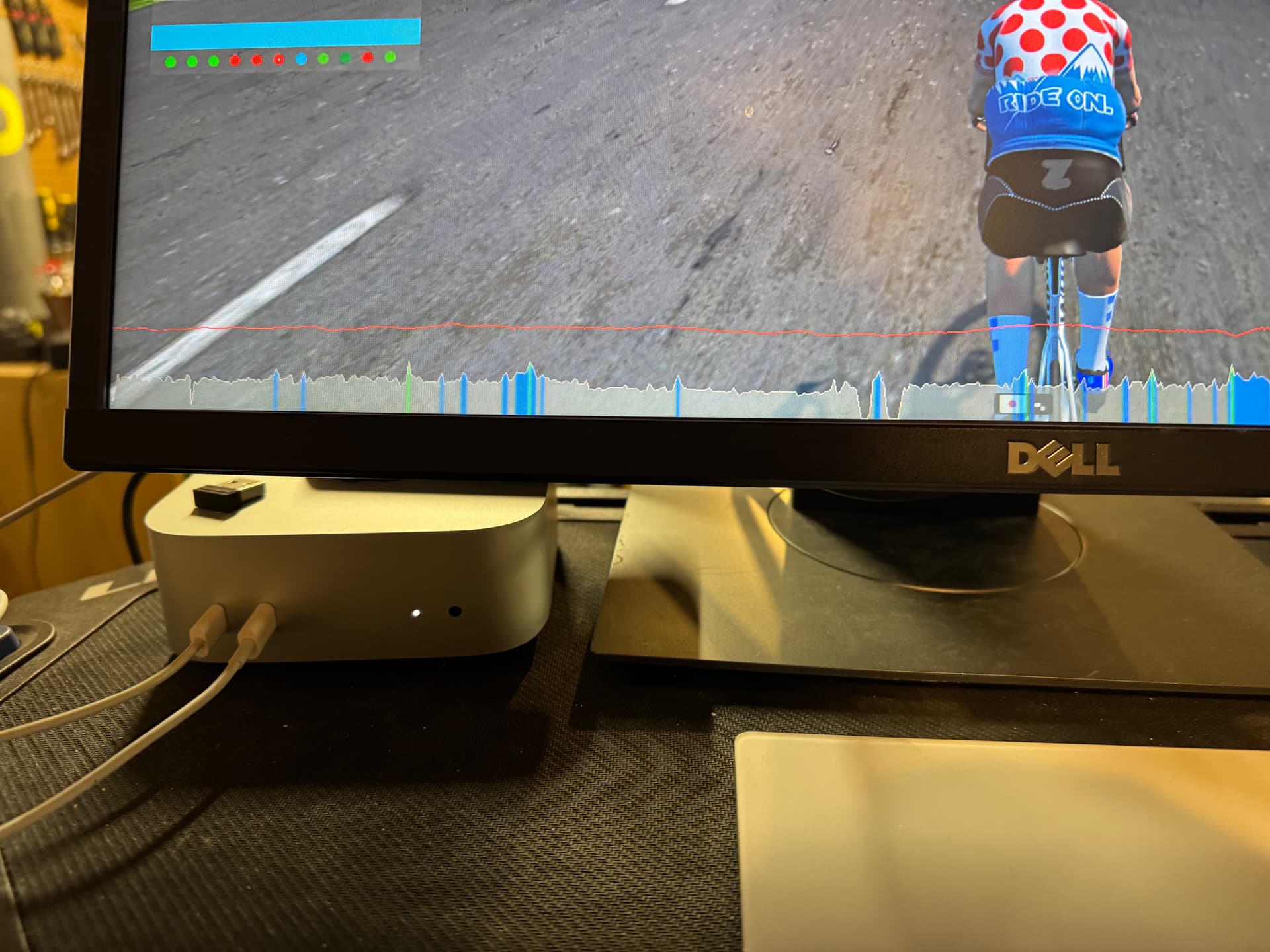
Since I started working on the app last year, the API has been running in Docker containers here:
Yes, that is an M4 Mac mini in my basement. I also use it for Zwift and other home automation duties.
Last week I flipped the DNS switch and all API traffic is now flowing to its new home in the cloud (in Nuremberg, Germany). This should improve stability and reliability quite a bit. While my home ISP is fairly reliable, power outages here are common, bandwidth is limited, and it’s not really suited for hosting something that I want to work as well as possible.
Real hosting costs money, and putting real money into what started as a fun hobby project - an exploration of building apps with Apple’s tools and to help raise money for cancer research, is a big step forward. Thanks to your generosity, and Ko-fi support, I am confident the this approach can be self sustaining, and be able to cover Apple development fees, DNS, and now cloud hosting, and still leave enough for real life coffee.
In the 2.0 release the tip jar will get an in app purchase option in addition to the Ko-fi link. This does not unlock any functionality, nor do I have plans to put features behind a subscription model. This is just another option if you choose to help support the infrastructure costs and keep me caffeinated.
Thanks and happy new year!
Spencer
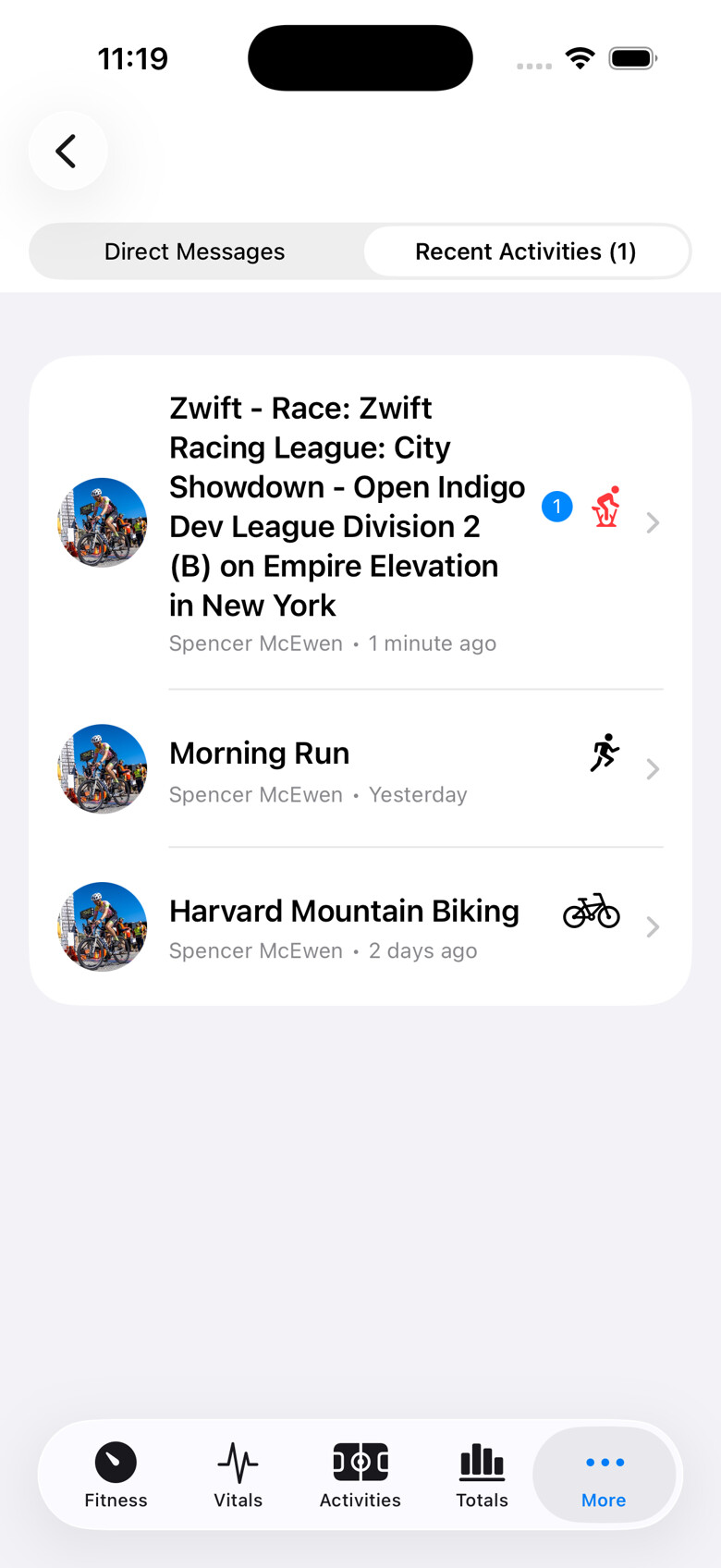
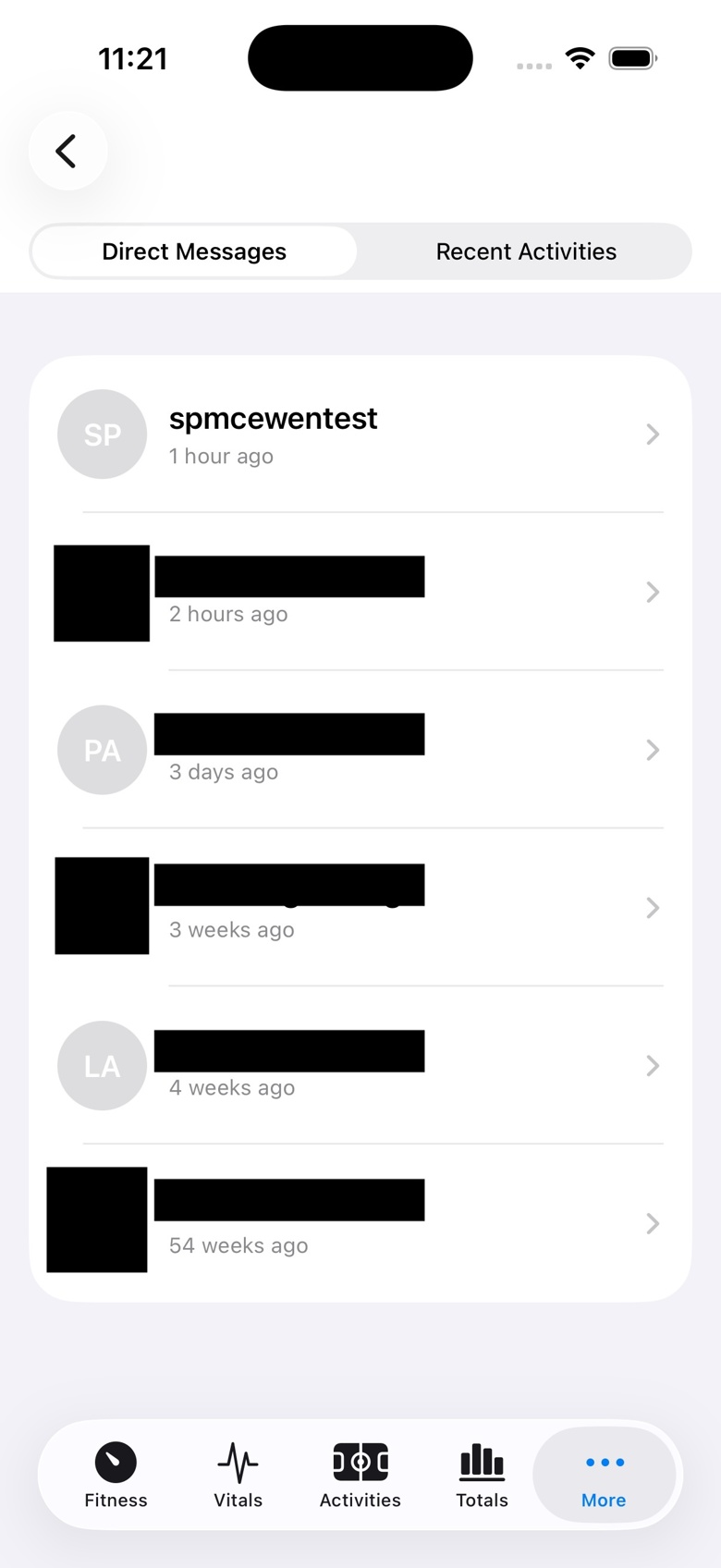
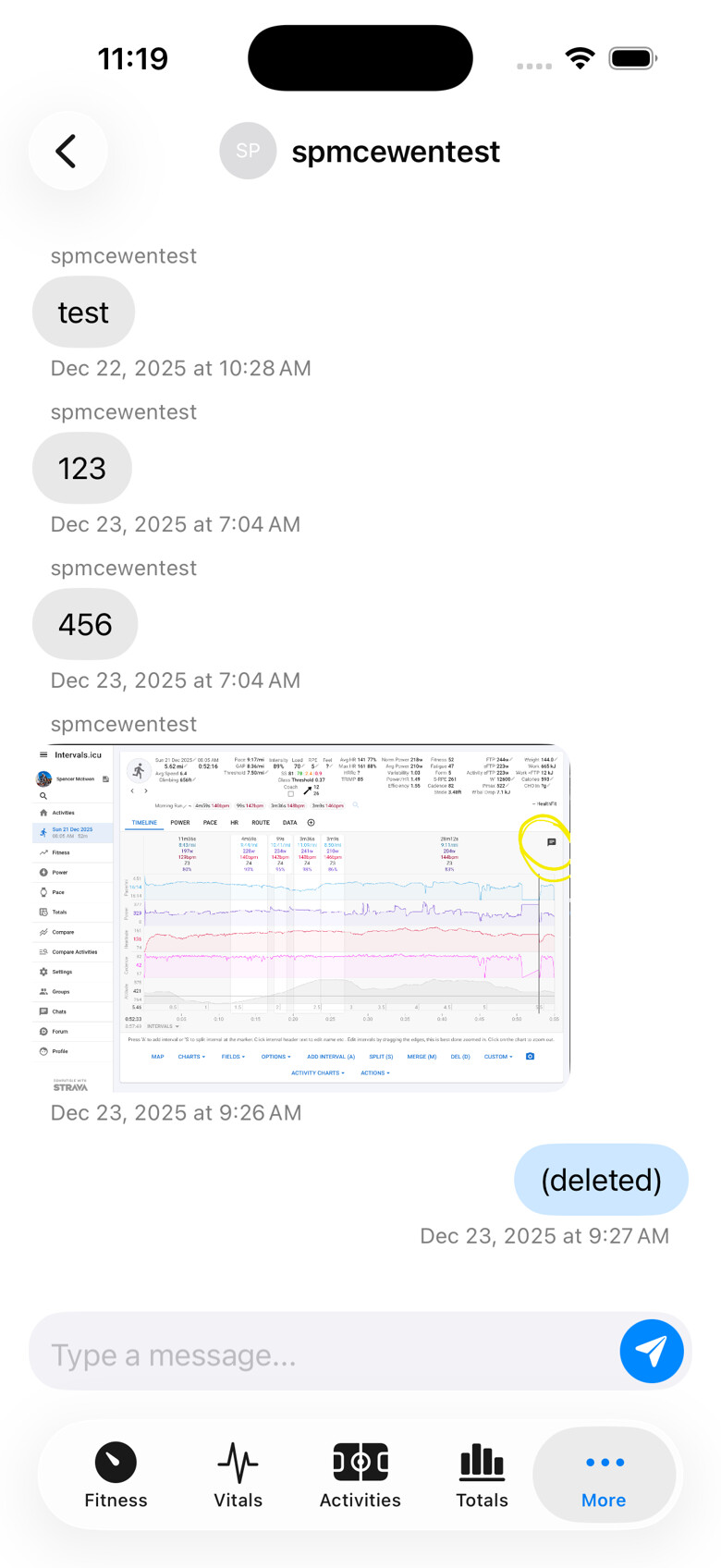
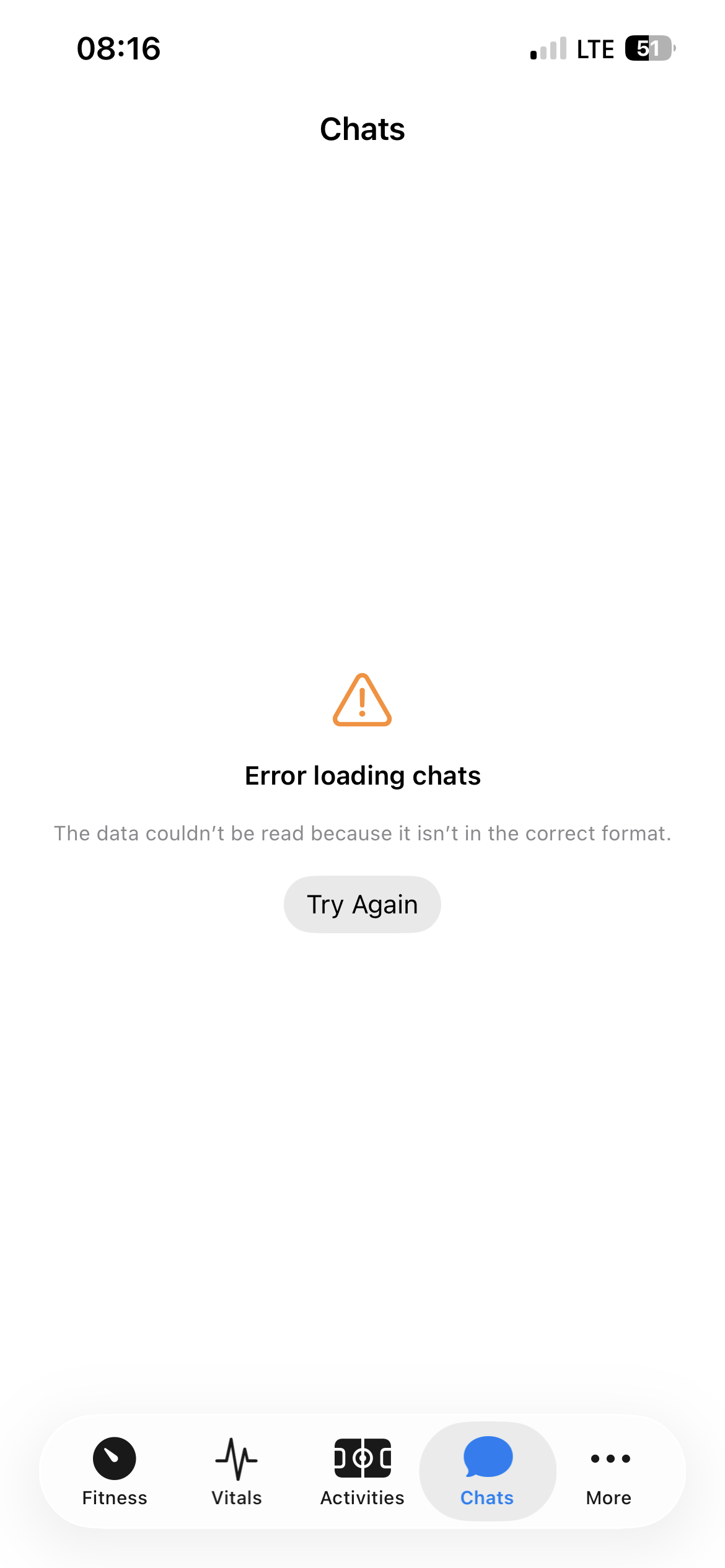
While my athletes uploaded a comment for an activity I wasn’t able to read them in the app. How I can solve it?
This is no official app, it’s an external project.
Probably logout and login again, and accept the “Chats” permission.
Already tried. No change (
Hello - This sounds like a bug, or a mismatch between the chat API and what the app expects for data and/or data types. I’ll need to follow up with some specific questions to troubleshoot. I’ll do that with private messages.
Followup: Bugs have been fixed in the TestFlight build and will be in the 2.1 release.
2.1 is in the Apple approval pipeline and should be available in a day or two. Release notes are:
- Best efforts view!
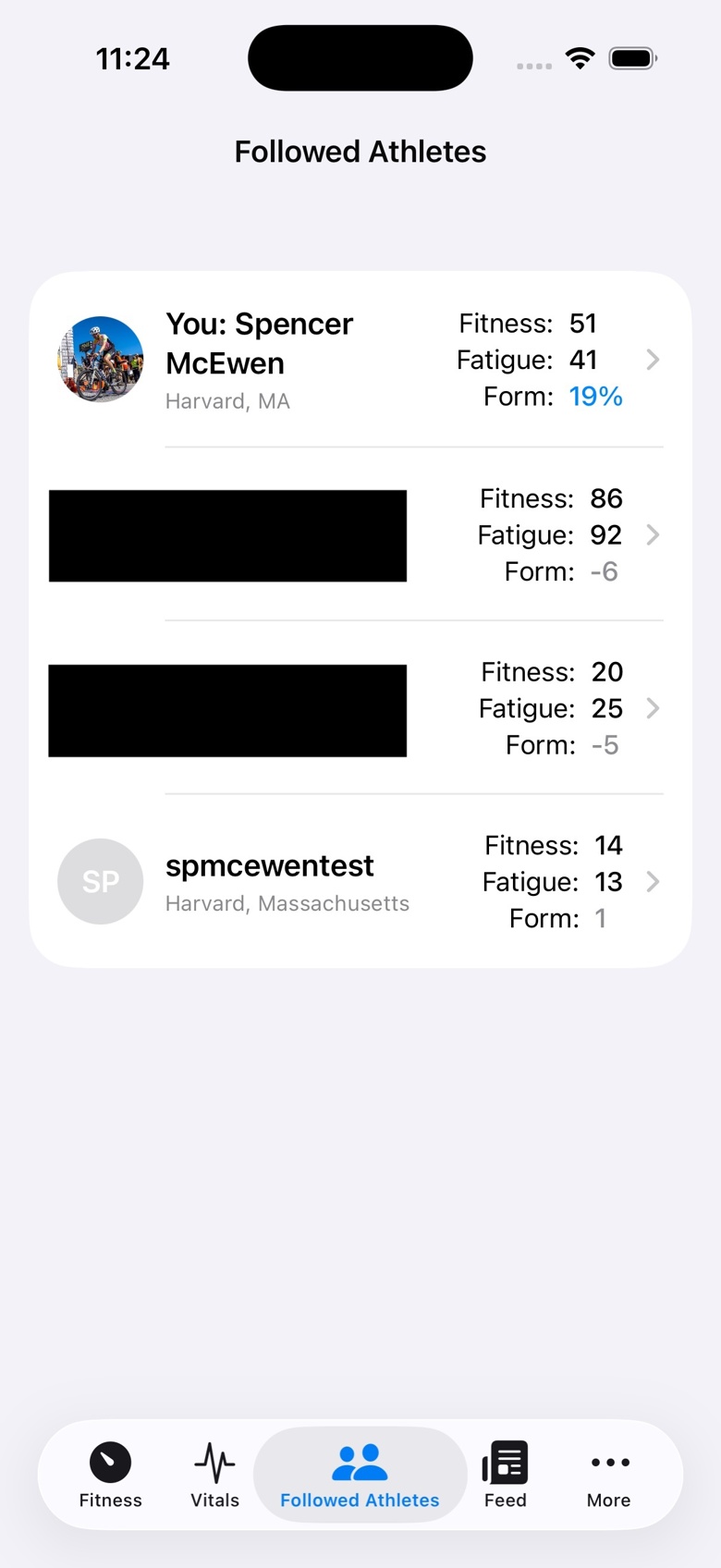
- The You tab is now called Home, showing your Athlete profile summary with links to Activities, Vitals, and Athletes you follow. If the Activities, Vitals, or Athletes you follow tabs are enabled (Settings → Customize Tabs), you will jump to the appropriate tab. If they are disabled, you will navigate to the screen with a back arrow to return. The intention here is to optionally reduce the number of tabs and still allow for navigation to the specific screens. This allows Home to be a single point to navigate from.
- Gear reminder alerts. Gear is checked when the app opens and for any item with a percent >= 100, a notification is shown. This will show once every 24 hours. Option to disable in settings.
- Initial support for Shortcuts. Get wellness data by field and date.
- Changed activity data stream logic to convert nil values to 0 rather than dropping.
- Minor adjustment to form calculation (round ctl and atl first before more math is done) to better match the website values.
- New option in settings to hide Strava activities. Disabled by default, but if your activities often show the empty ones from Strava, this will hide them.
- Bug fixes to chat data parsing that was causing chats to fail to load.
- Added Apple Health sync support for icTrainer.
- Initial support to make the UI more accessible by leveraging Apple’s differentiate without color accessibility option.