Great, thanks for this , it did pop up . I will get playing around to add repeats etc
Thanks for your time
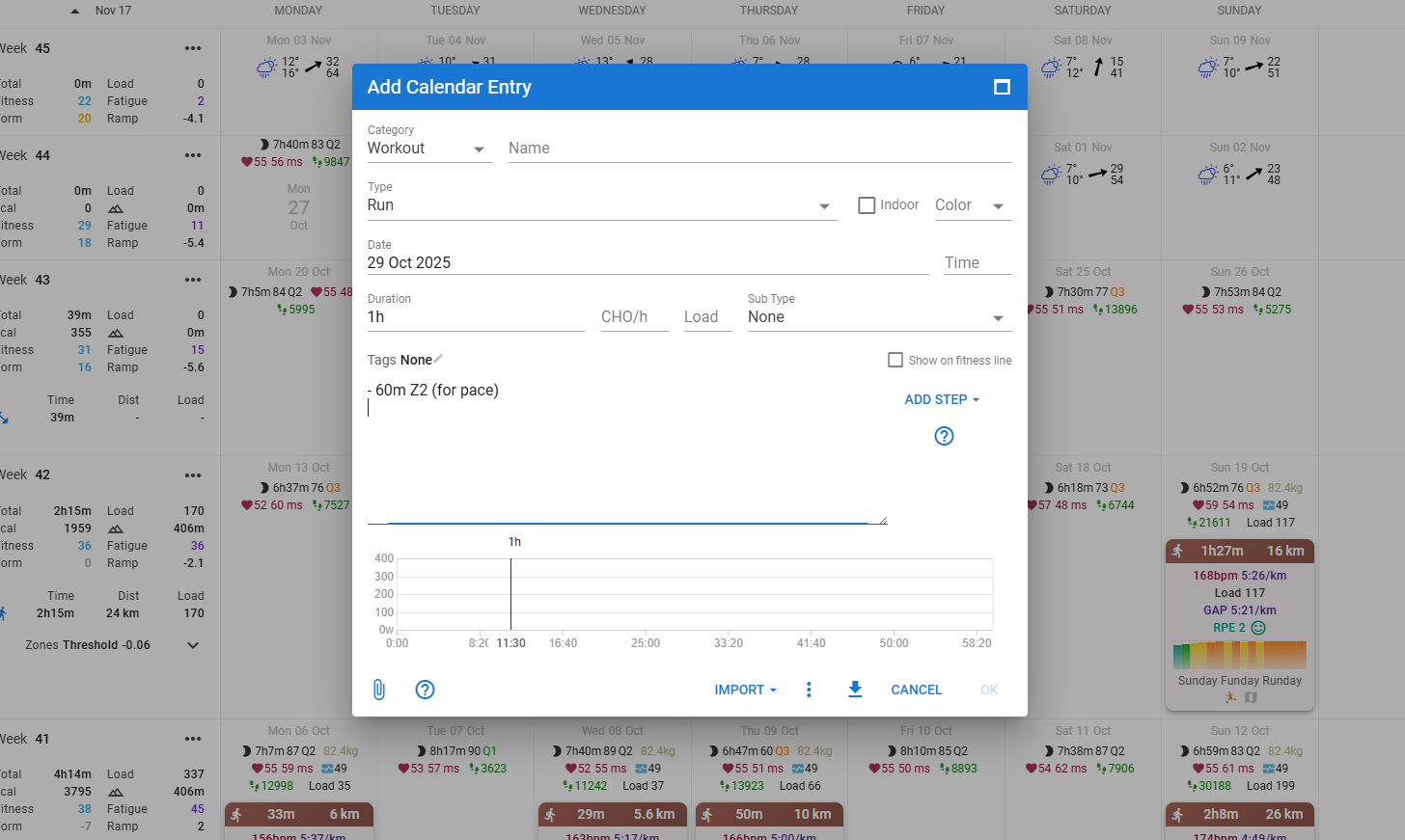
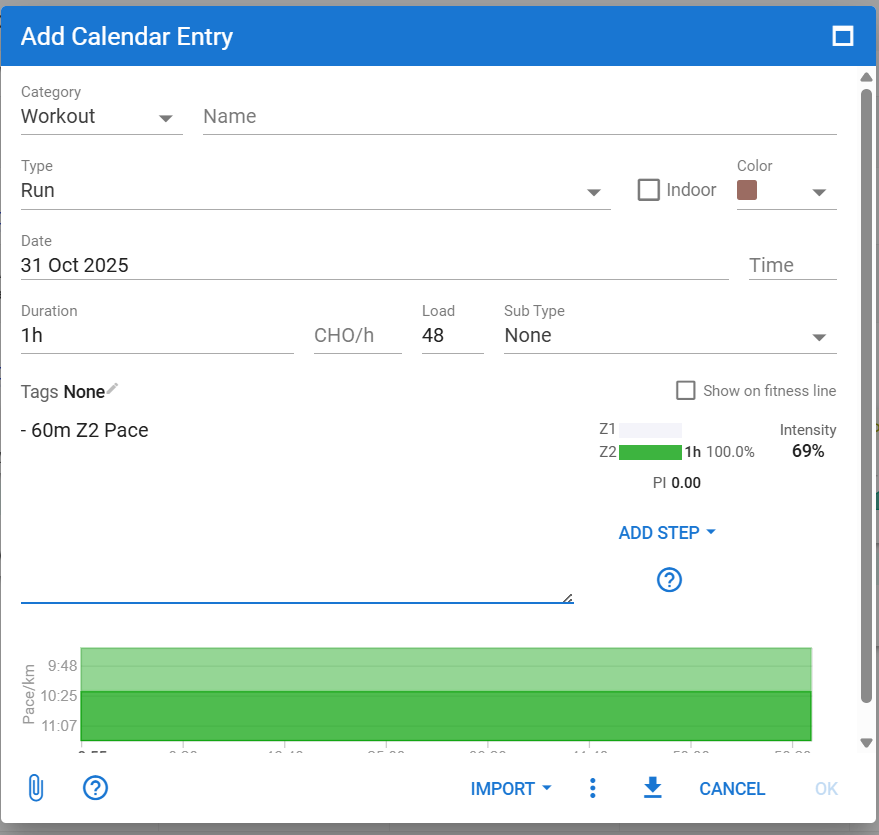
Use the ‘Add step’ link to get familiar with the syntax and use.
Once you get used to it, simply type the needed text.
Sorry if this has already been answered.
Is it possible to create an open workout that I can use on my easy days with no set time or distance, but simply staying within 70% of my maximum heart rate?
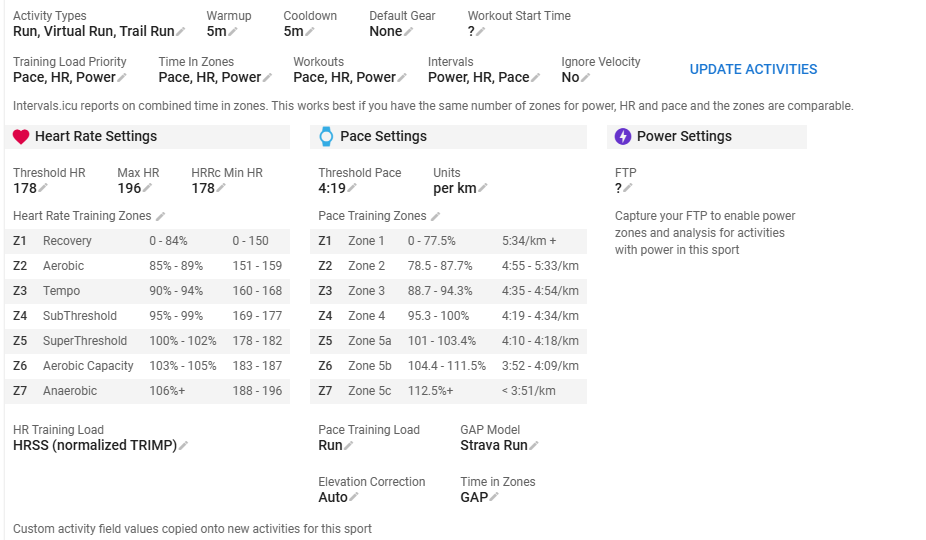
- Press lap 60m 70% LTHR
Should work on Garmin and Suunto. If you have another device, just try it.
The 60m is just there to make it possible to estimate a Load. The lap will continue until you press ‘lap’ on your device.
I have a COROS. And in the COROS app itself, it says 30–30 bpm even though I’ve set it to 70% LTHR
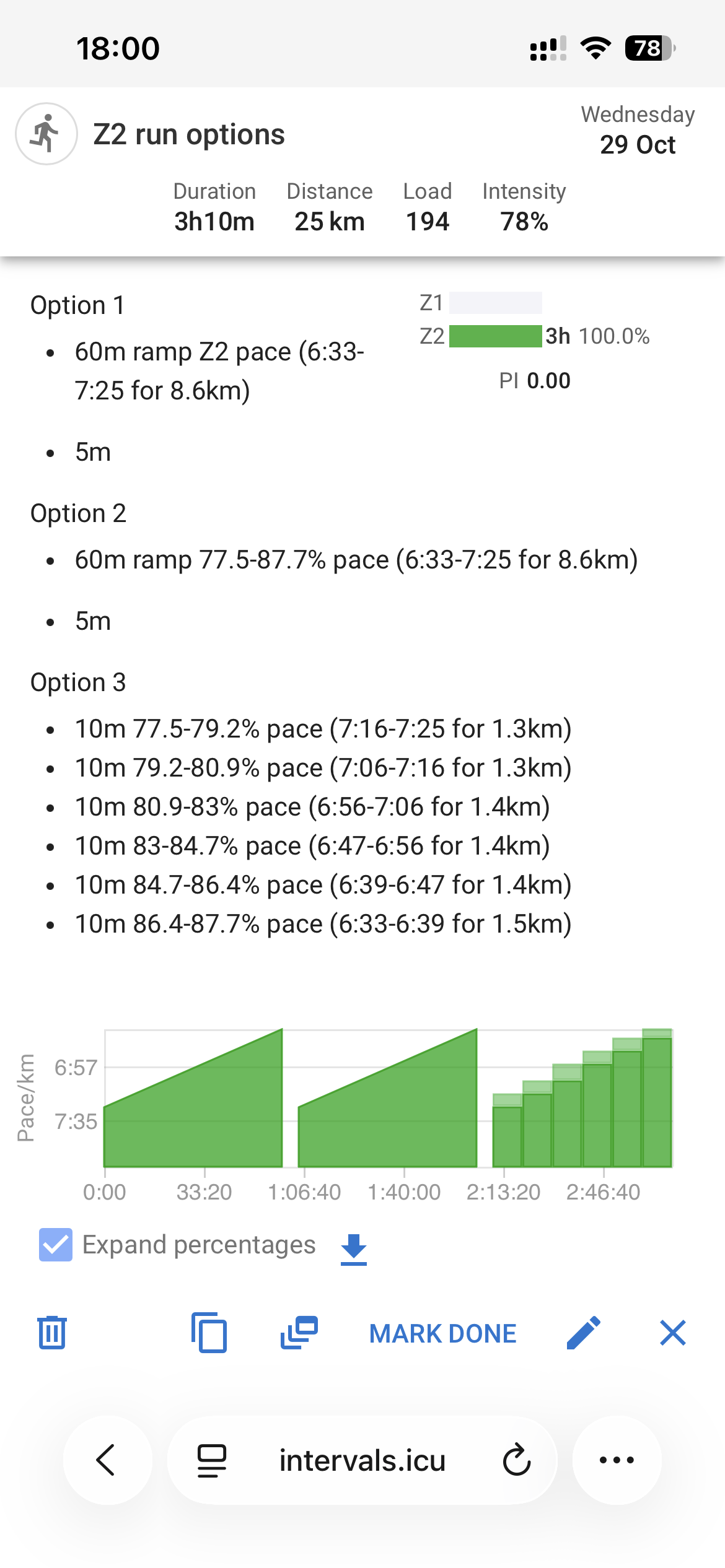
Just on this again please. How would I build the run below in the workout builder? Even though it doesn’t exactly align, is" -60mRamp Z2 pace the best I can get?"
Pace progression example (min/km):
- 0-10 min: 6:15
- 10-20 min: 6:10
- 20-30 min: 6:00
- 30-40 min: 5:55
- 40-50 min: 5:50
- 50-60 min: 5:45
It is
-10m xx% Pace
I think currently it is not possible to specify exact pace values, you have to use percentage of threshold pace
Thanks @R2Tom
I’d say there are a few ways to build it:
The ramp option using Z2 pace seems the easiest way to go. The logic is backwards, when looking at the green chart as the pace increases but the min/Km decreases (hope this makes sense).
Super! Thanks
I want to do a workout where there will be a 5 minute test, to be performed somewhere around 250w. I want to be able to perform those five minutes at anywhere between 240 and 260, and see how high I can get (that’s the point of the workout).
Do I need to use the following syntax:
- 5m 240-260w
Will zwift know what to do with that? If not, will TrainerDay know? If not, what app will?
edit: actually, I’d like to know about TD regardless of zwift
Thank you
this setting will basically send a 250w to the Trainer. (You can create a workout w/ a range, but trainers will not be able to interpret it as a range, it needs an actual number - so it will use 250w)
if you’re in ERG mode, that is basically what you will be doing.
What you want to do for 240-260w range would be to use the trainer in SIM/SLOPE mode where it’s like you’re outdoors and you use your gears to control your effort.
in Zwift - i believe it’s called FreeRide mode. (not exactly sure)
If you’re on iOS, you can give my BreakAway: Indoor Training App a test. You can send the SLOPE/SIM mode and switch between ERG and SLOPE (use your gears) at will
thanks for that. I’m on android so can’t use the app. TD can also switch to slope mode, and zwift too, like you said.
that would be my fallback, but I’d rather have some limits (top and bottom).
I had a look and when building a workout with Garmin, you can have a power range.
does anybody have experience with that? it that range just a target and you actually free-ride/are in slope mode, or are the top and bottom limits “rigid”?
Garmin Power ranges are similar. They currently do not support SLOPE/SIM mode on their headunits (far as I can tell) so essentially, they are there for the user to “take note” of. Nothing actionable.
IIRC w/ TD - you can’t have direct integration in that I beleive you need to use their editor.
SIM/SLOPE mode would be same like riding outdoors, you have to contorl your efforts based on your 240-260w range using your gears. There would be a graphic on screen, but ultimately you have to control.
Has the HTML mark up support been removed from workouts as it no longer works?
I used heading <h1<heading 1 and div> p> tags before and now none of the text within those elements displays.
Simple tags like that should work now. We had to introduce filtering to fix some security vulnerabilities. You can’t use ‘img’ tags and links need to be done in Markdown.
Hi, still not working for me.