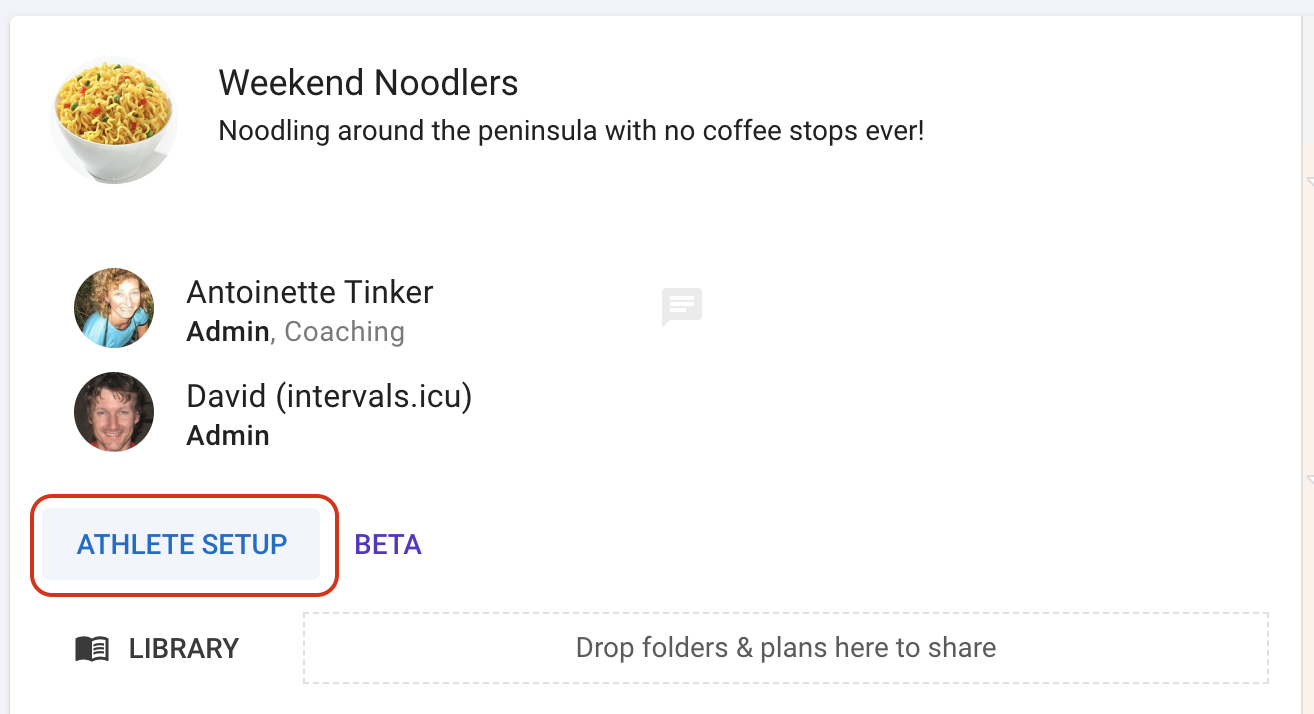
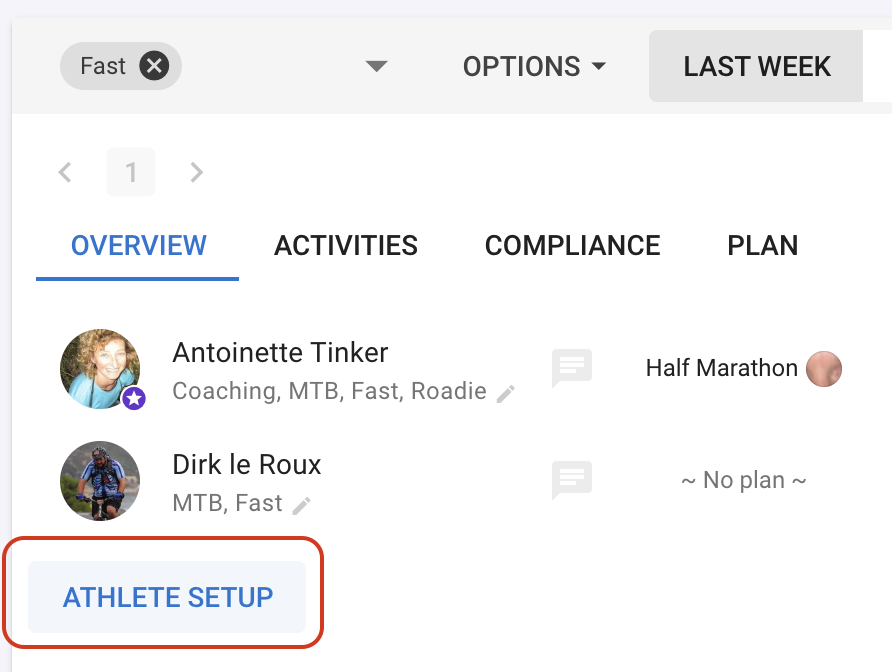
Currently copying your own custom items (activity fields, interval fields, zones, charts, streams etc.) is supported. Other setup operations will be added in future.
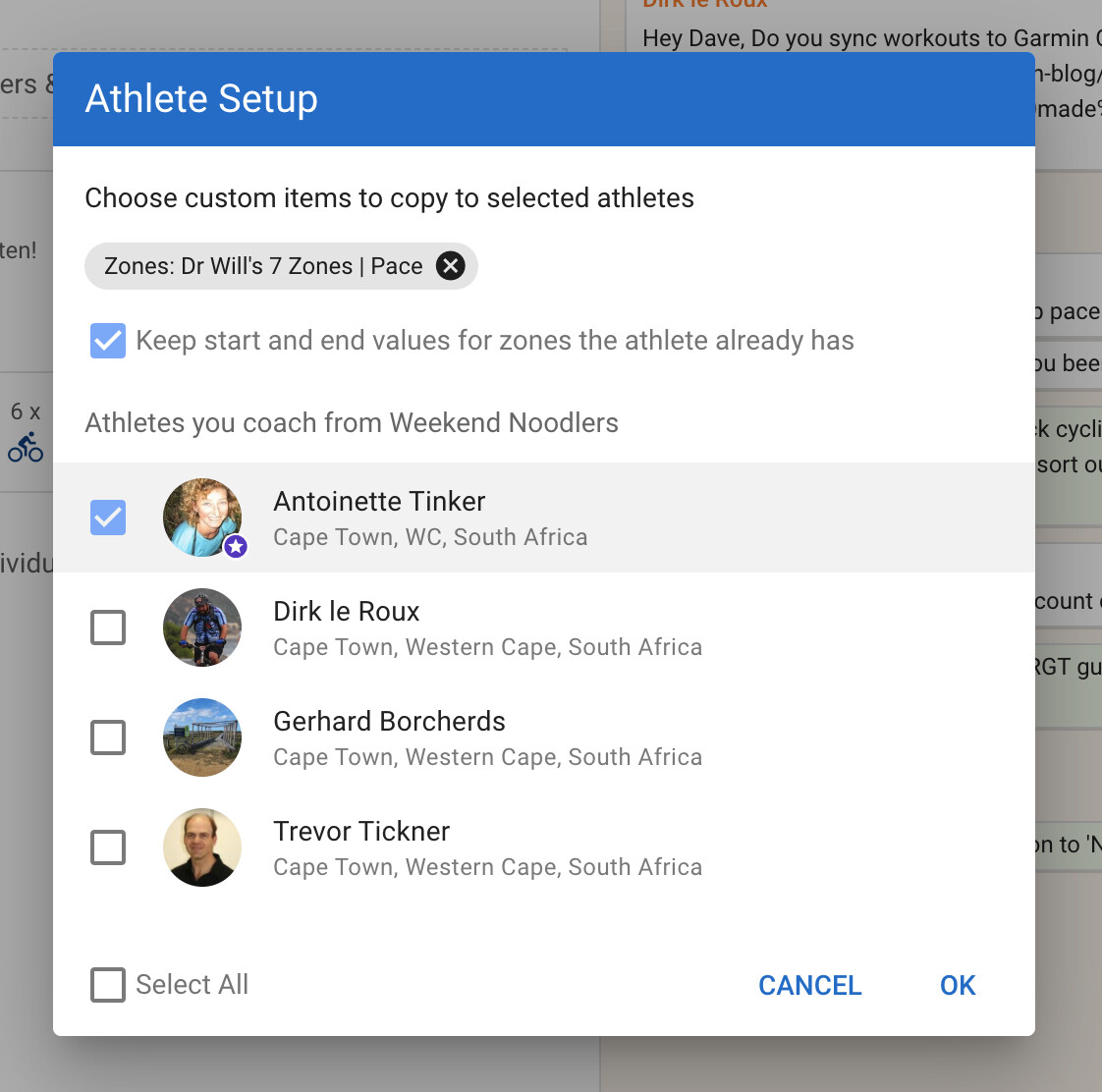
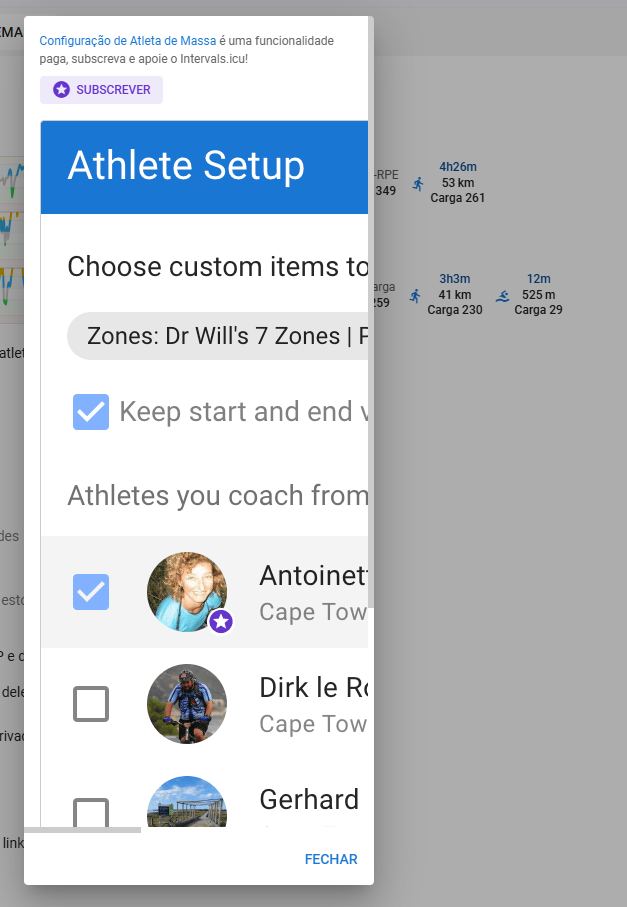
You can choose from your custom items, select from your coached athletes and update them all.
If the athlete already has a custom item with matching type and code (wellness fields, activity fields, interval fields, activity streams, zones) or name (fitness charts etc.) then it is updated. For custom zones you can choose to not update the start and end of existing zones. If you select custom zones then any custom streams or anchor fields are also copied.
The athlete’s sport settings are configured to match your own if possible. So if you have a custom activity field added to ‘Ride’ and add it to some athletes, then it is also enabled in their sport settings for ‘Ride’, if possible.
If you are copying any custom wellness fields then you can choose to add them to the wellness capture form for the athletes.
You can do that using plans already. You can link multiple athletes to a plan (with different start dates) and do “Apply changes” to push changes to all the athletes. You can also create plans that auto rollout to athletes a week at a time.
I’m aware of the sharing of plans, but the athletes aren’t/won’t be on the same training plan. Also it’s not possible, AFAIK, to have them linked to more than one plan at the same time.
Hmm. There are lots of things here. What portion of the plan would be copied and to what date? Maybe extend “Paste week” to allow pasting to multiple athletes at once?
I only had time today to take a look at this new feature, and I’m very happy about how this will save a lot of time when setting new athletes or even when/if I add a new custom stream.
I assigned a few elements to an athlete and clicked OK. A green checkmark appeared next to their name. This might be a minor UI (or UX? I never know) nitpick, but the next step is to click ‘Cancel’ to close the window, which feels a bit odd, since I’m finishing a task rather than canceling it.
What I would like is if I could configure the view for my athletes on mobile. She likes intervals more and more but how to configure the right charts and tables is too much to ask. You could do it with “Coach Tabs” and “Coach Tabs mobile” that are managed by the coaches.