All issues are fixed, except for the cadence one. I’m working on it; I need to approach how your preferences reach the AI differently because the context is getting a bit muddled.
I’ll roll out the fixes this morning.
All issues are fixed, except for the cadence one. I’m working on it; I need to approach how your preferences reach the AI differently because the context is getting a bit muddled.
I’ll roll out the fixes this morning.
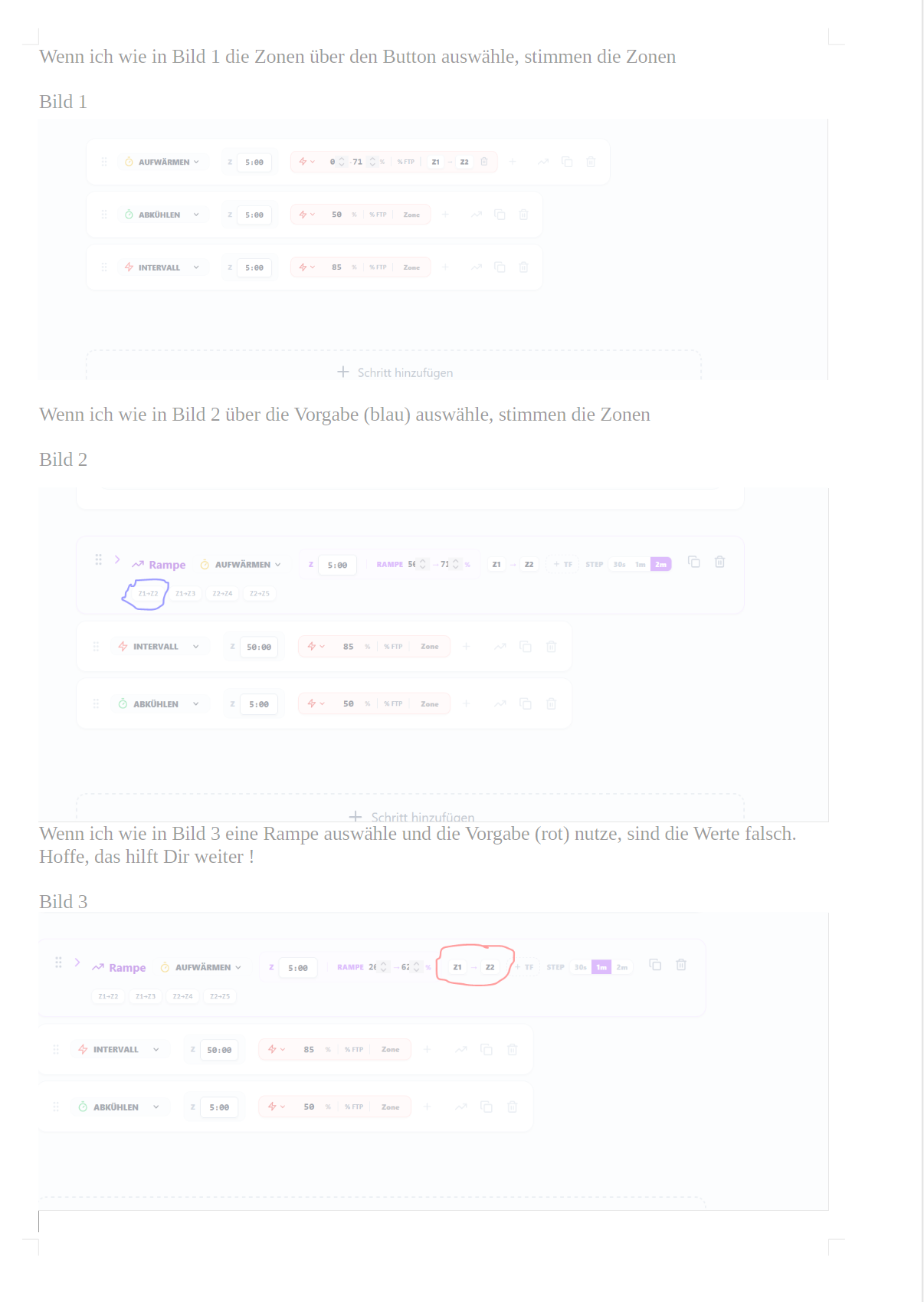
Very helpful! I’m fixing those buttons and also preparing the release with the pending work on coach memory.
Stay tuned!
April 10, 2026
Coach Memory has been redesigned to be more reliable and transparent.
What changed:
Change a single day without regenerating the whole week. Ask the coach to modify just one workout — “change Tuesday to 30 minutes” or “make Saturday a recovery ride” — and it updates only that day, leaving the rest of your plan untouched.
Plans can now target multiple events. Training for a race series? Add multiple events with their own dates and the coach considers each one when generating your periodized workouts.
The coach knows your active plans. When you have a deployed plan, the AI automatically detects it — no need to tell it which plan you’re talking about. It knows your current phase, week number, and what’s coming next.
Could you please take a look at the Lintorf unit from April 11th? It has all the data on Intervals, but it’s not quite showing up in PlanWatts - thanks!
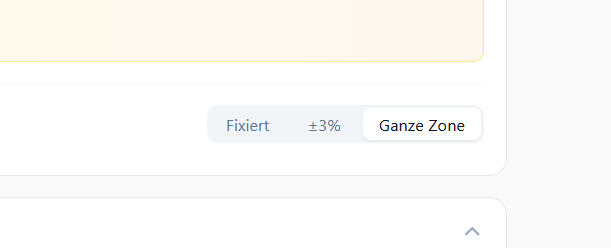
Hi Cooper! Thanks for reporting this. Good news — the setting was actually being saved correctly in the database, and workouts were using your chosen zone mode. The bug was only on the frontend: the settings page wasn’t loading the saved value on refresh, so it always showed “Fixed” visually. Just pushed a fix, should be live shortly.
Hi Cooper! Found the issue — there was a sync glitch that caused the Lintorf activity’s provider link to get lost, which is why it appeared twice and was missing the detailed power/HR data. I’ve fixed the underlying bug so I hope this won’t happen again. Could you check if the Lintorf activity looks correct? You should see it as a single entry with your full ride data and streams. Let me know!
Everything as it should be - thank you!!
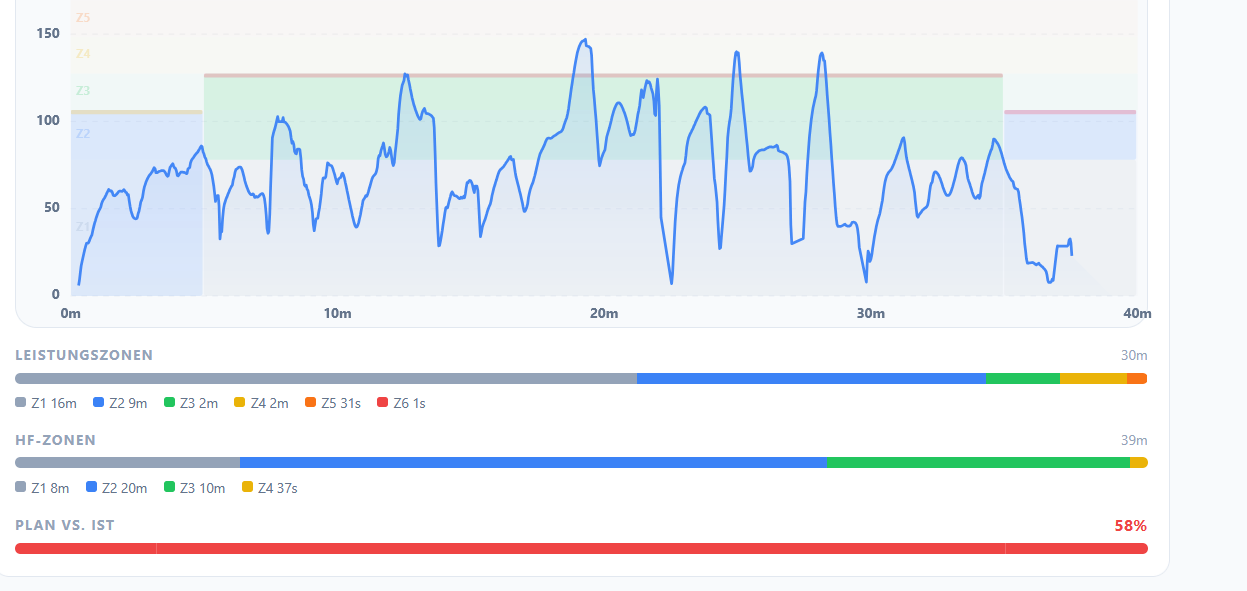
Hi txuselo, I think (I’m not sure) that when comparing unit against plan, the AI is still calculating with fixed wattage values and not with the entire zone. Maybe you could take a look at that - thanks!
April 15, 2026
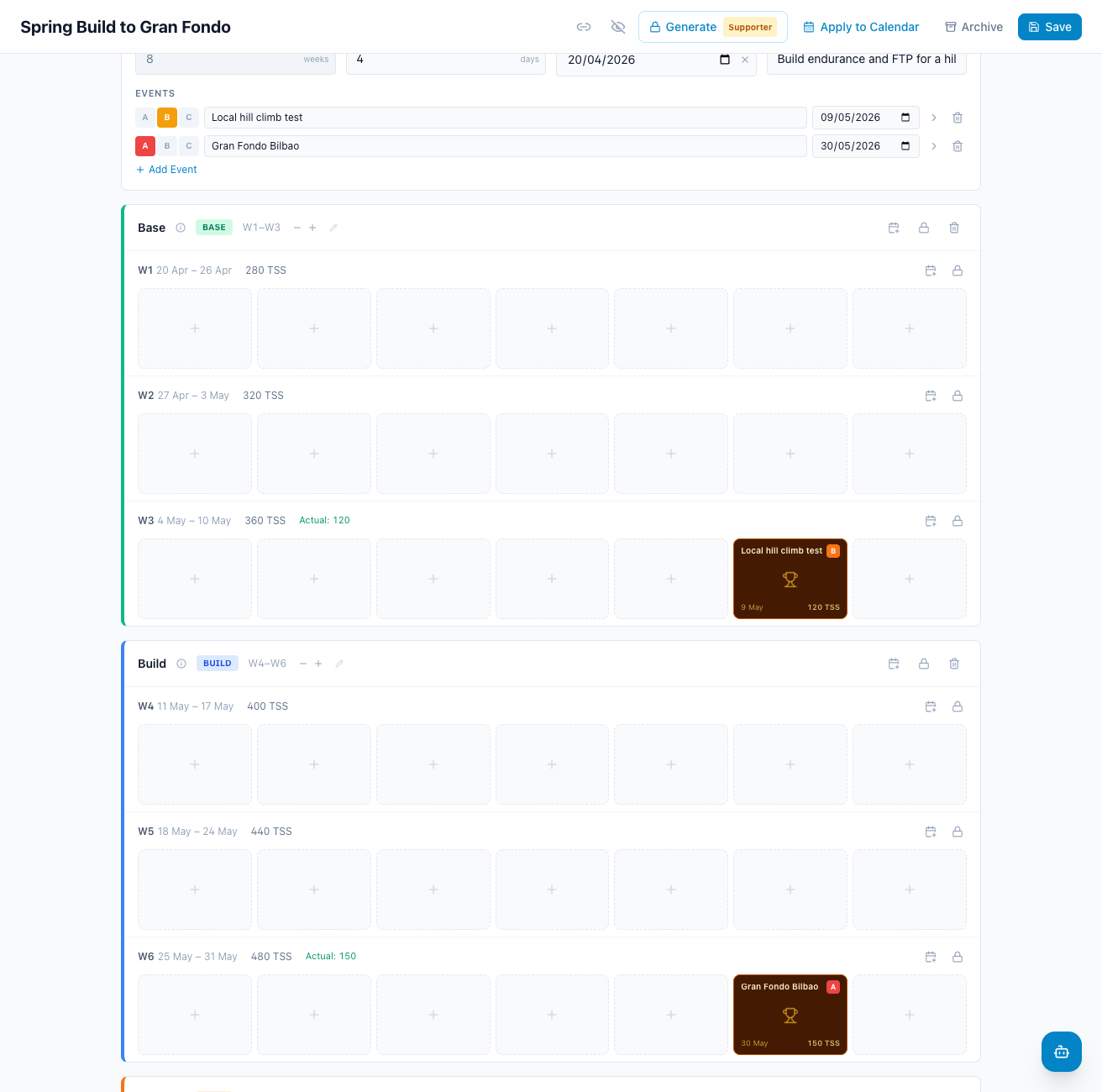
Your plans now know when they happen. Plans have a real start date — pick it once in the editor and every week shows its actual date range, even before you apply. Add events (races, key sessions) directly to the plan grid with drag-and-drop; they show up as RACE markers in the calendar and now sync to Intervals.icu correctly.
Race-aware workout generation. When you generate workouts for a week that contains an event, the coach excludes that day from training and subtracts the event’s TSS from the weekly budget — no more conflicts between your race and your Tuesday VO2 session. Estimated TSS is shown on every event and you can edit it from advanced options.
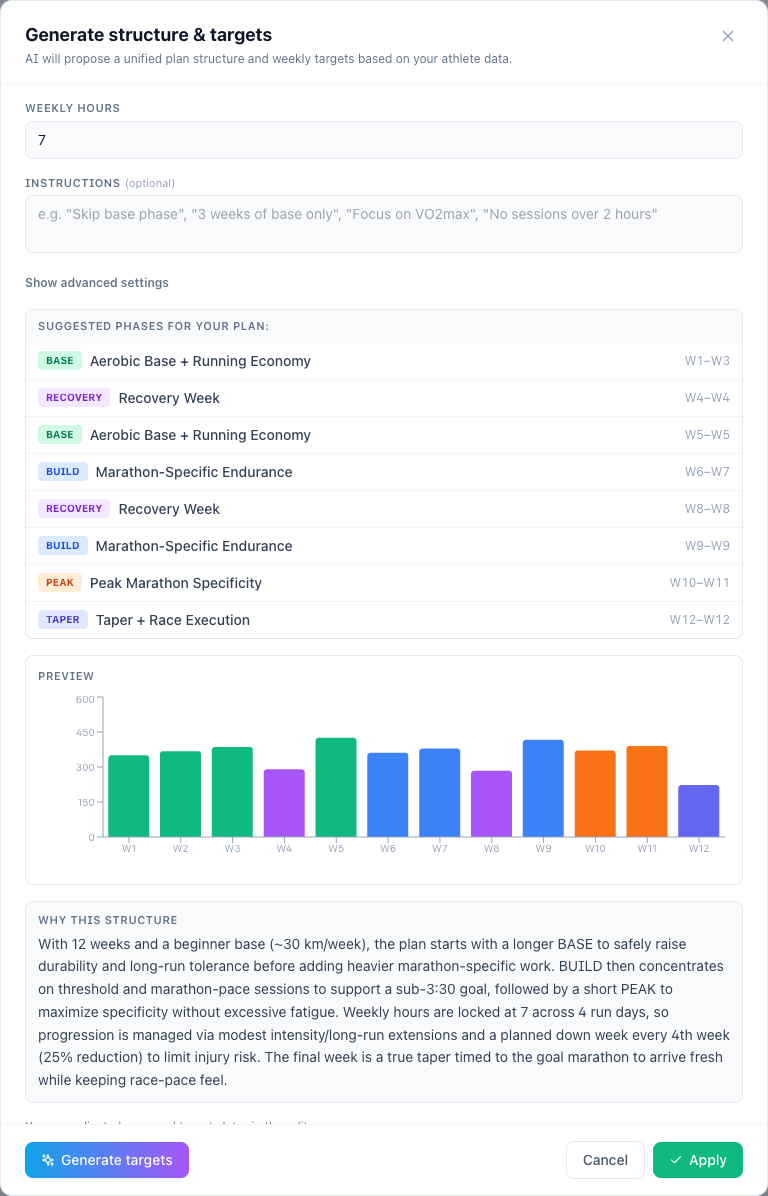
Smarter Plan Setup wizard. Tell it your goal in plain words; it suggests the right duration based on your farthest event, lets you lock weekly hours, and writes a rationale you can edit before generating.
The AI coach finally applies plans correctly. Asking the coach to “apply my Spring plan” used to leave your previous Cycling plan stuck as Applied — two plans fighting for the same calendar. Now it cleanly replaces the previous same-sport plan and tells you which one was replaced. Past workouts are always preserved. The same fix applies to team deploys.
Generate one workout, one week, or one phase. The Generate Workouts modal now lets you scope the regeneration: a single day, a single week, a phase, or the whole plan — handy when you only want to tweak Wednesday.
 (Private Preview)
As part of this v0.21.0 release, I’ve also included a major under-the-hood update that I want to share with you.
First of all, I want to thank everyone who has been using PlanWatts and sending me feedback. It really helps me keep improving the app. Over the last few months, I’ve been analyzing usage patterns and bug reports, and I noticed a clear trend.
When the conversation with the AI follows a predictable structure, the results are great. However, I’ve seen that if you ask for more varied, unstructured things, or jump between topics, the AI sometimes gets “stuck” and doesn’t know how to move forward. I know exactly how frustrating that can be.
To fix this at its core, v0.21.0 introduces a brand new engine where the assistant operates as a “Skills-based” Agent. What does this mean for you?
I want to invite you to try it (Private Preview)
Since this is a fundamental change in how the app thinks and responds, it is not enabled by default for everyone just yet. I need to gather real, focused feedback to make sure the experience has improved as much as I hope before rolling it out completely.
Right now, this feature is only active by direct request. If you’d like to test this new approach and share your thoughts with me, please reply to this thread or send me a DM, and I’ll enable the preview for your account.
Thanks again for your support and patience!
Hi txuselo, since I’m a complete beginner when it comes to AI, I’m not sure if my feedback will be helpful, but I’d like to test the new feature.
Cheers
Perfect Cooper, you already have activated the skills mode!
About the power zones on the activity analysis page I’m checking it, I will let you know when I have cleared if there’s anything to fix
Hi Cooper! Thanks for the report — you were right. When comparing an activity against the plan, the system was classifying power zones using fixed default boundaries instead of reading your actual configured zones. So if your zones have different thresholds than the standard Coggan model, the comparison was off.
I’ve pushed a fix (v0.21.1, deploying now) that reads your zone configuration from your profile for every zone classification — activity analysis, workout descriptions, search, and the frontend charts. Could you check your next activity comparison and let me know if the zones look correct now?
Will be done ! 
Wouldn’t it be advantageous for the AI if it also knew the athlete’s age from their profile? Many things, and therefore ratings, change over time.
Hi txuselo, can I try the v0.21 version?
Hi Hendrik, I’ve sent you a DM. Once you confirm the details, I’ll be happy to activate skill mode for you
Hi @txuselo , can I try v0.21 too?
Hey Manuel! I’ve activated skill mode for you, and I’ve also added some credits to your account so you can test it out thoroughly.
Thanks for giving it a try, and I look forward to your feedback!