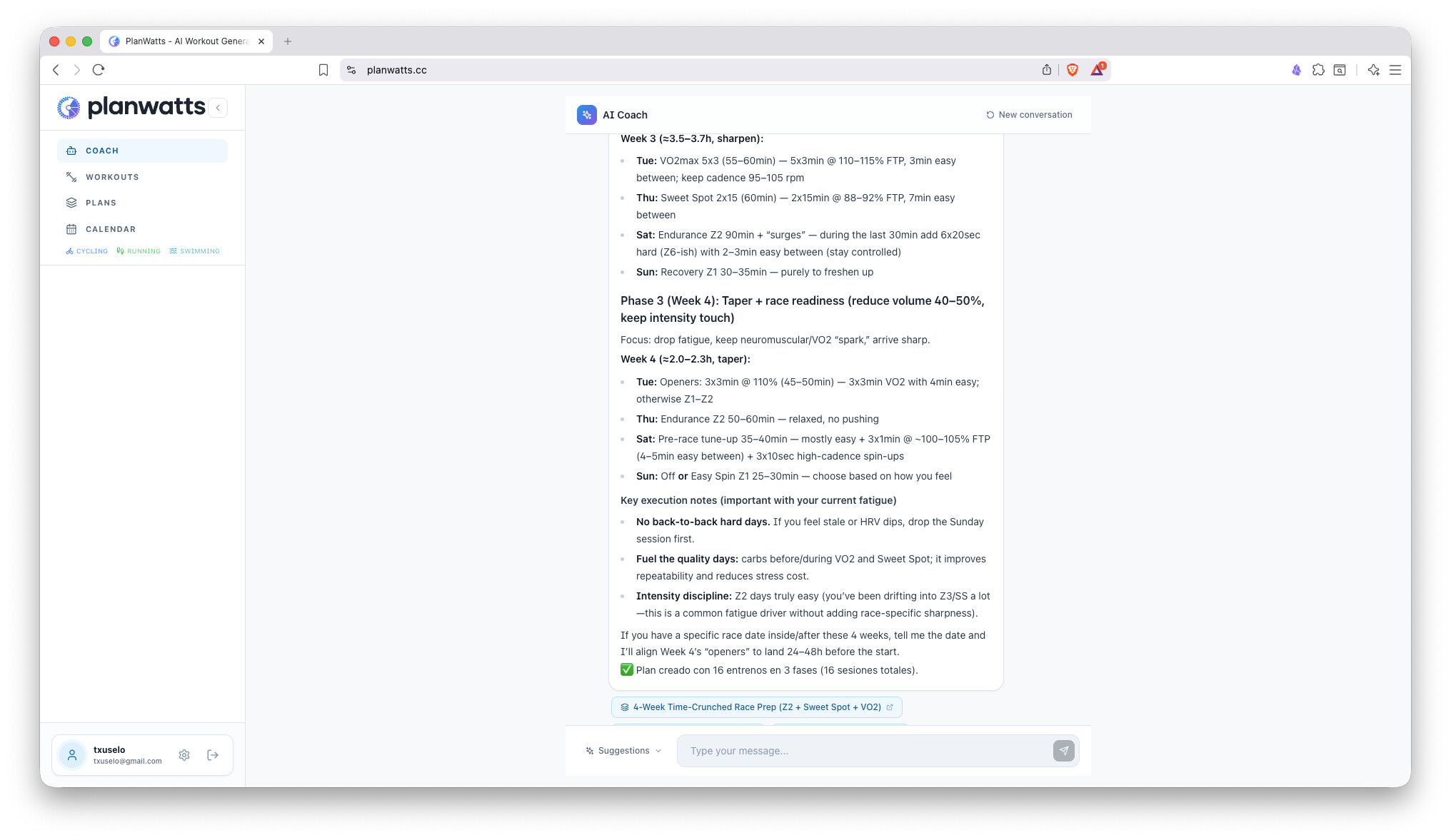
Like many of you, I rely on Intervals.icu for the heavy lifting of data analysis, but I’ve always felt a disconnection when it came to actually creating the daily workout file for my Garmin.
The Garmin builder is… well, we know how it is. And while other builders are great, I wanted something that felt more like having a conversation with a coach than filling out a spreadsheet.
So I’ve built up PlanWatts.cc over the last month.
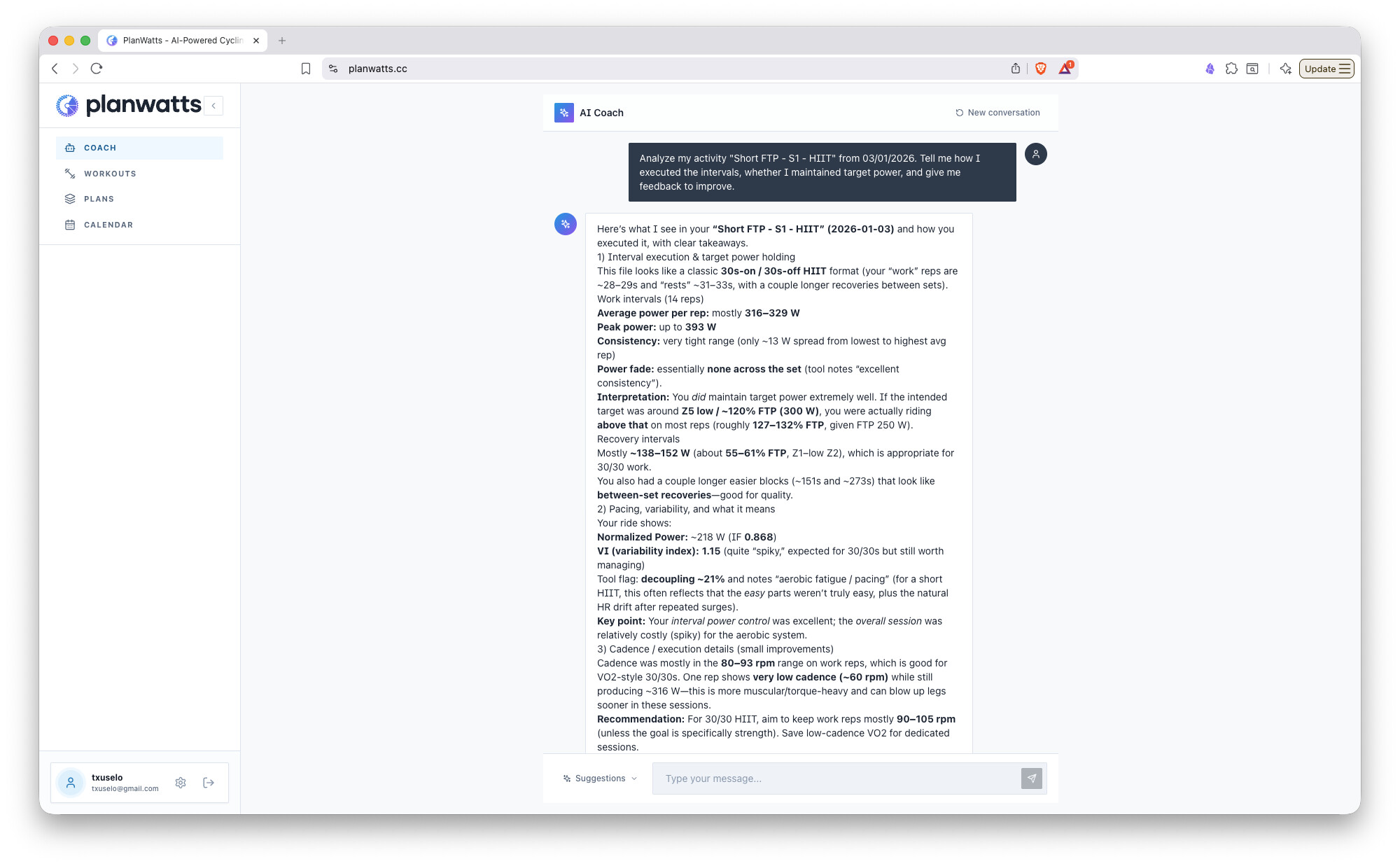
What makes it different? It’s not just a “text-to-workout” converter. I focused heavily on Context Awareness. Before generating anything, the AI looks at your current Intervals.icu metrics (Fatigue, Form, Load).
Scenario A: You can just tell it: “I’m feeling fresh, give me a hard VO2max session” → It builds it based on your zones.
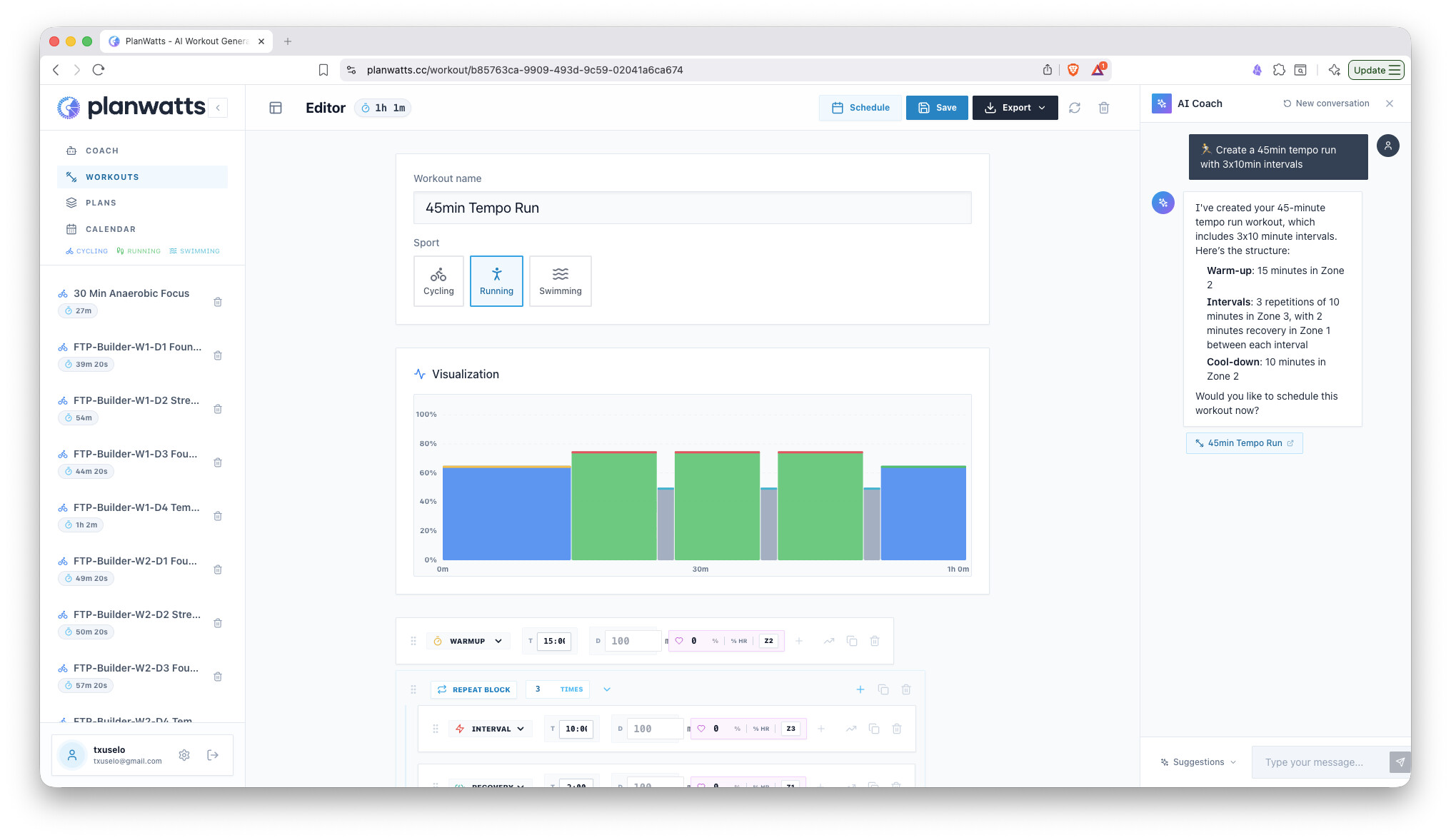
Scenario B: You can say: “Create a 3x10m Sweet Spot” → It handles the structure, warmups, and cooldowns automatically.
The Workflow:
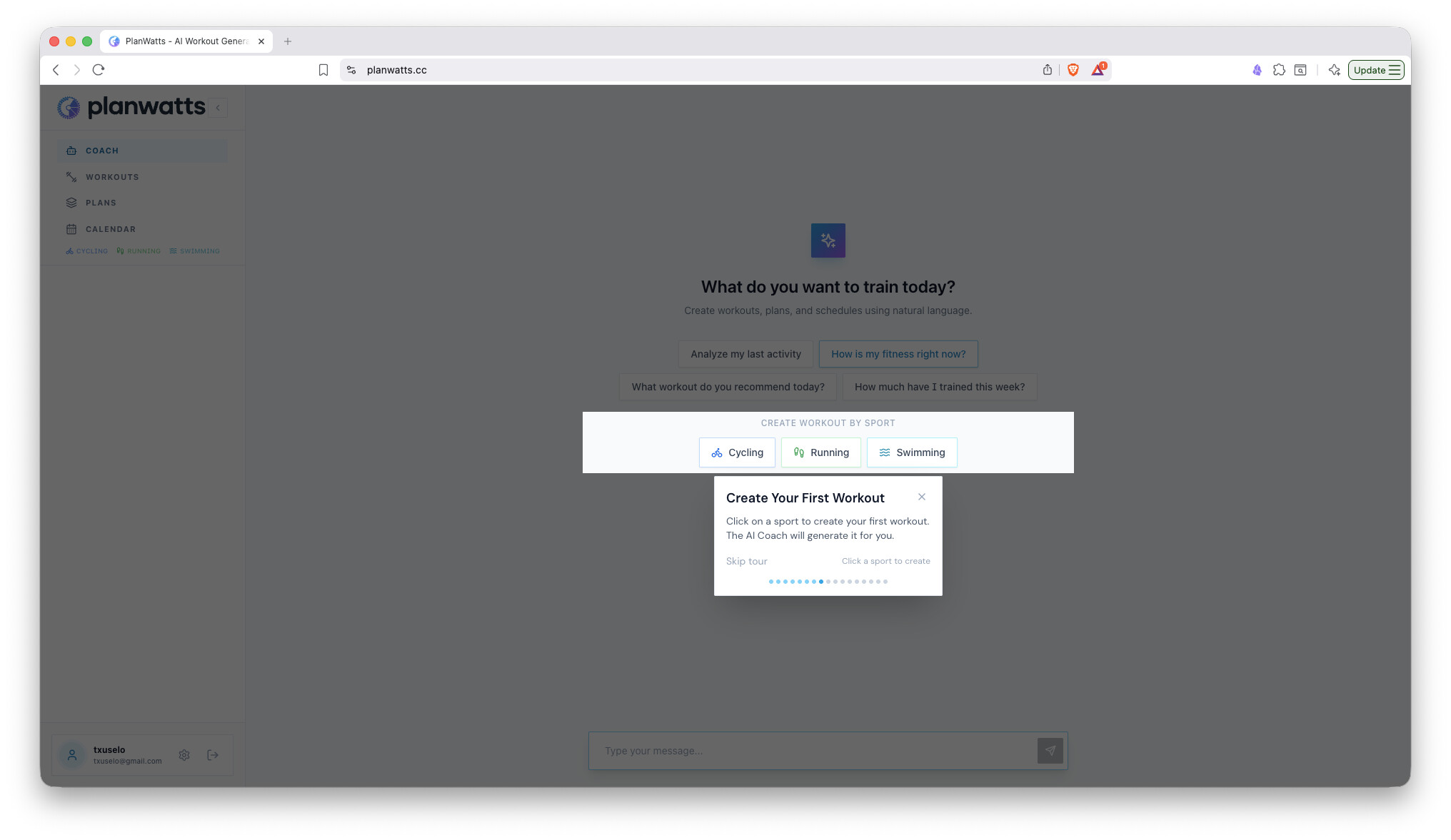
Connect with your API Key.
Chat with the assistant to define the session.
One-click sync to your Intervals calendar.
From there, it automatically syncs to Garmin, Zwift, or any platform connected to your account.
You can find a quick demo video on the app’s landing page: planwatts.cc
It’s not monetized. I’m sharing it just in case it’s useful to you as it is to me. Let me know if you find it useful.
Huge thanks to David for the incredible API. Let me know what you think!
Quick update on PlanWatts for those using it to generate workouts and sync them to Intervals.icu.
What’s new since the initial release:
Multi-language support - The app now speaks 6 languages: Spanish, English, German, French, Italian, and Portuguese. Pick your preferred language in settings.
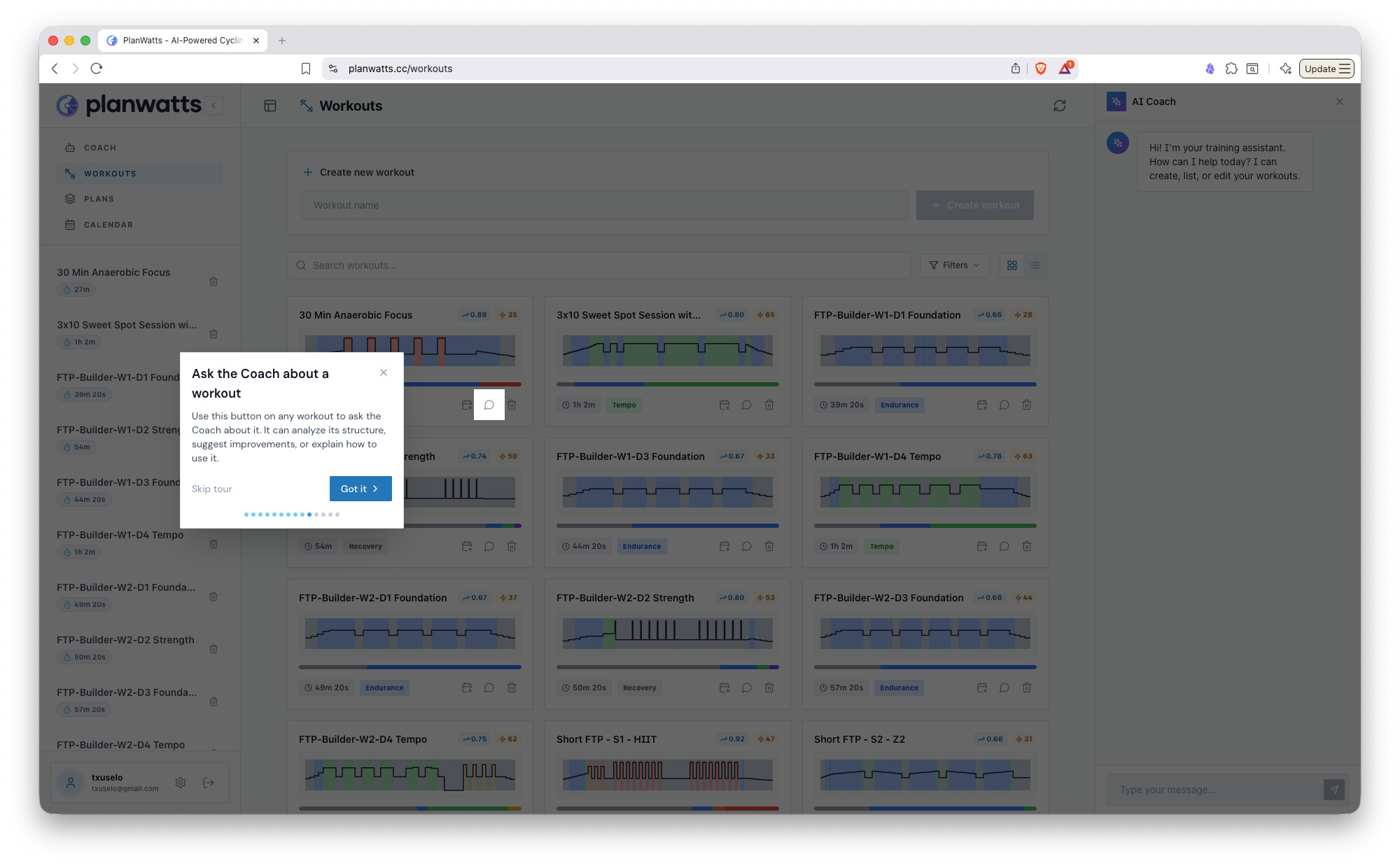
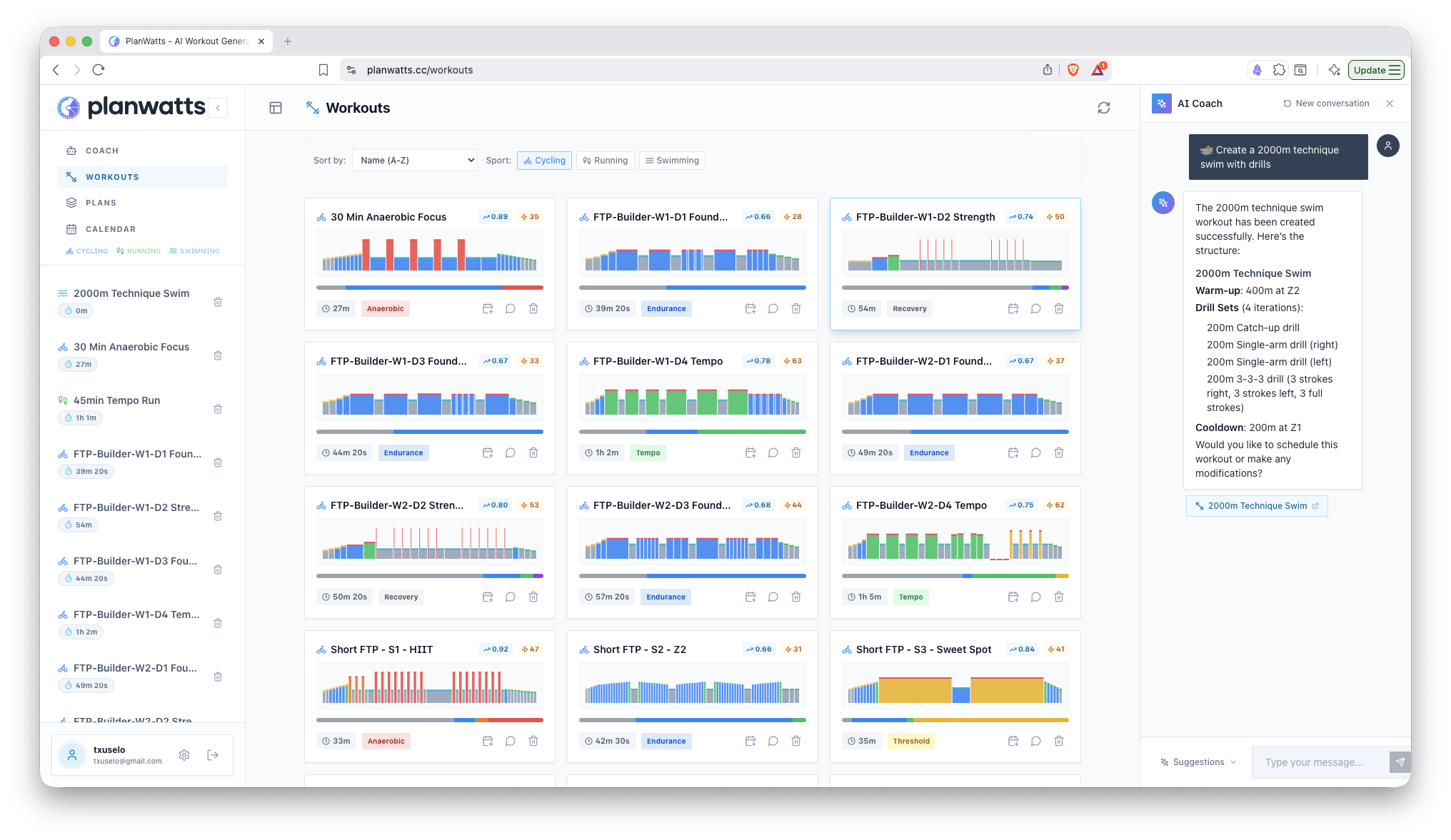
Revamped workouts library - The library got a complete overhaul. Search, sort, and manage your workouts way more easily. Plus, everything updates in real-time now (WebSockets under the hood).
Password reset - Finally. If you forget your password, there’s now a proper email recovery flow. No need to bother me anymore.
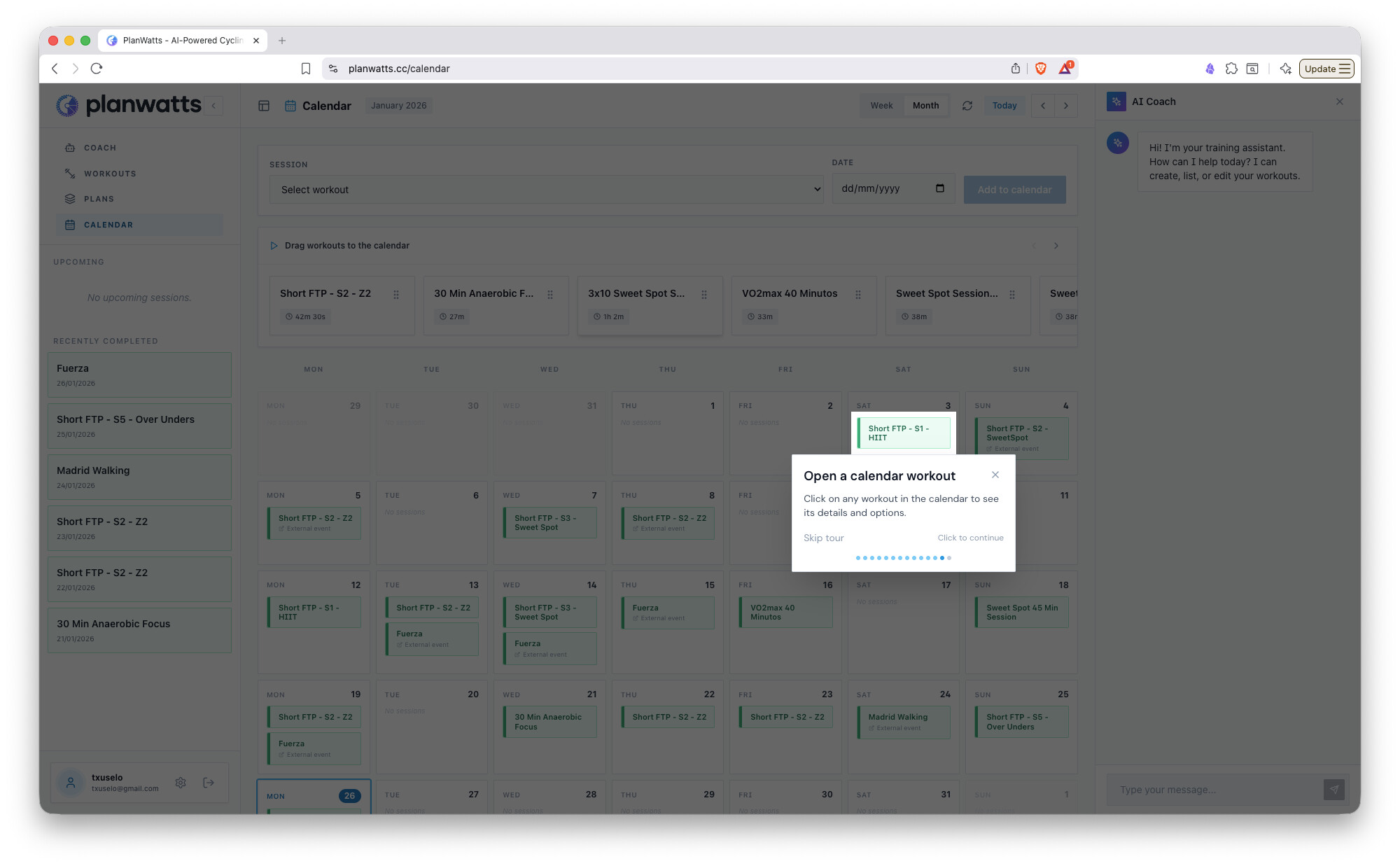
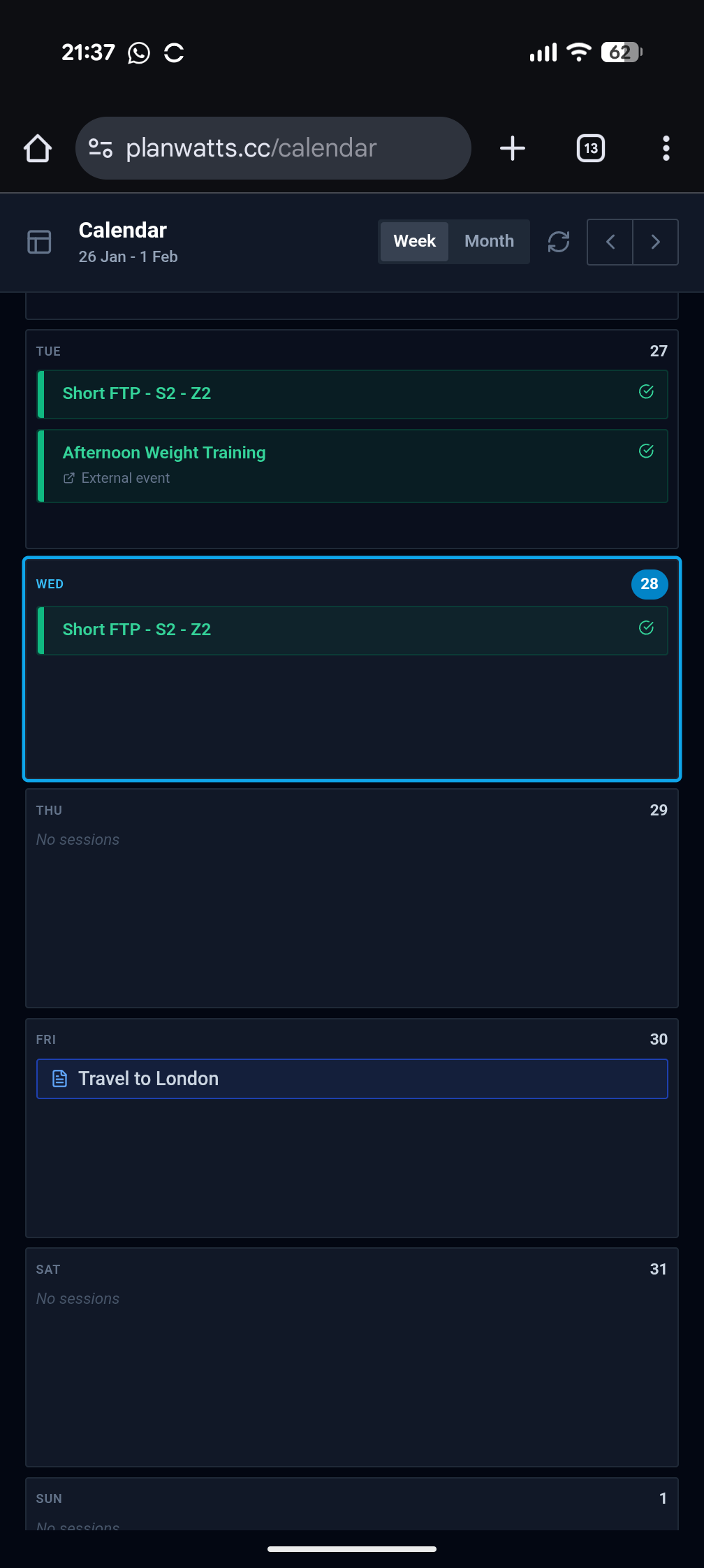
Calendar improvements - Scheduling feels smoother, and sync status is clearer. You know exactly what’s synced and what’s pending.
AI Coach tweaks - The AI prompt has been refined. It should be better at creating structured workouts from your descriptions, especially for repeat blocks (those were causing some sync issues with Intervals that are now fixed).
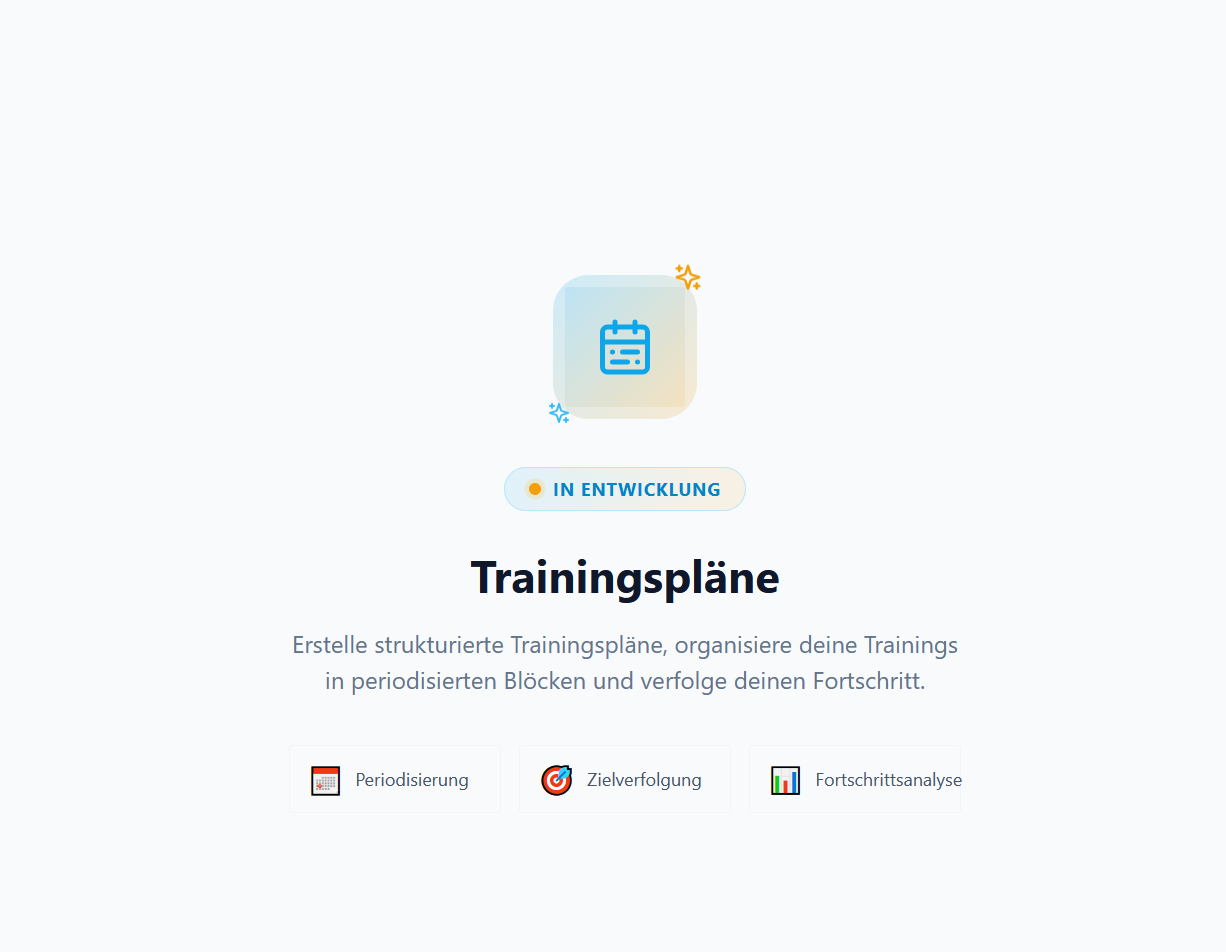
Next up: Training plans. The feature is in the works and should land soon. You’ll be able to build multi-week plans and schedule them with a few clicks.
As always, feedback is welcome. Let me know if you hit any bugs or have feature requests.
Hi @Cooper! I don’t have any plans to monetize the tool at the moment. Running costs are very low right now, so I’m happy to keep it free. If demand grows significantly in the future, I might consider adding some ‘supporter’ features, similar to how Intervals does it
For me the most important thing right now is getting real feedback to see if the tool is actually useful for others and not just for myself
After the initial tests, I’m really impressed with the AI. It asks very persistent questions and provides helpful advice on all topics (nutrition, health, workouts). I’m very pleased with it so far!
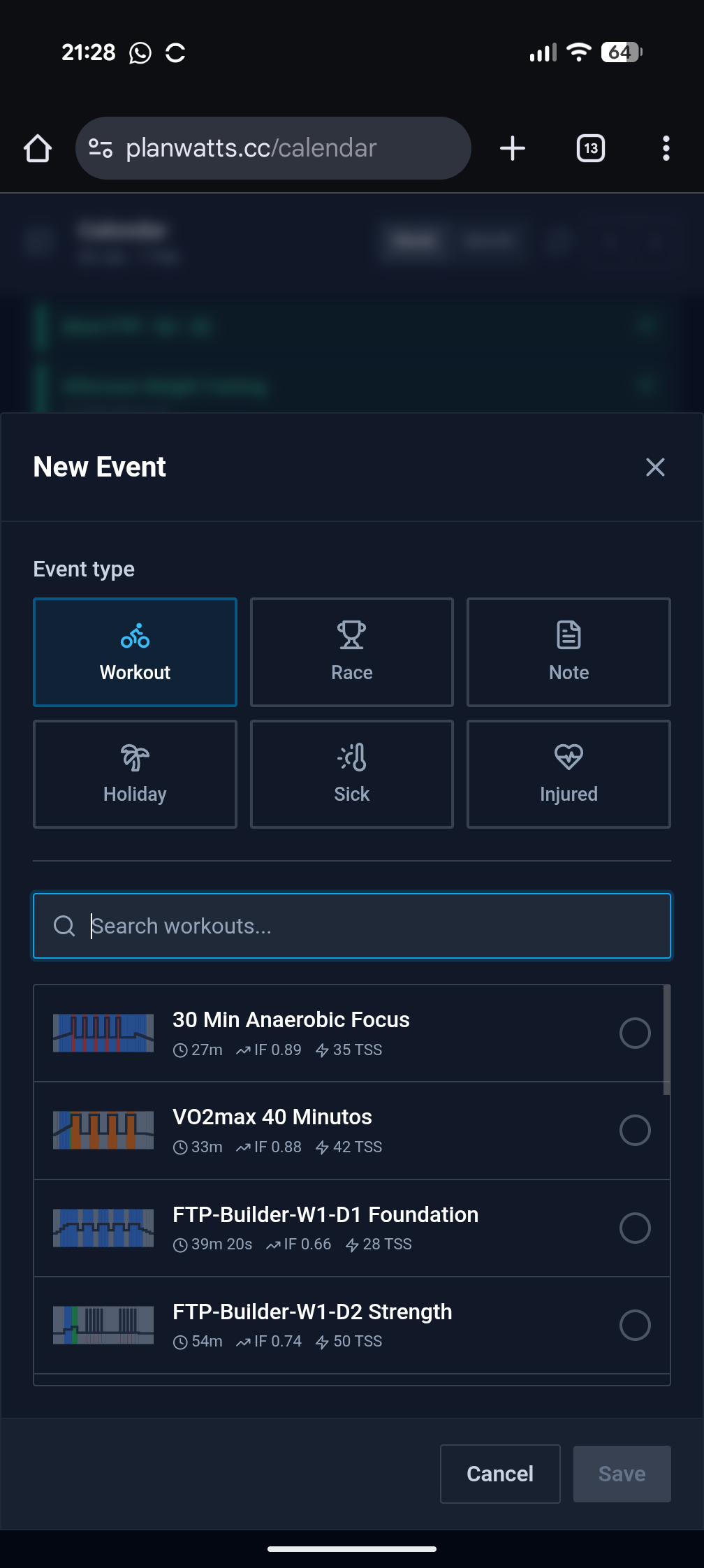
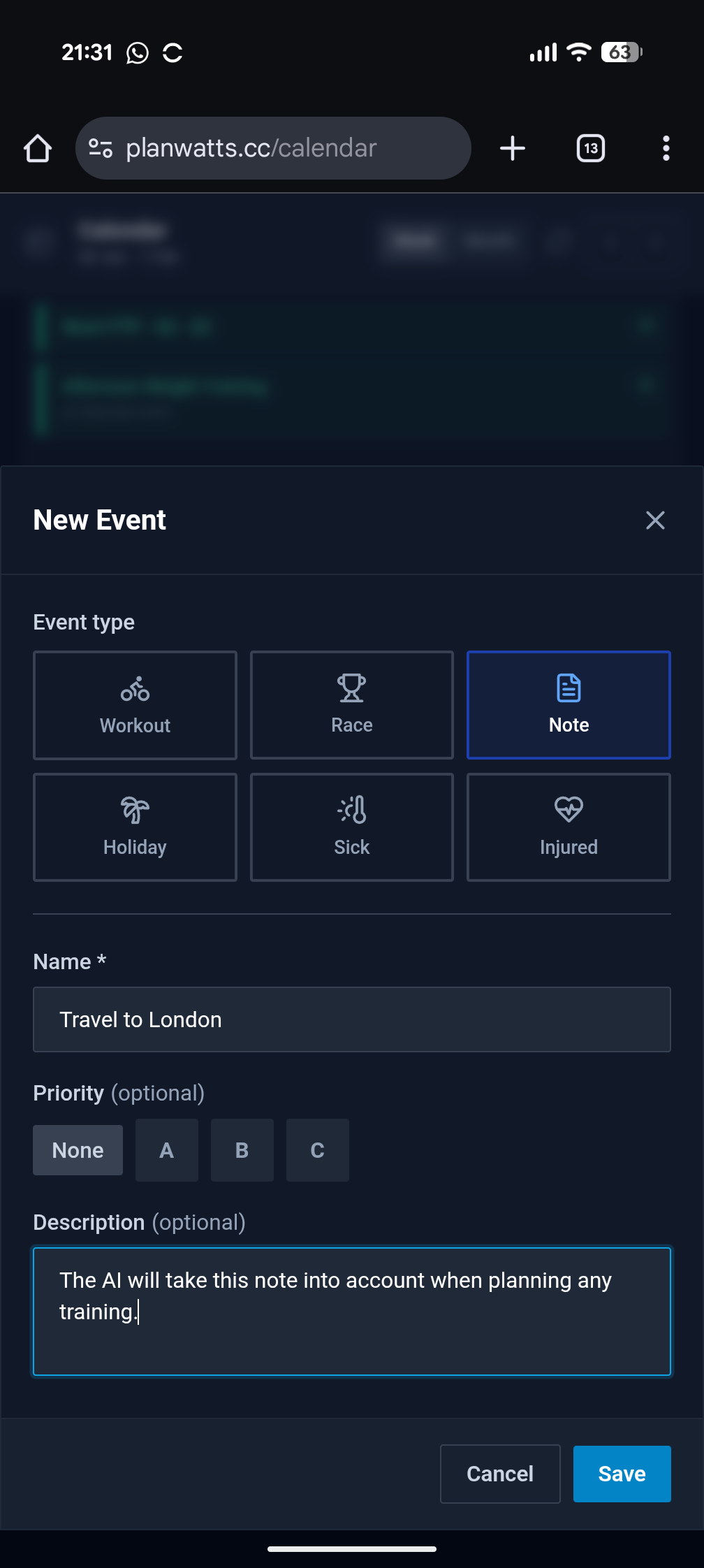
This release introduces Extended Calendar Events - now you can track races, notes, holidays, and more directly in your calendar. Plus, the AI Coach can now manage your calendar events and provide better recommendations based on your upcoming schedule.
Thanks so much for your kind words, they really encourage me to keep going with the project!
Regarding the schedule function you mentioned, could you clarify a little? Do you mean planning multiple sessions at once, fixing a specific bug you found, or scheduling a full plan for a specific objective? It would be super helpful if you could share a few more details about what you expect.
I would love to know if you’ve had any trouble planning your workouts or if you see any other areas for improvement
The short answer is: Yes, it is definitely on the roadmap.
My core goal with PlanWatts is to solve the ‘Text-to-Device’ friction: going from a thought to a loaded workout on your watch in under 2 minutes, regardless of the sport.
Technically, the platform is already capable of handling multi-sport data. However, my AI models are currently heavily optimized for cycling & power. I am working on fine-tuning the logic to handle pace and heart rate structures just as effectively as it handles watts right now
Since you are in the triathlon space, what’s your biggest pain point when planning? Is it the complexity of structuring swim sets, or mostly managing running metrics?
I am still finalizing the features and the user journey for that section, so your input comes at the perfect time.
Right now, I am considering three different ways to handle plans:
AI-Generated: You tell the AI your goal, and it creates the plan for you
User-Created: You select a group of workouts, and the AI helps you distribute them into a schedule
Community Sharing: You can browse plans shared by other athletes and import them directly into your calendar.
Thank you for the quick feedback.
The most common issue with the planning swimming training is related to the swimming pool length. The most common lenght is 25 or 50 m (or yard), but 33 m long used to be quite common in Europe in the 80s and 90s. When you train, the laps need to consider those length properly.
Another issue on swimming is the resting time between different intervals that need to be included in the workout structure.
Additionally, on swimming training, we generally plan the workout based on distance (generally meter or yard in accordance on the size of the pool), while most of other sport are based on timing.
PlanWatts now supports running and swimming alongside cycling. The AI Coach has been completely rewritten to be smarter and more reliable, and the entire UI adapts to your sport.
What’s New
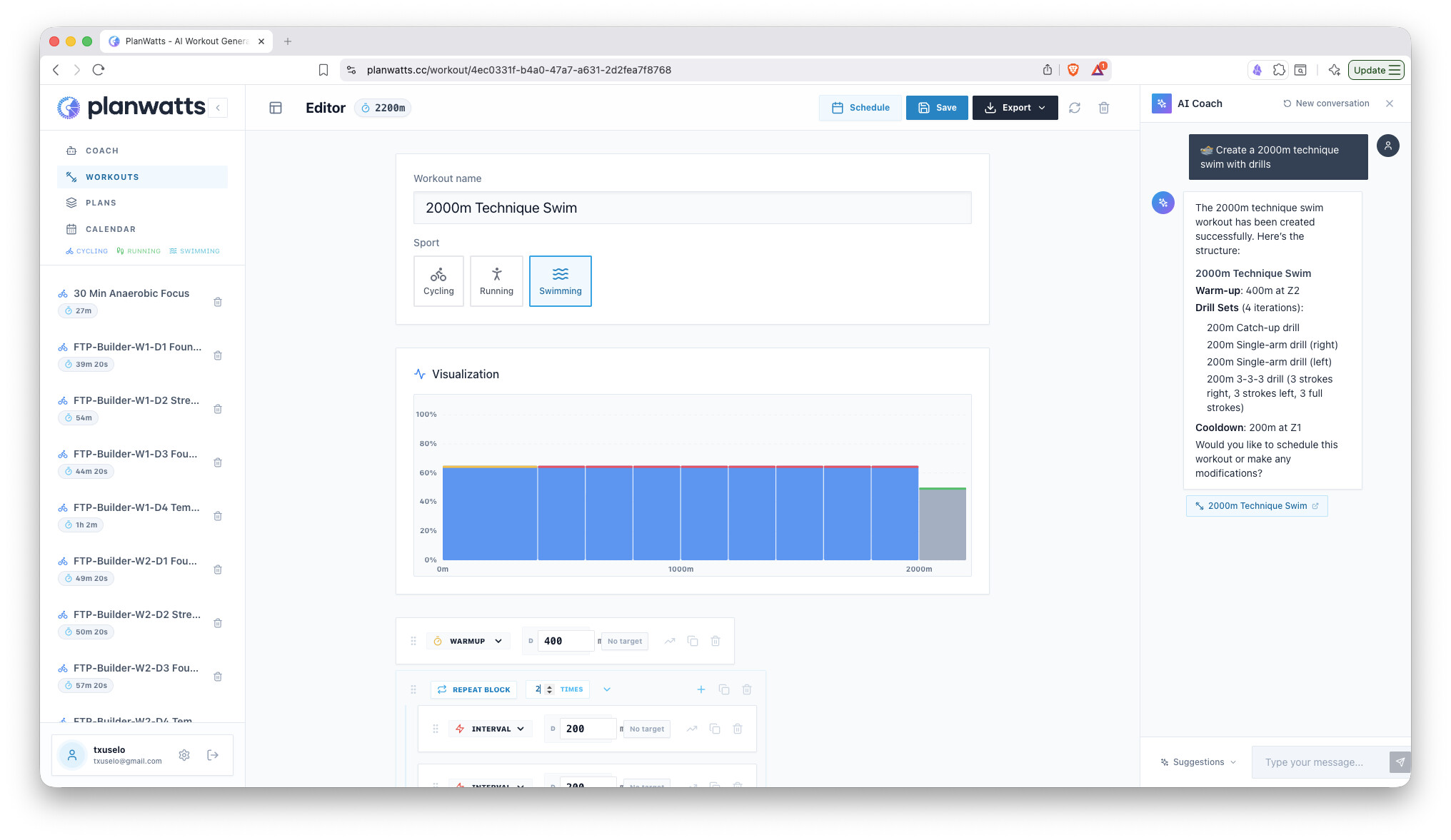
Running & Swimming Workouts - Create workouts with pace-based targets for running and CSS-based targets for swimming, with sport-specific zones and metrics
Sport-Specific Editor - The workout editor adapts to each sport: power zones for cycling, pace zones for running, swim zones for swimming
Redesigned Athlete Profile - Configure your thresholds for each sport in one place: FTP, threshold pace, CSS, and pool length
Smarter AI Coach - Completely rewritten AI engine that remembers your past conversations, can search through training science articles to back up its recommendations, and creates workouts for any sport via natural language
Redesigned Workout Charts - Clean bar charts with zone-colored intensity bars that work across all three sports
Sport Icons Everywhere - Quickly identify workout types with sport icons in the sidebar, calendar, and library
Sport Filter in Library - Filter your workout library by Cycling, Running, or Swimming
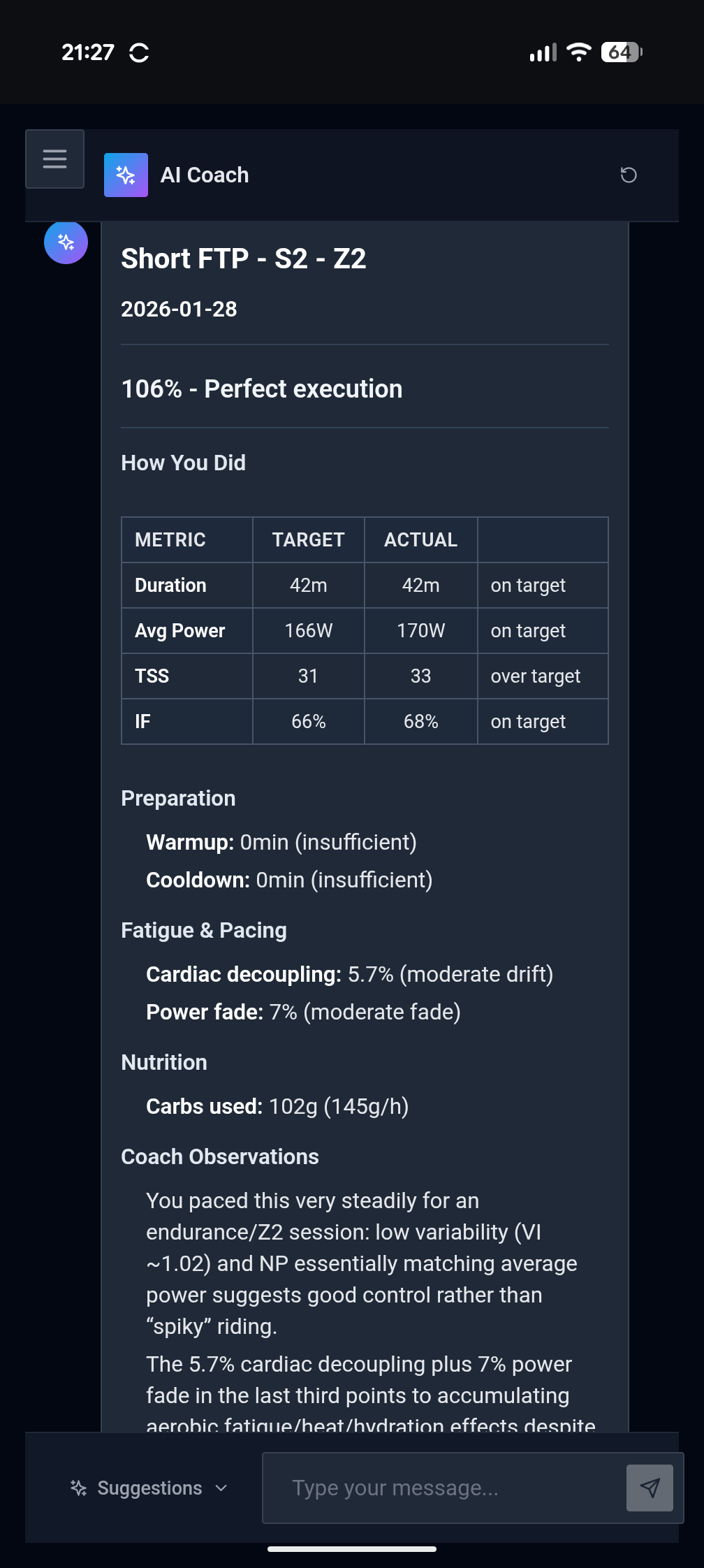
Step-by-Step Workout Analysis - Compare planned vs executed power/HR for each interval step after completing a workout
Improvements
More reliable chat (migrated from WebSocket to HTTP streaming)
Smoother onboarding experience for new users
Better AI responses with consistent formatting
Coming Soon
Training Plans - Periodized training plan builder with AI-assisted generation. Create multi-week plans with phases (Base, Build, Peak, Taper), apply them to your calendar, and track your progress. The AI Coach will be able to build full plans conversationally, phase by phase, reusing workouts from your library or creating new ones on the fly.
Try it out at planwatts.cc and let me know what you think!
Hey Cooper! After some hard work, today I announce the plans feature launch for PlanWatts!
PlanWatts 0.6.2 - AI Training Plans & Athlete Memory
The biggest update yet. PlanWatts can now build entire training plans through conversation with the AI Coach, and it remembers everything about you between sessions - your PRs, thresholds, preferences, injuries, and goals.
What’s New
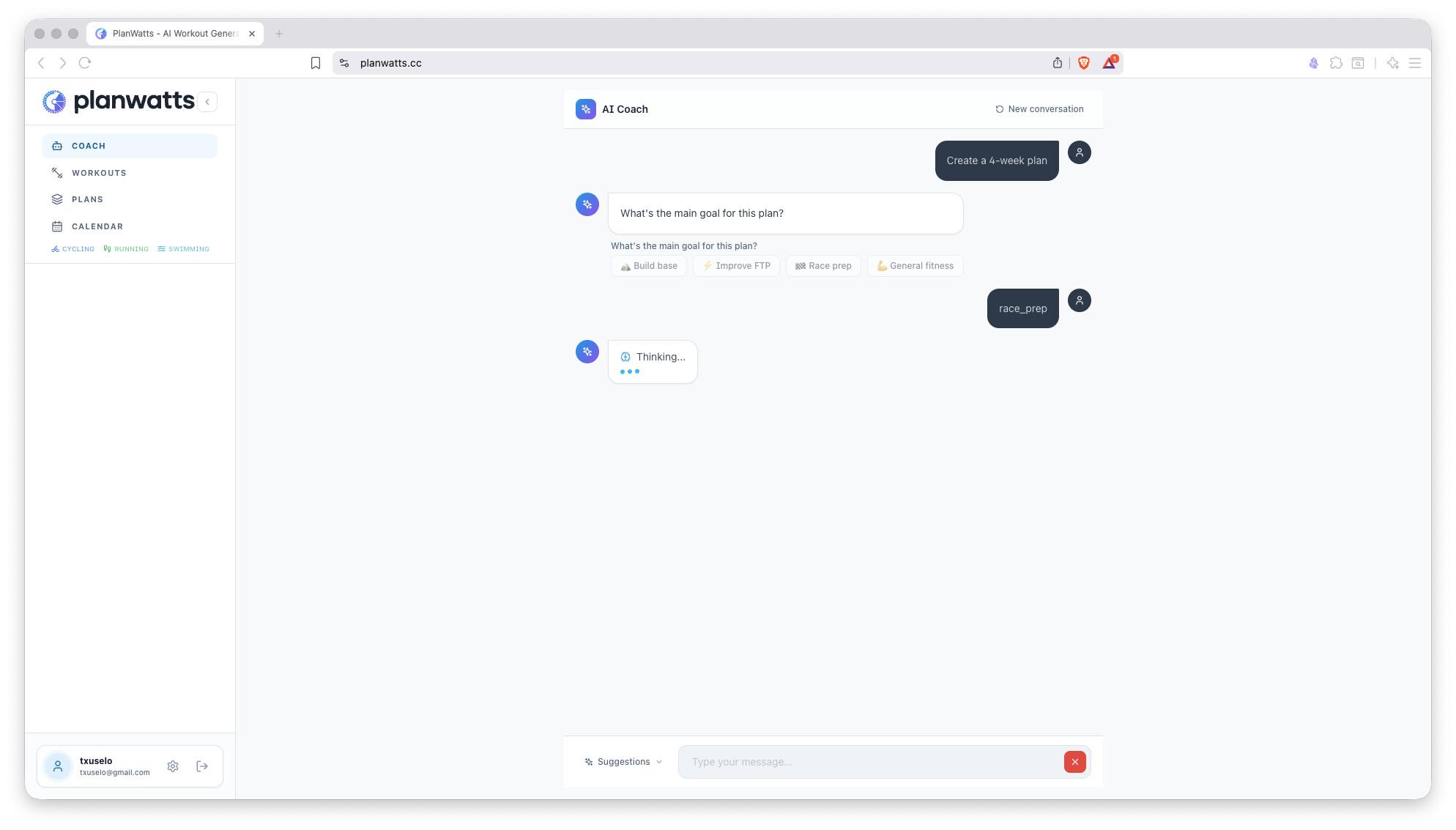
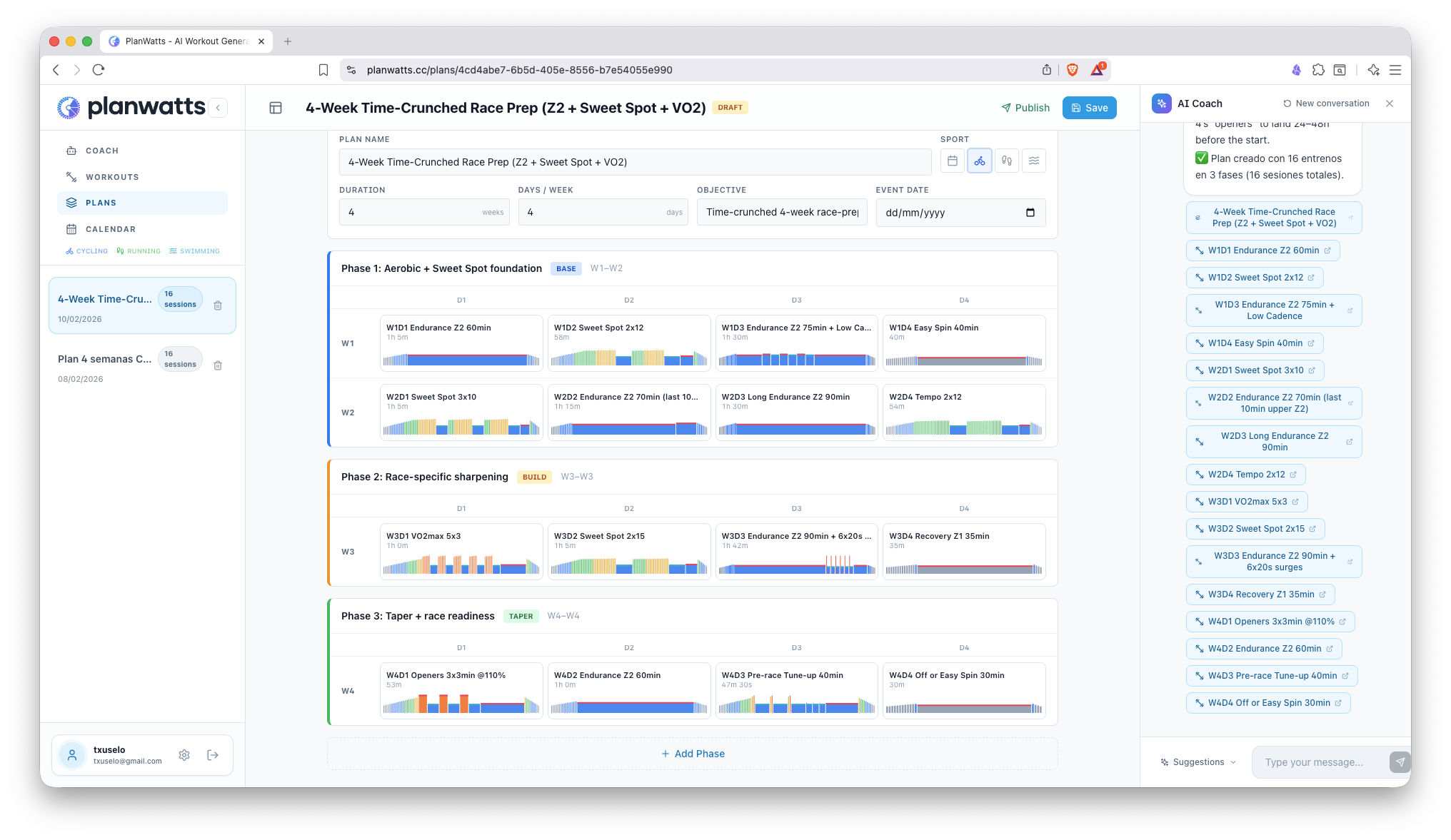
AI-Powered Training Plans - Tell the Coach what you’re training for and it designs a periodized plan conversationally: sport, objective, duration, days per week, race dates. It picks the right periodization model (Linear, Pyramidal, or Polarized) based on your fitness level and training history, then builds the full plan with phases and workouts in one go
Plan Deploy to Calendar - Once your plan is ready, just ask the Coach to schedule it and it lands on your calendar automatically
Athlete Memory - The Coach now remembers key facts about you across conversations: personal records, thresholds, training preferences, medical notes, goals, and feedback. Updated info replaces old info, so it stays current
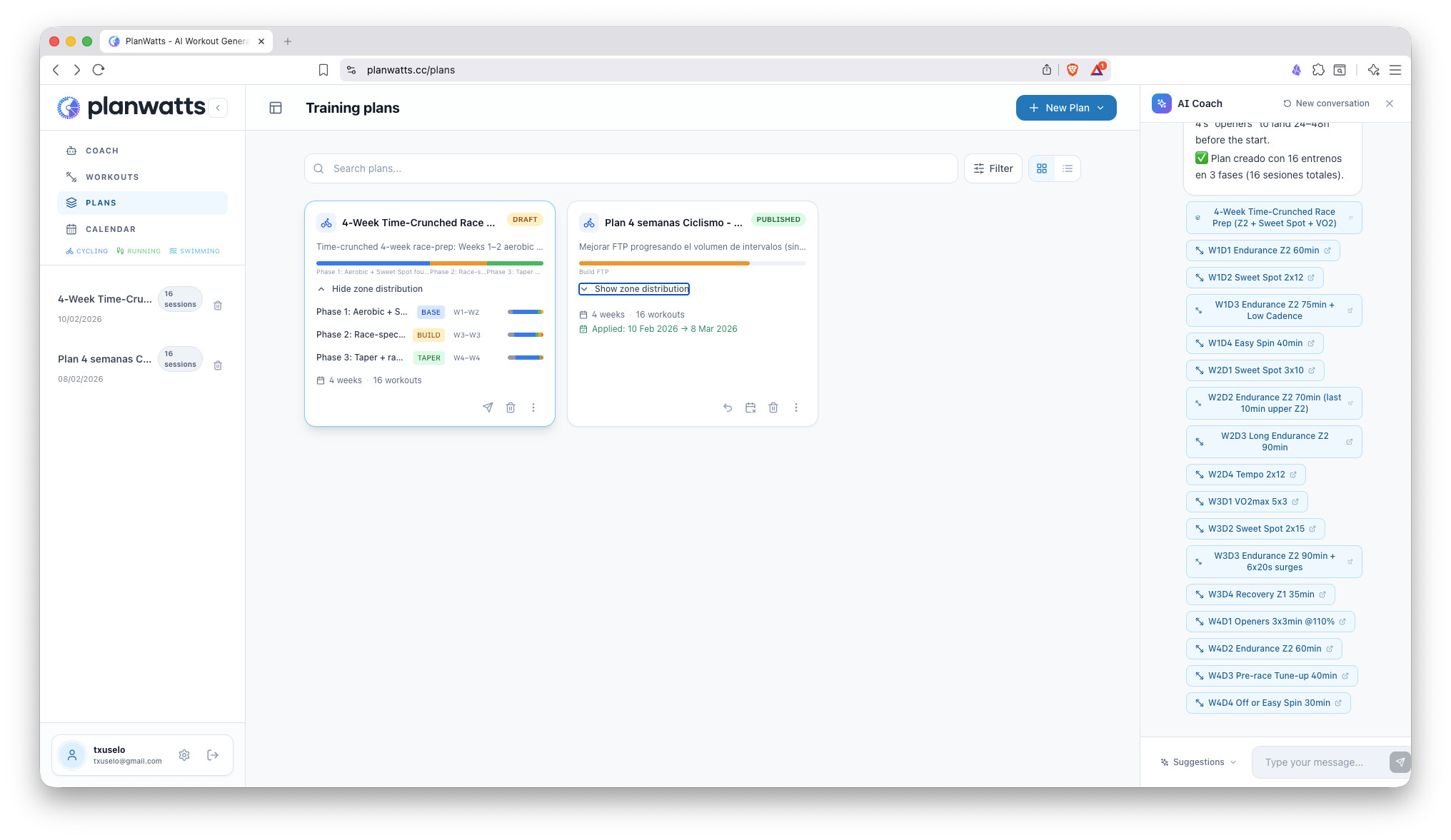
Plans Page Redesign - Browse, filter, search, and sort your training plans. Grid and list views, phase timeline visualization, quick actions (duplicate, archive, delete)
Interactive Plan Editor - Click any empty cell in a plan phase to assign a workout, hover to delete. Full control over your plan structure
Calendar Redesign - Event cards colored by sport with icons, workout type, IF/TSS badges, and sync status. Cleaner modal with sport-colored header, workout preview, date picker for rescheduling, and mark-as-completed
Smart Periodization - Plan creation analyzes your last 6 weeks of training (zone distribution, volume trends, session averages) and selects the right approach: Traditional or ATR block structure, with intensity distribution matched to your current fitness
All Sport Types - No longer limited to Cycling, Running, and Swimming. Mountain biking, trail running, gravel riding, hiking, yoga, walking - if Intervals.icu supports it, PlanWatts supports it
Interactive AI Buttons - The Coach now surfaces quick-action buttons in its responses so you can tap to continue the conversation faster
Multi-Sport Weekly Summary - If you train multiple sports, the weekly summary now shows a per-sport breakdown with sessions, hours, and TSS
Apply Plan to Calendar - Publish a plan and apply it directly from the plan card: pick a start date, choose your training days, and all workouts land on your calendar in one click
Remove Plan from Calendar - Unapply a plan to remove all its scheduled workouts from your calendar and synced platforms (Intervals.icu, Garmin)
Calendar Bulk Delete - Toggle selection mode, check the events you want to remove, and delete them all at once with optional platform sync
Phase Zone Distribution - Each plan card now shows an expandable zone distribution bar per training phase, so you can see the intensity balance at a glance
Schedule Conflict Detection - When the Coach schedules a workout on a day that already has one, it asks you whether to replace, add alongside, or cancel
Improvements
Full plan lifecycle: draft → published → applied to calendar, with unpublish option to revert
Plan card actions redesigned: primary actions (publish, apply, delete) are inline icon buttons; secondary actions in overflow menu
Training plan workouts are separate from your library - assigning a library workout to a plan clones it automatically
Calendar sync now pushes locally-created schedules to Intervals.icu before pulling remote changes
Swimming editor steps can toggle between distance and time mode
Legal pages (terms of use, privacy policy, contact) now available in 6 languages
This release brings a complete activity analysis experience, public sharing, and a much smarter AI Coach that understands your intent better than ever.
What’s New
Activity Detail Page - Every completed workout now has its own dedicated page with an interactive power, heart rate, and cadence chart. You can see your planned workout overlaid on your actual data, toggle power smoothing (1s/5s/30s), view zone distribution bars, and get a plan-vs-actual adherence score
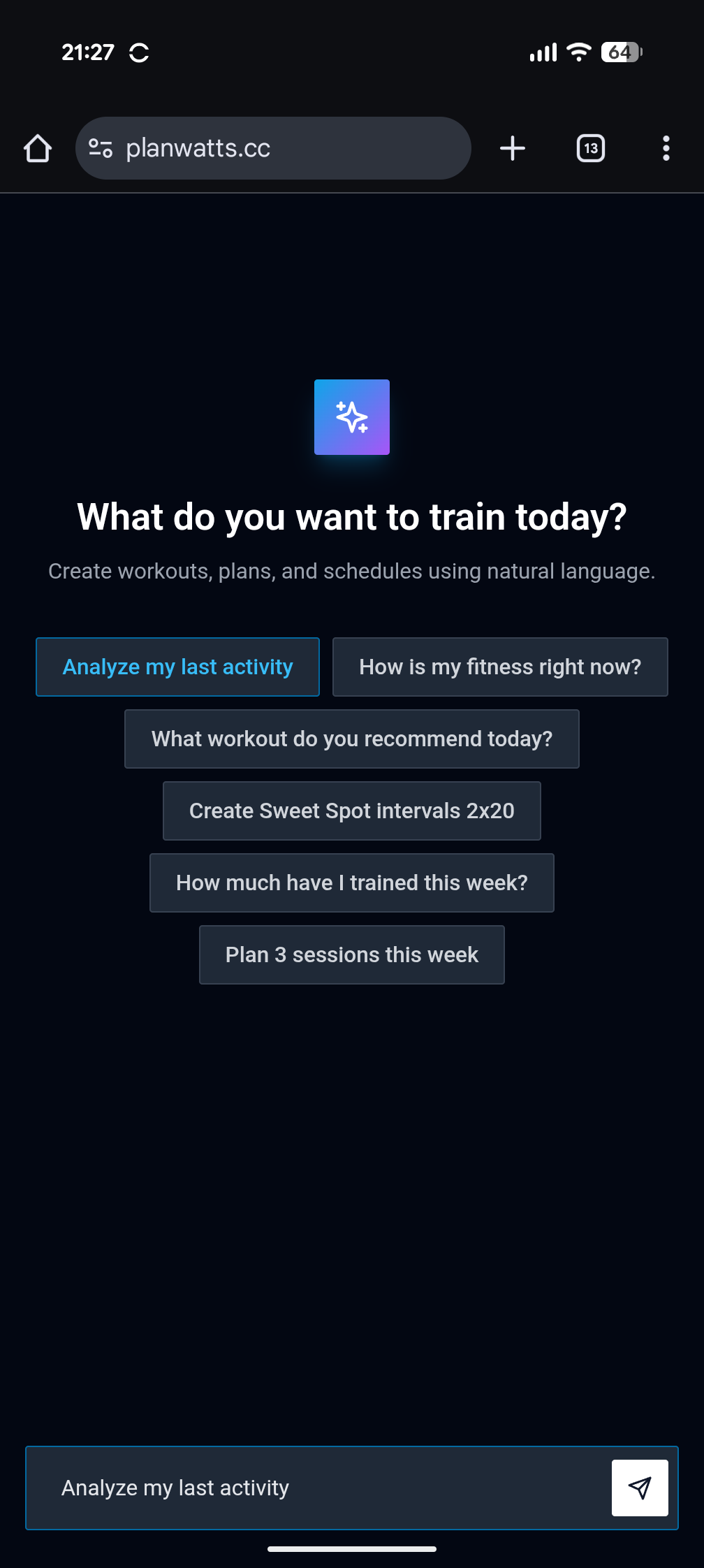
AI Activity Analysis - Hit the “Analyze” button on any activity and the Coach gives you a structured breakdown: scores per section, strengths, weaknesses, and actionable recommendations. You can also ask the Coach to analyze your last ride, Saturday’s run, or any activity by name
Share Your Activities - Share any activity analysis via a public link with a social preview image. Perfect for sharing your race analysis on forums or social media. You control visibility per activity, with a global default in settings
Sport-Specific Metrics - Activity pages now show the right metrics for each sport: power, speed, and cadence for cycling; pace and cadence for running; pace and cadence for swimming. No more generic one-size-fits-all
Chat Feedback - A new action bar below Coach messages lets you thumbs-up/down responses, copy text, and report bugs directly from the chat with your session context attached
Multiline Chat Input - Press Ctrl+Enter (Cmd+Enter on Mac) to add a new line in the chat input. The textarea auto-grows up to 3 lines. Enter still sends
Collapsible Messages - Long messages now collapse after a few lines with a fade-out gradient. Click to expand when you want the full text
Full-Width Coach Messages - Assistant responses now render full-width like ChatGPT/Gemini. Only your messages keep the bubble design
Language Preference Saved - Your language choice now persists across devices. It’s auto-detected on first login and saved to your account
Improvements
The Coach is significantly smarter at routing your requests: separate specialists handle workouts, scheduling, plan creation, and data analysis, so you get better answers faster
“Analyze my last activity” / “Analyze Saturday’s ride” - the Coach now correctly identifies which activity you’re referring to, even with conversational references like “this one” or “that ride”
Missed workouts (no activity recorded) can now be rescheduled to a future date - only truly completed events are locked
Short answers like “ftp” no longer accidentally cancel the plan creation flow
Workout summaries after creation now show accurate durations (calculated, not LLM-guessed)
“Use this workout today” now correctly uses today’s date, the workout you’re viewing, and the right sport
Bug Fixes
Fixed bug report emails not being delivered
Fixed per-turn AI state leaks that could cause the Coach to reference stale data from previous messages
Fixed activity chart zone bars for power and heart rate
Try it out at planwatts.cc and let me know what you think!