MTP Ride - Free Virtual Cycling App with Magic Roads!

Hi everyone,

Some of you on this forum may recognize me from MyTrainPal, the AI training app that a number of Intervals.icu users have been testing and using.

After getting permission from the forum admin, I decided to create a separate topic for a part of MyTrainPal that is completely unrelated to AI coaching.

Let me introduce MTP Ride: MyTrainPal Ride — Ride any road. Race your past self.

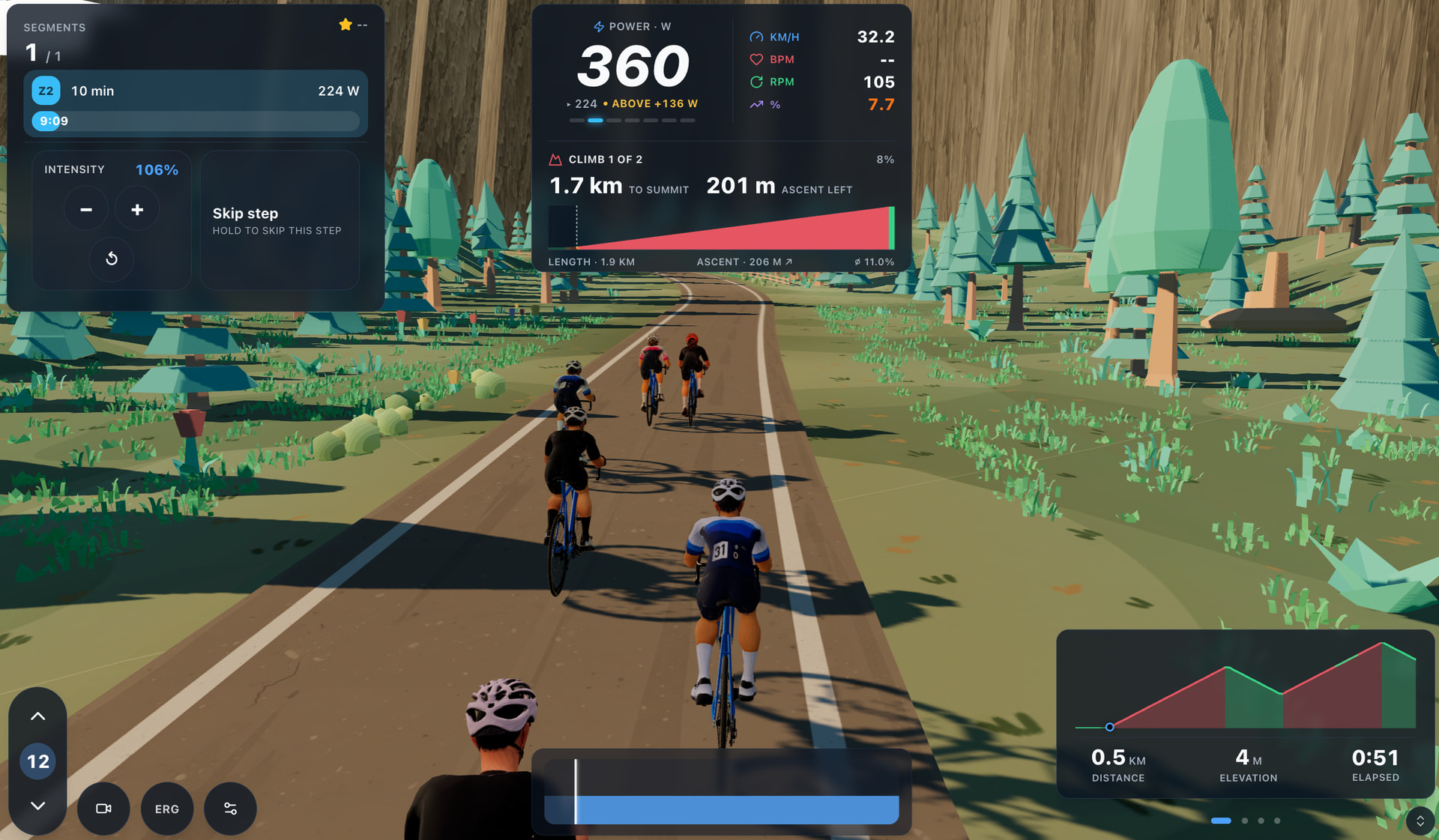
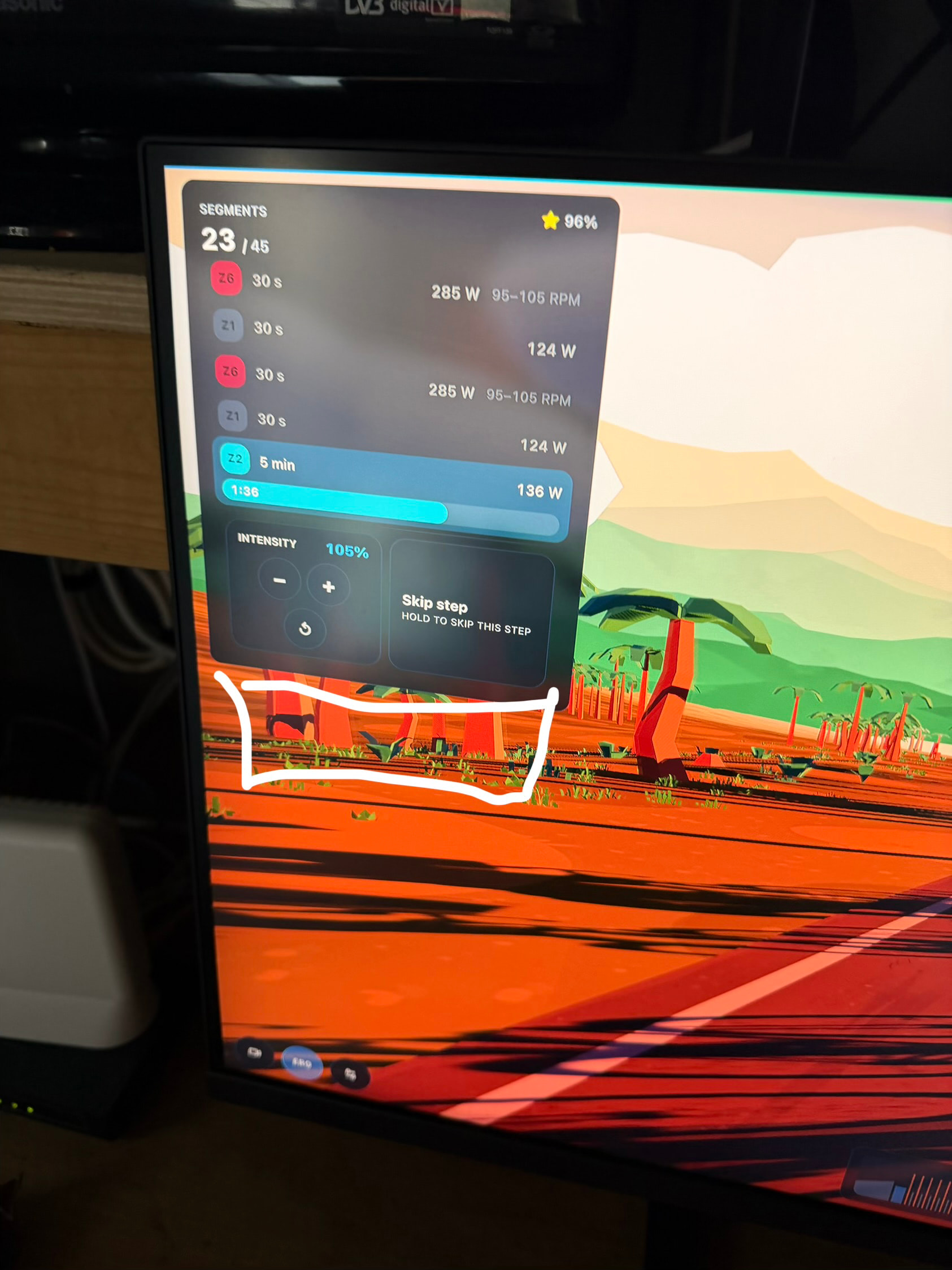
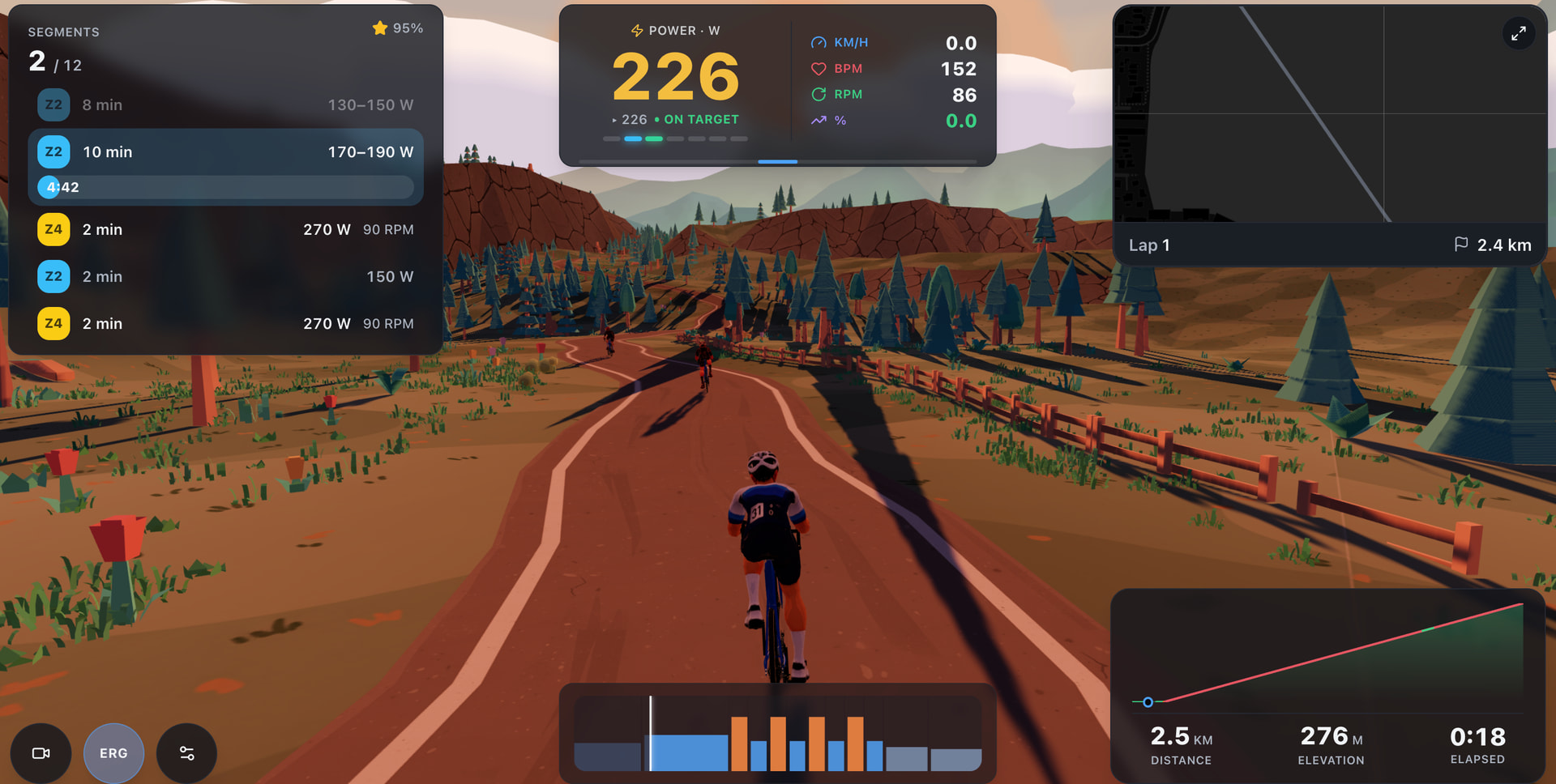
MTP Ride is a fully featured cycling simulator with the functionality you would expect from this type of product, including smart trainer support, ERG mode, heart rate straps, CORE sensors, elevation simulation, and more.

The main feature is the ability to take any GPX file and turn it into a virtual route in the environment of your choice. At the moment there are four environments available: coastal, winter, mountains, and suburban, with more planned.

The visual style was a deliberate choice. The low poly environments still look good at lower graphics settings, while keeping the game lightweight enough to run smoothly on a wide range of devices.

Another feature I particularly like is the ability to select any previous activity and race against yourself as a ghost. I plan to use this heavily while preparing for the next triathlon season, as it allows me to ride the same race routes again and compare my performance directly.

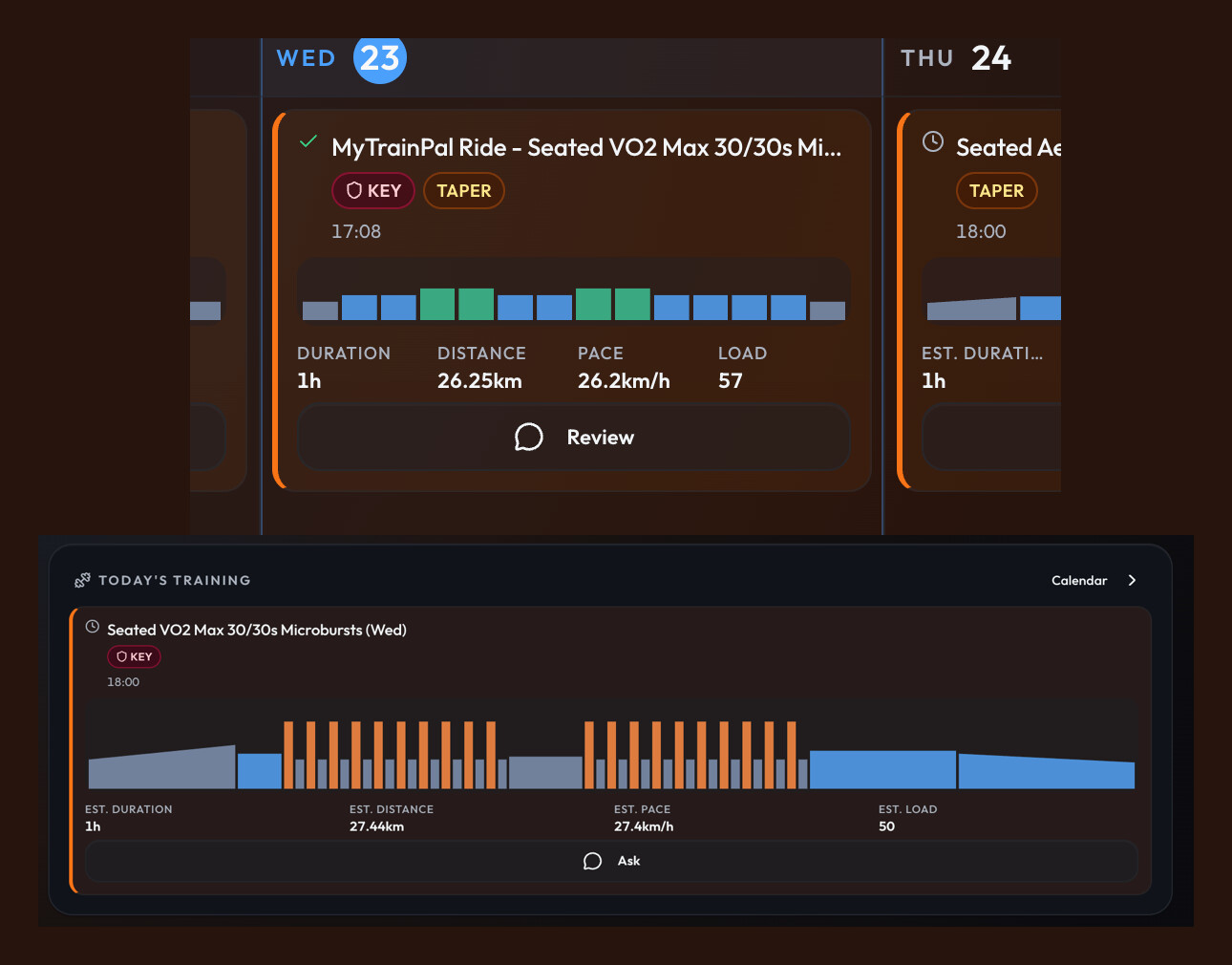
For Intervals.icu users, an important part of MTP Ride is the full bidirectional integration. Once your account is connected, you can simply choose any planned cycling workout from your calendar and execute it directly on a virtual route.
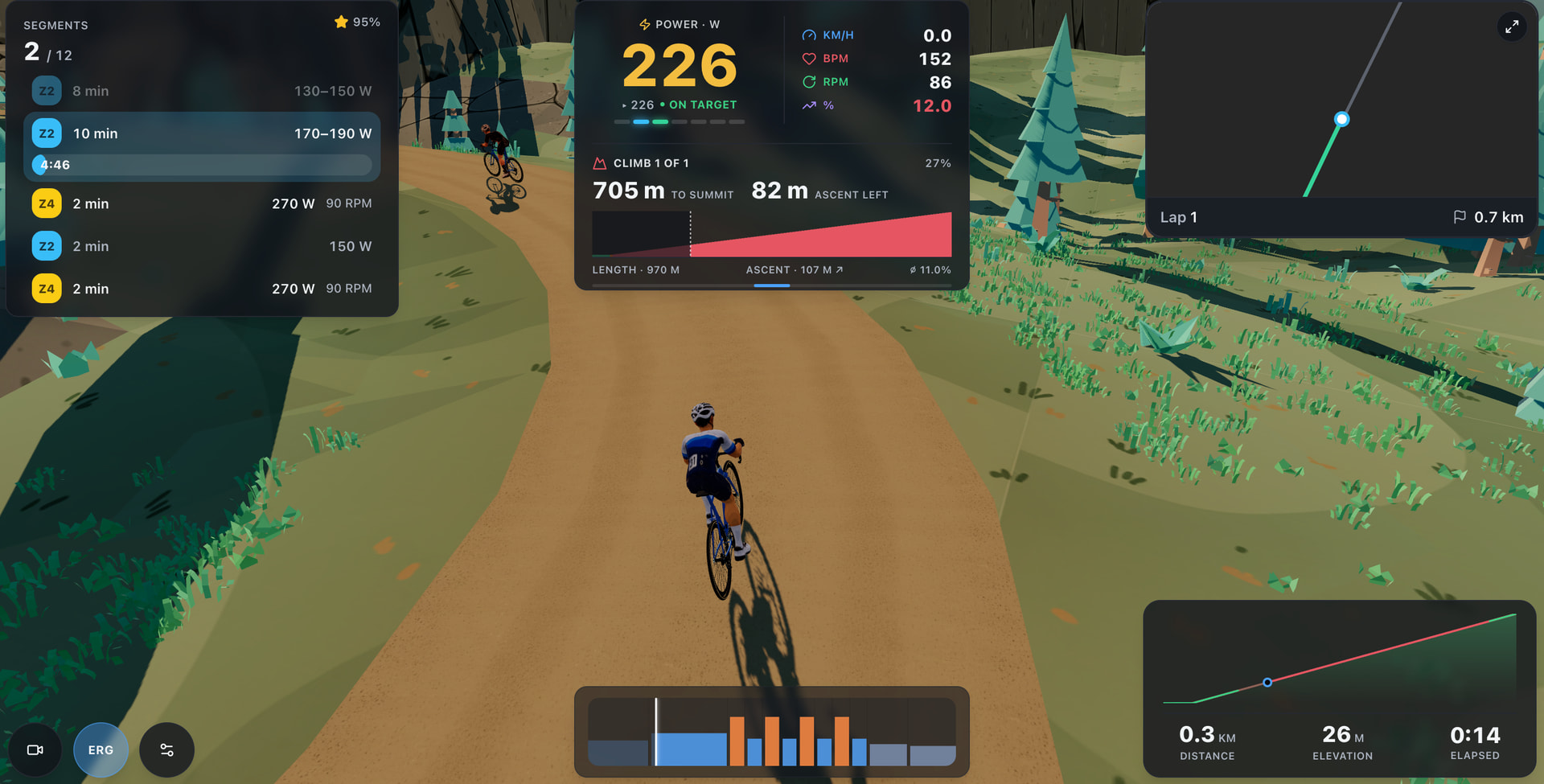
I’d be very happy if you gave it a try. If you have any suggestions, ideas, or feedback, feel free to share them here. I’m more than happy to incorporate useful ideas into the MTP Ride roadmap.

Also, a big shoutout to @Jamie_Bishop and @James_Paul for helping test it and for sharing such valuable feedback along the way.
9 Likes

Just done a freeride and have a bunch of feedback.

The CORE sensor works as expected. EDIT: Data never made it to intervals but did show in MYTP

I chose mountain and put the corner slider up to 100%, the road seems to cross itslef and tou rdie through walls.

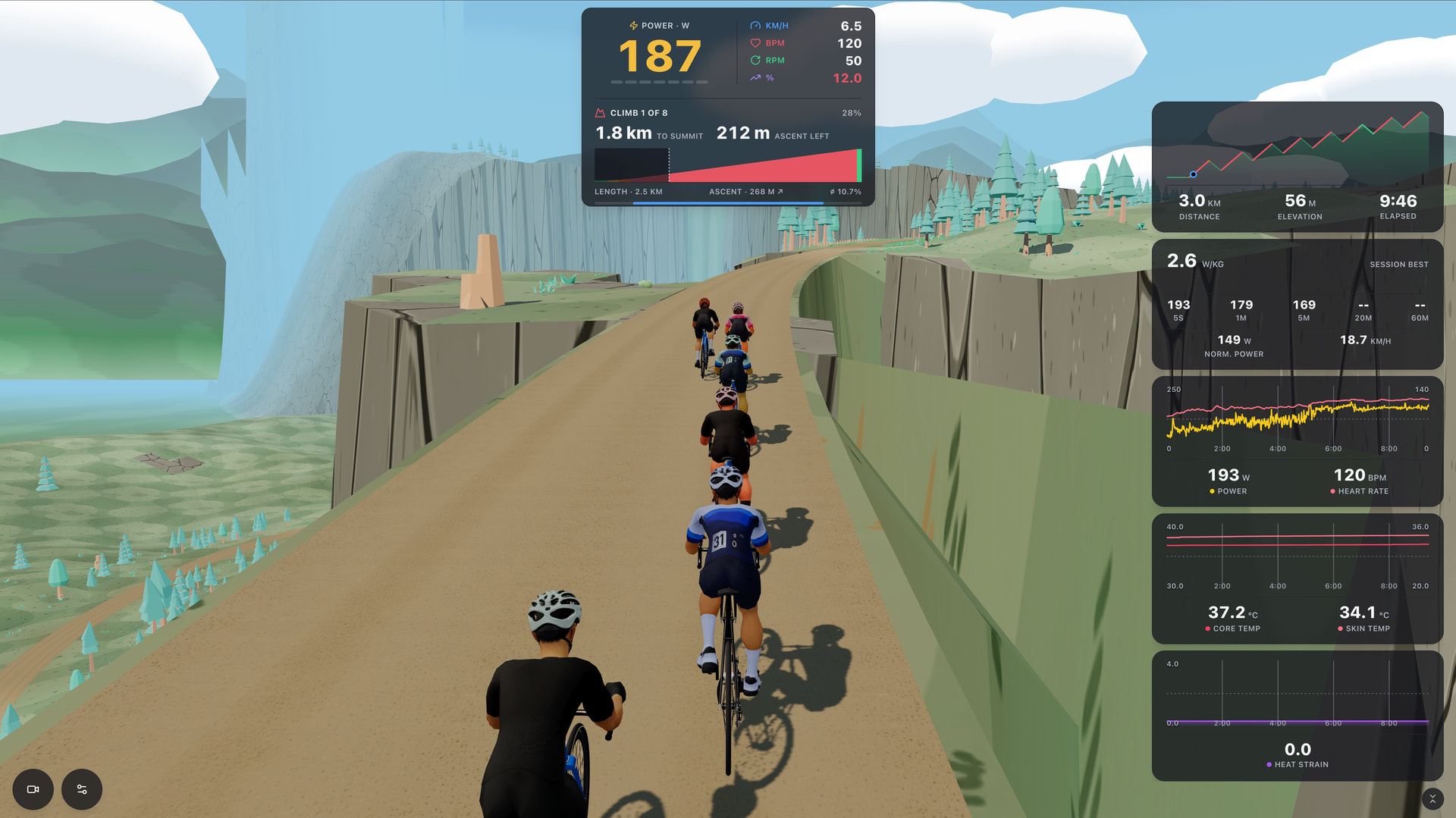
Love the climb profile, but most platform have the ability to scale trainer difficulty. I’m on a kickr bike and have it set up with a massive range of gears and I still ran out on the climb, 50rpm at 12% grade so maybe a scale is needed like most platforms.

The kickr bike follows the gradient with its built in climb, so it was tipped back to 12% climbing so that was fun. However on the decent it suddenly pitched forward to -12%, which I wasn’t expecting as most platforms to the downhill at 50% of actual gradient so should have been -6%.

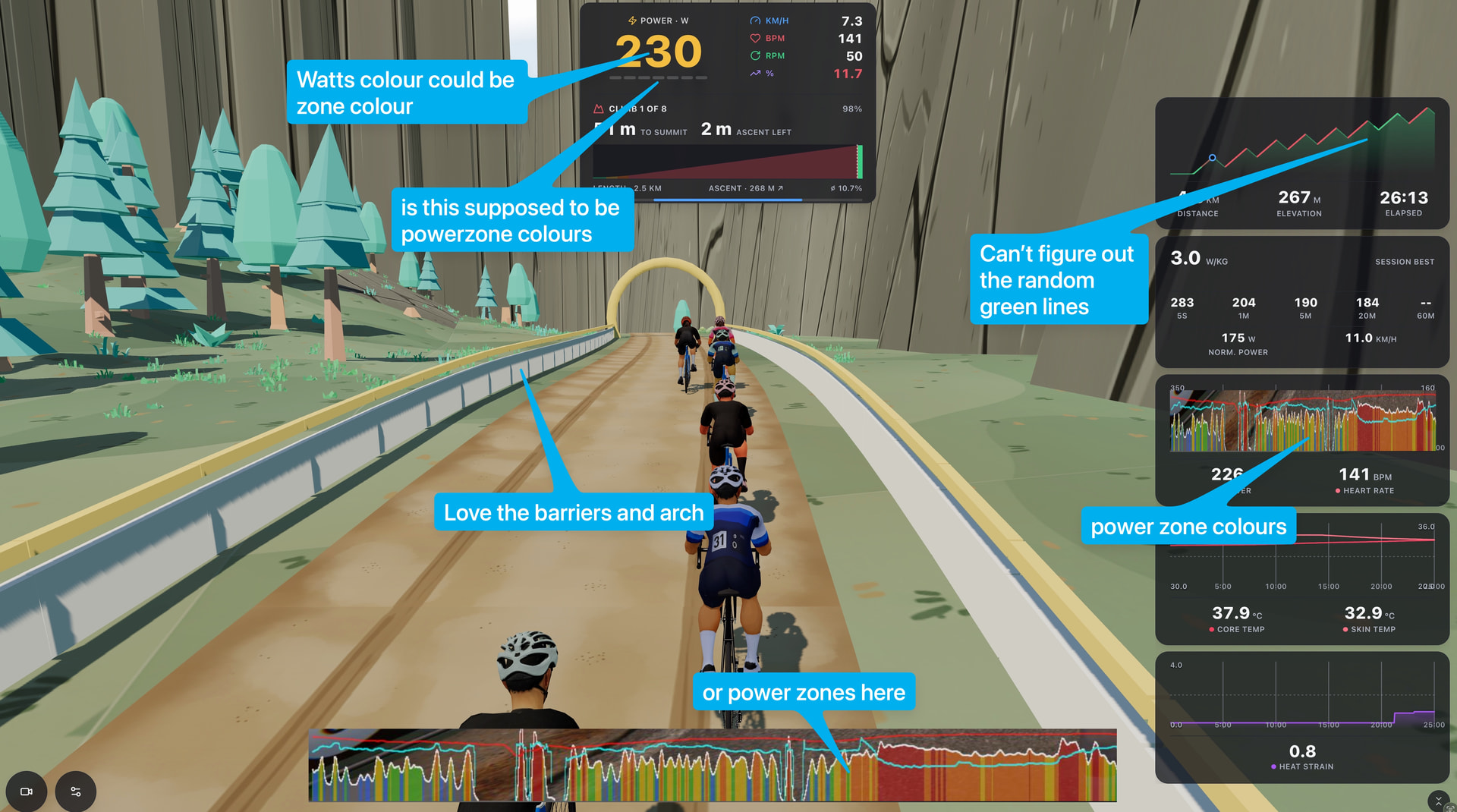
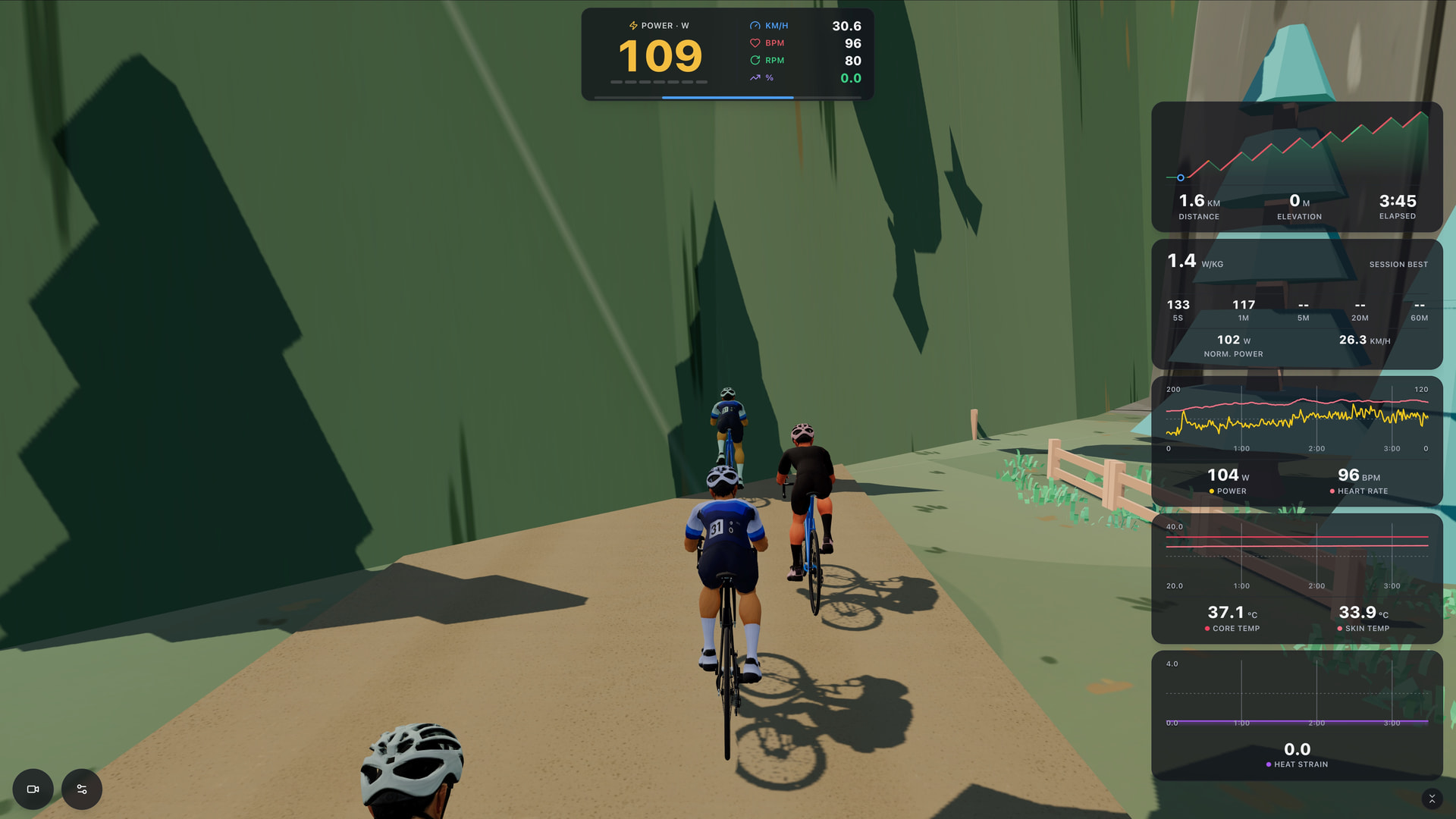
Some general comments on the HUD, most related to not knowing what power zone I’m in. I said it somewhere else but the charts would be better if they could have 3 metrics, would be great for CORE (already does it in app) and also Power, HR and Cadence in one.

2 Likes

Hi @Jamie_Bishop ,

Thank you for the feedback. I agree with all of your suggestions, and I’ll be gradually rolling out improvements to address them.

So far, I’ve managed to implement the following:

• CORE fields are now exported in the FIT file sent to Intervals.icu.
• Tunnel detection has been added, so you should no longer ride through textures.
• Trainer difficulty and descent damping are now configurable in the Ride Setup.
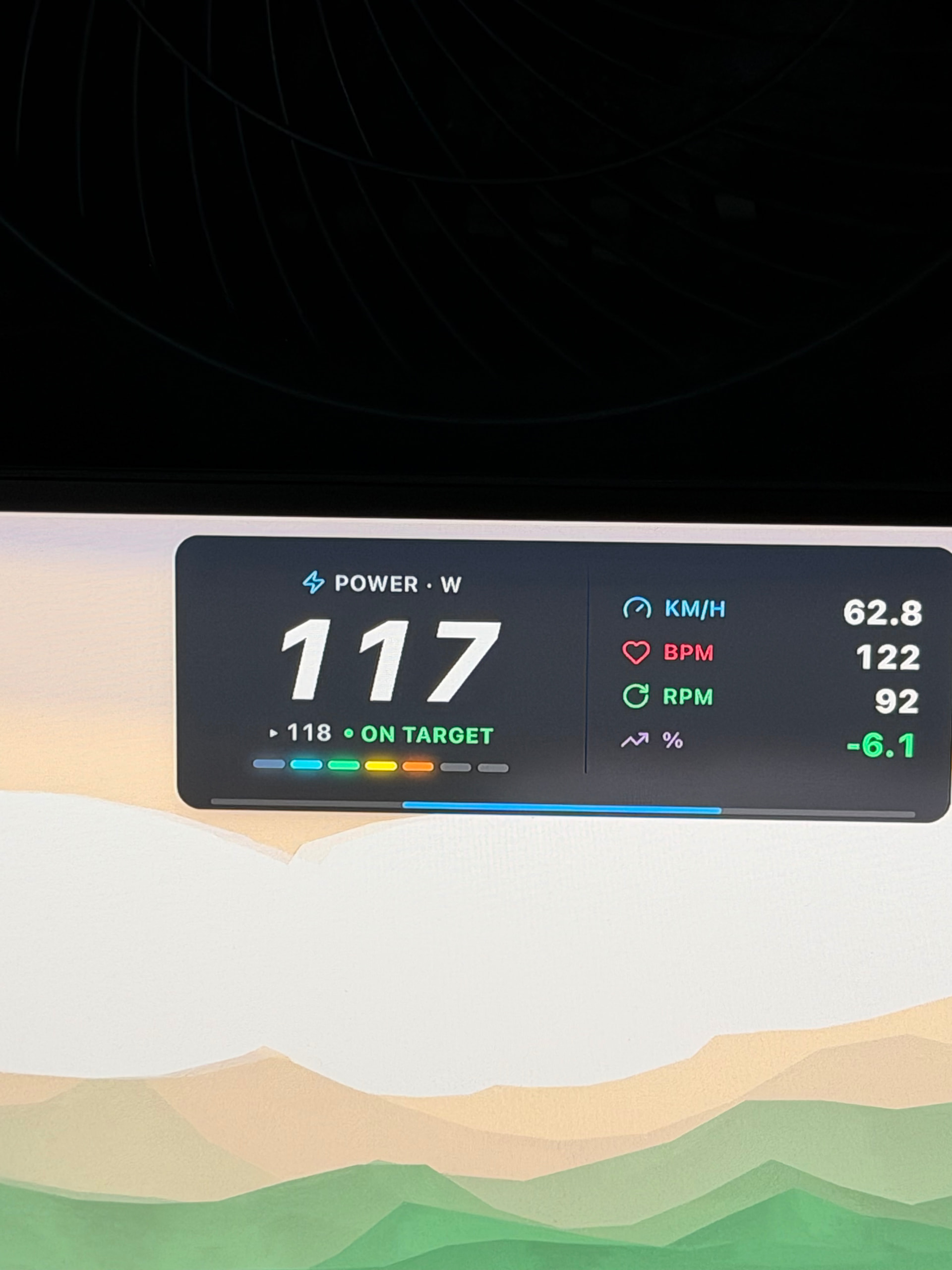
• The indicator below the power display now shows your current power zone using color.
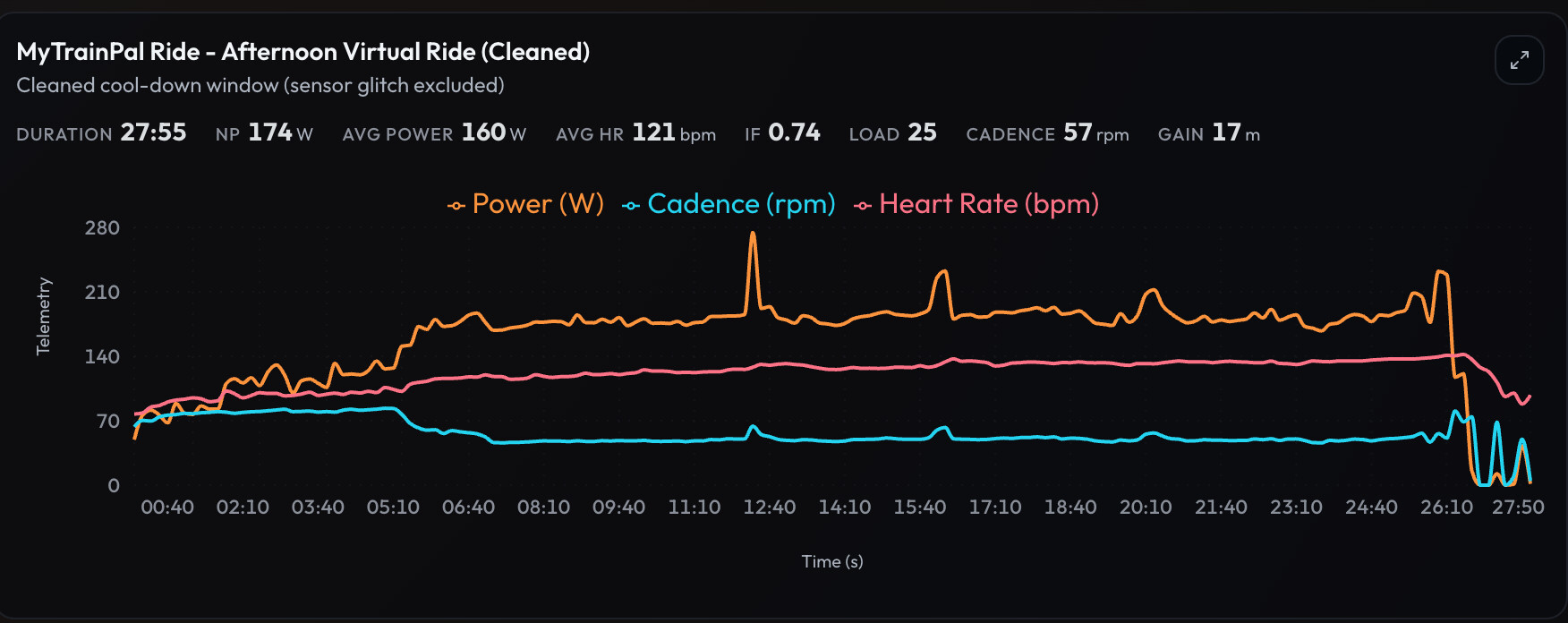
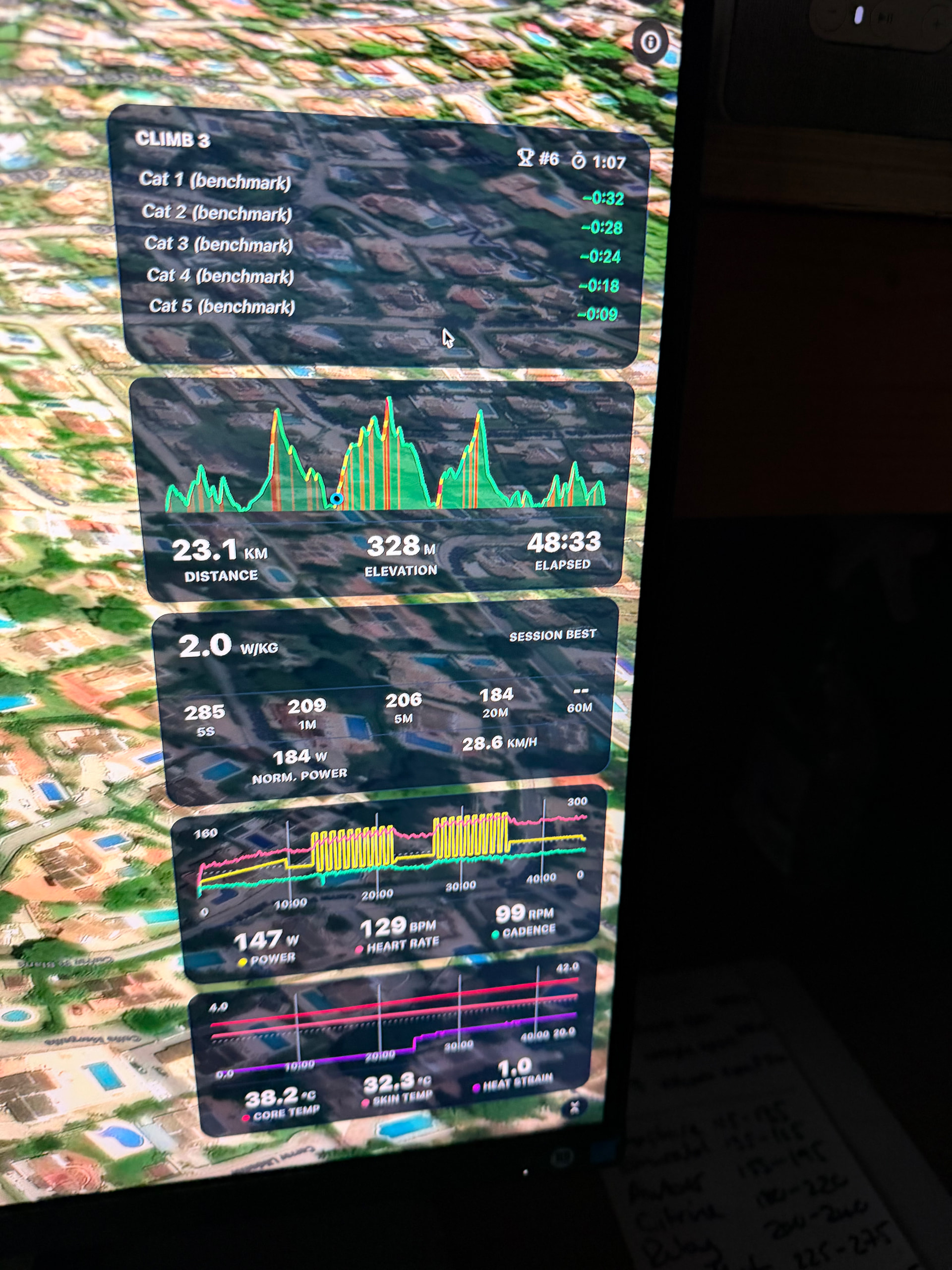
• Panels can now display up to three data series at once, with the option to assign each series to either the left or right axis.

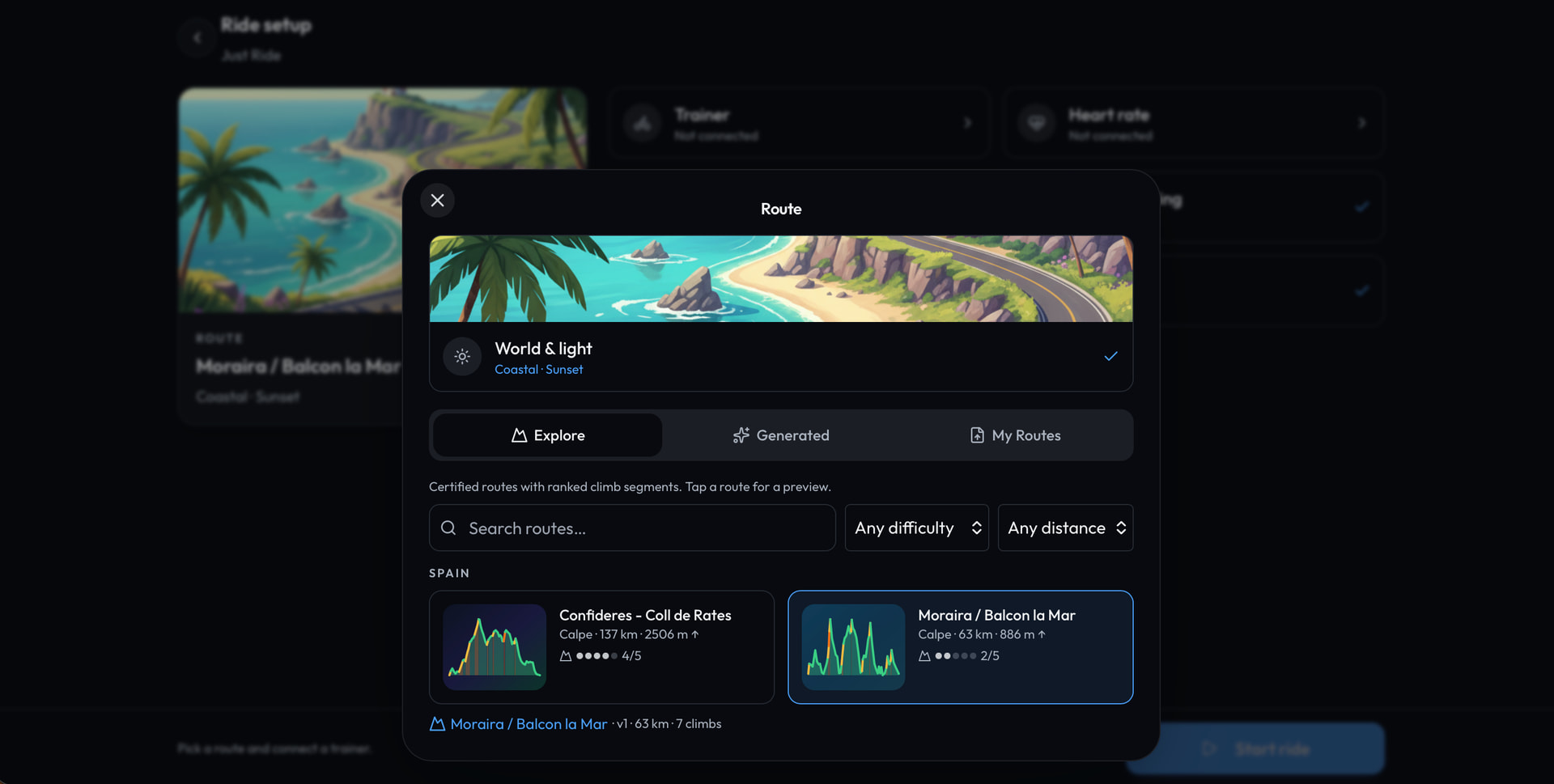
I’ve also rolled out a new feature that I’m quite excited about: Explore Routes.

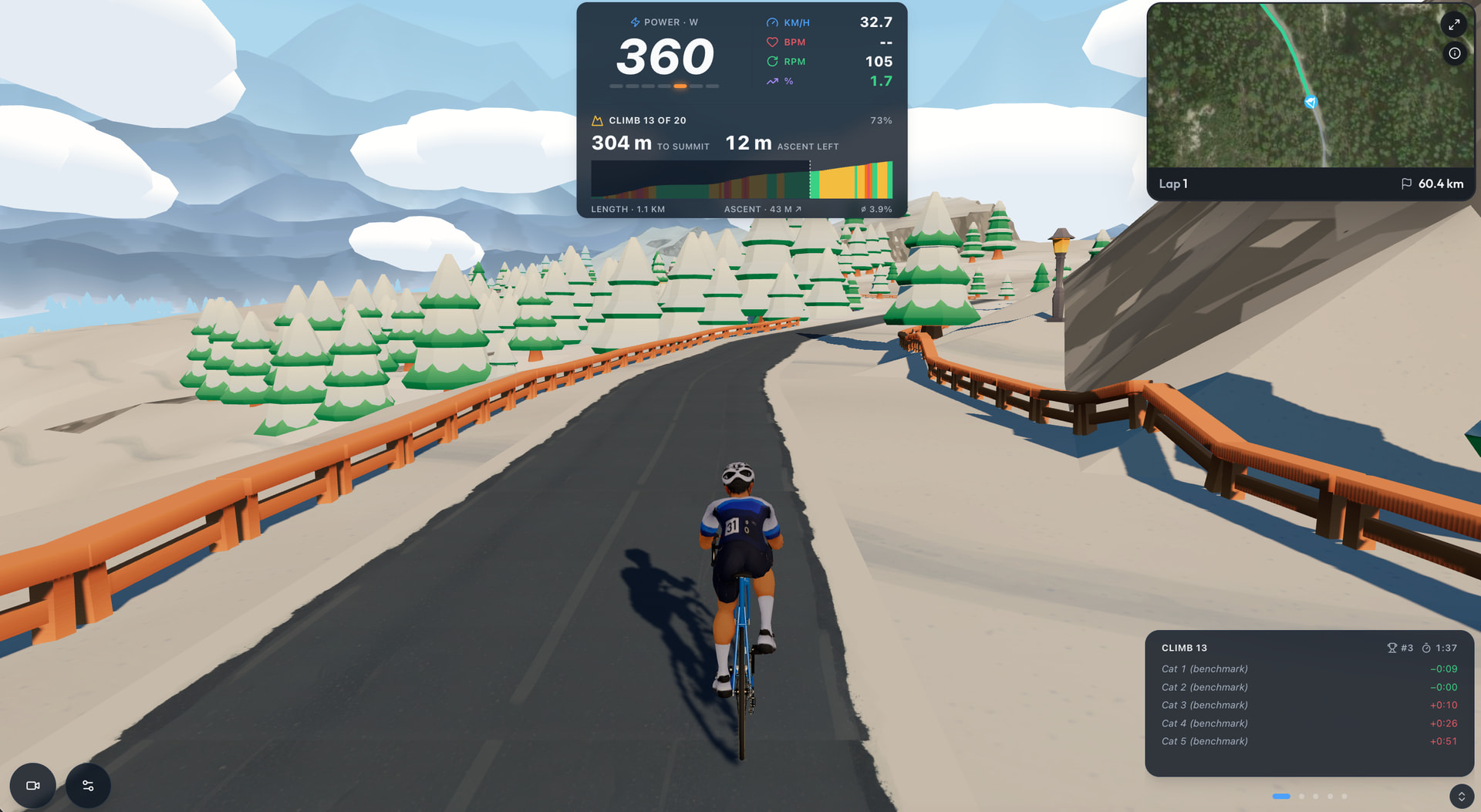
It is essentially a curated set of real world routes with a competitive element. You can ride famous climbs and compare your times with other MyTrainPal users on specific climb segments.

The idea came to me during a recent cycling camp in Spain. I enjoyed the routes around Calpe so much that I wanted to recreate some of that experience virtually and make it available to other users. For now, Explore includes a selection of routes from the Calpe region, but I plan to expand it with famous routes and climbs from around the world.

Another major improvement is the terrain generation. The virtual terrain now follows the real gradients much more closely, so when you ride a known climb, the surrounding landscape and road profile should feel much closer to the actual route.

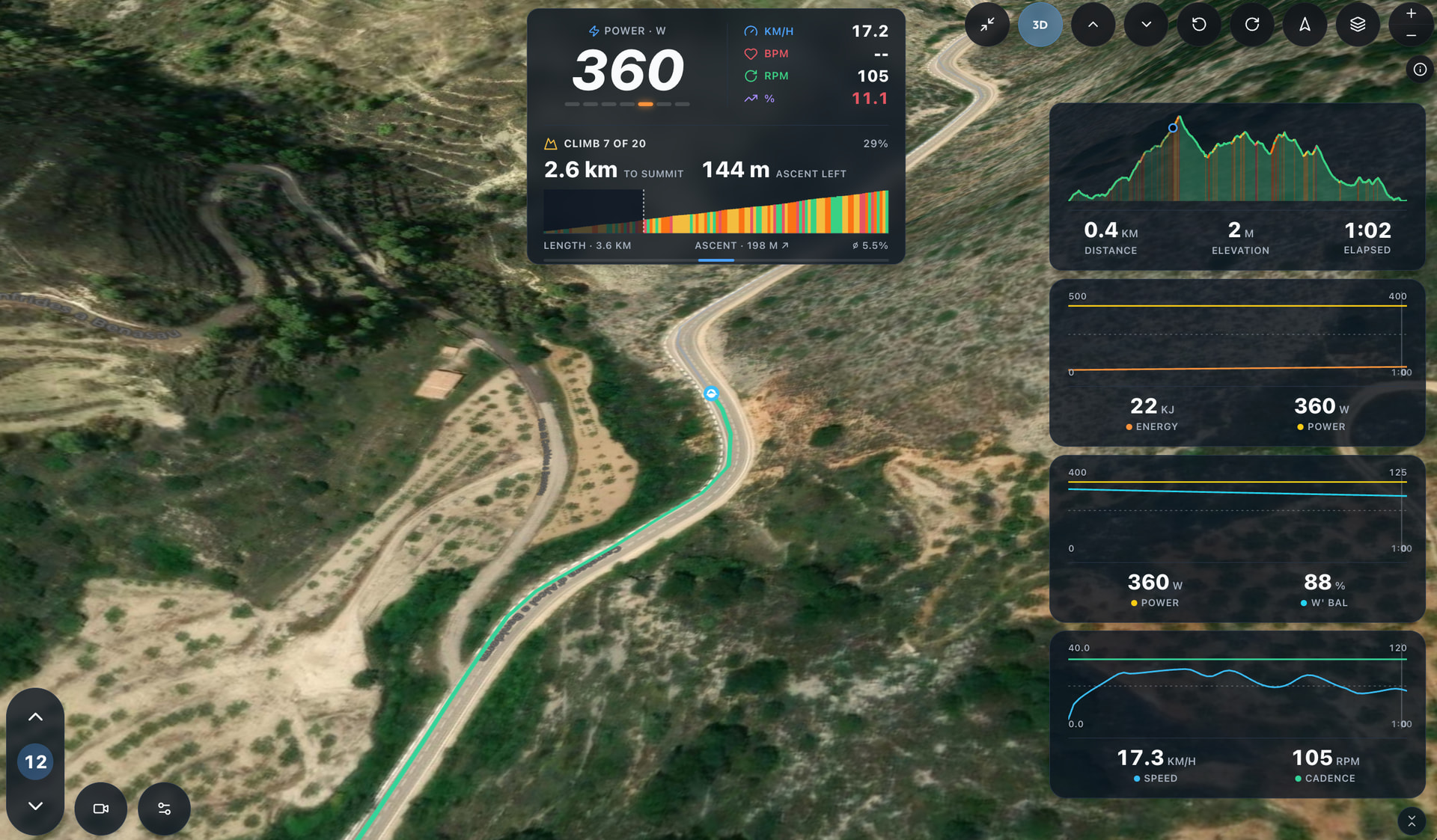
If you are not a fan of looking at virtual avatars, you can also switch to a full screen map view. This gives you a 3D representation of the route using satellite imagery, so you can execute your workout while following the real landscape instead.

I’m genuinely excited about these additions. I already can’t wait to compare my time on Coll de Rates after a full winter of virtual training. I think having a real climb to come back to and measure myself against will give me an extra bit of motivation to stay consistent through the colder months.

The climb segments in Explore are generated when the route is created and work similarly to Strava segments. You can compare your result with other users who have agreed to share theirs.

I’m also considering giving a few bonus AI credits to anyone who takes a KOM on one of the climbs, just to make the competition a little more interesting :slightly_smiling_face:

1 Like

All Sounds good.

Did you get the +\- to work adjusting workout?

I have an interval session today so would like to try it but I need these to work for it.

I’m having hard time replicating this issue, as whenever I try the +/- intensity buttons work as expected and they adjust the target power. If you can, please try changing HUD size. Perhaps some specific HUD size/screen resolution combination is causing an issue.

okay I’ll try that.

How about adding keyboard shortcuts, + key for up and - key for down, then tab for next interval. Maybe even space for pause workout

Yes, that’s a good idea as a fallback.
I’ll keep escape for opening menu that effectively pauses the workout. I’ll add it now.

I can give you some cracking Calpe routes, you could add Cumbre De Sol (steep). Castell De Castells is a nice loop.

Some Mallorca ones would be nice too, I’m off on the 1st for a week

If you have any interesting routes you’d like to share, that would be great.

I’ve made quite a few improvements to the rendering engine to make the routes look more natural and enjoyable to ride. I’m pretty happy with where it is now, so almost any GPX should translate into a good looking virtual route.

1 Like

Found the +\- bug. It works when right hand charts are collapsed. When expanded they don’t work.

The zone guide isn’t working. They just are lit up if you touch them rather than the zone you are currently in.

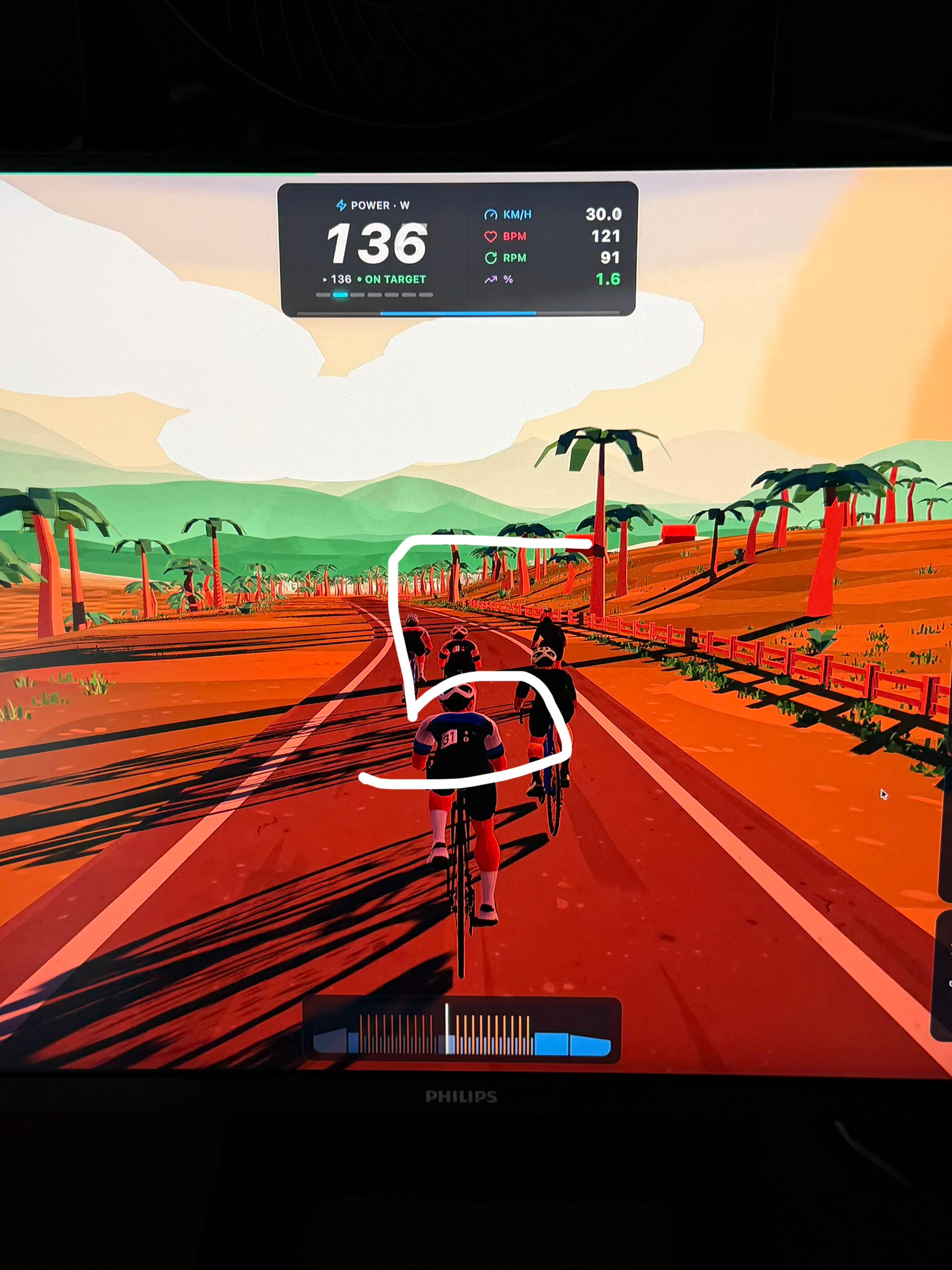
Mid ride. Another thought. I’'m doing 30/30. A large 5 second count down in the middle of the screen would be useful.

Add time remaining for whole session here

2 Likes

Wonderful, thank you. Now it’s going to be much easier to fix it.

I would add to it the sound alerts. Added task in the backlog for it and I’m going to take care of it soon.

2 Likes

New charts are now brilliant. Rode Calpe. Google Maps view is cool. The generated one wa good but the arches and barriers didn’t align to toad at tips of climbs.

1 Like

Charts aren’t fixed though.

Core data went into intervals :+1:t3:

I’ll need to use higher resolution GPX file, fortunately I have some from my rides, just need to cut the Coffee stops from it :slight_smile:

Regarding the charts, I’ll take another look, but I suspect that 30/30 has too short interval durations to be recognized. I can tweak that to work correctly in this case. Thanks for heads-up.

Another feedback. When using myTP Ride, the finished workout goes to myTP and therefore Intervals.icu but thats it.

I need it in in TP, Strava and Apple Health. I do use RunGap to bridge some of these but I don’t want RunGap pulling in from Intervals as it gets too messy. Is it possible to sync to TrainingPeaks as I use that as my data master.

Strava is already supported my MTP Ride. You just need to disconnect and connect to it again to give it write access.

TP and Apple Health are on my list. It will take longer for TP as it’s not one of the currently supported connectors. But whatever arrives in Strava will probably be pulled by TP anyway.

Yeah but the issue with Strava is it strips out so much data before passing on. I always want my data to arrive there last.

I’ll just download the fit file and upload to TP For now then.