Weird sync loop. Yestreday myTP RIDE ride synced to app and Intervals but then synced back to myTP from inrevals so ended up duplicated. Spoke to the coach, it deleted it but then it just reappeared.
Seems to keep looping round?
Weird sync loop. Yestreday myTP RIDE ride synced to app and Intervals but then synced back to myTP from inrevals so ended up duplicated. Spoke to the coach, it deleted it but then it just reappeared.
Seems to keep looping round?
 it’s because Intervals thinks you are in a different time-zone due to the location of GPX you used. Hence the de-duplication logic treats it as a separate activity.
Unintended consequence of recreating real life locations in virtual world 
I’ll patch it quick
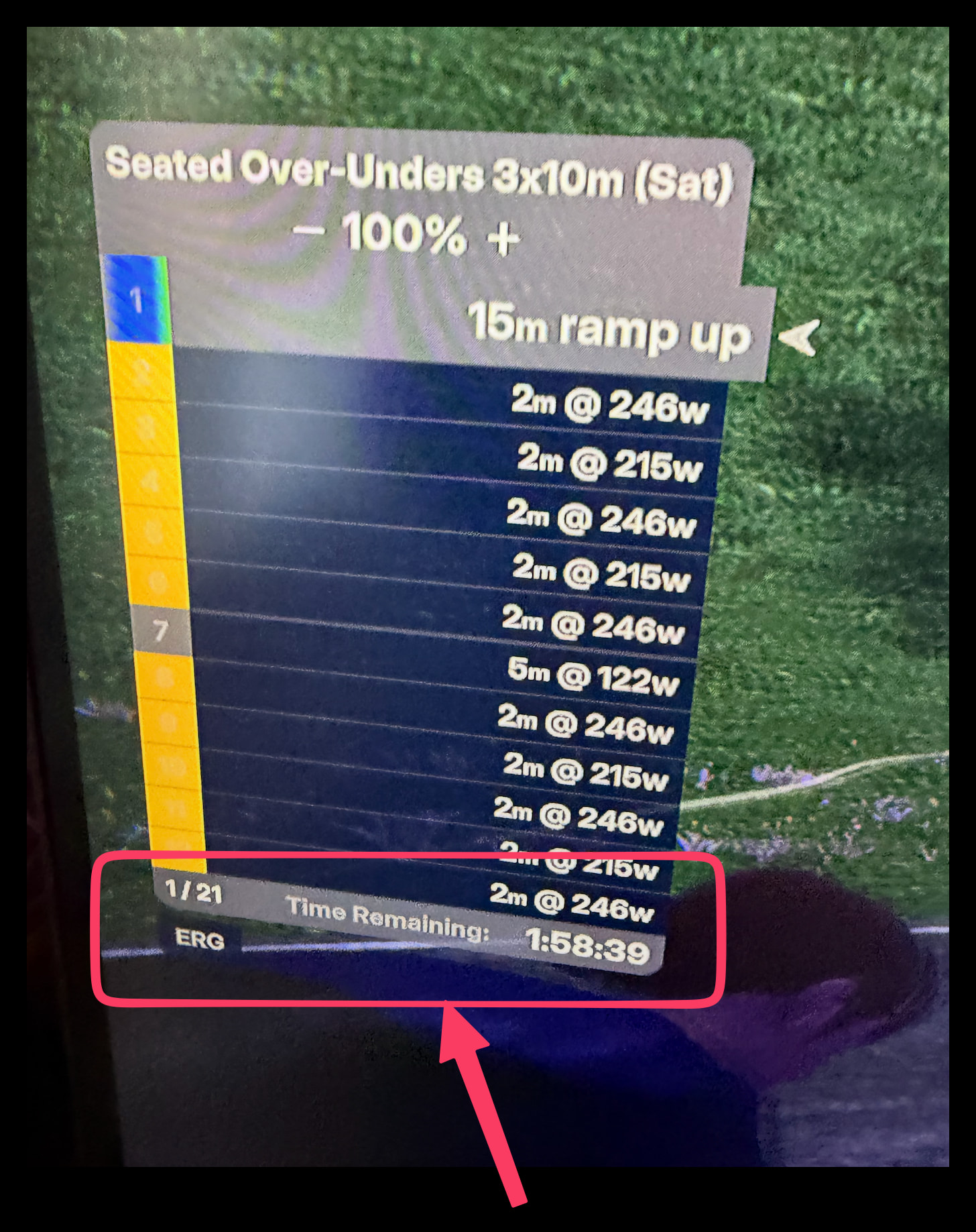
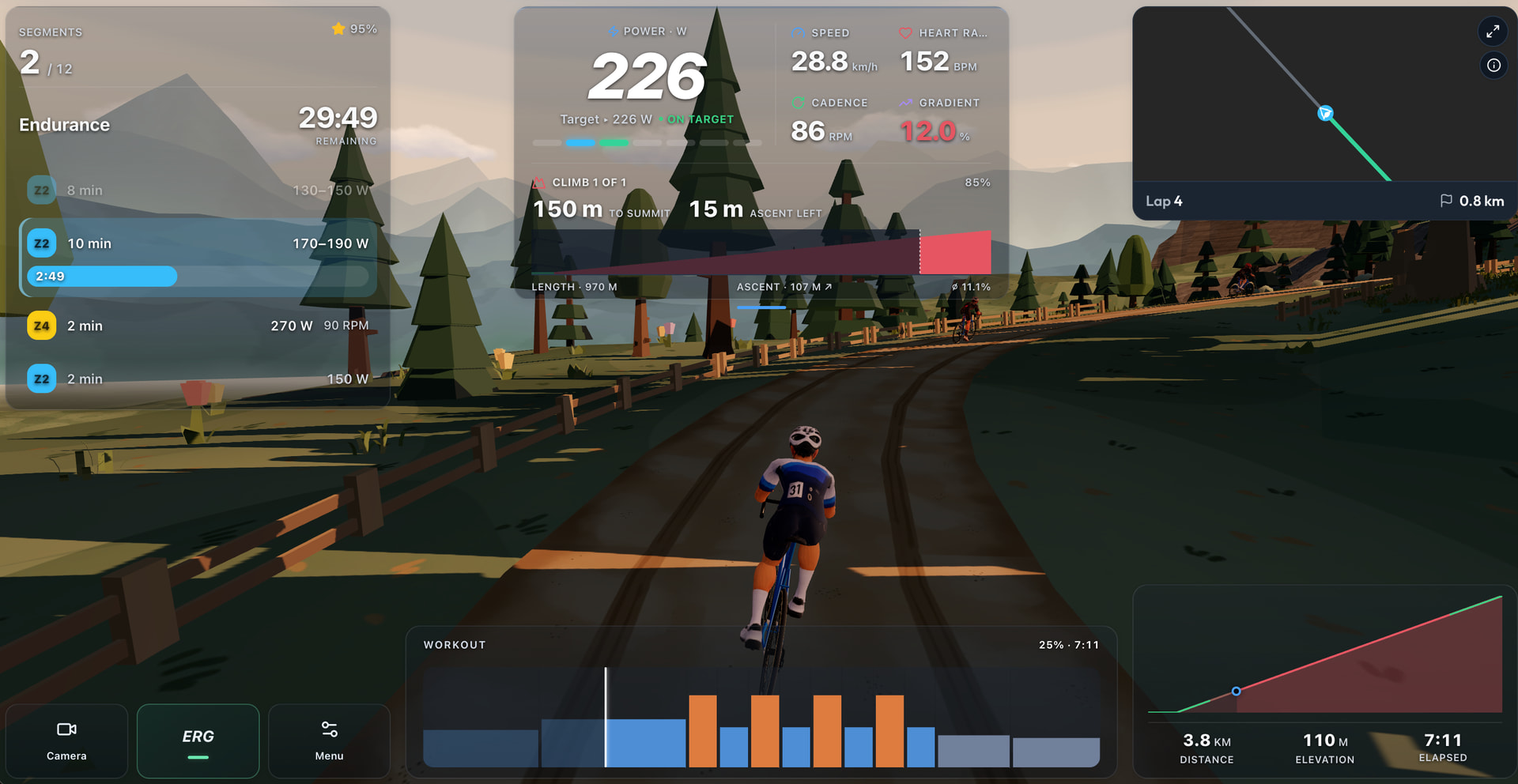
Would be great to get interval count and more importantly time remaining added.
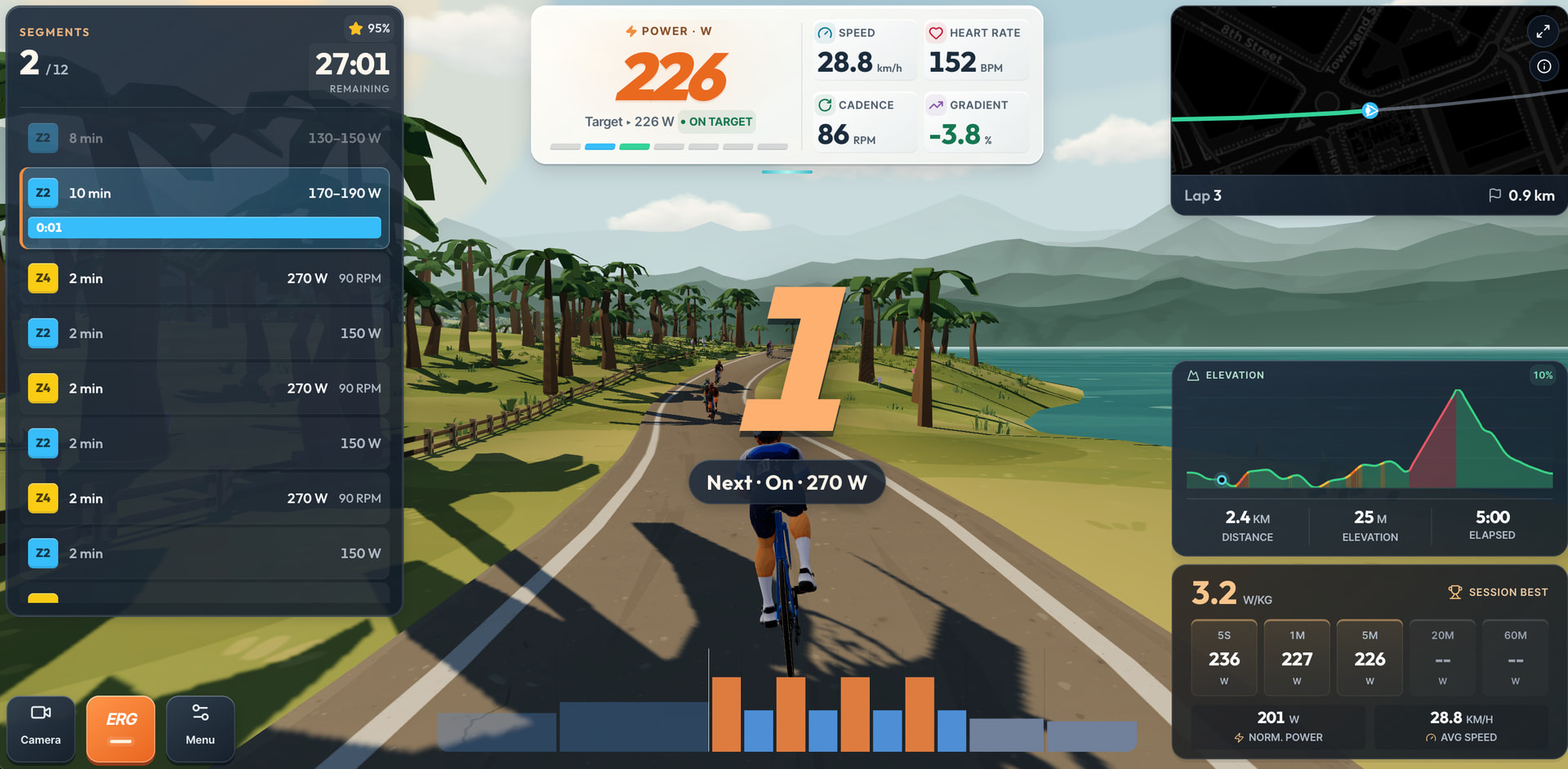
And if possible the list a bit longer like this.
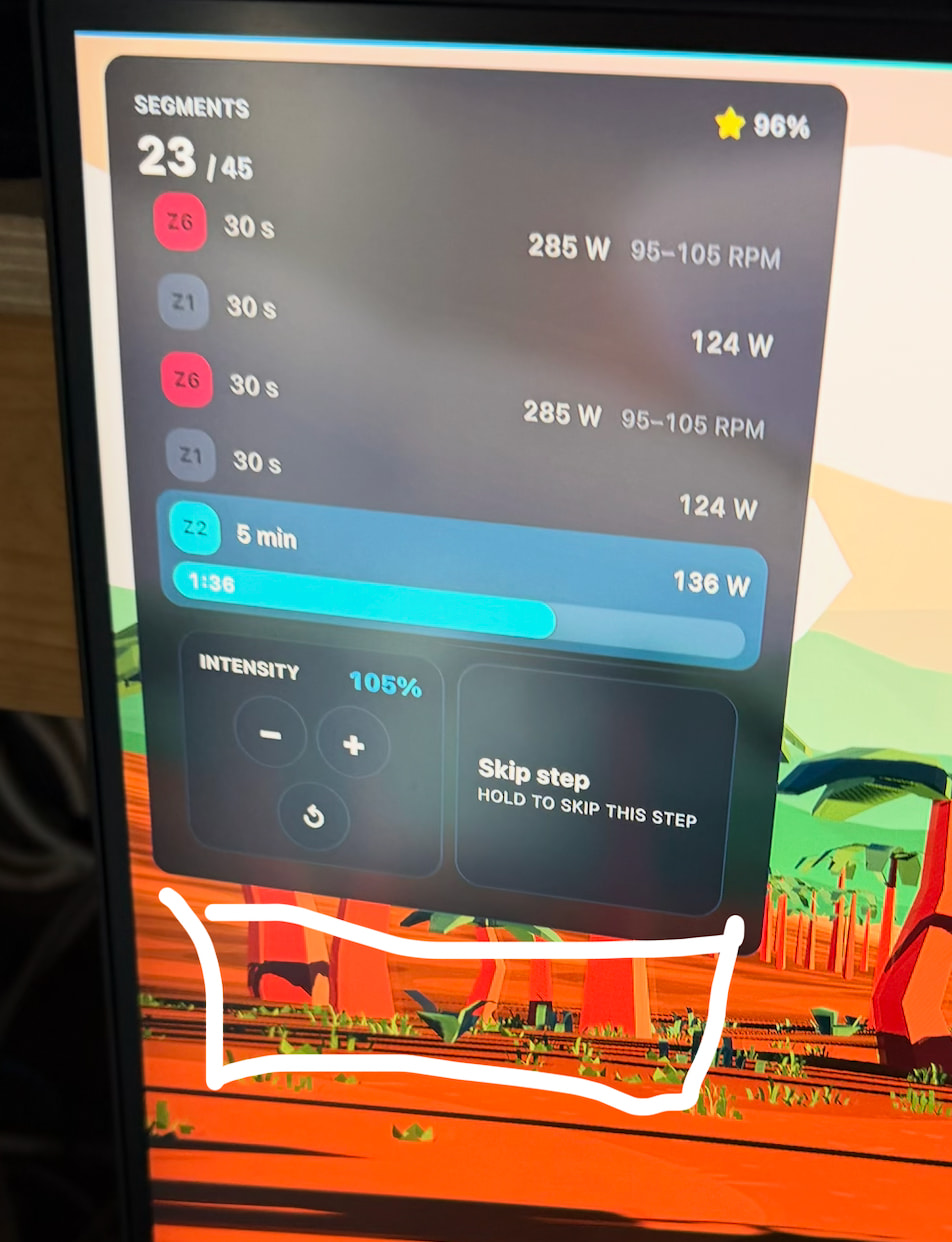
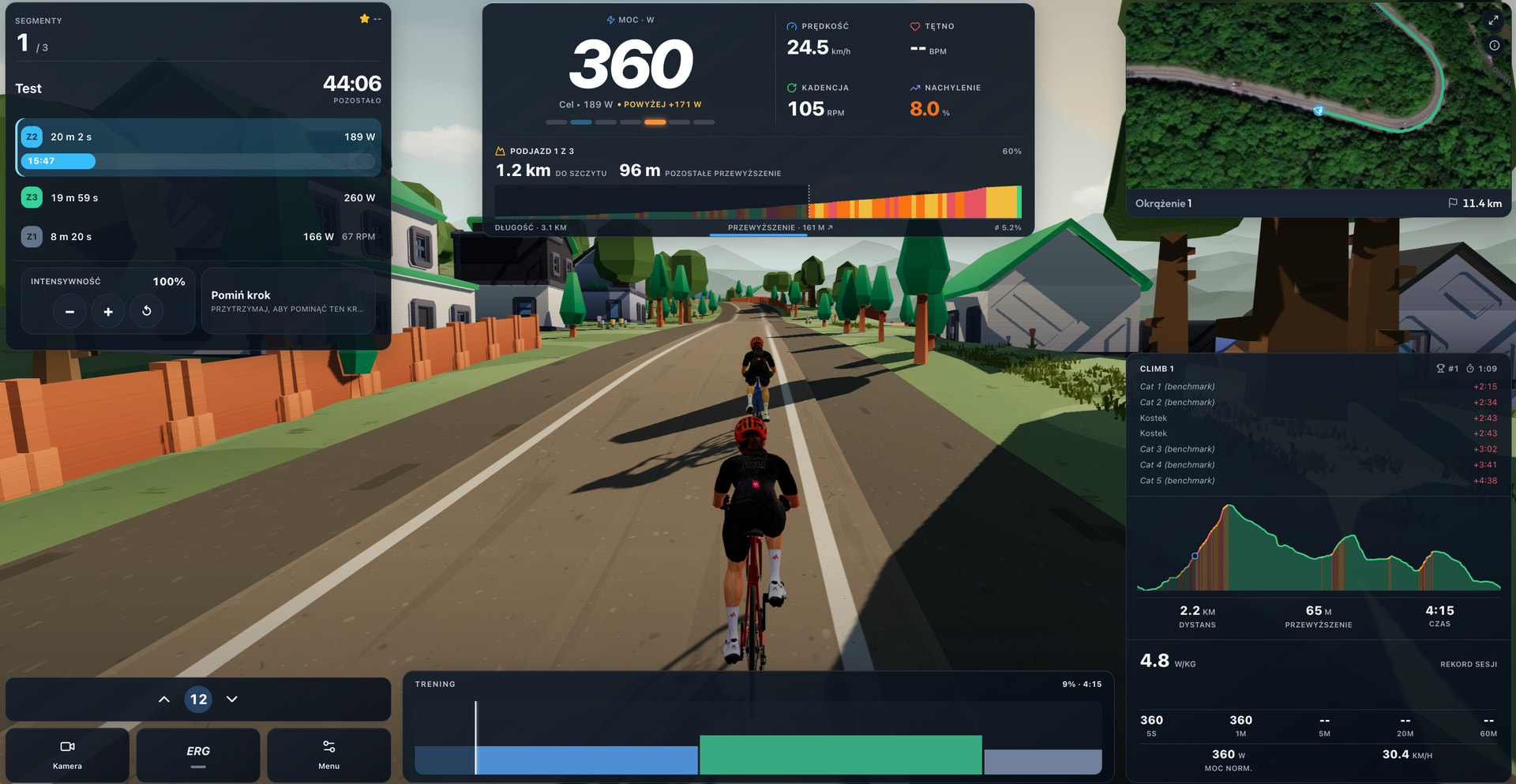
@Jamie_Bishop perfect timing, I was just wrapping up the work on the improved game HUD. The new version utilizes more screen real estate and adds the information you mentioned.
@Jamie_Bishop I’m thinking maybe the HUD should have increased transparency. Let me know your opinion.
I have 2 thoughts, for me its a bit too transparent but maybe a slider would be good as for freeride transaprent is probably okay but for a workout I’d want better clarity.
The other is I don’t like the drop shadow on text, it’s not awful on the white text but on the black Z2 Z3 etc it just makes the text looked blurred.
Hello everyone,
I just completed my first workout with MPT, and as a long-time auuki.com user, I have to say I’m impressed—if not thrilled. MPT’s user interface offers a great balance: it provides all the relevant workout data alongside a more relaxed virtual environment. It avoids being purely numbers-driven without feeling overly cluttered like Zwift or MyWhoosh.
Here are a few adjustments and features I’d love to see:
Target Cadence (RPM)
Keep text messages on screen longer (approx. 5–7 seconds)
Countdown timer with a loud beep
Total workout time (and optionally the workout name)
Finally, I have one question:
Thank you very much, and keep up the great development—I’m convinced this will becoming a great app.
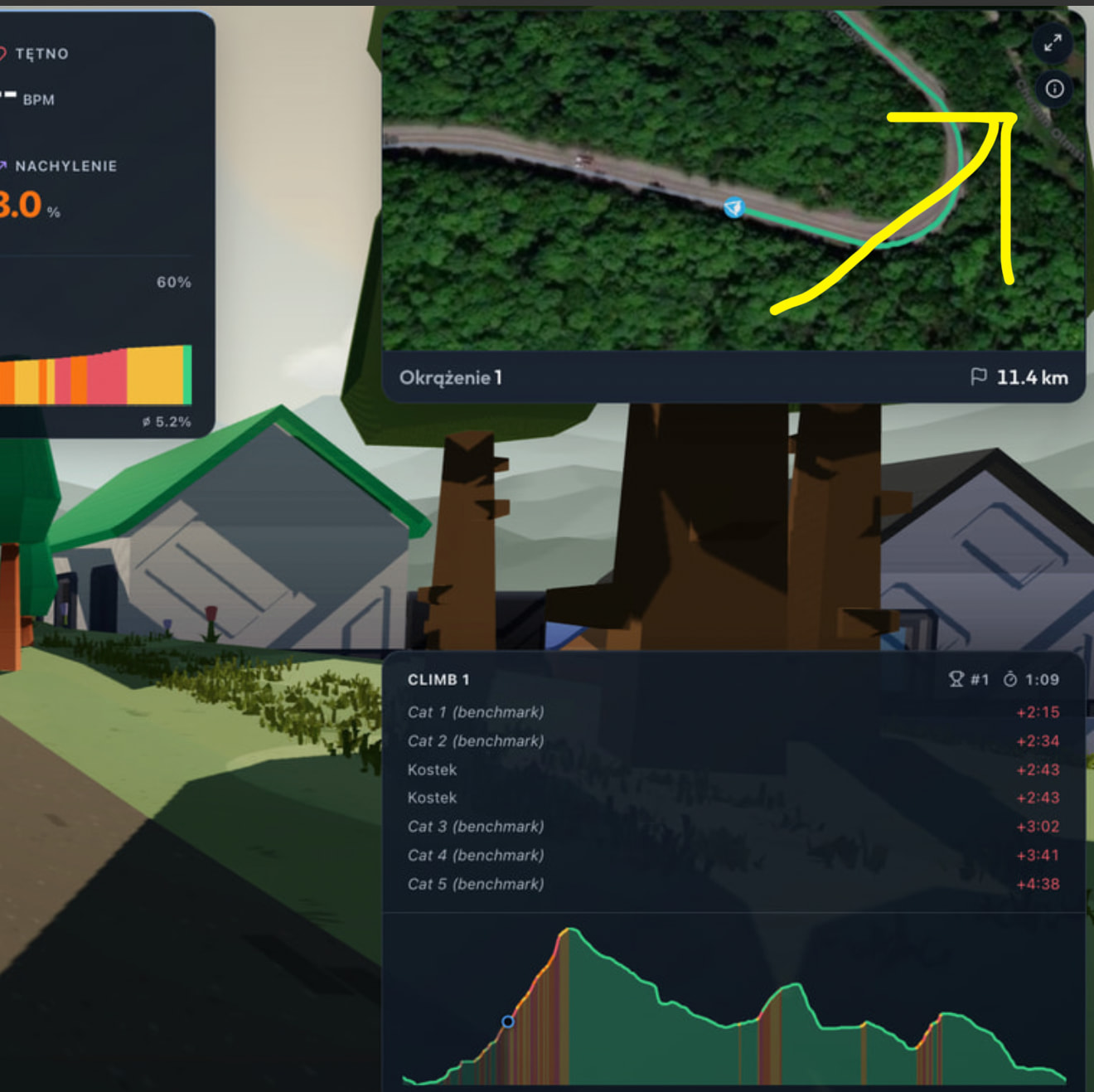
To switch to the google maps view you click on the arrows on the mini map. Took me a while to find it.
Agree, a slider in settings would be great.
Oh, thanks. Yes, quite difficult to find.
Maybe a hover pop-up on mouseover would make it easier to locate?
Thank you @Pius_Gloor for the kind words and the suggestions, and thank you as well, @Jamie_Bishop , for the help 
I’ll be doing more iterations on the game HUD, so I’ll definitely appreciate your feedback. At the moment, I’m experimenting with a more cartoonish look that feels more aligned with the overall game aesthetic, and I’m quite happy with it so far. That said, I completely agree that giving users the ability to configure the HUD is very important, and I’ll keep that in mind.
@Jamie_Bishop as you can see, I’m gradually implementing your suggestions, and I have to say they were spot on. The HUD is becoming more and more usable.
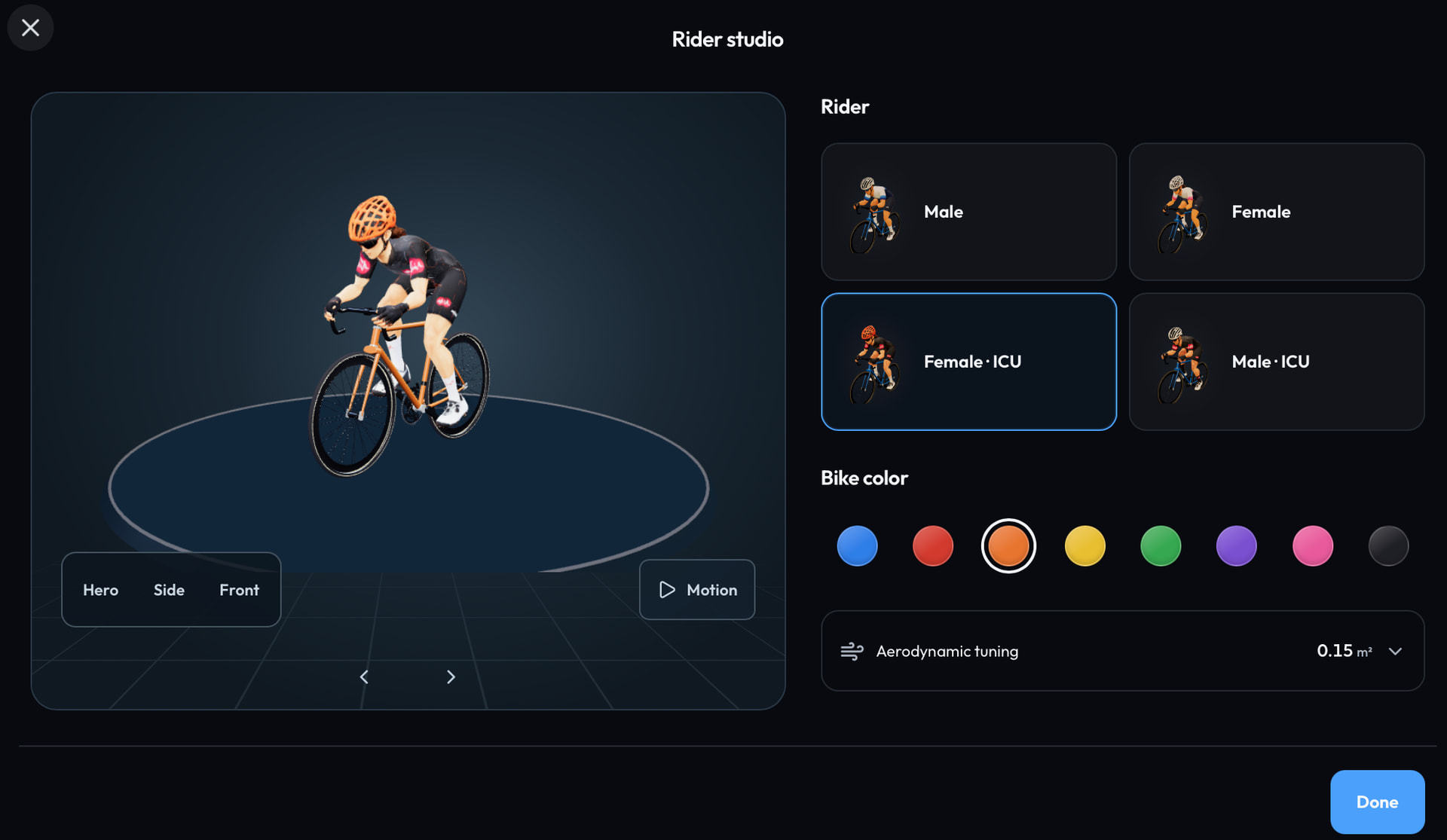
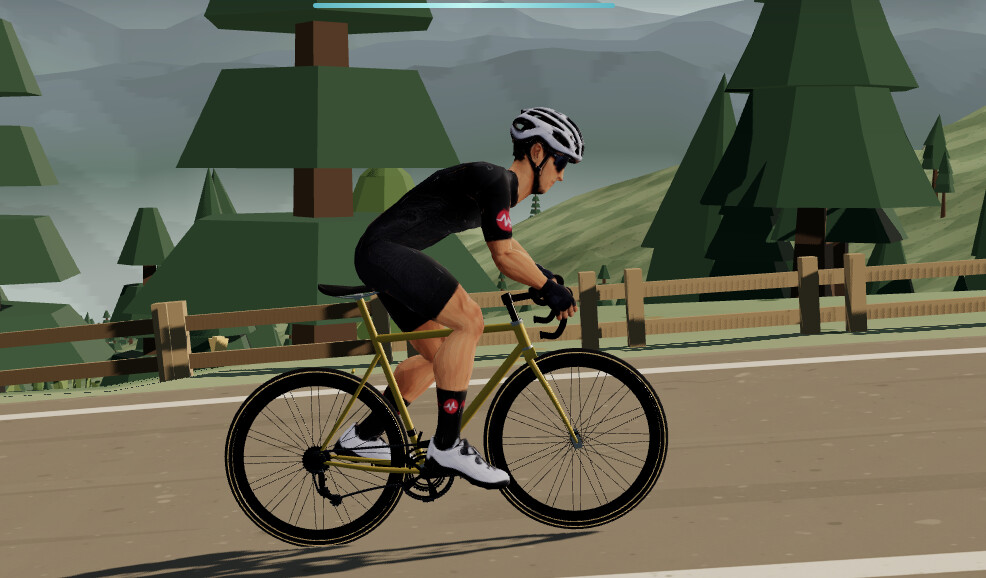
In case you missed it, thanks to @david kind approval, you can now put your avatar in the official Intervals.icu jersey.
I just spotted the Intervals logos on the avatars  Thanks!
Hi,
The web version has just been updated with improvements to the GPX route generation engine. The new code is better at detecting the elevation errors that come from apps like gpx.studio. You should now be able to draw a route in any planner and see it represented truthfully in MTP Ride.
Other improvements:
I also put together a short trailer. If you’d be willing to give it a like or share it, I’d really appreciate the support!
What a great update! Sound is active now, the birds are chirping, and the countdown timer works—only the final chime/sound could be a bit longer and louder. When I’m in the aerobars, I don’t always look at the screen.
The text messages could also stay visible for a little longer. And if the target cadence RPM could be displayed in the panel, it would be perfect. Thanks!
@Krzysztof loving the trailer, the platform is coming along very nicely, great work!!
Thanks @Pius_Gloor for trying out the update so quickly after it was released. More are on the way so I’ll definitely look into implementing these changes for you soon.
Thank you for the support, @James_Paul . I’ve managed to build quite an efficient pipeline for adding new features and content to MTP Ride, so you can expect updates to keep coming frequently.
That said, I’m very happy to introduce a new world that I’ve spent a lot of time building: Costa Blanca.
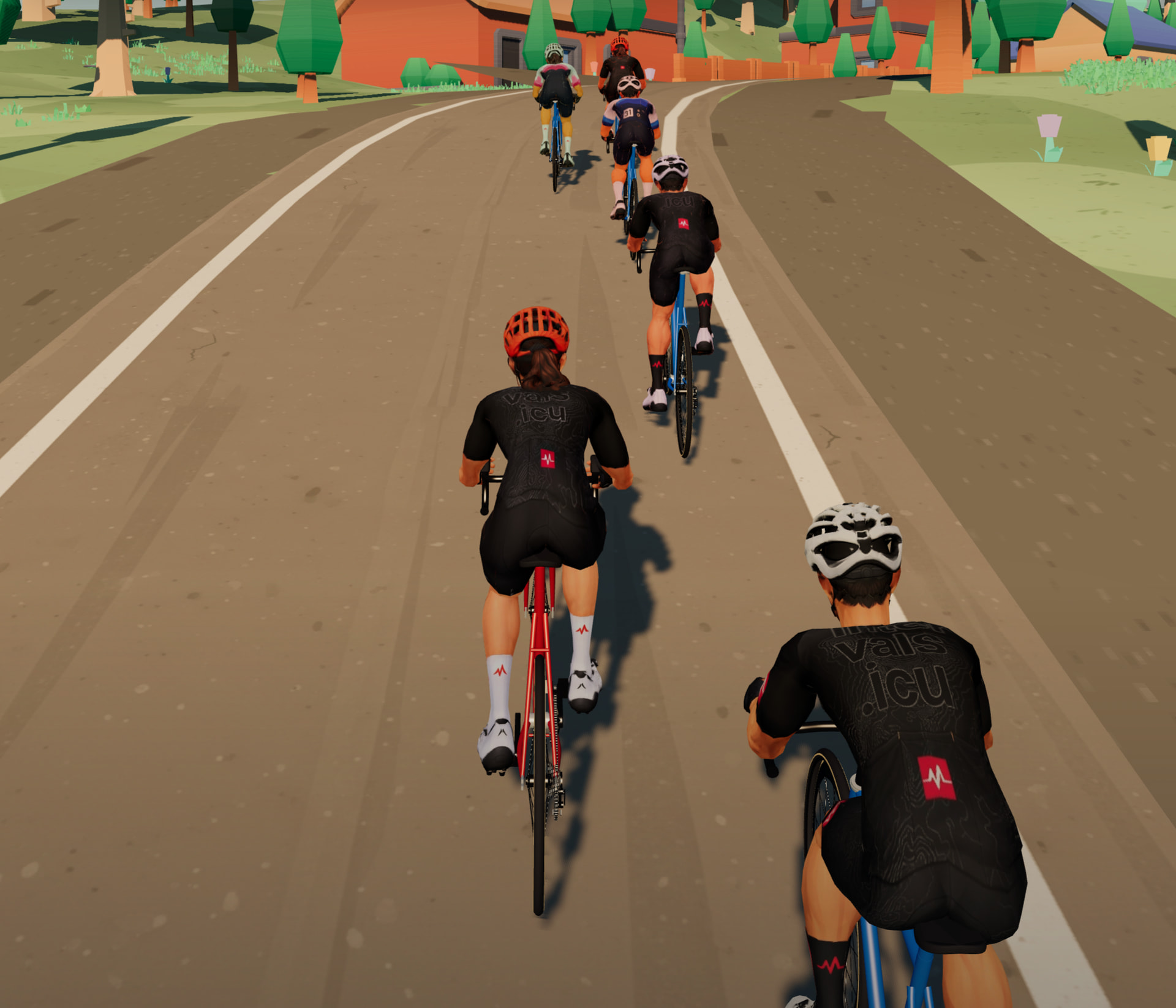
The goal was to recreate the feeling of riding the roads of Spain as closely as possible. With all the recent graphical improvements, combined with what is by far the most ambitious environment I’ve built so far in terms of terrain variety, scenery, and number of custom models, I think it gets surprisingly close.
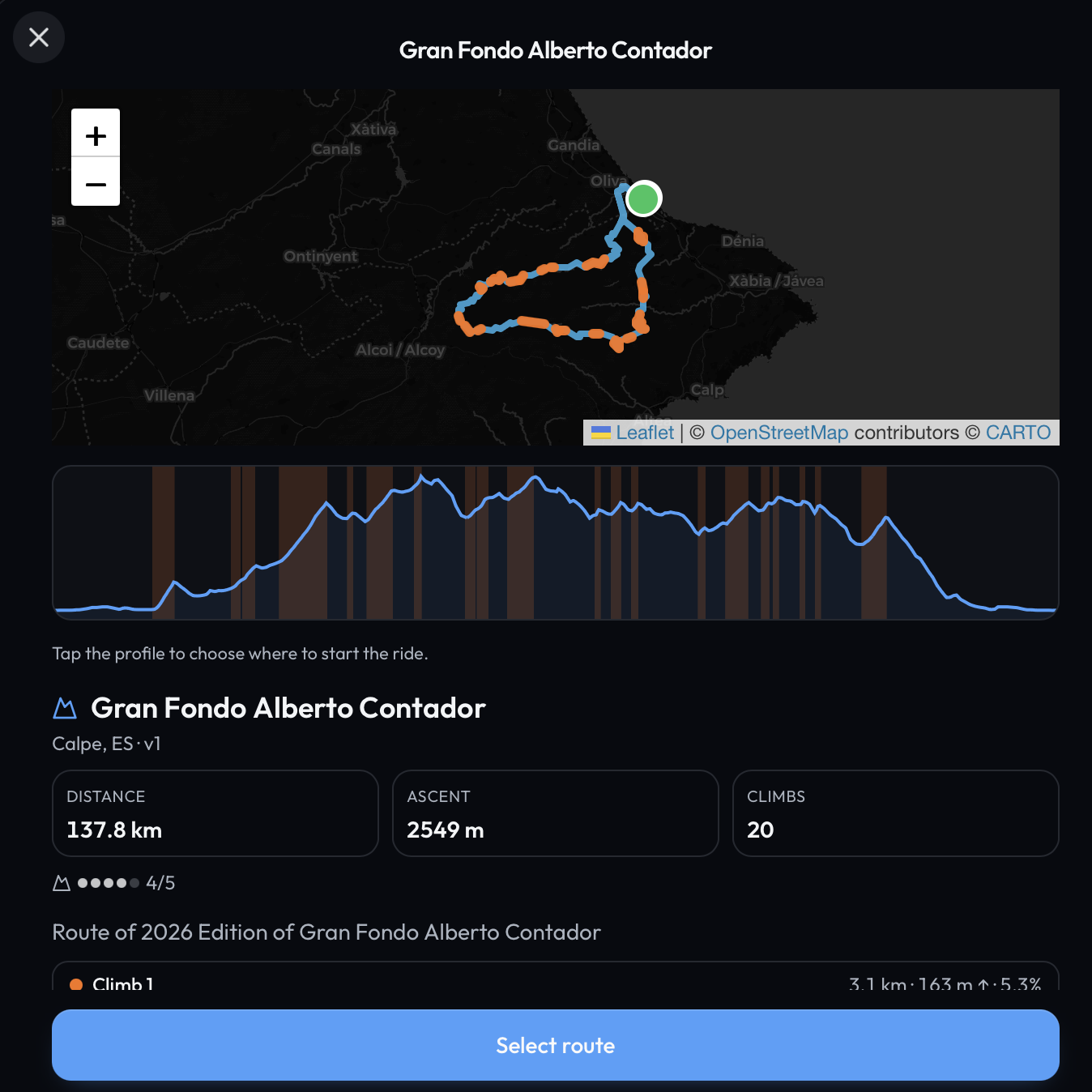
I also added new route in explore Gran Fondo Alberto Contador to let you explore everything from coastal roads to high mountain routes, with plenty of variety in between and test yourself on this real route from 2026 edition of this race.
I hope you enjoy riding through it as much as I enjoyed building it.
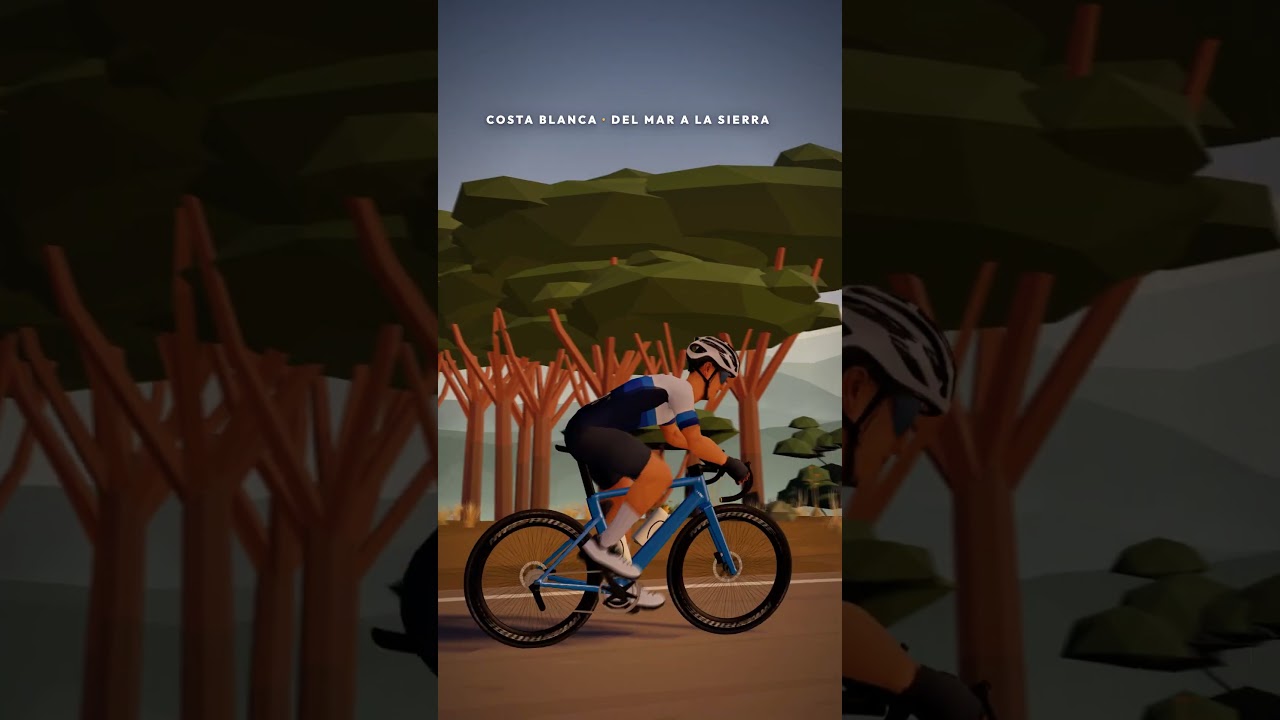
If you have any suggestions I’m more than happy to hear them.
Hi, tried to connect my trainer (Tacx Neo 2T) but MTPRide did not recognize it. That trainer connects fine to TP virtual on the same laptop.
Tried in Brave (Chromium based) and Edge browsers on Windows 11.
Let me know if you need more information.
Hi @Duppie ,
Thanks, that was exactly the clue I needed.
The NEO 2T does not support the standard Bluetooth FTMS control protocol that MTP Ride was using. Instead, it uses Tacx’s FE C over BLE protocol for trainer control, which is why it never appeared in the MTP Ride pairing list while working correctly with TP Virtual.
I’ve now added support for it, and the fix is already live on Web version.
Few things to keep in mind:
• Please use Chrome or Edge. Brave blocks Web Bluetooth by default, although it can be enabled in the browser settings.
• Make sure TP Virtual and any Tacx or Garmin apps are closed before connecting, as another active connection may prevent MTP Ride from taking control of the trainer.
• The trainer should appear as something like “Tacx NEO 2T…” in the browser’s Bluetooth pairing window.
I don’t have a NEO 2T myself, so I’d really appreciate it if you could give it a try and let me know how both ERG mode and gradient simulation feel.
Question on the connections. Mine all work and everytime I go to ride it says it’s already there and has a pair button but this always fails reagrdless of HR, trainer or another sensor and I have to do a full search and pair from fresh as if its the first time. Not a missive issue, but as UX it should not keep if it it’s not going to work or work 
When was the last time you’ve observed this behavior? It’s been patched on Web 2 days ago and on Mobile apps just today.