Looks like I fell behind on this thread. I’m only receiving email alerts for a lot of the recent questions this morning…
@callmeareks – The latest TestFlight has an option to import FIT files from folders. I haven’t tested his thoroughly myself but it should generally work. You need the dropbox app installed so your folders show up in the iOS Files app. TestFlight is here if you want to give it a try: Join the Intervals.icu Companion beta - TestFlight - Apple
@schwarztrinker – Make sure iCloud Keychain is enabled and log out and back in on the phone. The watch uses your login info synced to iCloud from another device, like your phone. If you want to sync workouts to the watch from the iOS app though, you don’t actually need the app on the watch. It just builds a workout that will appear in the Apple Workouts app.
@Tony26alcala – When weight syncs you should see it on the header of the calendar day on the website, and when you click to see the full wellness record for that day. I wonder if something related to weight handling changed on the website in the last month or so. I used to see my weight only when the app actually synced it. If you go into the Apple Health menu in the app and tap a day, you will see exactly what the app synced on the day.
I’ve been using Intervals Companion for a while, and just wanted to publicly express my gratitude to @spmcewen
After discovering the V3 release changelog, just run to uninstall all the other apps I had to keep installed and open just for having all data in sync with a central hub. Being a “normal” iOS user that has an iPhone + Apple Watch + Garmin Edge/Fenix you just NAILED IT. One single app, one single hub (intervals.icu) and no more vendor lock-in for data access and analysis.
Extra kudos for migrating ALL sort of data no other app does even try to (sleep, HRV, energy, etc, etc). As a developer, I really appreciate the effort that working with iOS API implies trying to access and process all that data
Tip Jar and App Store review were in place even before trying the new features you made my day.
Really awesome to read this! The questions I get via email and here on the forums are often troubleshooting issues when things go wrong or clarifying how things work, so I really appreciate hearing when it’s working well too. The usage numbers keep going up, and far more people are using it every week than I could have predicted when I started development about a year and a half ago. I guess I haven’t messed things up too badly yet!
i installed this for my gf. However, I can’t seem to get the historical apple health workouts synced to intervals in bulk ( i can sync manual per workout but yeah..), so that it pops up in intervals.icu as historical data.
And schedulded workouts (in intervals and the companion app) are not automatically send to the watch, unless, again, I manually send these.
I checked the settings but cannot seem to find the fix.
Help is welcome!
I believe HealthFit can do a bulk export of historical Apple Health workouts to an iCloud folder. You could then bulk import those FIT files from the website to backfill your data.
I have considered automating the workout → watch sync but I haven’t fully thought it through yet. Maybe, once per day, the app can look at the upcoming 7 days and check for changed or new workouts. Controlled by a toggle to enable that on app launch.
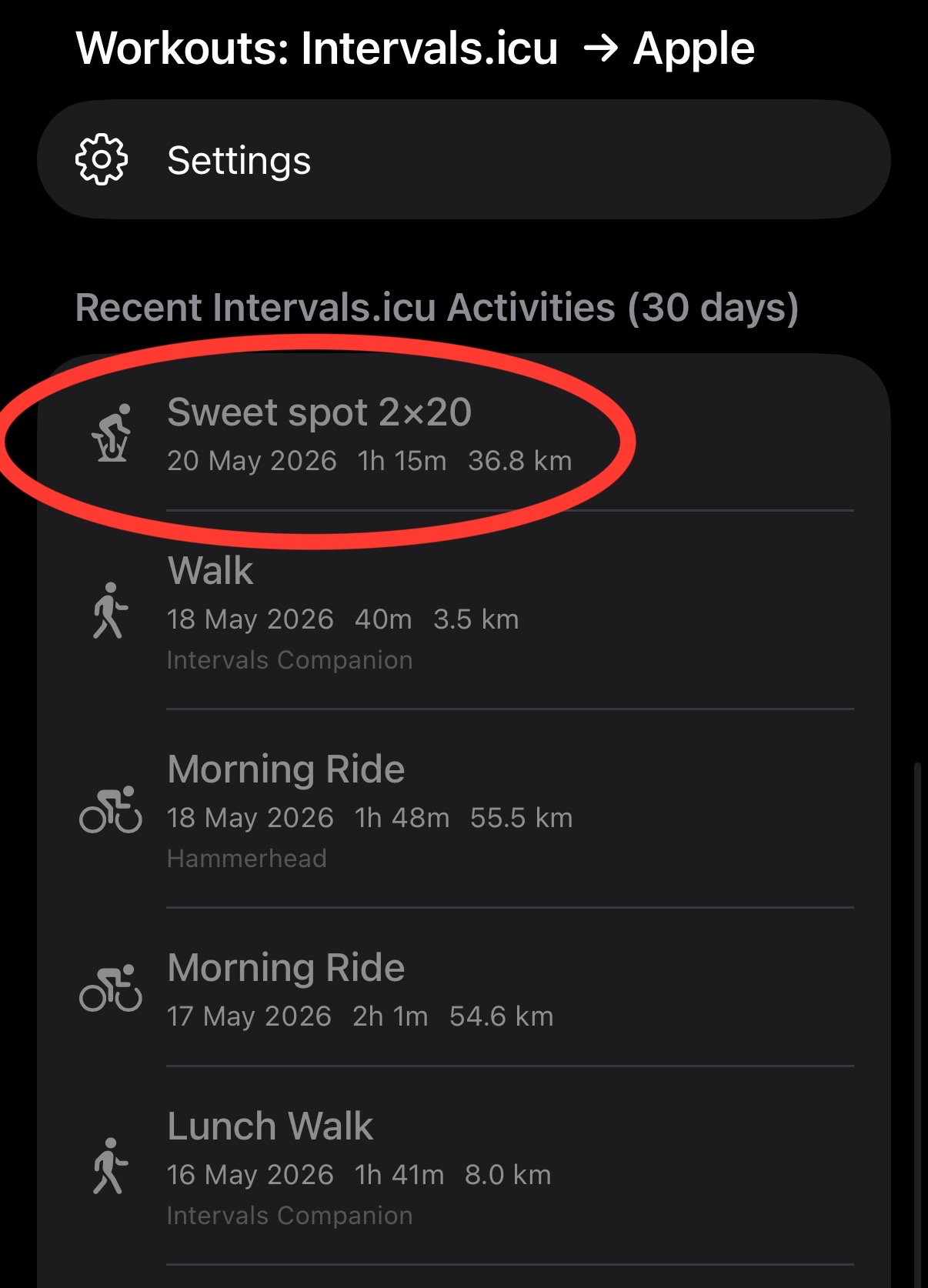
I’m not sure what the export options are from Peloton. If it can write to Apple Health, then using Intervals Companion could be an option to upload to intervals.icu. But that’s an extra data hop and things can be lost along the way. It all depends on how much data Peloton writes to Apple. The app has a “restrict to apple workouts only” toggle on the activity sync screen. It’s enabled by default, as passing data through Apple Health often isn’t the best way to sync.
Syncing from Peloton to Apple Health to Intervals using Intervals Companion works perfectly!
Strava is still syncing to Intervals.icu and updating some tiny things like the workout name, but Intervals so far has been deduping everything, and now all of my workouts for the last 180 days are available through the API.
I was worried roundtripping through Apple Health would lose some information, but I haven’t noticed that I am missing anything.
You’re using the Apple Workout app to run the workout, so it’s going to do whatever the workout you synced says to do. I’m sure you can turn off the prompts for the Apple Workouts app, or sync a workout that is configured to not have the alert thresholds.
The 3.2 release currently in TestFlight is accumulating quite a few changes:
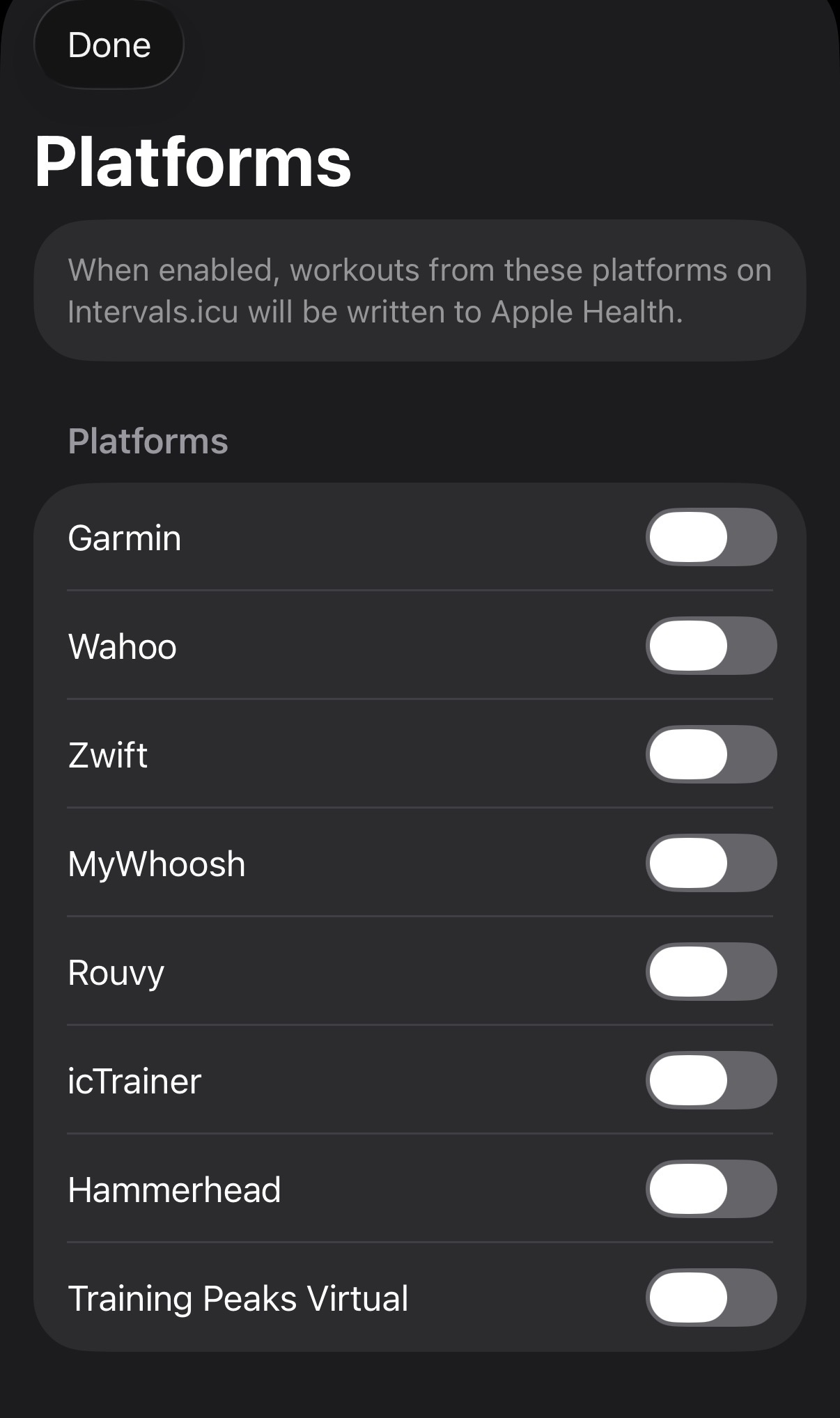
Automatic FIT import from folders. Add an iCloud or Dropbox folder (requires installing the Dropbox app so it appears as a selectable location in Files), and files will automatically be checked for and imported to Apple Health and/or Intervals.icu.
Automatic workout sync to Apple Watch. Enable in settings → workouts. This will sync the next 7 days of workouts to Apple Watch when the app opens.
A screen to directly edit daily wellness values. Look for the pencil and paper icon in the upper right corner of the metrics screen. This was quick and dirty to get the functionality there, may be polished more later.
A new HRV Trend display and widget. When displayed on the Fitness screen, tap to show a sheet with more details.
Best efforts screen configuration options and a new spider chart.
A lot of other smaller bug fixes and features more fully detailed in the TestFlight build notes.
Like always, when I think I’m done, I either think of more to do or someone sends a good idea. 3.2 is adding a lot of hopefully useful things. Gonna try getting this release fully tested and released before I go off in another direction!
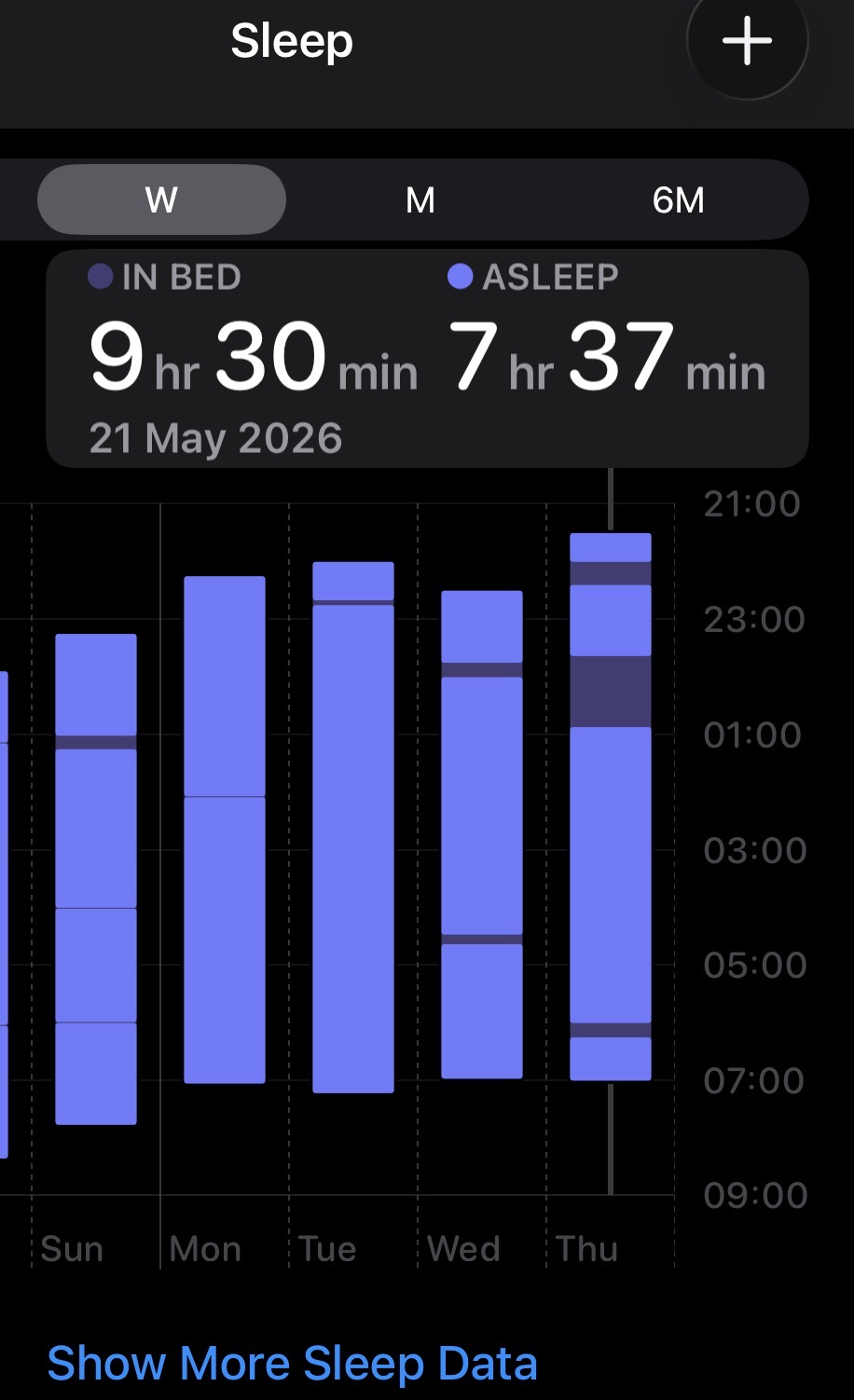
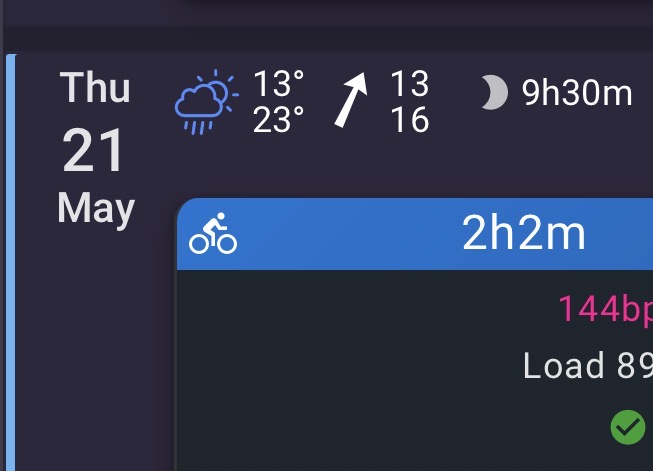
I’ve also noticed that it syncs my “In bed” time as opposed to my “Asleep” time to Intervals as sleep duration. Is there a setting for that I can’t see?
How are you recording sleep? If it’s an Apple Watch is it an older model - or do you have multiple devices recording sleep and writing to HealthKit?
Calculating sleep duration is actually more complex than it first appears. It’s not just a single simple read of a value out of HK. Depending on the samples your Health database contains, either the sum of sleep stages (rem, deep, light) or time in bed minus asleep should be getting used.
If you could share a screenshot of the relevant sleep samples ([email protected]) from the Health app I can see if anything stands out.
I might be able to allow activity types with MANUAL as their source to be synced to Apple. I’ll take a look.
I record sleep using AutoSleep with an Apple Watch 8 (I think). Just going to sleep now but I’ll shoot you an email tomorrow with those screenshots/info.
I think it’s just up to you and which works better for your needs.
For uploaded health metrics, whichever one runs last will win and overwrite prior values.
For activities, the companion app does some duplicate checking logic before it uploads, and I believe the intervals.icu side also has some server side duplicate checks. Not sure what HealthFit does.
I’m not sure where to post these questions - there seem to be a bunch of Intervals Companion topics, and there seem to be hundreds of posts in those. Hopefully this is in the right place.
I think I should be seeing data for Ready, Sleep, SDNN, RHR, SHR in the top section of the Metrics tab.
The Sleeping HRV chart shows both rMSSD and SDNN, but SDNN is not shown in the top section, nor is it in the rMSSD/SDNN chart.
RHR and SHR are not shown in the top section, and the RHR/SHR chart only shows RHR. However, the Sleeping Heart Rate chart does in fact show sleeping heart rate.
Sleep (duration, I’m assuming) does not show in the top section, but is available in the Sleep Duration chart.
Should I be seeing data in the top section if it’s in the charts?
Additionally, I’m getting notifications for “No health data found for the last 5 days” and “Synced 5 days of health data to Intervals.icu”
When I wake, my watch notifies me “No Data No health data found for the last 5 days”. On my phone, I also see the same message, but then I see “Overnight Metrics Synced Synced 2 overnight metrics for (date here)”. I then also see a notification for “Sync Complete Synced 5 days of health data to Intervals.icu”
Why do I get notifications for “No Data”?
I have an older Apple Watch (Series 7) and an iPhone 13 Pro. Every permission is enabled in Intervals Companion as far as I can tell and I’m on the latest Test Flight beta.
Here is fine, or email: [email protected] if you want to follow up there. Older hardware shouldn’t be an issue.
It sounds you like you’re using the sync multiple days options and have it set to 5? The “No health data found for the last x days” could be shown if you’re syncing multiple days there are no metrics to sync. The error isn’t that great and I should probably remove it. I would disable the resync multiple days option.
A few troubleshooting steps:
Does the data appear on the website?
If you go to the Apple Health sync screen and tap on a calendar day, does it show the metrics you expect to be synced? Are they enabled in the fields menu? You can tap the sync button there and try manually syncing a day too.
If taping the “re-sync this day” button doesn’t work, send me the output in settings->logs to the email above.
Also, do you have the overnight charts enabled on metrics? If so, those are the values stored in Apple Health for that night of sleeping, not what’s stored in intervals.icu.


 you made my day.