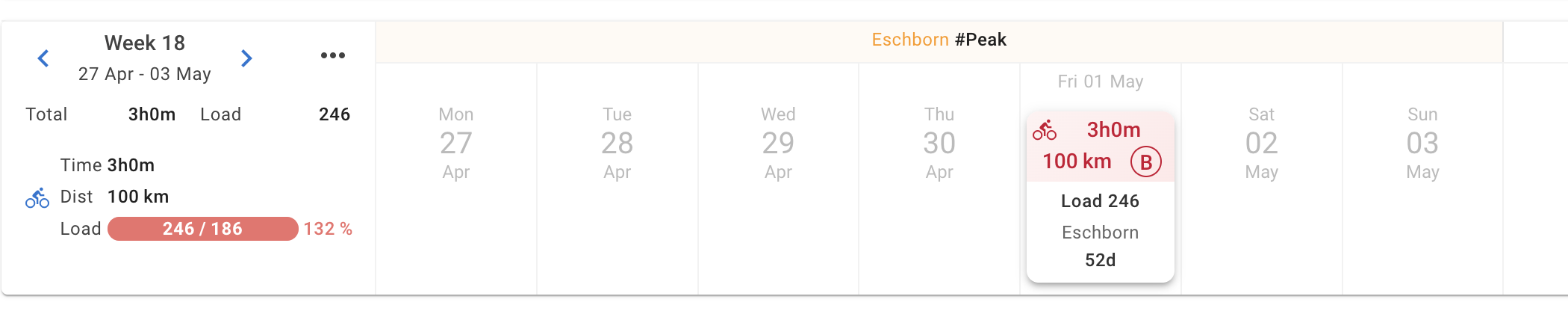
I think these are the Weekly targets that remained.
Click on the Totals section in the week header and then per sport to show week targets. Delete as needed.
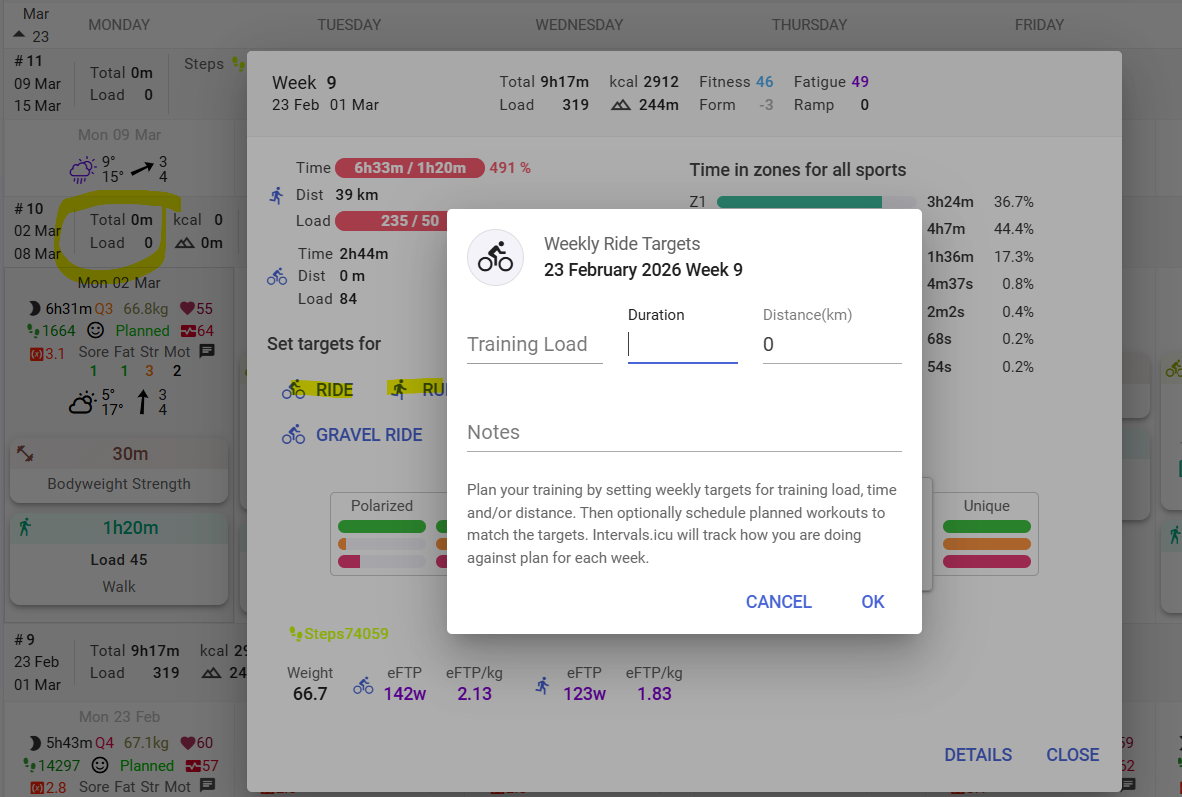
3 Likes
Maybe you removed the plan and when the confirmation dialog pop up you selected “yes”, where the “yes & others” would have removed all workouts and targets linked to it. I checked your calendar and now you have run targets for the weeks, you can delete them one by one manually now.
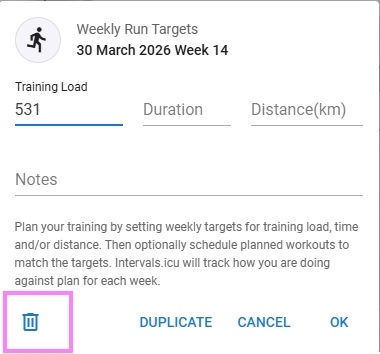
1 Like
Now theres also coloured bars on the plan builder timeline when there is more than one sport in the targets.
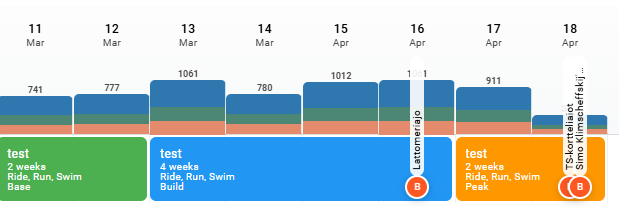
Thanks for the suggestion 
3 Likes
Would it be possible to show planned versus target?
Where do you want to see “planned” and “target”?
Currently, planned are actual workouts you’ve added to the calendar, and target is just a weekly total.
You can toggle between target and planned before publishing to the calendar.
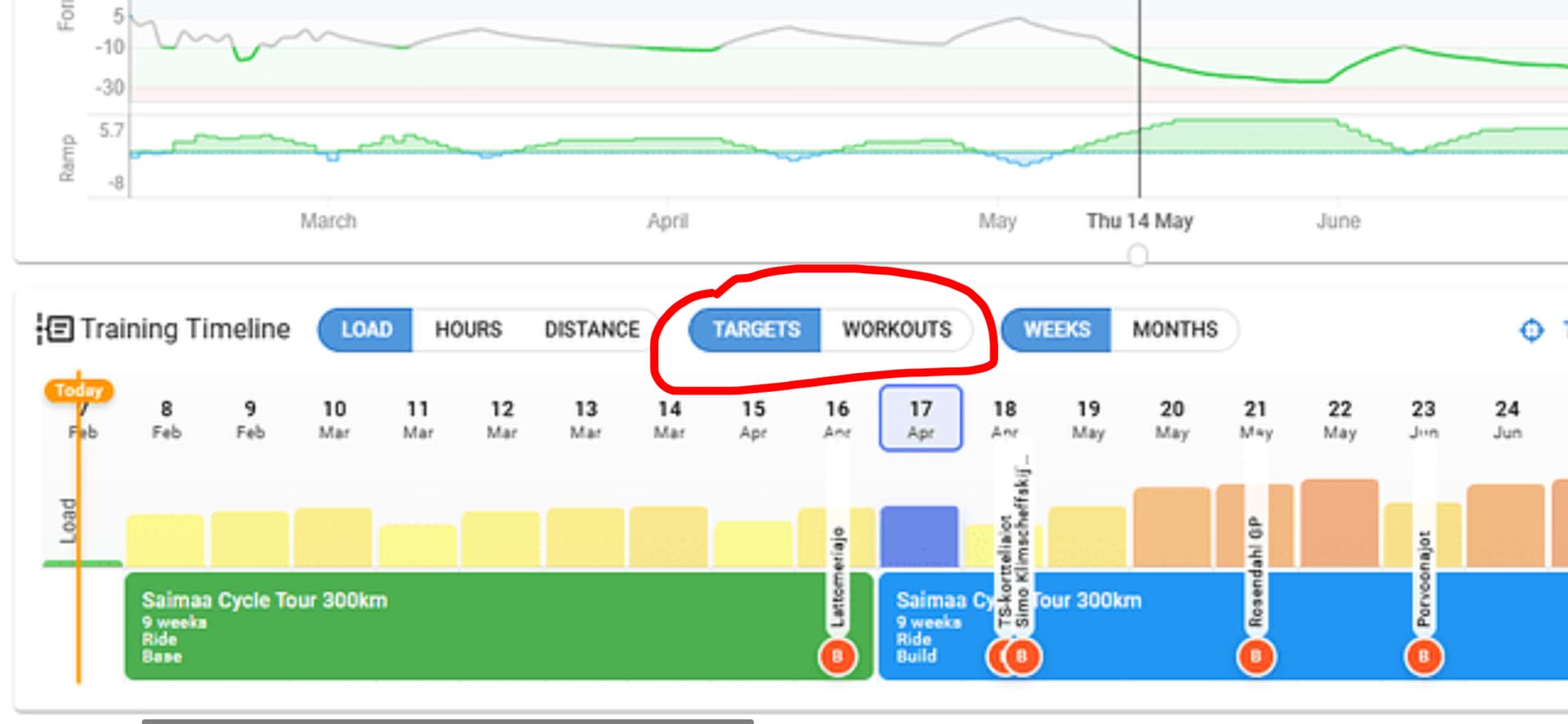
I ask, because currently target is added to the weekly load, even though nothing is planned. You’ll see this in a few discussions.
Additionally, on desktop type systems, theres a tooltip over each week when you mouse over, showing the target and planned (if any), and the actual for the current week.
Not found a way to make it popup on touchscreen devices.
If you flick between targets and workouts, you see if the totals are close, but it’s a fiddly way to compare. It would be good to see if the planned workouts hit the TSS targets for the week.
The mouseover is useful, but I’d like to see a toggle to have a static comparison across all weeks.
1 Like
You see it in the calendar in the progress bar for future weeks. It shows planned/target
I know, but the ATP is the macro view, which seems to be the place for this to live… at a macro level, I want to see if the planning meets the TSS targets.
1 Like
Will TSS targets auto adjust themselves after a non-compliance week load?
Tks,
No, not currently.
That got it, thanks
Great Add-on ! love the progression options
Is there a way to select actual race entry in as a target , it seems we need to create a new race when selecting a target race.
tks
This is the first thing I noticed.
I typically do 15% less hrs for Build 1 and 20% less hrs for Build 2 than the last load week of base.
I also don’t increase hrs over build weeks, just load.
Son los mismos entrenamientos que ofrecen en la WEB/IA/APP de Atheltic.
De forma generalista estan bien, pero cambiando parametros y objetivos solo cambia el volumen/horas/kms de entrenamiento, la metodologia siempre es la misma y mismos entrenamientos independientemente el objetivo que pongas. En athletica pagas mas dinero por esto y en Intervals por menos tienes mismos entrenamientos, pero faltaria mejorar mucho algunos aspectos, sobre todo la repetitividad de los entrenamientos.
This is fantastic work Eva, I’m really impressed with how this is evolving! THANK YOU.
1 Like
Thank you for awesome service and feature! I’m sorry if I missed the answer on my question but where I can find the color description for training timeline in ATP? Blue, yellow, orange etc colours on weak columns?
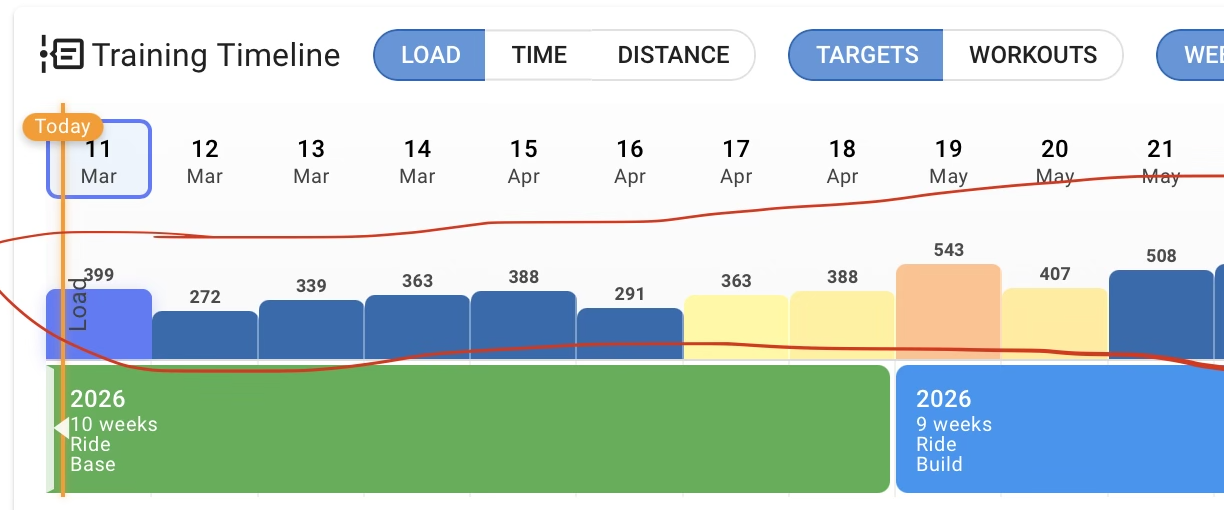
This may have been asked before, but is either of these data elements available in any kind of API? These values appear to be populated by ATP Builder
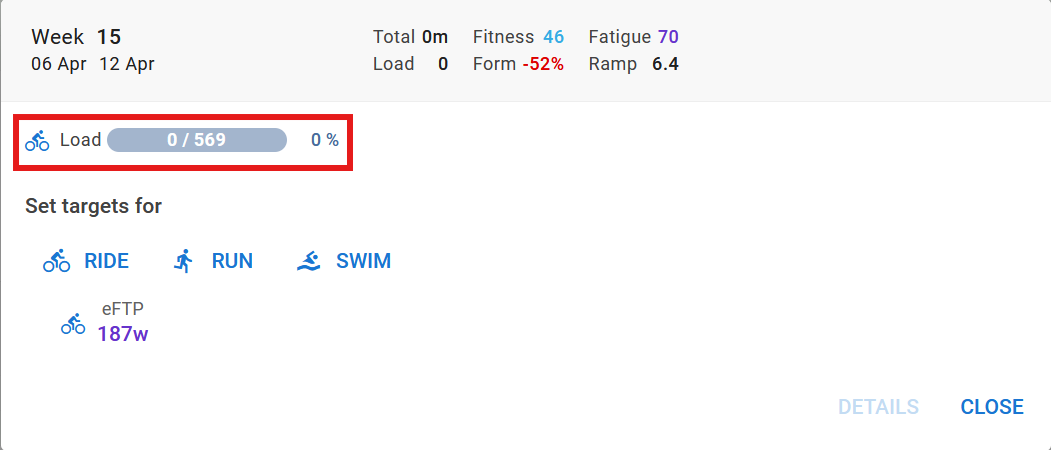

You can read out the event endpoint, and you find the entries with category “TARGET” and “PLAN”
1 Like