I see the little % box now. Thanks.
Any ideas on the 2nd query re the repeats?
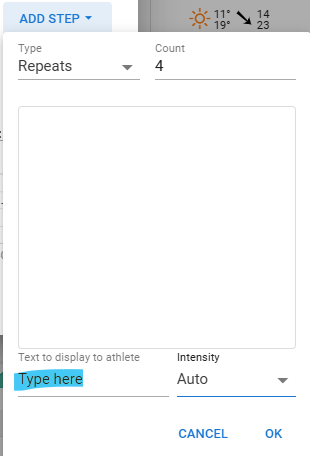
No need to type anything there. Just set the number of repeats and eventual text to display. Then add steps for what’s in a set. Those will start with a - to indicate that it’s part of a set.
1 Like
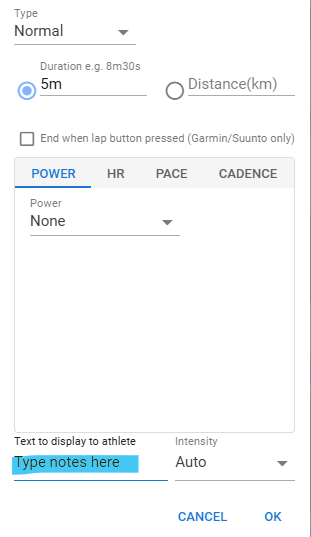
For question 2, where you typed jog… that’s the notes.
Under a normal workout, there are other options to choose from in the block, so on a repeat that specific block is irrelevant.
1 Like
Would it be possible to add a some smarts so that it looks at your average speeds in each zone or a “Default Workout Speed” in settings?
Can we create workouts based on min/km pacing in the workout builder? Don’t see a way to. maybe it’s not the done thing for running (very new to running) but Garmin seems to create workouts based on min/km pacing
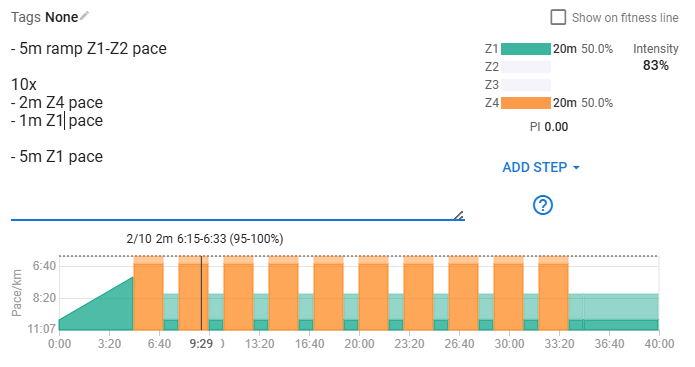
Is it possible making a textual description of purpose of program?
I am coaching young athletes. And I am often asked question about training and why we do what we do. Therefore I would like adding a text in the training program, for desription of the session.
How to do that multiline?
1 Like
You can add brief information to the device
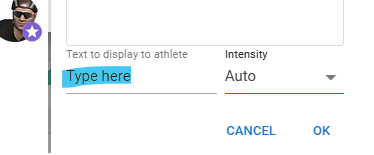
and you can add complete information in the Workout Builder,e.g. on top of the workout
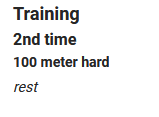
and format it by using # ## * ** or without for plain text
´ # Training
´ ## 2nd time…
without the ´
2 Likes
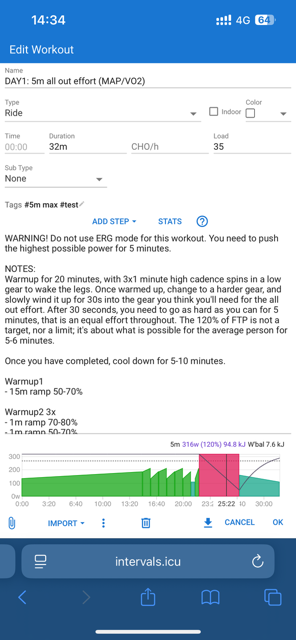
As @thrstn mentioned, you can add text above the workout steps, and then also use the notes (right side of week).
Notes on workout:
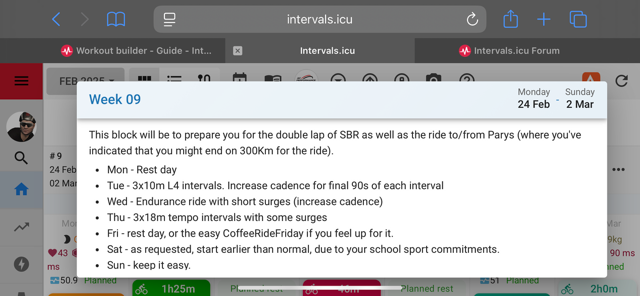
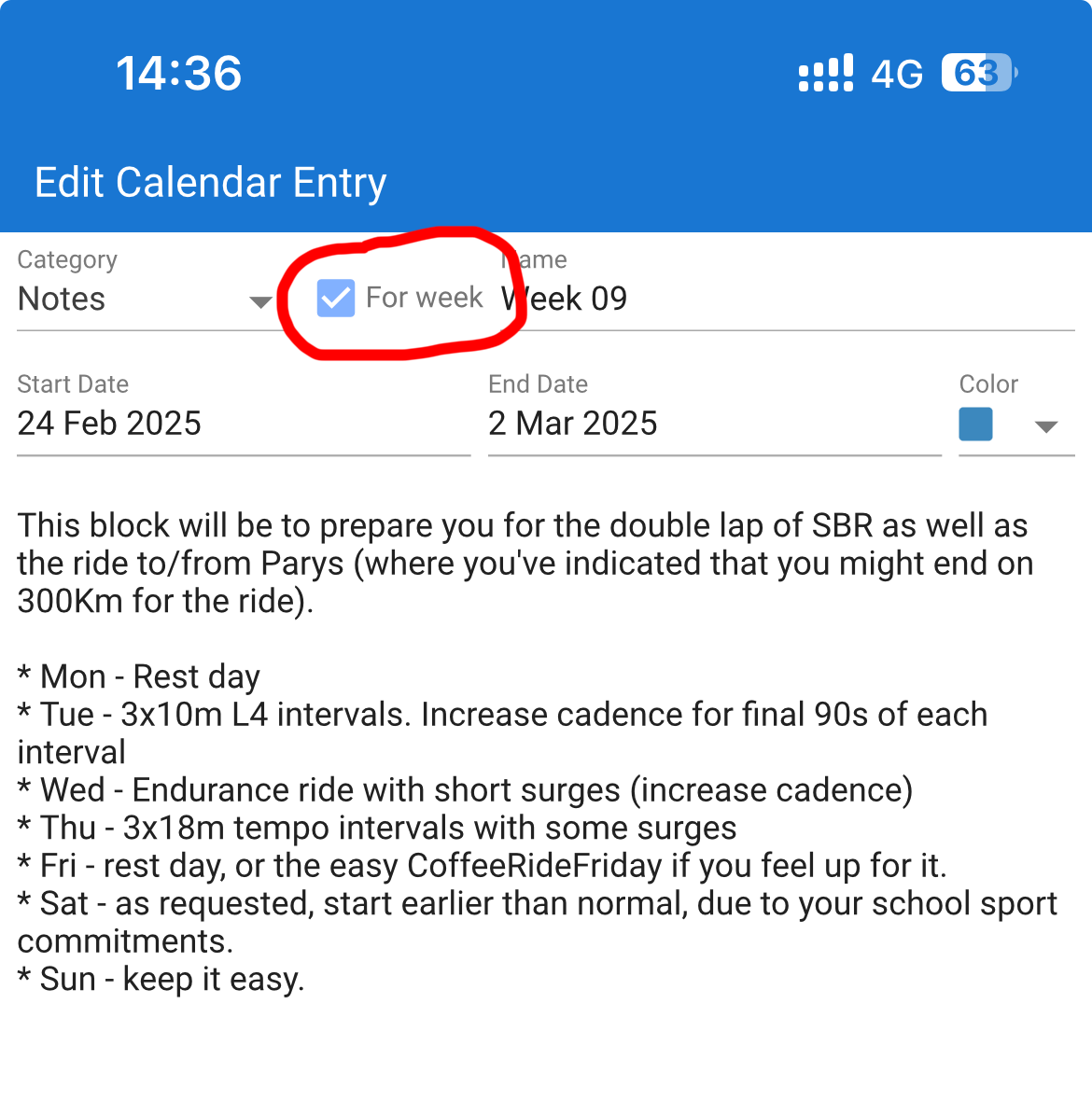
Notes on the right side (doesn’t show on phone due to space restrictions). It’s a normal note, but the week box is ticked bottom image).
5 Likes
Thank you for the very detailed explanation. AWESOME 
1 Like
Hi @david When creating a workout in Intervals to send to Zwift, is there a way to override whatever your Zwift FTP setting is? Example, if I build a workout on my Xert account where my set FTP is 250w, but my Intervals/Zwift set FTP is 240w, it includes a line something like “ftpOverride>250</ftpOverride” that automatically overrides my Zwift set FTP and changes to my Xert set FTP.
2 Likes
If you use % of FTP in your workout steps, this can be used . The same workout can be scaled up/down as your performance ability changes.
I appreciate your reply, and I understand the process of scaling up/down. But as an Xert coach, I download specific Xert workouts to Intervals that might have many line items - think 30/30’s - where each line item would need changing.
Workouts from Xert sent directly to Zwift do this automatically with the line “ftpOverride>250</ftpOverride”. I’m certain there’s a way to do it in Intervals, I just don’t know the language to use.
Perhaps share the workout view, as 30/30 can be done in more than one way. Due to restriction of the number of lines (50 for Garmin Connect), being able to condense the workout steps is important.
Here’s an example of 8x (30/30) with recovery between the next set.
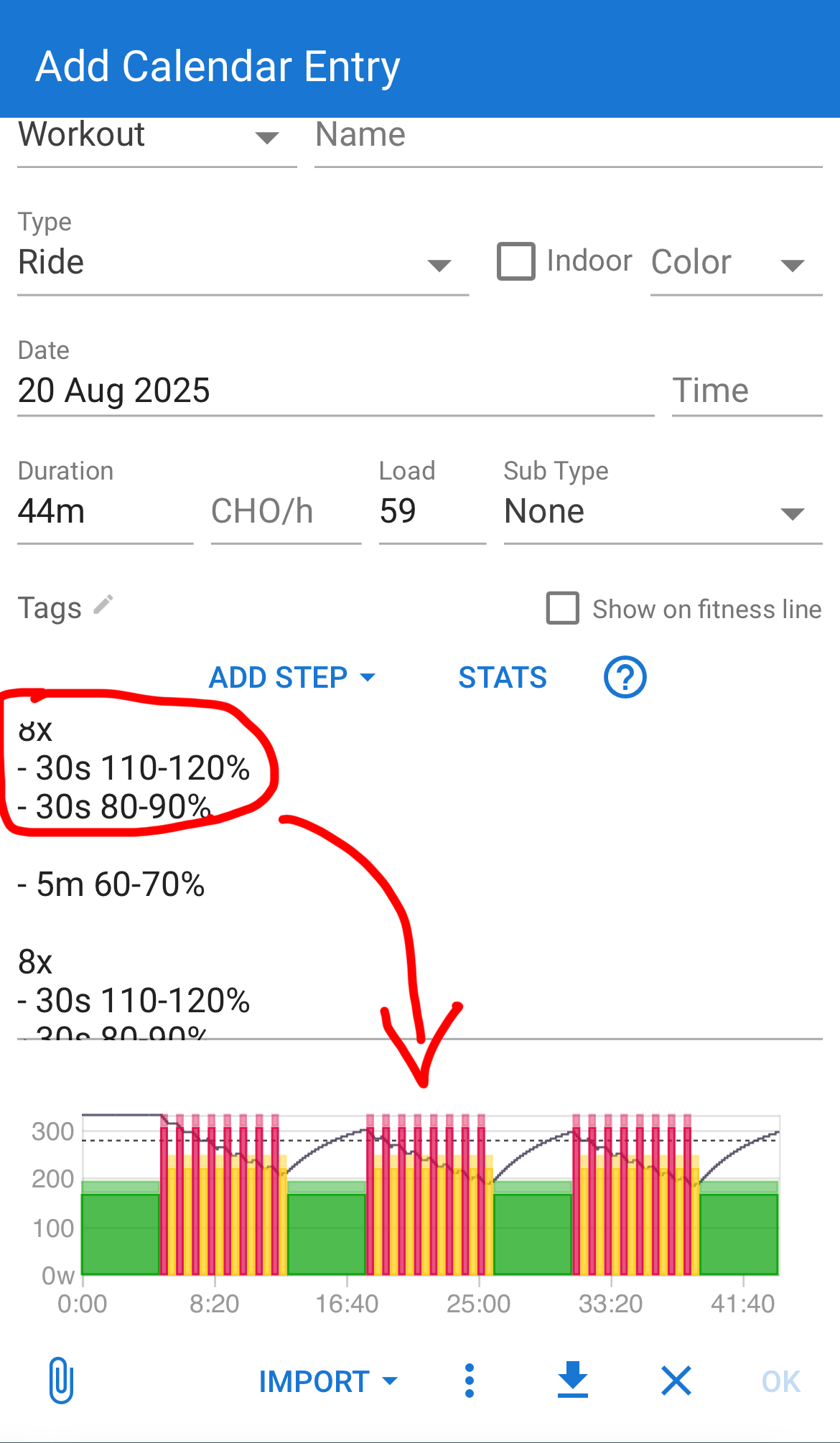
1 Like
I appreciate your reply. I understand how workouts work in Intervals. I am simply looking for the verbiage to write as a line item on an Intervals workout that will override the Zwift FTP setting.
You just write out the watts instead of the ftp %
So:
8x
- 30s 300w
- 30s 100w
Hi, is there a solution for this?
This will not work. .zwo files are alway based on % of FTP, so yout FTP on Intervals AND Zwift must be the same. If you write 300w, then Intervals will convert this to how much % 300w is relative to yout FTP, put this % into the .zwo file and send to Zwift. Zwift will see that % and apply to your current FTP defined in Zwift.
I would love to be able to override Zwift FTP using FTP Override as mentioned above. I can’t guarantee that my coached athletes have their FTP up to date and my approach is more based on absolute power values than relative numbers (I usually don’t like to write sessions based on % of FTP).
There’s a topic here, too: Workout builder overide FTP value - #2 by Gabriel_Vargas
Hello,
Sorry if the question is already asked !
When we create a new workout, we can add a duration target, it’s very useful to monitor the total duration for each sport for each week. Can we do the same thing for distance?
I would like to see the planned distance for running each week in order to validate the ramp-up of my plan. Thank you
What is the rationale for imposing a limitation that the entire workout must use the same target type even though FIT files support different targets with each step?
For example, creating a simple workout on Garmin Connect supports this and when imported to intervals the plain text reads as expected but when exported you are subject to the uniform targets governed by the default order (“Power, HR, Pace”, “Pace, HR, Power”, …) where the first encountered is applied to all with “open” as a placeholder even when a valid target exists.
Example:
- 5m z1 HR
- 5m z2 HR
- 5m z3 Pace
3 Likes