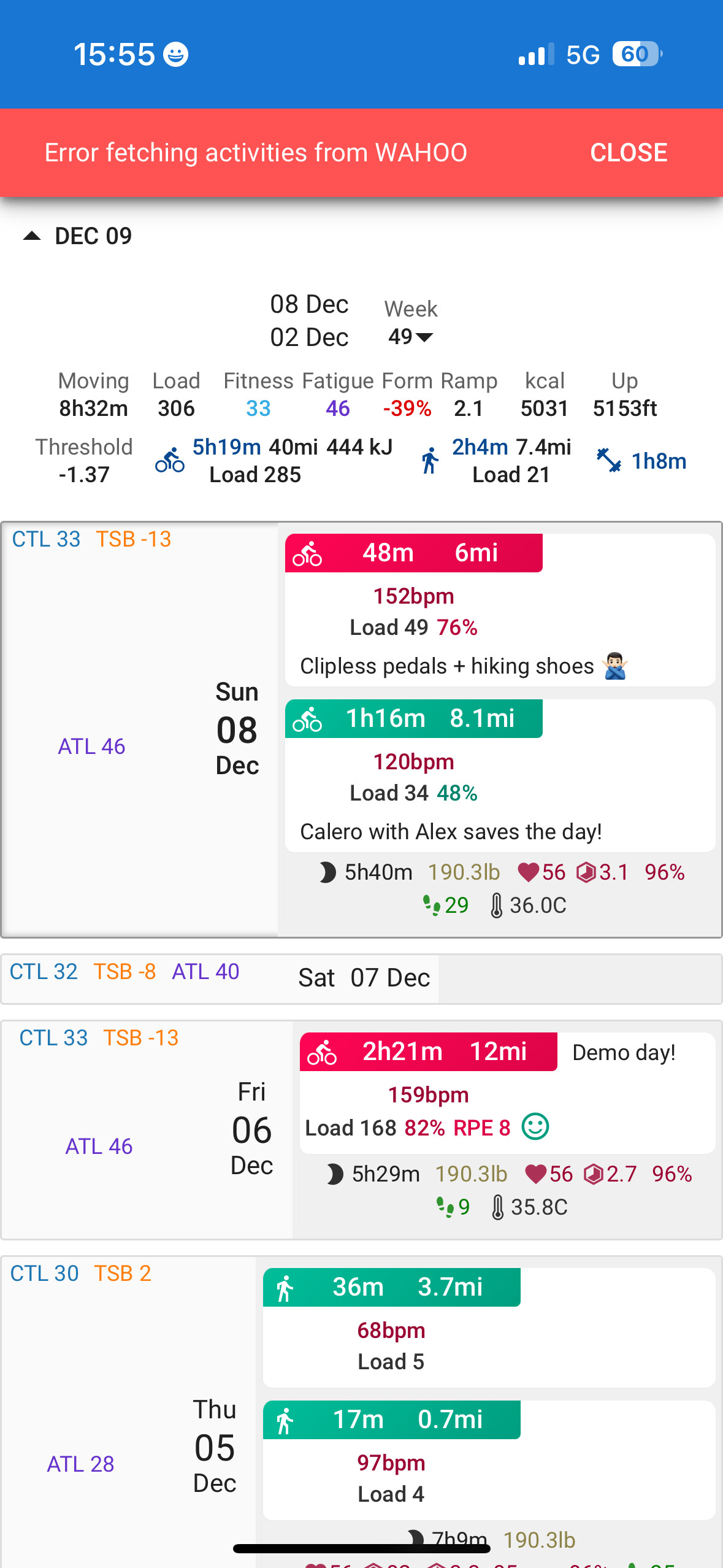
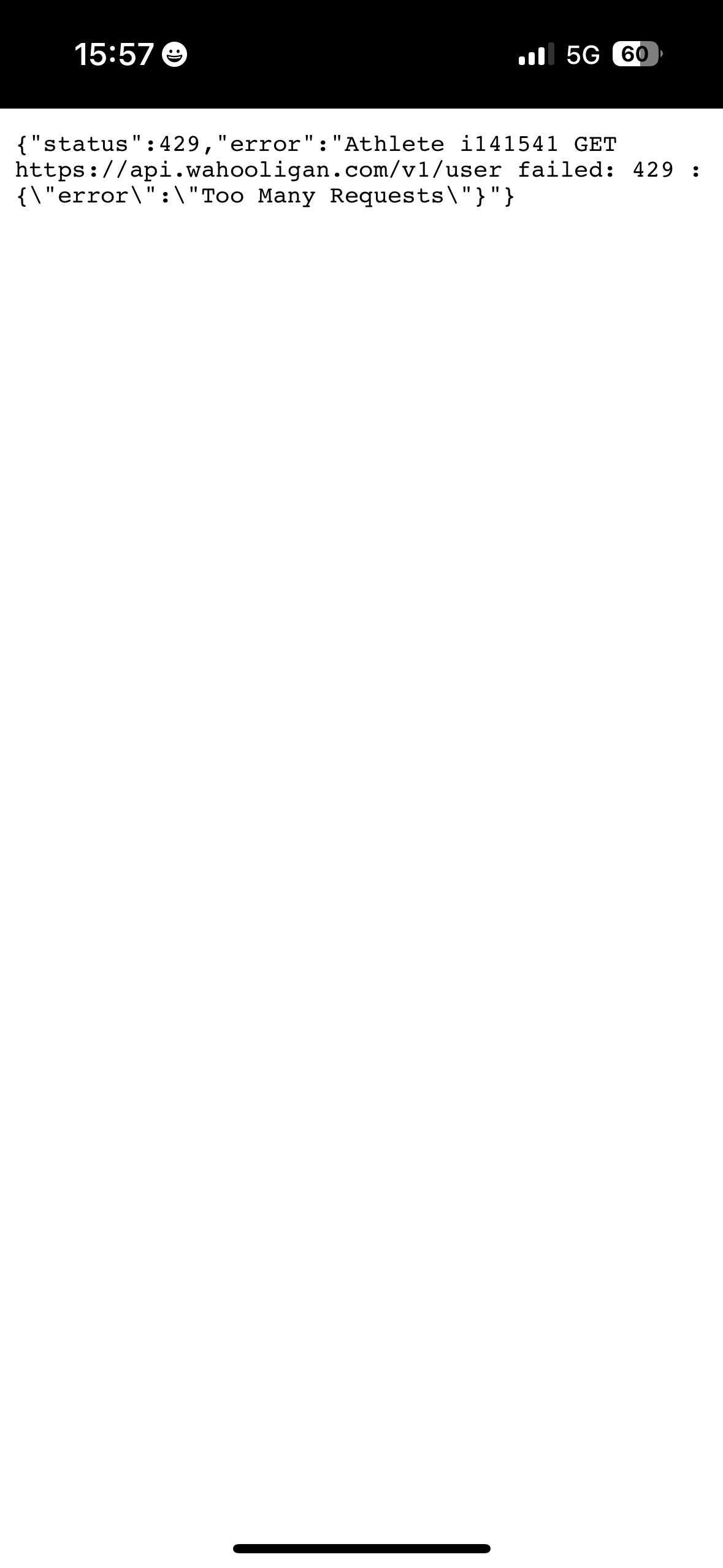
Hey @david, I keep getting the “error fetching activities from WAHOO” error. I disconnected it and when I tried to connect it again I got an HTTP 429 Too Many Requests error. Could you take a look when you get a chance? I wonder if there’s some optimization that could be done in the app to avoid being rate limited. Thanks
1 Like
Intervals.icu is calling the Wahoo API too frequently and getting rate limited (the 429 error). I have asked Wahoo for a higher rate limit. In the meanwhile I have slowed things down so this error should happen less often. Don’t disconnect and reconnect if it happens.
3 Likes
Thank you!
1 Like
I’ve observed the following error a couple of times now:
Wahoo upload failed: Athlete iXXXXXX POST https://api.wahooligan.com/v1/plans failed: 422 : {“error”:"Could not run ProcessPlanValidation:PROD. User: arn:aws:sts::708632609614:assumed-role/wf-prd-eks-node-role/i-01b57b493d87afffc is not authorized to perform: lambda:InvokeFu⋯
It went through after a few manual retries.
That means it was a temporary problem on the Wahoo side, rather than something wrong with the workout. Hopefully that doesn’t happen too often.
1 Like
Hi, I was getting the wahoo red banner error which a disconnect and reconnect seemed to solve but now my workouts done on systm do not have any power data included. ( they do on Strava, and TP). Workouts on other platforms (MyWhoosh) seem fine. I have tried a download old workouts but this doesn’t seem to have worked.
Hello,
Several of my athletes use Wahoo. Last week I got the red banner error for almost all of them and since then none of their activities have been syncing from Wahoo. The tick in the Wahoo box “Download activities” had disappeared, but even when I asked the athletes to log in and tick the box again, the issue persisted i.e. Wahoo doesn’t sync.
Any idea what’s going on / how it can be resolved?
Many thanks!
1 Like
There was a chat message
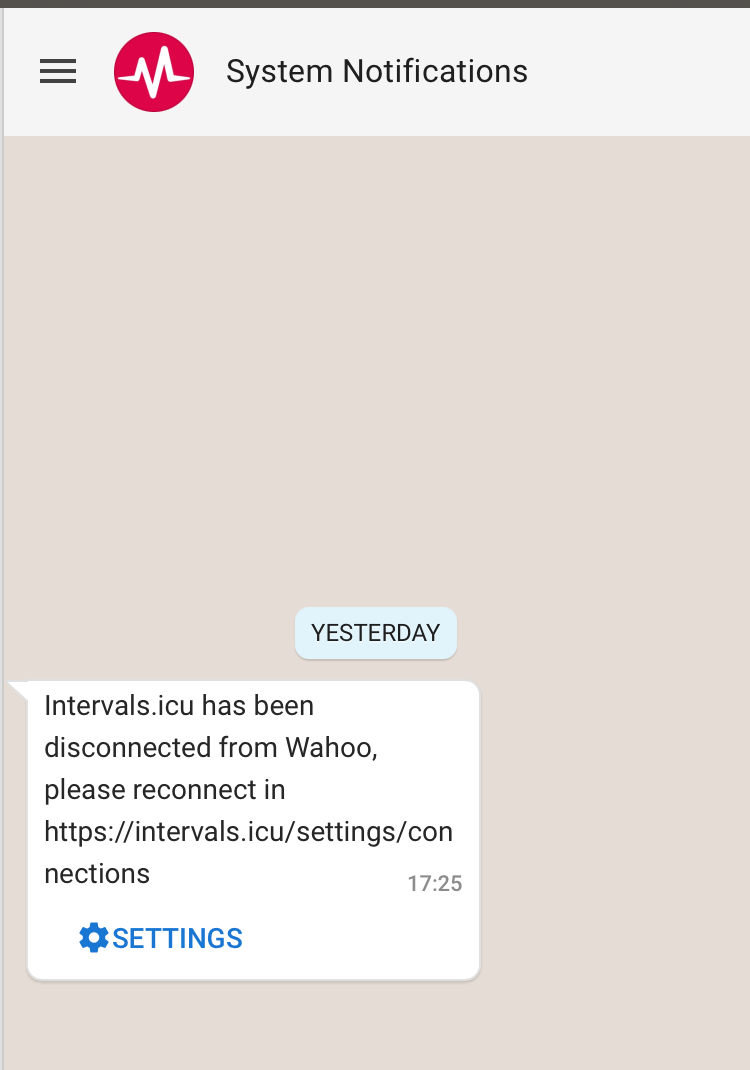
After re- authentication everything is fine again so far. Old activities have probably to be downloaded with “Download old activities” button.
Thanks for the input. But actually it’s not my own account but those of my athletes that got disconnected. So I didn’t receive any chat message. I also told one of my athletes already to reconnect with Wahoo, but still it’s not working…
1 Like
Did they do a test ride after connecting again? Connected to the correct account (no second account).
If they did ride between disconnection and reconnection you have to trigger a download of historic data. I think you can also do that as coach from the settings page.
Yes yes, several rides since then. Wahoo connection is ticked, but no files come through.
So
-
Download Old Data for the last month. If there are workouts, it will show
-
If not, uncheck all checkboxes. Be sure, that your athlete is correctly logged in with the correct account at Wahoo Fitness | Log in (Nearly all errors I remember, they were logged in with a different account)
-
Check again all checkboxes and authenticate again
-
Do a short check, that everything is working: Start the Wahoo App, create an empty session (start training), after some seconds stop and save training, and this should upload the (empty) file to intervals.
Could your athlete do that and report back?
If they re-connect Wahoo the files should start coming through. If that doesn’t work please send me links to failing athletes so I can investigate.
Intervals.icu polls for Wahoo stuff the first time you visit the calendar page for an athlete. So that will catch missed files as soon as the connect is re-established.
Thanks everyone! I told one of my athletes (for whom the box in Wahoo connection was ticked but no rides came through), to disconnect and reconnect, now it works 
1 Like
I’ve had the “Error fetching activities from WAHOO” red banner for a while now, but the activities do seem to sync. It’s just very annoying. Disconnecting and reconnecting doesn’t solve the issue. Are there other conditions that could cause this?