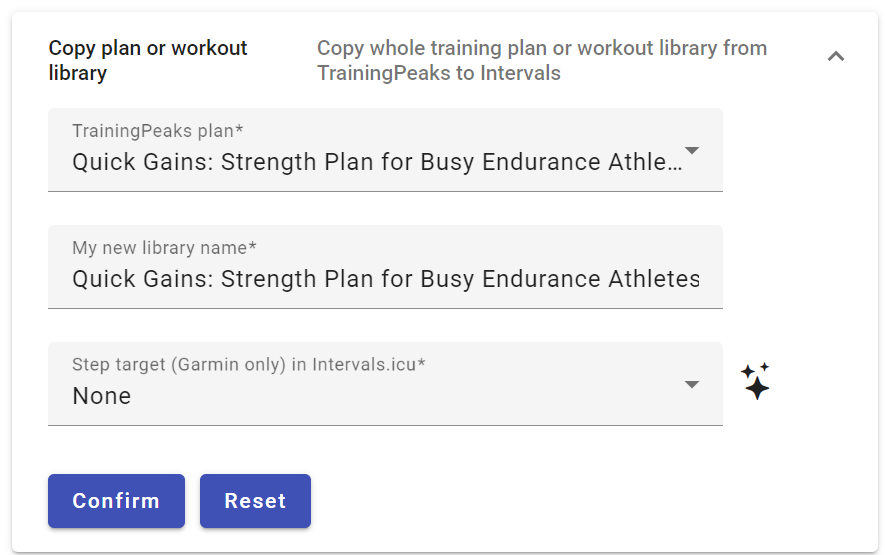
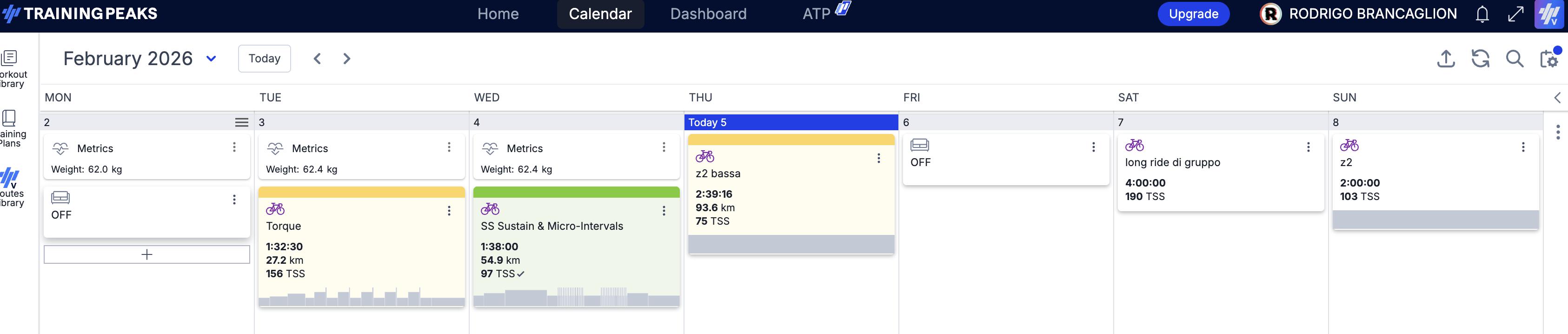
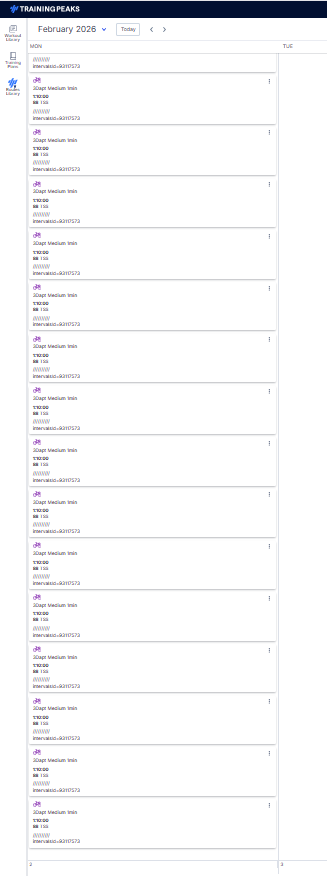
It has 50 workouts, but only 4 workouts that are just notes sync across, none of the actual sessions. Saw someone ask about this before but didnt see a solution.
I tried by also just syncing planned workouts, but it didnt work. I selected ‘Weight Training’ and ‘Any other’ as below.
I just found this lovely little tool and it is amazing. Thank you so much for creating it. I only have one question: is there a way to make the scheduled job pull tomorrow’s workout too, not just today’s? I train in the morning so if I want the workout to show up in intervals when I wake up in the morning, I need to stay up past midnight to let my macbook sync the new day’s workout. Syncing both today and tomorrow would solve this problem.
I’m experiencing an issue when importing RUN workouts that are scheduled in the past (e.g., from years ago) using the tp2intervals tool.
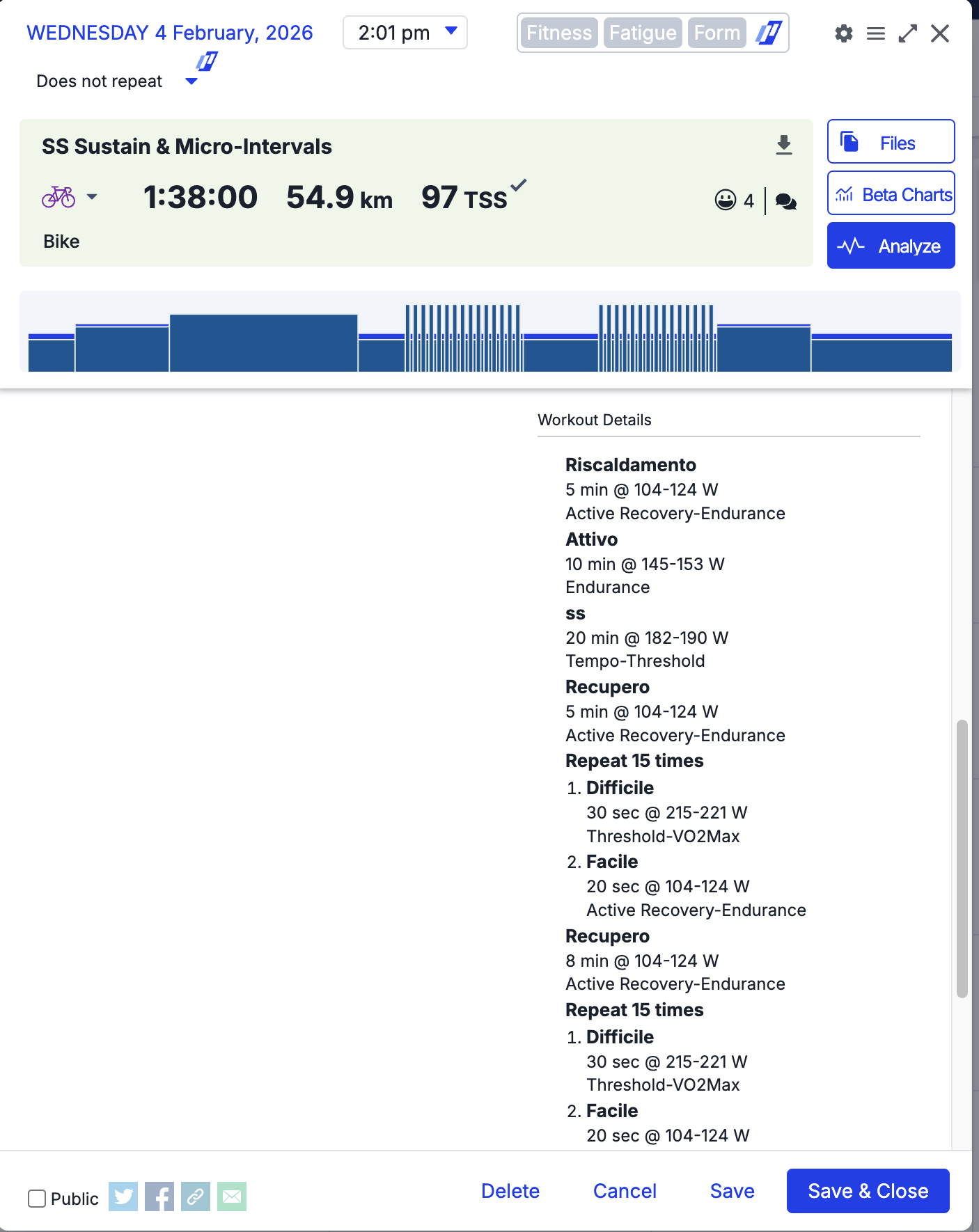
The workouts are successfully added to the Intervals.icu calendar, but they only display the title and the total duration, not the detailed interval steps.
When I check the workout code, I only see this basic structure:
The application works correctly for current planned workouts:
If I create a new workout on TrainingPeaks for today, it imports into Intervals.icu with all the structured steps and zones.
However, if I try to copy an old workout (from a previous year), the structured steps are missing in the import.
This suggests an issue with accessing historical detailed workout data. Could you please advise if this is a known limitation or if there is a way to get the structured interval data to import correctly for older planned workouts?
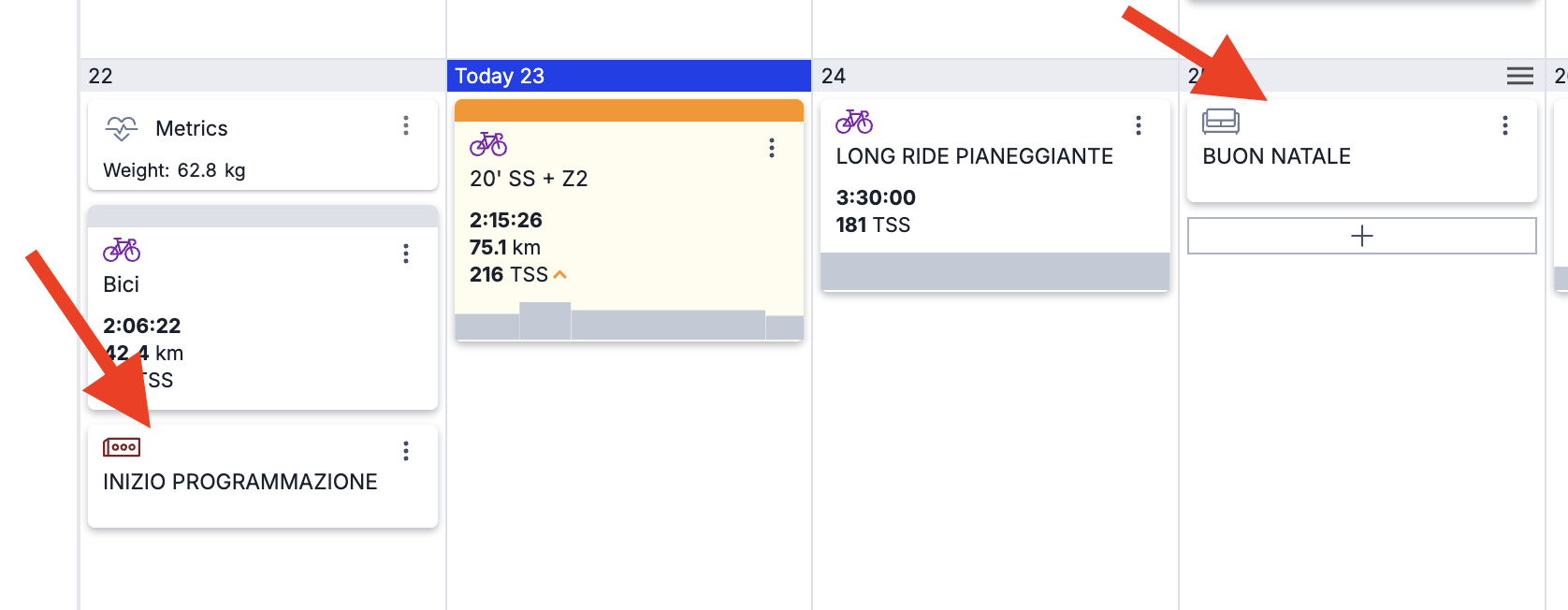
My trainer uploaded my workouts to TP and also added off days. But when syncing, the workout data is uploaded but not the Days-off/Brick (as if it were a comment/reminder).
Is this how the app is supposed to work, or is there some additional configuration I need to do?
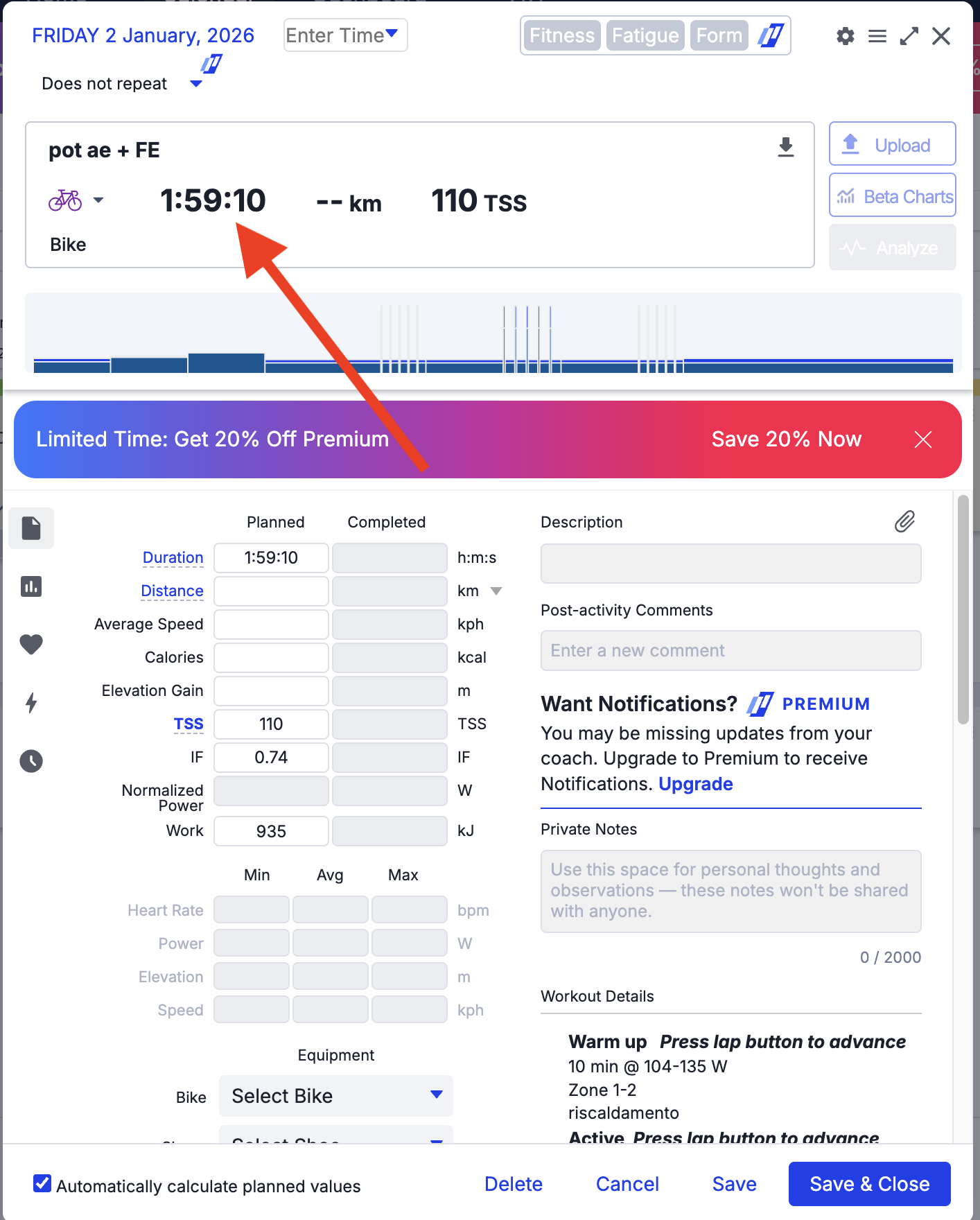
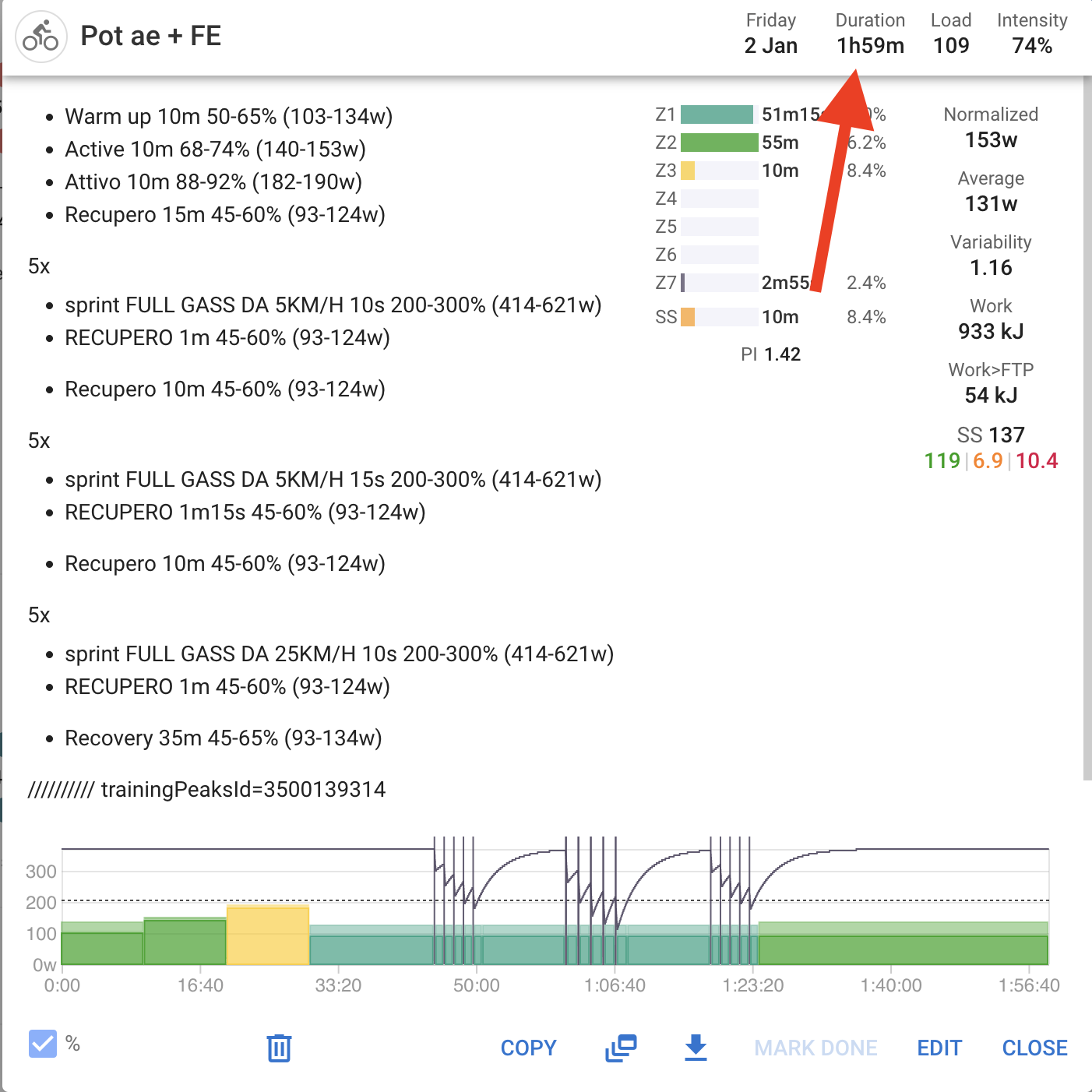
Intervals.icu: Displays/stores as 01:59 (ignoring or stripping seconds).
Because of this, the comparison logic fails. Since 01:59:10 != 01:59:00, the tool identifies it as a new workout and creates a duplicate record every time the sync runs.
Technical Suggestion: In the class WorkoutDetails, specifically inside the equals method, we should truncate the duration to minutes before performing the comparison to ensure consistency. If the java.time.Duration object is being used, the fix would look like this:
if (duration?.truncatedTo(ChronoUnit.MINUTES) != other.duration?.truncatedTo(ChronoUnit.MINUTES)) return false
This ensures that a small difference in seconds (like the 10s in my example) doesn’t trigger a new sync and cause duplication.
No offence, but TP2Intervals is not a native Intervals app/utility. It’s an external project created by a user. This should be posted in the TP2Intervals topic. You already posted there, so I assume you now of the existence of that topic.
I will move your post there because it doesn’t belong in the Bug Reports, which is Intervals bugs only.
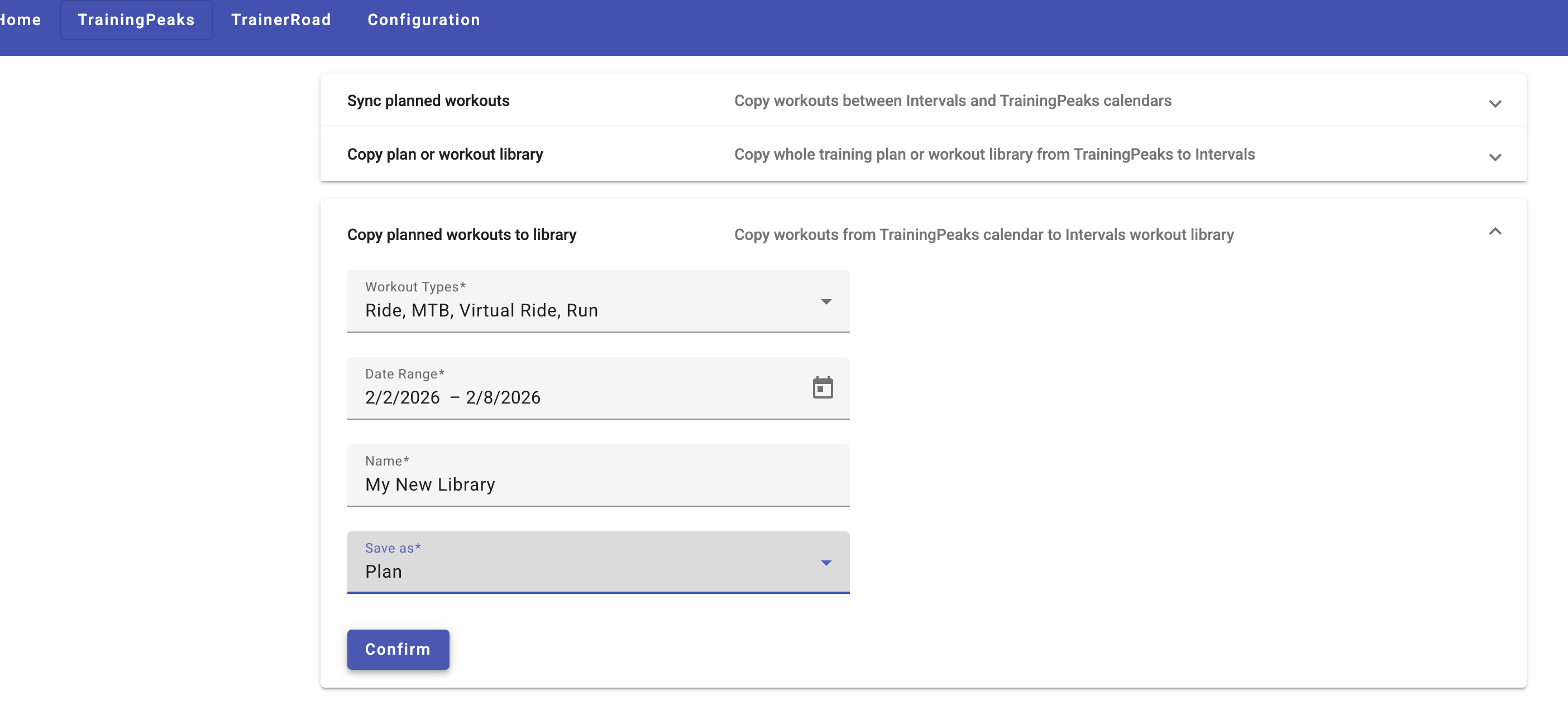
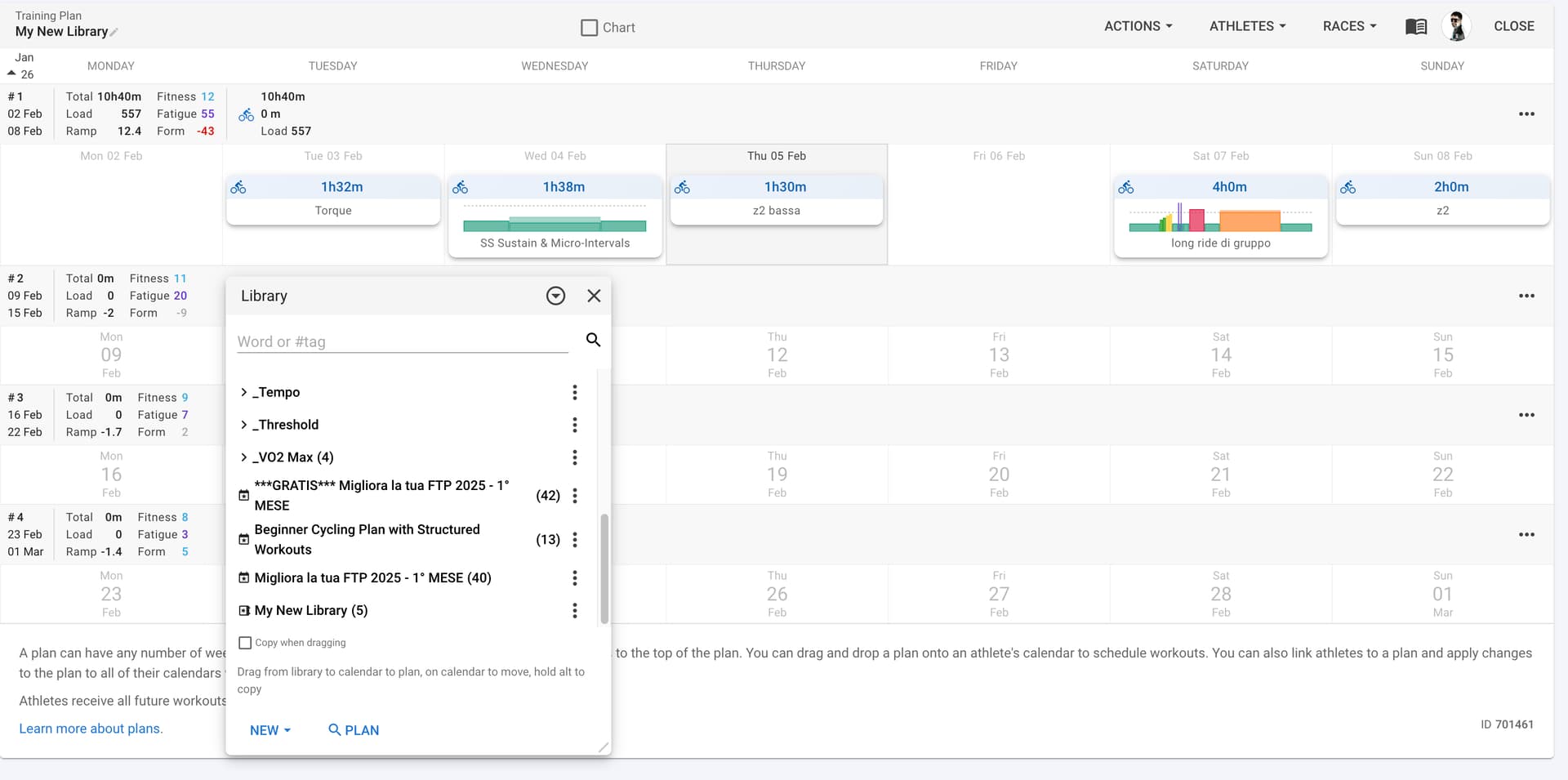
I’m using tp2intervals to sync workouts from TrainingPeaks to Intervals.icu. I’ve encountered a specific issue when syncing a period of workouts intended to be imported as a Plan/Folder.
The Problem: While the workouts are successfully imported into the library, the descriptions are completely corrupted. The formatting and content in Intervals.icu are entirely different from the original TrainingPeaks workout, losing the correct structure and intensity targets.
Technical Details: I have verified the outgoing integration, and the JSON payload sent to the endpoint: POST /api/v1/athlete/{athleteId}/workouts/bulk
The data in the List<CreateWorkoutRequestDTO> is correct, specifically the description attribute, which contains the properly formatted workout text.
Steps to reproduce:
Use tp2intervals to sync a period of workouts.
The system calls the /bulk endpoint with a list of CreateWorkoutRequestDTO.
Check the workouts inside the created Folder/Plan in Intervals.icu.
Expected behavior: The description in Intervals.icu should reflect the exact text sent in the description field of the DTO, matching the TP source.
Current behavior: Even though the sent JSON is correct, the resulting description in the Intervals library is completely different from the source, failing to maintain the original format.
Has anyone else noticed this behavior when using the /bulk endpoint specifically for Plans? Is there any special parsing happening on the Intervals.icu side for library imports that differs from regular calendar sync?
I’ve discovered the root cause of an issue I was having with tp2intervals sync. It’s not an API bug, but rather a UI/Caching behavior in the Intervals.icu web interface.
The Scenario:
Open Intervals.icu Library/Plan view.
Import a period of workouts using tp2intervals (via /bulk API). The workouts appear correctly.
Delete those workouts or select a different period to import via API.
Without refreshing the browser, check the Plan/Calendar view in the library.
The Issue: The UI continues to display the workouts from the first import (the previous state). It seems the browser is caching the library view and doesn’t trigger a new fetch or a UI update after the external API call finishes.
The Workaround: Performing a hard refresh (F5) in the browser immediately fixes the view and displays the correct, newly imported data.
Question: Is there a way to force the Library/Plan UI to invalidate its cache or re-fetch data? Since the import is done via an external tool (tp2intervals), the Intervals.icu frontend isn’t “aware” that it needs to update the view until a manual refresh is performed.
Thanks for the suggestion! I actually tried closing and reopening the library before reporting this, but unfortunately, it didn’t work in my case.
The old data persists in the view even after toggling the library. The only way the new workouts (from the second import) actually show up correctly is by doing a full browser refresh. It really feels like the state is stuck in the background until the page is reloaded.
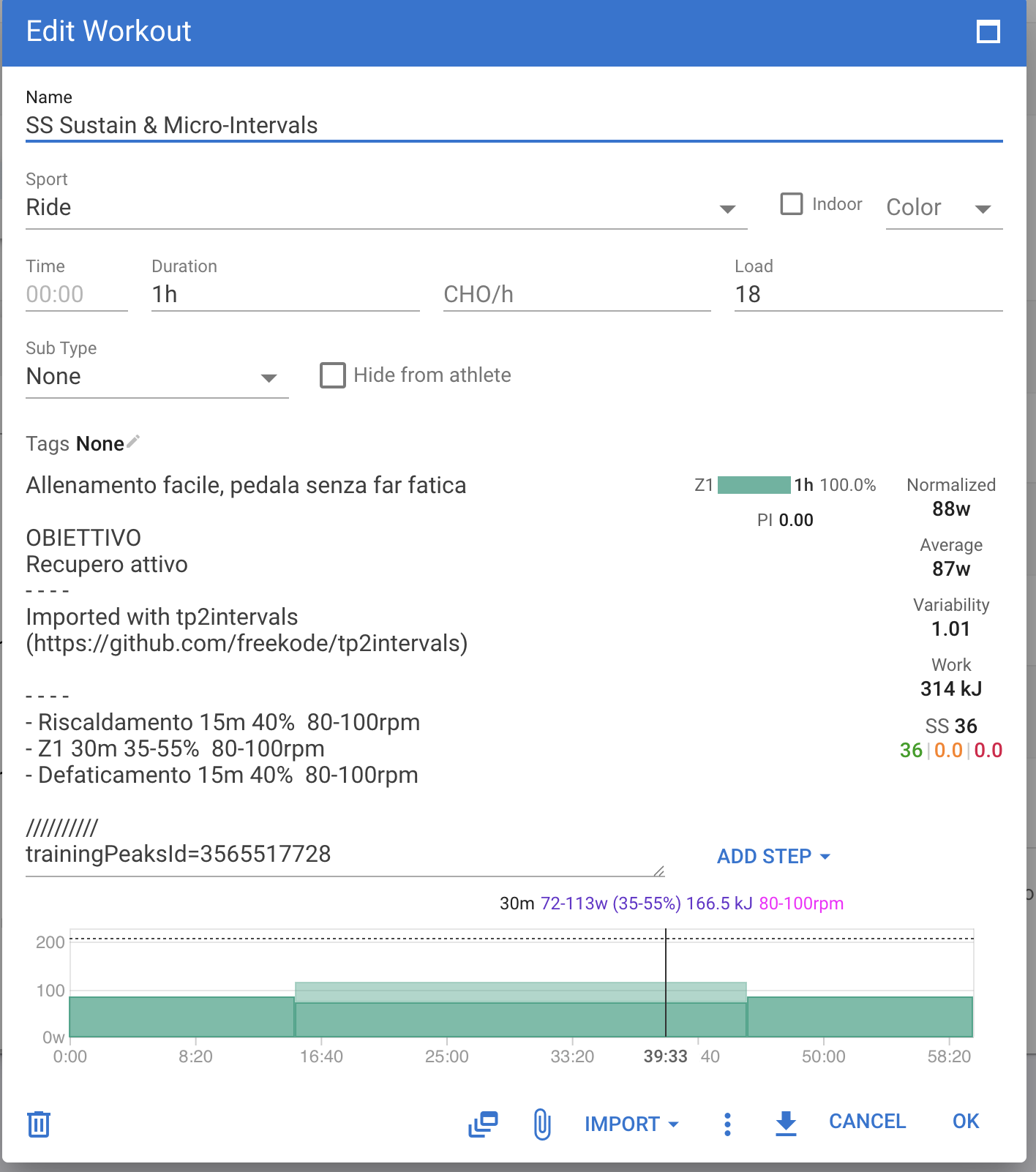
tp2intervals uses a duplicate detection mechanism: when a workout is synced from TrainingPeaks to Intervals.icu, it writes a marker in the workout description like:
////////// trainingPeaksId=999999
Before creating a workout, the app checks whether that TrainingPeaks ID already exists in Intervals.icu for that day. If it finds the marker, it skips the workout and does not create a duplicate.
If that line was removed from the workout description — either manually or by modifying the source code — the app loses its ability to detect that the workout was already synced. Every time the sync runs, it will treat the workout as new and create it again.
If you modified the source code and removed the part that writes or reads that description marker, that is the root cause. Restoring that behaviour will fix the duplication. If you did not touch the code, check whether the description of the affected workouts in Intervals.icu still contains that marker — it may have been edited or deleted manually.
Just a quick update on tp2intervals - a new integration is on the way!
MyFitnessPal → Intervals.icu nutrition sync is now implemented and working. Once the pull request is reviewed and merged by the project owner, it will be available in the next release.
What it does:
Syncs your daily nutrition totals from MyFitnessPal directly to your Intervals.icu wellness calendar
Supports: Calories, Carbohydrates, Protein and Fat
Authentication is done via browser session cookies — no external tools or files needed, just paste the cookie values directly in the Configuration page
As always, tp2intervals is a desktop app (Electron + Spring Boot) that you run locally - your data stays on your machine.
I’ll post again once the release is out. In the meantime, feel free to ask any questions!