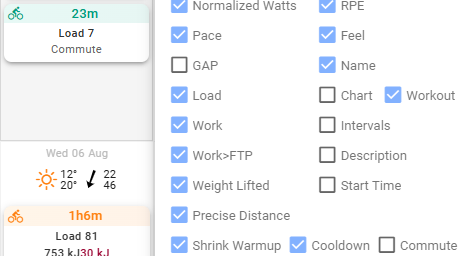
Hello,
As of today, when planning a commute in calendar, I set duration, load (end then intensity is computed etc…).
The thing is the commute is not shown with these details in the calendar: when mousing over, only “Planned workout” is displayed, the the commute view is just one line (vs more details for other workouts), see:
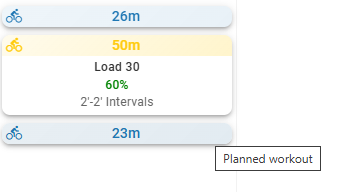
Commute details:
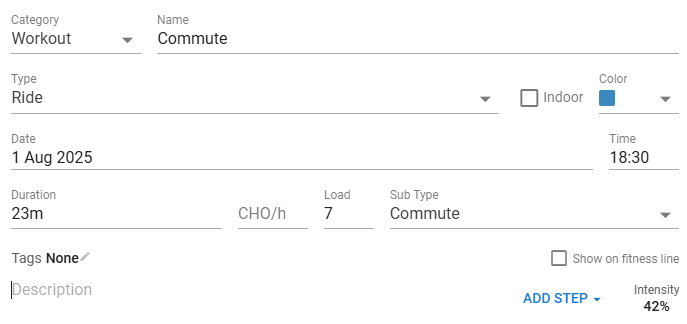
I’d like to have more information in the tooltip, like:
Planned Workout: Commute (ie Title of workout)
Duration: 23m
Load: 7
Intensity: 42%
Having this new feature will ease the vizualisation of these workout and if I correctly planned all details.
Thanks!