I don’t understand that you don’t understand 
You can do exactly the same on a single workout. Once you have your intervals correct, go to the Data Tab and check the checkbox for those 5 intervals. The same average will be shown for only those.
First screenshot shows that for the intervals labelled with ‘High’, second for those labelled ‘Low’
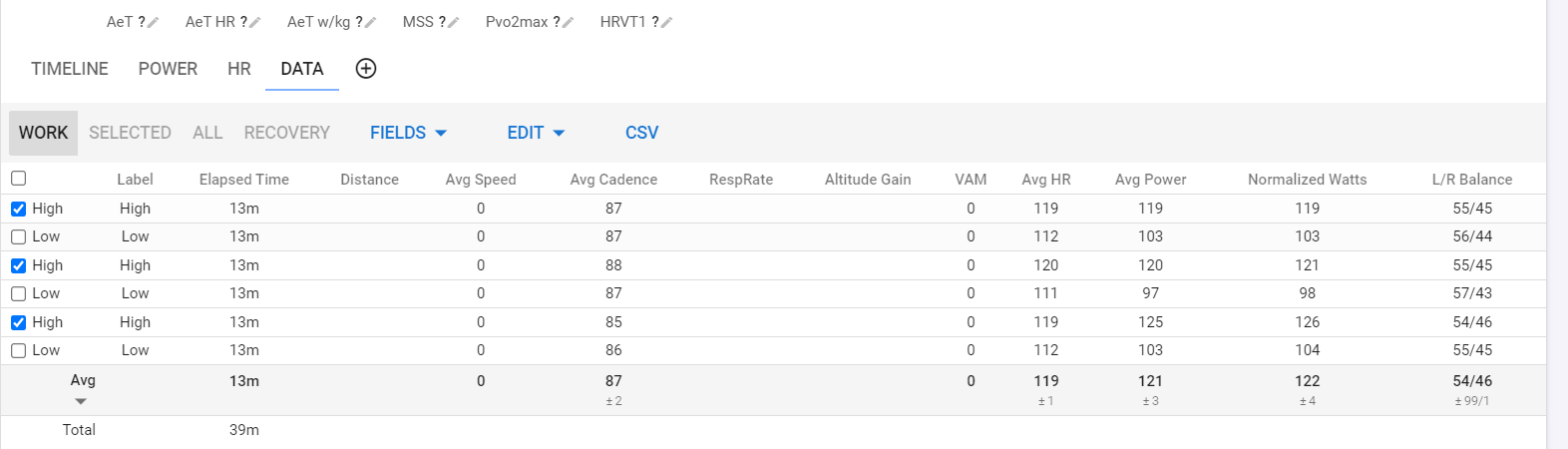
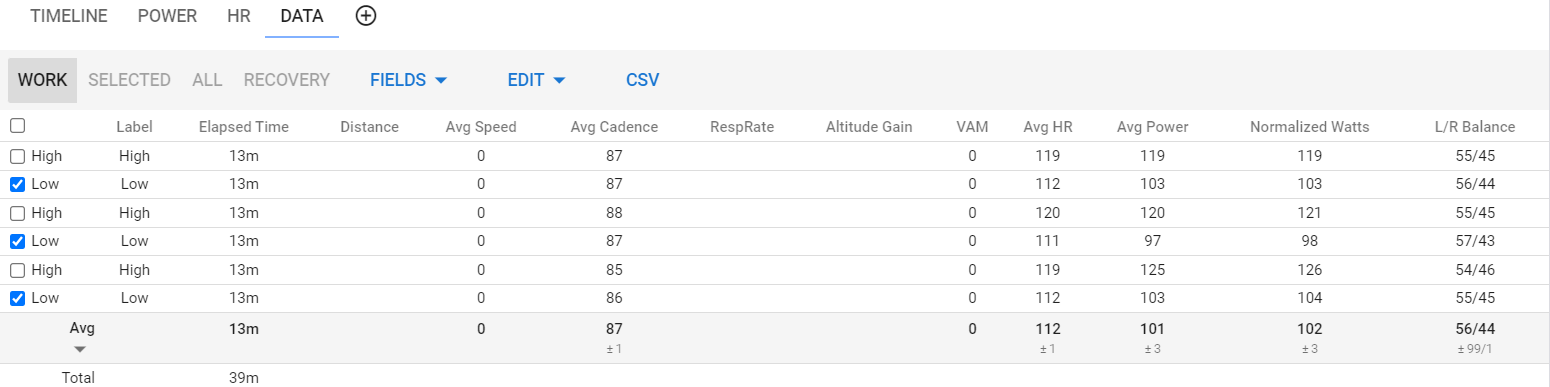
What it comes down to, is that you need to learn how to correctly get your intervals. A simple solution for this kind of workout would be to delete all warmup/cooldown/rest intervals. Then only the 5 work intervals would be on the data page and when you select ‘all’ with the checkbox left from ‘Label’, you immediately have the averages on the bottom line.
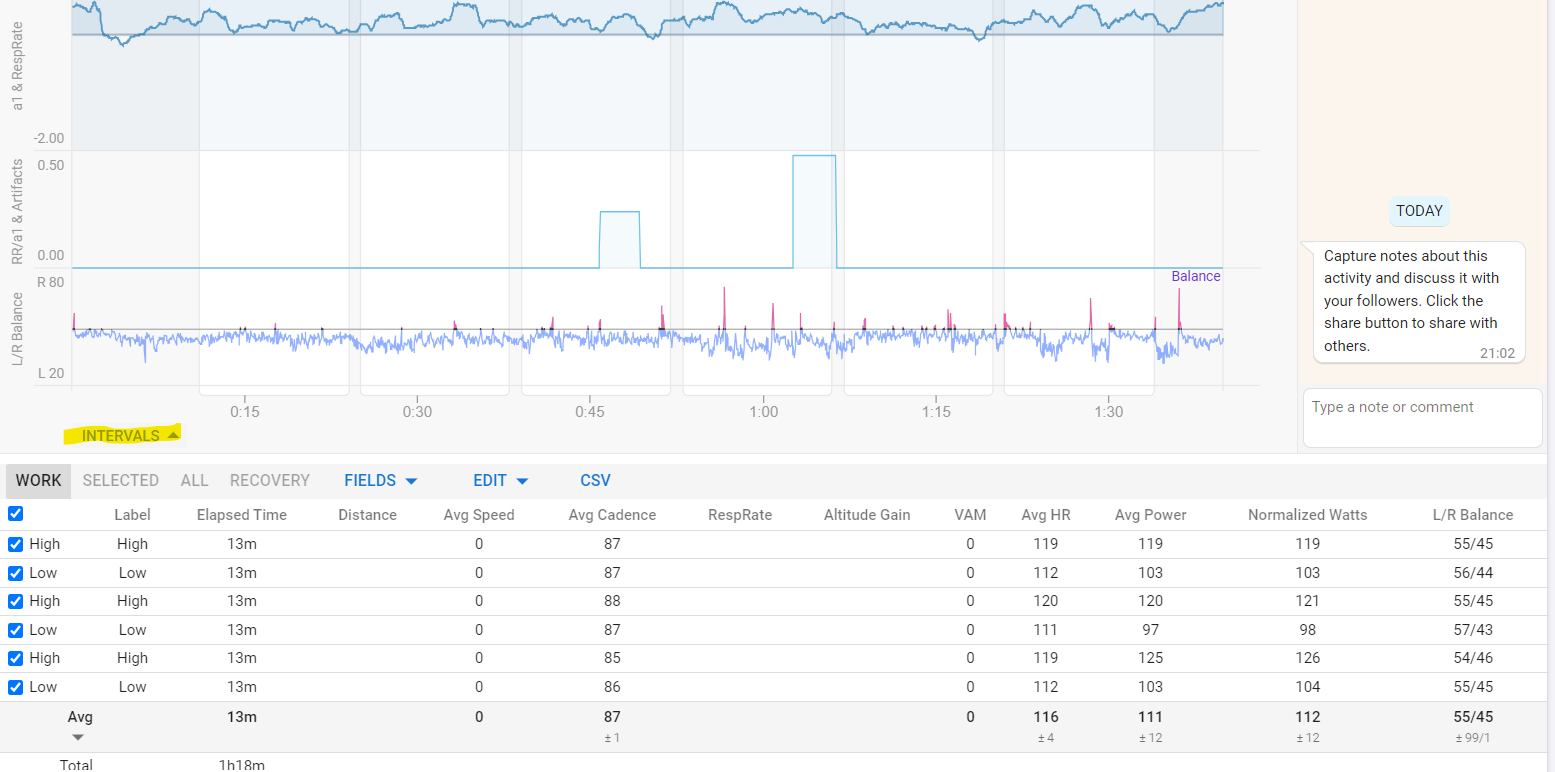
Moreover, once configured, you can see them at the bottom of the Timeline Tab by clicking on Intervals!
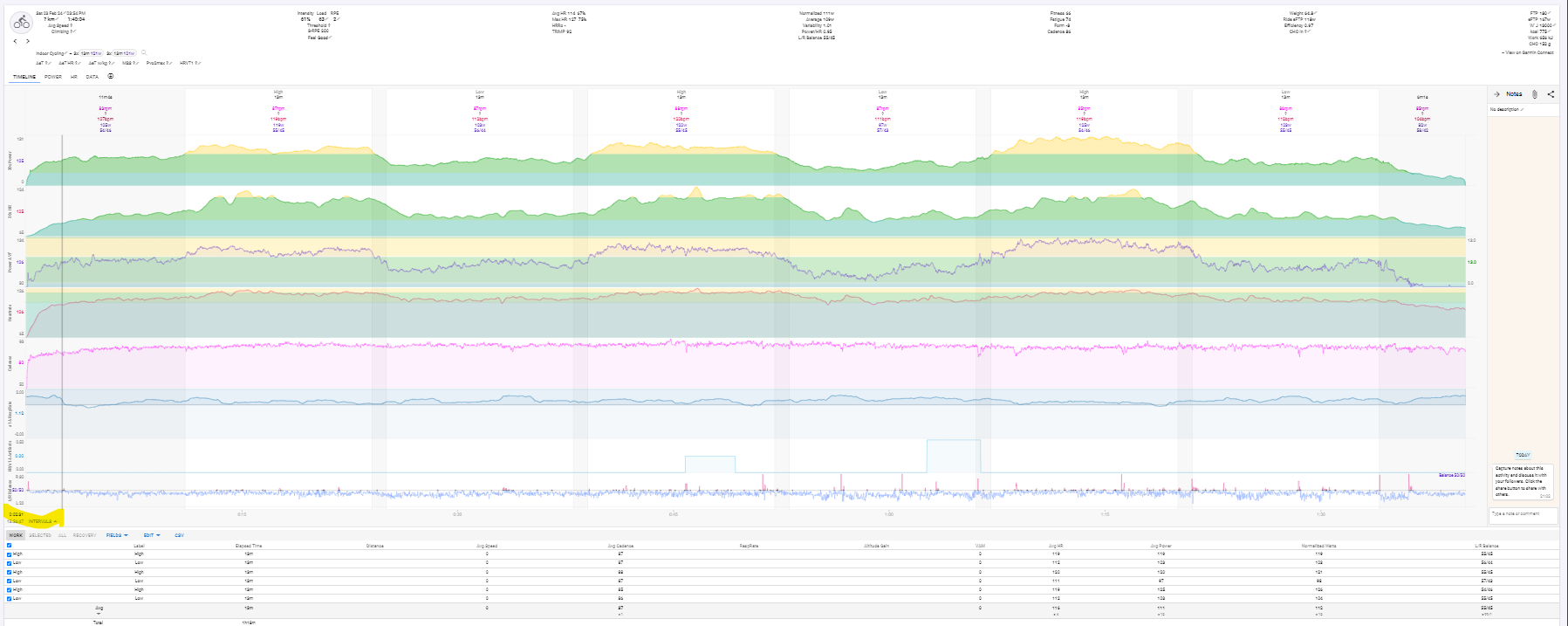
Zoomed to bottom part only:
And you could use my BoxPlot charts to give you quick data on every single interval + avg of all equally named intervals. If none are labelled, the most right boxplot will give a total of all work intervals:
I will make a guide post on the different ways of defining intervals as soon as i have the time. This is becoming important with all the different possibilities and the stream of new users