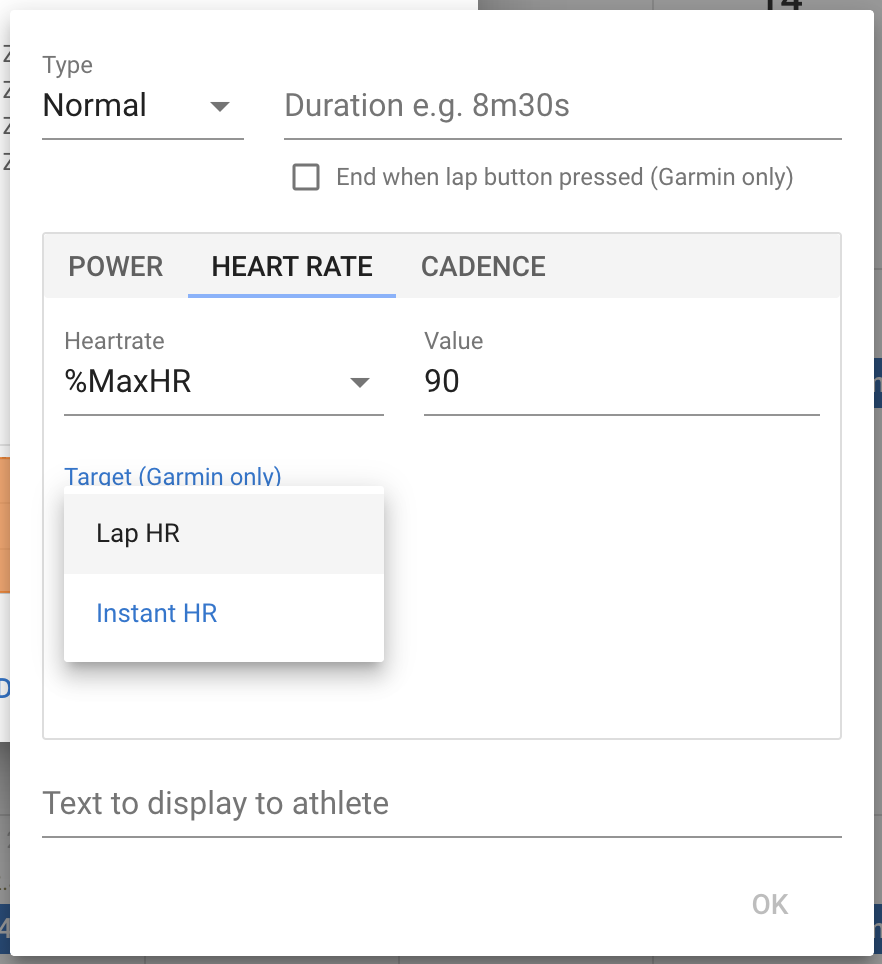
This sorts out the issue with HR steps not working on Garmin watches (well at least some of them). You need to choose “Instant HR” (hr=1s in the text):
Hi David and thanks a lot for the job
Sorry for my english
I tried this mode with my stryd in run mode but i think that the tryd don’t send the power to the screen target in my fenix5
However the feld is Well enable with ConnectIQ
Unfortunately i don’t think that will work … intervals.icu sends the steps of the workout to Garmin Connect and GC generates the file for the device … it’s not likely to have support for connect IQ fields.
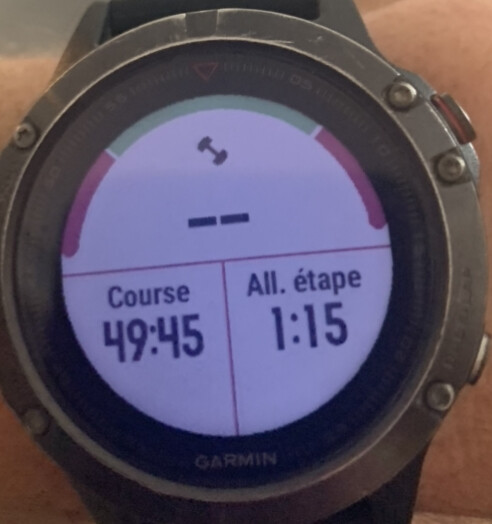
@david Not sure if anyone else has been successful, but I finally managed to create a structured workout with my Stryd power targets and did it this morning. Below the syntax used, basically the instructions on Garmin during the execution (audio and on watch) were good enough for me to follow the structure. But some tweaks still needed:
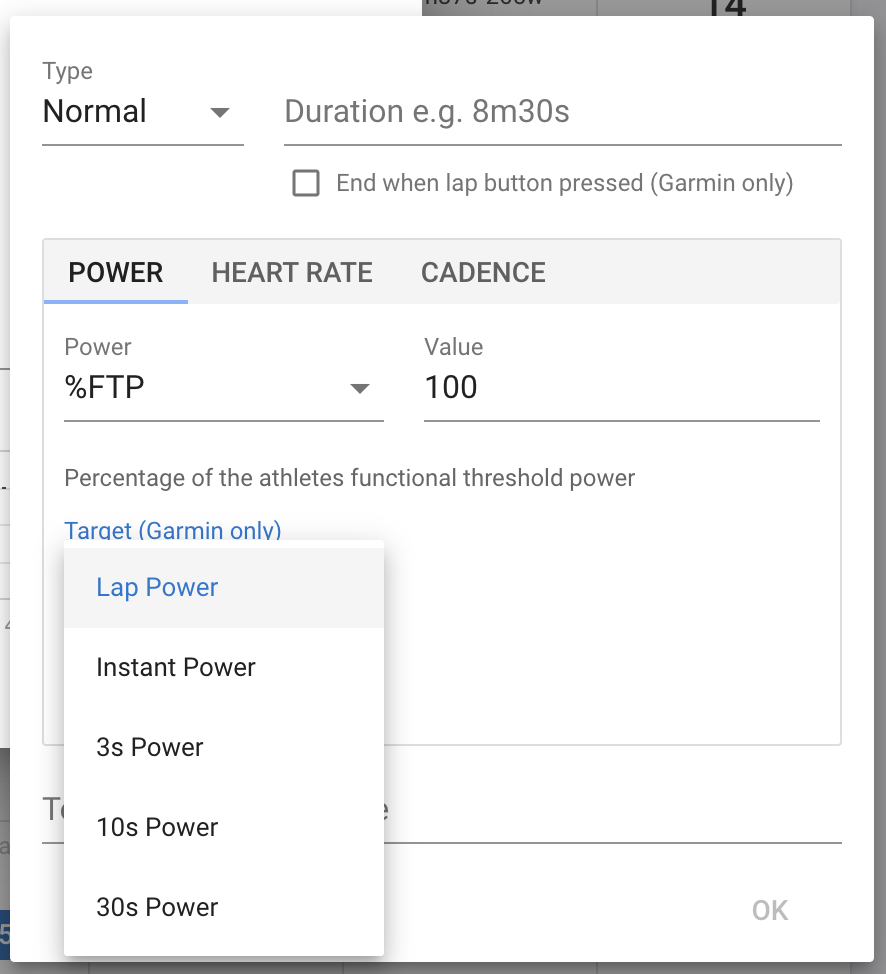
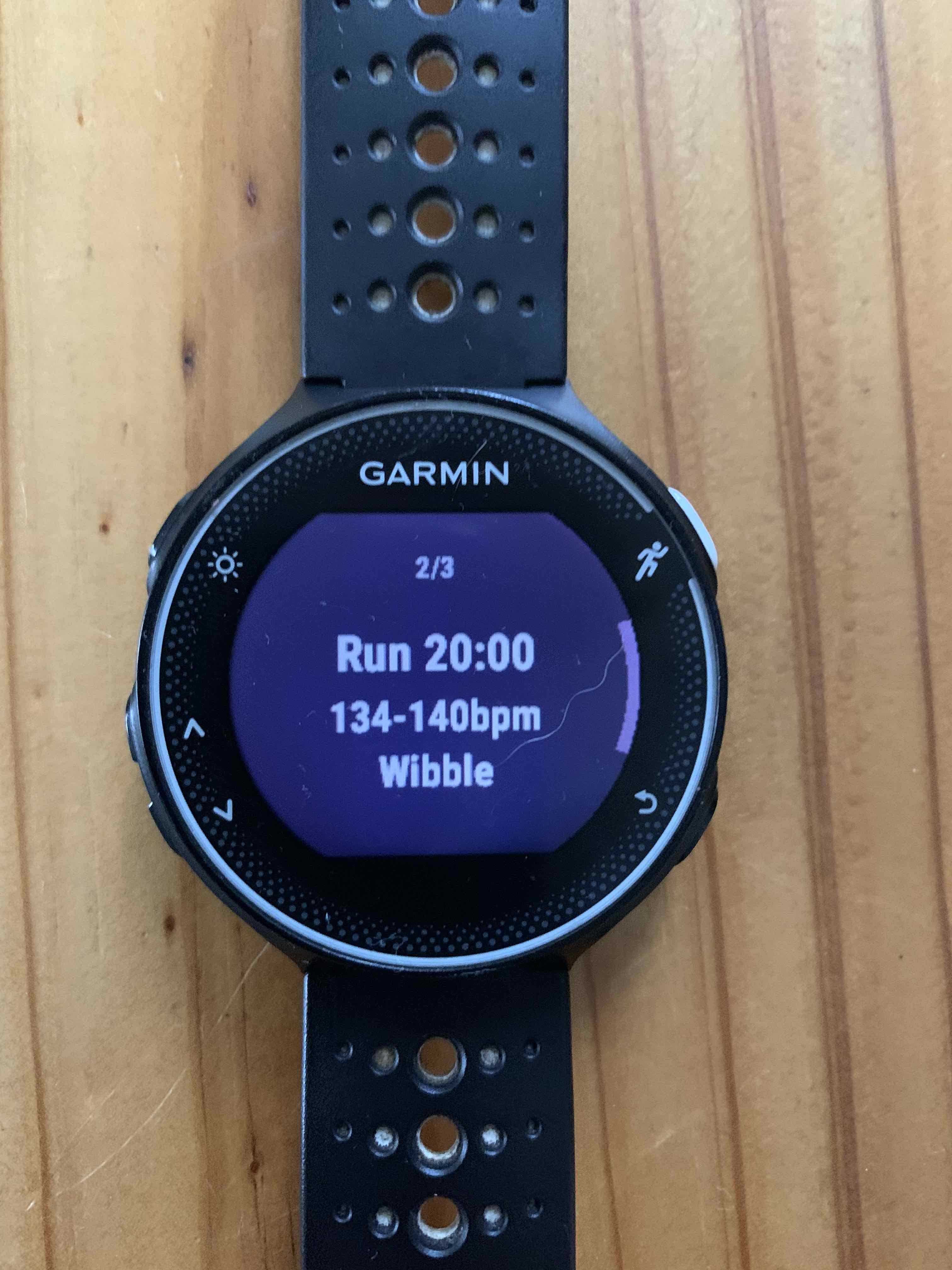
-When displaying the workout on Garmin watch (going in calendar, selecting the workout, then display/preview), for each split I have “Power 3s” prefix and then the lower target level set, instead of the specific power range defined, like I have when I configure a workout from Stryd and push it to Garmin
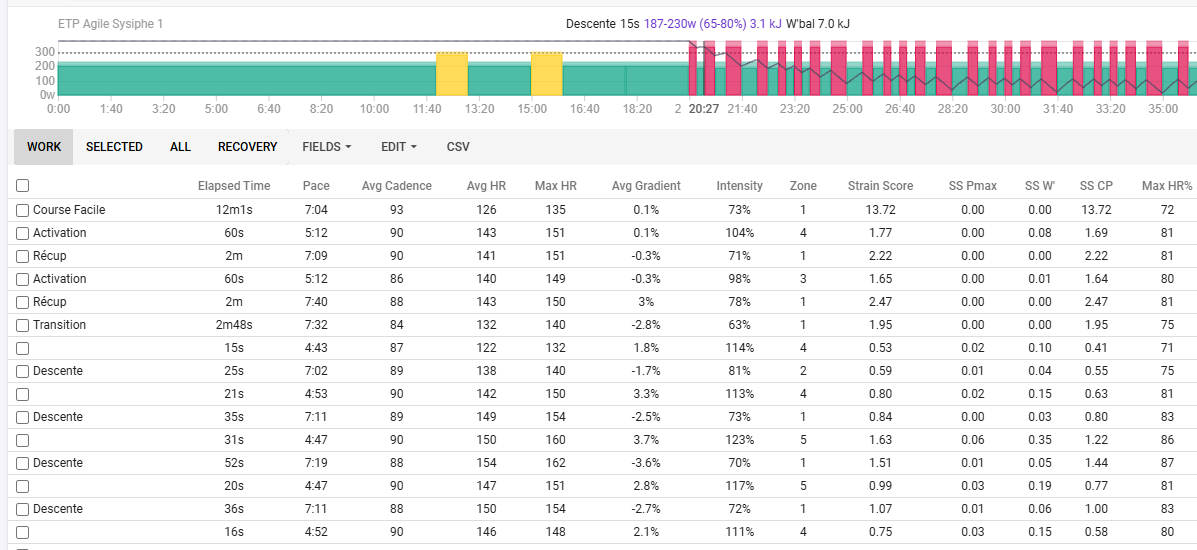
-When uploading the FIT back to Intervals, it has associated correctly the activity to the planned workout… But the intervals, although well synchronized (I had some “Press Lap” splits) the type of intervals are not correct. How to properly force specific intervals to be detected as “Work” and others as “Recovery”? Actually same issue in Garmin Connect when looking at the activity, everything but the cooldown at the end is displayed as Work.
Below the syntax of the workout (sorry for the french text in-line) - note that I used Google Gemini to get some help to write the structure, but had to iterate a couple of times until it was displaying properly and also looking good on the watch when pushing to Garmin):


 your english is fine!