Thanks for trying it out, glad the zone 2 restriction worked for you. Hearing this from someone who tried other tools means a lot. It tells me the architecture is doing what I hoped it would.
On nutrition, it’s an interesting idea, but I want to understand better what you have in mind.
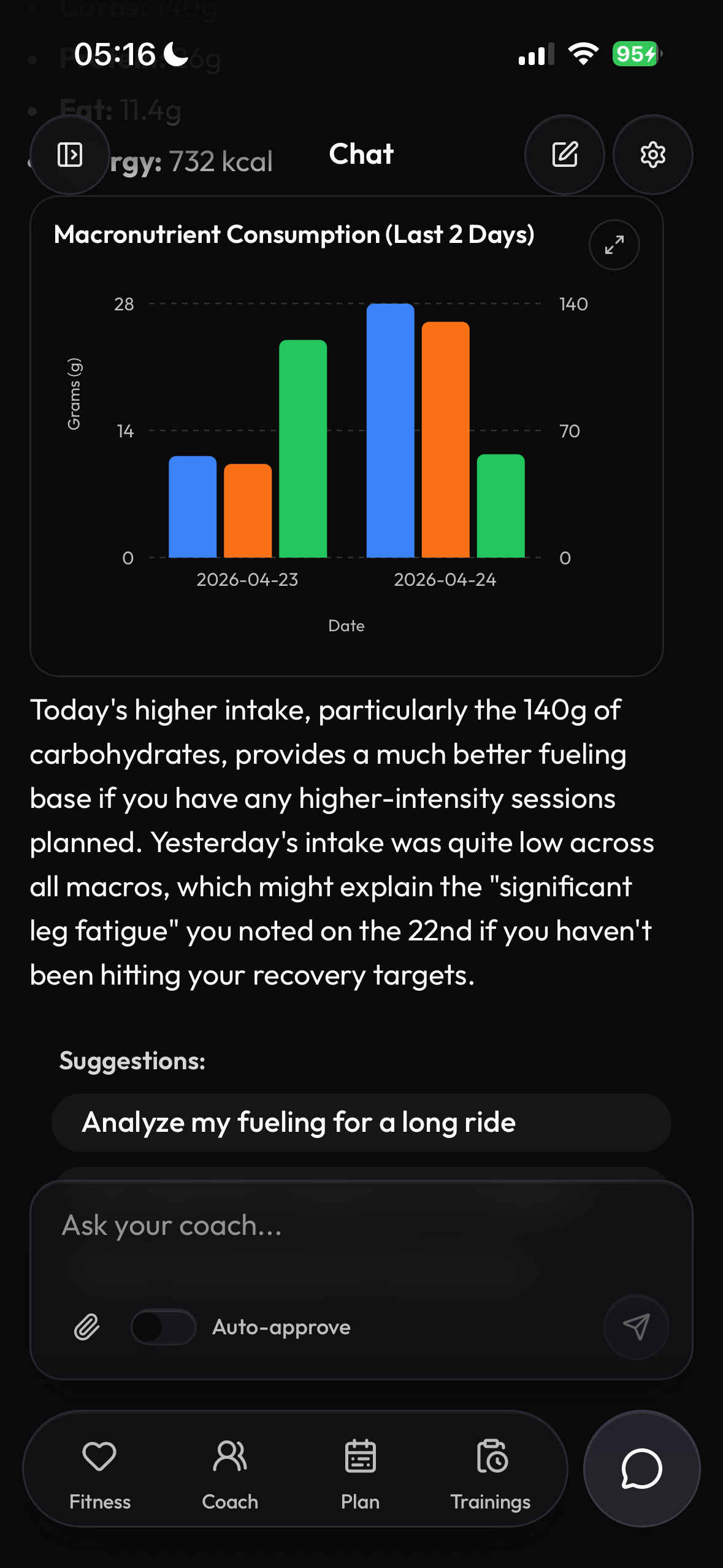
I definitely wouldn’t turn MyTrainPal into a food tracker. MyFitnessPal, Cronometer, MacroFactor already do this part well. What I could do is read nutrition data you log there and correlate it with your training. So the AI could say things like “yesterday was a hard session but your intake was only 1800 kcal, might be why today felt flat”.
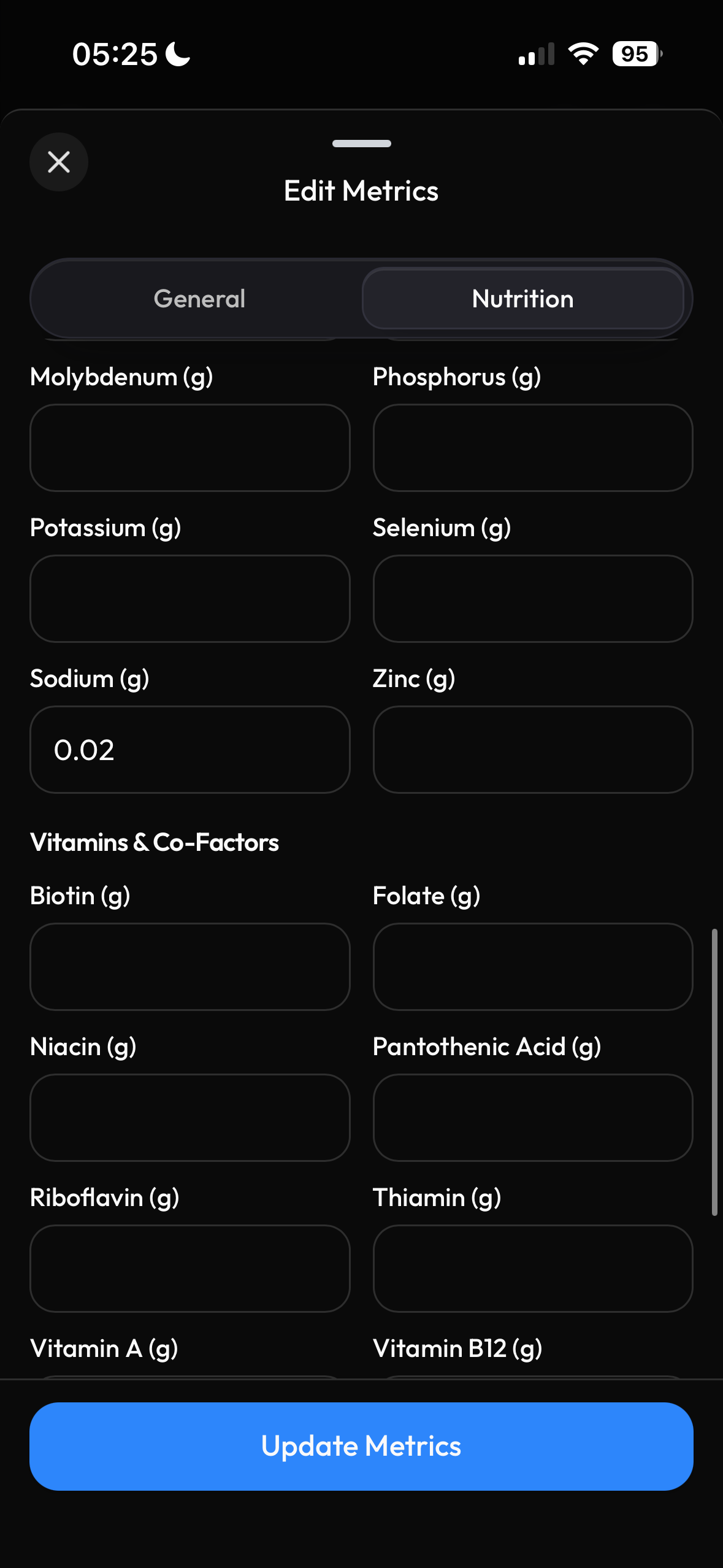
Intervals.icu has wellness fields for carbs, protein and fat (g). Apple Health has a richer schema including micronutrients like iron, sodium, calcium. MyFitnessPal already handles those fields, so reading them back is straightforward.
Few questions to help me decide:
Do you already track nutrition somewhere? Which app?
Which micronutrients matter most to you?
What’s more useful, AI noticing patterns in your fueling vs. performance, or AI telling you what to eat today?
Thanks for your reply and yes you definitely do not want to turn it into a food tracker. I would settle for MyTrainPal being able to read the data from Apple Health and/or maybe Whoop to be able to make judgements on my calorie burn throughout the day, my performance in the workout and how to prepare for tomorrows workout if I have one. What would I need to do during that workout to stay hydrated and fuelled during it. I’d even say to be able to pick up patterns like I’ve noticed you are not taking enough sodium or protein which may impact your performance if it became a trend but also to be able to converse about the importance or maintaining weight or losing weight when setting a plan and even setting a weight goal.
I use Nutracheck (Calorie COunter+) they put data in Apple Health but there is no API. I have tried Hexis and Myfitnesspal. At the end of the day they are capable of putting data into Apple Health so that’s the best option. I think definitely noticing patterns is more important that I may not spot. Those micronutrients like sodium, calcium etc are important but as other calorie counter apps concentrate on macronutrients I may not be aware that the micro’s are being neglected.
Just also to note, based on what you mentioned I’m now having a look at cronometer. It syncs with my whoop band, gives the micronutrients and has a good interface. Telling me how many calories, grams of fat, carbs, protein etc would be good in advance but in conjunction with my weight goals.
Awesome, thanks for letting me know. I was suspecting it was either the activity generated prior to the changes or some communication issue between phone app and the watch. I’ll push to AppStore the update that resolves that other minor UI issue with title overlap.
Should you see any other issues when you actually try it during a workout, please let me know.
I agree that cronometer looks like a solid app. And it is able to export all the nutriton data to the Apple Health, where I can pull them and store alongside other wellness metrics in MyTrainPal.
When MyTrainPal assistant will have access to this data, you can tell it to set up daily scheduled reports with nutrition advice, and cross-reference it with completed and planned trainings. Does that sound like something you would find useful?
Absolutely, the more information that the app has then the better the discussions. I like the sound of this. Cronometer looks to be very good albeit I’ve only used it for 24 hours but it’s getting me more data👍🏼
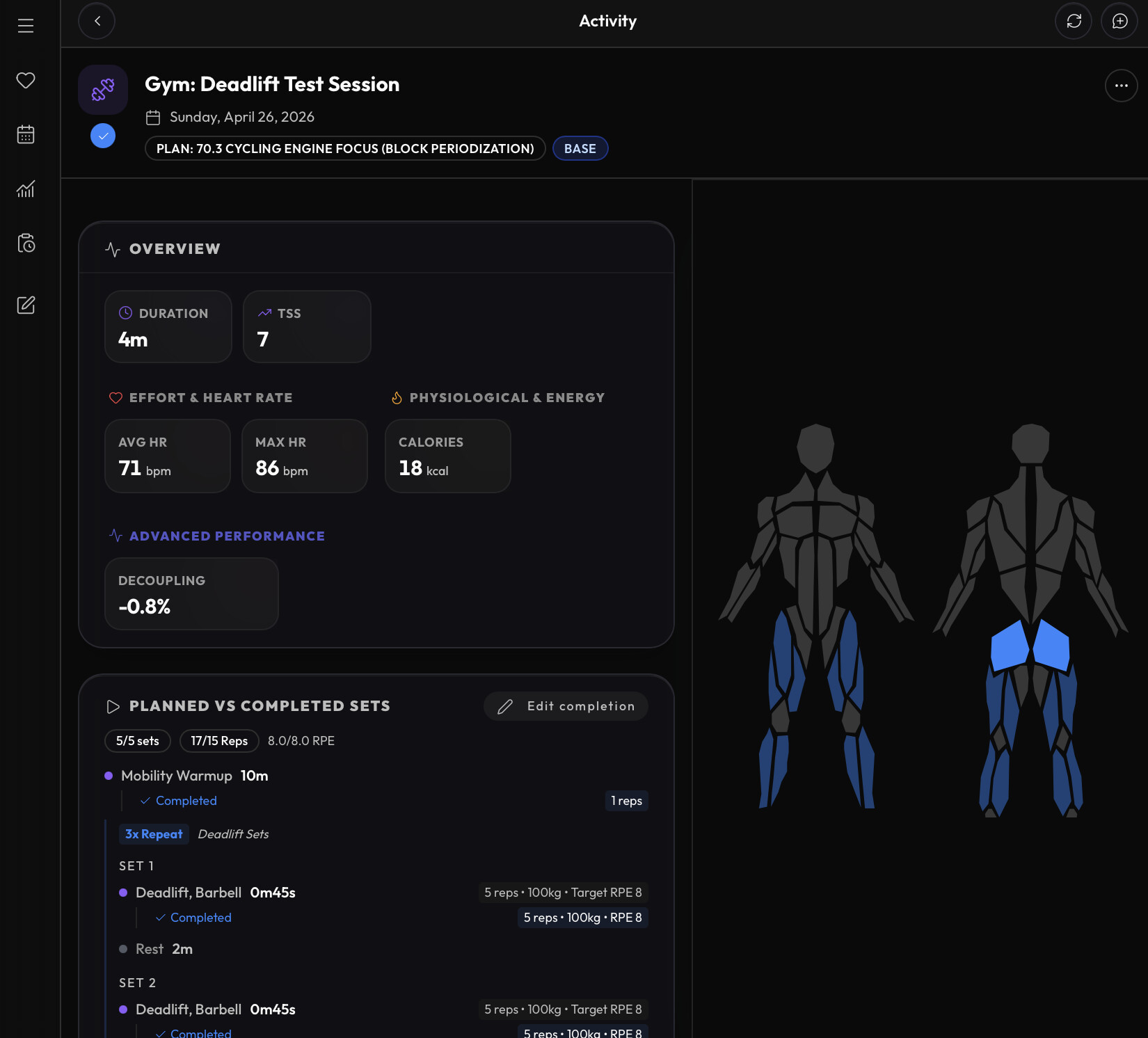
Yesterday I did a strength training session planned by MyTrainPal on my Apple Watch. It went well, but I missed a couple of things to make it perfect.
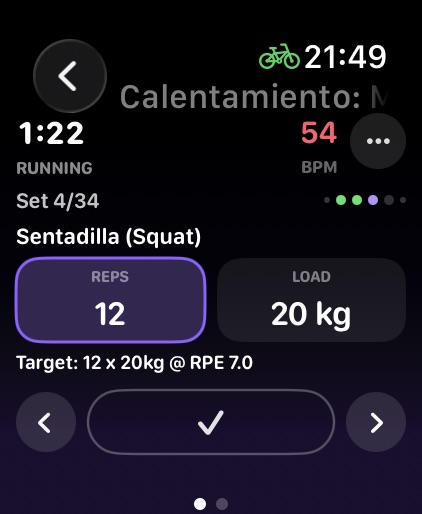
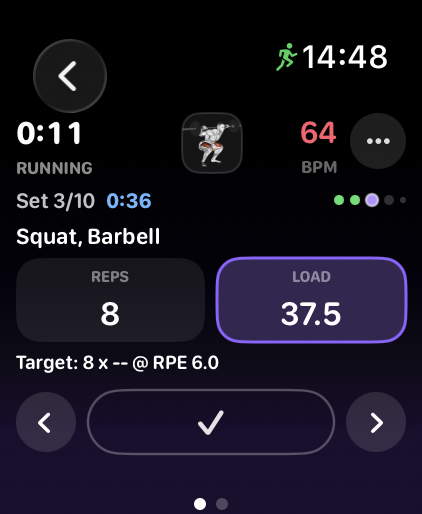
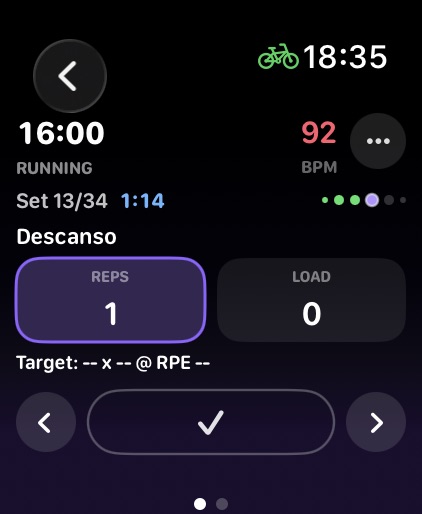
It would be great to see the time remaining for each interval, and if it’s exceeded. The same goes for the rest intervals. And a vibration or sound and the end of interval.
I was also missing some disc sizes to adjust the weight I was lifting.
Thanks for the feedback, really appreciate it. I added all your recommendations, load has now more granular step, watch vibrates at the end of the interval and the step timer is displayed next to step count.
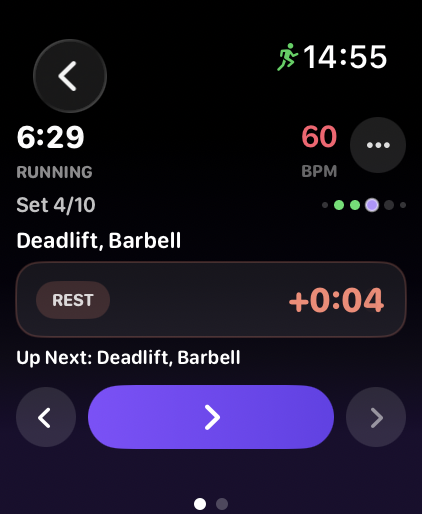
The rest will not auto advance to the next exercise, it will display the rest overtime and require you to advance manually.
Thank you. I like what I’m seeing on this. I’m coming from Humango but I wasn’t liking Hugo’s approach and the usability of the platform. I’ll be subscribing on Saturday when I’m ready to start planning for the next few months.
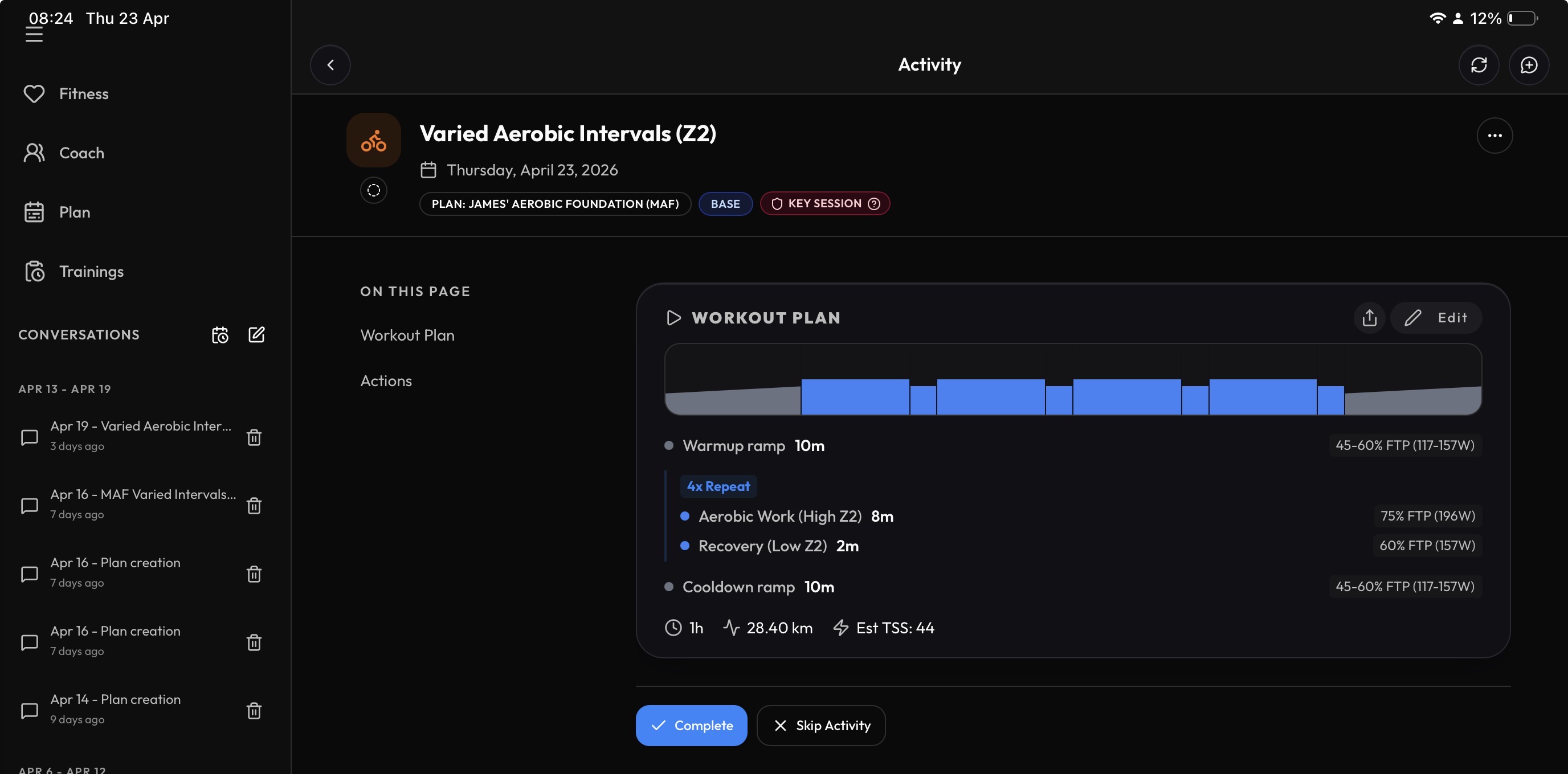
One thing I have noticed is that cooldowns have implemented incorrectly and are warmup ramps. Easily corrected but wonder if others are getting those.
Thanks, great to hear. I actually tried Humango myself a few months back when I was looking at what was out there, so I understand what you mean.
The reversed cooldown ramp problem in generated workout structure should not happen anymore. I tightened the tools schema to make it clear for AI that order matters. Thanks for informing me about it.
Please check out the release 2.31 of iOS. It has a support for all the Apple Health nutrition fields and bi-directional sync of macronutrients with Intervals.icu.
Please be sure to first disconnect Apple Health and connect it again in MyTrainPal’s connection settings, to give app the access to the Nutrition fields.
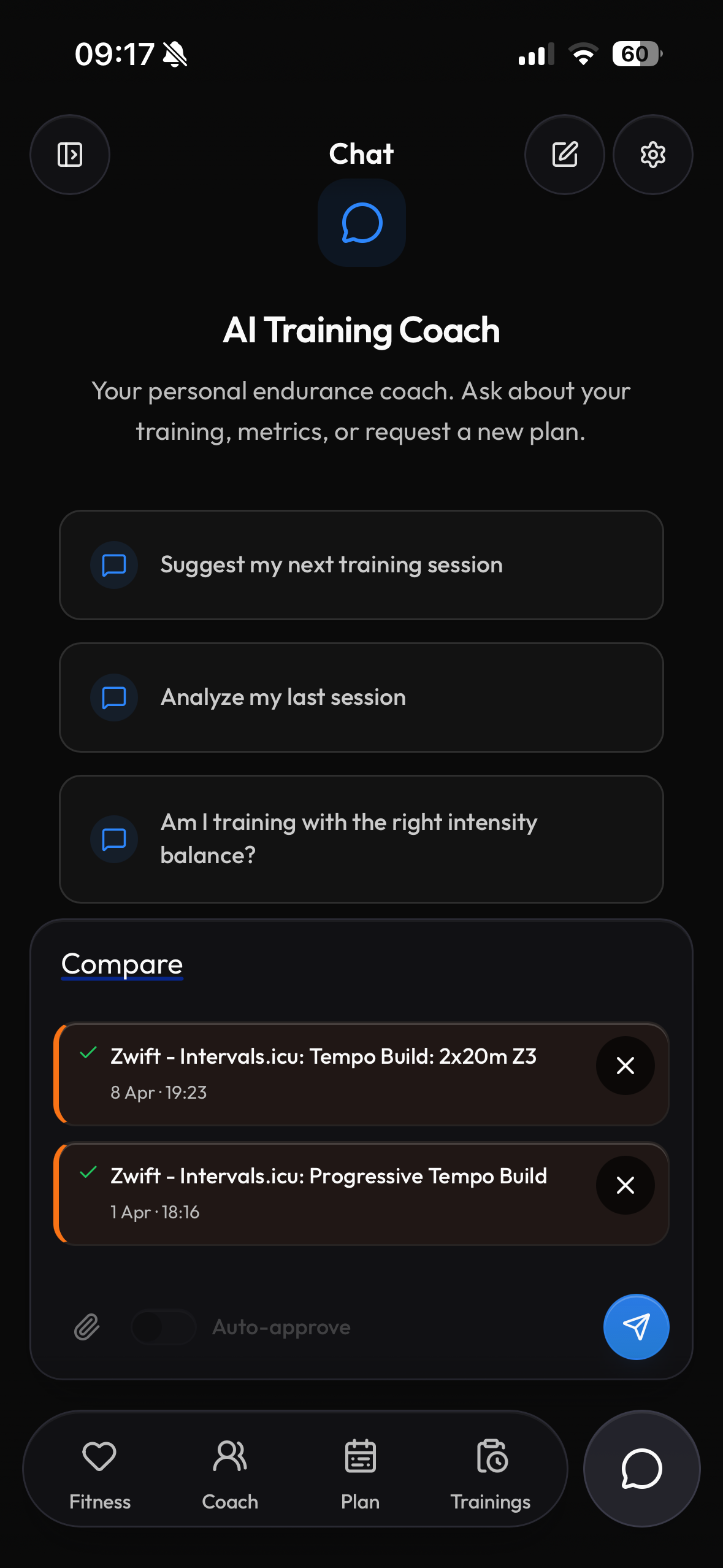
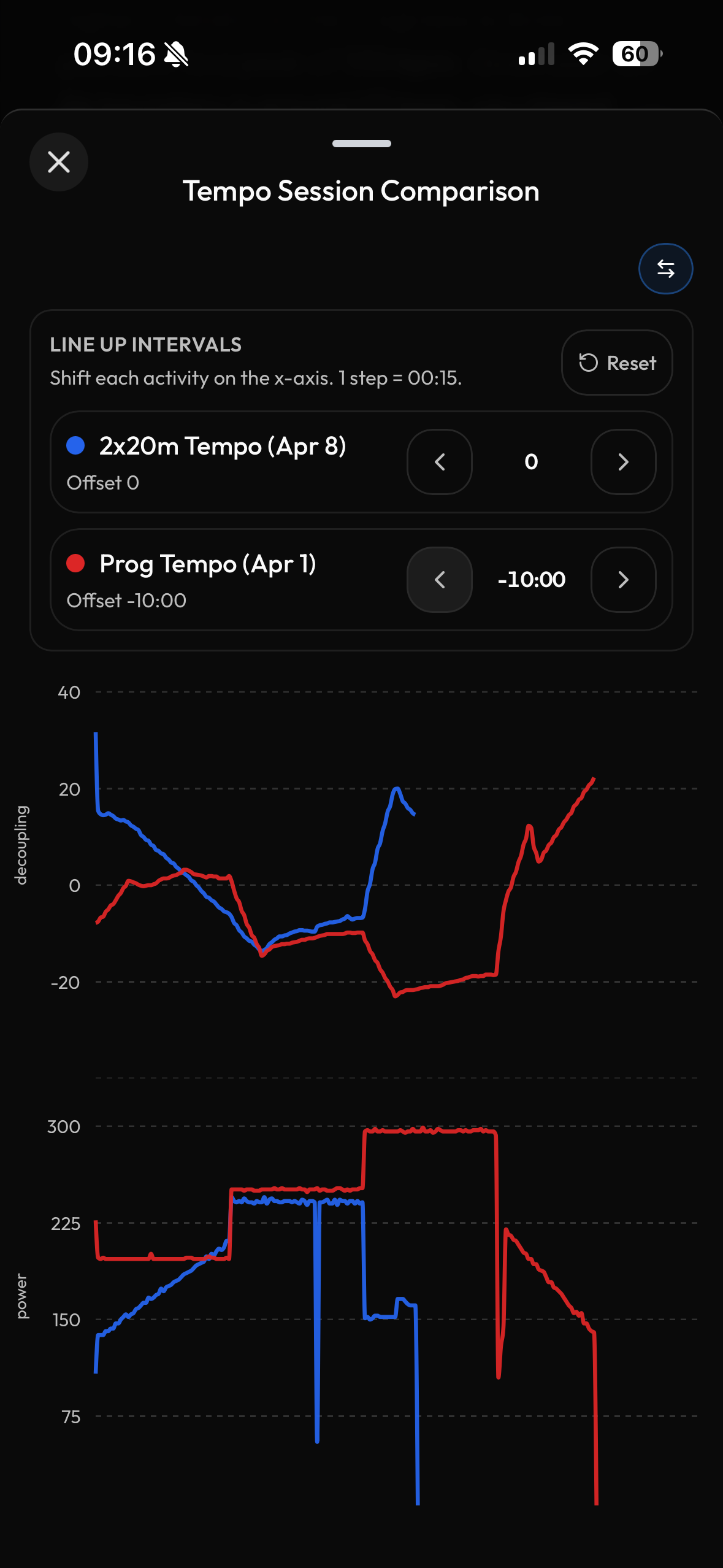
There’s one more thing that I use a lot and that was added between recent releases. The align intervals function. It’s particularly useful when you are comparing 2 or more activities and want to line up the specific interval to see how you progressed over time.
I prepared a short video that shows it best.
In short:
You attach activities you want to compare on the chat.
AI Coach will display the comparison charts. You can then align the intervals and send it to coach for further analysis.
I was testing it yesterday. I was testing it yesterday. Almost perfect, the only thing is that the “rest” section doesn’t appear in Spanish like in your screenshot.
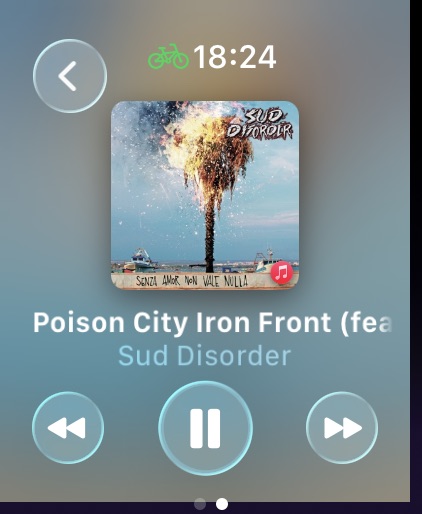
I also noticed that the media player page is “off-center”.
I’ve been pulling my hair out for a few hours trying to understand why the media player is “off-center”, then I opened Strava watch app and realized its a WatchOS bug
Fix for the “Rest” steps for other than English languages is on the way, together with localizations for Watch app, expect it in version 2.32.
Thank you for reporting these issues and being so patient testing the app, I have feeling we are really close to the “perfect” state.
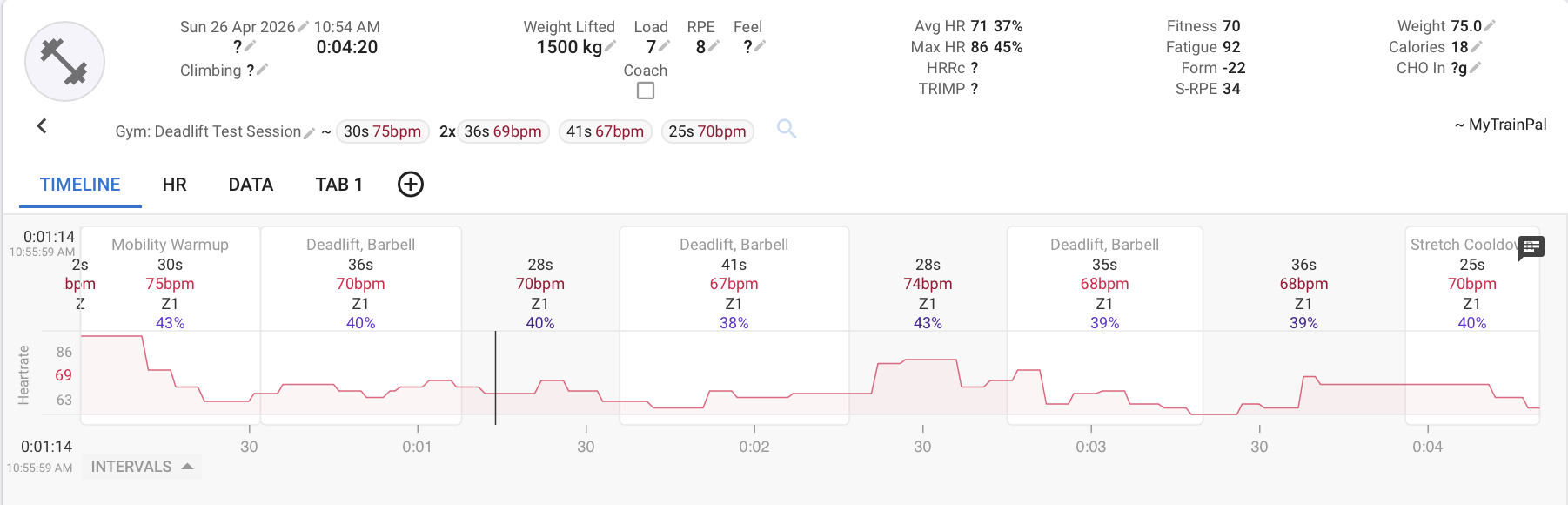
With the recent update, strength training in MyTrainPal is treated with the same level of care as running, cycling, and swimming. Tighter Intervals.icu integration makes it the ultimate companion app for enhancing the strength workout data you see on Intervals.icu.
Every strength activity tracked with the MyTrainPal Watch App records the start and end of each set and exports them alongside your HR data. As a result, you can see exactly when each set took place on the HR chart in Intervals.