One step at a time 
I pushed a change, please check when you have a moment.
Thanks
One step at a time
I pushed a change, please check when you have a moment.
Thanks
Sin creditos, y un cupon que me diste NO se donde ponerlo para tener creditos. La estructura que he compatido e intentado hacersela comprender al Chat de multiples formas, pero mayoritariamente me duplicaba entrenos en la descripcion con lo que entrenos de 60 min se convertian en 120 y de 6x1000 en 2x 6x 1000
Hi,
Already tried it.
Fantastic! It works well.
I’m happy and can’t wait for my next indoor workout.
Thanks Krzysztof.
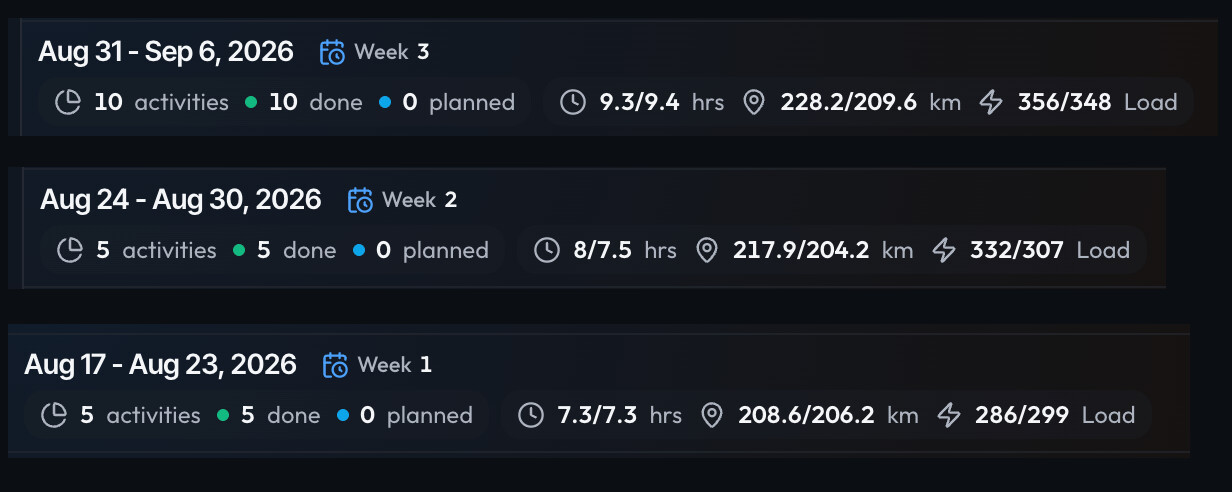
Weird training bug, made plan but none of the workouts are counting or even saying they are planned.
I did do some coach changes and also had the issues with having to delete apple workouts and then re import.
i’ve done pretty much the required load or over but none is showing??
Oh, that’s most likely a result of deleting and then re syncing the trainings. They lost attachment to the current plan.
Best way to fix it as usual is to tell coach on the chat to attach the August and September activities to the current plan.
Thanks. I did try that before posting here but must have not used the correct language.
Explicitly saying link workouts, fixed it. 
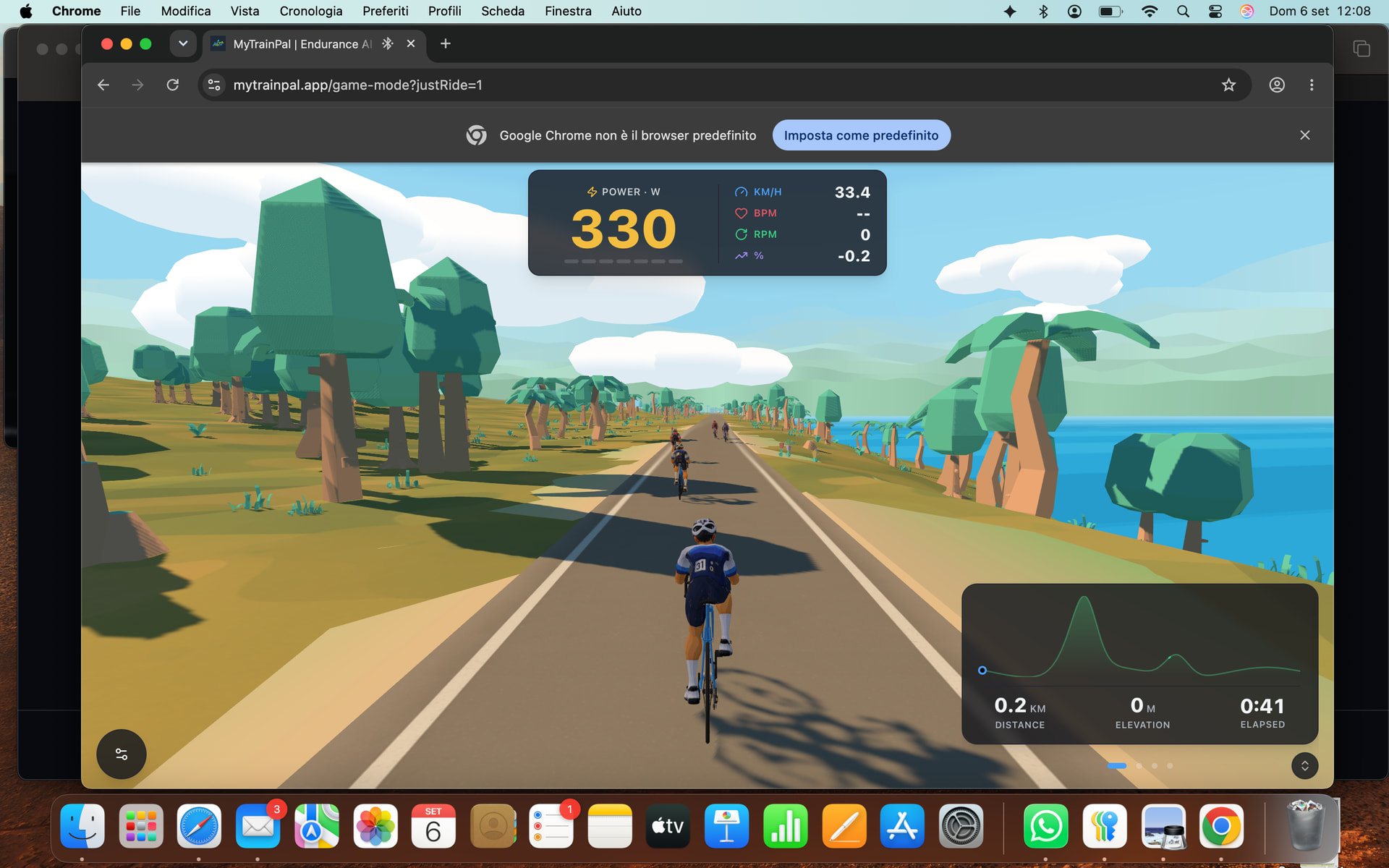
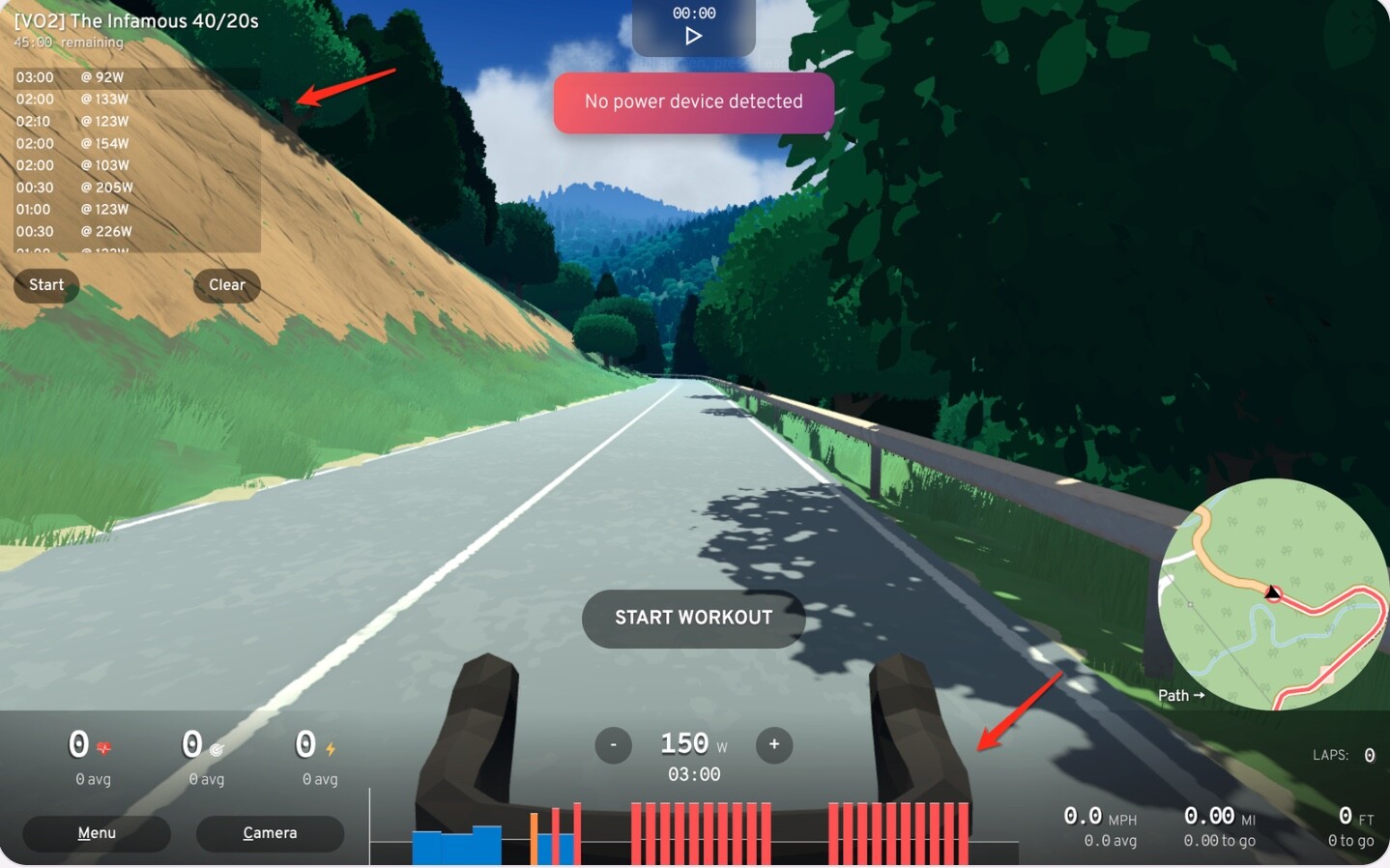
Some more MTP Ride feedback.
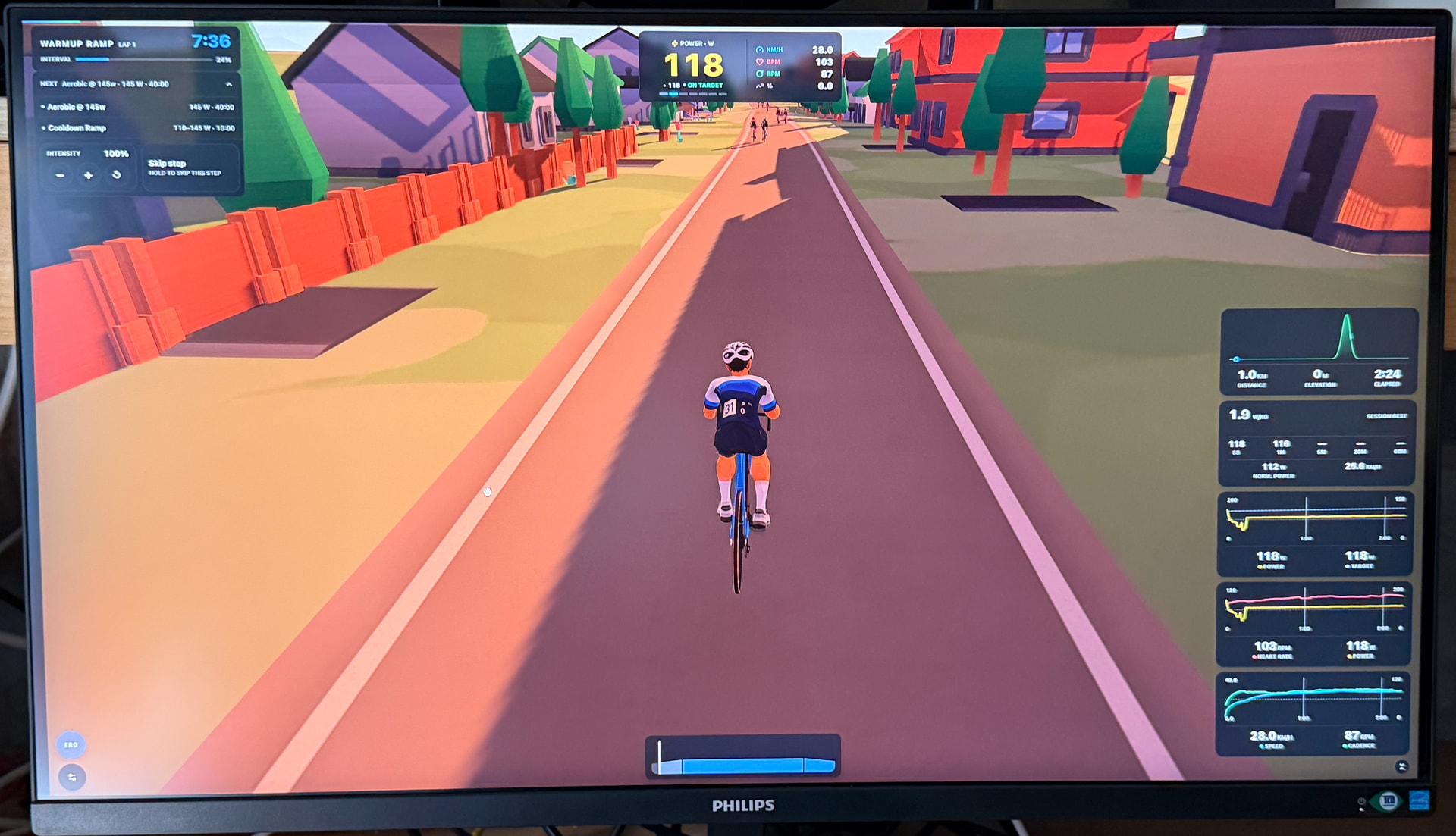
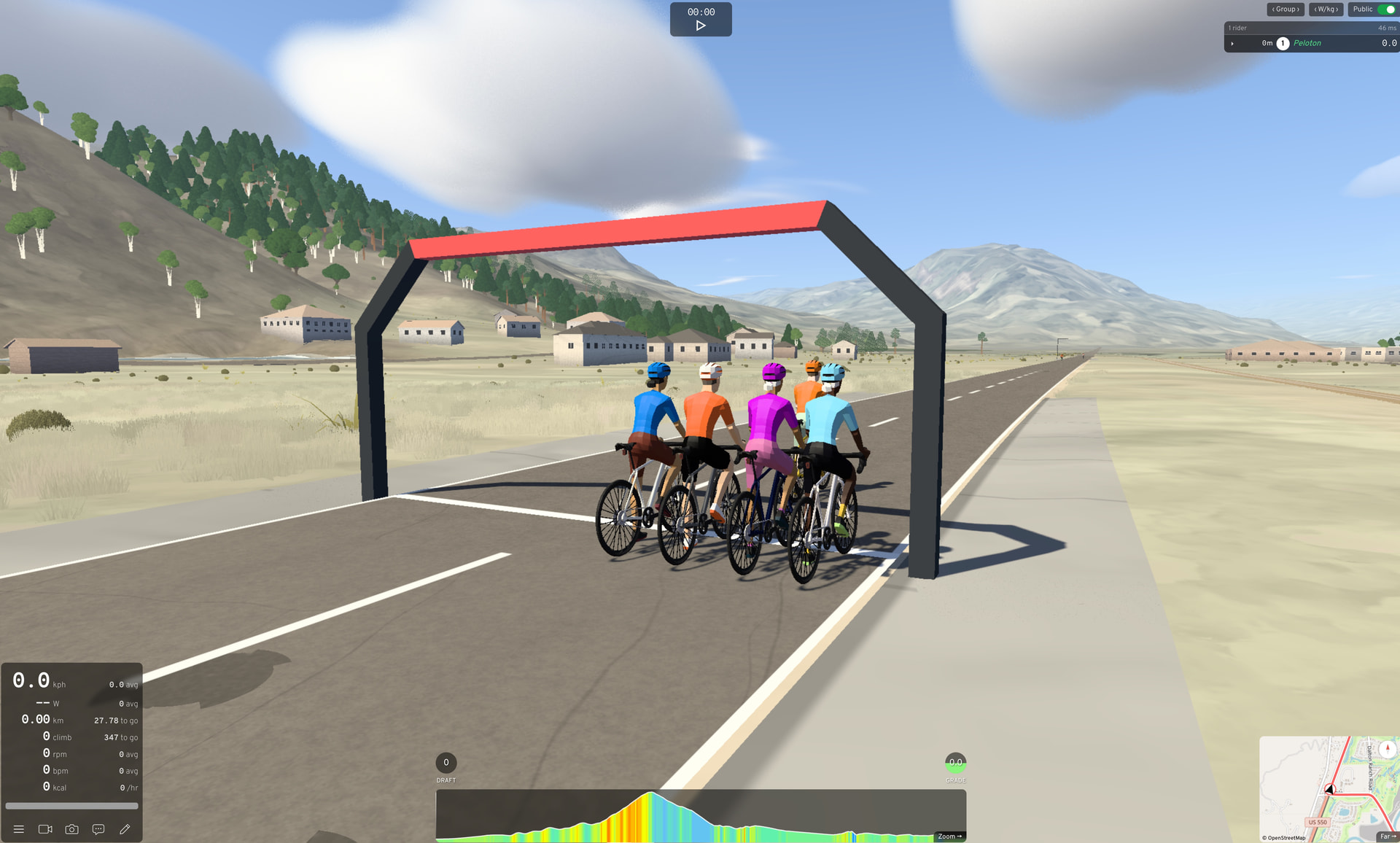
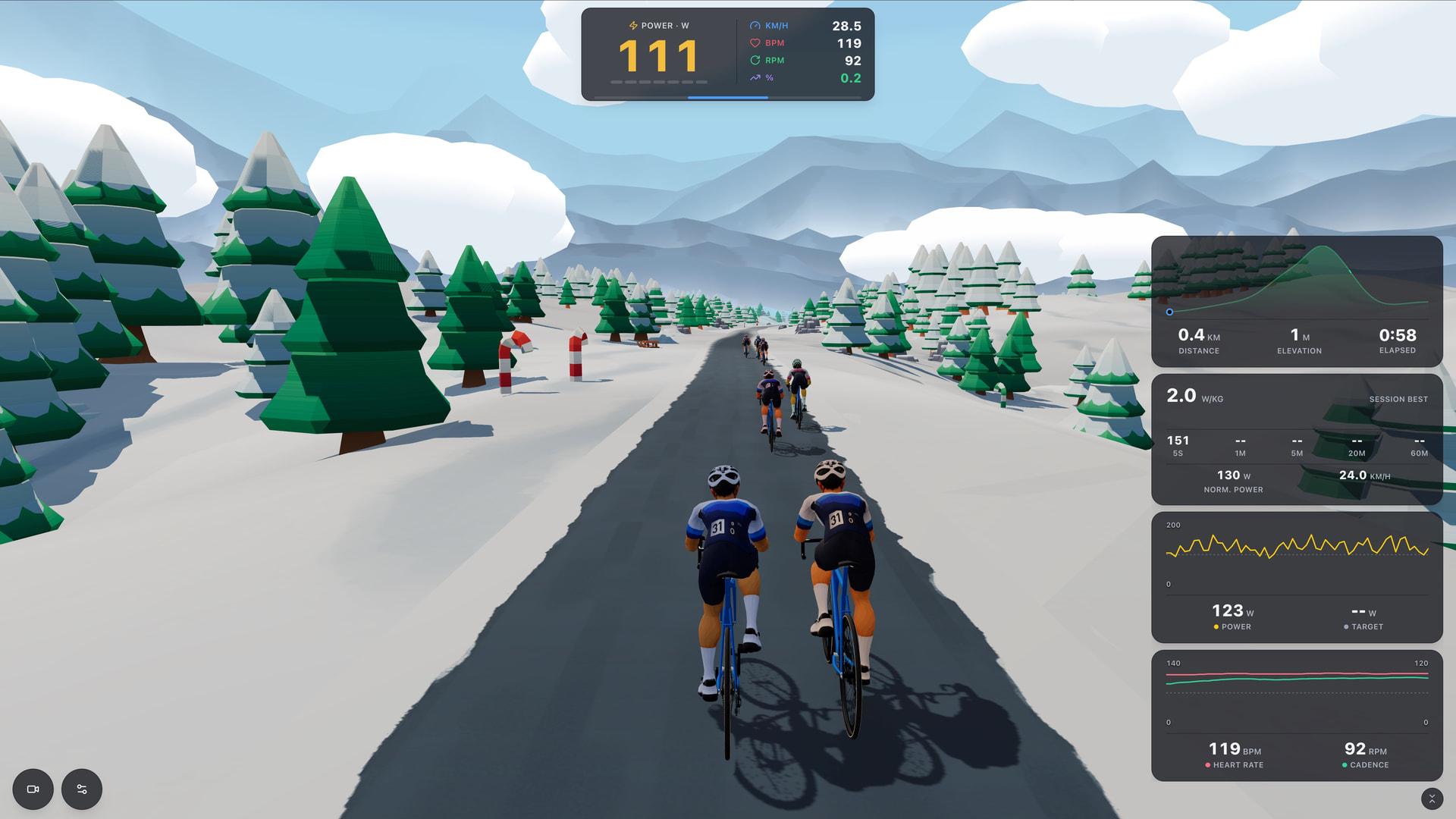
I did the urban route, lots of houses were floating and the sahdows were very odd, I like the arch at the start, the one at the finish came exactly 60 seconds early, these would be great to be utalised when the next workouts intervals starts, ideally coloured to the zone level.
the female avatar has some weird thing going on by the pockets on the back of the jersey. I don’t mind the male avatar being repeated, I can image its a team mate, but the repaeting number 31 spoils this. I’d remove the number as a small cosmetic thing.
I put turn ups to 90% and the road was almost totally straight with no corners so I guess this isn’t working as its supposed, I lowered hills % and had just one so I think this did work.
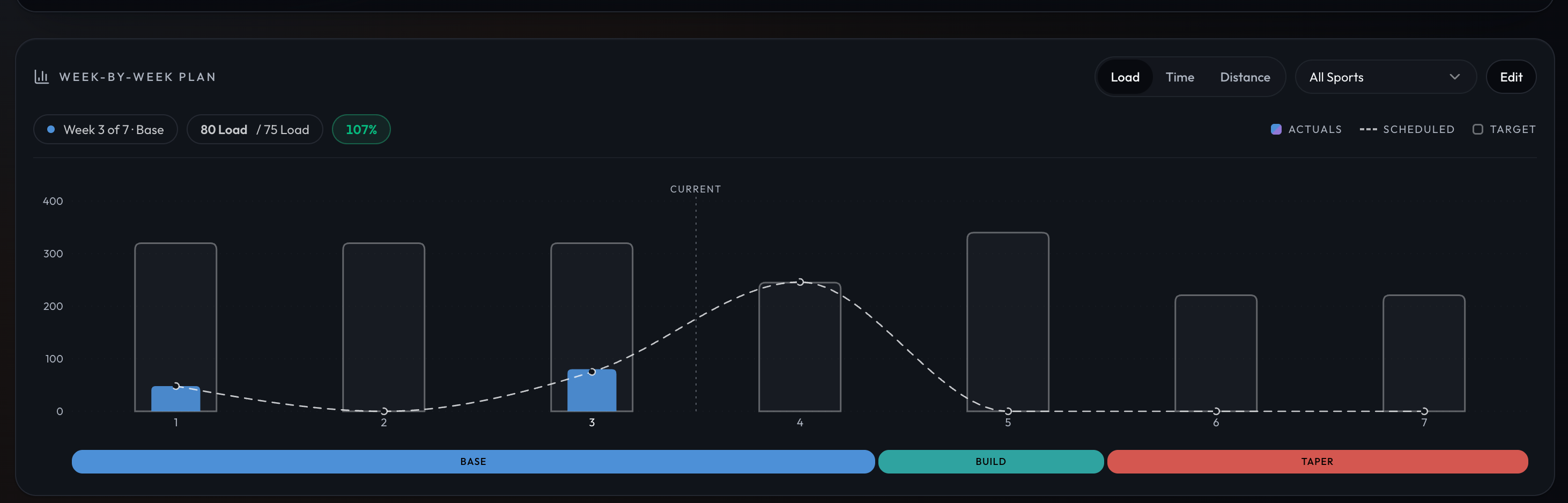
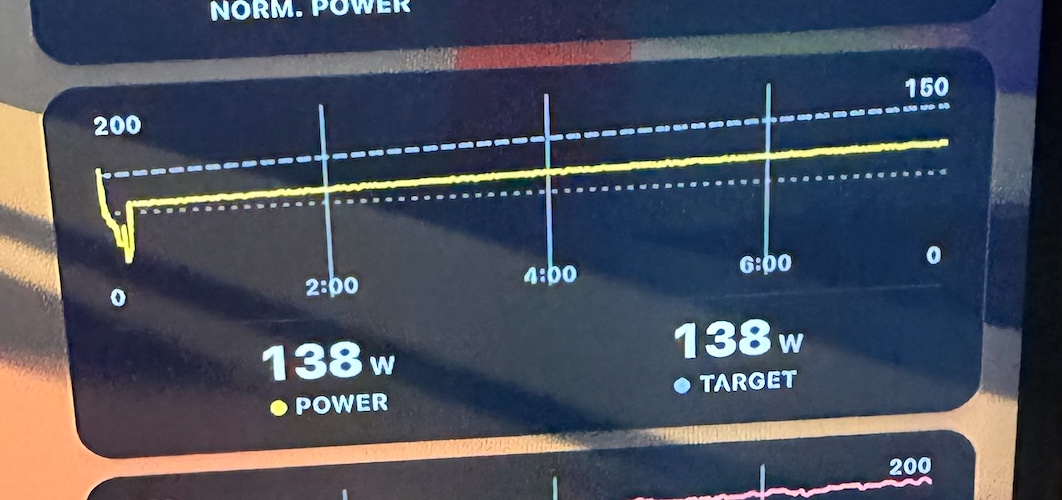
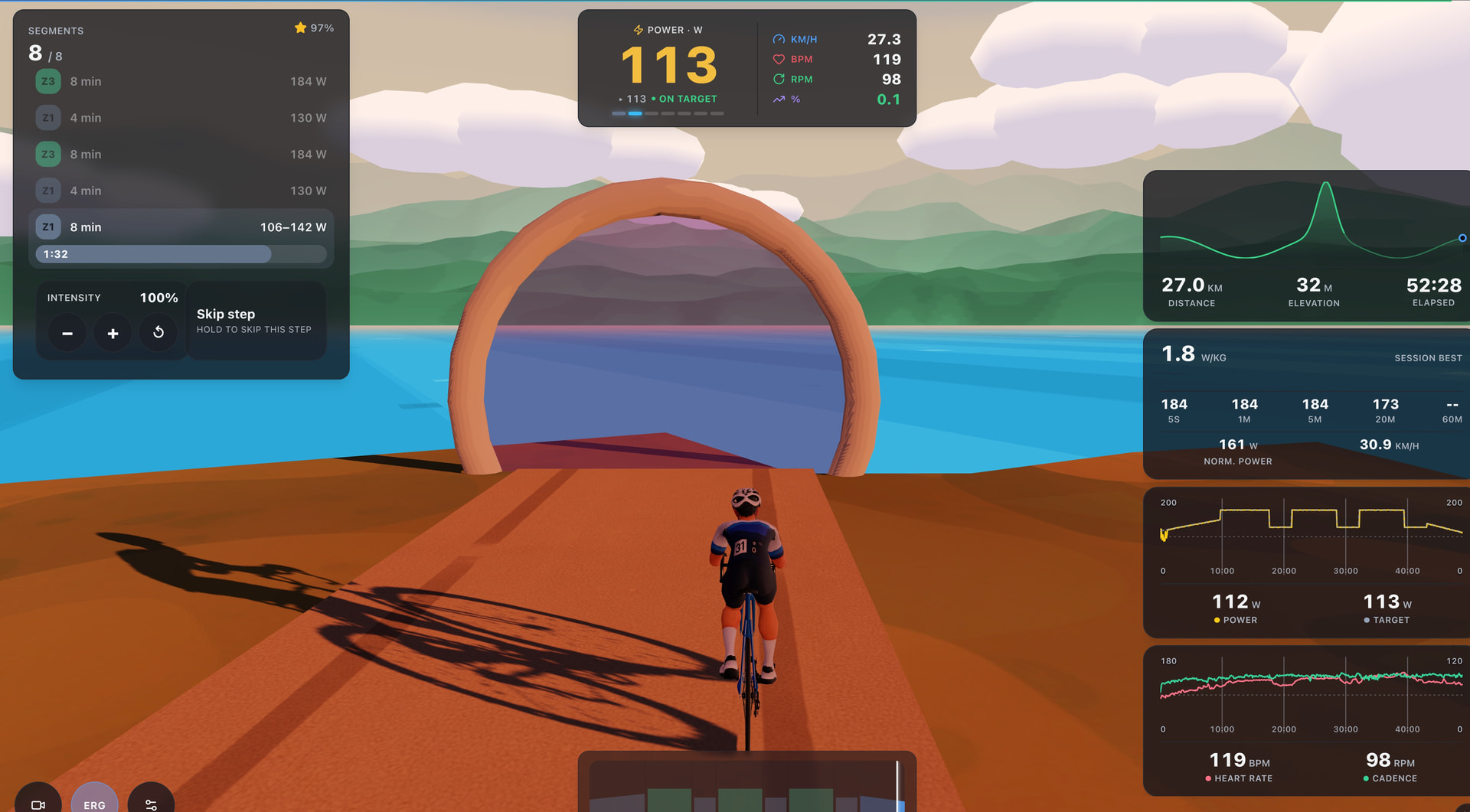
The new charts are an interesting feature but not really that much use to me.
This one has separation even though target and power match?
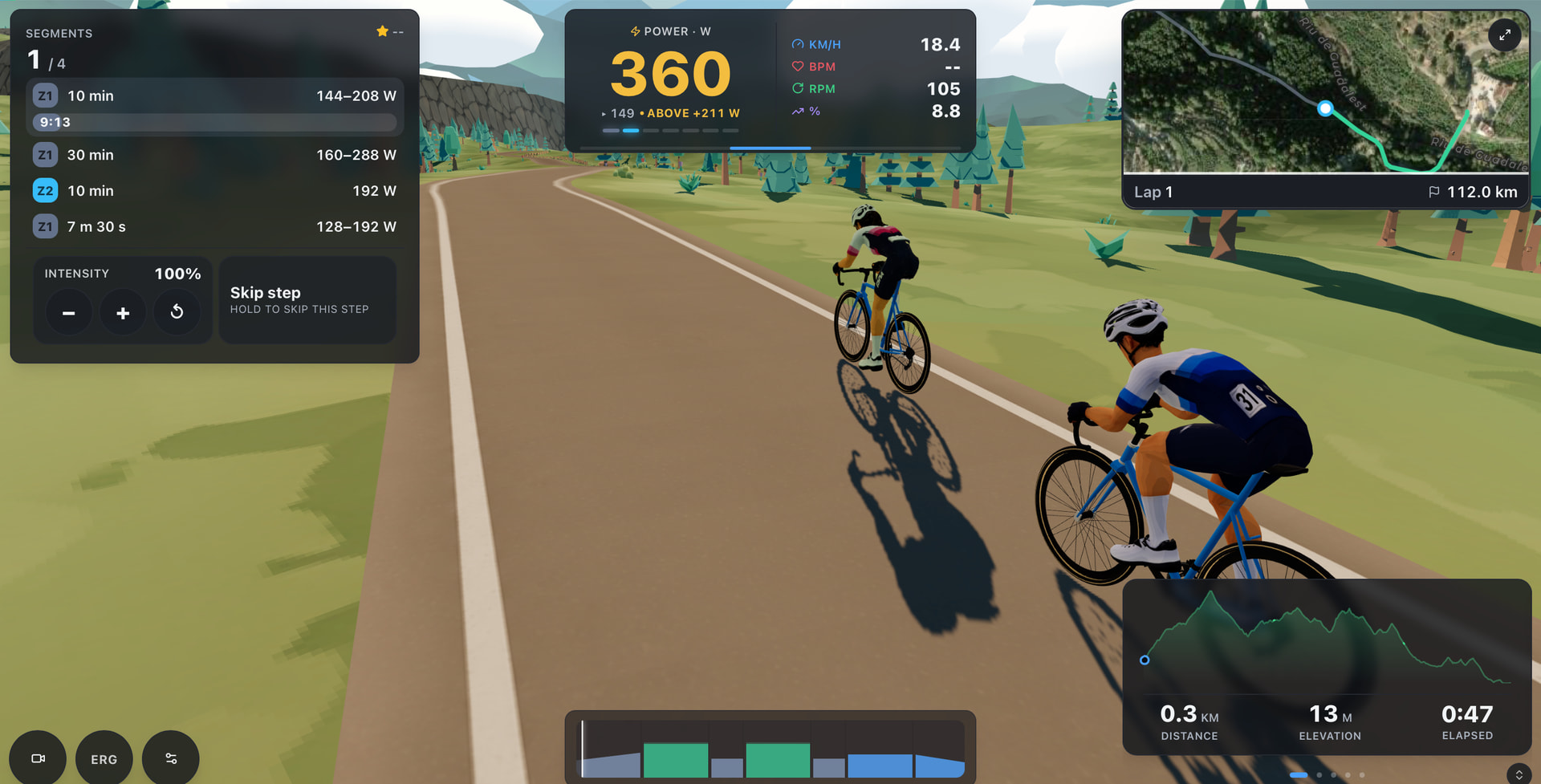
The HUD all looks very small on my screen so I think it needs a scale slider.
In terms of useful info, all training platforms do it pretty much the same way.
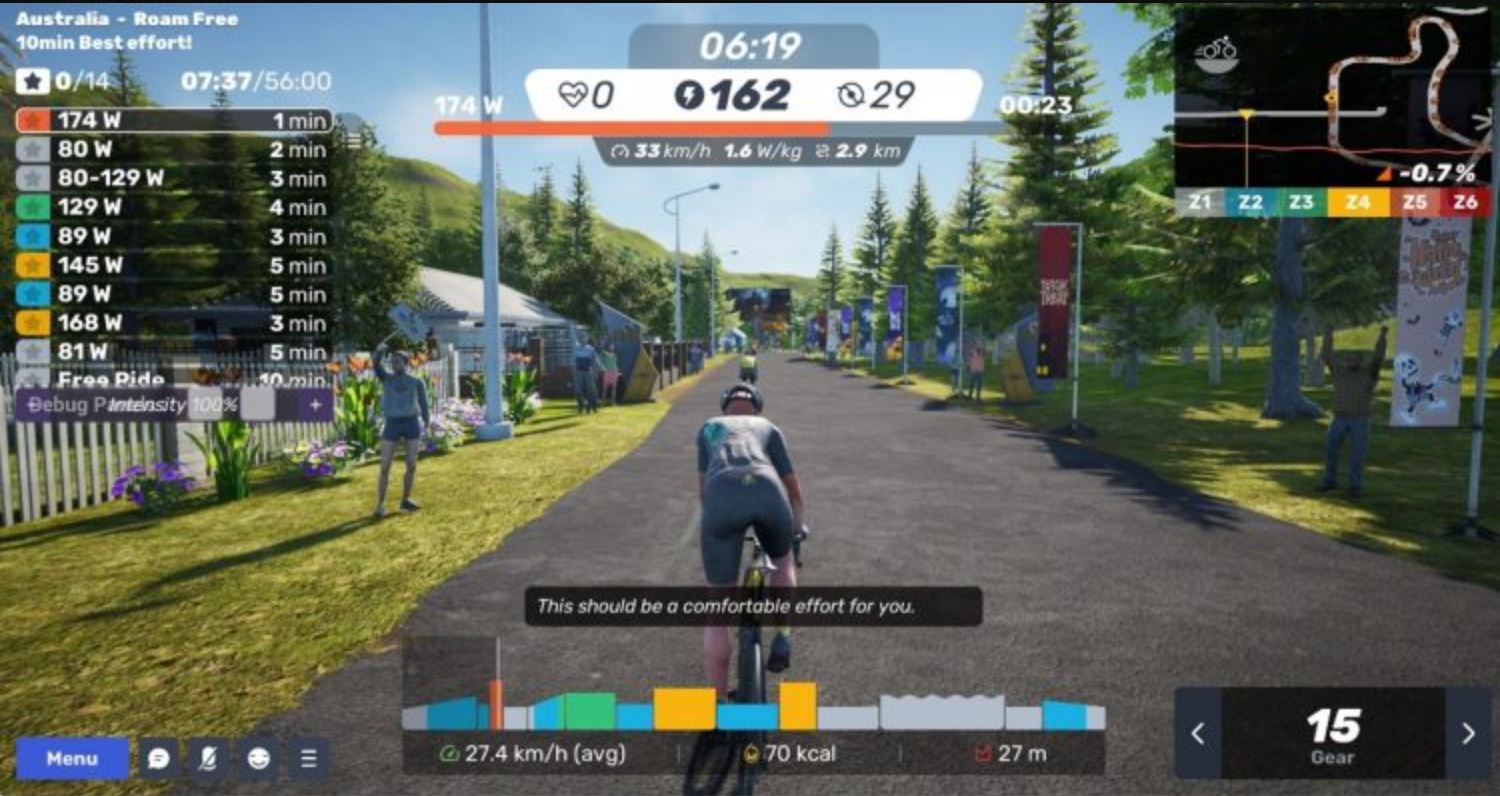
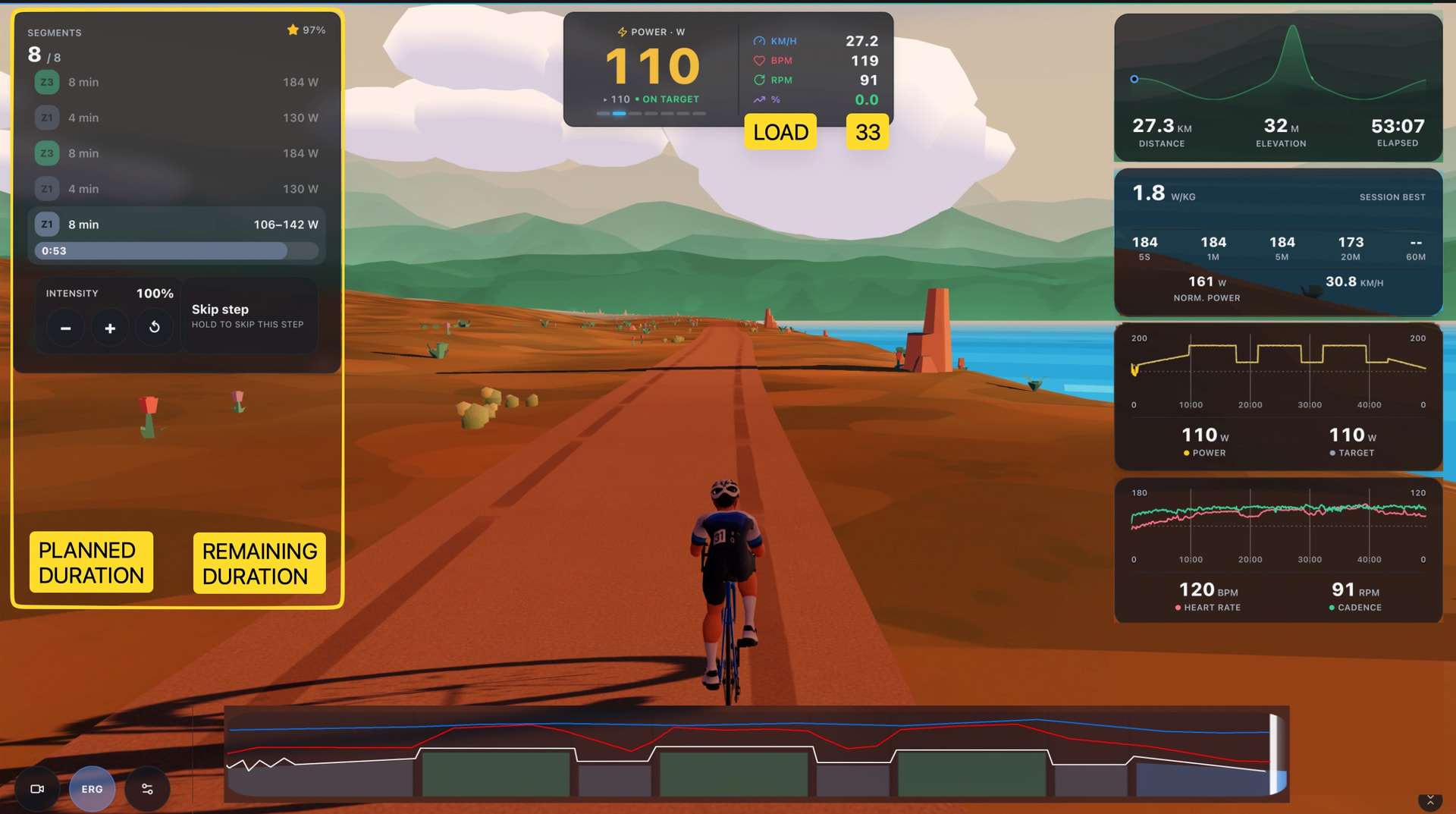
for me I’d like the workout profile to be close to full width, TPV has an actual power line along with HR and cadence, I like this.
All of them have the intervals as a list, most colour the interval by the Zone and have some sort of tick/star when completed. They clearly say what the target is and vitally they don’t disappear after completion.
Out of all of them I really like Rouvy and that quite close to what your could look like. The active interval gets a countdown bar and completed are faded back. Their workout profile is nice too with actual power overlaid.
Thanks a lot for the UI improvement suggestions. To be honest, I have not given that part as much attention so far because I was more focused on making sure all the important data was available and displayed somehow. I always intended to revisit the visual side later, but your suggestions give me a much clearer direction to work toward, so thank you for that.
The rider models are also still very basic. They were created fairly quickly to establish the general style, so there is definitely a lot of room for improvement. The plan is to add much more customization over time, including different bikes, kits, and other rider options.
The strange shadows you mentioned have already been partially improved, although only on the web version for now. Running everything in a browser does come with some limitations, and the current visual quality is already fairly close to what can be achieved while keeping performance stable on a wide range of devices.
That said, I have added a shadow quality slider to the graphics settings. If you have a powerful PC, you should be able to increase it to the maximum setting while still maintaining good performance.
Interestingly Biketerra is purely browser based and has come on leap and bounds in terms of fidelity since it launched. Not saying yours need to be this, more proof of whats achievable.
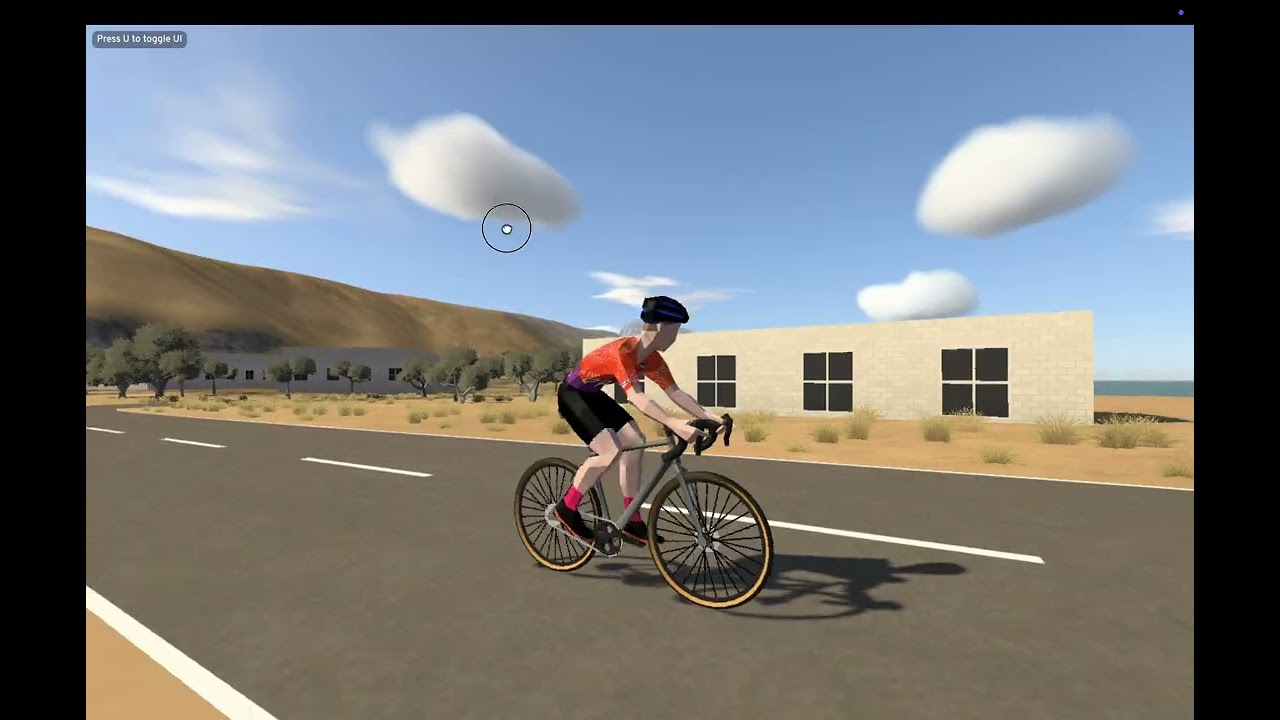
Yes, it can definitely be made to look better, but I also want to preserve good performance on mobile devices. I think the final solution will be to offer multiple graphics settings so users can tune the experience to match their device.
I switched the shadows to High, and visually it now looks more or less comparable to Bike Terra in terms of graphical fidelity, while obviously keeping a different overall style.
Nice!
I’m not even sure if this should be a top priority at the moment anyway, I think get the core plan creation, reporting, coaching etc solid before dressing up MTP ride.
Tried the chart thing again and still ramps?
True, we definitely do not want to compete with MyWhoosh or Zwift purely on visuals 
That said, if there are any obvious visual improvements that are easy to implement, I’ll absolutely take advantage of them.
That should be fixed, if you delete/re-sync now and it still shows ramps it means I missed something.
Seems to be fixed now.
I’m still having bother with intervals syncing so quick that the workouts come in without CORE data. I’m have to manually delete every workouts and re sync
Hi @Krzysztof,
First off, huge congratulations on the project! The UI looks absolutely fantastic, and the entire app feels clean, modern, and very easy to navigate.
A few things that immediately stood out to me:
A couple of observations, questions, and thoughts from my first few days:
(P.S. I don’t use a smart trainer, so I haven’t tried MTP Ride yet—even though reading about it on Facebook cycling groups was what initially put your work on my radar!)
Thanks again for all the hard work on this tool—really looking forward to seeing how it evolves.
Did another ride on MTP Ride. Some more feedback.
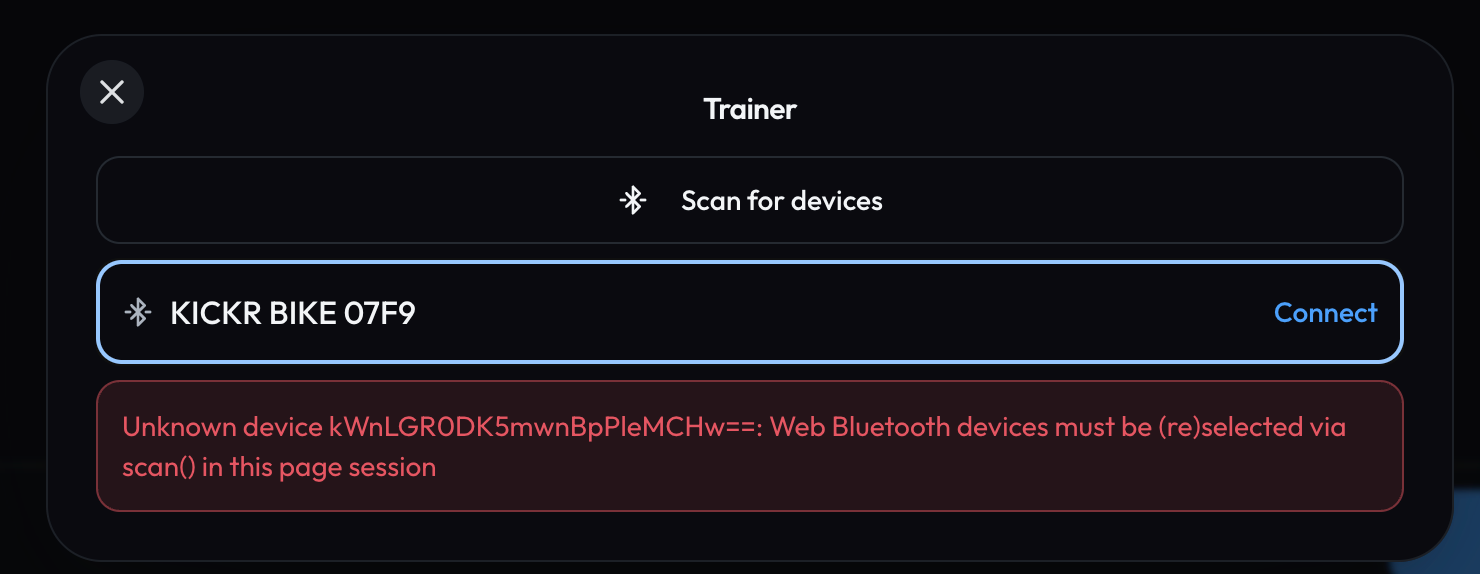
First one, although it remembers my bike and HR, clicking connect throws an error. I have to search for new sensors, choose it again then connect. Its should either re connect (if not possible) then it should not bother remembering and just do a scan everytime.
The finish arch comes too soon.
when doing a freeride the wattage is instantaneous which jumps a round a lot, most platforms have the option of 3s smoothing, which makes it a lot more usable. Data is still recorded as instantaneous regardless of smoothing
The workout screen is much improved.
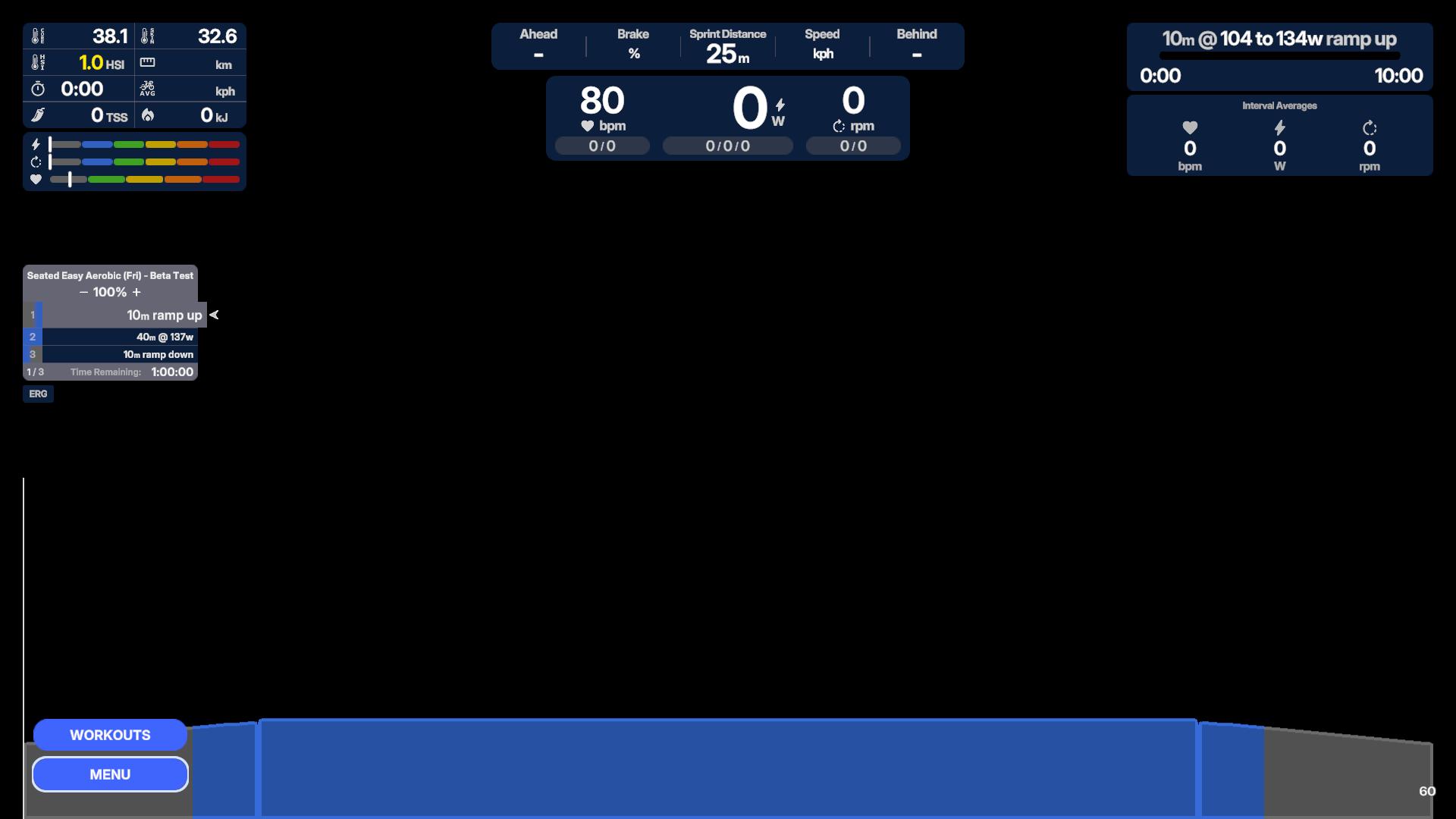
The interval list is much better, it could be deeper so that all the stages are visible without scrolling. Planned time and total time remaining would be useful as I didnt know how long the workout was or how long I had left on time of the interval left.
The bar at the bottom still needs to be way wider, it doesn’t need the big tinted border and actual power line, HR and cadence lines as well.
Need to have TSS somewhere, guess you will need to call it load.
Hi @Plucky_Puffin ,
I’m so glad to hear that you’re enjoying the app. I’m especially happy that you discovered the Interactive Charts feature. It’s still relatively new, and I wasn’t sure how much people would actually use it, so it’s great to hear that you find it useful.
Thanks a lot for taking the time to share such detailed feedback. There’s quite a lot to unpack, so I’ll respond to each of your points separately.
That could have been an intermittent issue somewhere between MyTrainPal and Intervals.icu. In general, if you have Auto Sync enabled in the Intervals.icu connection settings, any changes made by you or the AI assistant should appear in the Intervals.icu calendar almost immediately.
How quickly those changes are then synchronized from Intervals.icu to Suunto is unfortunately outside of my control.
I’ll add direct Suunto integration to the backlog. In my experience, direct integrations tend to provide a more reliable and seamless experience.
Yes, you were on the right track by setting up an automatic prompt for this. If you configured it to run every morning, you should receive a notification in the mobile app.
I also plan to extend the agent’s capabilities so it can send reports by email if that is your preferred format. I want to design that workflow carefully, though, so I cannot promise a specific release date yet.
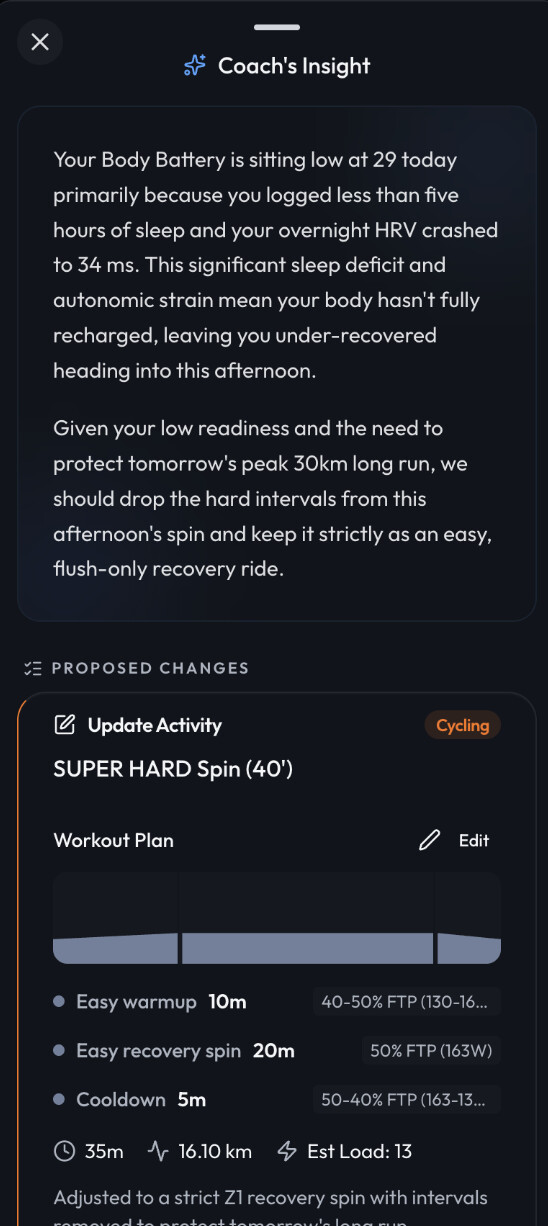
You have probably also noticed the Coach Insight section on the Home tab. That is currently the quickest way to get a snapshot of your current recovery and overall readiness.
If it detects that the plan for today is too demanding, it will suggest changes, like in the example below.
In general, one thing that makes MyTrainPal different, and I think one of the reasons many people switch from other platforms, is that I try to use AI only where it genuinely adds value.
I treat users’ tokens carefully and avoid spending them on unnecessary background processing. That makes it possible for every AI request to be handled by a frontier model while still keeping the system sustainable at scale.
In practice, the LLM is involved when the user deliberately asks for it, for example when reviewing an activity, planning training, or having a conversation with the coach.
That’s the usual pattern I see during the first few days of using MyTrainPal. Most people start by creating a longer term plan, which is typically the most credit intensive part.
A common usage pattern looks roughly like this:
• Once every few months: long term plan creation, around 200 to 500 credits
• Once per week: planning the upcoming week, around 100 to 200 credits
• Every day: session review, around 10 to 20 credits
So if you train every day, review each session, and also use weekly scheduled replanning, you would usually end up using around 1,000 credits per month. That still leaves roughly 500 credits for additional questions or ad hoc coaching throughout the month.
As mentioned above, every request is handled by a frontier model, which is considerably more expensive to run. The benefit is that the quality, depth, and consistency of the responses are much higher.
I’ll definitely think about annual billing option, thanks for a hint.
I definitely encourage you to give it a try this winter. I’ll also be adding support for running in MTP Ride soon, although I may have to rethink the name once that happens 
Thanks for suggestions @Jamie_Bishop .
I think your mockup looks very good. Also noted the power smoothing requirement.
On the finishing arch, this is not the end of the workout, but the end of the route, If you’ll get through it it will simply teleport you to the beginning of the virtual route and you can continue riding.