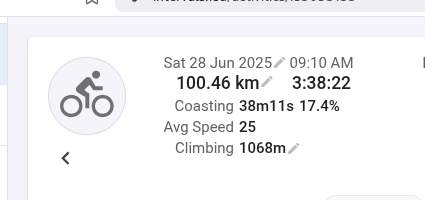
I did 100.6 km in 3:38 moving time. the average is then 27.7 km/h. the total elapsed time was 4h so 25km/h
on the activity page there is a discrepancy between moving time and average speed.
i do not pause the gps during stops… (do not use autopause feature), i might pause manually when stopped more than a few minutes.
i have only noticed recently that the activity is showing the moving time but the elapsed time speed.
That’s intentional. Basically you needed 4 hours, so it’s 25km/h.
But you can change it. Just add a custom field for average speed with moving time, and change your layout, so that you remove the “default” one and replace it with your new one.
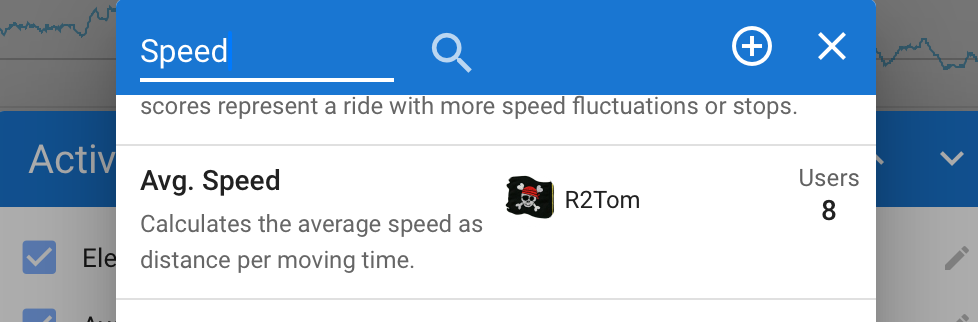
There was a similar request some time ago, and I made a field for that:
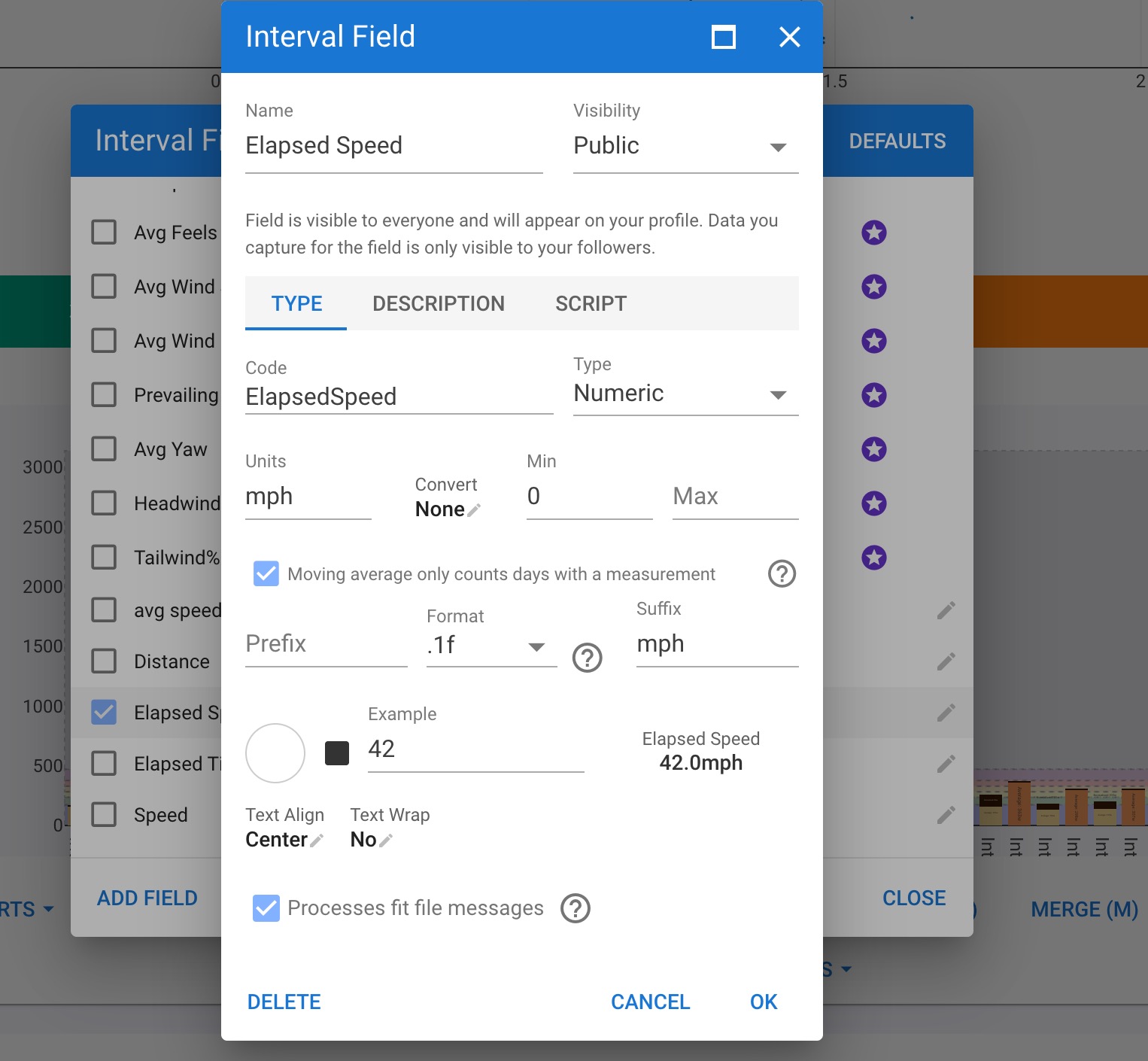
Hey Tom, sorry to ping you on a dead thread. Looks like I’m having the opposite problem of this, where the Avg Speed variable in the summary is moving not Elapsed. I made a very janky Elapsed custom field as I couldn’t find your Avg. Speed field in the Field’s search bar. Did it get removed? I searched different variations and for other users who have gone through the same process, but couldn’t find anything.
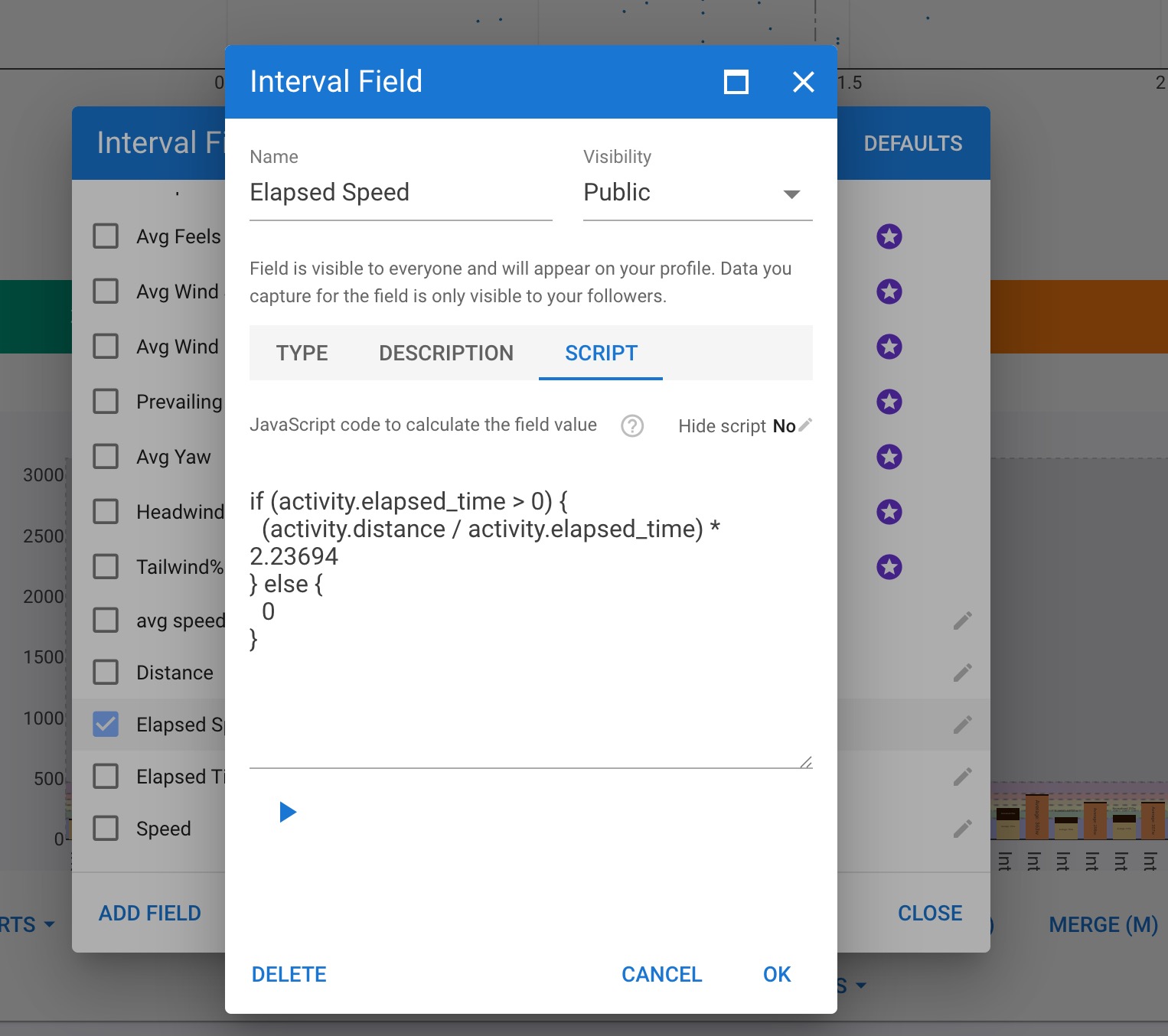
Do you have any suggestions on how I can change my field to have elapsed time of an interval (assuming it includes stopped time?). This is what I have right now.
are you sure? For me the built-in “Avg Speed” interval field is also based on elapsed time.
And the problem with interval fields is, that there is no difference in elapsed and moving time for intervals.
If you nevertheless want to create that field yourself:
data=interval.distance / interval.elapsed_time;
Do the conversion on the Type tab.
The above Avg. Speed is a custom activity field, so not for intervals. You still find it by searching in “Custom”.