When a reusable plan is applied to the calendar, the connection between the original plan and the scheduled workouts is lost. I believe maintaining that relationship would enable several useful workflow improvements while keeping the current simplicity of applying plans.
First, thank you for creating such a powerful training platform. I’ve recently migrated from Final Surge and have been building a fairly extensive workout library and reusable training plans in Intervals.icu. Overall, I’ve been very impressed.
Suggested Enhancements
When applying a reusable plan, provide two scheduling options:
Apply by Start Date (current behaviour)
Apply by End Date
The second option would be very useful for athletes training toward a race or event where the final week of the plan must finish on a specific date.
In addition, maintain a list of applied plans.
For example:
Applied Plans
12 Week Fitness Plan
Applied: July 25, 2026
Start: September 7, 2026
End: November 29, 2026
Status: Active
Benefits
Maintaining this relationship would allow future features such as:
Remove an entire applied plan with one action.
Shift an entire applied plan forward or backward.
Easily identify which calendar workouts belong to a specific plan.
Potentially update future workouts if the library version changes.
This would make reusable plans feel much more like managed training plans instead of a one-time copy operation.
I believe this would improve the experience for athletes and coaches who regularly build and reuse structured training plans.
Thank you for considering this suggestion and for continuing to improve Intervals.icu.
You can make changes in the plan and apply those changes. So you also can easily shift the plan by changing the start week or add or change workouts. You can also show races in the plan creation view to plan backwards.
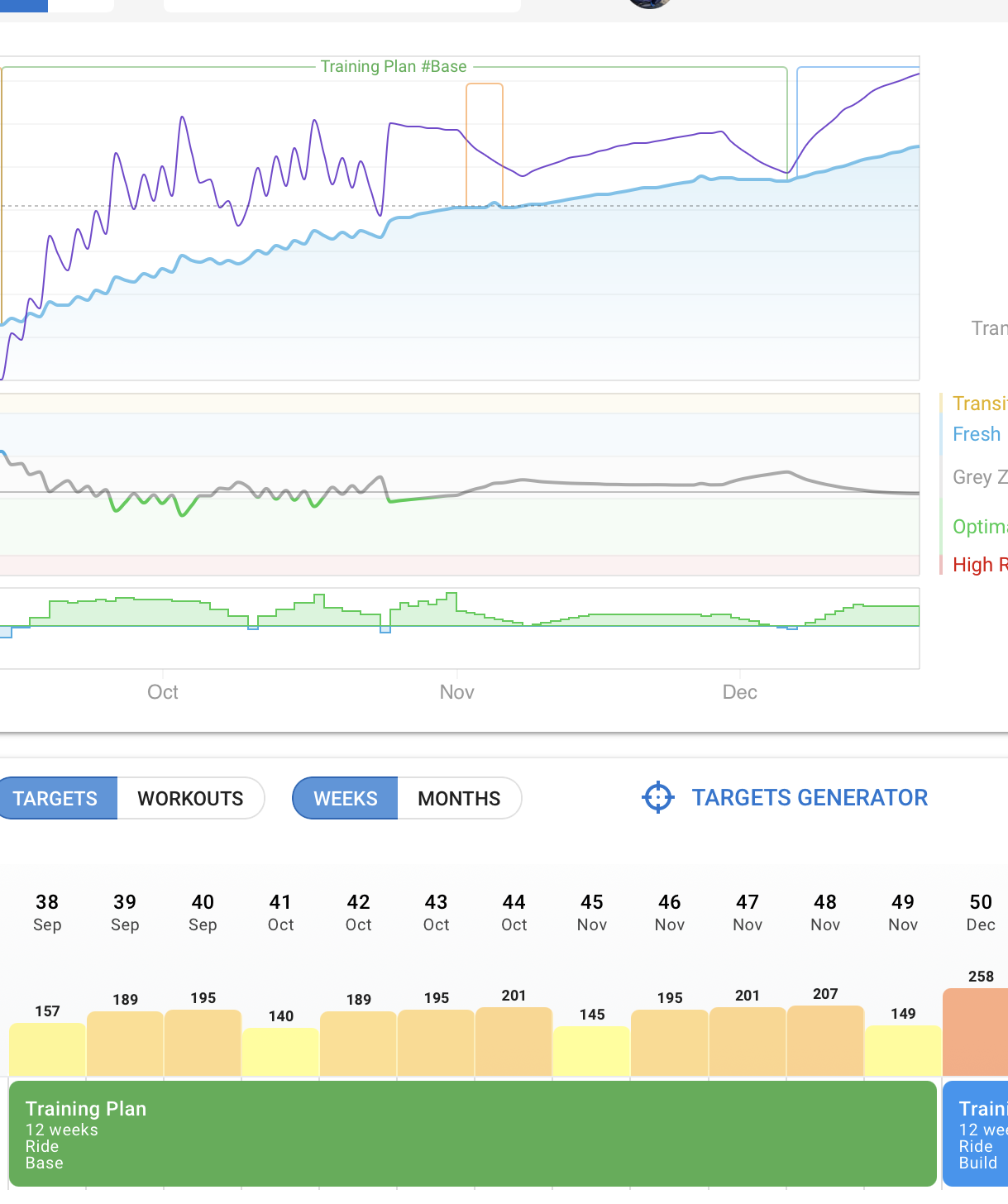
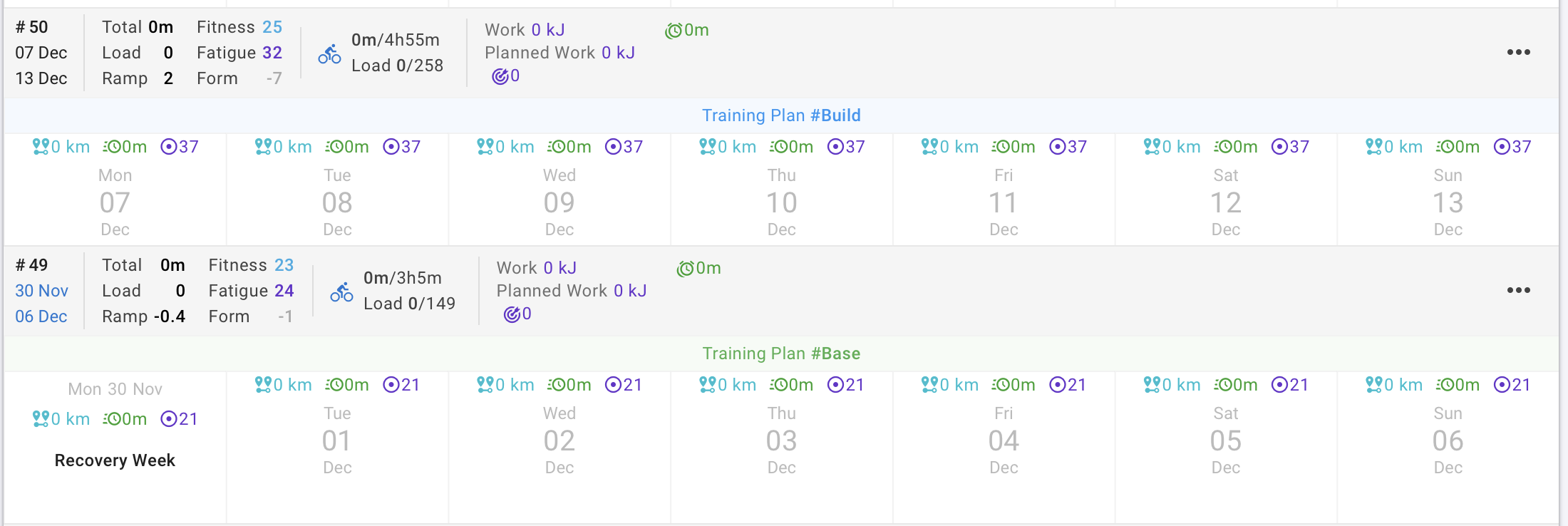
If you use the plan builder, it’s even easier to create plans for the base/build/peak phases because they are shown as notes on the calendar.
Thank you for the information. I am a new user to this platform and trying to navigate through all the great features. I am presently using the plan builder to see how it works. I am a bit confused with your last statement… base/build/peak phases shown as notes on the calendar. Do you by any chance have a screenshot of how that looks like? It would be greatly appreciated.
Basically the forum is a great start to learn the platform, the Guide section is also very helpful.
Back to your request
To summarize what‘s possible at the moment:
this is possible on the calendar view → Options → Delete (Trash Bin) Plan
You can do that by changing the start date of the plan and reapply
This is not possible at the moment
When you update the plan, you can reapply the changes, and they will appear in the calendar. If you update a workout in the library that was used in a plan, that workout will not be updated, since it always exists in the plan as a copy of the workout.
Thank you for your help!! I just subscribed to get the premium. I will experiment/test with the workout builder. According to the information the builder is in beta. Is there an ETA on when it becomes live? Just curious…
If it’s in beta, it will be fully functional with my data, right?