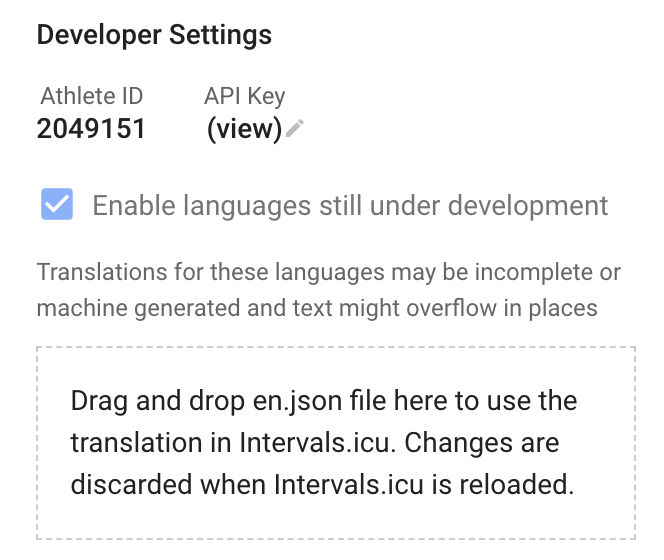
This is finally live. All languages other than English have been flagged as “under development” which means you need to tick a box at the bottom of the /settings page to use them:
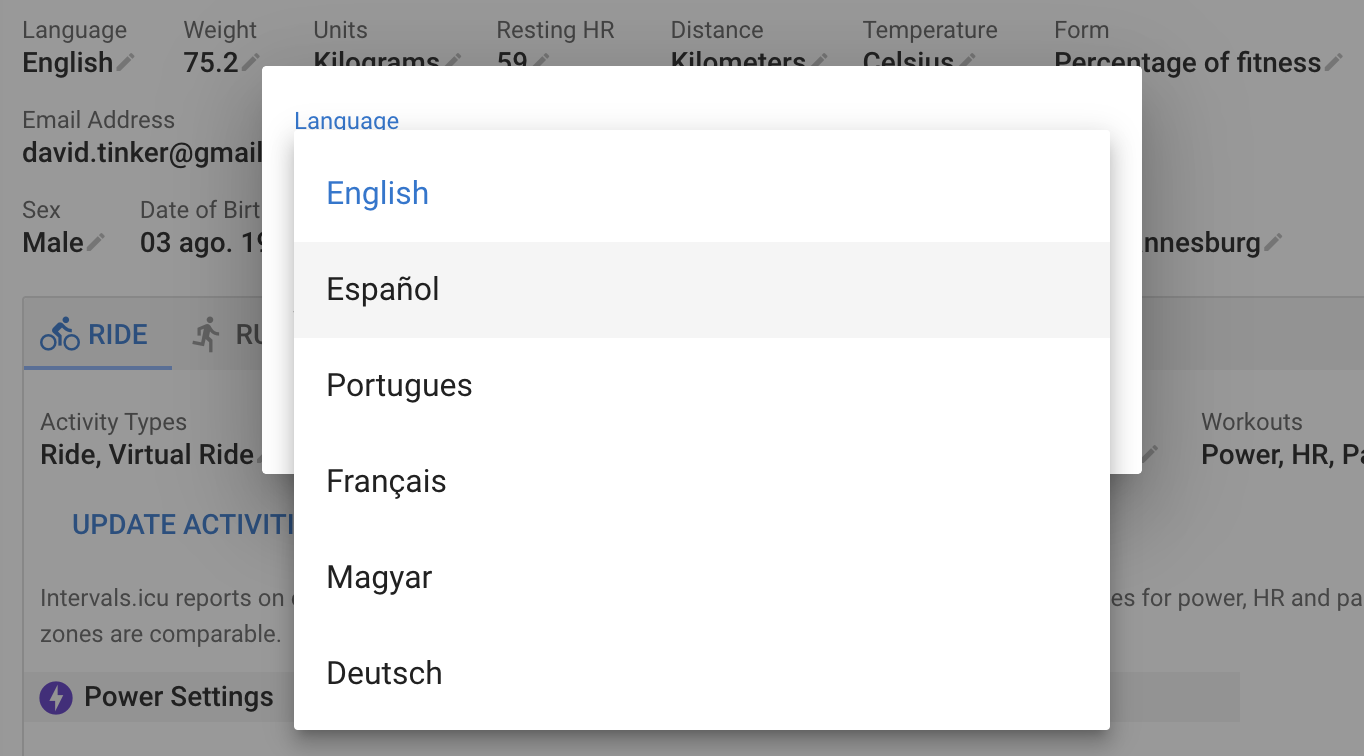
This will add additional languages to the new “Language” setting at the top of the page:
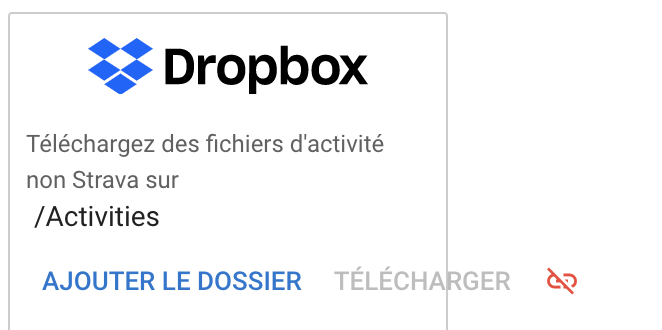
You can see changes you make to a language file by dragging and dropping it on the target in the dev area or by clicking there and selecting it. The currently active language will be updated. Reloading the page will revert.
In many cases translated labels are much longer than the original English and overflow on the screen. Please try to make translated text similar length to the English original. Where this isn’t possible I will need to do some work to make more space.
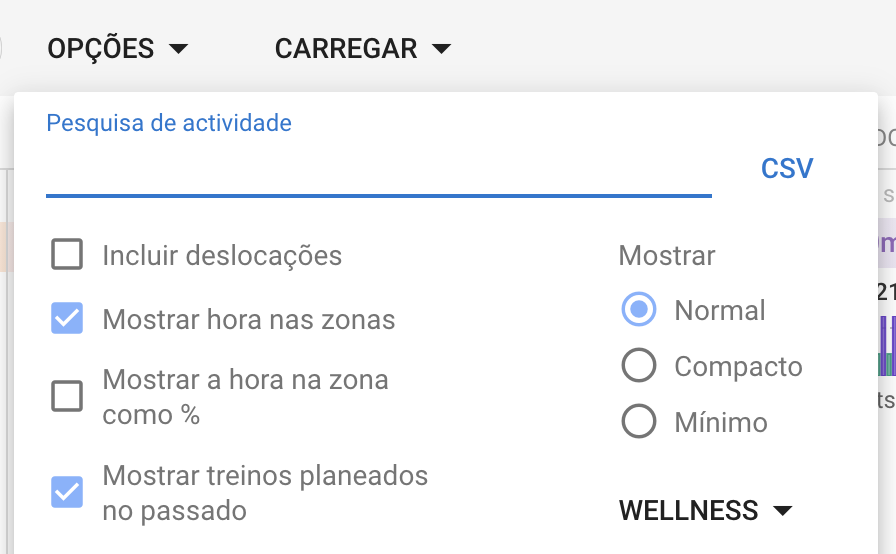
Sometimes it is a bit more subtle than “won’t fit”. In this example the Portuguese labels for the checkboxes are wrapping onto a second line causing the options box to be very long.
If you are not a developer and not familiar with Github you can still help. You can navigate to the file for your language in the project (GitHub - davidtinker/intervals-i18n: Localisation files for Intervals.icu) without having to create an account. Click “Raw” and save the file from the browser. Note that you need to use an editor that understands UTF8 and JSON to edit the files. You can’t do this in Microsoft Word. Test changes by uploading to Intervals.icu and mail me the file when done.
When a translation is “finished” (good text, doesn’t look too terrible in the app) I will enable that language for everyone.
Thanks everyone for all the help!
(I will be adding the “server side” soon, email templates and so on)