Hi Luke,
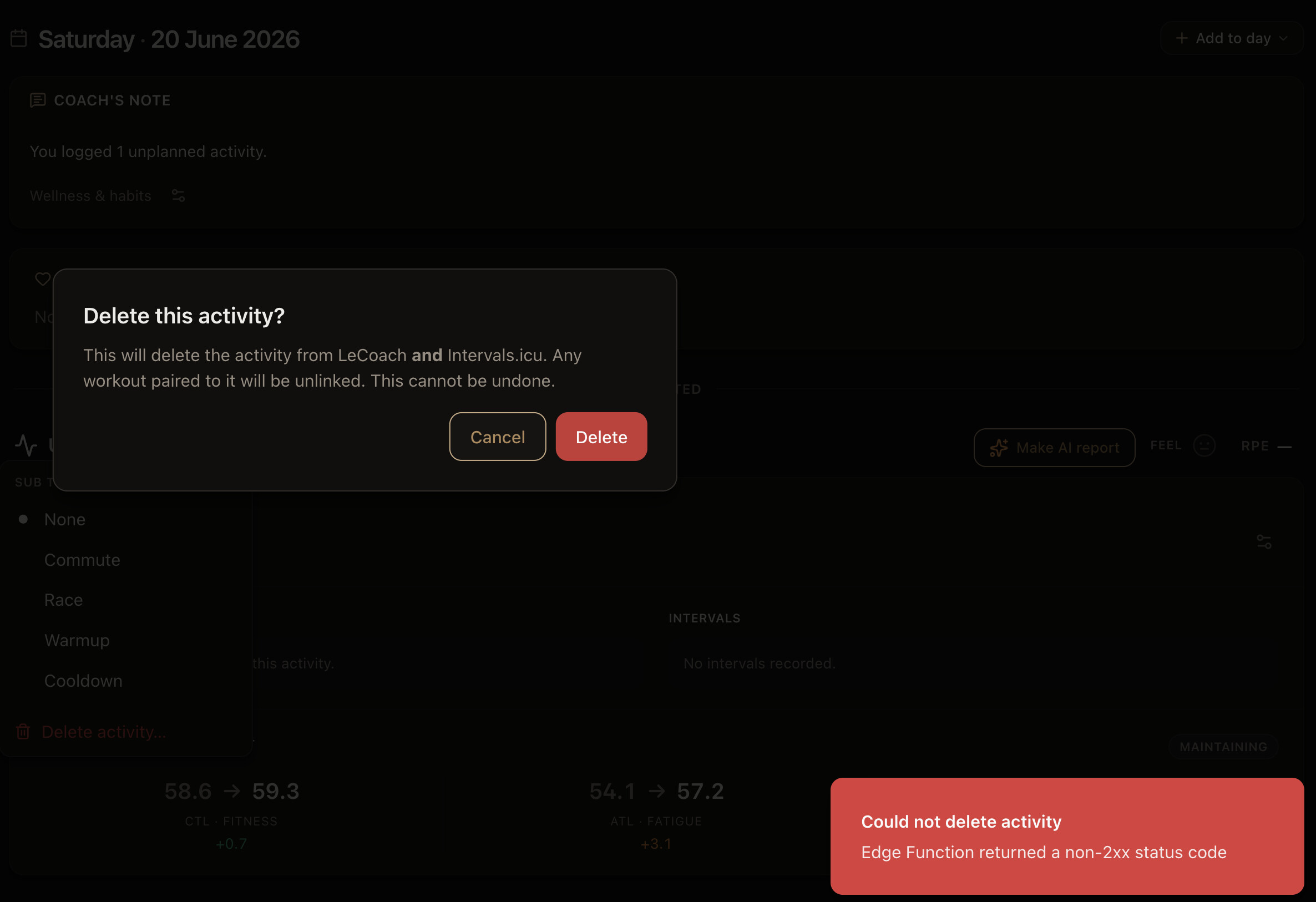
I see in the db that the majority of your activities have synced over to us correctly and thus also should show up correctly. I do notice that about one in 10 of your recent activities (might be more for older activities) have STRAVA as the recording source. LeCoach and any other AI platform that gets its activities via Intervals cannot read activities with Strava as the source.
To fix that in short:
-
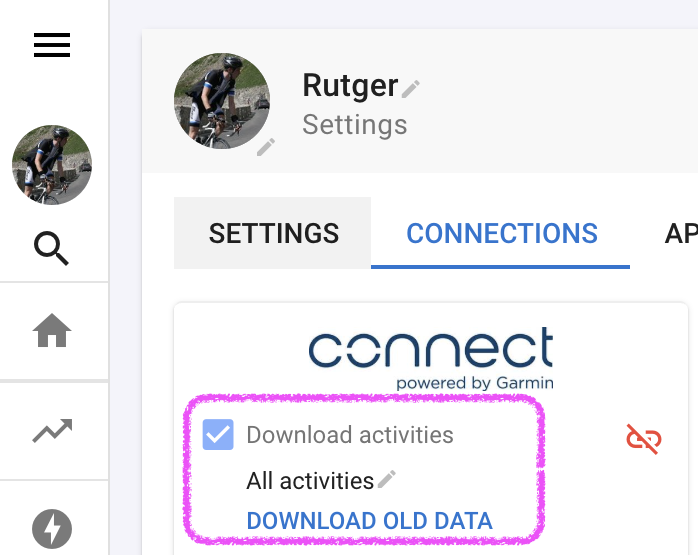
On Intervals.icu make sure to connect every single platform you use to record activities (Garmin, Zwift, MyWhoosh etc) and select ‘Download activities’.
-
Once you have for example Garmin or Zwift connected, also press the ‘Download old data’ button to Download old activities, wellness or workouts. These activities will now appear on LeCoach when you do a full re-sync. Don’t worry about duplicates, Intervals will take care of it, however it will change the source from STRAVA to whatever you actually used to record the activity when you did it.
-
According to Intervals you can also leave Strava on for ‘Download activities’ but if you never actually record via Strava as your primary source you could also consider turning this off.
-
Finally, go back to LeCoach and perform a Full Intervals Sync on your Settings page.
Recording activities via Strava?
If you are currently recording activities via Strava we recommend switching to for example Garmin or Wahoo to record the activities
Last resort: import everything
If any historic activities are still missing after following the steps above, you can download your raw data from Strava and import in Intervals. Instructions are here. After you’ve done perform a Full Intervals Sync again in LeCoach.
Here is the full explanation in our support article; Activities (from Strava) are not showing up in LeCoach | LeCoach Support
 Unified chat
 Completely rebuilt day view
 Workout target priority settings
 Reprocess workouts
 Habits, tasks and wellness settings in the day view
 Also improved
 New
New
 Improved