Good afternoon,
I write you because I have a small problem with Gravel Sport, but it is bothersome.
I don’t have the same power with my road bike and my gravel bike. To define my power zones, I use the default bike sport.
I created a custom sport with gravel option.
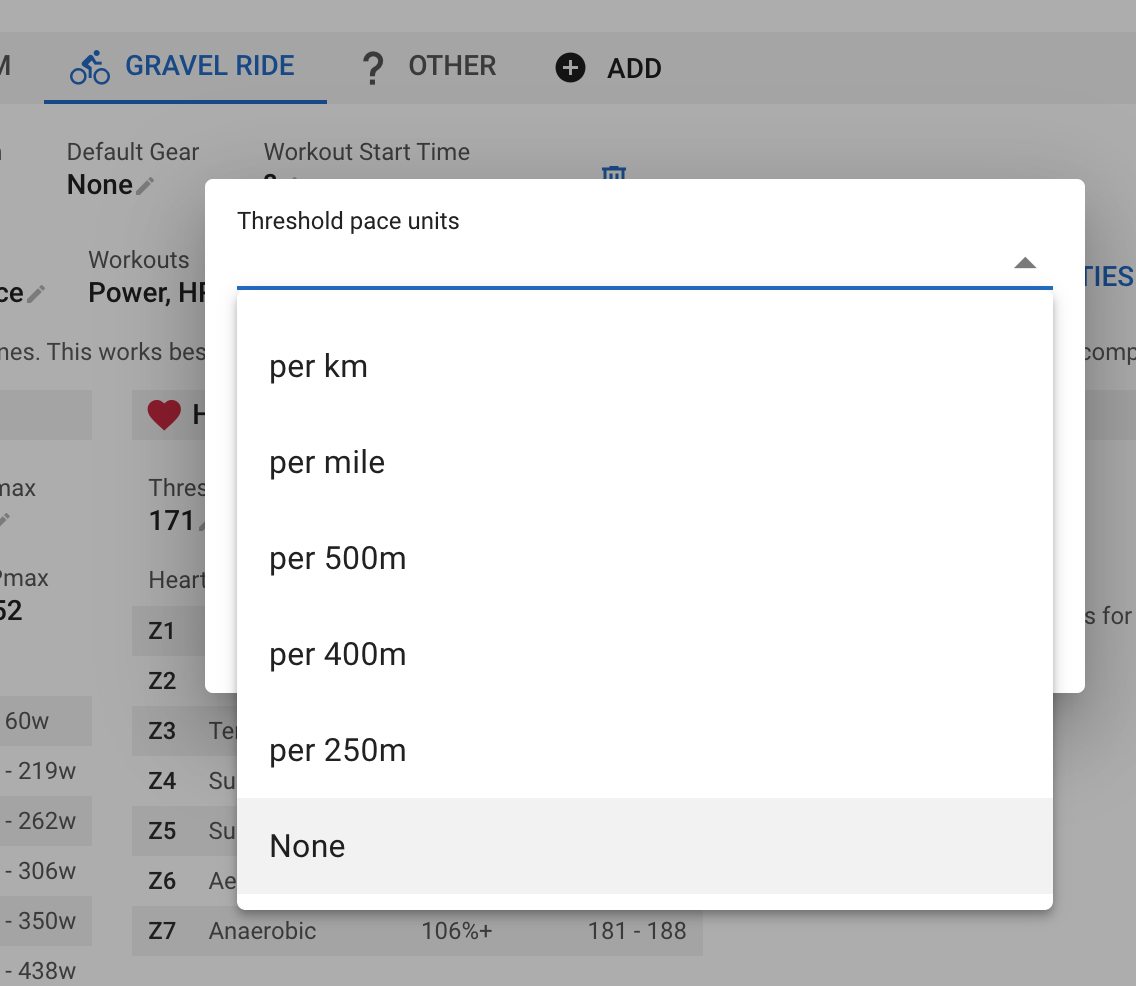
With this, it is not possible to remove Pace settings ( it is like running ).
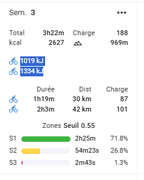
In activites, it’s not possible to have KJ in place of pace/km.
So, KJ should be add with road and gravel because it’s a bike sport ?
KJ in the week is wrong by exemple ( I see juste KJ for road )
I hope you understand, sorry for my english.
Thanks.
Arnaud Genty
(I already send it in mail support, may be it was wrong, sorry )
I’ve tried that with a separate sports type. The header of the activity looks the same for me, no pace for me.
But I use a custom activity summary (which is a subscriber feature I think). There you could define what you want to see and what not.
If this doesn’t answer your question, please show screenshots, to provide better help
This will disable pace display on the activity summary page and a few other places for the sport.
This will be deployed on Thursday.
You can configure the calendar to add kJ to gravel and remove pace. Click Options → Edit Layout and then click the cog icon on one of your gravel rides: