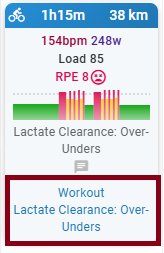
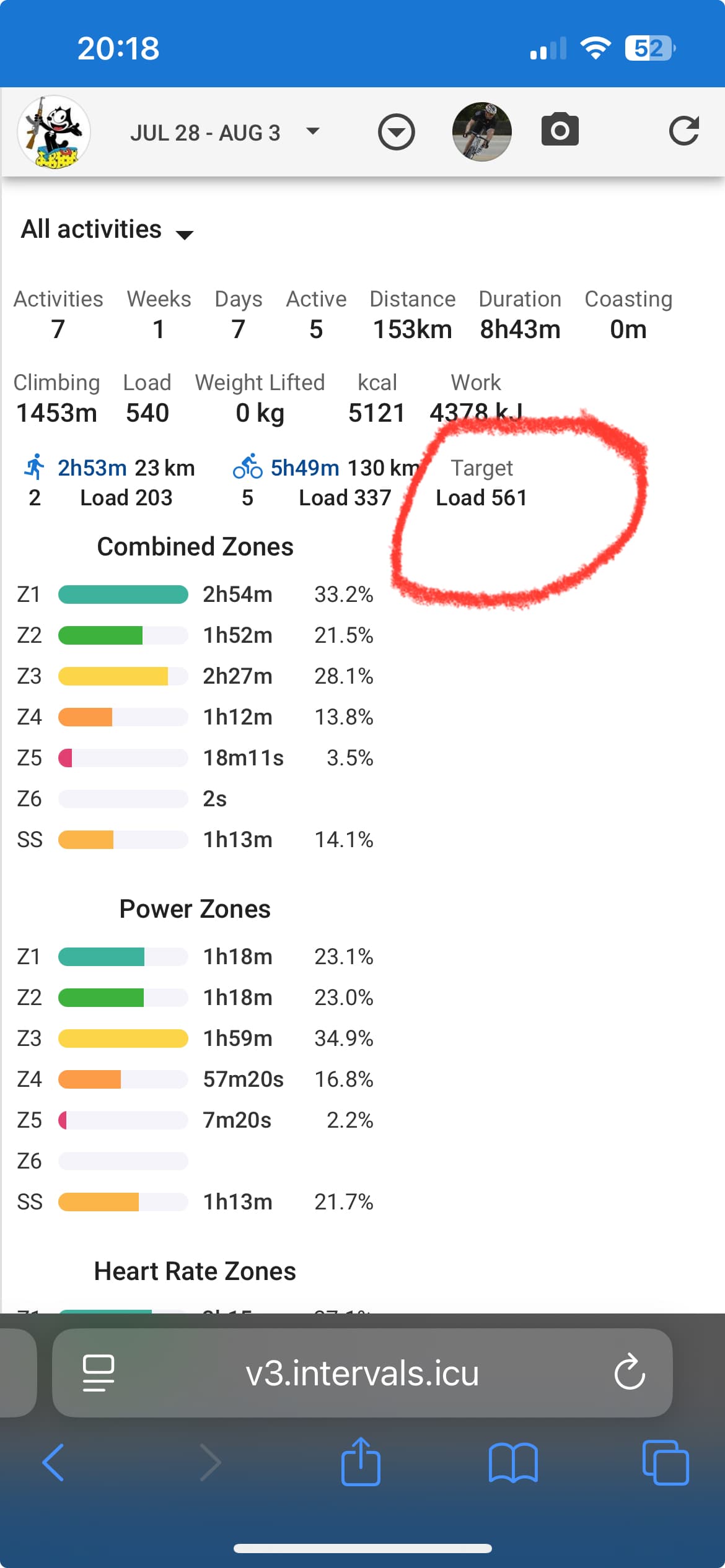
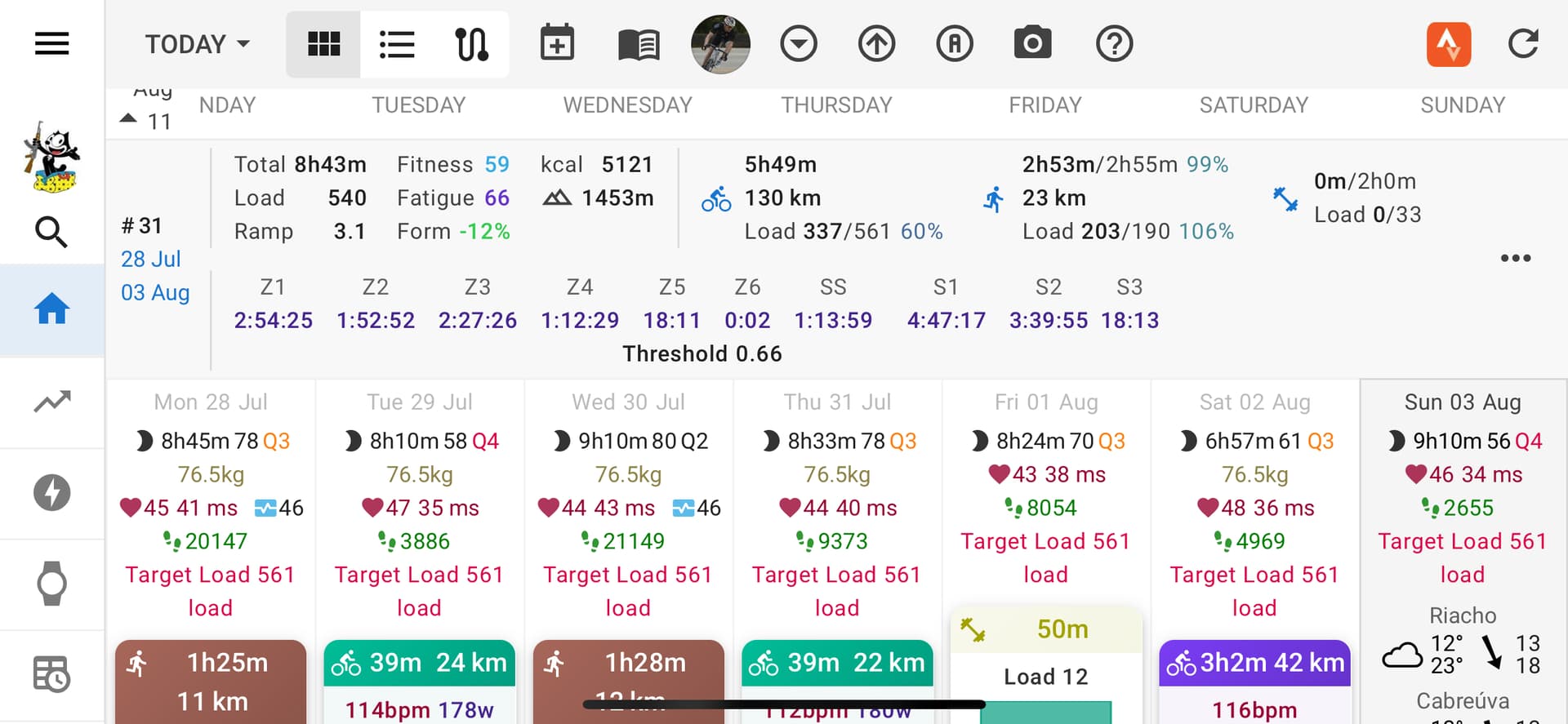
Thank you for all this beautiful work ! Do you have any suggestions to avoid bloating the frames with redundant information ? I see the word Workout everywhere and it doesn’t seem necessary to me. I don’t really remember how things were displayed before, but I don’t recall seeing so much “duplicates”.
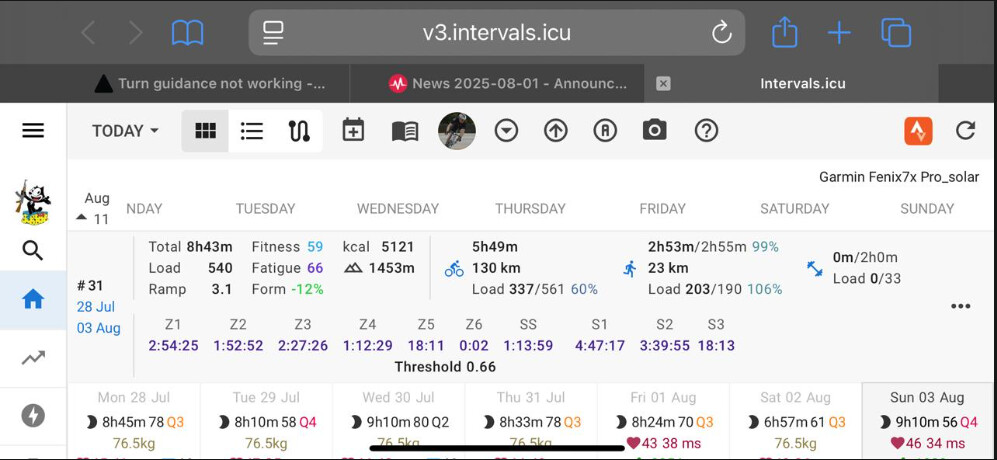
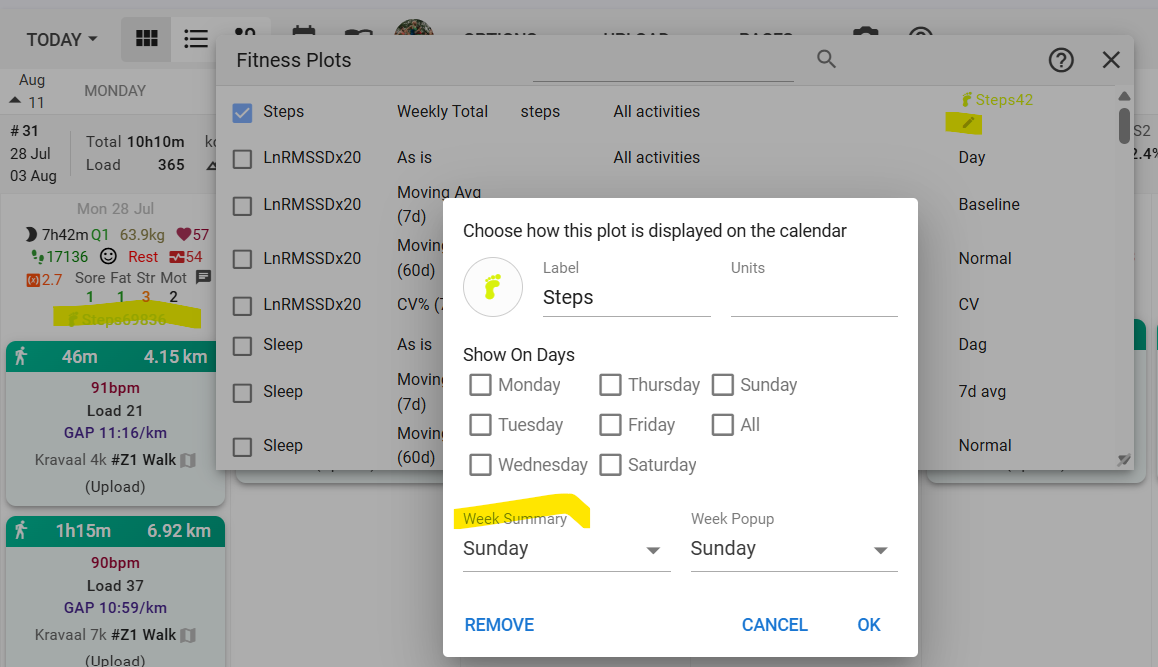
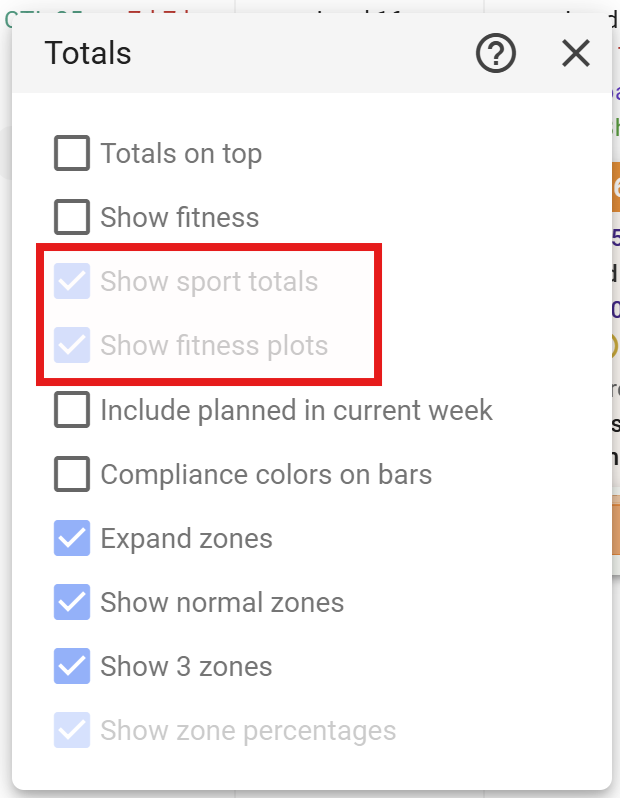
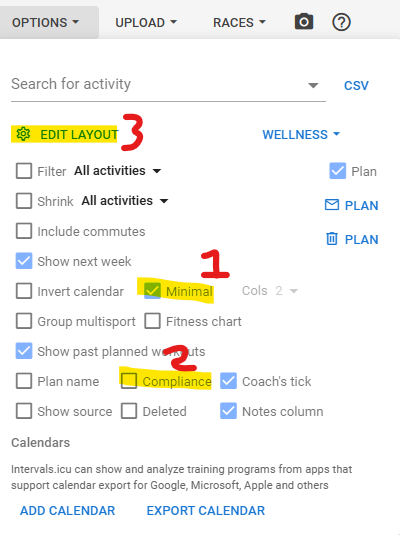
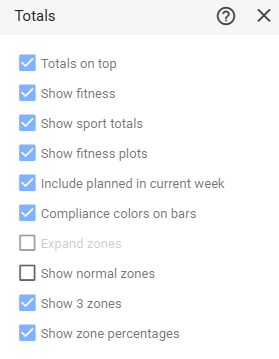
First click on Edit Layout in the Options menu. Then click on the gear icon that appears over the daily calendar entry to open the Fitness Plots window. Then click on the pencil icon next to the Fitness plot that has the Target load and configure it to only show a weekly summary.
would be nice to have the option to disable the field completely! (maybe change the color of the workout name if it’s matched to a workout defined in intervals.icu?)
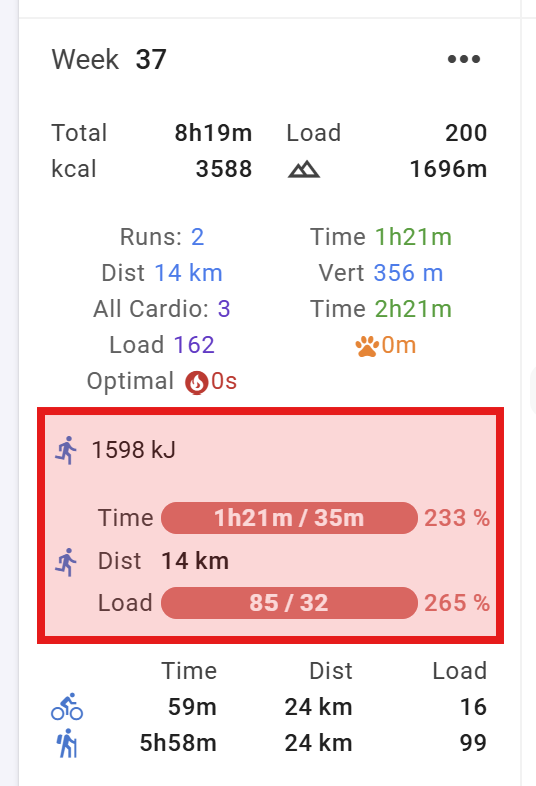
I’ve got to configure it from appearing every day but could no find an option to show it up on the top week summary as it used to be and how it’s on the computer.
@david Great upgrade! The calendar looks fantastic, and looks good on mobile.
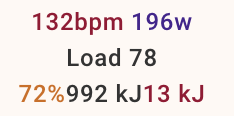
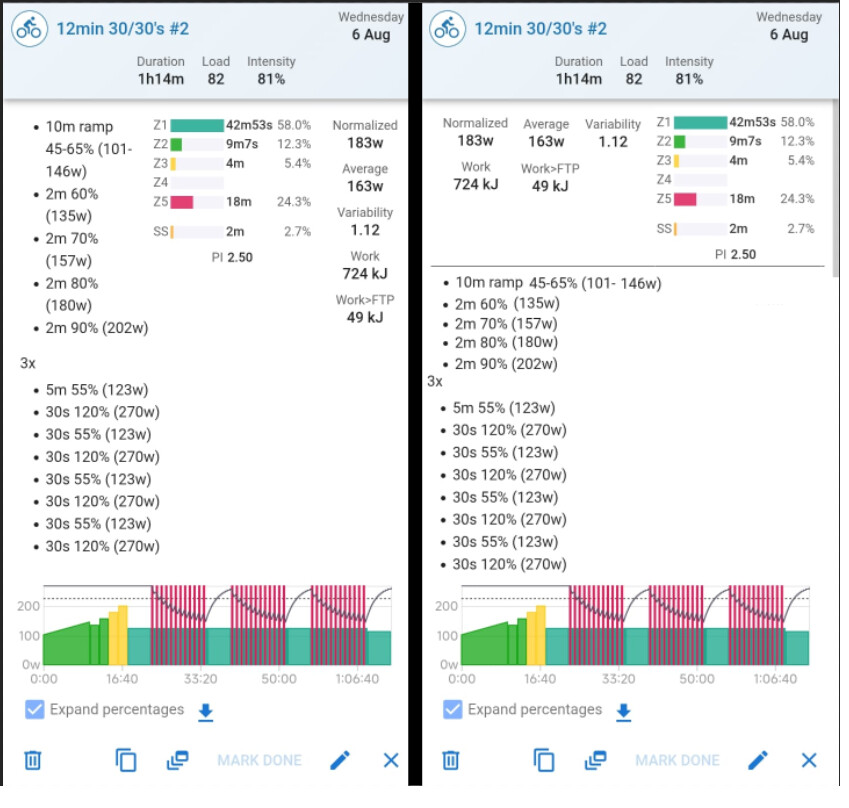
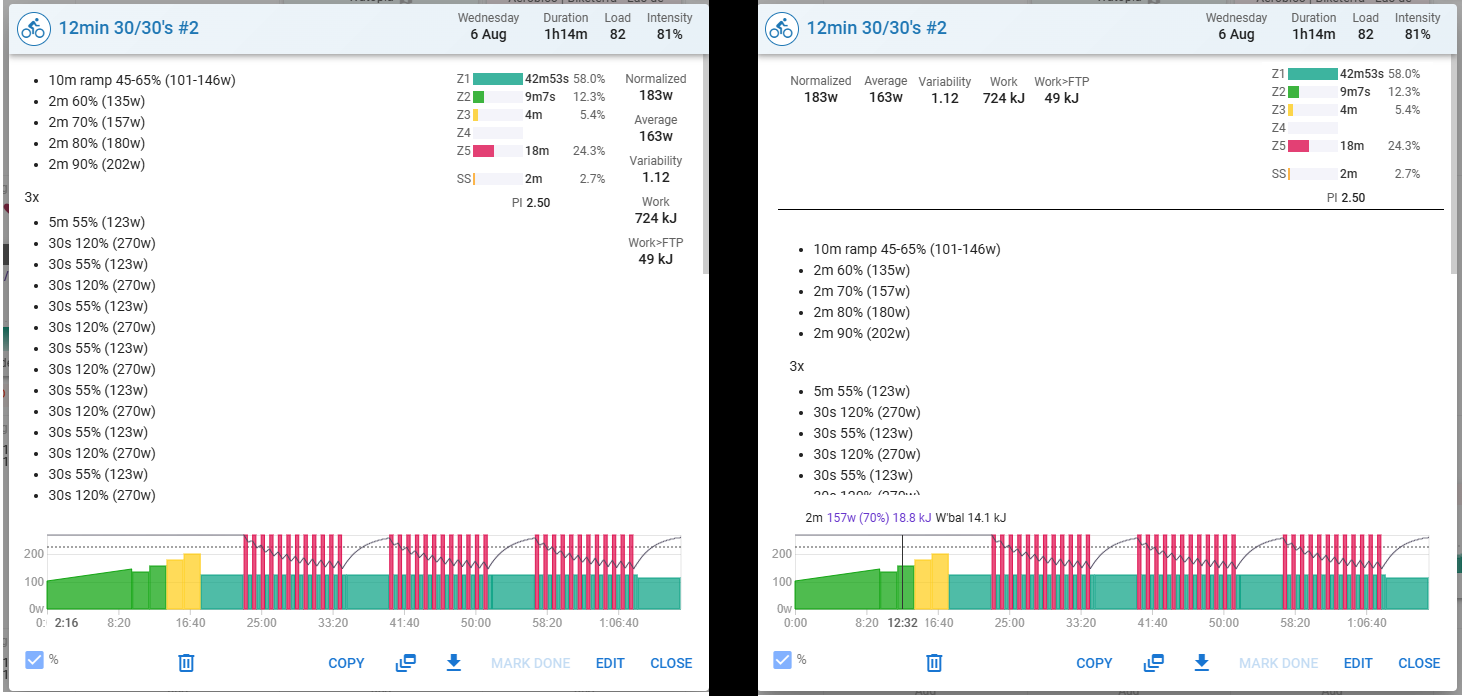
I have a suggestion/request: would it be possible to split the workout display like in the images below?
This way, the text won’t get cut off, and there will be a bit more room for metrics at the top.
Thank You !!
mobile:
@eva and @david, this is probably minor priority among tons of things to do and but perhaps quick to fix.
I would say the misalignment is not only a bit uncomfortable for some people, myself included, but creates an impression of not so organized UI, that changes in unpredictable ways depending the availability of some data. The alignment mentioned here would be nice and look well organized.
This is not to criticize it by any means, the ongoing work on the calendar view is improving it a lot, so it is just a suggestion that considering it in the next updates could be a quick win. A separate space for the daily data from the space for the workouts, that would be the same across the week days would be cool.
The Time Crunched Cyclist podcast spoke to Cody Stephenson (TrainingPeaks), and Intervals.icu was mentioned. Intervals.icu is certainly on their radar as a platform that is competition to them. Competition is healthy for innovation.