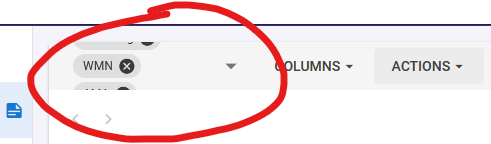
Old version: Longer athlete names are cropped with “…” on Athletes Overview page, not overlapping with chat button;
New version: Longer names have more characters visible, not ending with “…” and overlaps with chat button.
I’ll not post a screenshot since it’s sensitive information but I can send privately if needed.
Font seems in generel to be smaller in the new version. Some text /pull down options has also changed color from Bold Black to Pale blue, Bold black to Gray etc.
You are not making it easy for a 69 old
Color display is a high end color calibraded monitor used for photo and video editing.
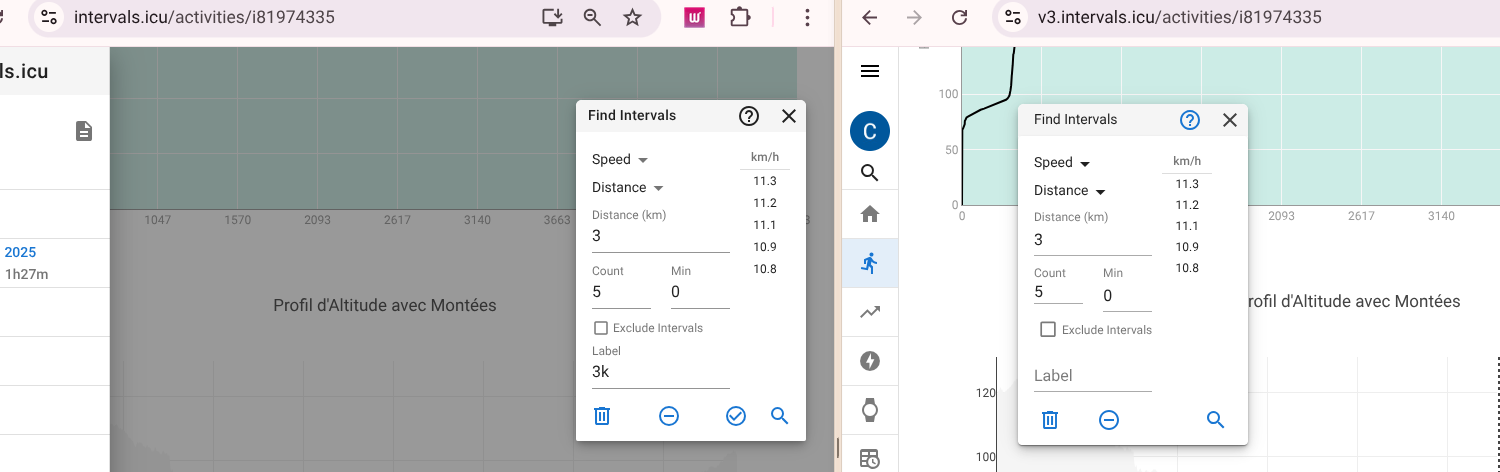
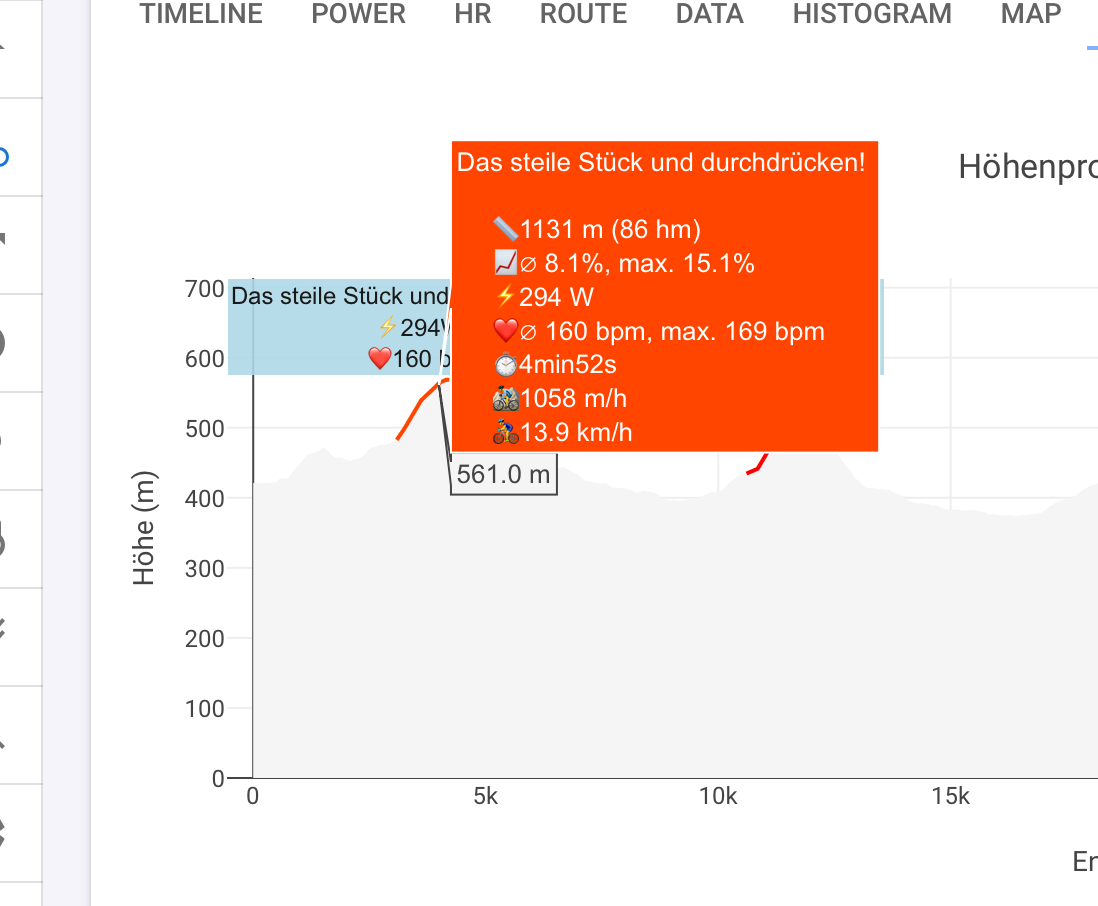
Hi David / eva, It is definately faster experience, well done. One small thing I did notice on the find intervals page, on the new version the tick button for ‘add intevals’ is not showing. see screenshot
As others mentioned, UI is much faster. Very cool.
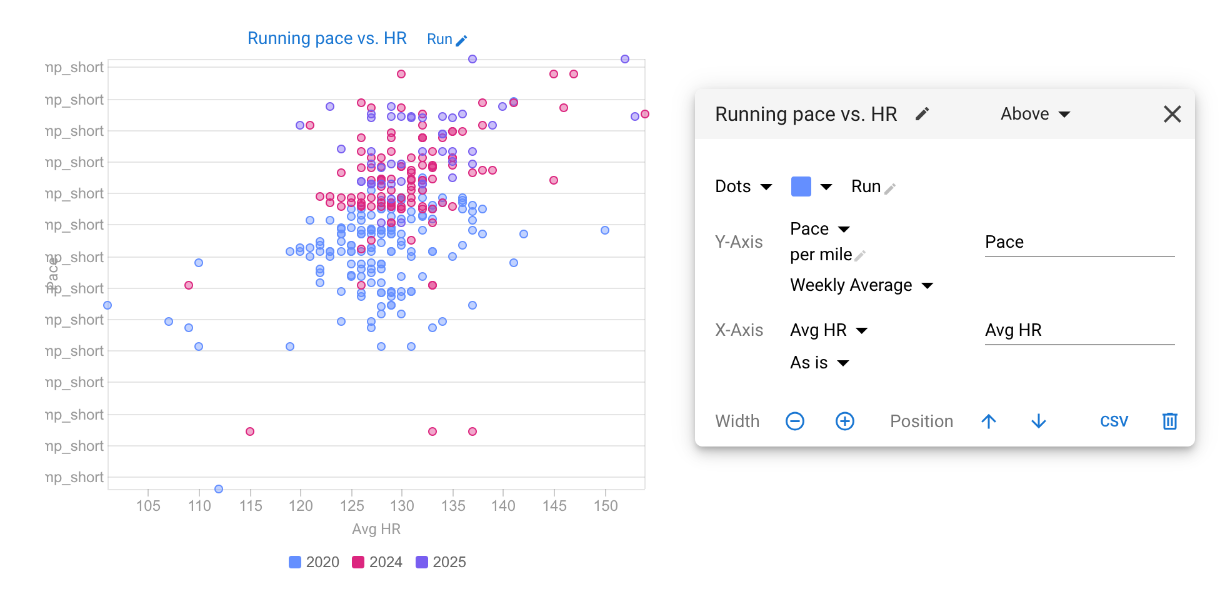
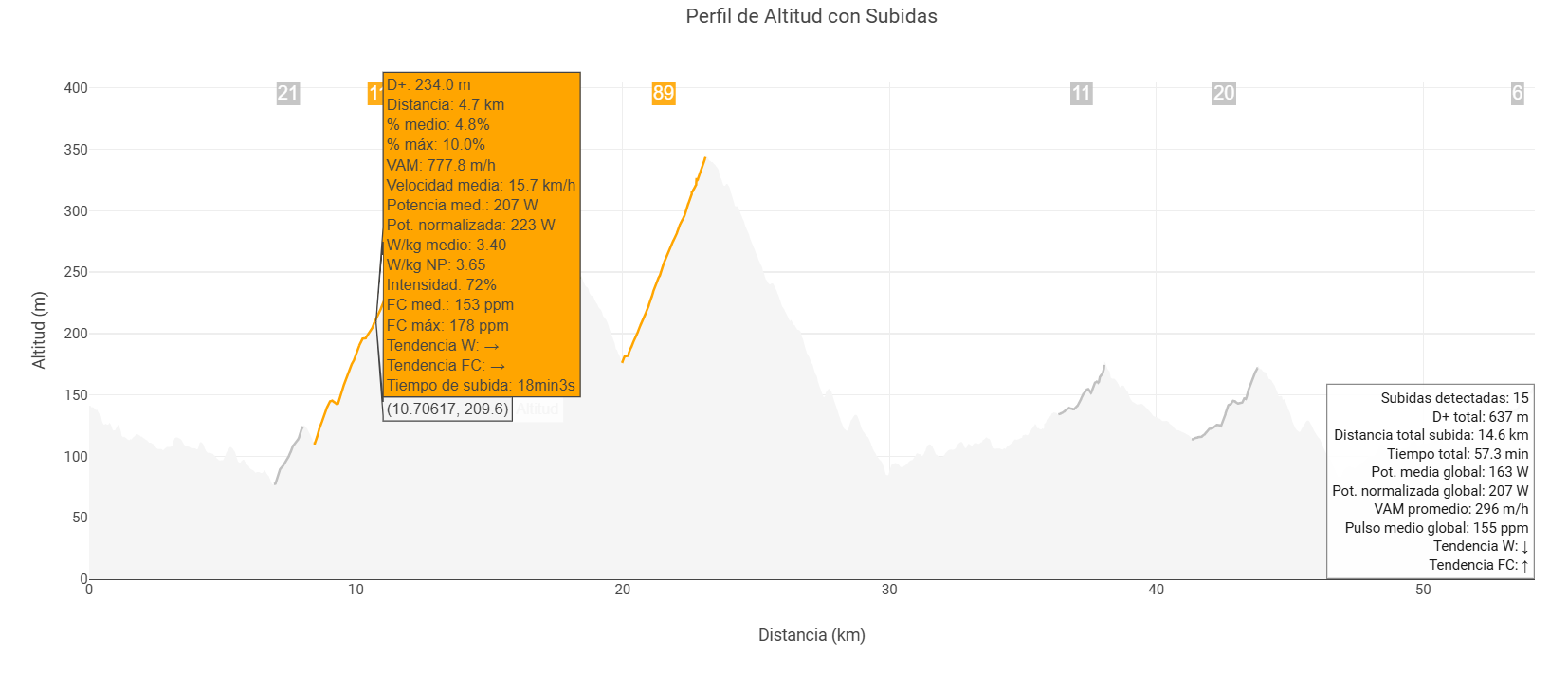
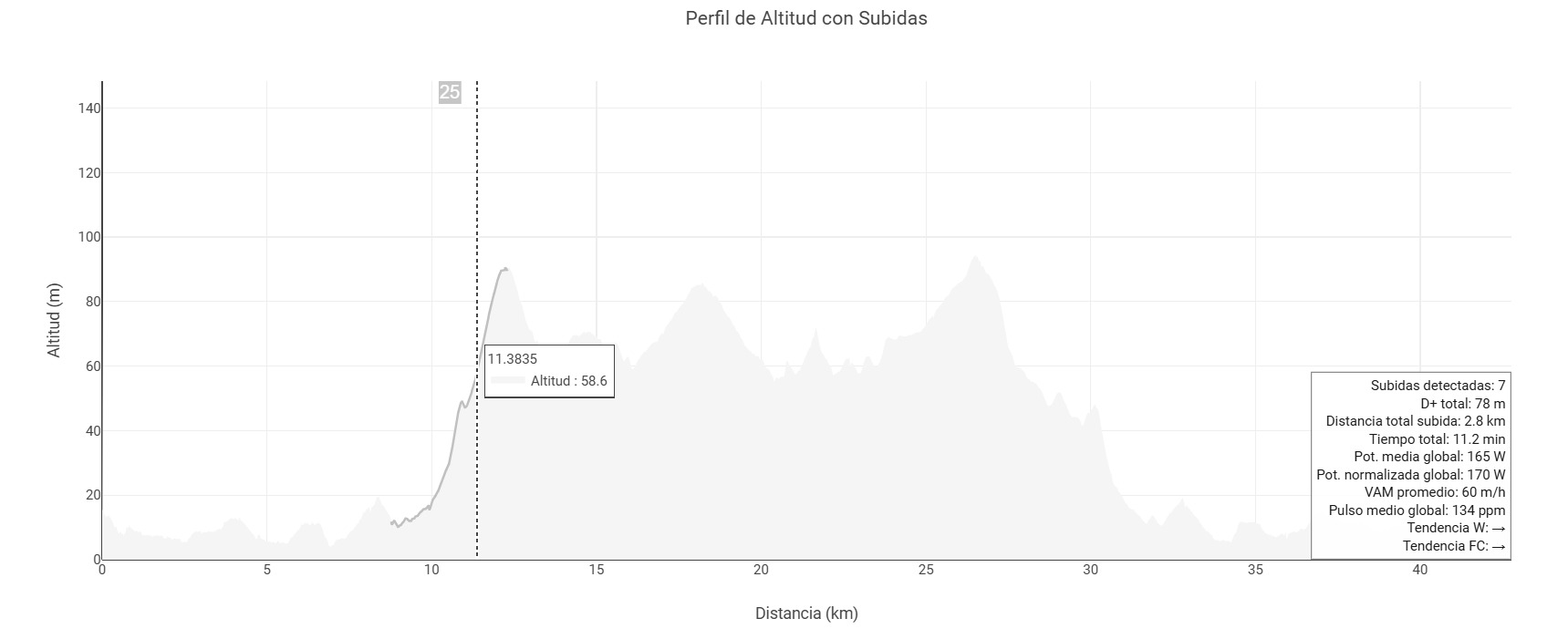
On the Compare screen I have a Pace vs. Hr chart - the labels for the pace are not working. Other charts with power, fitness, time do work, looks like its something with the pace field.
While the calendar and some other pages have become faster, the fitness page and the process of creating new charts are still significantly slower — almost unusable. The same issue occurs when creating or editing intervals within an activity.
I wasn’t able to reproduce this using Chrome on a Mac. I tested using all of your charts and 4x CPU slowdown. Was a bit slow but v3 and current comparable. What browser and OS are you using?
I have reproduced that. Will fix, tx.
Yeah as you might imagine there is a lot more of that to do.
We have made a number new of performance improvements, especially for people with loads of charts like you. Hopefully it is better now. But we were never able to see it slower than the current version even with all of your charts.
I see. I’m using it now and it’s working much better — maybe it was due to some issues on my side, like my internet connection or having too many pages open in the background. I usually open multiple races at once when analyzing different athletes, so that might have affected the performance. But now it’s definitely running much more smoothly.