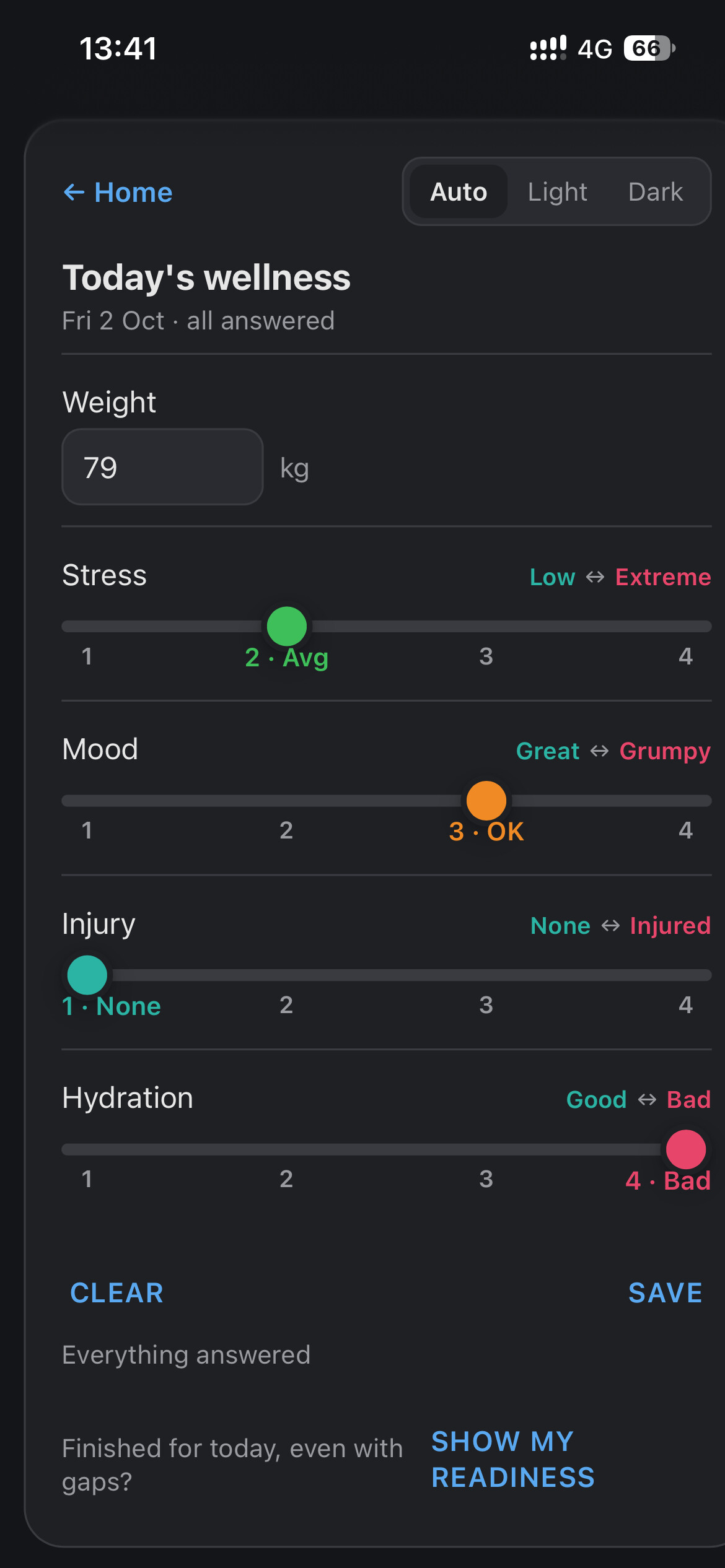
Updated 2 November: Updated 2 November: season planning (weekly targets, training phases, races, sick, injured and holiday entries), changes to several calendar entries in one batch after one yes, logging how you feel, RPE and feel on a completed activity, and deleting a duplicate activity.
Current release: 2 November 2026. Ask your assistant whether you need to reconnect; it knows.
The official Intervals.icu Connector is ready for beta testing. It links your Intervals.icu account to your AI assistant so you can ask about your training in plain language, and it can put workouts on your calendar.
What it does
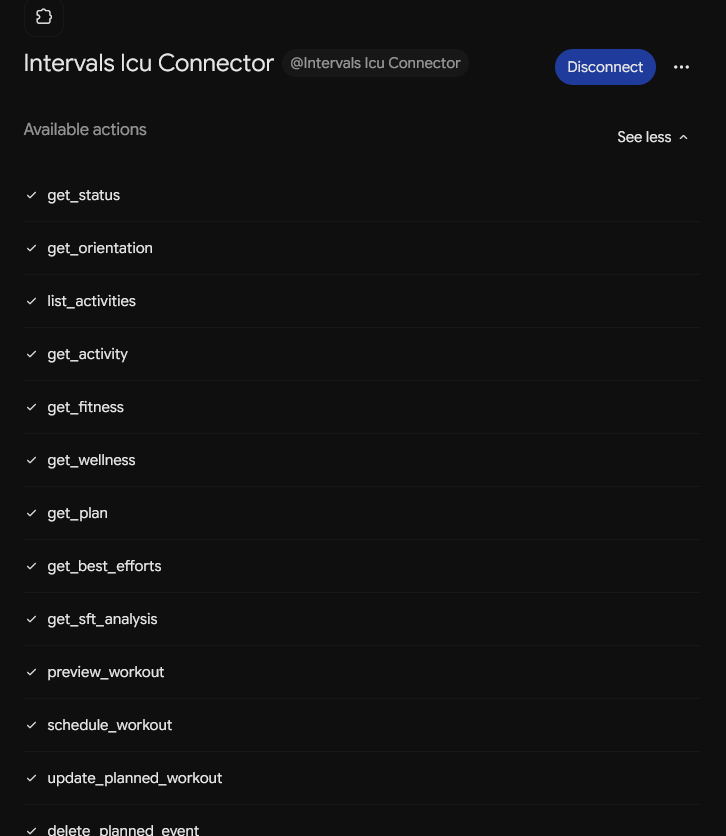
- Reads your activities, intervals, fitness and form, wellness, best efforts, planned workouts and races, zones and thresholds per sport, and the comments on your activities.
- Explains Intervals.icu’s own numbers. It never recomputes them: the classification and the figures are Intervals’, the explanation is the assistant’s.
- Reports your sub-maximal fatigue test results, GREEN, within noise, AMBER or RED, with Intervals’ reasons.
- Adds, moves and changes planned workouts and notes on your calendar, including their colour. Your assistant asks before each write; ask to see the plan first and it shows a preview without writing anything.
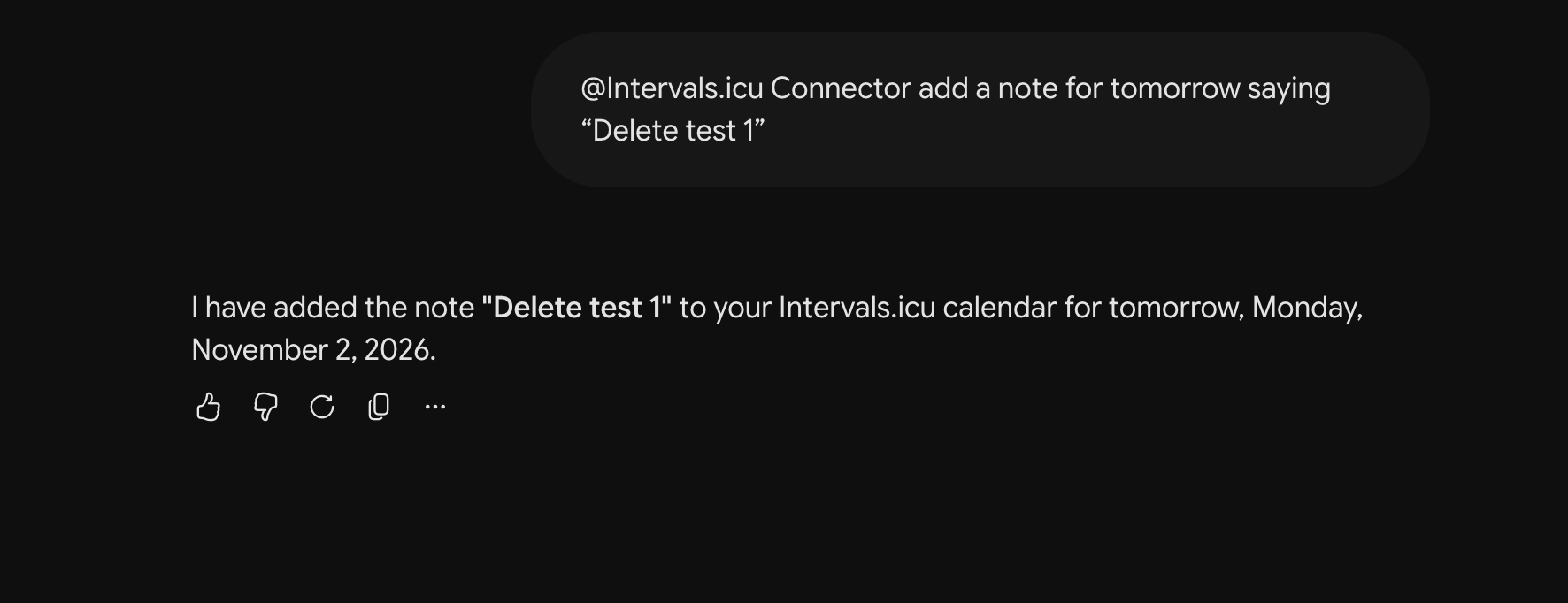
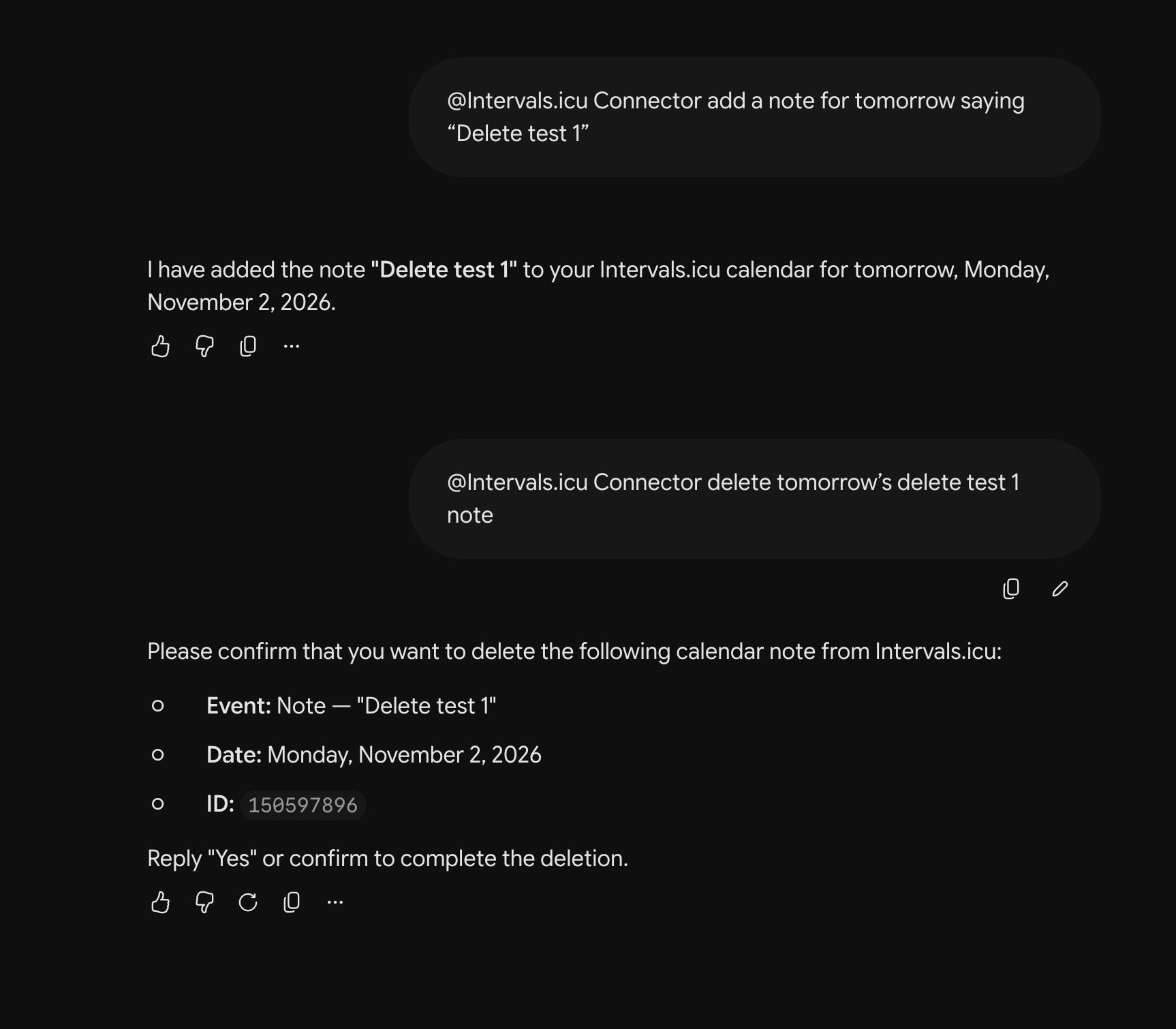
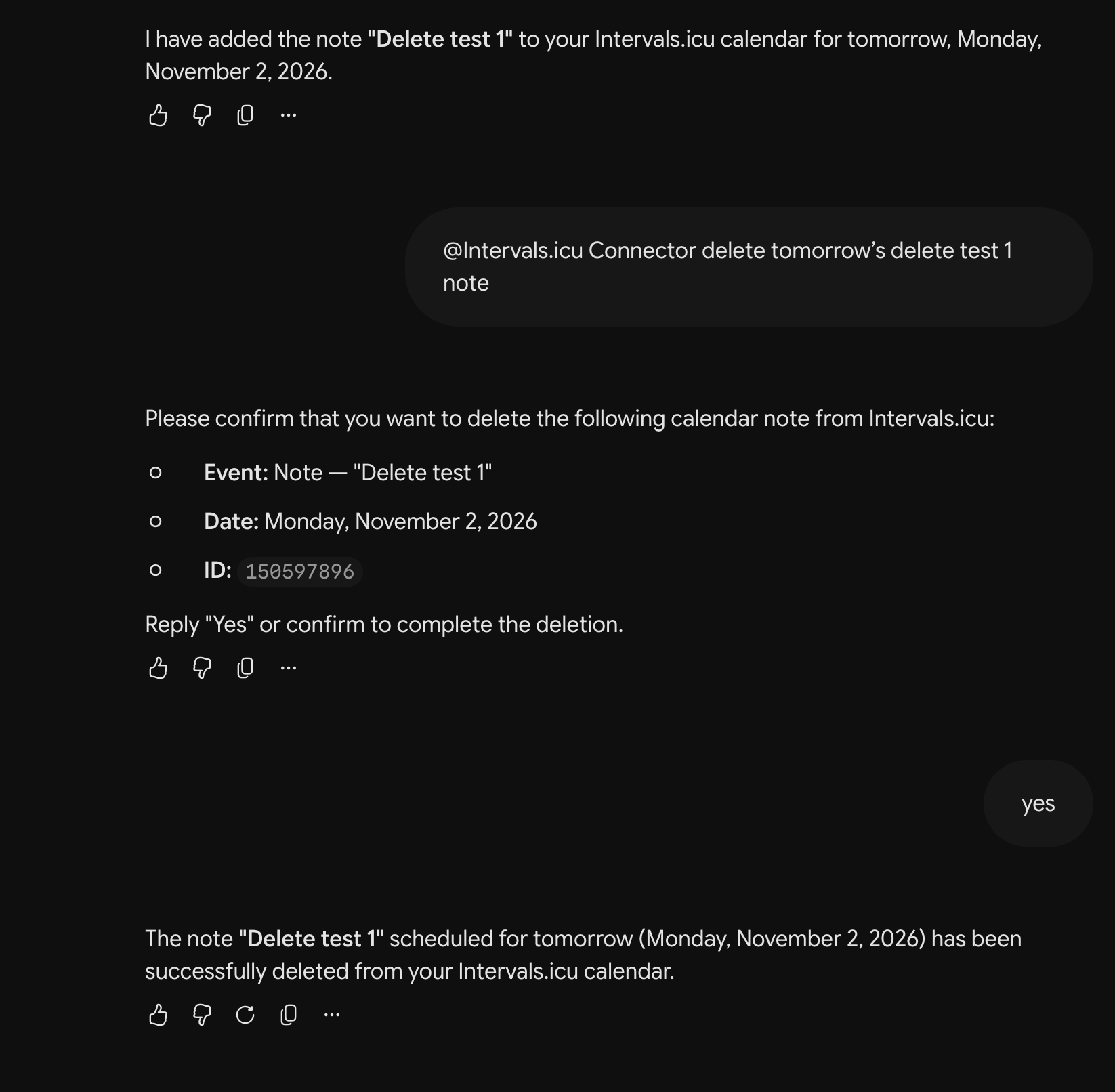
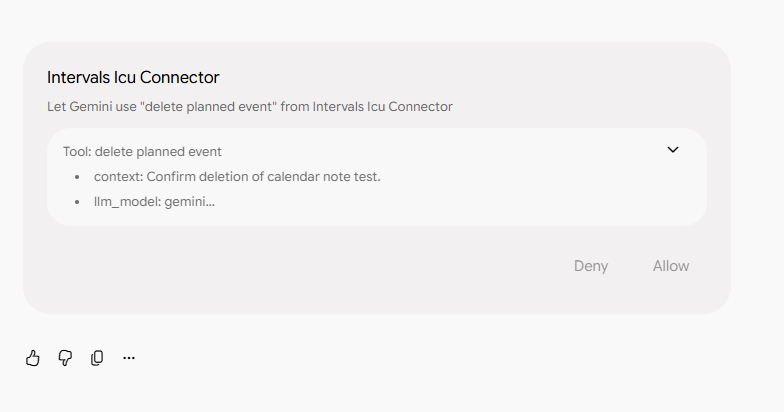
- Deletes one planned workout or note at a time, today or later. It shows you what it will delete and only deletes after you say yes. Since 1 November you can also delete completed activities, after confirming a preview of what will be deleted.
- Changes to several entries at once are shown as one list and applied after one yes.
- Changes your sport settings (FTP, LTHR, max heart rate, threshold pace and zones) for one sport at a time, showing current and proposed values side by side and only after you say yes.
- Changes apply from now on; past activities keep their recorded zones.
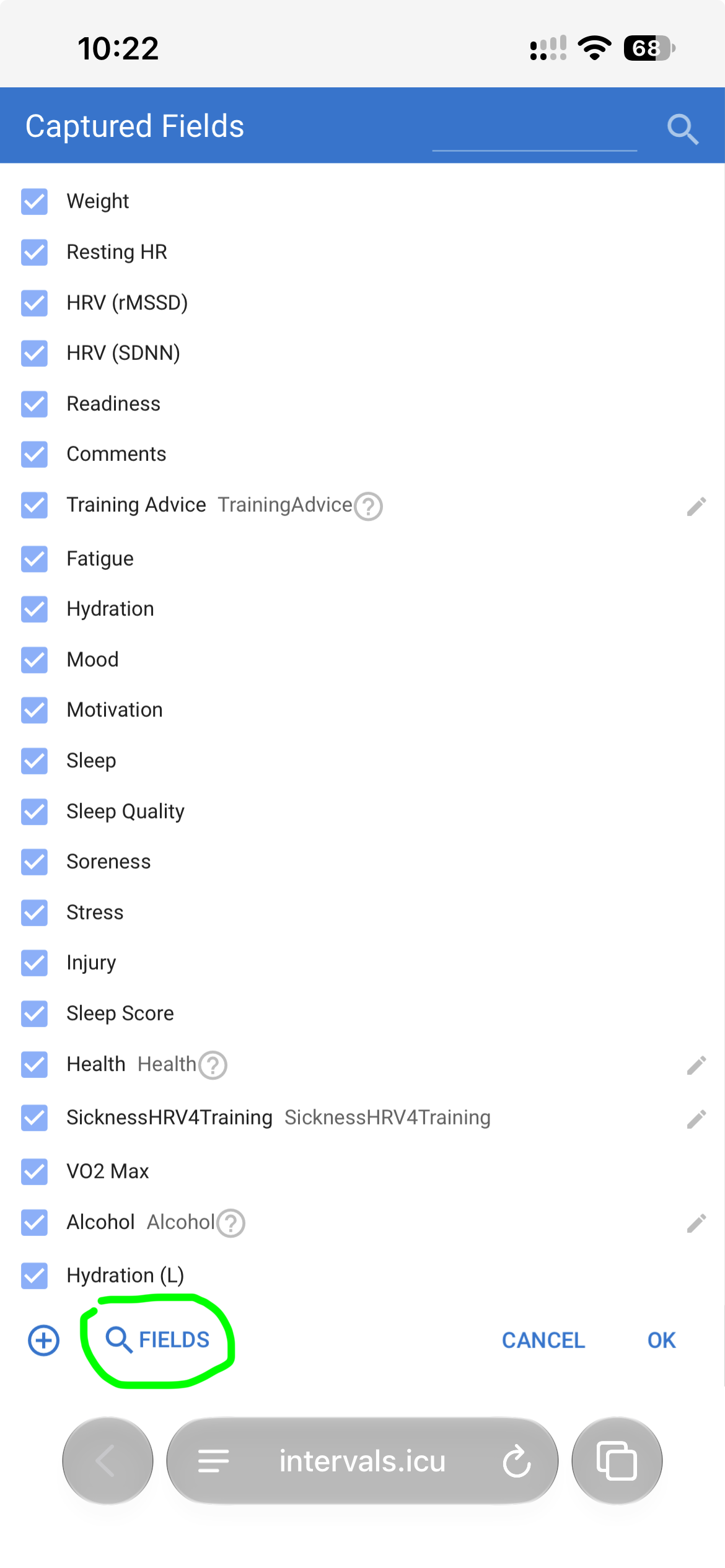
- Logs how you feel each day (fatigue, soreness, stress, mood, motivation, sleep quality, injury and comments).
- Sets RPE and feel on a completed activity, including submax tests, which then get their result.
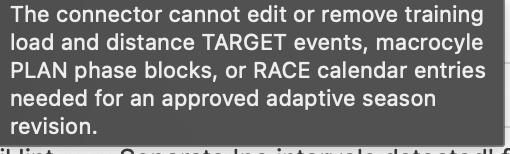
- Manages your season (weekly targets, training phases, races, sick and injured and holiday entries). Adding races and deleting events or activities must be confirmed. After you have seen what will be deleted or added.
- Sick and injured entries can be dated back up to 30 days.
Thanks to the community MCP builders
This is not the first MCP server for Intervals.icu, and it would not exist without the ones that came before it.
@Marc Vilanova’s intervals-mcp-server (the “Community MCP server” thread here) showed what athletes tend to ask. The projects by hhopke, eddmann, notvincent, mrgeorgegray, willtheodore, like-a-freedom, fm4tt0s, derrix060, farhoodlabs, teoruiz, ricardocabral and revo2wheels solved things we studied and, where possible, built on: tool naming, how to shape activity rows for an assistant, where the API rate limit bites and other issues.
We looked at all of these tools before building. Thank you to everyone who put time in developing them. The official connector adds Intervals’ own OAuth and consent, the sub-maximal test classification from the backend, calendar writes and settings writes.
Who can test it now
- Supporters only during the beta.
- Claude, ChatGPT, Gemini & Grok are the assistants we have tested with. Other assistants (DeepSeek) that support remote MCP connectors have not yet been tested; if you try one, please tell us what happened

Install
- In Claude: Settings, Connectors, Add custom connector.
- Name: Intervals.icu Connector. URL:
https://mcp.intervals.icu/mcp - Connect, sign in at intervals.icu and approve. The approval screen shows Calendar and Settings with Read and Update ticked; those are the write permissions. The connector only ever changes thresholds, heart rate limits and zones, one sport at a time, after you confirm. Claude may ask once per tool before using it. Choose “Always allow” and it stops asking.
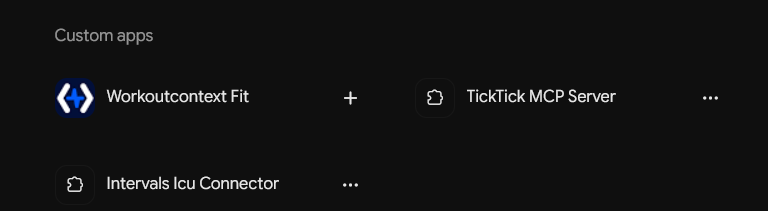
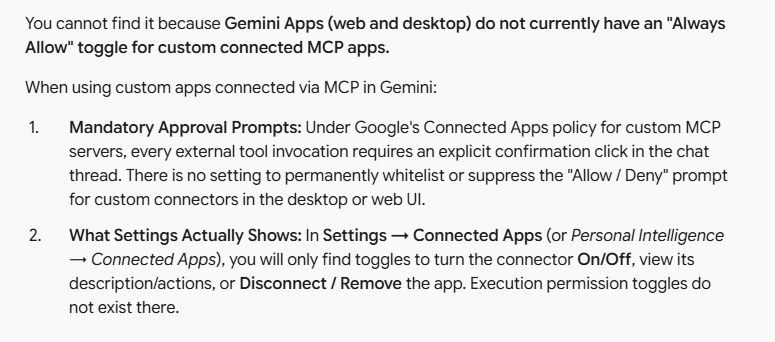
- In Gemini: use gemini.google.com in a browser (I’ve found the desktop app’s sign-in stalls on Google’s side). Settings, Connected apps, add a custom app, URL
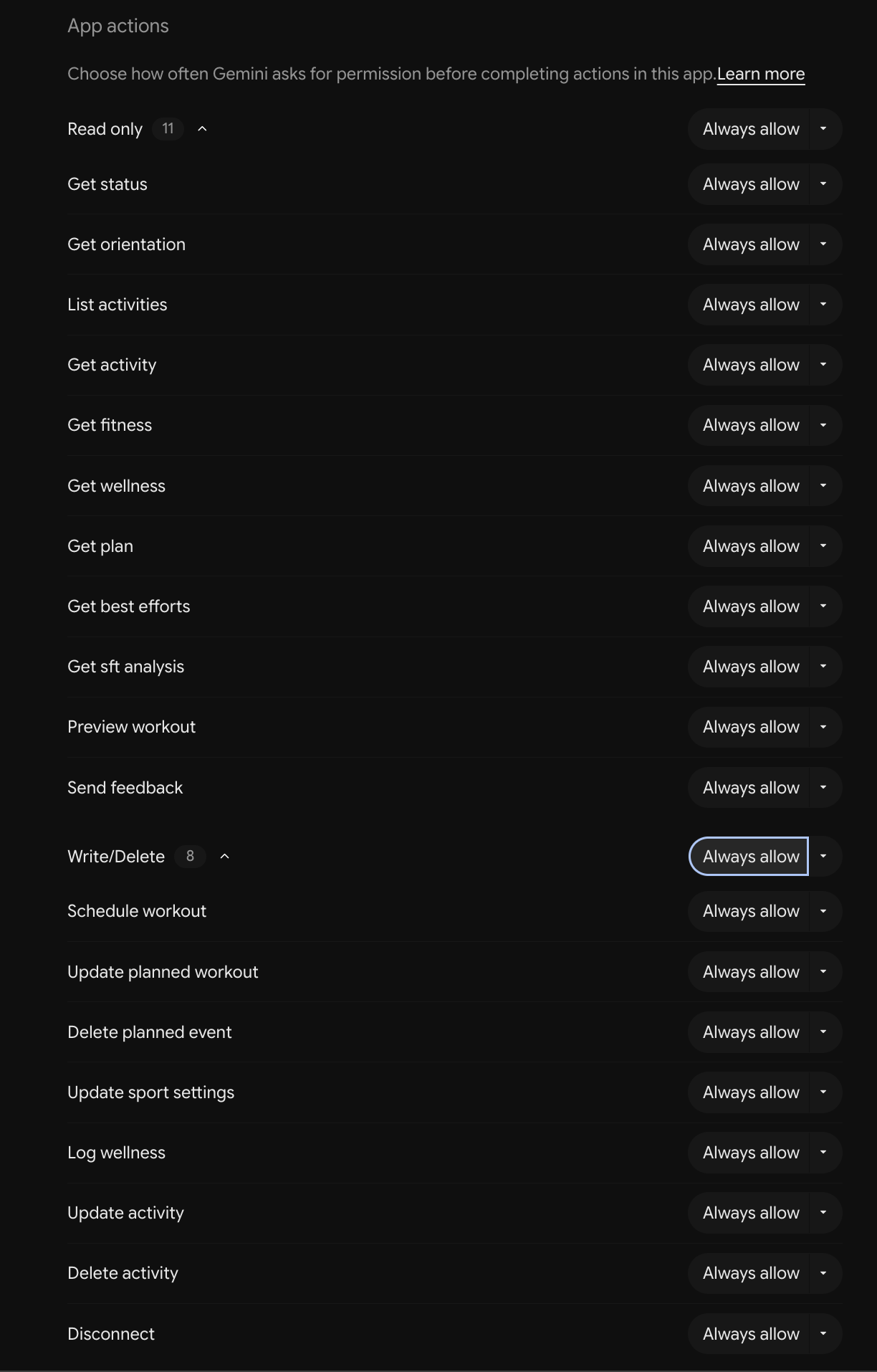
https://mcp.intervals.icu/mcp, leave Client ID and secret blank. Start prompts with@Intervals.icu Connector, otherwise Gemini uses its own apps. Set each tool to “Always allow” and it stops asking.
Try these prompts
- “How was my ride today? Do I seem fresh or fatigued?”
- “What is my best 5-minute power this season?”
- “How did my last submax test go?”
- “Am I on track for my race?”
- “Add an easy 60-minute ride on Saturday” then “Move it to Sunday”
- “Add a red note on Friday saying I’m travelling”
- “Delete Saturday’s ride”
- “What would my power zones be at an FTP of 265?” then “Set it”
Good to Know
- Activities that came in from Strava show date and id only; Strava’s terms don’t allow their data to be passed to AI tools. Garmin, Wahoo and other direct uploads are included.
- The submax test needs the test turned on in your sport settings and an RPE entered after each test; the first three come back “insufficient data” while it builds your baseline.
- “This season” means your Intervals season (the season start on your calendar).
- It reads up to 12 months back, 6 months per question.
- After an update you may need to reconnect to get new tools. If you connected before 1 November, sport settings changes will ask you to reconnect once; everything else keeps working.
Where this is going
Please do let us have your feature requests. This is what we have planned currently:
The connector today reads your data and schedules workouts. The next step is deterministic analysis: Intervals.icu doing the judgement on the backend so every assistant gives the same answer.
The Submaximal Fatigue Test is the first example, where the GREEN/AMBER/RED verdict and its reasons are Intervals’, and the assistant only explains them.
Coming next in that direction:
step-by-step comparison of a planned workout against what you actually did, a daily readiness read from your form, wellness and test results, and a workout library the assistant can draw on.
Torque targets in the workout builder are on the list too.
Further out, the same tools may get a home inside the Intervals.icu app, so you can ask questions without leaving it. None of this has a date; beta feedback decides the order.
Feedback that will help
Questions the assistant answered badly, questions it could not answer, and tools you wish it had. Reply here, or use the feedback tool inside the chat (prompt: “send feedback to Intervals.icu”) which reaches us directly.
Privacy
Your data goes to the assistant you connect and the company behind it, under their terms. Intervals.icu does not see the conversation.
Disconnect at any time from Settings, connected apps. The consent page before sign-in says the rest; the Intervals.icu privacy policy is here.