Can anyone help me to find why I can’t sync data from health app to Intervals? I’m getting following error message
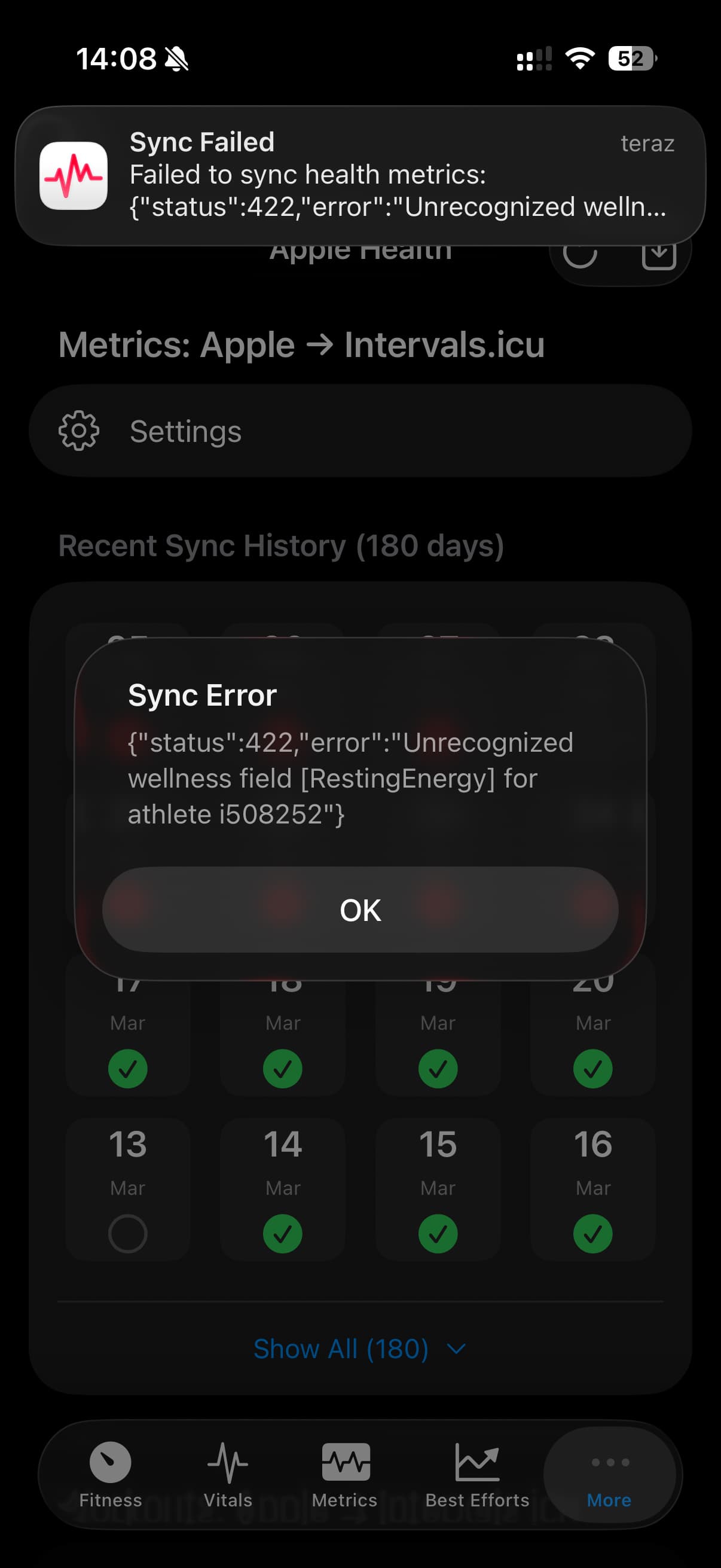
Looks like you have the Resting Energy field enabled in the app sync settings. For this to work you need to create the custom field on the intervals.icu side. So you either need to do that or disable the field. There’s a note about this on the fields config screen below the Custom Wellness Fields section.
Got it, temporarily disabled those fields from sync setup. However to have them available what should I setup and where? Indict get the description.
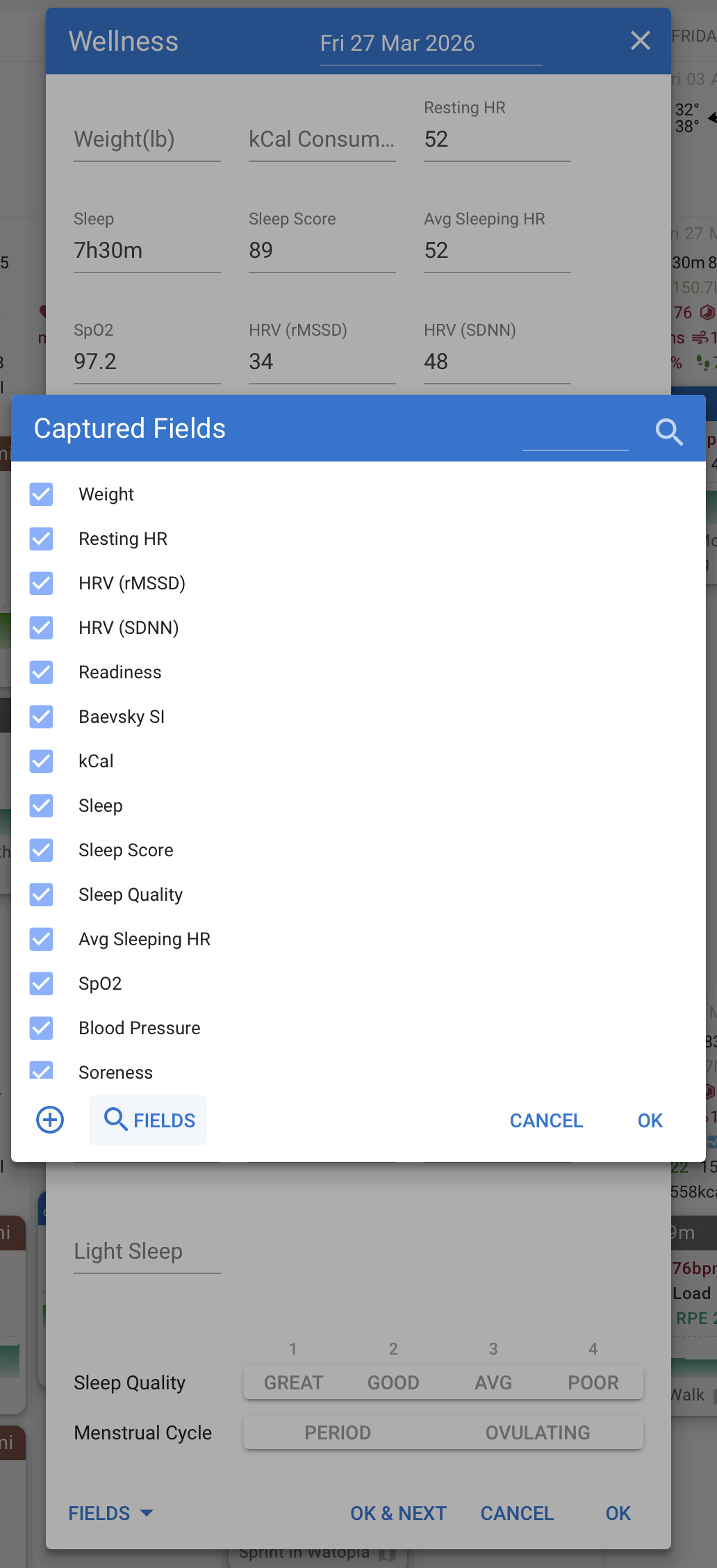
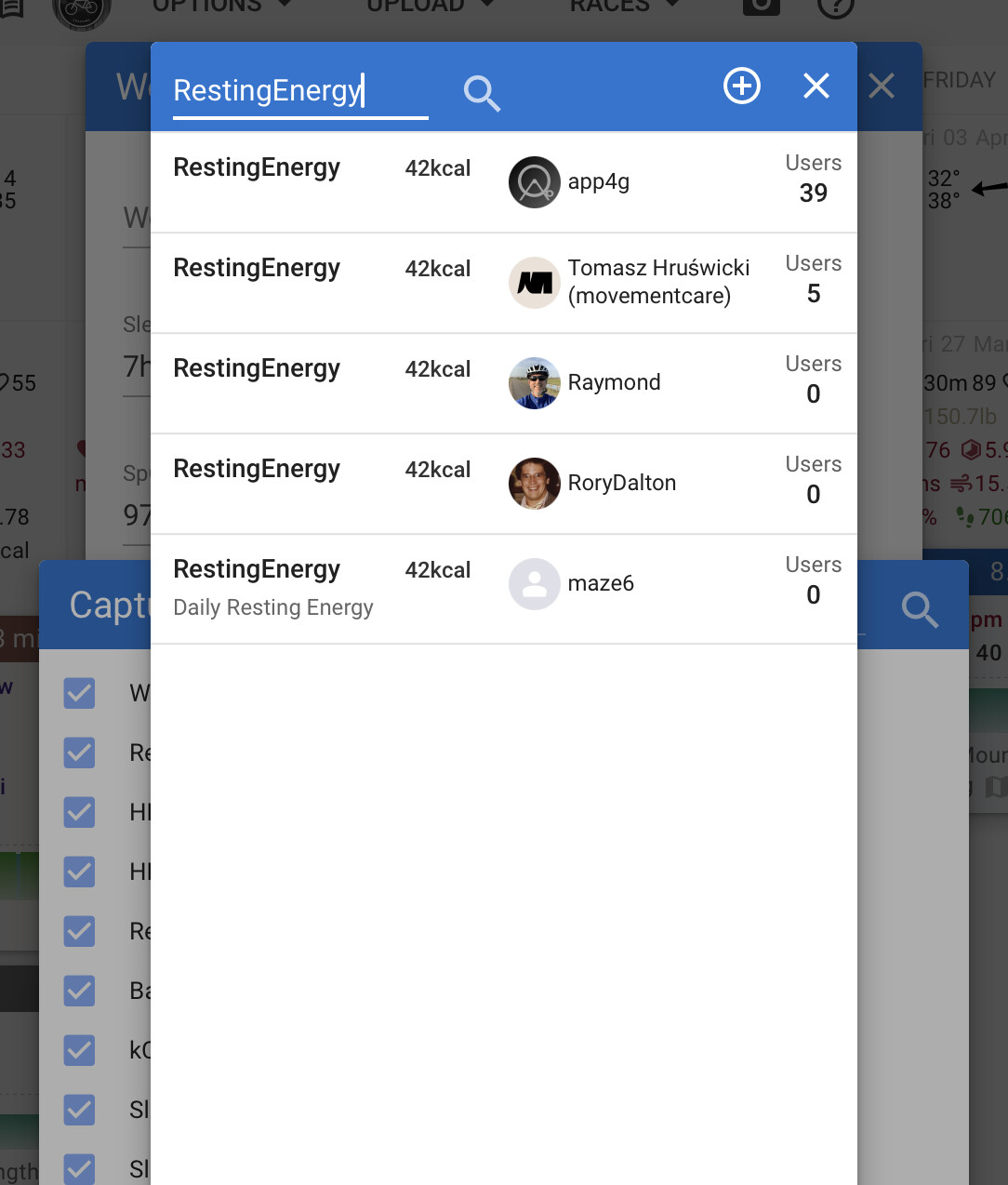
On the website calendar, click on the wellness header on a day, then go through the screens that popup when clicking on the Fields selector. For RestingEnergy, I would just search for another field with that name and add it.
Hey @spmcewen, great job. Very excited about the update! Especially regarding the Health sync since I have an Apple Watch. The beta seems full right now. Is there a way to get in?
I just did some cleanup of the list of testers. There were a lot of people on there who never updated beyond 1.x, meaning they probably switched to the App Store release. So there should be plenty of room now if you want to try again.
1 Like
Apologies if I have missed this above -
Love the app, especially the watch functionality. When it sends workouts to the app, it defaults to meters (ex: my 3mi run today was listed at approx 4800m instead of miles (or even KM). Is this possible to change in settings anywhere? Would be really cool if you could switch it for individual workouts.
can you share a screenshot where you’re seeing this?
Thanks!
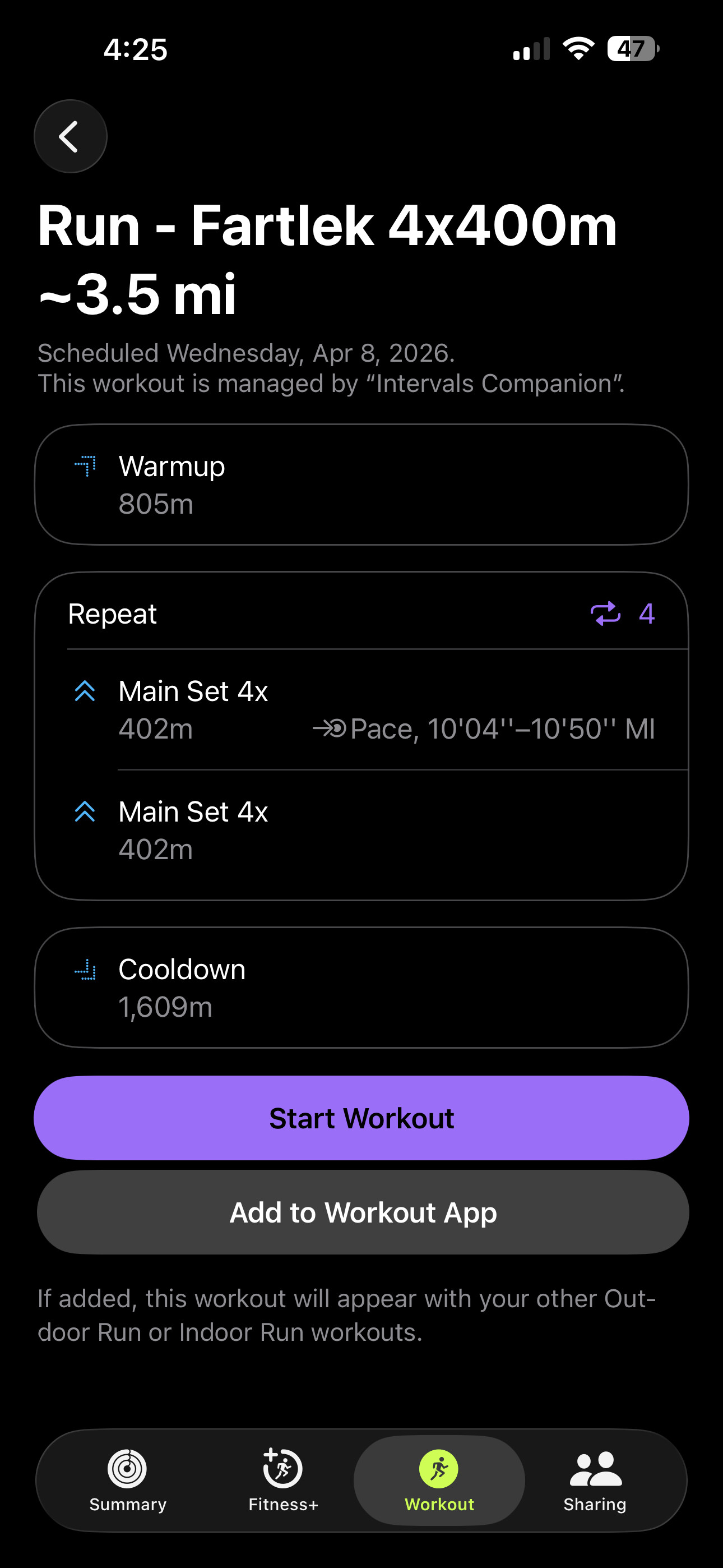
Ah! Looks like the data API always returns meters even if you have a workout with steps defined as a mix of mi and km. And meters were always used when building the workout for Apple.
It’s a simple change to always convert the distances to the units the user has set in the app settings - either imperial or metric.
I think I will build in an option to control how this will work though. When off (the default) the user’s unit setting will be used automatically. When enabled, and if the workout contains distances, a prompt will be shown for the user to select the units for that workout.
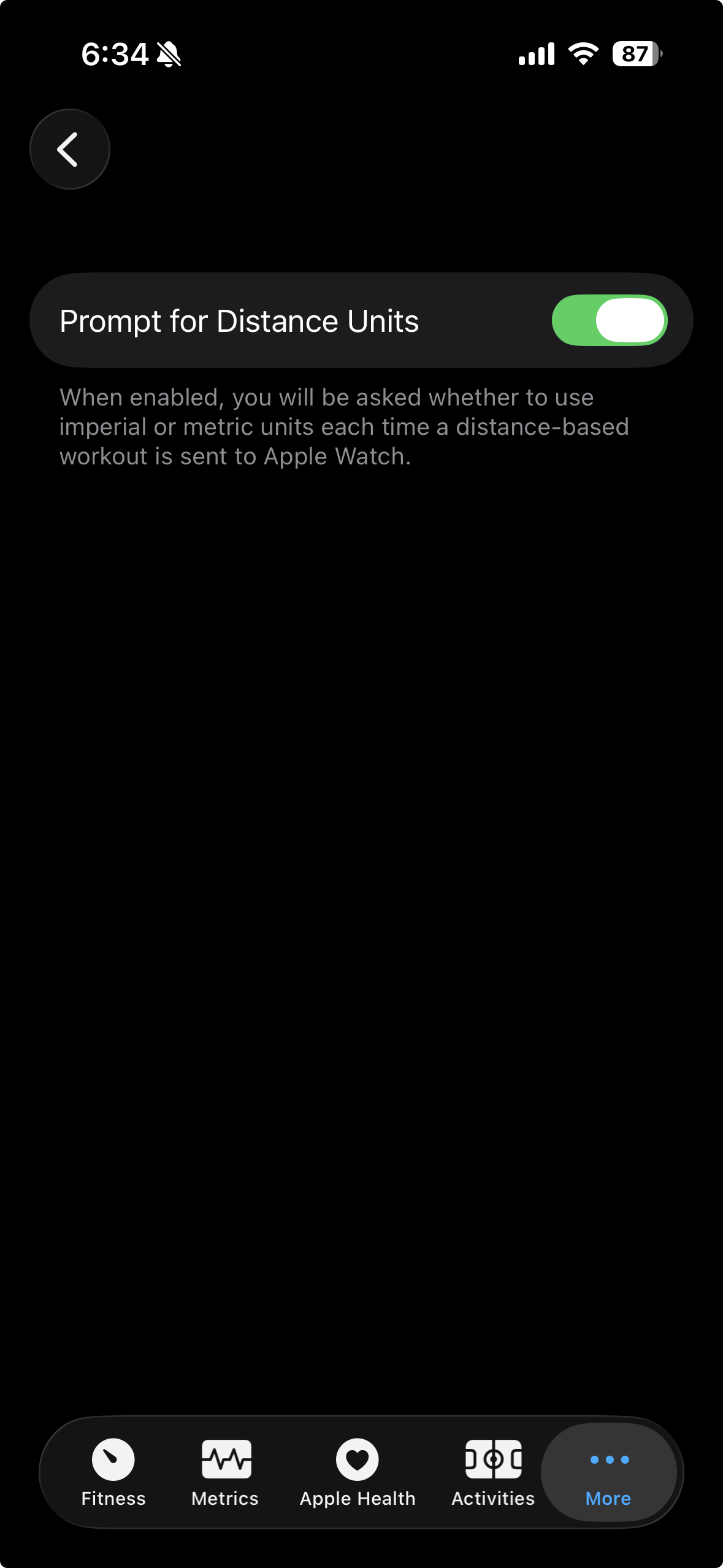
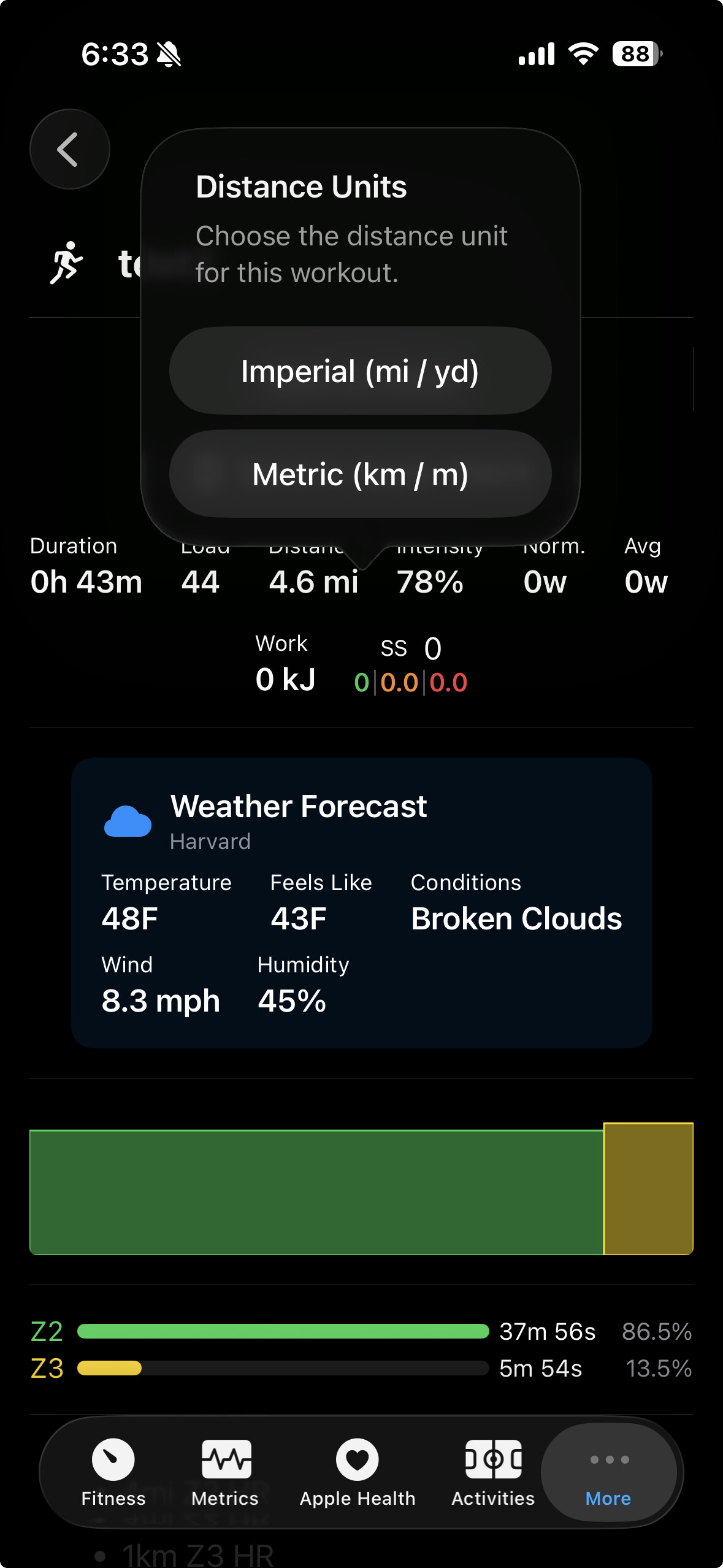
This was a good catch. Thanks for asking about it!
Give build 52 a spin when you get a chance.
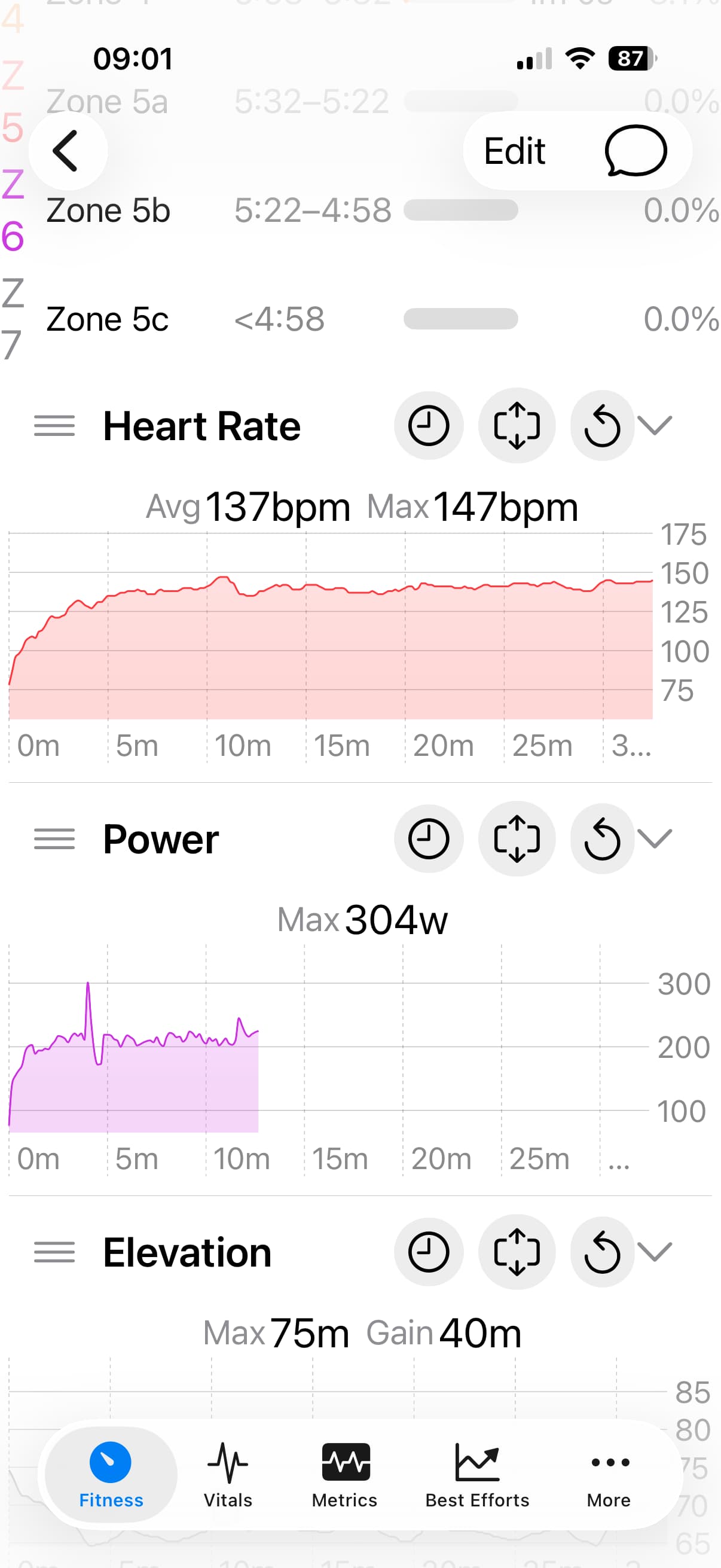
I don’t know if I’ve configured this incorrectly or I’ve found a bug with running power from an Apple Watch?
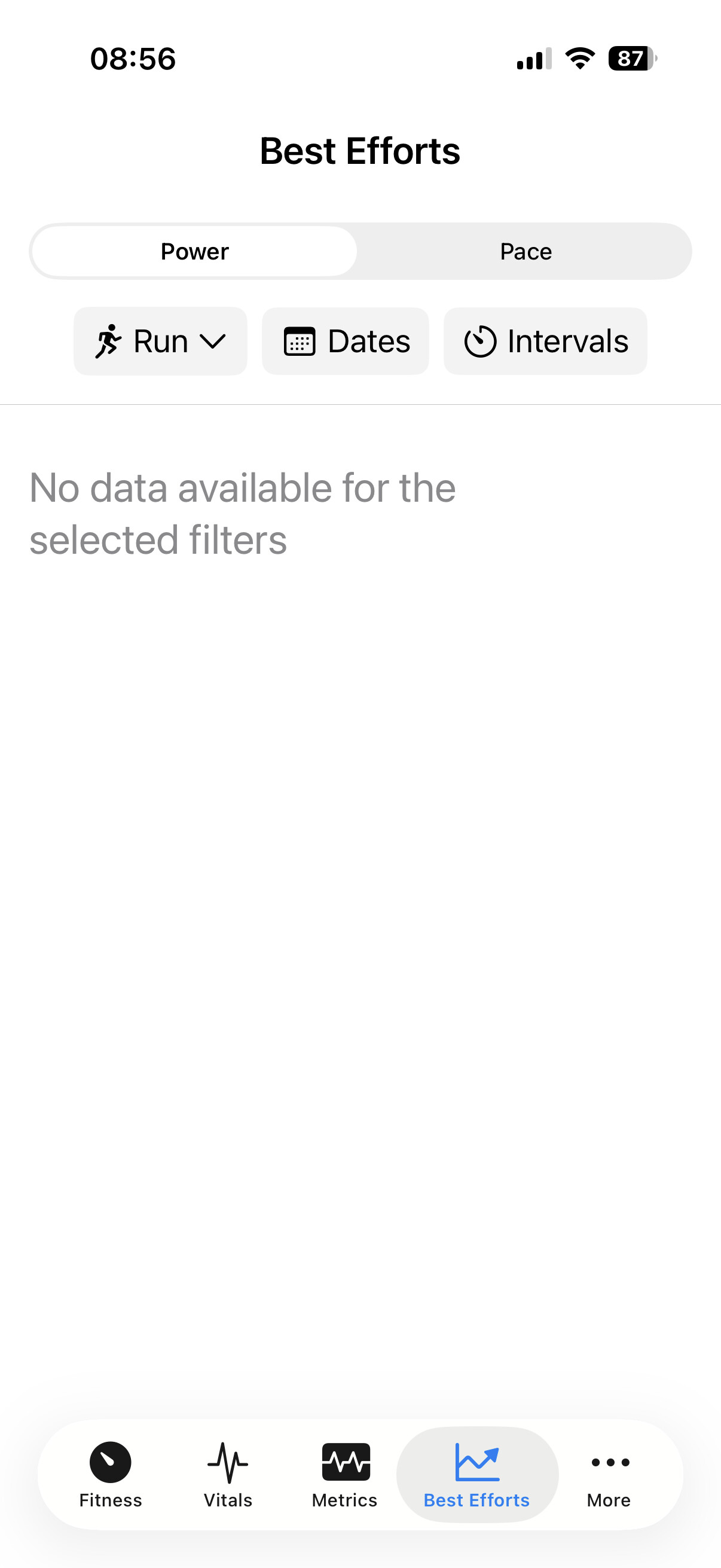
I don’t see anything in the history screen and looks like not all the power data from the watch was picked up on my last two runs?

Which TestFlight build are on you on? If you’re not on the latest, I would try updating, delete the activity from the website and try syncing it again.
I’m not sure why your best efforts are empty. Do you see any best effort data on the website?
I’m on the latest testflight build.
I can see best efforts for distance in your app, but not power.
Just checking on intervals and I didn’t have an FTP set for running, I’ve set that, resynced activities and that has fixed it!
Do you mean that it fixed the missing power data in the activity details graph as well? If not I can follow up with more questions and take a look.
@spmcewen, I just jumped on the wagon with this app. Seriously impressive. Nicely done. Well displayed information. Easy, one shop stop, for a lot of information.
1 Like
Thank you! Always great to hear when it’s working well for someone. Thanks for taking the time to share that.
v3 release update:
I’m getting close to pulling the trigger and officially releasing v3. The bug reports have slowed down, and the more recent issues feel less like show stoppers. Quite a few new people joined the TestFlight in the last couple of weeks. It’s great to see the number of testers increasing and gives me better confidence I’m not going to screw the whole thing up. This release is the culmination of many months of work that I’ve squeezed in, mostly in my spare time, over many nights and weekends, and I’m pretty happy with the results.
I’ve been using many of the new features as I’ve been developing them since January and it has been working well enough for me, but I also know my usage pattern does not capture the full breadth of use cases that everyone else has. There will likely be bugs I’ve missed, but in the interest of progress and not holding up other bug fixes that are part of the release, I’d like to get it out the door soon.
One remaining task is to build the new App Store page content, as the images and video currently on the App Store are pretty out of date. I just need to find a few hours to force myself to do this, as it’s tedious and none of the AI automation tools seem to work as well as advertised.
Thank you to everyone for your feedback and testing!
4 Likes
macOS probably isn’t your wheelhouse, but if you want there is a slight layout adjustment possible. The scroll bar on the right side overlaps the display.

It’s less of an issue on iOS. Still, the data is right up against the right hand edge of the screen and feels very crowded.
I deleted that activity, reuploaded, updated to latest testflight and that run and todays have sync’d the full power info.
1 Like