What are you missing?
A FIT exported from Garmin Connect and manually uploaded to Intervals, should have it all.
Don’t think this is related to the issue from this topic.
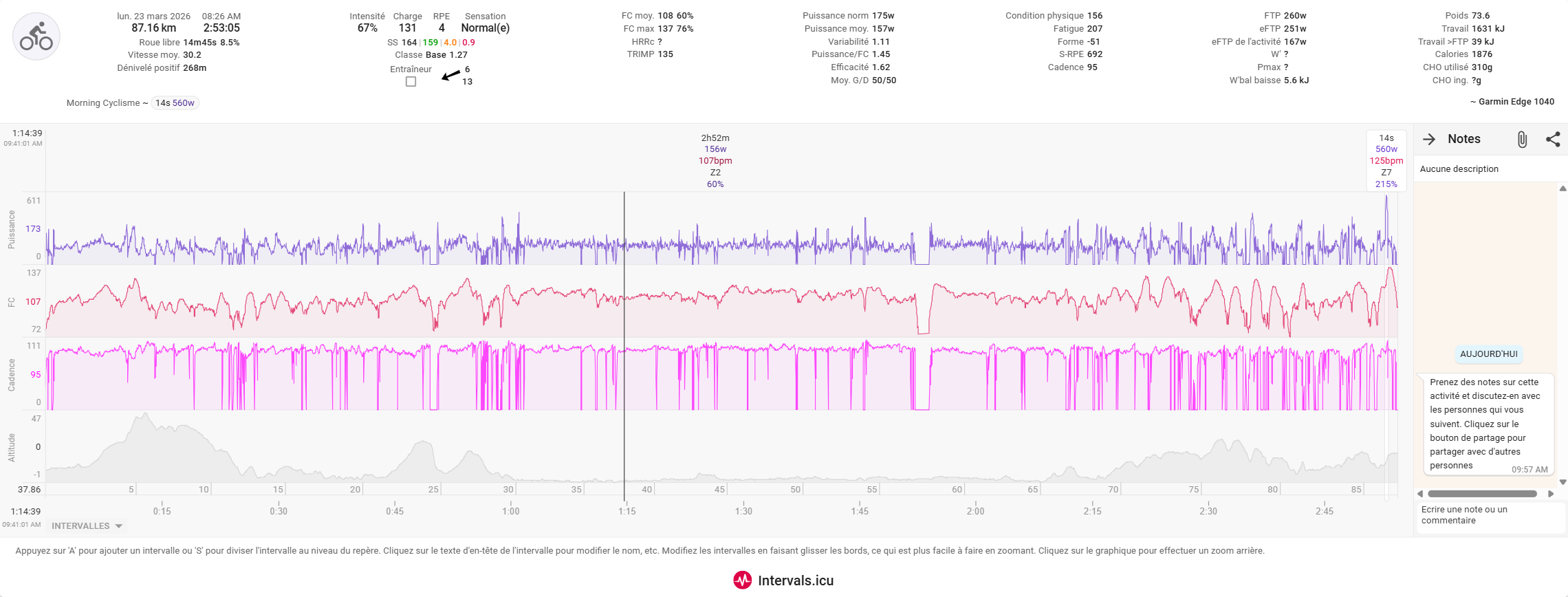
a picture is easier.
i am missing all my Cycling dynamics from my Garmin Rally pedals, and it is all into one segement.
The FIT file is ok, as I could get the datas using AI with Python.
The CSV looks to have also the datas… but they don’t show up.
I have deleted the activities, reimport the original FIT file from Garmin, with no success.
If this is not related, feel free to delete my posts from the topic, no worries
Definitely 
You have L/R balance in the summary, so the data is present and correctly identified
You mean the Intervals CSV exports?
If so, Intervals is receiving the data and you only have a display problem which can probably be solved quit easily by defining the correct Custom Streams and/or charting the correct plots.
You probably mean that the laps are not correct? If the lap events are in the FIT file, you just need to specify ‘Use Laps’ in the Actions menu.
If you used a workout from Garmin to guide the activity, then those lap events will not be in the FIT file received from the Garmin Connect API, but they will be in the manual export FIT from Garmin Connect.
It quickly becomes complex if you don’t know exactly what is going on.
I have compared the CSV, from my ride on sunday, and the one on monday, they have the same columns, so yes, the datas are there, but not displaying.
Point is, I did not change any settings in ICU.
And no workout used, they were “free” rides. But it worked also before with a workout planned or not.
And I tried the “use lap”, nothing.
Not all charts are displayed by default. You need to configure your display.
Did you add the charts for the different data?
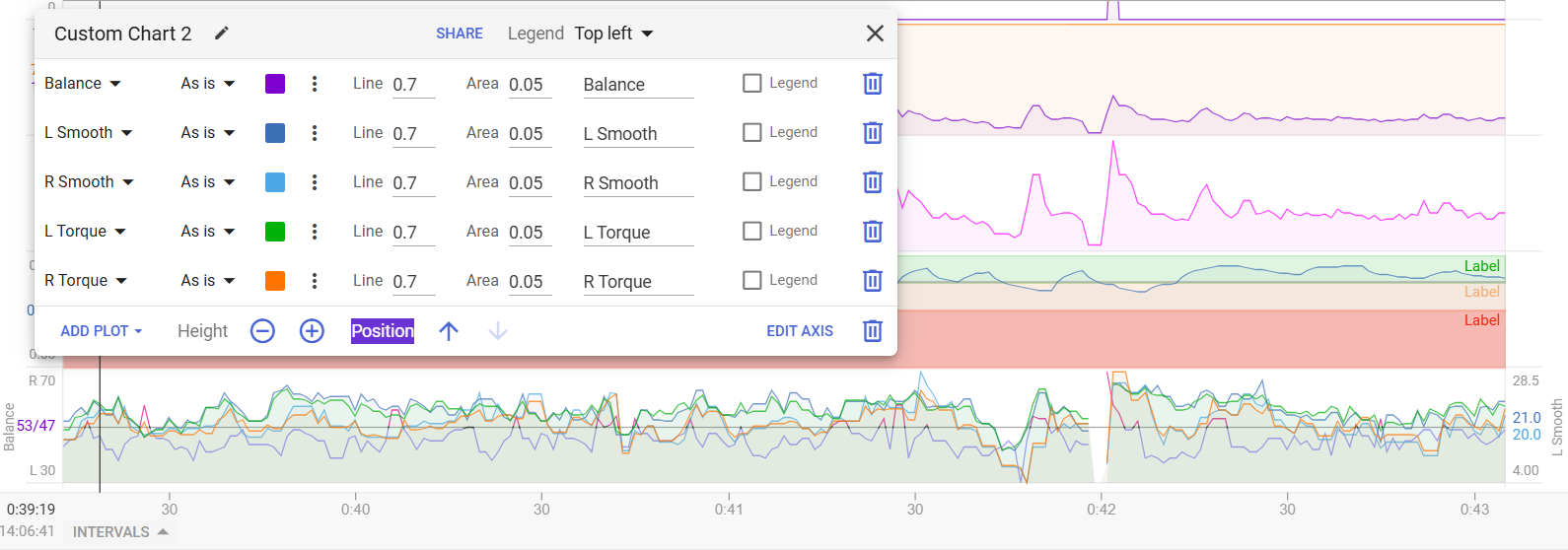
There’s also a Custom activity chart displaying a summary of cycling dynamics
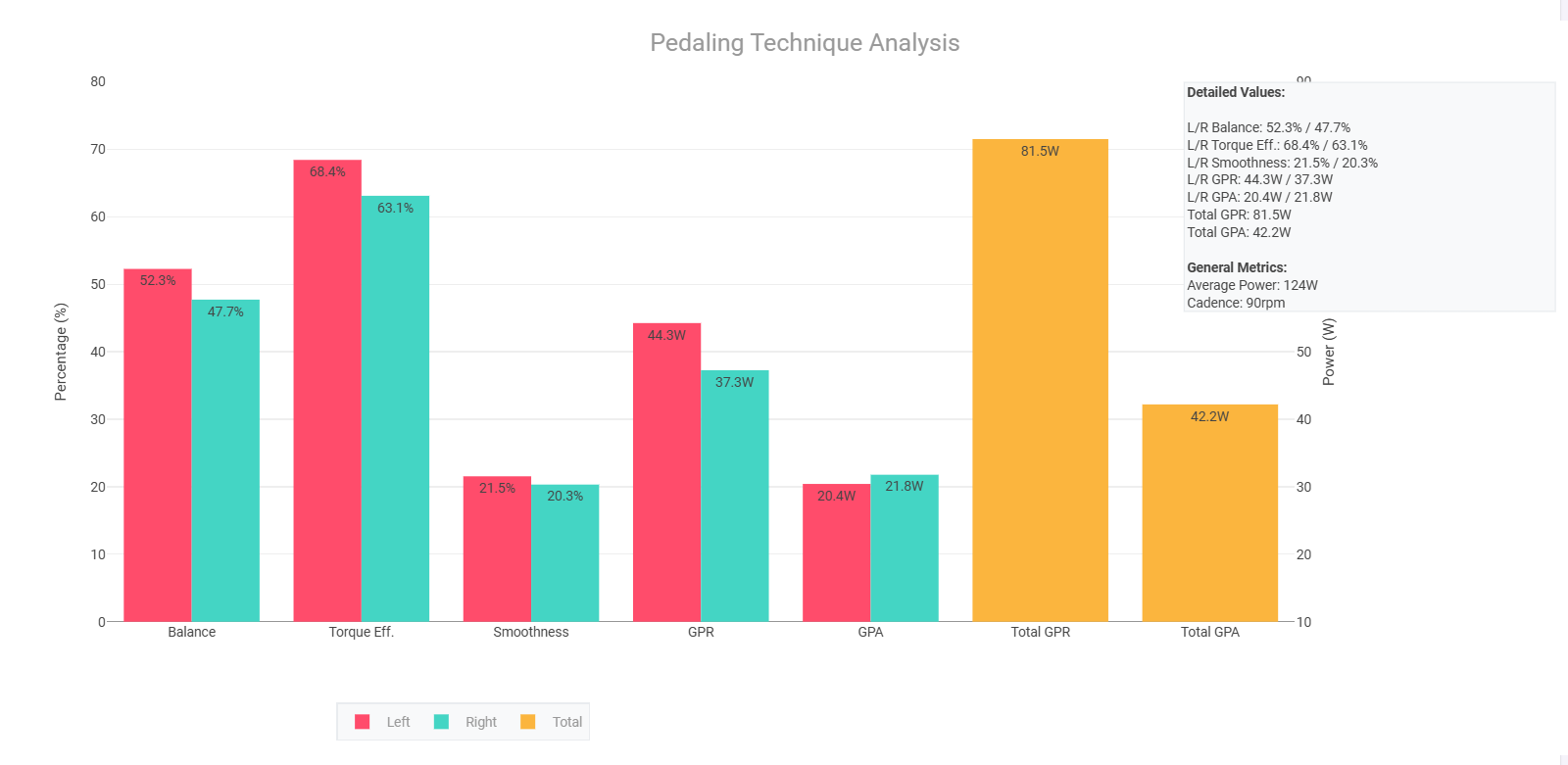
You can find it as a user created chart
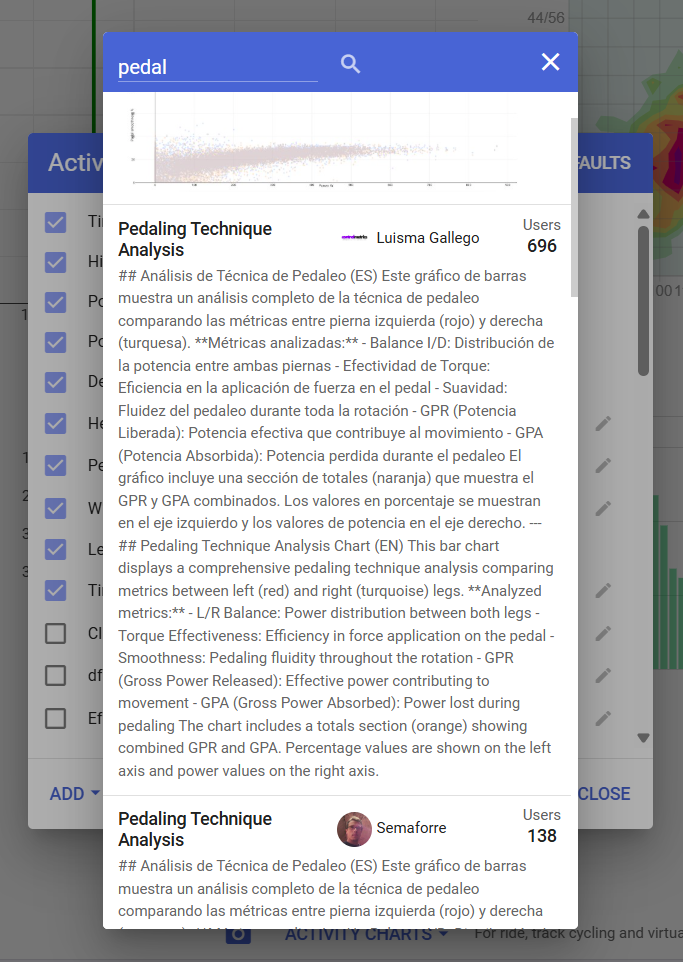
Other examples are Power balance and torque histograms
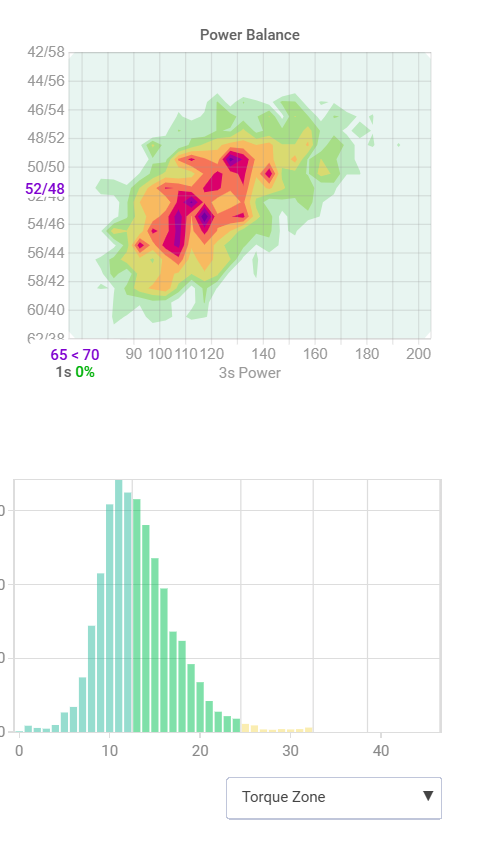
Or a Custom stream with Rider position where you can see Standing/Seated, etc…
If you have electronic gearing:
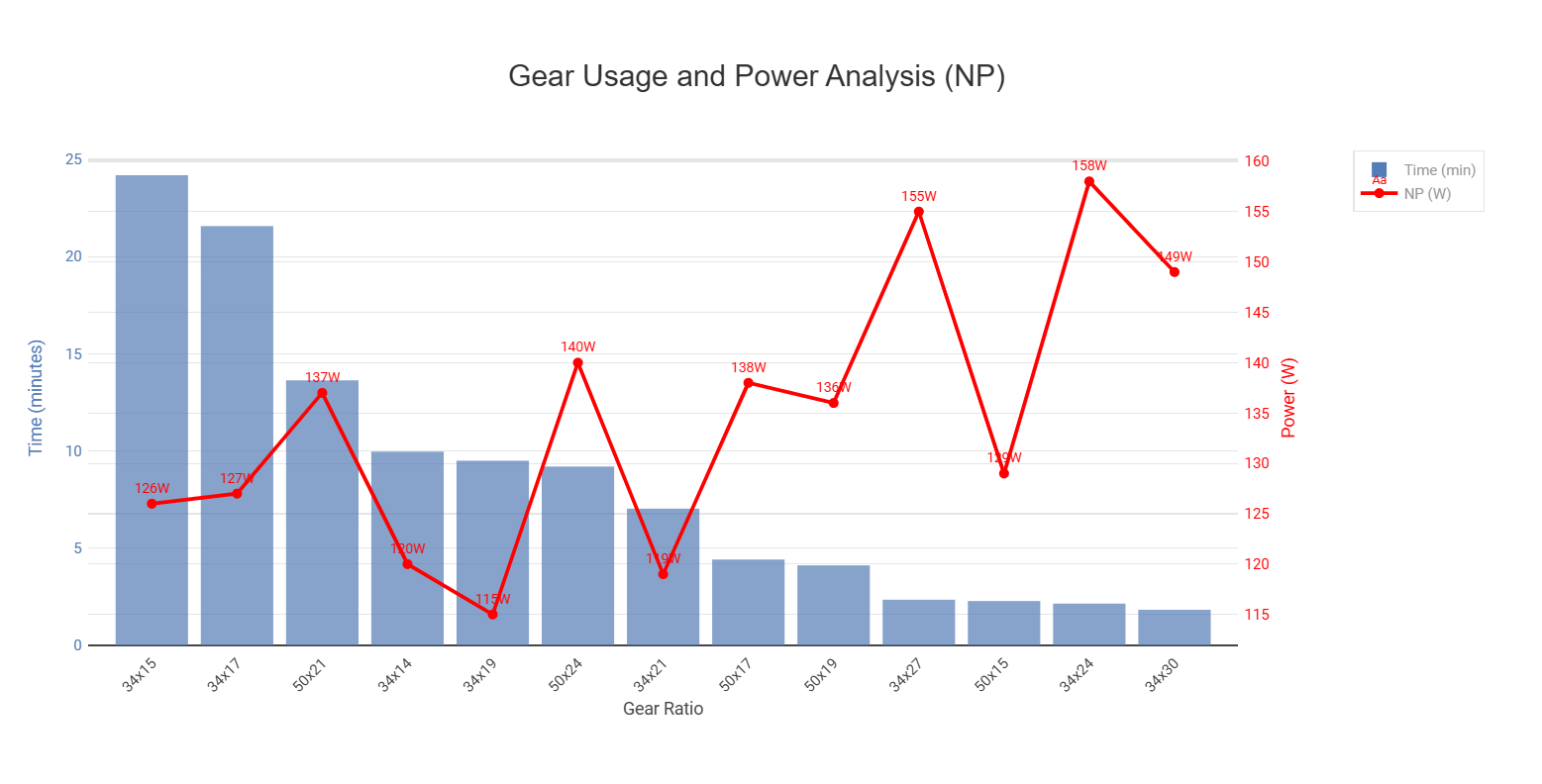
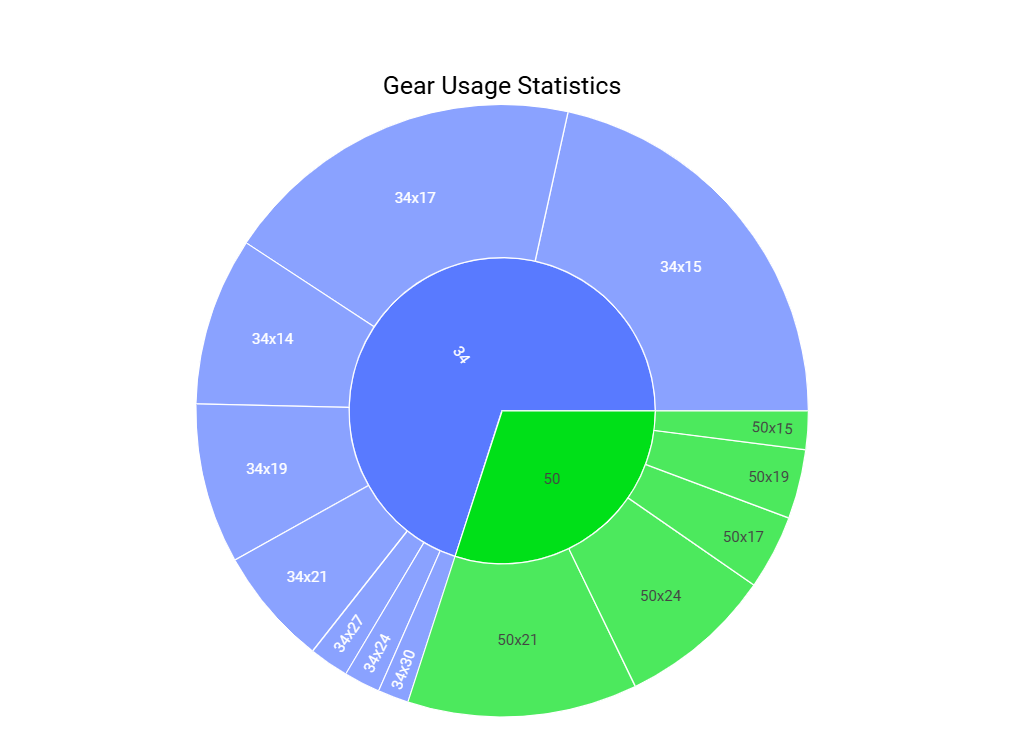
Seams like Garmin restarted filtering
What fields?
My run this morning has the Garmin VO2 included in it.
messages 140 326 22 141 394 147 79 160 113 completely gone
message 20 fields 136 137 138 140 143 144 gone
message 18 fields 178 205 206 207 gone
Gone from icu original Fit file, but present in Garmin Connect direct download.


from runalyze forum: mipapo:
Garmin says:
“Garmin has recently made over 100 new fields publicly documented and all messages and fields previously documented in the FIT SDK are still available.
Undocumented messages and fields are removed before files are sent to third-party platforms.
The original file can still be downloaded from Garmin Connect.”
I’m still getting VO2 max LTPace and HR fields through… from my run yesterday and again this morning.
are you using Stryd and getting vo2 max, garmin GAP pace, calibration factor, sweat loss, stamina? wrist and external hr? Distance source? Hr source? for bike crank length, force stream?
And fit file size from original icu fit file and original fit file downloaded from garmin connect regarding same activity.

No just the normal Garmin connection in intervals.
Getting aerobic effect, anaerobic effect, performance condition, training effect, training load, VO2 etc. all coming through.
That’s good and as my coachees that use only the watch. But subject to change soon.
Do your activity fit files from icu and gc have the same size ?
Can you check if your bike activities after Tue 29/9 have “crank length”?
This morning’s run…
Missing performance condition, training effect, VO2 max, LTHR, Sweat Loss, Recovery Time, LTP, Execution score, RPE, Feel, …
All were included in yesterday’s run.
Today’s fit file downloaded form Garmin 321KB, download original fit file from intervals 224KB
I’ve no cycling activities recently.
Please write to Garmin protesting this situation
@dcrainmaker any idea what’s going on with this issue re-emerging?
It started on Oct 1st for me both cycling and running. Activities from Sep 30th were still OK.
Any workarounds? Uploading activities manually?
This is a deliberate change by Garmin - the only way to get FIT files verbatim is downloading directly from Garmin.
FIT files obtained via API calls have undocumented fields removed prior to export.