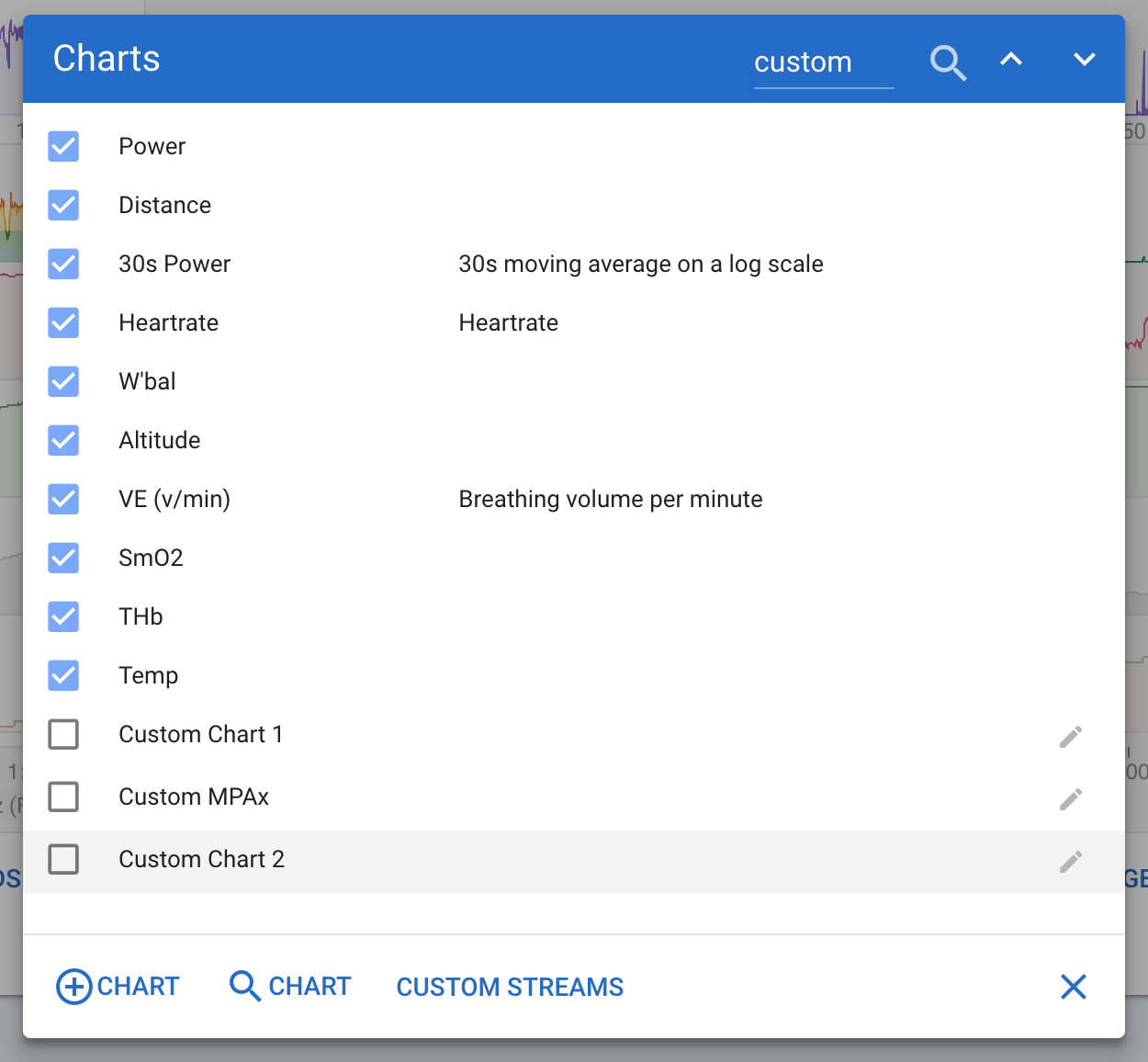
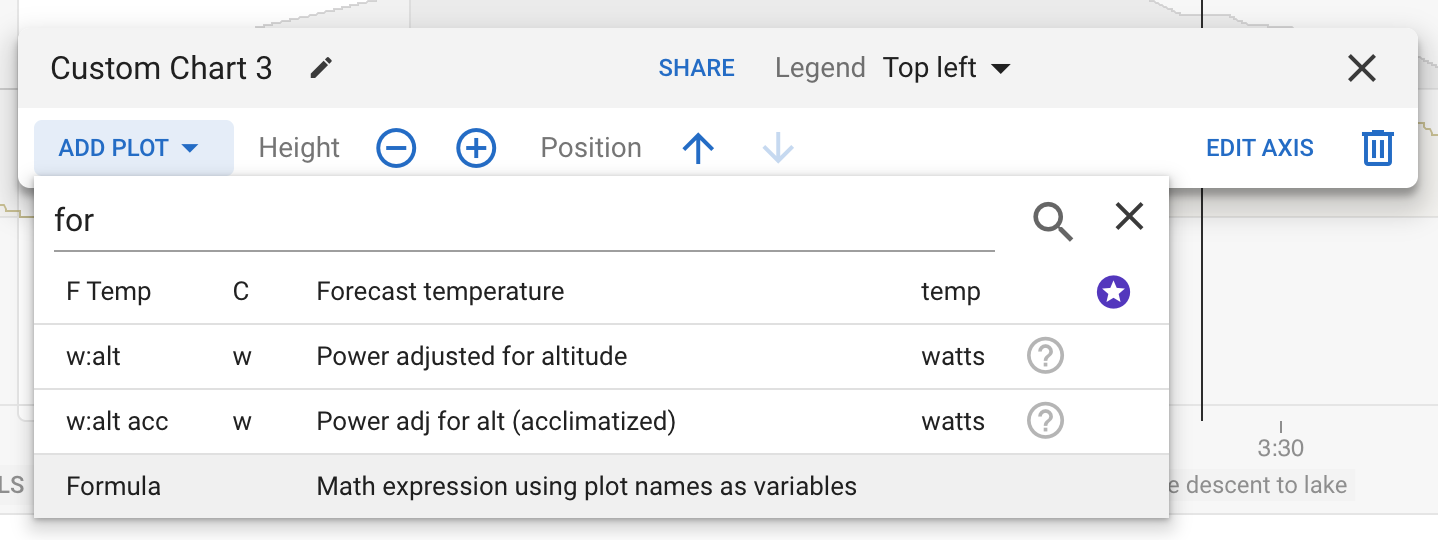
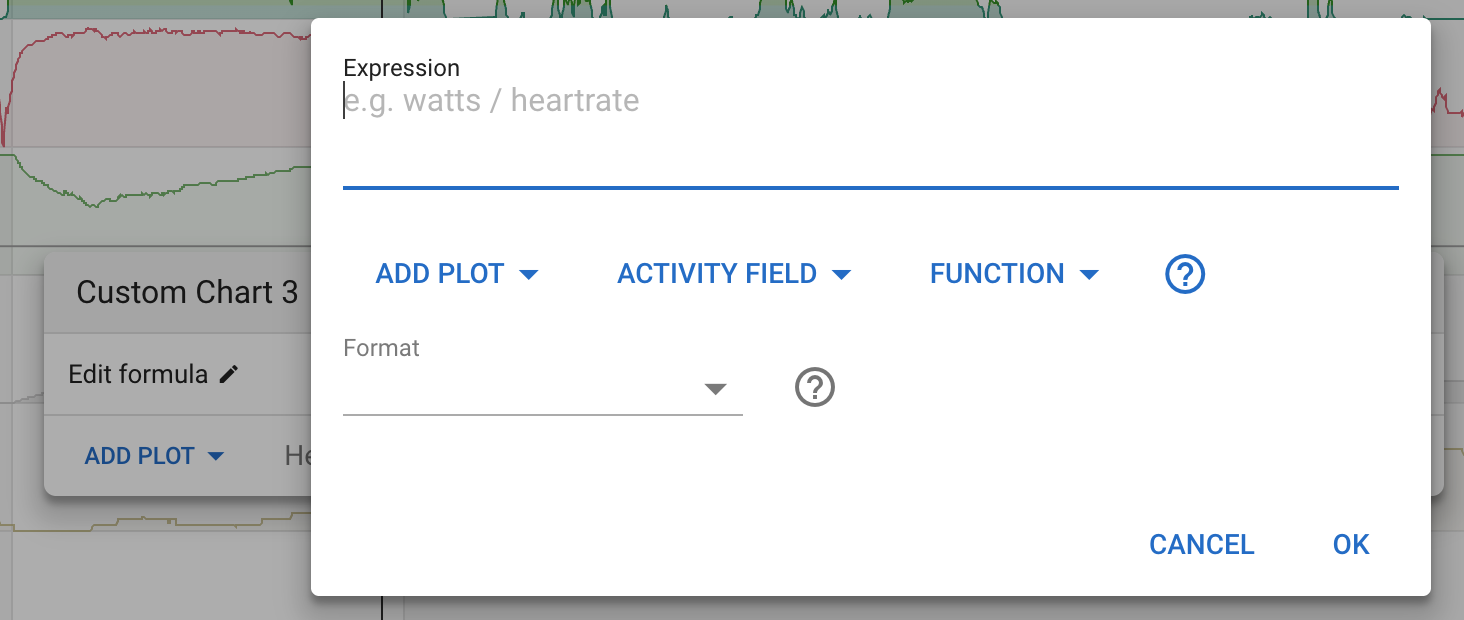
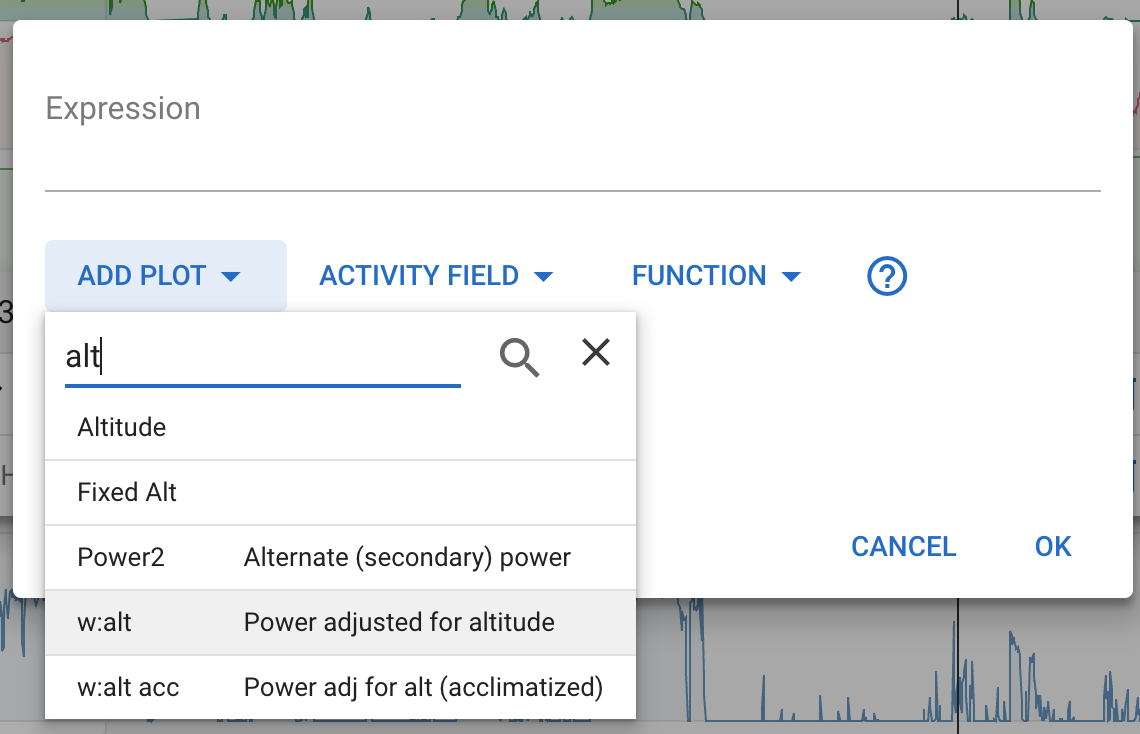
We (tx @ryandev !) have added support for custom formulas on custom charts on the activity timeline. These are simple math expressions and (hopefully!) easy for non-software developers to write (similar to the /fitness chart support).
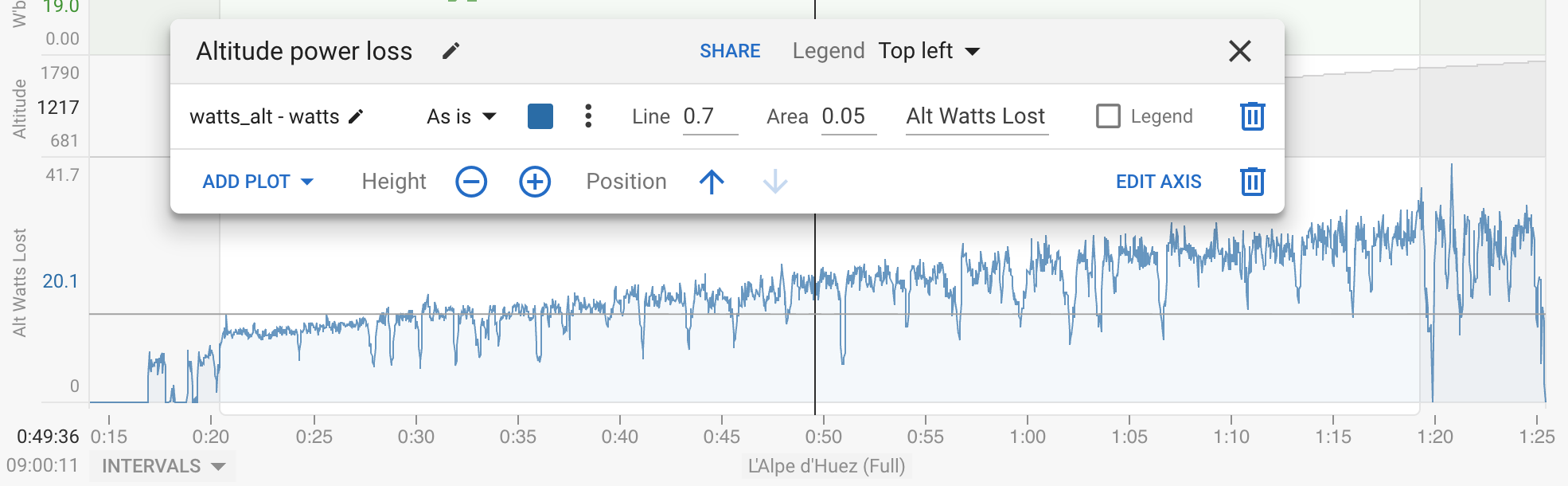
This example shows altitude adjusted power (alt_watts) less power (watts) indicating how many watts are “lost” due to the altitude:
This is nice and will open a lot of opportunity for experimentation.
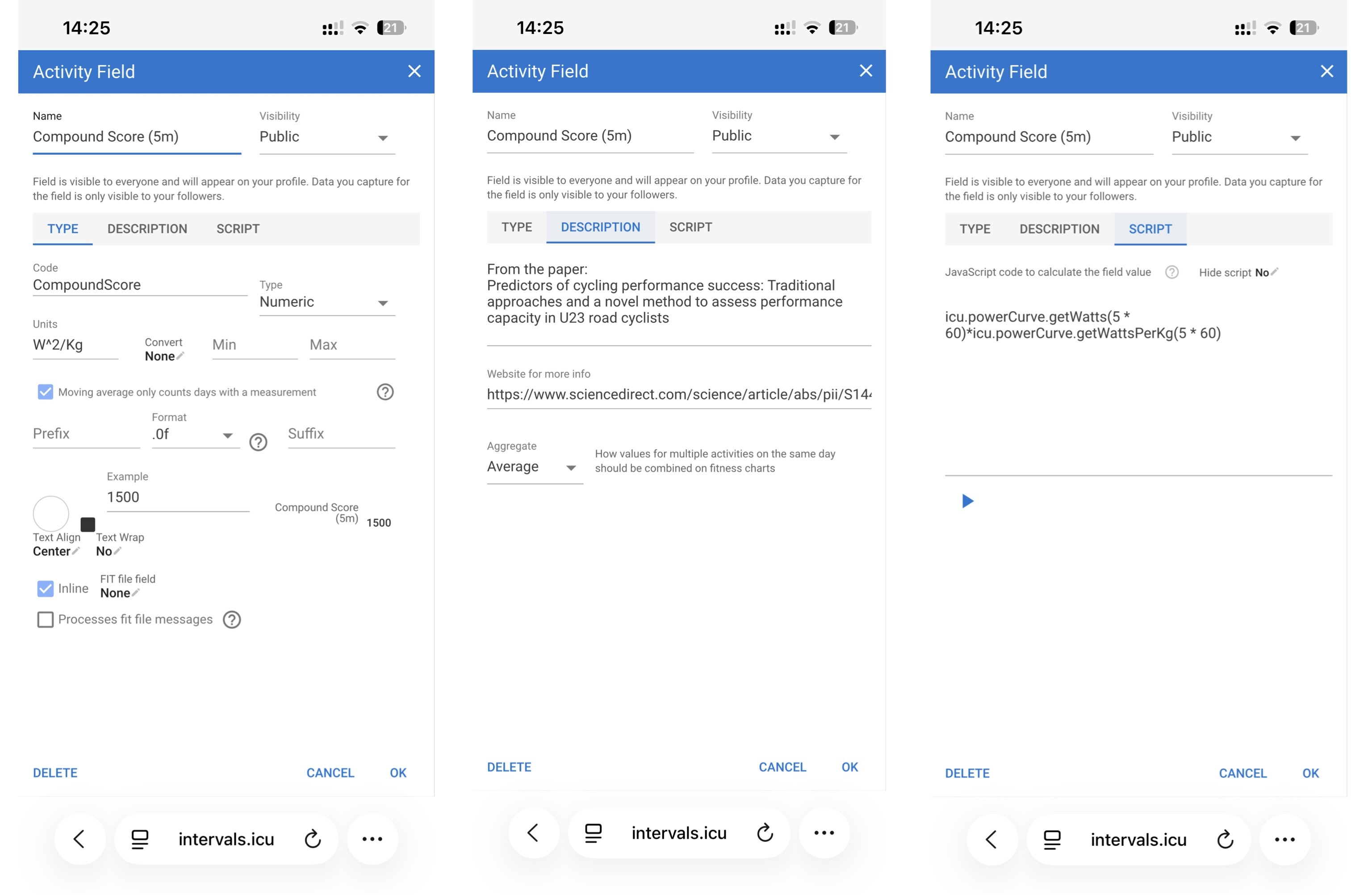
But I’m missing “weight” avaliable as activity field, so we can fiddle with w/kg and Compound Score!
I wish my maths was good enough to understand half the maths that goes into making these custom charts. I’ve forgotten the meaning of things like “standard deviations”, etc.