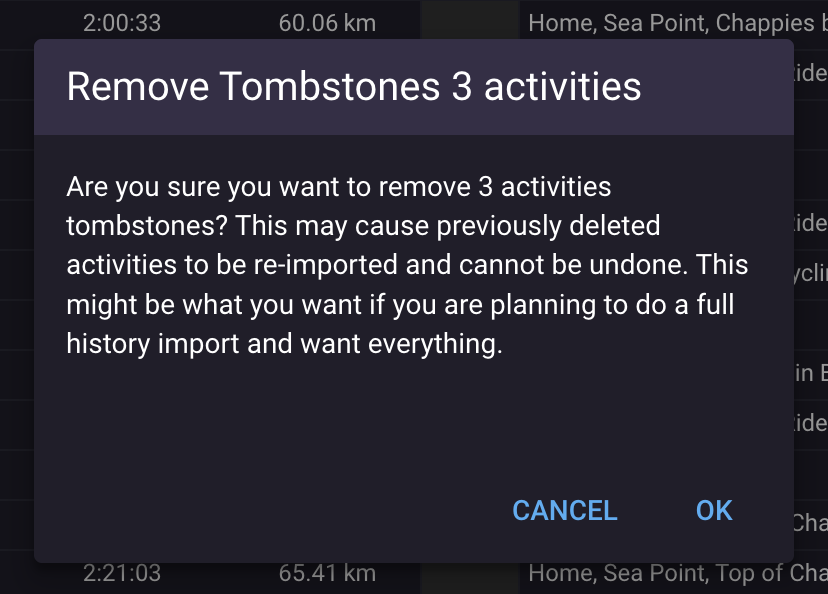
When an activity from an external service (Strava, Garmin, Polar etc.) is deleted on Intervals.icu, a tombstone record is created to stop the activity from coming back. Manually uploaded activities and activities uploaded by apps do not get tombstones and are simply deleted.
You can remove the tombstone records on the activity list view. Filter for “Deleted” activities, select the ones to remove and do Edit → Remove Tombstones:
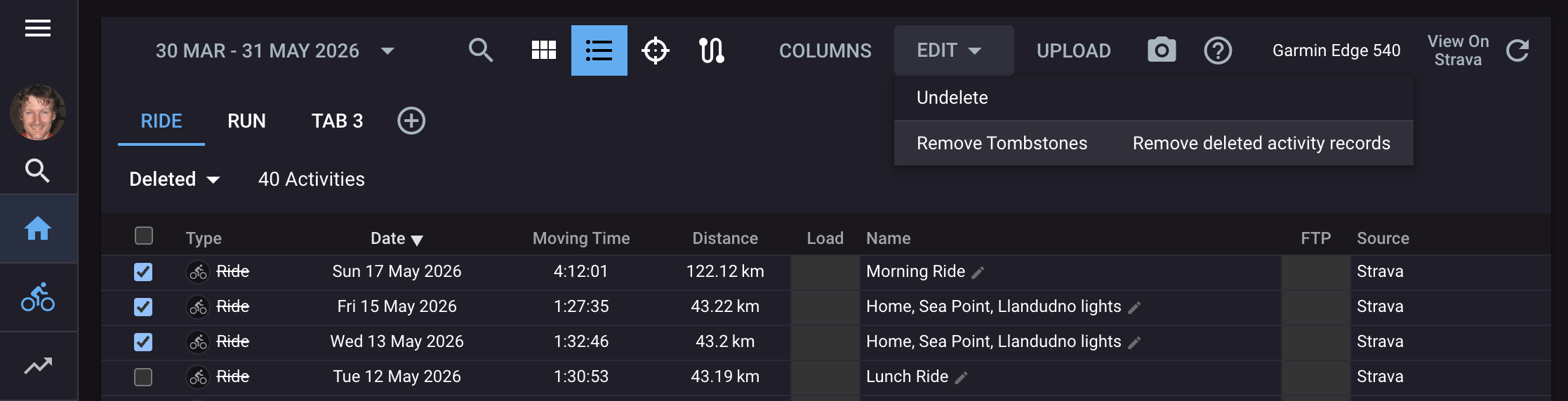
This is useful if you want to do a full Garmin or Polar data import and want every file. The import will discard activities that have been previously deleted. Removing the tombstones before running the import solves that problem.