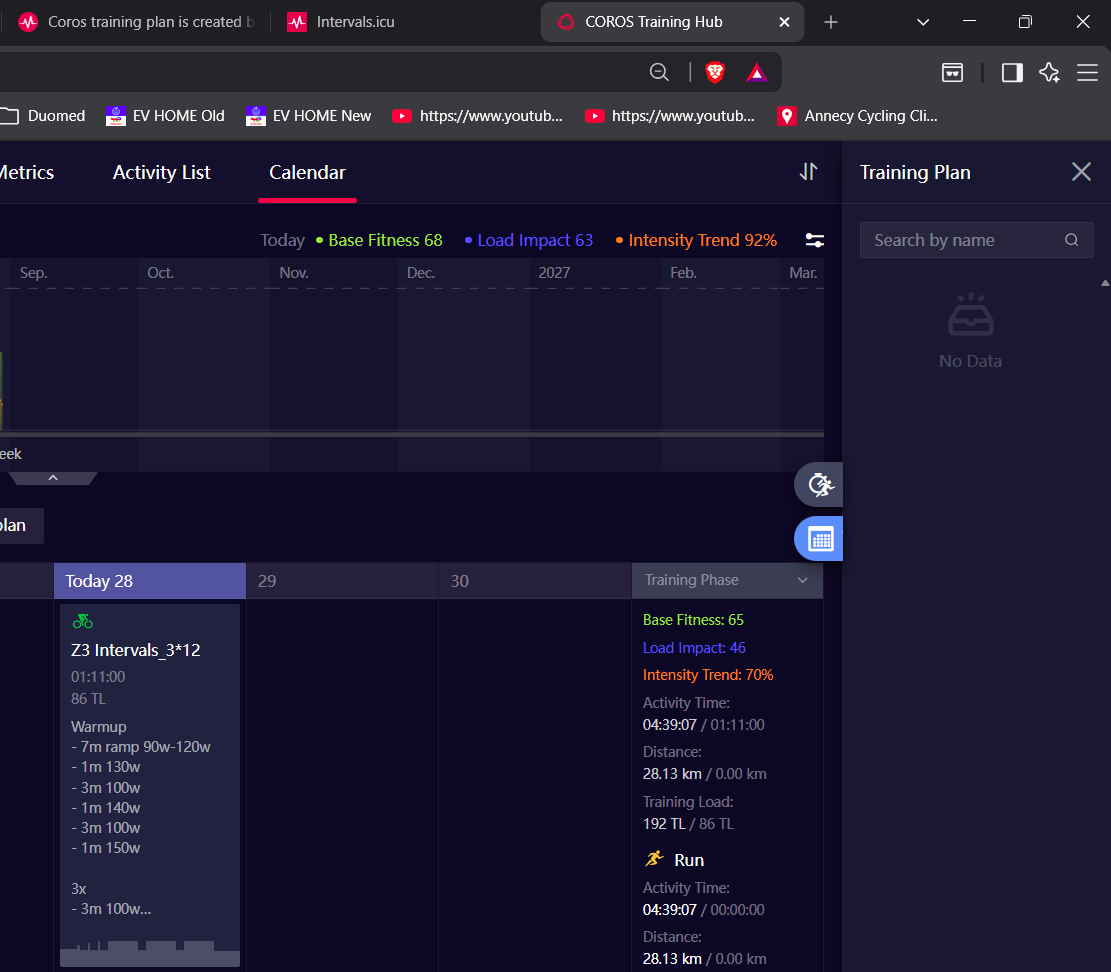
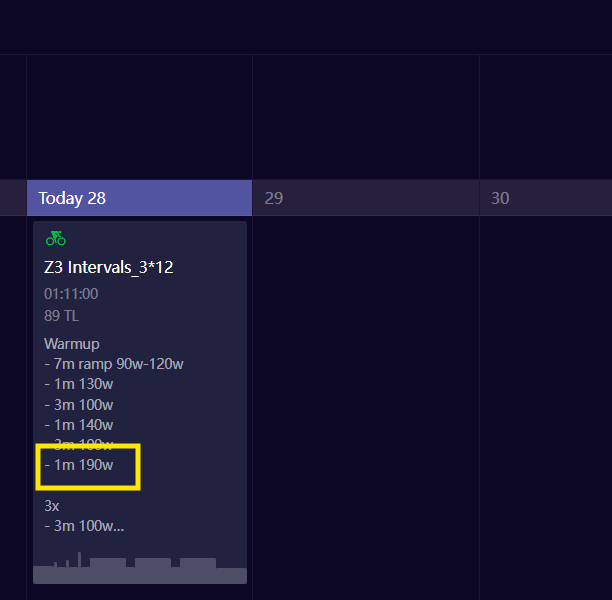
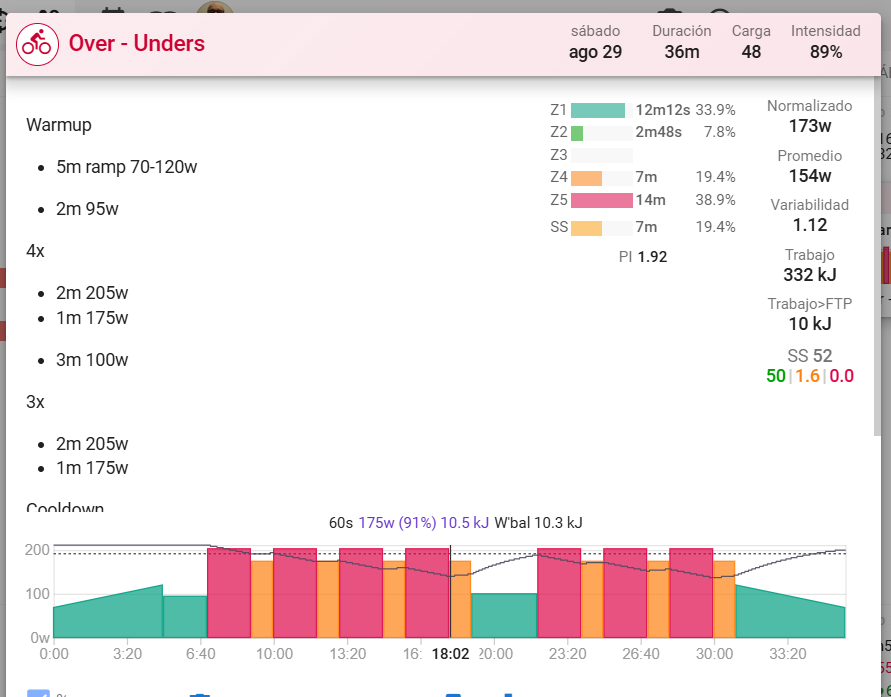
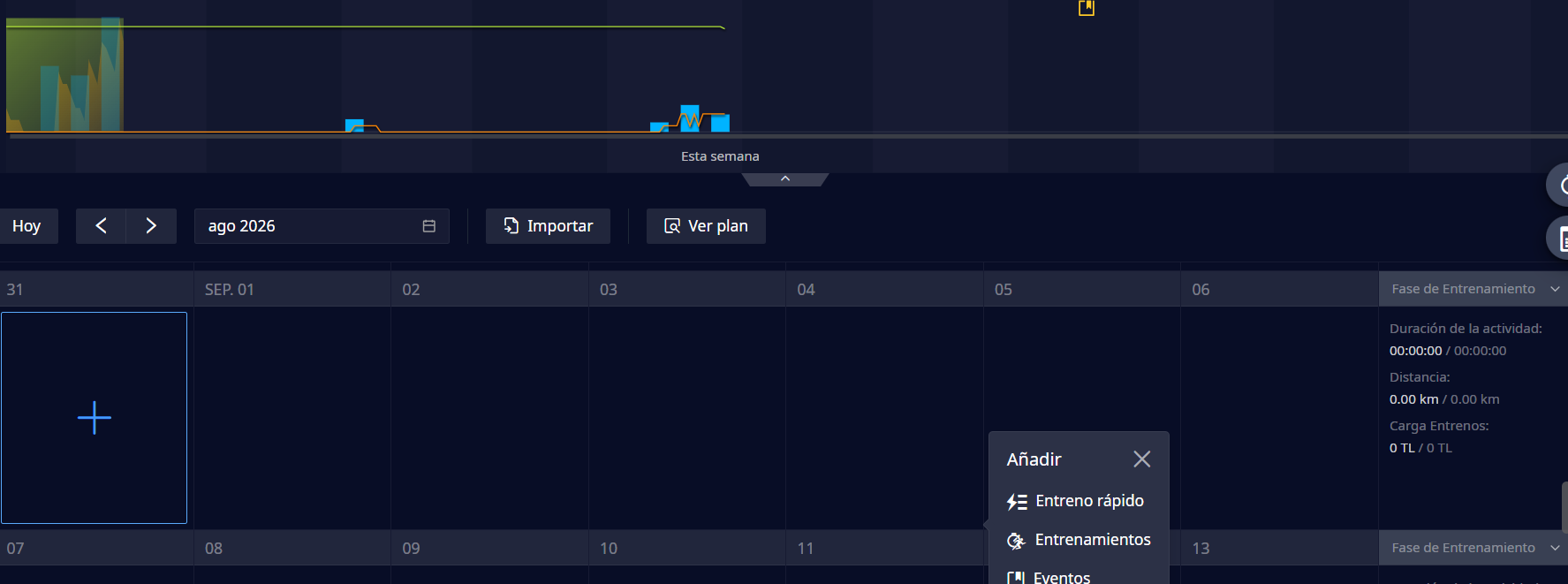
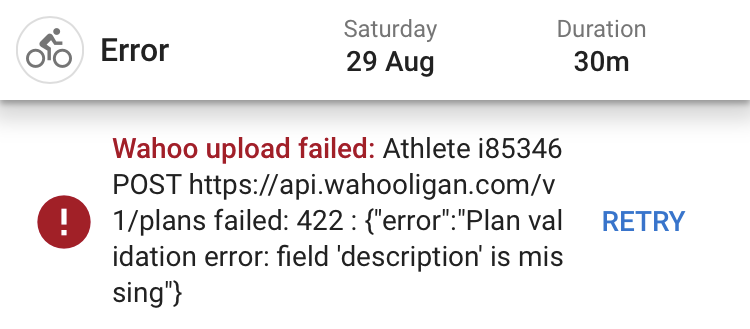
I’m having an issue with planned workout sync from Intervals.icu to COROS.
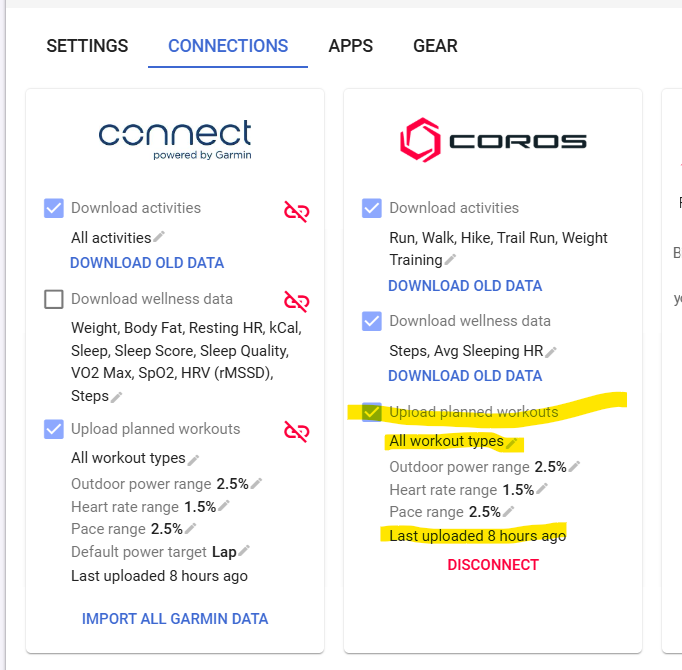
The COROS connection is active and “Upload planned workouts” is enabled. I have also removed all workout-type filters, so it should upload all supported planned workouts.
When I edit or rename a planned workout in Intervals.icu, the COROS connection page updates the “Last upload” time, so Intervals.icu appears to be attempting the upload.
However, nothing actually appears in the COROS training calendar.
What I have already tested:
The COROS connection is active.
Planned workout upload is enabled.
All workout-type filters have been removed.
I tested workouts that had successfully synced to COROS in the past.
I disconnected and reconnected COROS in Intervals.icu.
I removed the old Intervals.icu training plan from COROS and reconnected again.
COROS may recreate/show an Intervals.icu training plan, but the plan contains no workouts.
Editing a workout causes “Last upload” in Intervals.icu to update, but COROS still receives no workout schedule.
This integration used to work correctly for me before. I had not logged into Intervals.icu for roughly two months due to travel, and after returning I noticed that planned workout sync to COROS no longer works.
Could you please check whether there is an issue with my account’s COROS training-plan sync, or whether the COROS API is rejecting the planned workout upload?
I’m having the same issue as reported here: “Coros training plan is created but planed workouts are not syncing”.
In my case, I believe I know what triggered it: a few days ago I accidentally deleted the “Intervals.icu” training plan from my COROS Training Hub library. Since then, planned workouts from Intervals.icu no longer show up in my COROS calendar.
What I’ve tried so far:
Disconnected and reconnected the Coros integration from Intervals.icu (Settings > Coros).
Disconnected and reconnected from the COROS side too (mobile app > Profile > Third-party accounts).
Verified “Upload planned workouts” is enabled in Intervals.icu, with no workout-type filters excluding anything.
Edited a planned workout in Intervals.icu to force a re-upload — the “Last upload” timestamp updates on the Coros settings page, but nothing appears in the COROS training calendar.
Checked COROS Training Hub library: no Intervals.icu plan has been recreated with workouts in it (or it comes back empty).
Could someone check whether deleting the Intervals.icu-managed plan on the COROS side breaks the link needed for future uploads, and whether it can be reset from Intervals.icu’s end? Happy to provide my athlete ID if useful for debugging.
I just tried planning a workout after I deleted the Intervals Training Plan placeholder in Coros ‘Training Plans’ and the planned workout which I dragged from my Intervals Library to the calendar, appears immediately on the Coros calendar.
I did not try to copy over a plan, but planned workouts directly on the calendar do work (after refreshing the Coros page)
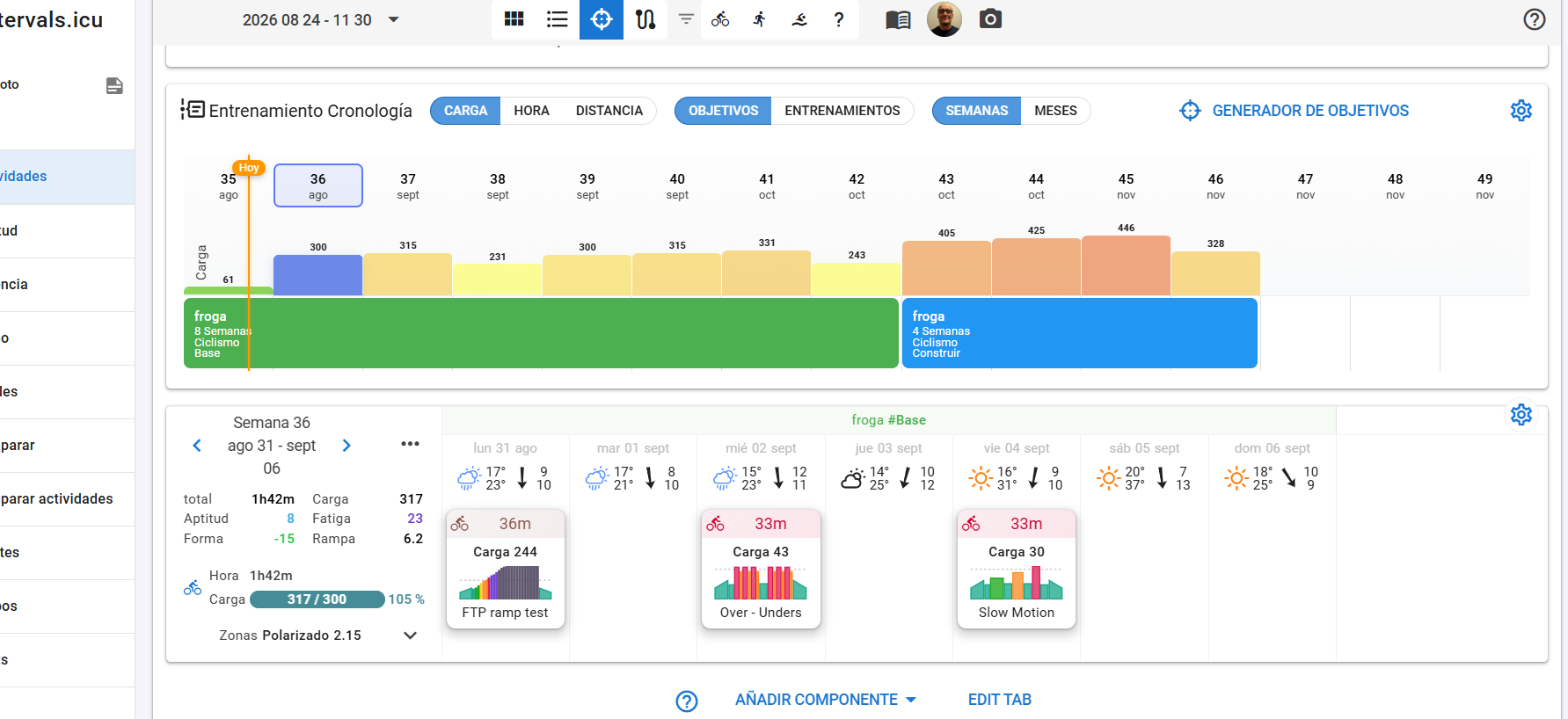
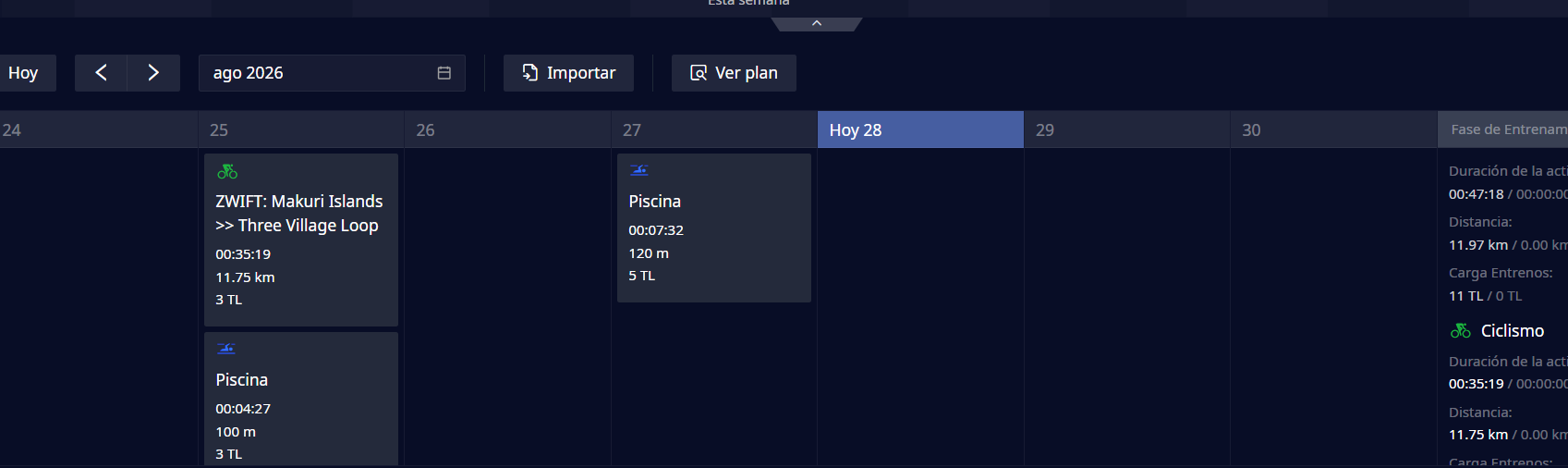
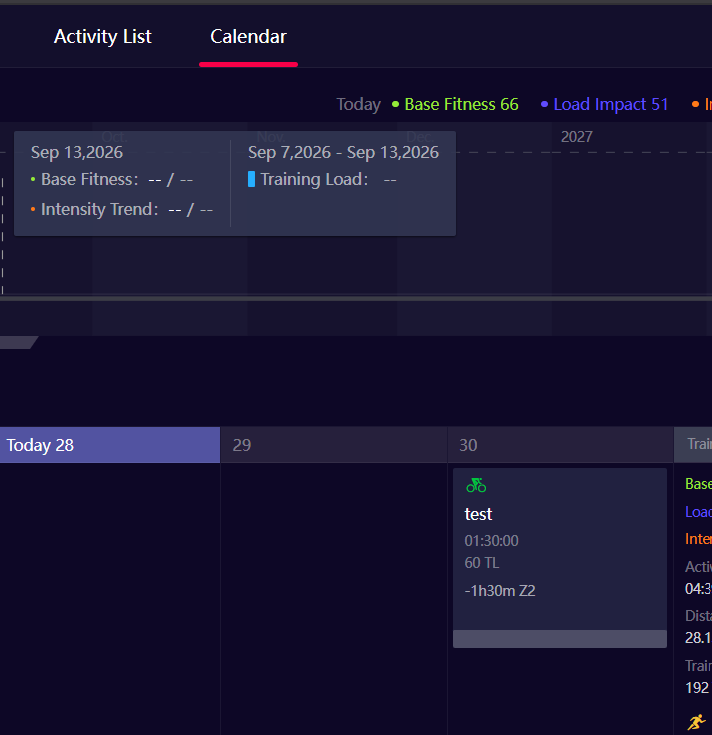
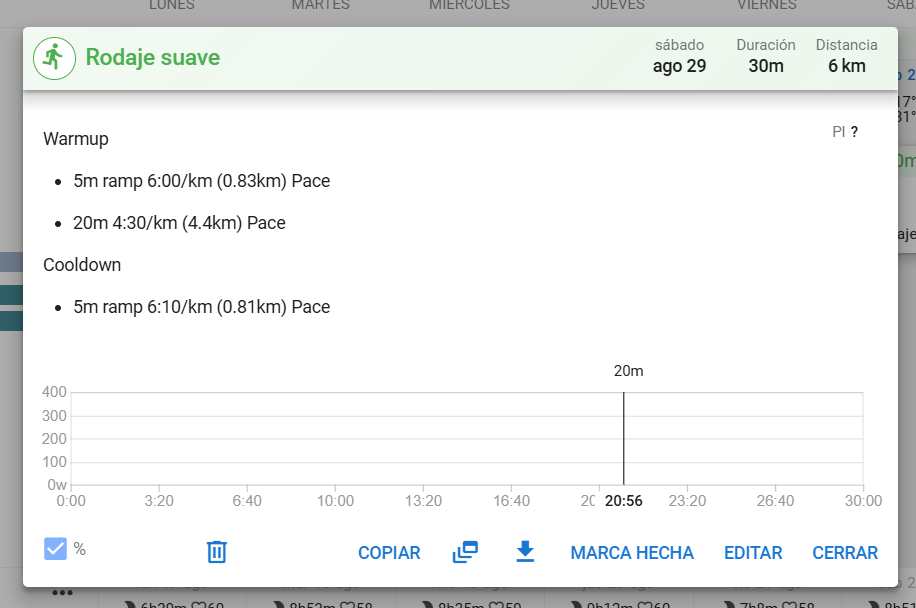
Well, it’s not transferring them to me. In one of the images you can see how I have next week planned out via Intervals.icu, and in the other photo you’ll see that, on COROS, the same week is empty.
That’s with the training plan builder, but if I add or drag a workout directly onto the calendar, the same thing happens — absolutely nothing gets transferred to COROS.
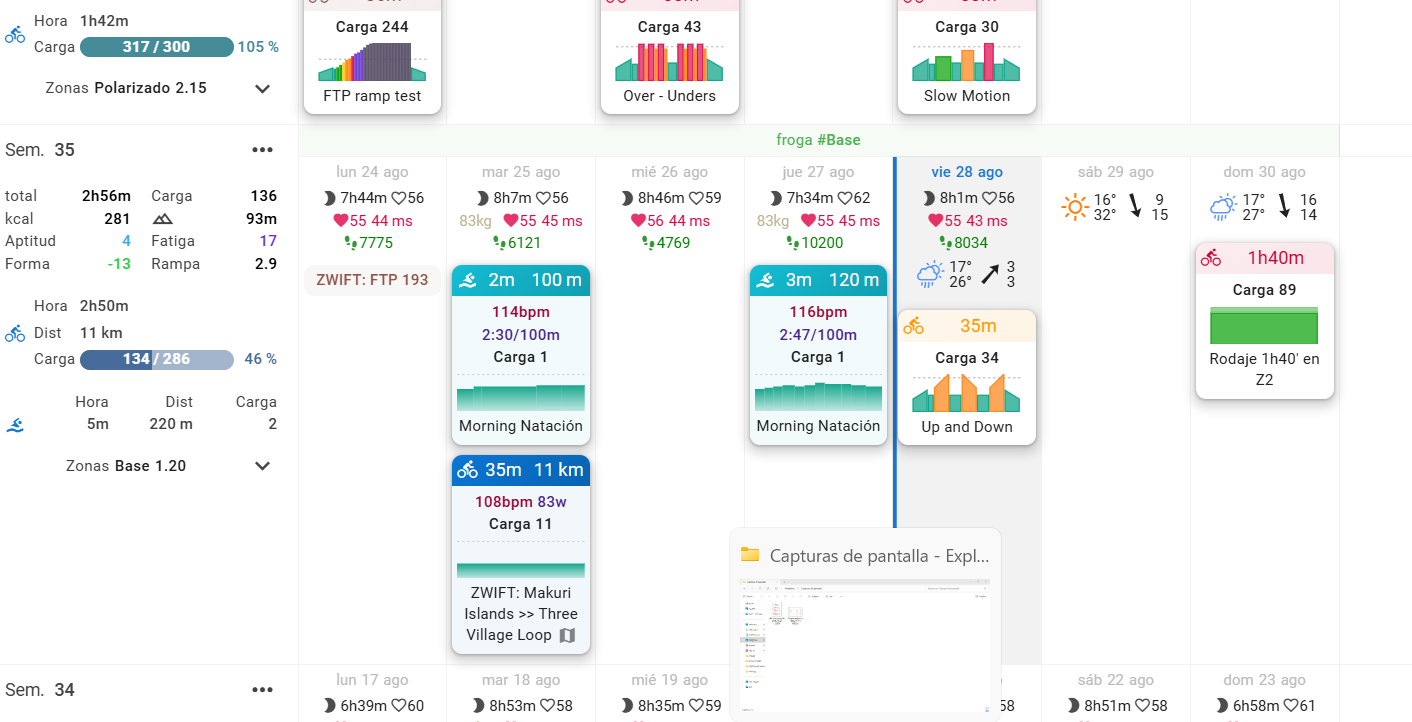
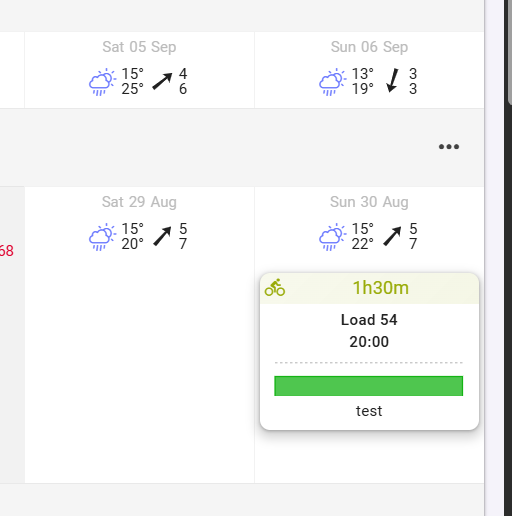
I’ve also tried it with this week’s workouts: check out the INTERVALS.ICU screenshot — a workout for today and an easy run for Sunday, but on COROS, on the other hand, absolutely nothing shows up.
Listen, it works for me, there’s no reason why it wouldn’t work for you. You probably have something wrong somewhere and you just need to find what.
What I would advice:
Use a very basic test workout in intervals. The Sunday ride looks perfect at first view. Is that simply 1h40m Z2?
Remove today’s workout from the Intervals calendar for now. Just to avoid that it blocks the following ones if something is wrong with it. Start with something minimal to avoid any possible form of interference!
Go to Intervals Settings - Connection page and check the Coros connection dialog. Make sure that Upload planned workouts is checked, that no filter is active (all workout types) and check what it says as last upload time.
Now, modify the Intervals workout on Sunday slightly. Edit duration from 1h40m to 1h30m for example. Then go back to the Settings - Connection page and check if the Last upload time changed to a couple of seconds.
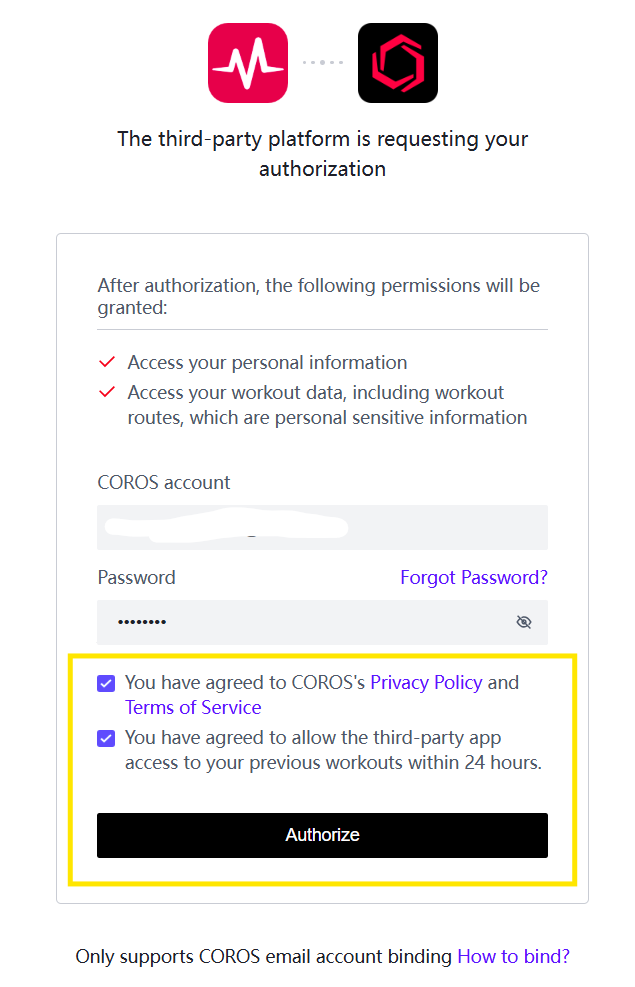
Open the Coros Training hub page and check if the workout is there. If not, go back to Intervals settings - Connection page and click DISCONNECT. Then reconnect and authenticate, all from Intervals! Make sure to enter your credentials correctly and check all the boxes. Click Authorize.
I’ve done all the tests you mentioned, several times, with different workouts, and there’s no way — absolutely nothing shows up in COROS. And yes, every time I change something it shows the last connection was “…x seconds ago”, but still nothing, no matter what.
And the workouts I’m setting up aren’t complex at all, for example “30’ easy run at 4:30/km”, so there can’t be anything weird there causing a mismatch with COROS zones.
I don’t know what else to do, there’s no way around it — I’m starting to think I won’t be able to use this INTERVALS.icu website and I’ll have to switch to another platform.
I’ve tried scheduling the workouts both as single planned workouts and through a full training plan, and the problem is exactly the same in both cases. I’m seeing the exact same symptoms described in these threads, so this doesn’t seem to be an isolated case: Coros training plan is created but planed workouts are not syncing and Transferir entrenos programados a Coros
Could someone from the team check my account on the server side? Happy to share my athlete ID if it helps. At this point I don’t know what else to try.
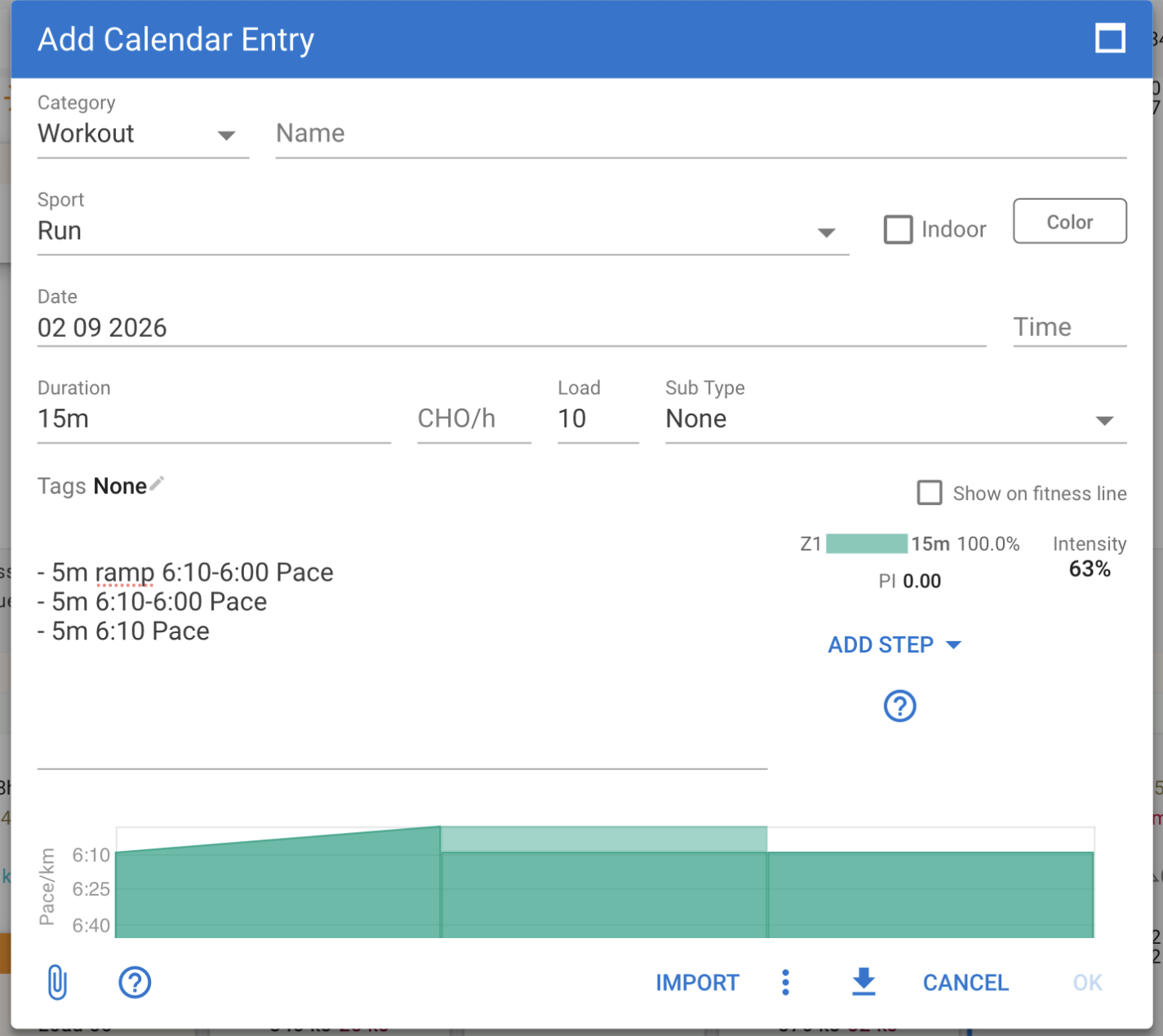
You didn‘t setup your pace or power zones on intervals.icu settings page (no chart below): the left axis shows power not pace - that‘s strange (see below my workout)
The ramp must have a beginning and an end target, e.g.: - 5m ramp 6:10-6:00 Pace or without ramp at all:
You want some examples of mistakes already made by you?
You used ‘min’ before, in this one you use ', but it should be ‘m’
You have set lines where there is no metric target, like this one above where you are not specifying that the target is ‘Pace’.
You have used ‘ramp’ with no target value and with one single value. A ramp needs a beginning and an end target value.
Thoroughly read the guide post on Workout syntax and use it correctly.
If someone tries to help you, do it least what they are asking iso trying to escalate it immediately to the devs. You have used more time redacting your posts with complaints then what it would take to just follow the steps outlined by my post. We as moderators try to avoid that the devs are wasting time on user errors, by analyzing what the problem exactly is. If you perform the exact steps correctly, we will at least have an idea if the connection isn’t working or if it is a syntax error in the workouts.
What you are calling a ‘bug’ here, is in 99.5% of the cases a user error. It still can be a bug, but then we will need more precise information because the Coros connection is working at this moment for hundreds of users.
I want to apologize: English isn’t my first language, and I’m doing my best with translators and such, which don’t always work perfectly. On top of that, I’m not exactly the best with technology, so to speak. That said, I apologize, because you were completely right and I’ve driven you crazy.
Apology accepted, no problem.
Please let us know if you were able to correct the situation, and eventually what the problem was. It can/will help both users and us, moderators.
Mostly there were two issues: as you mentioned, the zones weren’t set up and the syntax had errors, and on top of that, there was a filter in the connections settings that was preventing the workouts from being transferred.
That said, I apologize and thank you for the help.