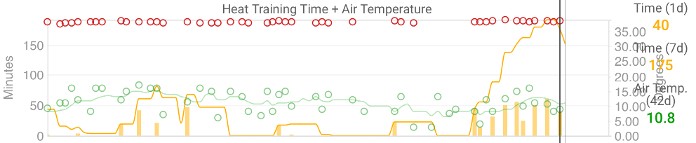
I know this topic was requested a few years ago but figured I’d request it again now that Zwift is also adding it. Can we get CORE HSI and Zone integration as an option in charts?
most of this is already supported.
do a search of custom fields / charts
I have but it’s not actually a functioning feature.
how so?
i don’t have one so I can’t comment, but seems like it’s there and supporte
Thanks, I’ve tried that but I can’t get that to display at all for people using Garmin or Wahoo.
I checked your most recent Wahoo ride on fitfileviewer.com and the fit file only has “core temperature” in the record messages, no HSI.
Looks like you should be able to get it to work on a Garmin:
It is there and it works, for me at least, no problems. Intervals companion app for iOS also displays coretemp, skin temp, and HSI
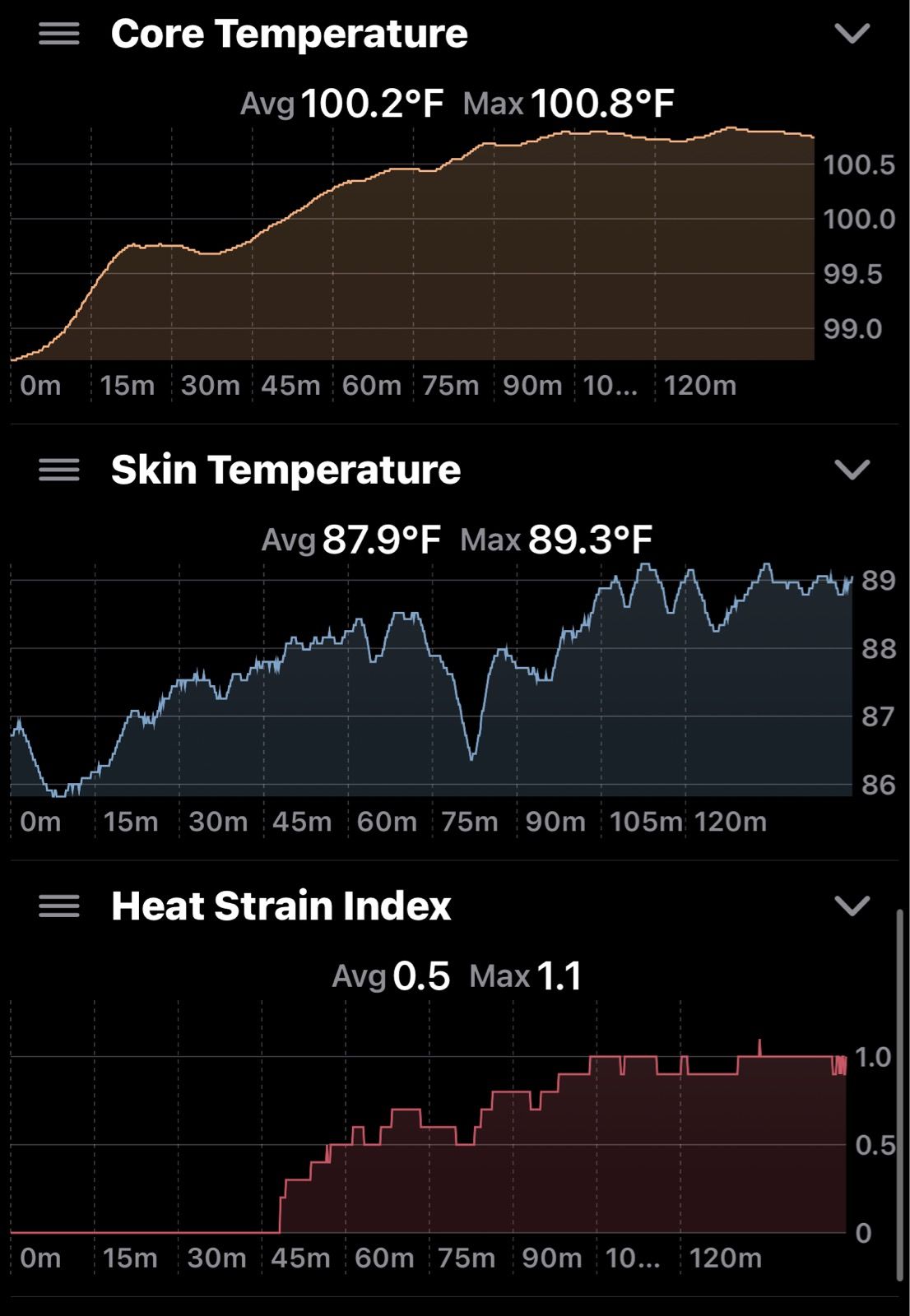
Hello,
I have a CORE 2 Thermal Sensor and I use it with a Coros Pace Pro (for running) and a Coros DURA (Cycling). In intervals I can see the core temp graph but the curve is strange and looks like this :

while the graph is ok on the Coros app:
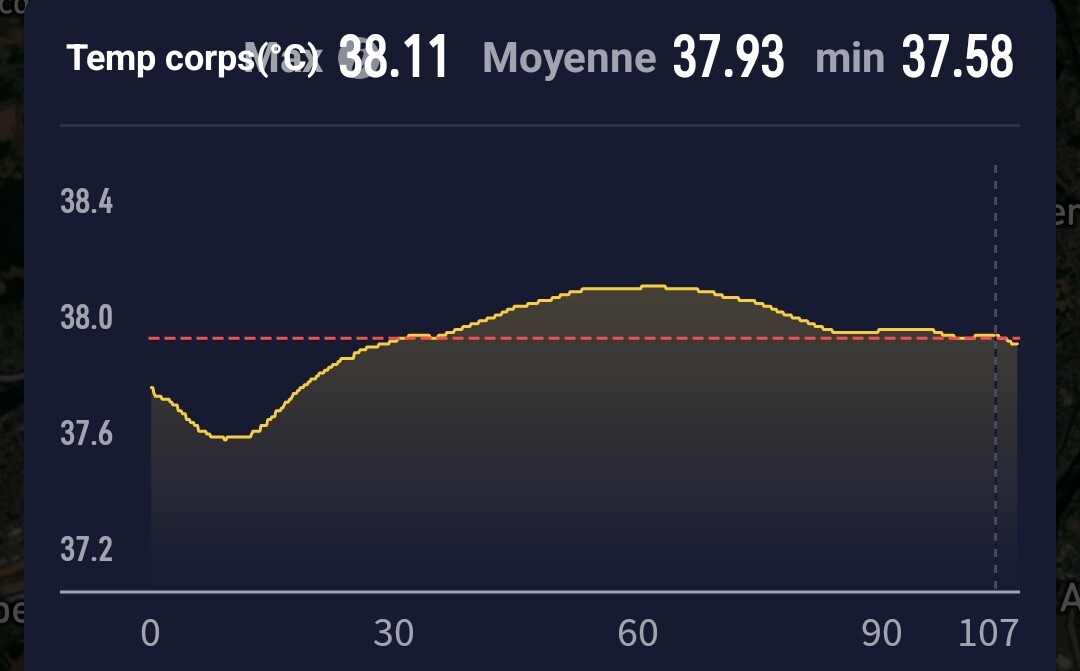
If I zoom in the intervals graph I can see temperature data every 10 seconds

Maybe there is an option to change how intervals plots this graph. Am I missing something?
Thanks
Intervals work best when the data is logged per sec. But seems like this is not true for the new gen of core sensor?
@david anything can be done?
It seems it only records every 10s on Coros. I have changed importer to fill in the nulls from the last good value for up to 30s for “heat_strain_index”, “core_temperature”, “skin_temperature” and “temp”. Will deploy Monday AM.
3 Likes
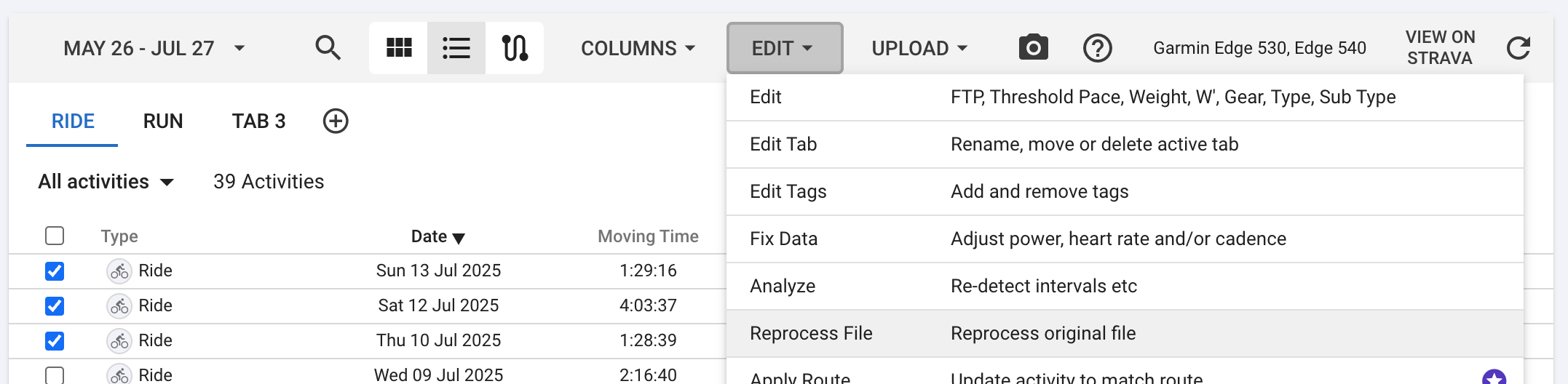
This is live now. You need to do Actions → Reprocess File to fix existing activities. You can do this in bulk from the activity list view.
2 Likes
 Amazing!
+1
HSi, Heat-Zones and all the Data from Core-App would be really great. Atm it seems to only works for Garmin-Users. On Wahoo you can only see Core-Temp and Skin-Temp. Is there a way to get these data from Core-App? Maybe via API or so?
@david I sometimes experience disconnections between the Core 2 and my Coros Watch. When it happens a value of -1 appears in the graph :
The whole curve is then scaled between -1 and my maximum temp and the curve looks flat
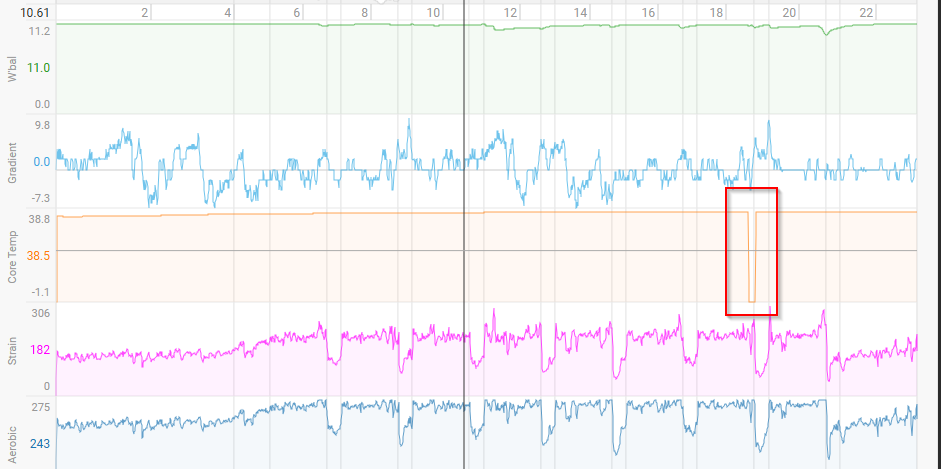
I tried to edit data to fix this value but there is no column for the Core Temp
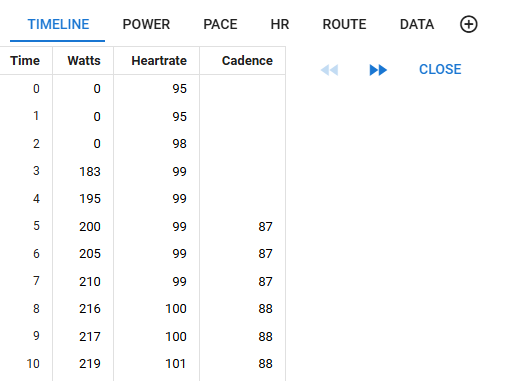
Is there another way to fix this ? Thx
Make your own chart with the same metric and then you can set min/max values for the Y axis.
3 Likes

We have implemented a fix for this, replacing the zero values for core and skin temp with null. If the gap is less than 30 seconds then it will be filled in with the last good value, otherwise it is left alone. In your case you still get a dip in the chart but the null doesn’t influence the axis range calculation.
This will be deployed on Tues AM (GMT+2). You will need to do Actions → Reprocess File to fix existing activities.
2 Likes
Amazing thx again @david
Hello!
Is it possible to get the data on fitness page? I can see data if i open an activity and can add charts there, but not on fitness page.