We have made some effort to cleanup some of the confusing options on the calendar page. The new “Edit Layout” button in options replaces “Totals”, “Colors”, “Weather” and “Fitness” etc..
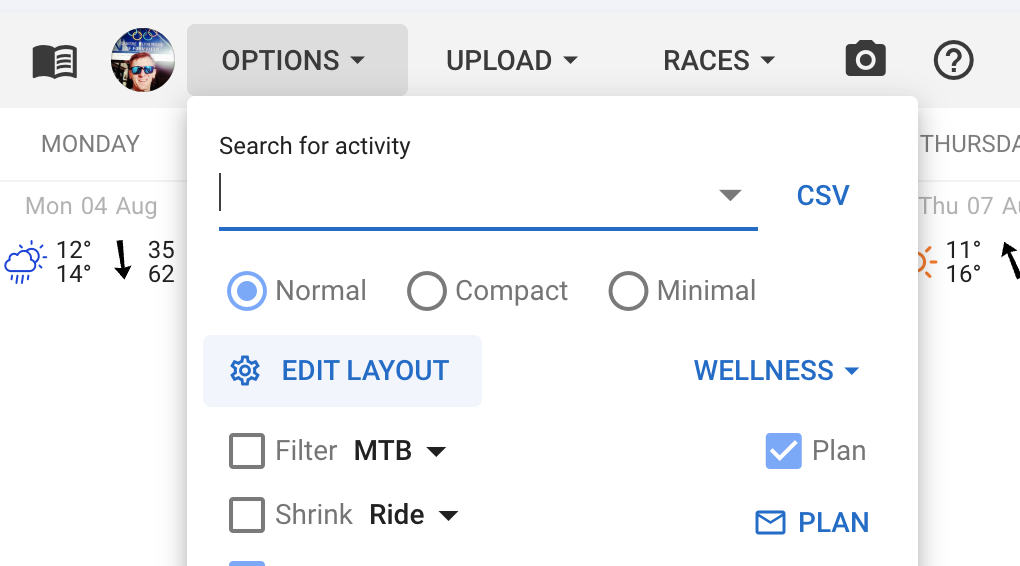
Click that and everything you can configure gets a cog button:
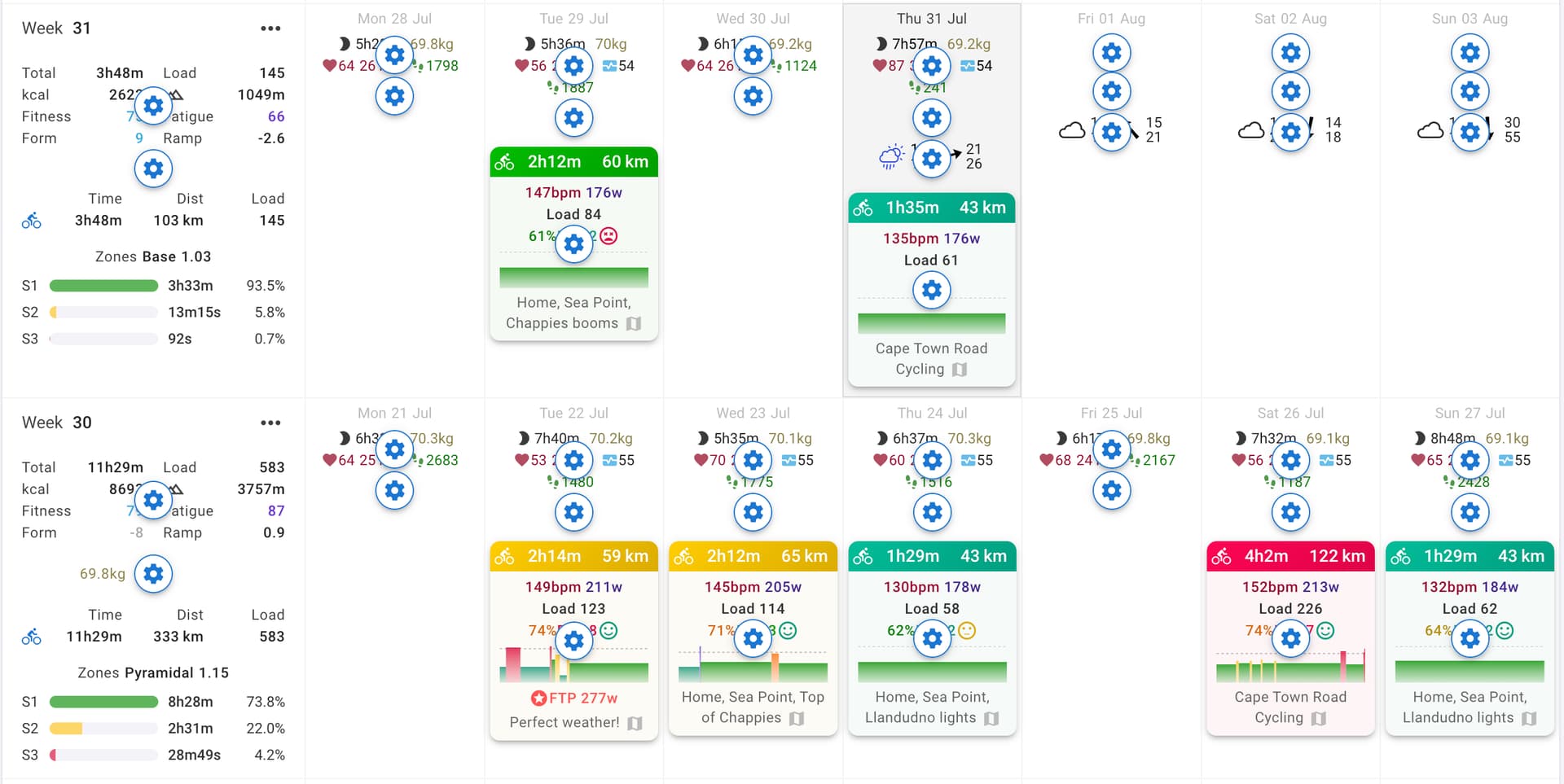
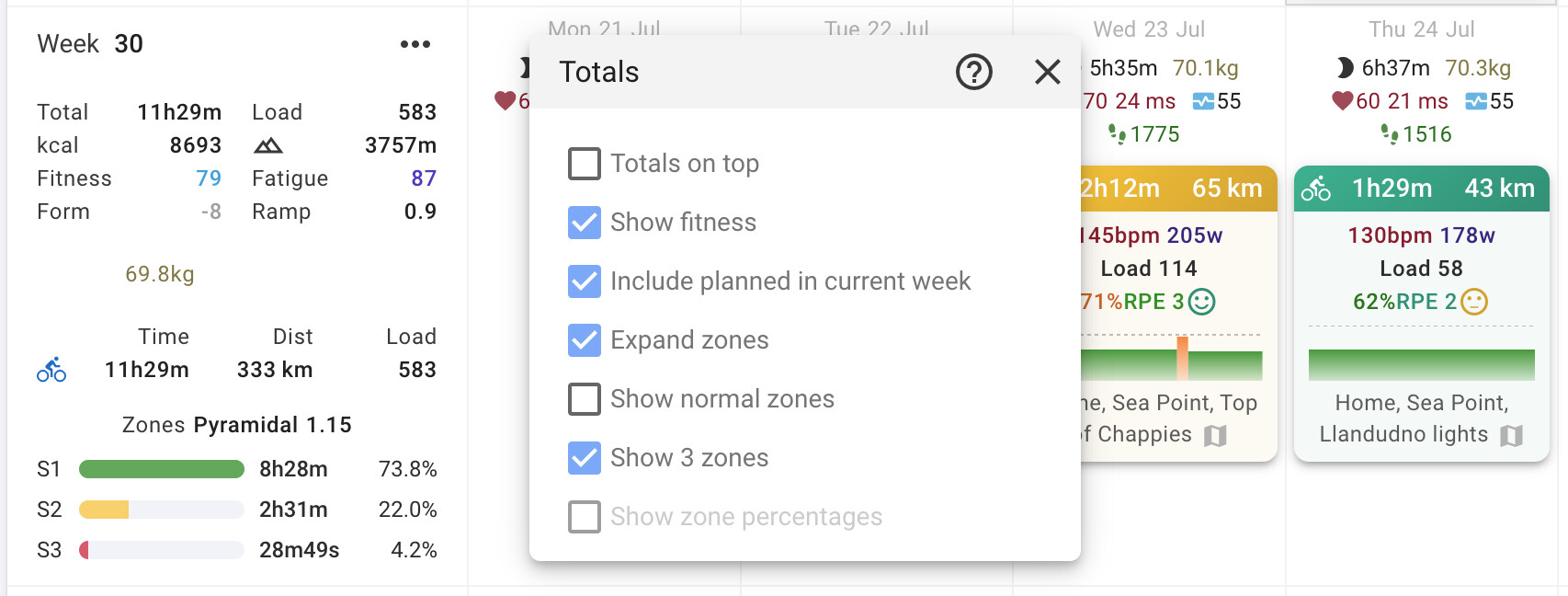
Just click those to open the appropriate toolbar or dialog and choose what you want to enable:
Wellness is still in Options and editable through “Edit Layout”. That is because it also supports downloading and uploading wellness data as CSV and it would be a bit strange to hide that under “Edit Layout”.
Now that we have improved the configuration of all of this stuff we can get back to adding options people have been asking for on this thread.