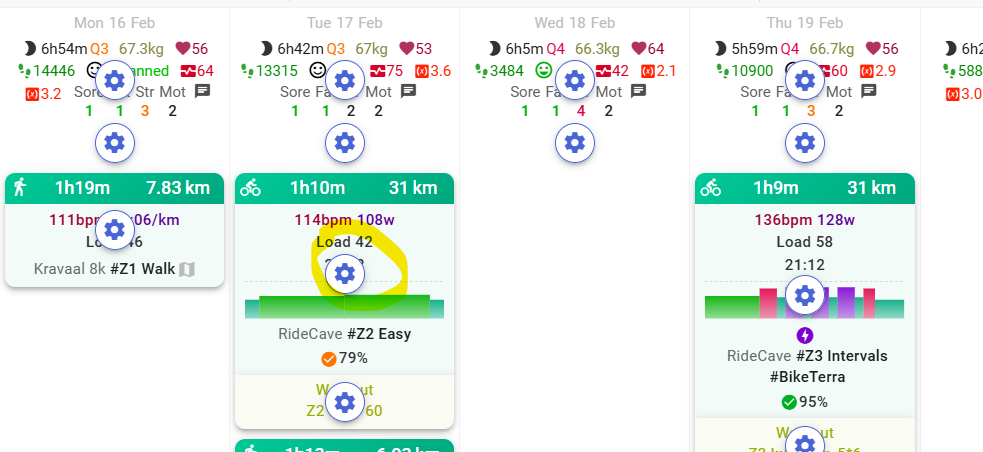
Hi, does anyone know the difference between the delete week and clear week options?
Good morning,
today I uploaded my complete data from Garmin (I had synced it in the past, but it only uploaded a year’s worth) and now I’m finding some duplicate workouts… obviously, this has messed up my fitness, fatigue, etc. lines… should I manually delete the duplicates? Or do I risk causing further damage?
Anyway, I noticed that only a few are duplicates, and if I look at the specs, they’re not similar. I don’t know why.

Where do I find settings for weather window where I can see wind directions, temperature and yaw angle?
I can’t find settings anymore 
Option → Edit layout → click the third gear symbol on a future day, this is the weather option
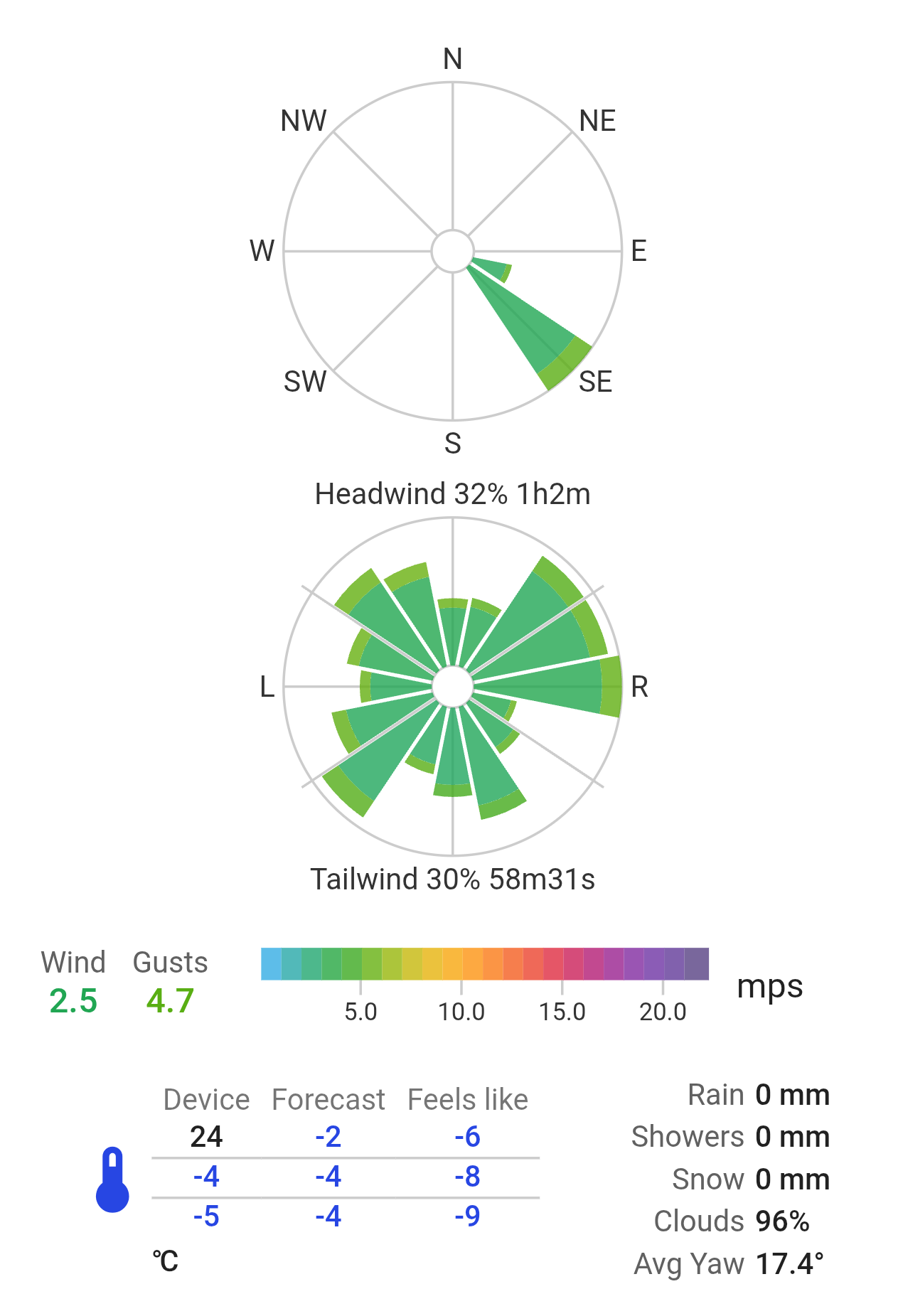
Then it is the wrong thread. Nevertheless, click on an outdoor activity on the wind summary:
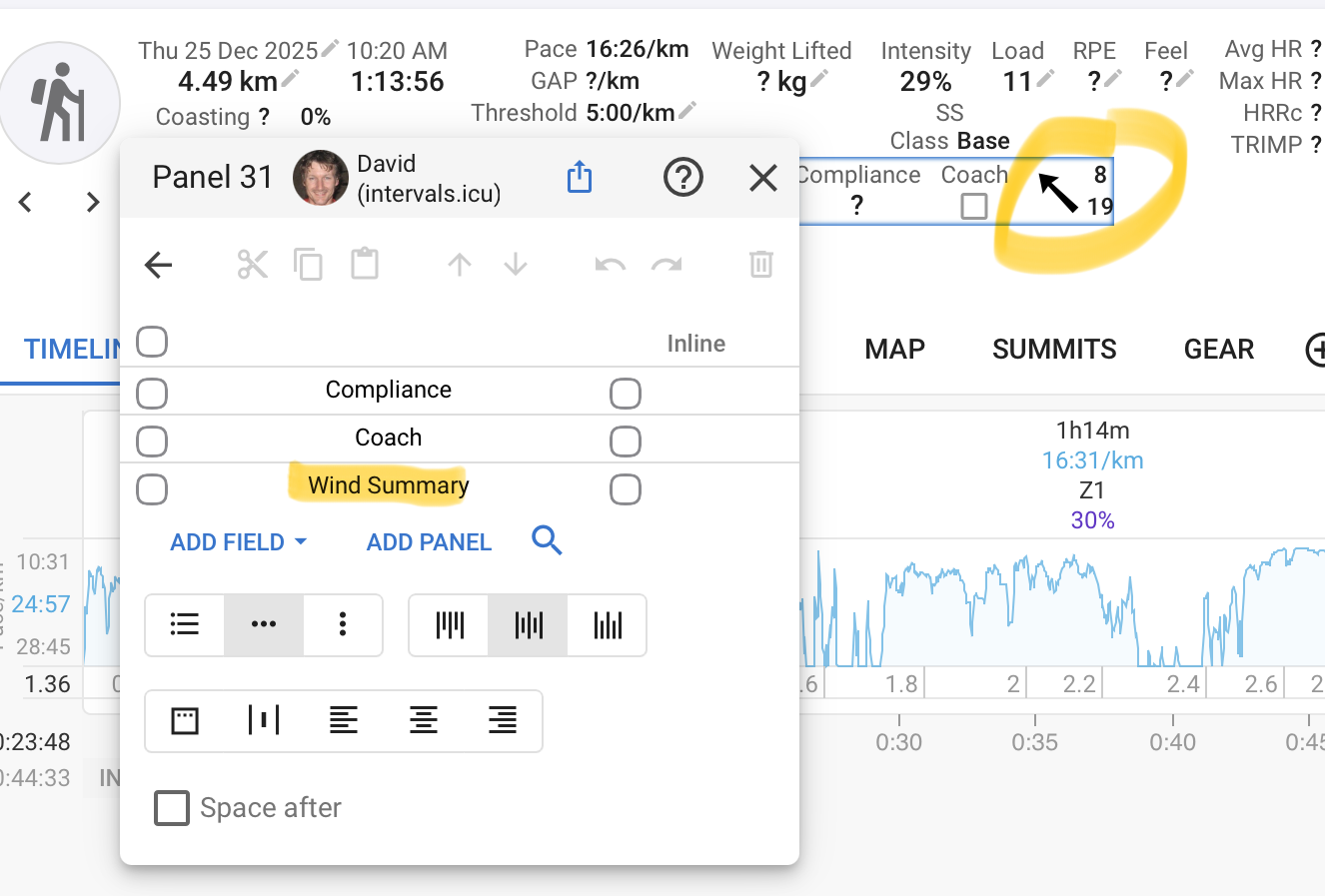
There are no further settings. All settings are inside of that modal.
This is a post-ride weather analysis, rather than the forecast on the calendar.
Yes, I know that very well, but where I can find it now, if I want to change some settings on it?
What settings? There are no settings for this. It’s the weather on your activity. You only can change units (e.g. click on mps on your screenshot).
Ääässhh! Sorry, my bad!
I didn’t notice that those settings were in it.
I feel quite dumb now 
The only other place that I can think of is on the map, where you configure what’s displayed there.
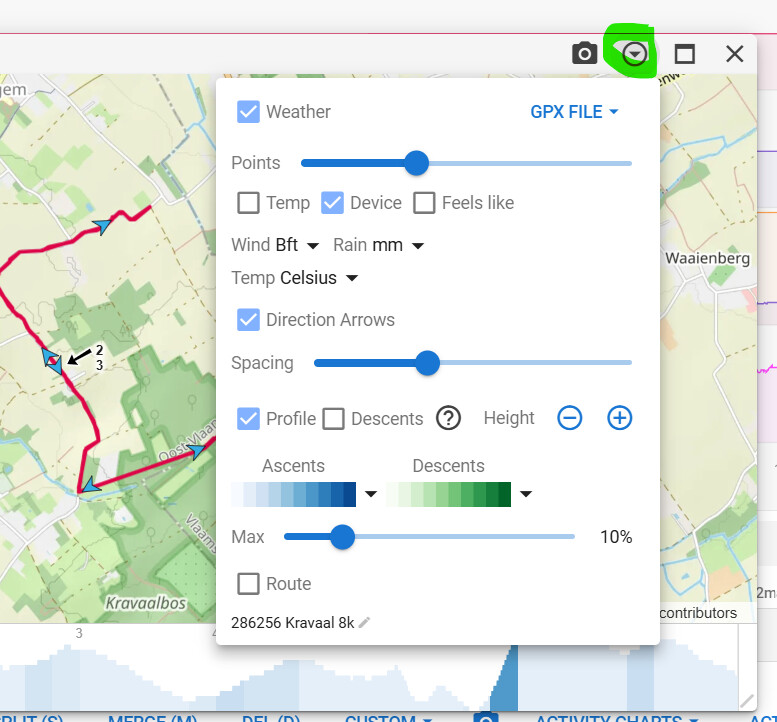
If that’s still not what you’re after, then be more specific with your question. What do you want to change???
The only things you can change are the units used for rain/windspeed/temperature.
1 Like
Thanks! That was also what have been looking 
1 Like
Hi. My recent (after Jan.13) activities’ graphs won’t plot my power data on calendar view. Did i break my activities tab?
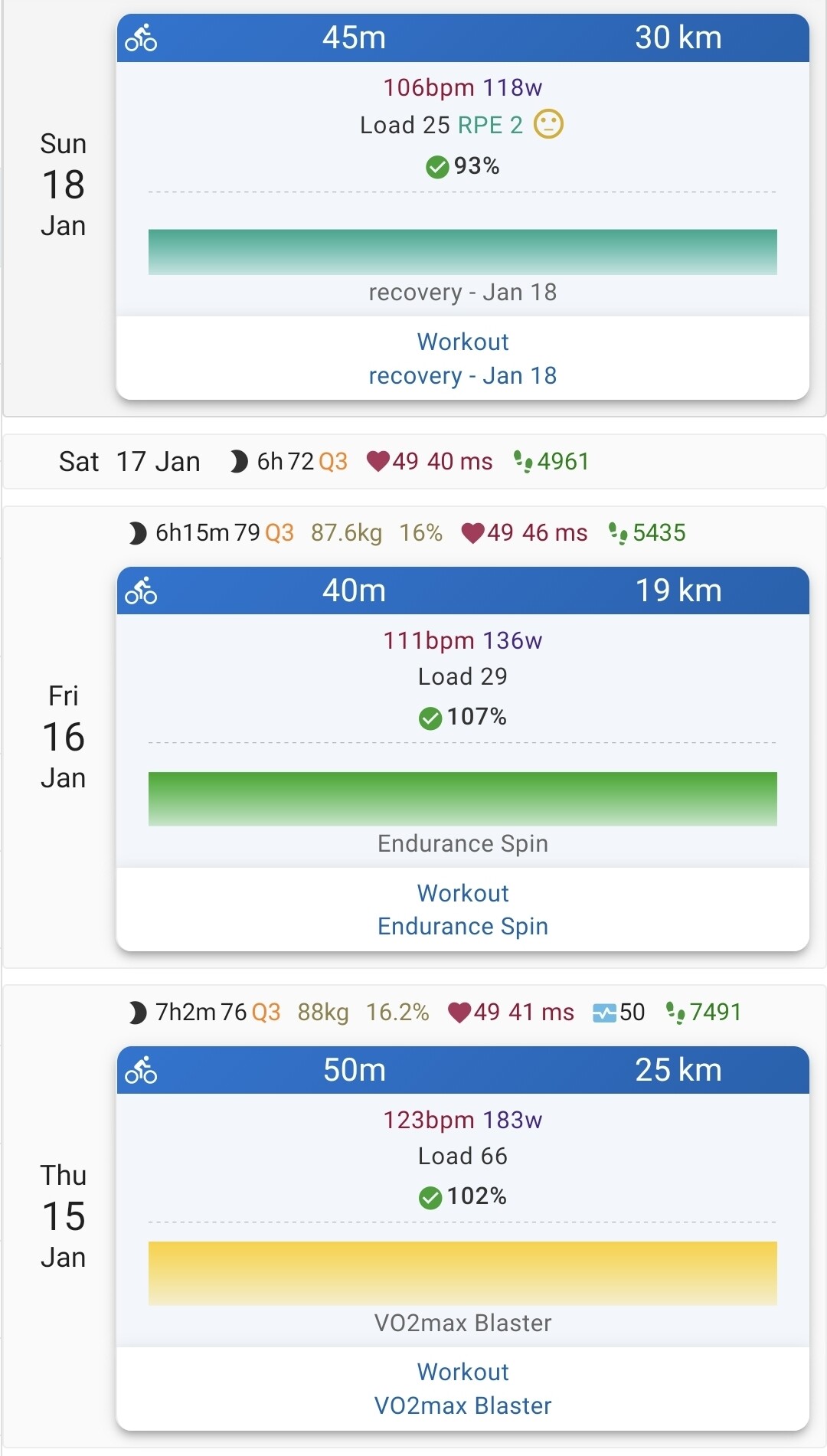
Strange. I see your skyline charts. 
You’ll only see the average of intervals. If no interval is defined, it’ll always be just a line.
1 Like
Is it possible to communicate direct resistance commands to a Kickr 2?
Example
- 2m 30% resistance
- 40s 40% resistance
?
I’m not seeing this anywhere..
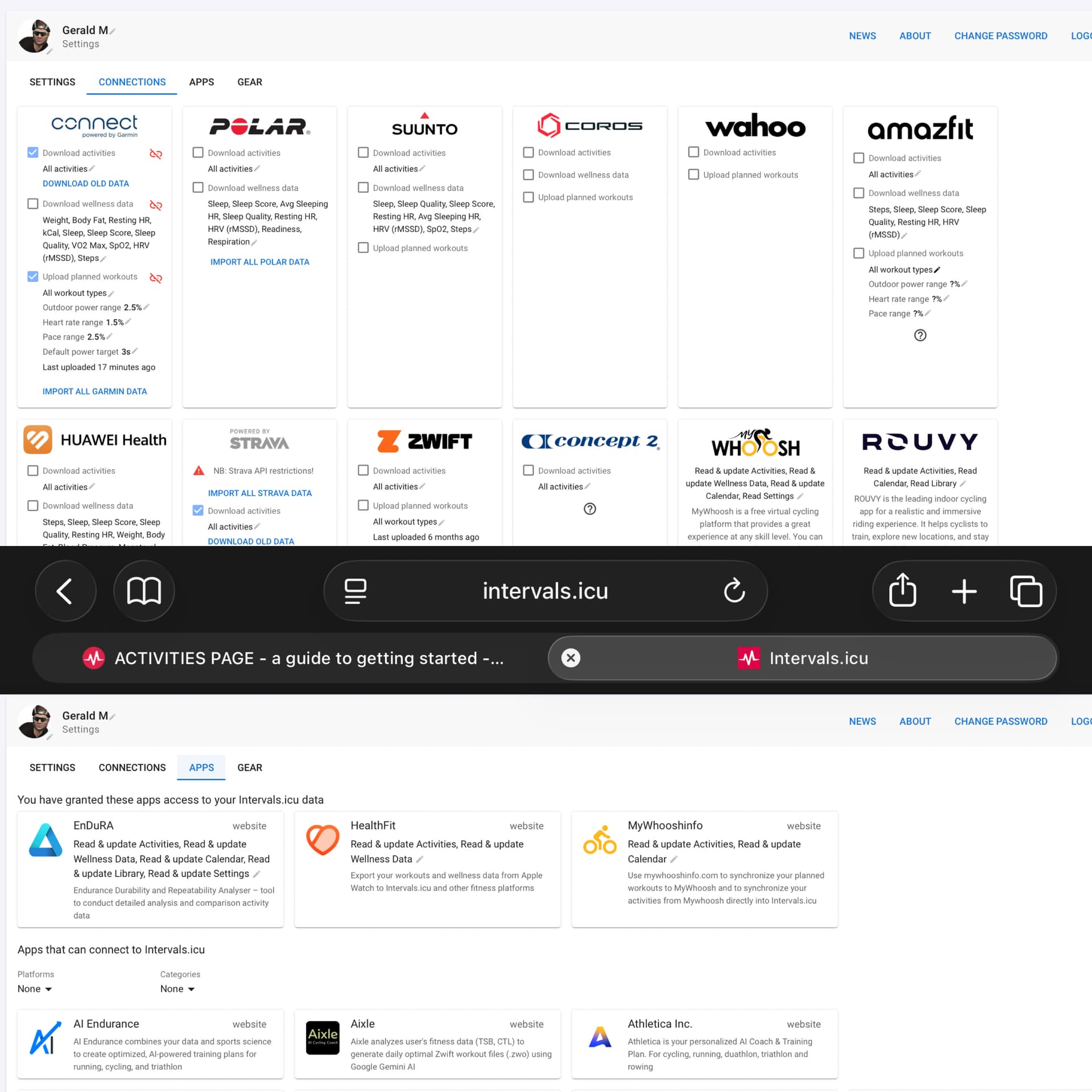
Intervals does not control the trainer. You will need a 3rd party application that reads the workout steps created in Interval.
There are a host of applications that integrate; have a look on the settings page; look at connections and apps:
how do you get to edit this colors ? i don’t find it in the option dropdown.