(Yet Another) AI ChatGPT Coach

Hey @Clive_King, thanks for this fantastic tool / app! It’s handy and a lot of fun to play with.

I’m currently planning for a full distance triathlon in September and making my plans Montis. However I’ve got a couple of questions.

  1. Is it true that you can only write via the ChatGPT connection? I’ve also added a local Claude MCP connection, but with that connection I cannot write plans to my intervals.icu.
  2. To create a proper long-term plan, you need to create local .MD files containing my needs and long term agenda. Or are there features I’ve missed?

All with all, thanks for everything and have a great weekend!

1 Like

by design at this time MCP (via Claude et al) just supports reports (as per the manifest). Its on my todo list to open up the endpoints to allow read/write, tbc.

thanks for the feedback :smiley:

Clive

1 Like

Montis Coach — Week 11 Release Notes

This release focuses on improving the reliability and clarity of the coaching intelligence pipeline, alongside a substantial refactor of the reporting framework and several new API capabilities.

A large part of the work this week centred on stabilising the Tier-3 Performance Intelligence layer, improving how physiological signals are interpreted across weekly, wellness and season reports. The system now consistently exposes 7-day acute signals and 90-day chronic baselines, allowing training state and adaptation signals to be interpreted in a more consistent way.

The training_state model has also been expanded and documented through the Autonomic–Load Interaction Model. This links HRV recovery signals with training load and behavioural indicators such as durability drift, neural density and W′ depletion. The goal is to provide clearer detection of states such as productive load, adaptation pressure or maladaptation risk.

On the reporting side, the presentation framework was substantially refactored so that report behaviour is now controlled entirely through configuration profiles rather than embedded prompt logic. This aligns all reports with the Montis analytical stack:

  • Training Load
  • Physiology Response
  • Performance Intelligence
  • Adaptation
  • Adaptive Decisions

This change simplifies the renderer architecture and makes future report changes much easier to maintain.

The release also introduces several new API endpoints for deeper analytics including pace curves, heart-rate curves, power–HR relationships and MMP modelling. Alongside this, a new engineering console was added to support full end-to-end debugging of report generation in both local and hosted environments.

Finally, a number of fixes were applied to improve overall stability of the semantic reporting pipeline, including corrections to monotony calculations, improvements to trend metric generation, fixes to ISO microcycle projection behaviour and better handling of edge cases in load-recovery classification.

Full details are available in the release changelog.

Change Note week #11 · Issue #33 · revo2wheels/intervalsicugptcoach-public

Clive

4 Likes

Montis Coach — Week 12 Release Notes

Release 34 — High-Level Summary

Focus: This release moves the system from metrics → decisions → physiology-aware coaching, with major improvements in data integrity and better-informed usability.


:brain: Tier-3 Coaching Intelligence (Major Step Change)

  • Introduced Adaptive Decision Engine (ADE v1) → single, authoritative coaching directive combining:

    • training state (PI)
    • energy system progression (ESPE)
    • future forecast
  • Clear output structure: directive + operational state + risk + adaptation focus

  • Eliminates conflicting signals across layers → one decision, not multiple opinions


:high_voltage: Energy System Progression (ESPE) Fully Operational

  • Rolling power-curve comparison now drives:

    • aerobic / threshold / VO2 / anaerobic evolution
  • Directly feeds coaching actions (not just insights)

  • Supports multi-sport analysis (cycling, run, etc.)


:green_salad: Nutrition Integrated into Coaching (New)

  • Wellness now includes macro-based energy availability analysis

  • Detects underfuelled states using:

    • carbs / protein / fat (min 3 days data)
    • g/kg targets vs actual intake
  • First step toward fuel-aware training decisions (not just load-based) and aligns to training state. Note it’s a supplemental marker and will not change your training decisions.


:compass: Operational State Simplified (Critical Change)

  • Hard shift to 2-state model only:

    • load_accepting
    • recovery_priority
  • Removes ambiguity → aligns with real coaching decision-making as used by world tours teams providing a simple insight as to whether you can accept further load or not.


:puzzle_piece: Semantic + Decision Layer Separation (Architecture Fix)

  • Clean separation:

    • Model layer (PI / ESPE / ADE) = computes truth
    • Semantic builder = formats only
  • Prevents logic leakage and conflicting outputs


:brain: Performance Intelligence (Stabilised)

  • Tier-3 PI now consistently drives:

    • training state
    • fatigue / durability / anaerobic signals
  • Better integration with forecast + ADE pipeline


:three_o_clock: Timezone + Weekly Accuracy (Critical Fix)

  • Full athlete timezone awareness

  • Correct ISO week alignment (Mon–Sun)

  • Fixes:

    • weekly aggregation errors
    • microcycle logic
    • forecast horizon issues

:wrench: Data Integrity & Reliability (Major)

  • Fixed multiple structural issues:

    • double-counted planned workouts
    • incorrect TSS / hours projections
    • forecast inflation bugs
    • missing semantic states
    • JSON NaN crashes
  • System now handles:

    • sparse datasets (Strava edge cases)
    • minimal activity payloads
    • missing Tier-3 outputs safely

:bar_chart: Decision Layer Rendering (User-Facing Impact)

  • Actions now structured and ordered:

    • Primary: directive (ADE)
    • Supporting: system guidance, state actions, reflections
  • No more mixed narrative → clear coaching blocks


Bottom Line

  • Big ADE upgrade: system now produces one coherent coaching decision, not fragmented insights
  • Nutrition + physiology + forecast are now integrated into that decision
  • Data reliability and weekly accuracy significantly improved

Change Note Week #12 · Issue #34 · revo2wheels/intervalsicugptcoach-public

P.s.

Dont forget the weekly report is 7 day rolling by default and is focused on the current microcycle. You can however change this to current ISO week if you wish my simply asking run weekly starting last Monday (or date).

It will then report the current ISO week rather than 7 day rolling. Whatever you chose the microcycle will always use a longer-term window for analysis and metrics. e.g. 7d v 28day or 90day (depending on the metric).

WEEKLY is a high value report for tracking your everyday, along with WELLNESS report. SEASON (90day) will track phases and also now start to tell you to add recovery to consolidate if needed! (Its shouting at me currently :grin:).

Regards

Clive

2 Likes

Nice, though I tried this and it’s reporting data from someone else… not exactly what I expected :smiley:

thats a demo report you are seeing (as per header at the top) :winking_face_with_tongue: never ever can be anyone elses data. For you own data make sure you have recent activities in intervals never sourced only from strava. :smiley: [this is as covered in setup) https://www.montis.icu/setup.html
Clive

Yeah, that is what I have followed. Still “demo” data shown (including a dog walk, which I don’t own :smiley: ) . None of my activities are coming from Strava, all coming from Garmin.

My data, my dog😊 for the demo report.

make sure you have intervals connected to garmin as well not just strava connected to garmin and then to intervals. Its a major issue we all have with new API policy strava released last year.

if you have garmin connected in intervals.icu and have recent data it will report correctly. If you still have issues let me know.

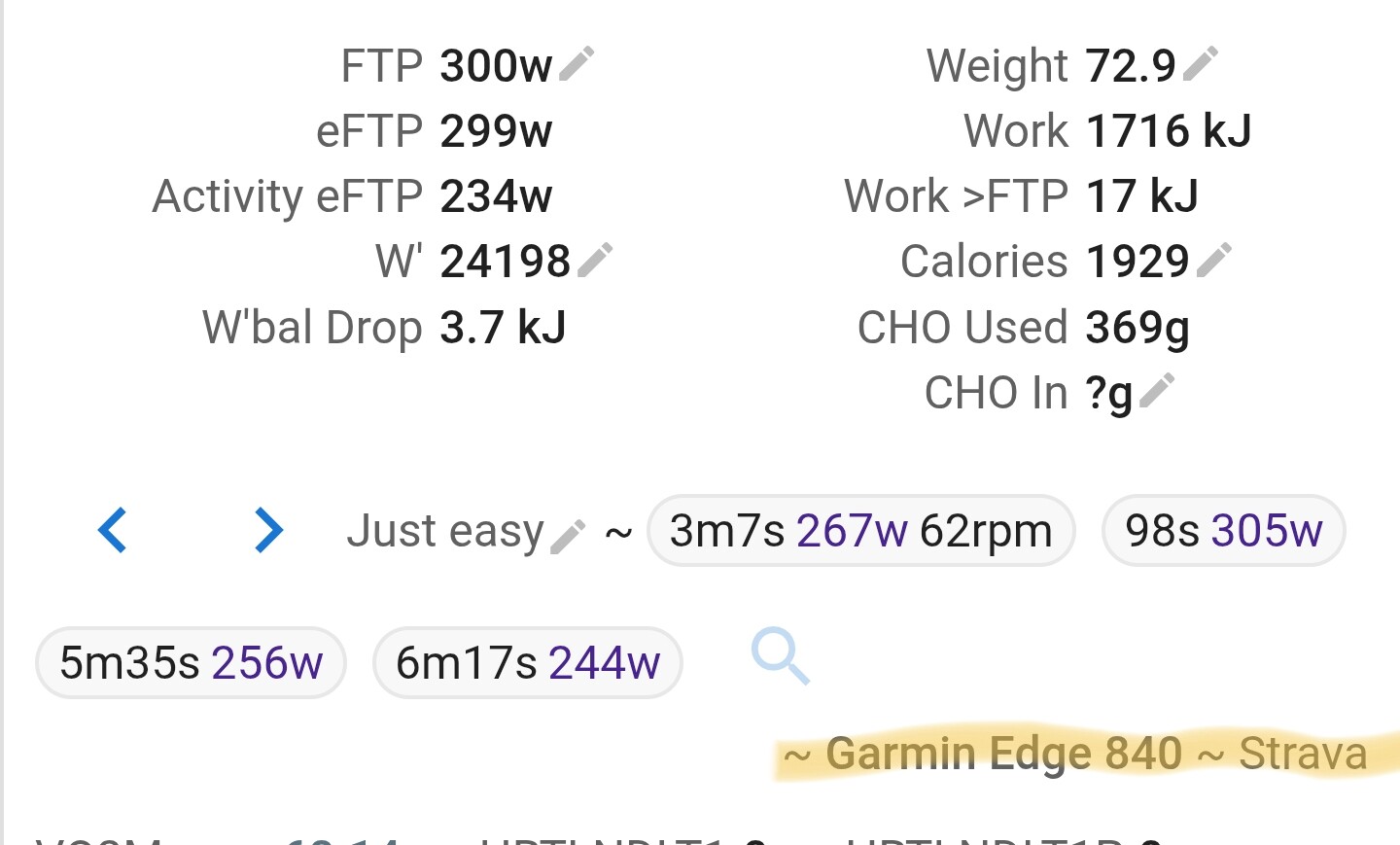
an activity would look like this

Clive

Screenshot 2026-03-22 at 16.18.33
and I still have issues, but don’t worry for me, if it works for you it’s fine. Just wanted to try it out.

ah i see what you did! I note an issue if you ask for run weekly “light” or run weekly “compressed” it triggers a demo report ! I’m sorry good catch!

UPDATE: FIXED.

Clive

I did that because it was saying that the normal report got too much data. So it asked me if I wanted to get a light report and I said yes. It was ChatGPT leading me astray :wink:

1 Like

ChatGPT operates on a Token usage, with v5.x the limit is 128K tokens (v4.x is 32k limit), we are normally about less than half of this for a heavy Intervals user (heavy weekly report itself is around 36k total), unless you have a huge amount of “Intervals” data (In athlete profile, weekly events or else). Which has me kind of intrigued how you got this message :slight_smile:

The reason for the reporting mechanism (aside from being a rule based engine to eliminate the hallucinations) is to reduce the raw data overhead reporting that can blow LLM limits easily.

Clive

I have done 11 activities last week. Not sure if that qualifies as a heavy user or not but I’ve done nothing more to get that message than “run weekly report”

1 Like

Thanks for the feedback, I see your Intervals payload returned is pretty big (great to see so much activity!).

“sizes”: { “athlete”: 92999, “activities_light”: 54216, “activities_full”: 53265, “wellness”: 45894, “calendar”: 86936, “power_curve”: 47419, “total”: 380896 bytes}

“rows”: { “athlete”: 1, “light”: 128, “full”: 12, “wellness”: 43, “calendar”: 29, “power_curve”: 2 }

After computation by the application, this returns a payload to ChatGPT of 106158 bytes for a weekly report ; this should not blow ChatGPT response in theory, but token calculations are sometimes a mystery, there is no easy way to accurately calculate what goes on behind the scenes aside dumping your JSON response into the tokeniser and then adding a “rule of thumb”.

I have made some further optimisations to reduce returned payload to ChatGPT, and I’m very grateful for this type of feedback as it’s not easy for devs to anticipate this behaviour inside GPT apps.

By comparison my weekly report:

“athlete”: 1, “light”: 121, “full”: 8, “wellness”: 43, “calendar”: 22, “power_curve”: 1, }

“sizes”: { “athlete”: 74043, “activities_light”: 54084, “activities_full”: 35200, “wellness”: 42584, “calendar”: 68034, “power_curve”: 30934, “total”: 305006 bytes,

This returns to ChatGPT a payload of 70121 byes, which is estimated as 20,063 tokens (A helpful rule of thumb is that one token generally corresponds to ~4 characters of text for common English text. This translates to roughly ¾ of a word (so 100 tokens ~= 75 words).

Total estimate (using tiktoken):

INPUT (semantic)        ~20,000
SYSTEM PROMPT           ~4,000
OUTPUT (markdown)       ~2,500
--------------------------------
TOTAL                   ~26,500 tokens

this is very short of 128k limit for v5.x. Sorry for the technical explanation, but I am keen to address this issue.

Clive

p.s if you are a “free” chatgpt user then yes this is likely the issue; apologies for not making that clearer.

  • Context Window (Memory): Free users generally have a smaller context window compared to paid tiers, with some models limited to around 16k tokens, while Plus users get upto 128k
Tier Technical max Practical reliable
Free up to model limit (theoretically) ~5k–15k
Paid up to ~128k ~20k–50k+

Great job! This works really smoothly and I’m genuinely impressed by the amount of thought that went into it — especially the deterministic data normalization before the AI even touches it. That’s the right approach.

I’ve been building something in the same space (STAS), but took a different path. My idea was: don’t build the coaching UI at all — instead, create a data pipeline that feeds everything into a Custom GPT, so the athlete stays in ChatGPT and talks to it like they would to a real coach. Watch → Intervals.icu → webhook → processing → structured summary that the GPT reads on every conversation.

Honestly, your approach might be more convenient in some ways — it’s self-contained. Mine requires an extra layer: you need to connect Intervals.icu to STAS first, and then connect the Custom GPT. More moving parts. But the tradeoff is that the GPT gets a massive context (~50KB structured JSON: 30 sessions with splits, VDOT zones, wellness trends, condition assessment) and can write plans directly back to the Intervals calendar from the chat.

Different philosophies, same problem. Really cool to see multiple people tackling this.

2 Likes

Thanks Yury - good to see so many trying to make sense of the battleground of AI rendering.

Definitely trying to control the narrative is the right approach, and I never just pass raw data for reports, as that leads to a world of pain. Tbh, I’ve been through a bit of a learning journey with the architecture to stay as a closed loop to never build a UI, battling with the concept of system architecture and coaching design is two-pronged mission.

Front ended applications are how we have always done it, and I’m firmly a believer that speech and natural language will be our only future interface, trying to be LLM independent is hard work today, we are still very early days with LLMs for sure. Maybe MCP will be the path of freedom idk right now, but like you I value the GPT vision of OpenAI even if its proprietary today.

Thanks for the shout out. Love the STAS simplicity too. Good luck.

Clive

1 Like

No worries @Clive_King now you know that if you want to really test your tool you should get into triathlon :rofl:

Anyway I tried again (I’m on a pro ChatGPT subscription) but the message keeps being along the lines of:

« That exact window is too large to return in one payload. »

Are you passing to the LLM the full json coming from intervals? If so you could parse and grab only the things you need for the report.

I am able to get 4 weeks of data and pass it to Claude without a problem (by parsing the json and selecting what I need) and I have plenty of room to spare in context.

1 Like

Not at all we only pass a limited subset of raw data plus the analysis and coaching decisions.

It could well be the Athlete profile that is the issue, Its been an issue in the past. Athletes with lots of custom fields and sport profiles can make that a large subset. Let me take a closer look at that. Without access to your data its difficult to replicate.

Clive

I’ve added a new report sub type to circumvent this for now whilst I work out how to not devalue the full weekly report for most Athletes that don’t have so much data in Intervals :wink:

You can now ask for a “weekly report lite”, this will send a reduced payload to ChatGPT and a much-reduced token size. It still contains the key aspects of the Intelligence stack without extended data on Athlete profiles and Planned Events, both of which can be requested separately after the report.

It’s also extended to Season report as well “run season lite.”

Thankfully I had the foresight to modular build the reports so it’s a fairly simple configuration change for the report contracts.

Br

Clive

Change Note for 24/03 Interim:

  • Added run weekly “lite” and run season “lite” (still both based on full intelligence framework)

  • Adjusted the Performance Intelligence Nutrition to align with framework and formula with IOC and ACSM Sports Nutrition models. This will only show if you have recorded "Carbs, Protein, Fat grams in Wellness fields in Intervals (no write back at this time, but will consider that if enough demand)

  • reduced payload of full weekly to not include future calendar events as default, these can be asked for after the report

  • added a Question Bank so that after reports it suggests aligned questions that are useful for you. Added a further large question bank in case you wanted more Command questions!

  • e.g.

evaluate recovery status
check HRV trends
suggest recovery strategy
show full physiology_response
show me more wellness command questions
  • Added better responses to “how to setup?”, “what can you do?” and “what’s your coaching framework?”

  • Also some presentation changes to weekly report, to make it easier to read intelligence blocks. Feedback welcome - before I apply to other reports as well.

Clive