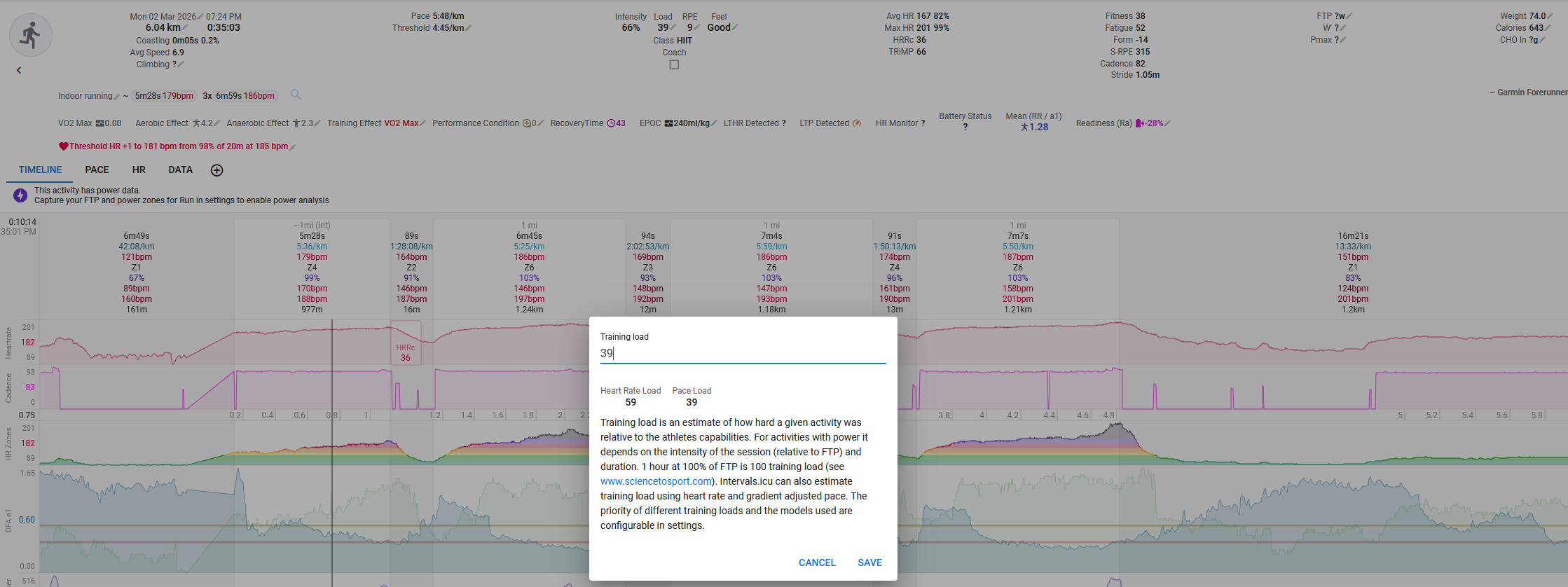
I did intervals on indoor track, so I know I ran 4 times 1 mile. Garmin thinks my 1 mile is 1200 meters, and has the pace or power load accordingly. HR shows much higher load, so how do I use HR load just this one time? By manually editing the load? Wasn’t there a load priority button on the activity page before?
I know I can edit the load priorities for all running activities, but usually I want to go with pace before HR. It’s just that on an indoor track, the pace estimation is shite.
Yes, but then it becomes like treadmill. But I was running on a track so I know the distance I was running. Is there no way to correct the distance of the intervals? Because the times are of course correct.
Not sure what you mean here.
If distance is incorrect, then yes, Pace and Pace load will be off. But Power load is measured against time and should not suffer from that anomaly.
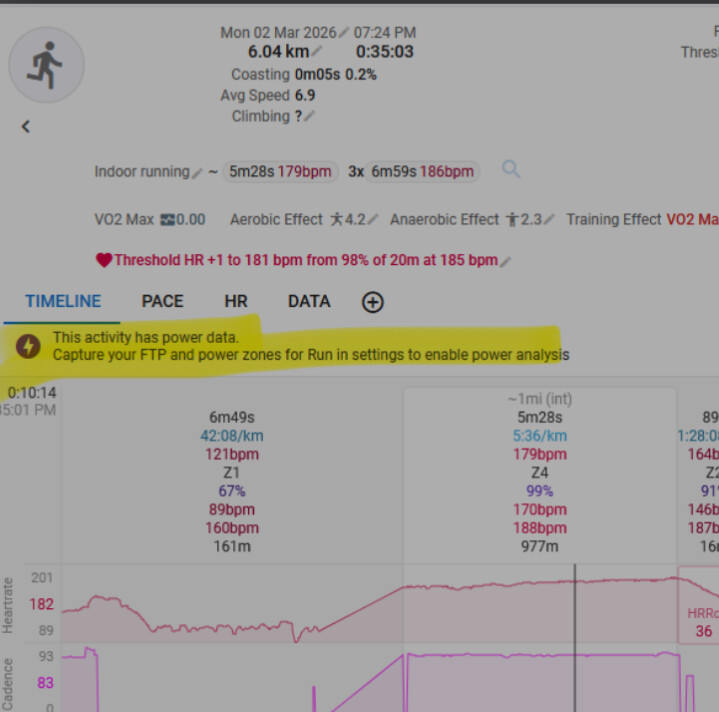
But you probably misphrased that because I can’t see any Power analysis in your screenshot. Although, Power data is available, but you did not specify an FTP in the settings thus no analysis.
If it was, you would have a third value in the Load window.
And no, you can’t set a priority per activity. You need to manually adapt from the different values in the Load window.
It’s running power, not biking one. Not sure how garmin calculates power, probably from how I move my hand. I don’t know how accurate it is, because I don’t have a power meter on my own bike, and my gym also doesn’t have power meters in their indoor bikes.
All I know is that 1 watt = 1 J/s = kgm^2/s^3. Is 500 a lot?
I suspect that the power measurement is not accurate at all.
You can’t set load priority for a single activity. For indoor track runs with incorrect pace, manually adjust the HR load in the Load window. Running power requires an FTP setting to calculate load; without it, power load isn’t evaluated.