Any help from the mods appreciated for my problem below… Thanks!
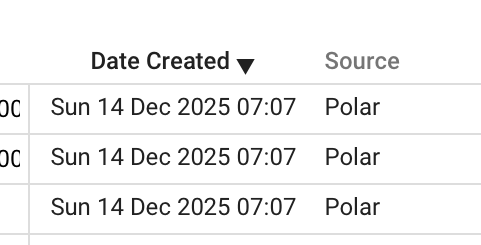
Hi. Just joined the site and trying to upload my exercise data from Polar Flow. Followed the instructions (or at least thought I did!) and got an email from Intervals to say ‘Polar data import complete’ but also that ‘0 activities created’. Any help appreciated. Thanks.
Hi. Just joined the site and trying to upload my exercise data from Polar Flow. Followed the instructions (or at least thought I did!) and got an email from Intervals to say ‘Polar data import complete’ but also that ‘0 activities created’. Any help appreciated. Thanks
not certain if a bug or user error. But I’m attempting to upload my wife’s historical polar file to her new intervals.icu (“Rmarrah”) so she can try it out. But regardless of whether i use the link to the zip file itself or the unzipped parent folder, I get the message that the upload is complete but 0 activities uploaded.
Thoughts?
Mike
I never heard back from anyone on this issue. In the end I went via the Strava import route, but I didn’t become a Strava user until 2020 so I ‘lost’ data (i.e. was unable to upload all the Polar history) that isn’t captured by icu. I also posted a separate question about uploading single exercise files >25Mb (from 30hour+ Ultra races) and similarly got no reply.
I mean you could download the zip, unzip the file and put your historical activities into a folder. You can link the folder in the settings and the activities should be imported.
This works flawless for me.
This way only activities will be parsed.
Still no joy and I’m at a loss. Here’s what I’m doing now:
-Dropbox linked in connections
-polar historical zip file in Dropbox
-extracted zip in Dropbox with all the activities and whatever else is in polar zip under one parent folder
-importing history via polar connection in intervals using link to zip or link to parent gives me zero activities imported
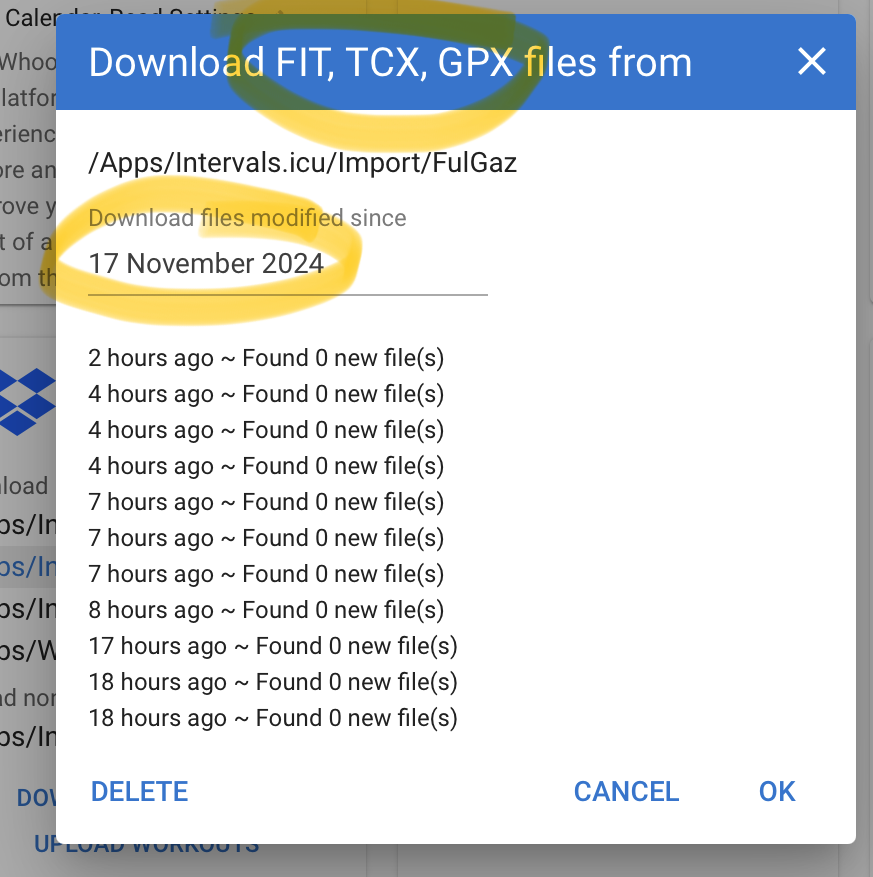
-BUT, the Dropbox connection box shows the actual parent file AND all the activity files. But it doesn’t pull any of them in to the main program.
Is there an error log that’s user accessible to see what is getting stuck?
You still can try to import Polar zip file, but I think, there is something “special” in it, and that’s why it may be that it stops parsing before importing any activity. If you want to do it that way, send @david or @eva an DM with the link, so that they could have a look and fix it.
For dropbox - this was only meant as a workaround. Because Dropbox worked for me always like a charm. So I would it do that way:
Set up a folder with only the activitie files in it. Set up the settings pointing to exactly that folder, and set the date so that all files will be read in (check, when the files are created):
Never occurred to me that polar would be sending files in wrong format. I used Polar JSON to FIT Converter - Tredict to convert all of them to fit in a single batch.
The Polar connection still would not load them, but the dropbox connection said it is loading all 735. Assume it will take a few for them to appear in the app.
I cannot get my Polar data into Intervals. I have tried two ways -
In Intervals, navigate to settings - connections - click “Import all Polar Data” and follow the steps. I download the data and save it as a zip file on my laptop. The Intervals website asks for a http or https link and does not like when I copy the link from the download button on the Polar site. I get the error message - Invalid link: 400 Bad Request.
In Intervals, navigate to activities - upload. I add the zip file from the Polar download, but get the message that there are no activities found in the file.
I’m lost on how to get the Polar data in to Intervals. Thanks for your help.
My guess is that downloading from Polar as a zip, made the link obsolete.
You should not download but always copy the hyperlink, mailed to you or found on the Polar site. Paste that link in the Intervals dialog.
Try requesting a new archive link from Polar.
I never received an email from Polar with a hyperlink. What hyperlink should I copy on the Polar site? The “download” button? I tried that and input the link into Intervals, and got the 404 error I referenced in #1 in my initial question.
Yes the link that is behind the Download button. NOT the url of the page where the button is displayed.
Right click on that download button and see if you can get the hyperlink coupled to it.
If you already did that to download the ZIP, the link may have expired.
This is a guess, I don’t use Polar so can’t tell for sure, but Intervals needs the link to where that archive file is located, and not a local downloaded file.
I think my issue was that the Polar data was being downloaded as JSON files which were not recognised by ICU. I ended up downloading from my Strava account but this doesn’t date back as far as my Polar data so there is past data that I can’t upload.
Looking forward to the answer from others who know more about this than me!