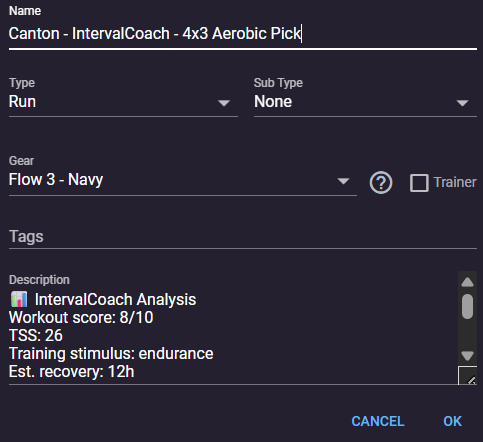
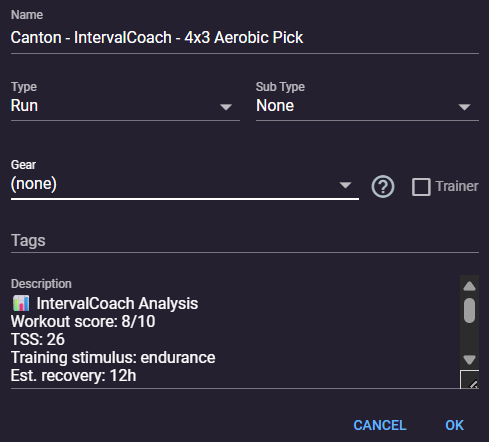
I am unable to set Gear to (none). I can choose different gear, but not the none option.
When I click OK the dialog closes immediately, rather than briefly showing a spinner like it does for other gear changes. When I re-open it, gear is set back to its previous value. No errors in browser console.
Bumping this topic, as I am now experiencing it as well.
As MedTechCD says, Edit - Edit. Gear (remove) works for a list selection, but the single activity dialog does not (from list or from activity).
I have gear filters set up to assign bikes to my activities automatically. I just got back from a cycle tour in France where I was riding a rental bike. I attempt to select (none) for the gear used in each of my activities of the tour and click “OK”, but it immediately reverts back to the gear determined by the filter. It appears I cannot save the activity without any gear when it identifies gear based on a filter.
Steps to reproduce – what did you do before the bug appeared?
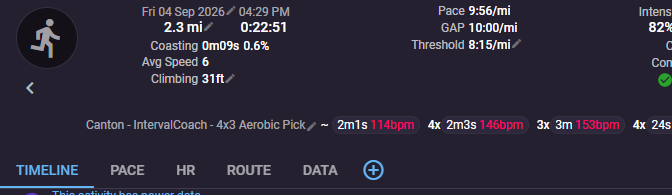
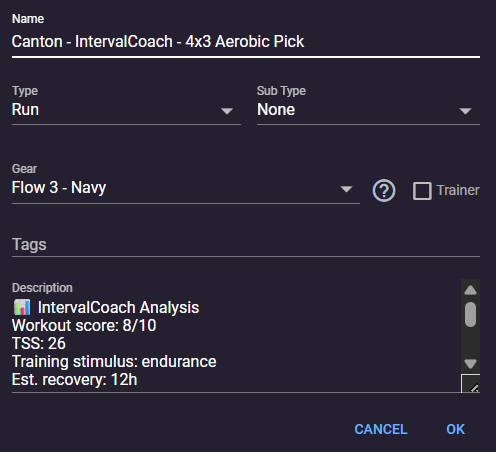
I had added a pair of shoes to my run and it saves fine. When I later go in to modify it, it lets me change to another shoe just fine. If I then try to change the gear to (none), it does not save. After I click the OK, I get back to the activity. But, when I go back to the edit screen, the shoe is back and no longer (none) as expected.
Device & browser – OS, device type, and browser (or app version)
Windows laptop, chrome browser
Screenshots or screen recordings – a picture is worth a thousand words
Before:
Expected vs. actual behaviour – what did you expect to happen?
My expectation would be for the (none) to have been saved. I also tried the above steps plus going to my calendar. Then, looking at the activity again. Same result. The (none) is not retained.
Is it not possible to remove gear once it is added?