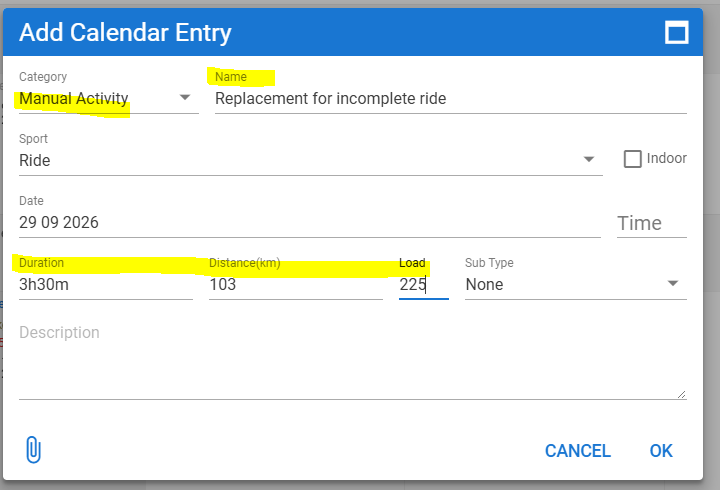
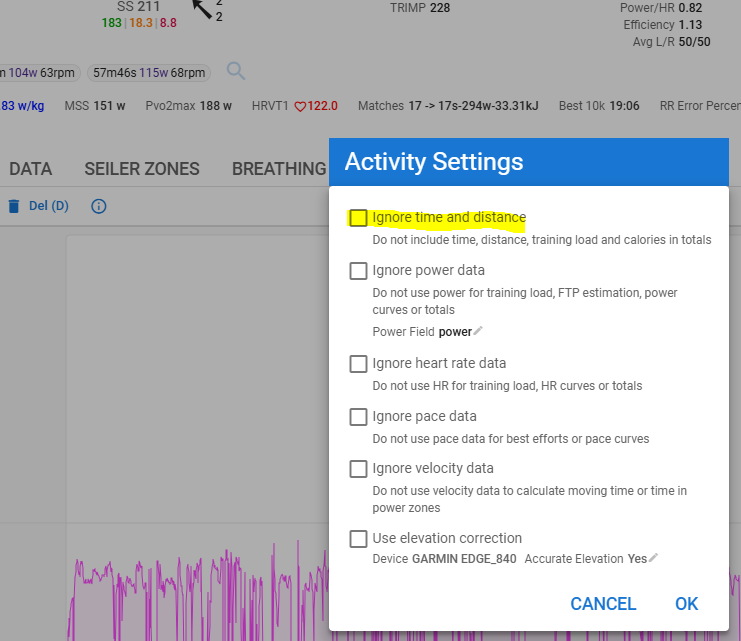
Hi everyone,
I ran into an issue today where my bike computer died during a ride. The head unit managed to save the first part of the file (56.71 km and 2:13:01 moving time), but the actual total ride was 78.77 km with a total moving time of 3:02:00.
I successfully updated the total Distance to 78.77 km by clicking directly on the distance field in the top-left corner of the activity page. However, I am completely locked out from changing the Moving Time to 3:02:00.
Here is what I tried so far:
- Clicking directly on the time field (2:13:01): Unlike the distance field, clicking the time digits does not trigger an input box or allow me to type a new value.
- Using the “Edit Data” (Data bewerken) option under Actions: This opens the second-by-second data stream grid (Time/Watts/HR/Cadence), but does not offer a fields to overwrite the global activity totals.
How can I manually override the total Moving Time for this activity so that my average speed and TSS calculations reflect the full ride?
Thanks in advance for the help!