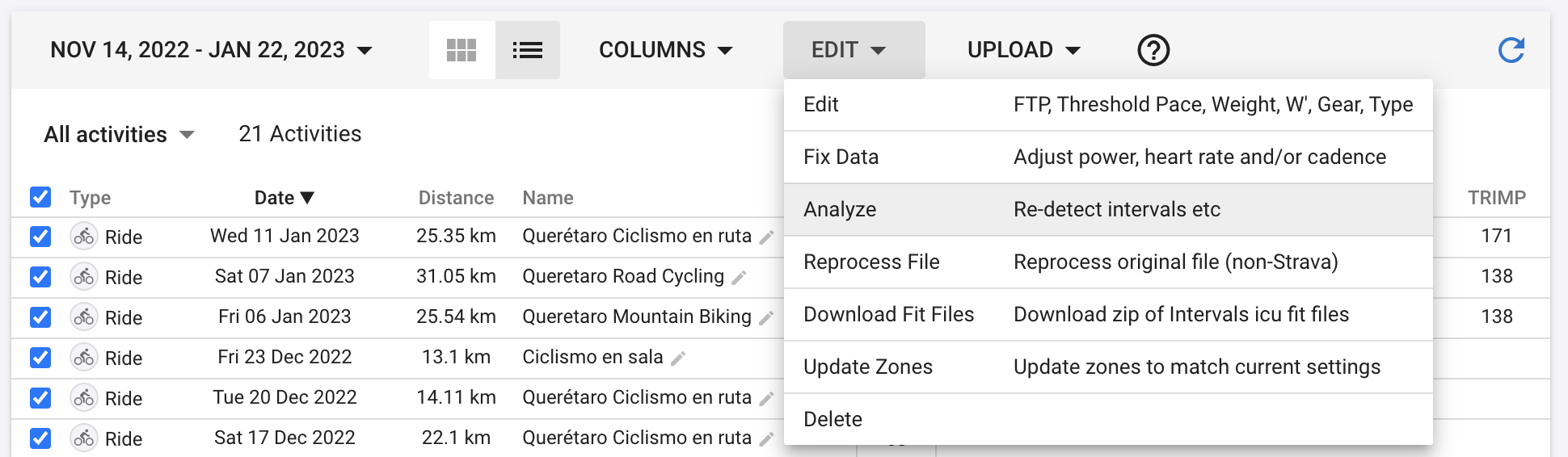
I tried to add the TRIMP chart to the fitness page but it does not show up. My activities contain heart rate data.
What am I missing?
Also tried to add an HRSS chart to compare with my power based data it does not show up in the available data but I have read posts of people using it. Is this possible?
Calculating TRIMP requires HRmax and restingHR because it needs HRR (HR reserve) Are they both available? HRmax from settings per sport and at least one restingHR prior the first activity where you want to see TRIMP. Preferably a regular update of restingHR.
Do you see TRIMP when checking an activity?
Thanks, resting heart rate was missing in my settings. I guess I will see TRIMP values until I upload my next activity.
Is there a way to get it for the activities before I entrered the resting HR?
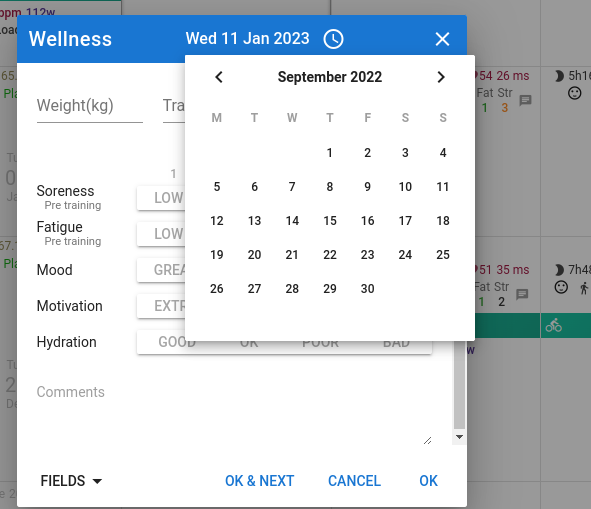
Activities page (calendar) - Add Calendar Entry - Wellness data and go back on the calendar to a date before your first activity. Then enter a Resting HR there and that will be used for all activities untill a newer Resting HR is encountered.