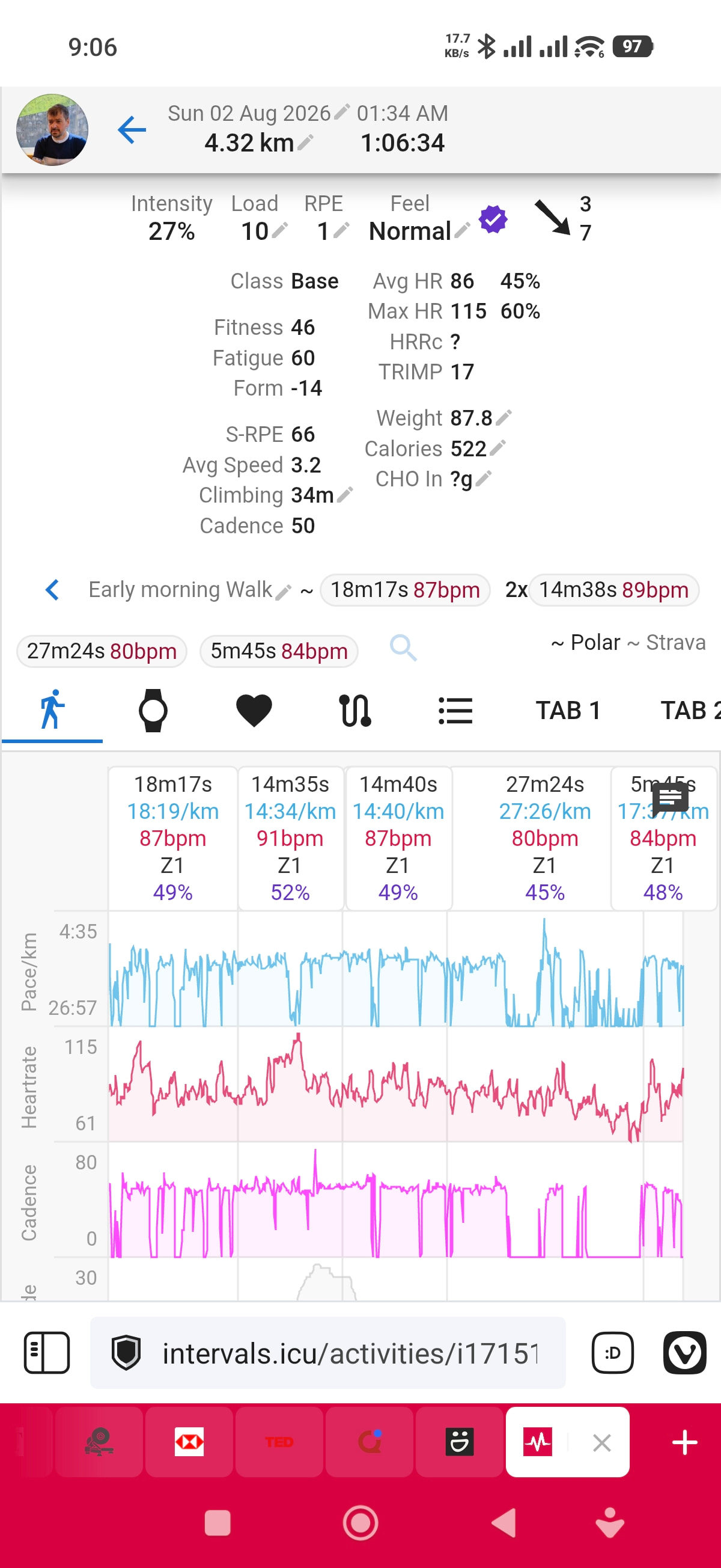
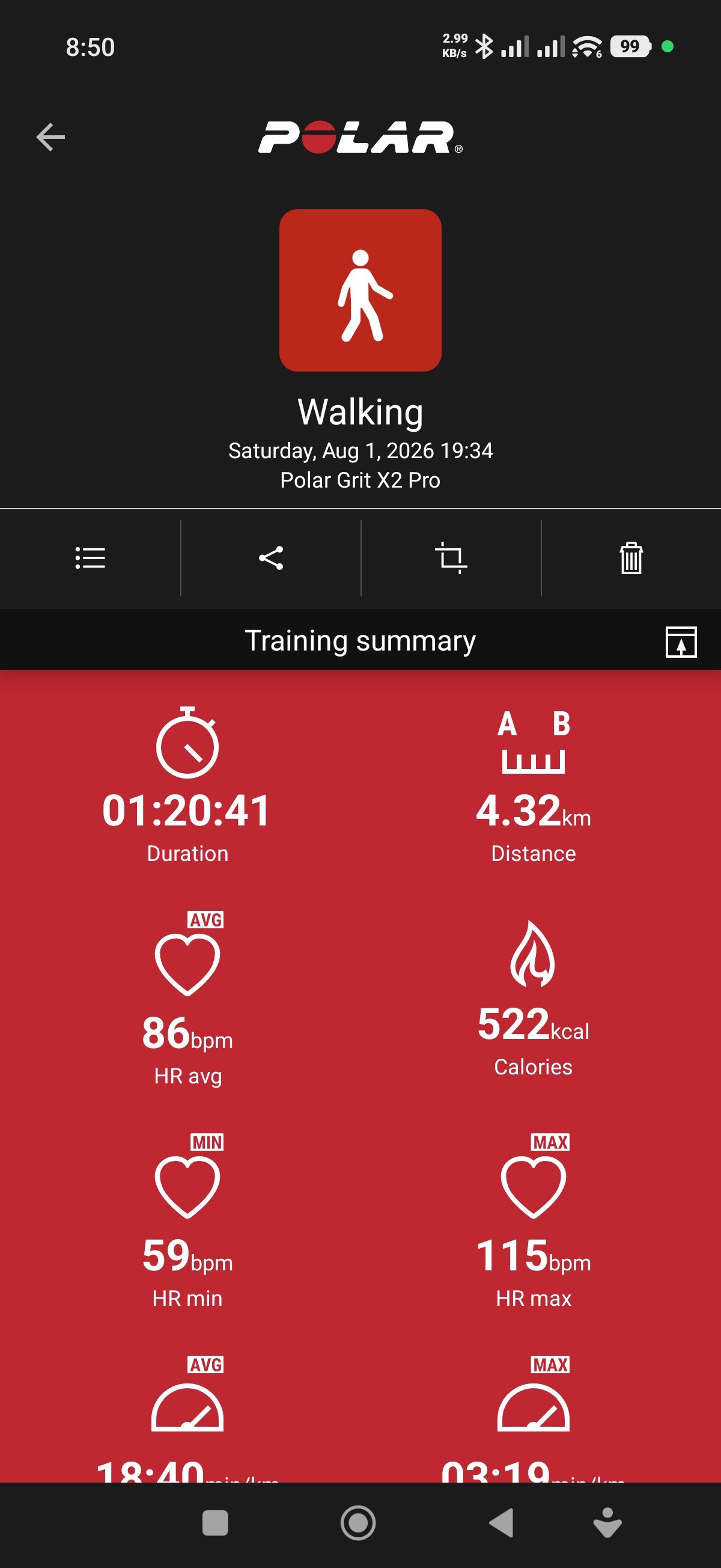
Activities synced from Polar Flow are in the time zone of my home location (Hong Kong), instead of the time zone I am currently in (Europe). In contrast, activities synced from Wahoo display the correct local time.
Example (from yesterday):
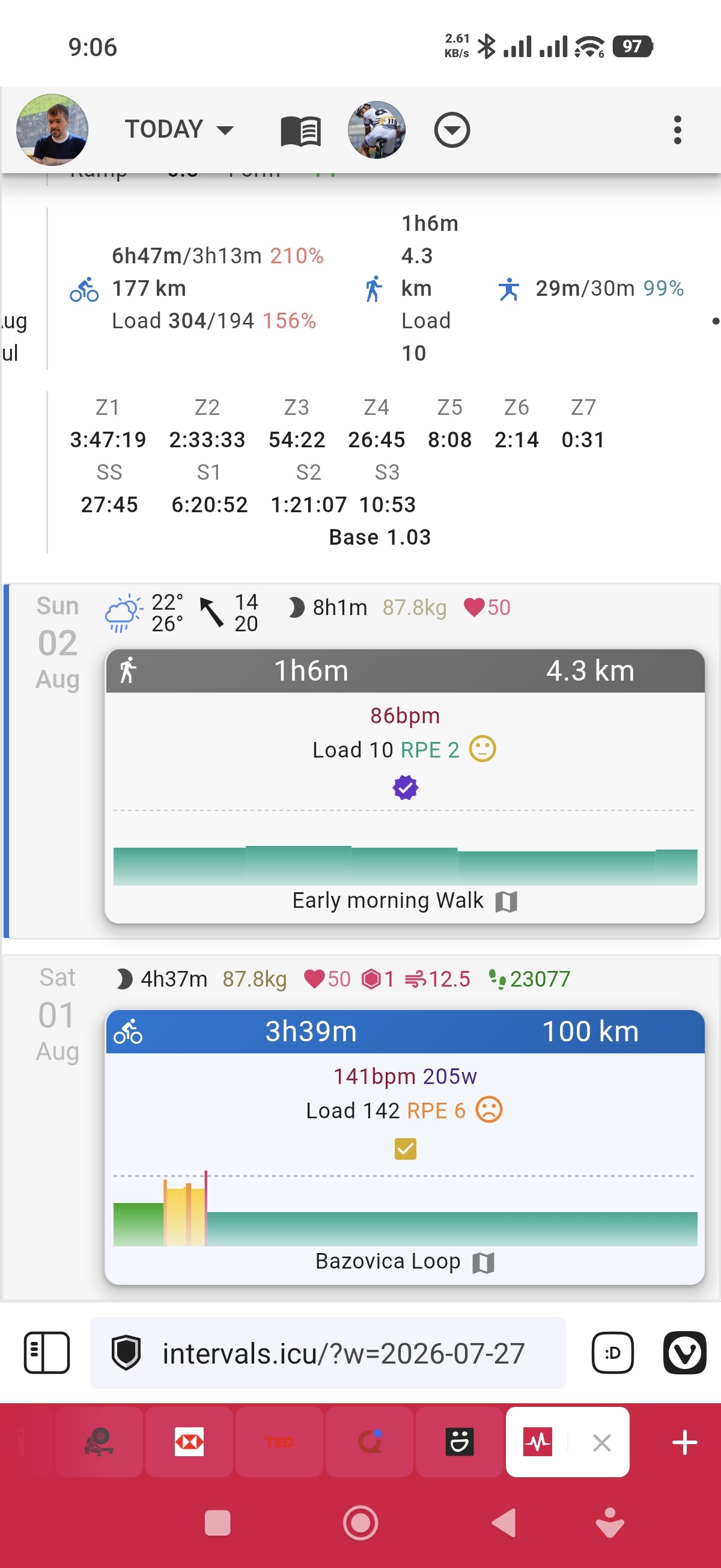
Morning: I went cycling at 10:00. The activity synced from Wahoo shows the correct time.
Evening: I went for a walk at 19:34, but the activity synced from Polar Flow appears as 01:34 the next day, reflecting Hong Kong time instead of local European time.
Can you check if Polar is reporting the correct timezone and local timestamp?
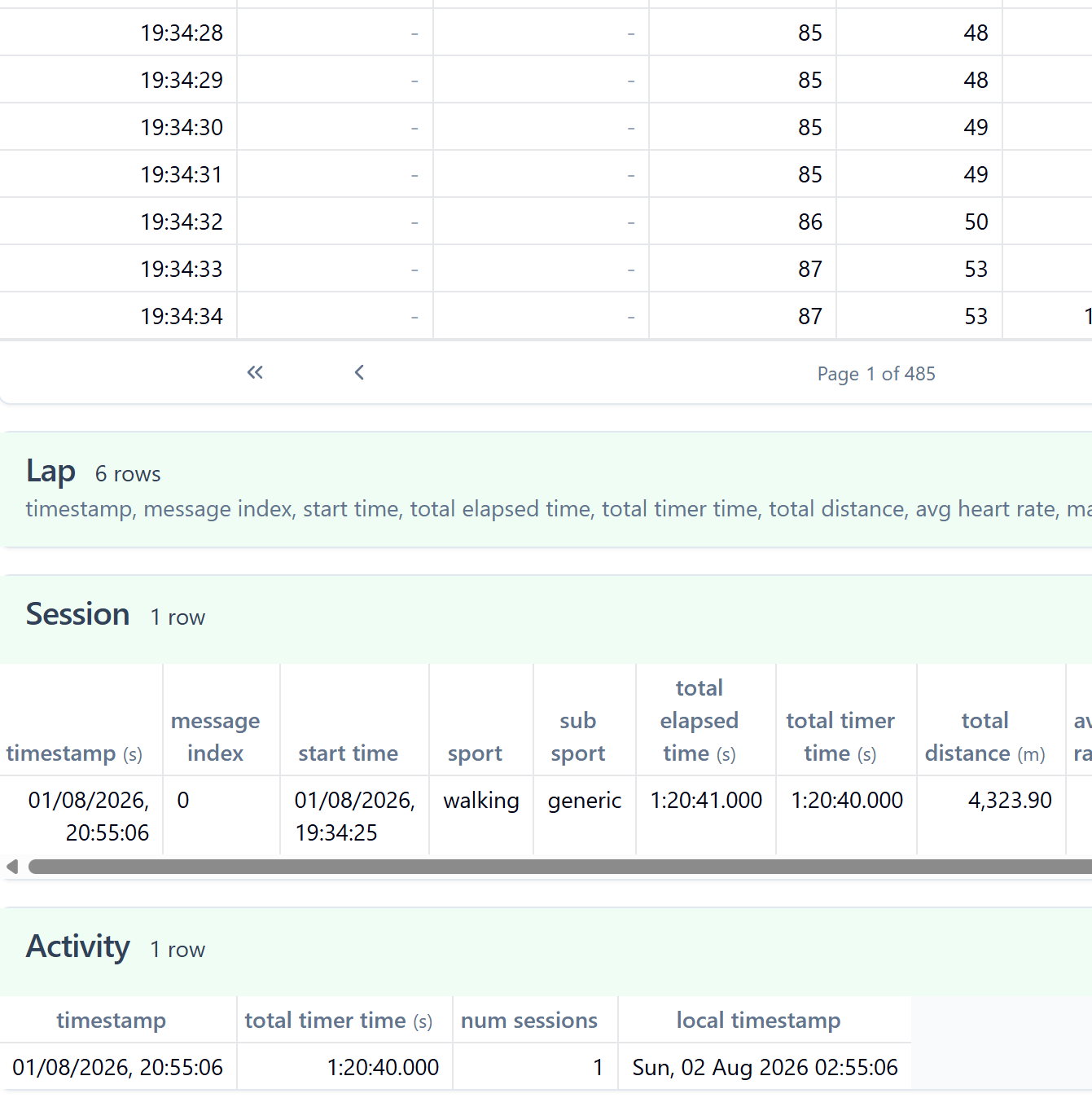
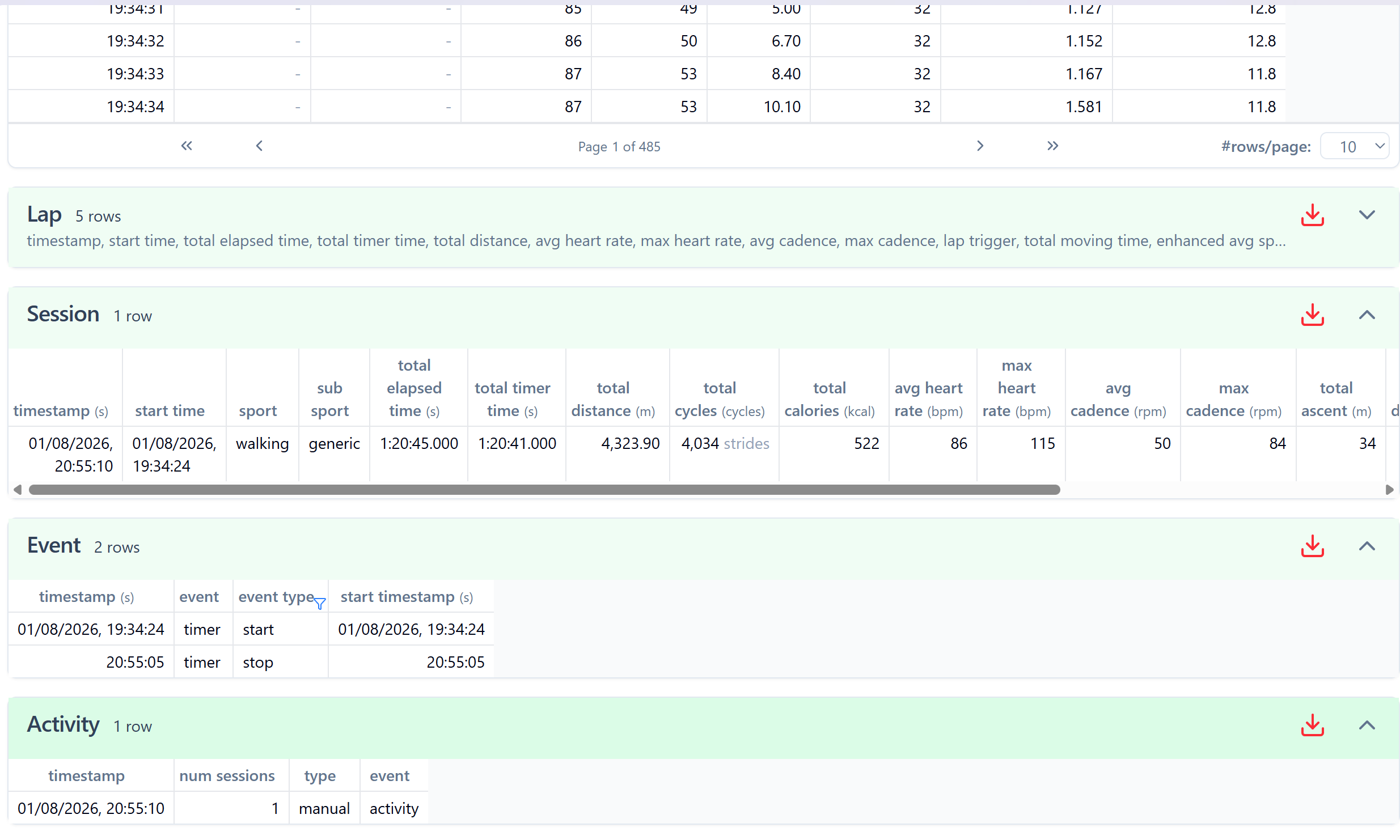
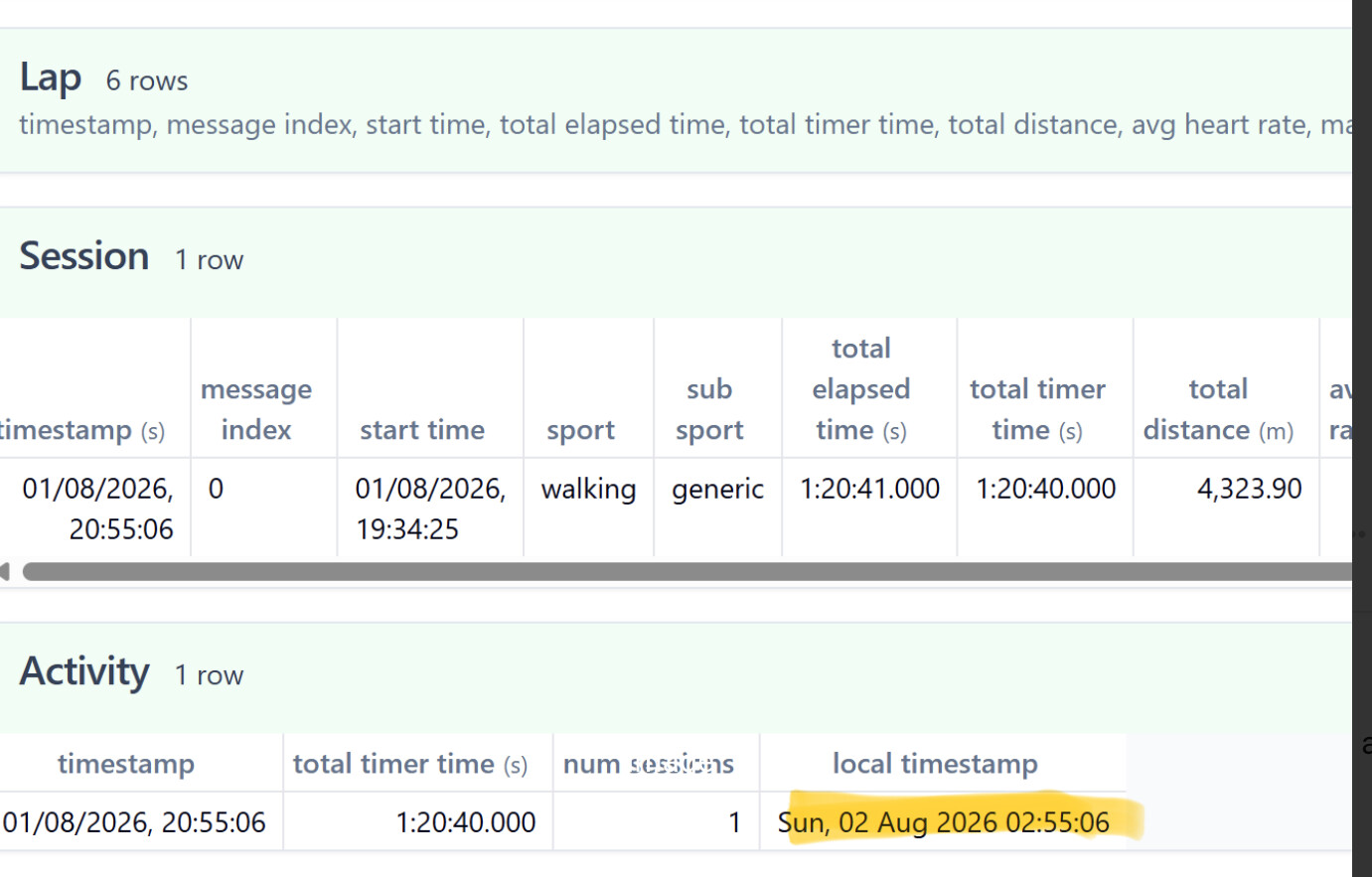
Download Original fit file from the data tab and look it up on fitfileviewer.com
There is the local timestamp (bottom right) from your home time zone stopping at 2:55, so that’s what intervals uses, so I assume it’s coming wrong from polar.
Edit: Did you download fit file or „Original“ from the data tab? What happens if you upload the fit file downloaded directly from Polar?
I did check one of my polar files and the one above is the intervals generated file. Looking at the original file there is no local timestamp like in your last screenshot.
I checked one of my Polar files, change my timezone setting and reprocessed the file.
It seems that intervals assumes, you setup your current timezone in the settings, and all activities are processed assuming the timestamps are from your timezone (in the settings), not from the place where you travelled (timezone recognized from gps).
I don‘t know if that‘s really the correct approach, maybe @david or @eva can have a look.
As a quick workaround: you can change your timezone to Europe, do Actions → Reprocess and (maybe after a refresh) it will show the correct starting time. You could then change it back to HongKong (or leave it as long as you are in Europe, if you do more activities with Polar).
We have fixed this and will deploy on Tuesday AM (GMT+2). The GPS data is used to derive the timezone for FIT files when no local timestamp is available and always for GPX and TCX.