I’ve update my script to run within a Google Sheets Script. You can grab a copy of it here
It gets the TP, HIE, PP and LTP and Work Out of the Day from Xert and copies them to Intervals. If you have a running profile, it will also copy the your running fitness signiture.
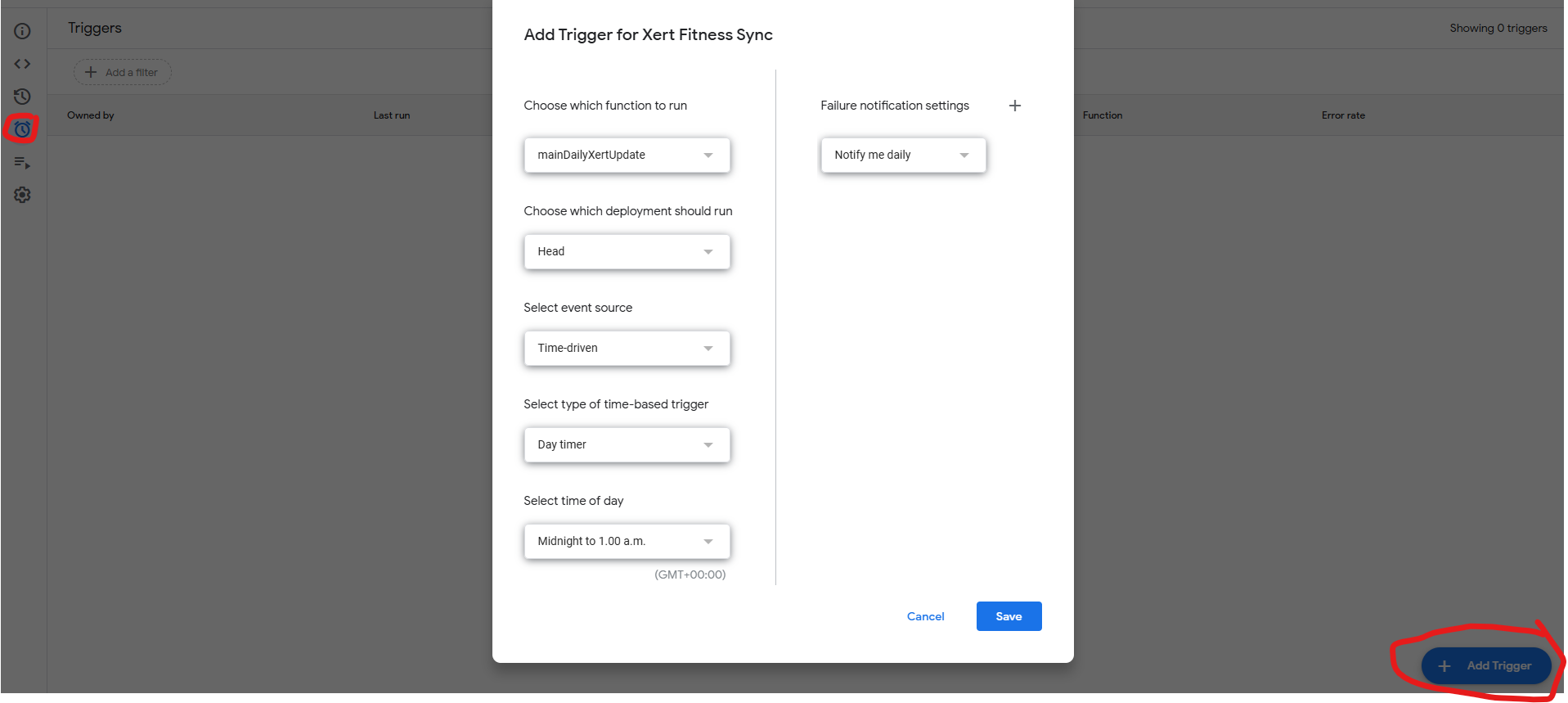
Save your own copy of the file to your Google Drive. You’ll need to enter your Xert Username and Password, Intervals Athelete ID and Intervals API Key in the relevant cells in column B. You then need to give the app permission to run - click Extentions in the top menu and select App Scripts. This should open a new window with the xert_intervals_sync.gs script selected. Press run on the menu bar and give it all requested permissions. It should then run fine. You can set it to auto run each day using a trigger