I can see this topic has come up several times, but none of the info here seems to help.
I set up a workout in intervals, set up the GC upload planned workouts and what is imported into GC is simply the text of what I entered into the Intervals workout editor which I cannot sync with my headunit.
Is this the way it works, or is there something I’m missing?
and as with all things, the problem was the soft bit between the chair and the keyboard - and a bit of GC usability - need to send the workout to the device from the app home page, not the calendar view.
All’s working. Thanks for assisting and ensuring I persevered and didn’t give up on this. This is a game changer for me
I had a similar problem to the one described here, and doing this manual sync did solve it.
however, another workout (both came from the intervals.icu calendar) did automatically sync to from the calendar to my edge 840.
any guesses as to why one did and one didn’t?
Just a quick heads up. For me this is all completely automatic. I create our modify a workout in intervals.icu, and within seconds it appears in the Garmin Connect ecosystem including the watch (Fenix 6 Pro) or head unit (Edge 840). No manual action needed whatsoever. Very convenient.
I can’t tell you why you have to send it to the device manually but encourage you to look around if there is some setting somewhere for it (if that interests you at all, of course, up to you ).
I have already looked at any setting I could find, and found nothing that might make some workouts automatically go to my edge and other to stay on the calendar until I manually send them to the edge.
What am I missing?
Some more context:
I also have a FR255, and it has both workouts on it as scheduled workouts (I did not check before manually sending the workout to the edge).
The workout that did automatically get to the edge is scheduled for two days after the one that didn’t.
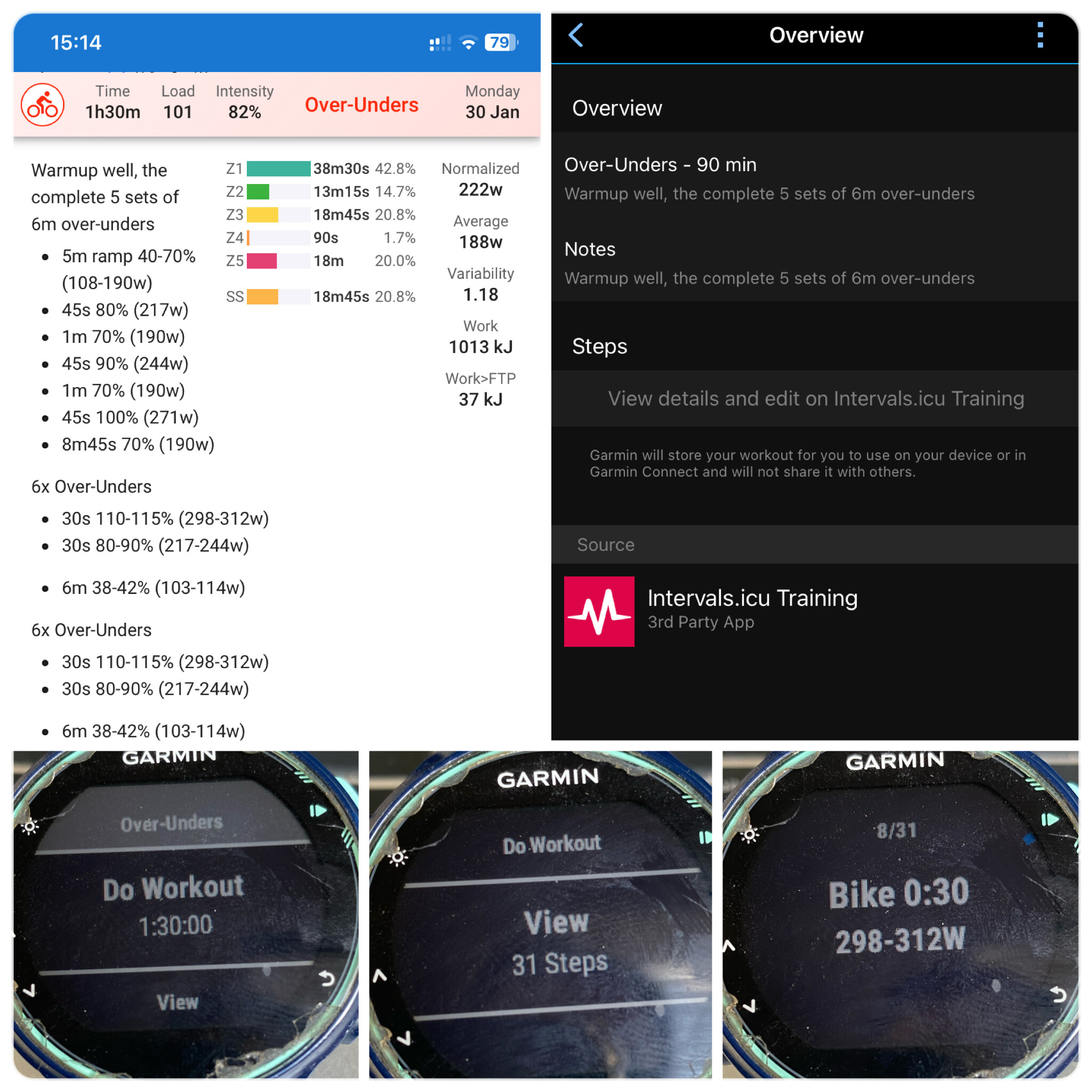
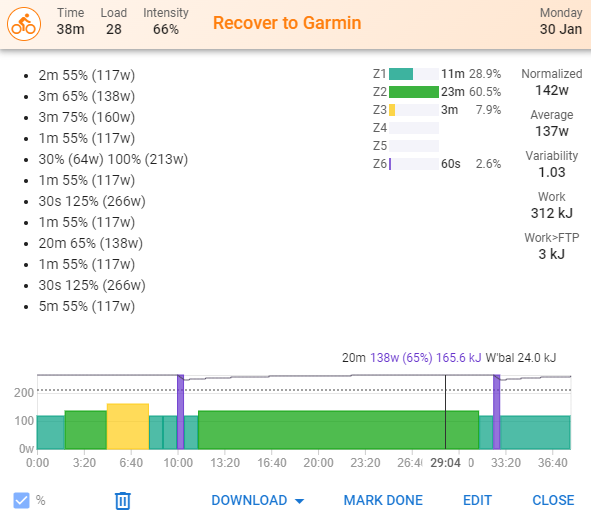
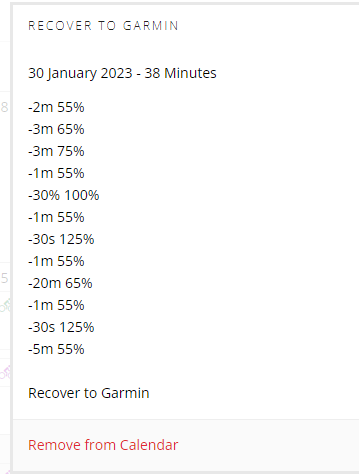
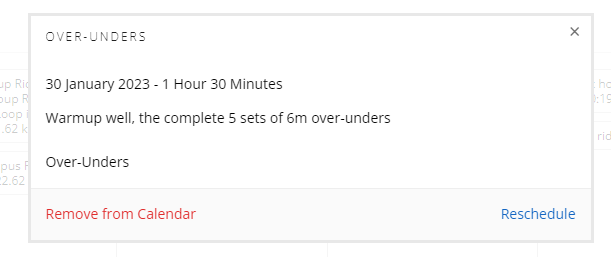
 ).
).