Stripe gives me the following error code (number double checked, but I wonder if user name not being the real might be the problem here)
EDIT: working now
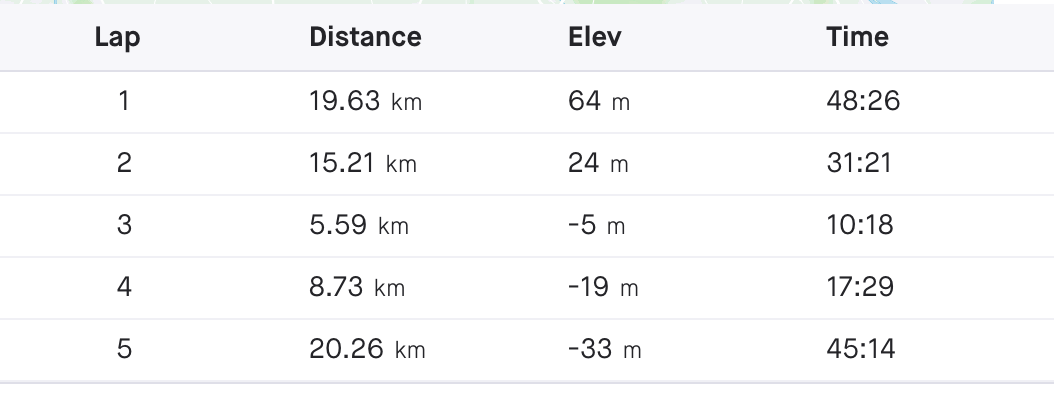
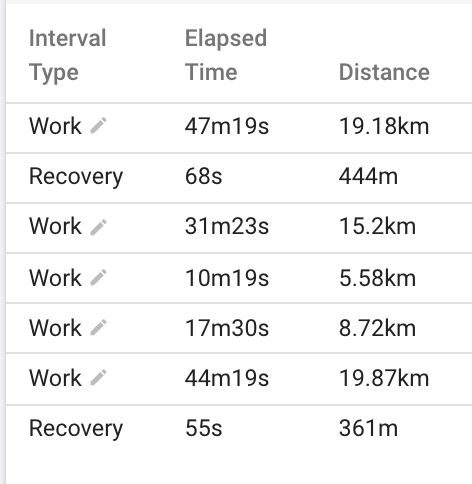
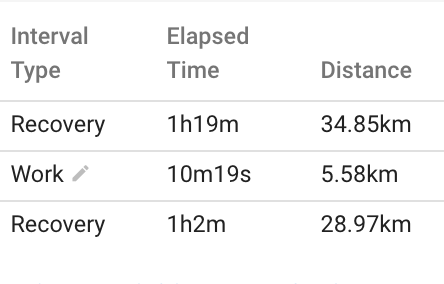
on my last activity “use laps” is not really using laps (should be 5 laps, I only get 3)
I already tried deleting the activity and reimported manually via upload. Did not help. Strava and GC see the proper laps though.
ever since the switch to garmin, average temperature gets displayed with 6 decimal points. Any chance to get rid of that excessive precision?
It does take away too much screen real estate in the “activities table view”.
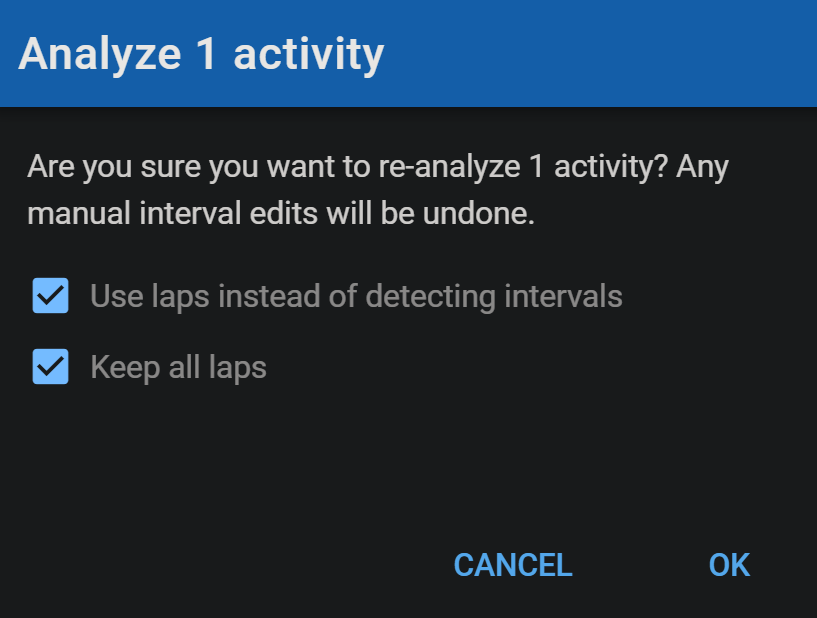
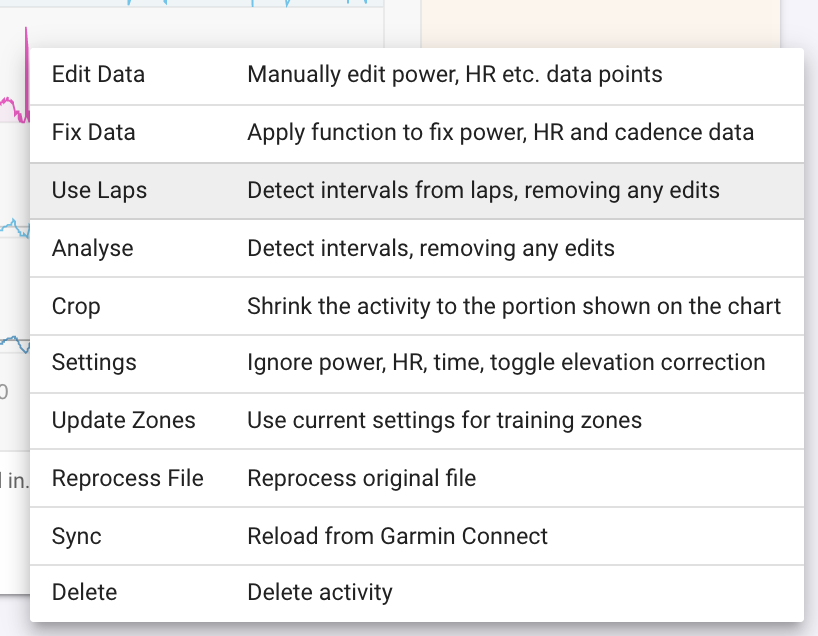
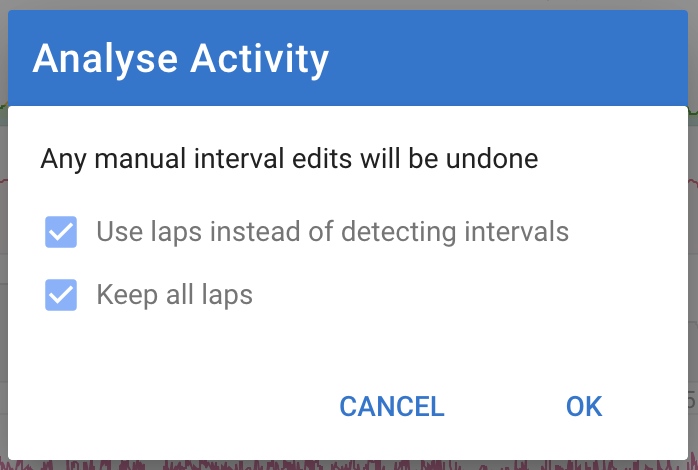
Could you please post a link to that activity. I looked at your last couple and didn’t see any intervals. Note that “Use laps” will still drop intervals from laps that it deems “too puny”. You might want to try “Analyse” and tick the “Keep all laps” box:
Fixed. The lap data was not being correctly imported from the .fit file. Intervals.icu was using total_timer_time instead of total_elapsed_time for each lap and for some reason total_elapsed_time was quite a bit more than total_timer_time for a couple of laps, hence the “Recovery” interval gaps. Tx for the report.
If you have any more of these you need to do Actions → Reprocess File to fix then.